





















Product Images

In stock
Smart shoppers OnBuy it!
Interest-free payment options available


See full product description & details
Delivery: Standard (Free) | Mon 22nd - Sat 27th Jun
Returns: 30 days
180-day payment protection


Summary
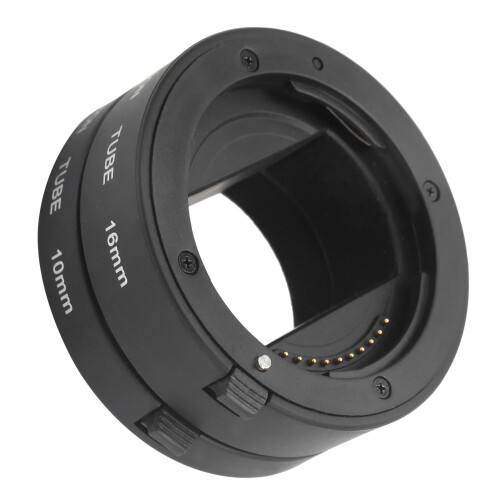
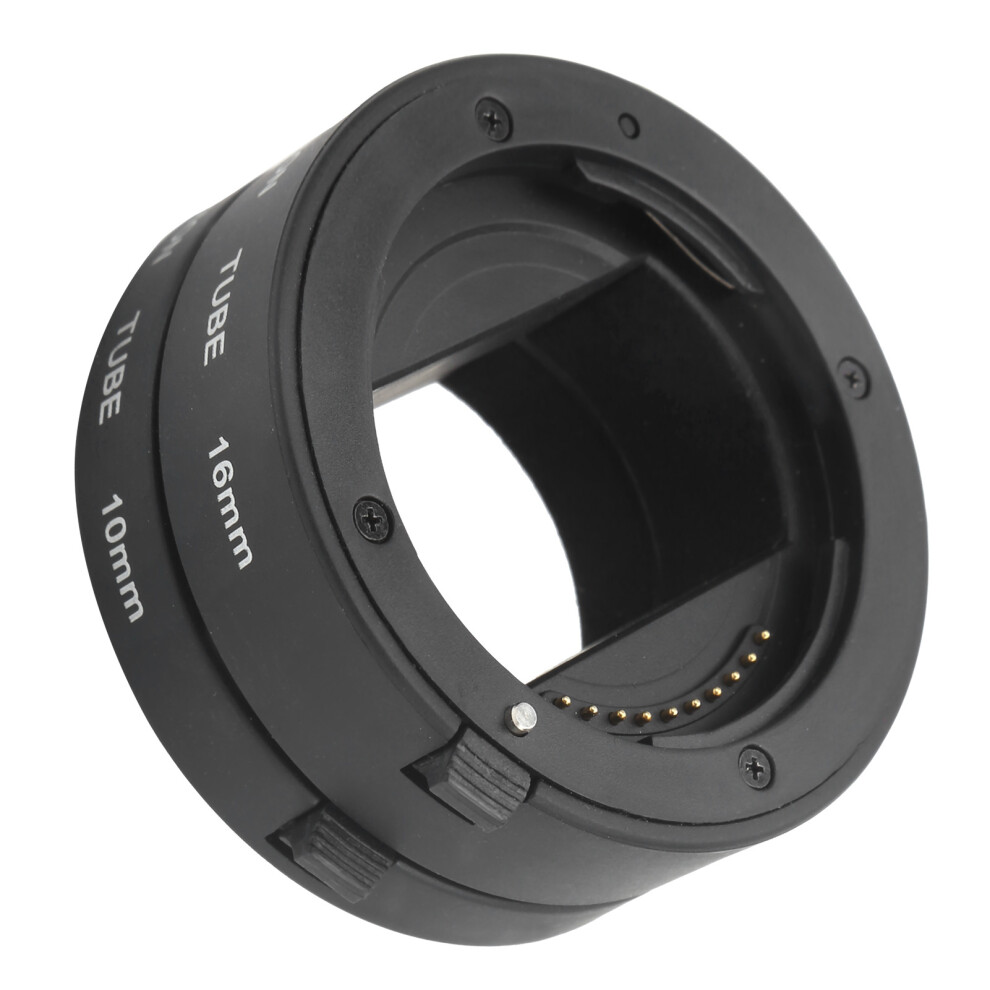
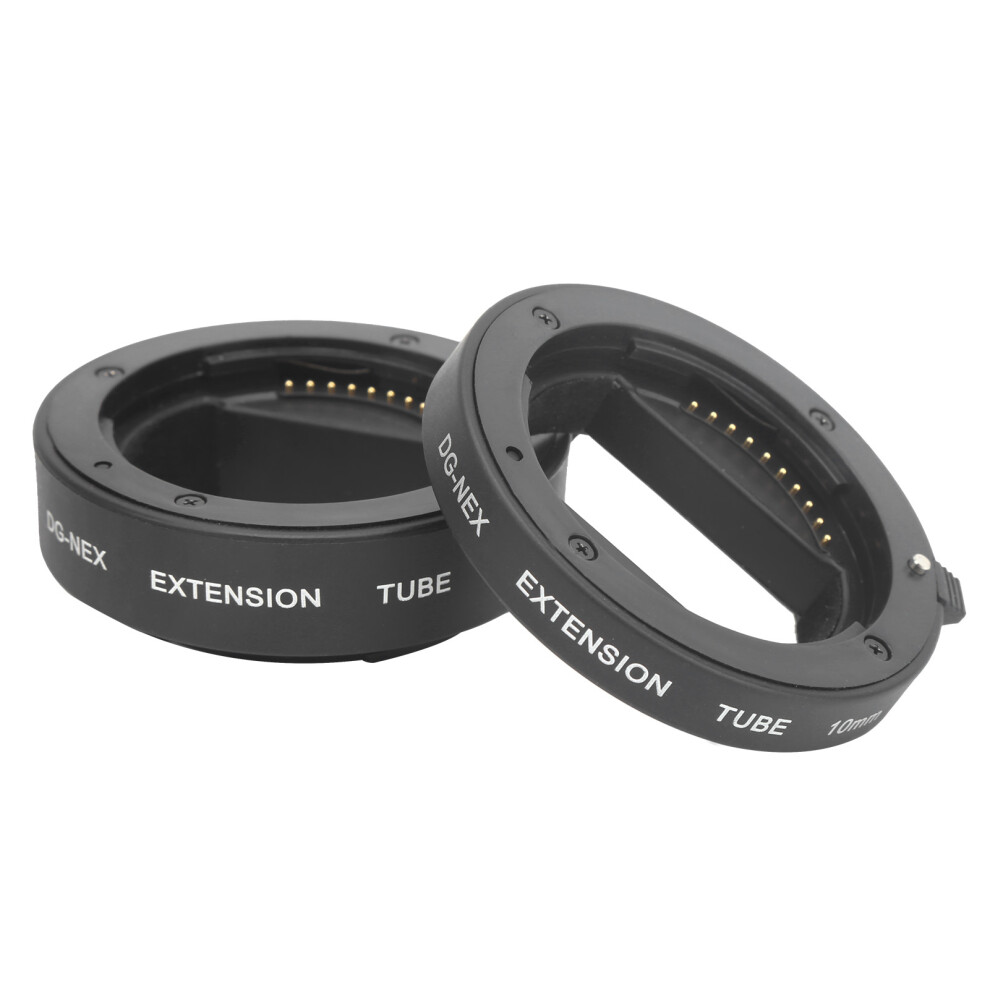
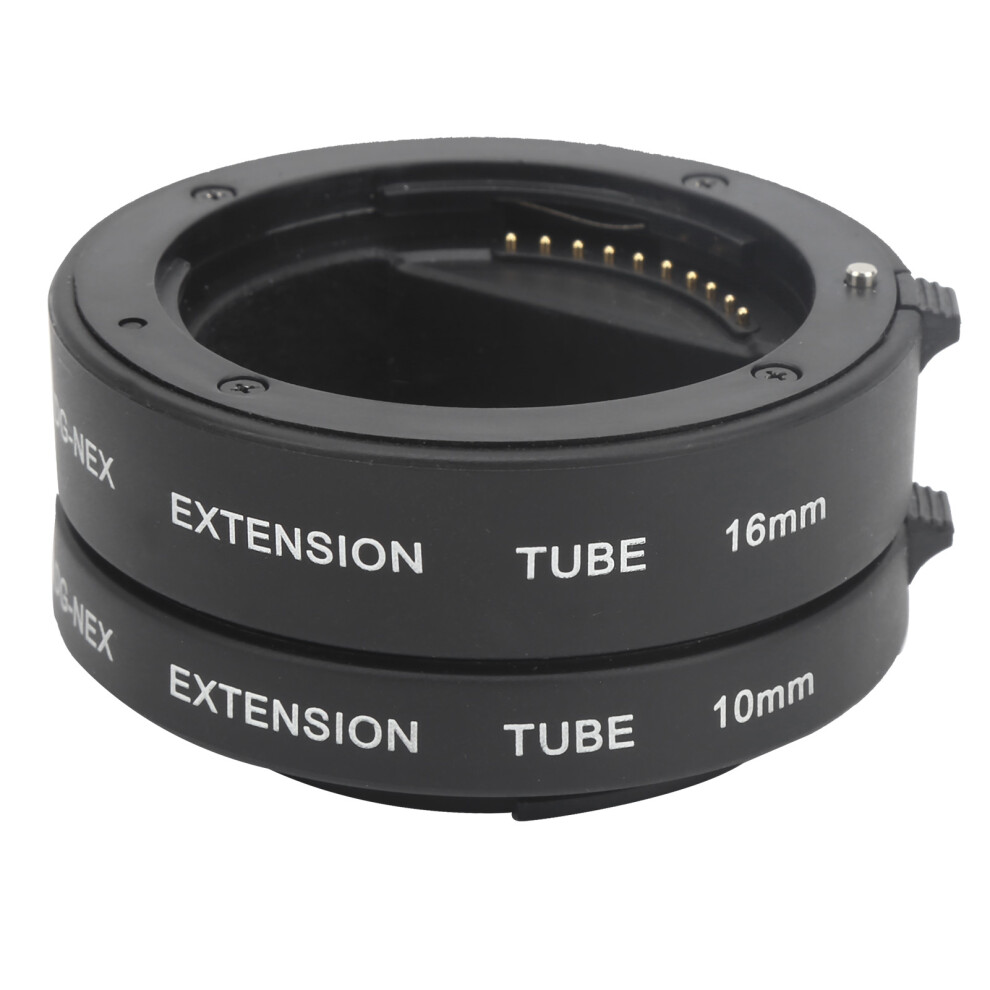
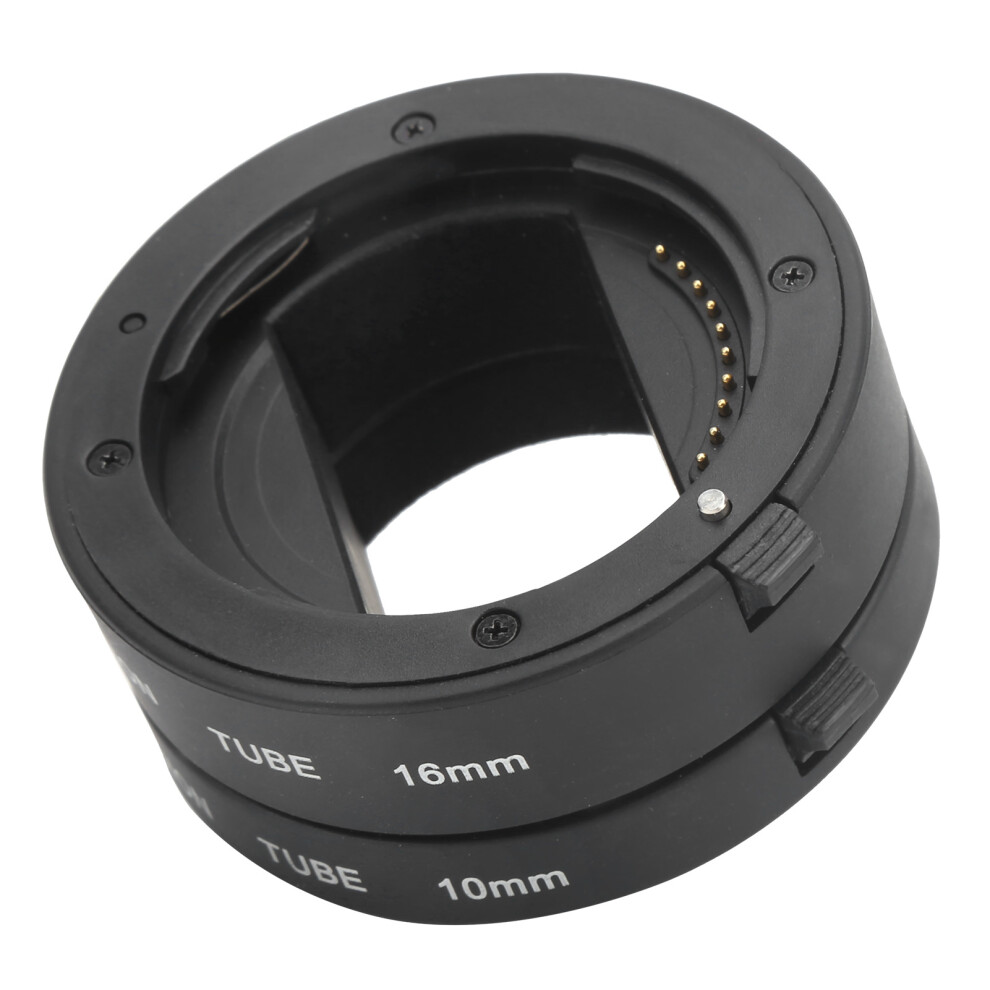
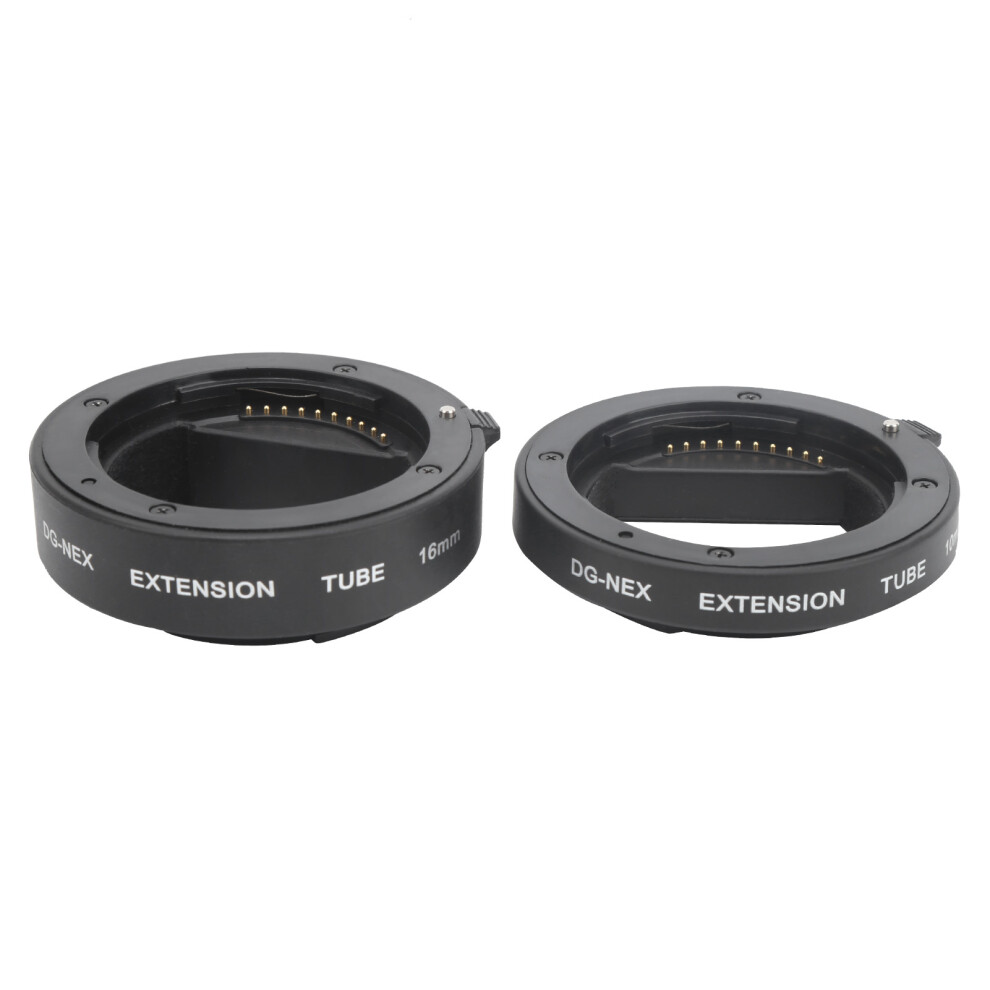
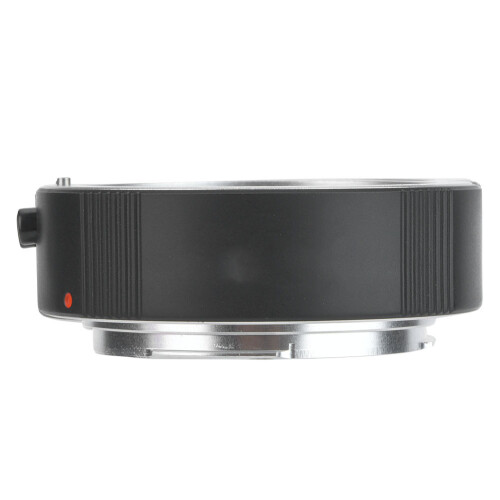
1、Contains 10mm and 16mm extension tube of different lengths, which can be used alone or in combination to obtain the required magnification. 2、With electronic contacts to support for automatic focusing and automatic exposure, etc. 3、Metal mount, fine workmanship, high precise, wear‑resistant and durable, and will not damage the lens and camera. 4、It can be matched with the body's for TTL metering and for AE mode, autofocus, adjustable aperture. 5、With the extension tube, the body and the lens are linked, fit for Sony A3000/A6500/A6300/A6400/A6000/A5100/A5000.Item Type: Extension Tube Set Material: Plastic+Alloy Color: Black Working Length: Approx. 10mm+16mm/0.4in+0.6in Weight: Approx. 70.0g/2.5oz Type: Auto Focus Mount: NEX Mount Fit for Sony A3000/A6500/A6300/A6400/A6000/A5100/A5000 NEX Mount Camera How to use: 1. Align the identification point of the lens mount with the identification point of the extension tube and rotate it clockwise. When you hear a "click" sound, it means the lens has been installed in place 2. Align the identification point on the lens extension tube with the extension tube to the identification point on the body, and rotate clockwise when you hear a "click" sound, it means it is installed in place 3. Press and hold the camera lens release button and rotate it counterclockwise to remove the lens together with the extension tube 4. Rotate counterclockwise, the extension tube can be removed from the lens
Item Type: Extension Tube Set Material: Plastic+Alloy Color: Black Working Length: Approx. 10mm+16mm/0.4in+0.6in Weight: Approx. 70.0g/2.5oz Type: Auto Focus Mount: NEX Mount Fit for Sony A3000/A6500/A6300/A6400/A6000/A5100/A5000 NEX Mount Camera How to use: 1. Align the identification point of the lens mount with the identification point of the extension tube and rotate it clockwise. When you hear a "click" sound, it means the lens has been installed in place 2. Align the identification point on the lens extension tube with the extension tube to the identification point on the body, and rotate clockwise when you hear a "click" sound, it means it is installed in place 3. Press and hold the camera lens release button and rotate it counterclockwise to remove the lens together with the extension tube 4. Rotate counterclockwise, the extension tube can be removed from the lens
1 x 10mm Extension Tube 1 x 16mm Extension Tube
Details
| OPC | PSFF9GB |
|---|---|
| Codes | 3717399362356 (EAN) |
| Seller | Ratings | Warranty | Returns | Price | Delivery | Total | Quantity |
|---|---|---|---|---|---|---|---|
|
Dispatched from:

|
(1 review) | - |
30 Days
Free Returns No
|
£38.43
|
+Free Delivery
Est. Delivery:
22nd-27th Jun
|
£38.43
|
Earn as you shop with instant Cashback on everything.
No catch, no cost
Become a Cashback VIP
Just 1 purchase unlocks bigger deals & rates
Wait! You've left
something behind...
You'll only get instant Cashback at OnBuy! Enter your email below and we'll send you a copy of your basket to save you time later.
No thanks, I'm alright for now
By entering your email address, you'll automatically be added to our database, where you can enjoy personalised Cashback offers and early access to our best deals. You can opt out of our emails at any time and we'll never share your details with anyone. Check our Privacy Policy and T&Cs to find out more.
Before you go...
Remember, you'll only get instant Cashback on everything at OnBuy!
Want access to personalised offers and the highest Cashback rates? Sign up to our emails below.
No thanks, I'm alright for now
You can opt out of our emails at any time and we'll never share your details with anyone. Check our Privacy Policy and T&Cs to find out more.