





















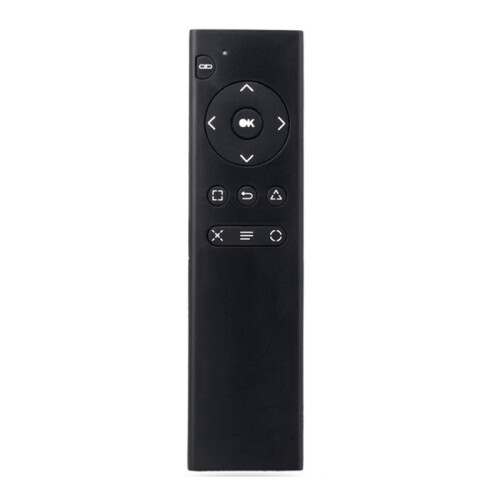
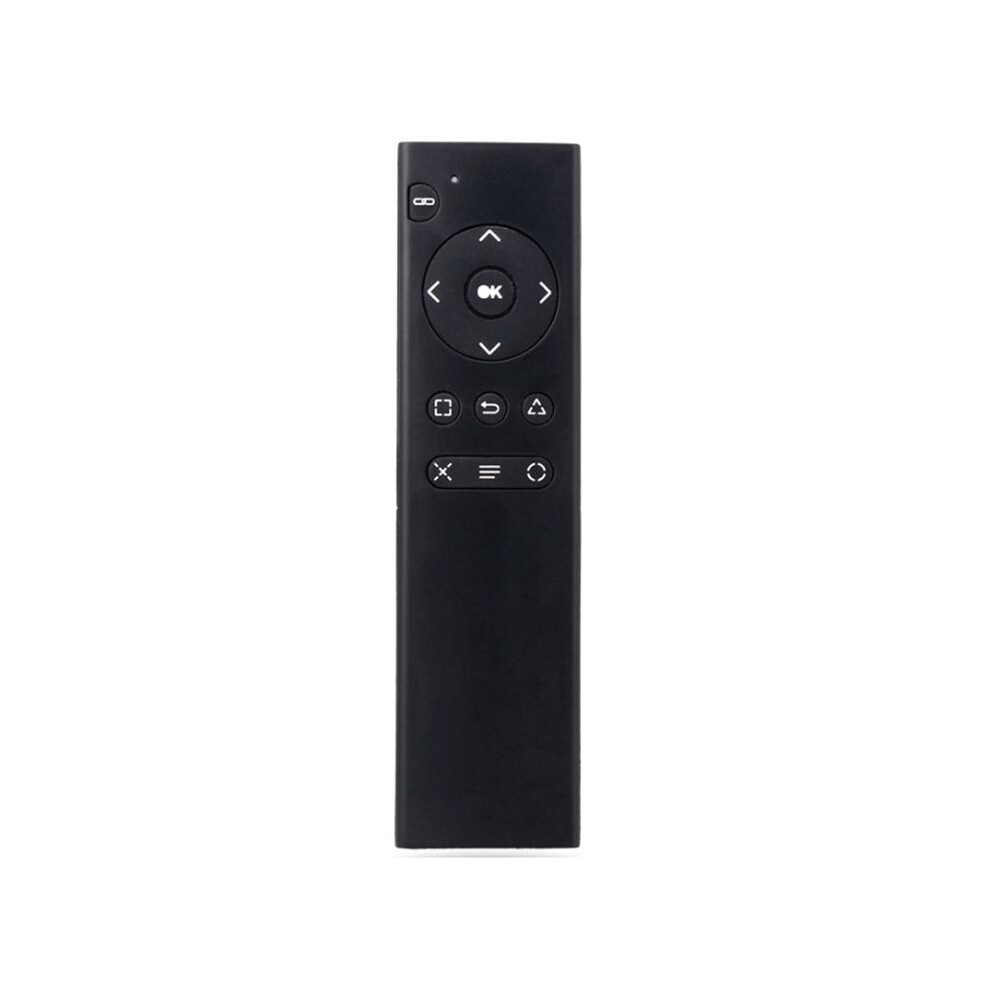
For PS4 Console DVD 2.4G Wireless Remote Control Console DVD Multimedia Remote Control for PS4 Remote Control TP4-018
În stoc
De ce îți va plăcea să cumperi de la OnBuy:
- Câștigi Cashback la fiecare achiziție – folosește-l la următoarea comandă
- Livrare gratuită – la milioane de produse de pe site
- Clienții ne iubesc – 126,000 de recenzii cu evaluare “Excelent”
Prețurile articolelor vândute de OnBuy includ TVA.
Opțiuni de plată în rate fără dobândă disponibile

Vezi descrierea completă și detaliile produsului
Livrare: Standard (Gratuit) | vin 19 - mie 24 iun.
Vândut de: LLhappy
Returnări: 30 zile
Protecție la plată pentru 180 de zile
Cele mai populare în Piese și accesorii pentru console de jocuri video


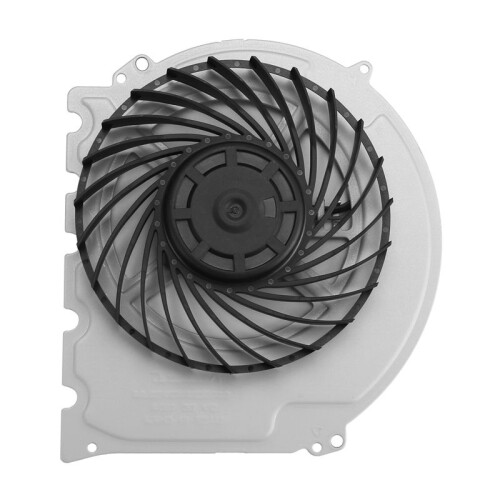
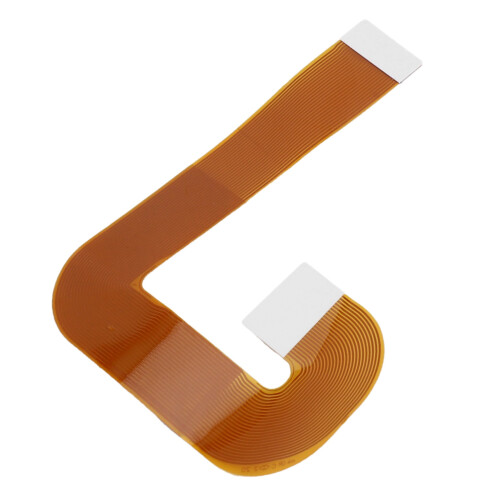
Rezumat
- 1.Turn on the console and insert the 2.4G receiver into the for PS4 console.
- 2.Install 2xAAA batteries in the remote control. Shortly press the pairing button on the for PS4 remote. The search and pairing indicator on the remote will flash. Once paired with the for PS4 console, the pairing indicator will turn off.
- 3.Once the remote is connected to the console, you can use functions such as DVD remote control and menu selection. (Note: If the remote control does not control DVD playback while playing, it means the for PS4 controller is the primary controller. Press the "Back" button on the remote control to switch to the remote control as the primary controller. Then, press the "Back" button again to return to playback. You can then use the function buttons on the remote control to control DVD playback.)
- 4.Sleep Mode: To save power, the remote control will automatically enter sleep mode if it is not used for ten minutes.
- 5.Working Mode: Once the remote control is connected to the for PS4 console, the pairing indicator will turn off.
Descriere For PS4 Console DVD 2.4G Wireless Remote Control Console DVD Multimedia Remote Control for PS4 Remote Control TP4-018
1.Turn the console and insert the 2.4G receiver into the for PS4 console.
2.Install 2xAAA batteries in the remote control. Shortly press the pairing button the for PS4 remote. The search and pairing indicator the remote will flash. Once paired with the for PS4 console, the pairing indicator will turn off.
3.Once the remote is connected to the console, you can use functions such as DVD remote control and menu selection. (Note: If the remote control does not control DVD playback while playing, it means the for PS4 controller is the primary controller. Press the "Back" button the remote control to to the remote control as the primary controller. Then, press the "Back" button again to return to playback. You can then use the function buttons the remote control to control DVD playback.)
4.Sleep Mode: To save power, the remote control will automatically enter sleep mode if it is not used for ten minutes.
5.Working Mode: Once the remote control is connected to the for PS4 console, the pairing indicator will turn off.
(The product printed words may vary depending the batch, but this does not affect use)
Color: As Shown
Material: plastic
Package Contents:
1 x Remote Control
Detalii
| OPC | PV8CR9D |
|---|---|
| Brand | Zandonà |
| Coduri | 4711324416397 (EAN) |
Date despre produs
| Height | 2cm |
|---|---|
| Width | 6cm |
| Length | 16cm |
| Weight | 0.071kg |
| Colour | As Shown |
| Material | Plastic |
Compară vânzătorii pentru For PS4 Console DVD 2.4G Wireless Remote Control Console DVD Multimedia Remote Control for PS4 Remote Control TP4-018
- Nou de la 134,97 RON
| Vânzător | Note | Garanție | Retururi | Preț | Livrare | Total | Cantitate |
|---|---|---|---|---|---|---|---|
|
Expediat din:

|
(152 recenzii) | - |
30 zile
Retur gratuit Nu
|
134,97 RON
|
+Free Delivery
Livrare estimată:
19-24 iun.
|
134,97 RON
|
Câștigați în timp ce cumpărați cu Cashback instant la orice produs.
Fără condiții ascunse, fără costuri
- Plătit în contul dumneavoastră OnBuy
- Folosiți-i pentru următoarea achiziție
- Economisiți-l sau retrageți-l
Deveniți un Cashback VIP
O singură achiziție deblochează oferte și rate mai avantajoase