





















Product Images

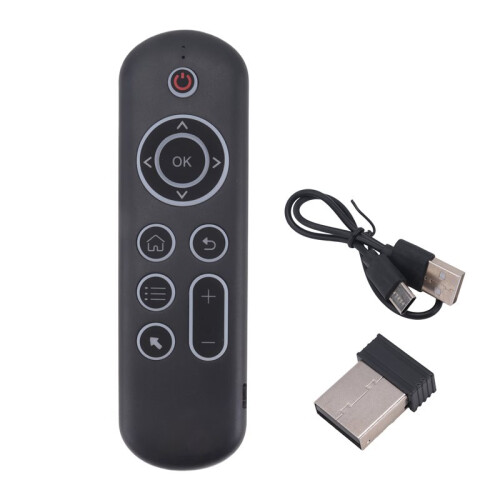
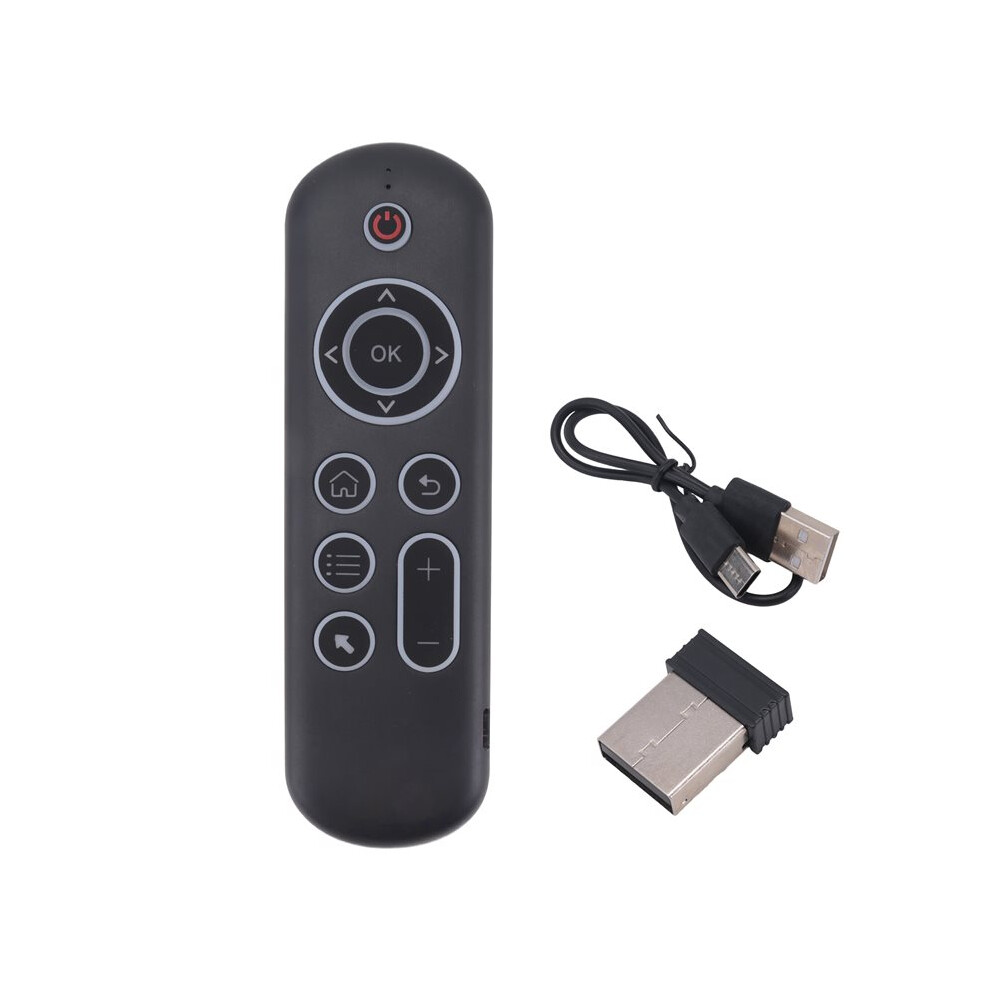

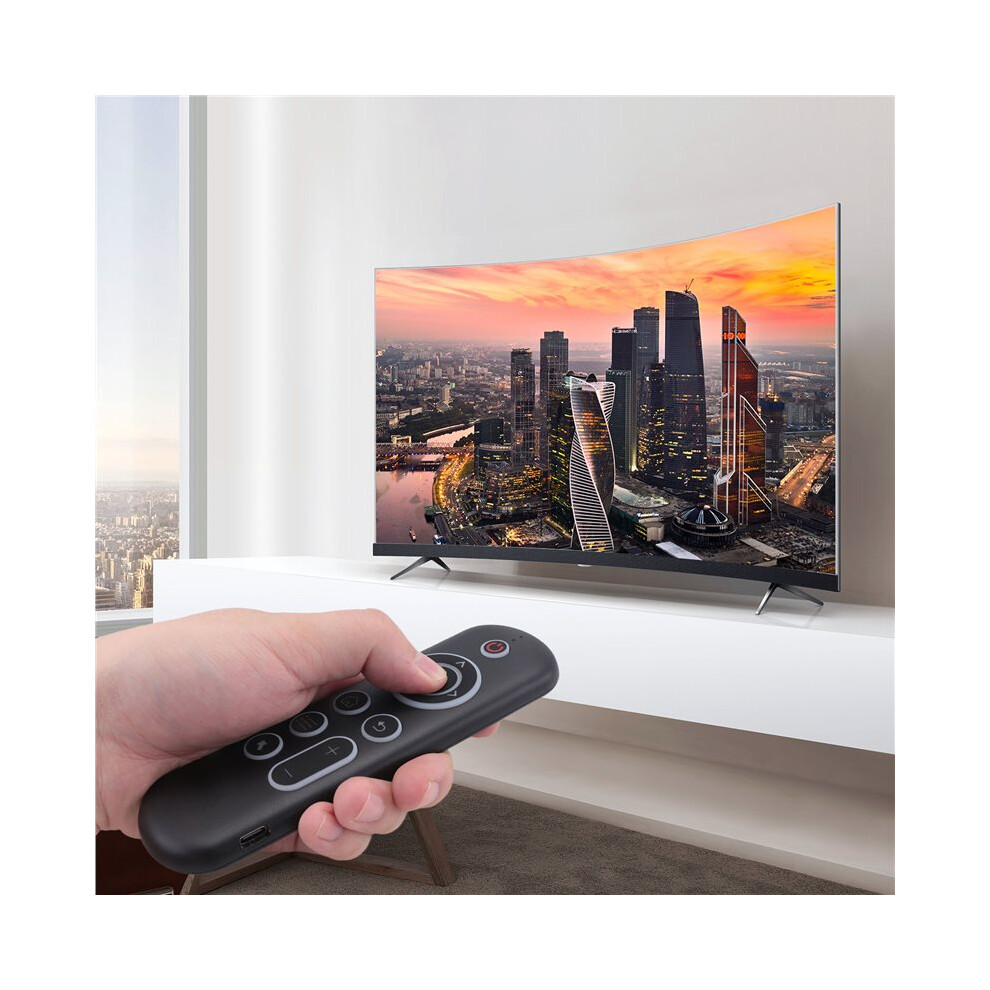
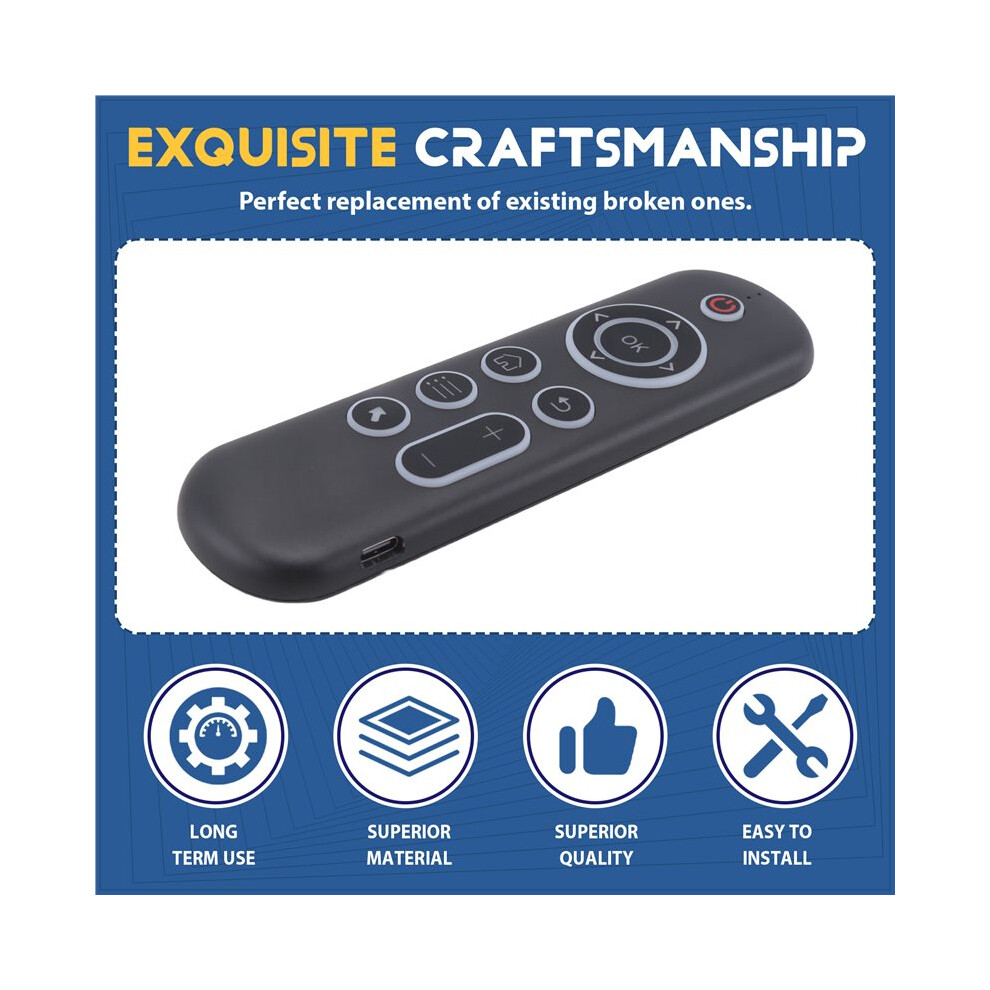
In stock
Smart shoppers OnBuy it!
All prices include VAT.
Interest-free payment options available


See full product description & details
Delivery: Standard (€8.27) | Mon 21st - Sat 26th Sep
Sold by: CollBea
Returns: 30 days
180-day payment protection


Summary
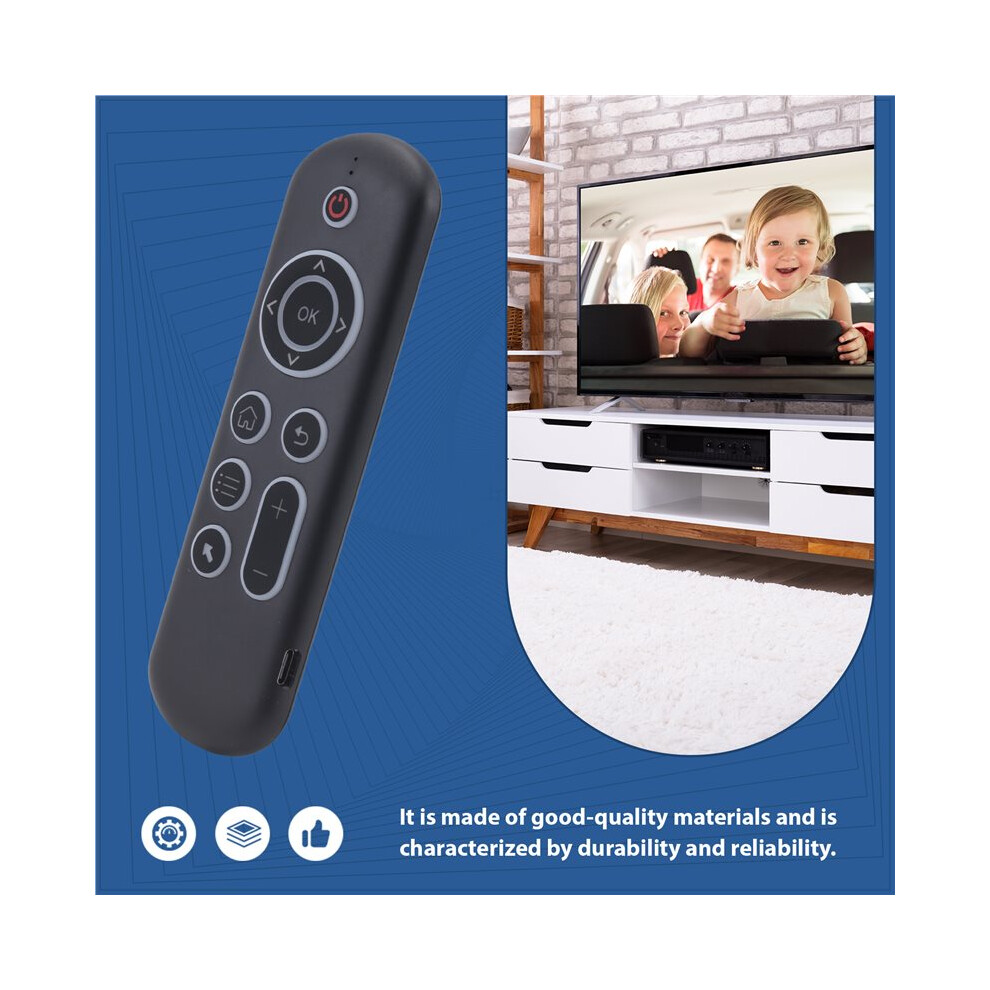
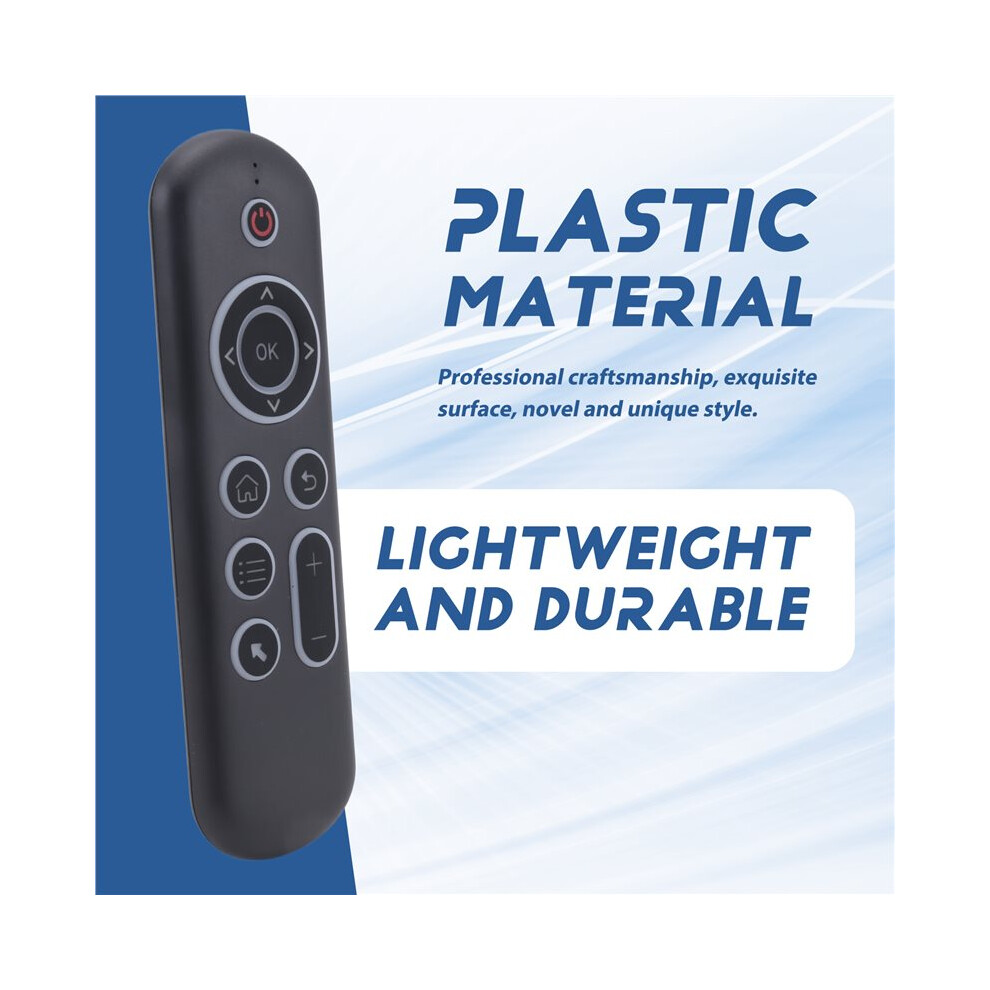
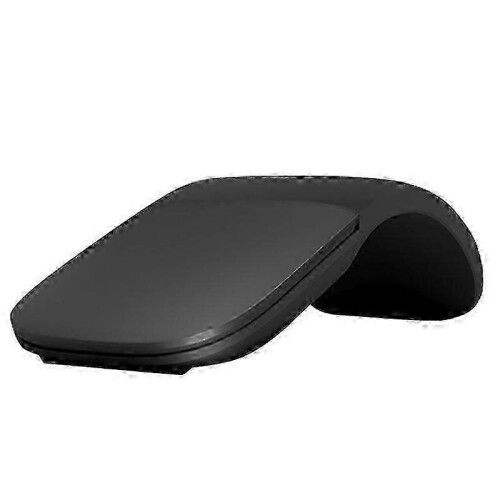
CPIADJUSTMENT: CPI ( Count Per Inch ). Speed of the Mouse Cursor.Adjustment ( 3 Levels ), 1, 2, 3 Level. The higher the level, the faster the speed. The default speed isset at level 2
1. Speed Increase: Press OK button + Volume + ] button for about 3seconds, the work indicator flashes quickly and thengoes off, release the button, CPI the basis of the increase 1 level
2. Speed Decrease: Press [ OK ] + olume - for about 3 seconds, thework indicator flashes quickly and then goes off, release the button, and CPI is reduced by 1 level onthe basis of the
2.4G MODE:
For initial use, plug a USB receiver into the USB port of device and waitfor 20-60 seconds to install driver of USB receiver. Move the mousethe mouse cursor can move the screen means that pairingis successful
if it is unsuccessful, press and hold [ OK and [ BACK ] buttons, LED light begin to flash. Pairing is successful when LED light stop flashing
BT 5.0 MODE:
1. Before using this device, first you must turn the BT function of thelain device
2. Then long press " OK + Return keys, when the LED turns to flashhe product enters the pre pairing
3. Click add search new devices the main device to find this airemotes name ( Example: BT-REMOTE ). Click the name can to connecting
4. After the product is successfully connected, the direction of themouse pointer can be controlled by waving in the air
5. If the connection is not successful, please perform the operationsteps of item 2-4 again
6. Reconn ent efficiency description: The normal reconnent of thiproduct is 3-5 seconds after it is normally paired with themain equipment
7. This product can only remember the pairing information of one maindevice, when the product is connected to a new device, theconnection of historical devices is not supported after
8. in this case. you need to delete the historical connection informationof thi
Details
| OPC | PRSMJR8 |
|---|---|
| Codes | 4713401158671 (EAN) |
| Product and Safety Information |
Product Data
| Height | 2cm |
|---|---|
| Width | 8cm |
| Length | 16cm |
| Weight | 0.089kg |
| Colour | Black |
| Material | plastic |
| Seller | Ratings | Warranty | Returns | Price | Delivery | Total | Quantity |
|---|---|---|---|---|---|---|---|
|
Dispatched from:

|
(206 reviews) | - |
30 Days
Free Returns No
|
€12.56
|
+€8.27 Delivery
Est. Delivery:
21st-26th Sep
|
€20.83
|
Earn as you shop with instant Cashback on everything.
No catch, no cost
Become a Cashback VIP
Just 1 purchase unlocks bigger deals & rates
You'll only get instant Cashback at OnBuy! Enter your email below and we'll send you a copy of your basket to save you time later.
By entering your email address, you'll automatically be added to our database, where you can enjoy personalised Cashback offers and early access to our best deals. You can opt out of our emails at any time and we'll never share your details with anyone. Check our Privacy Policy and T&Cs to find out more.
Want access to personalised offers and the highest Cashback rates? Sign up to our emails below.
You can opt out of our emails at any time and we'll never share your details with anyone. Check our Privacy Policy and T&Cs to find out more.
This page has expired.
Refresh and continue