


Product Images

In stock
Smart shoppers OnBuy it!
All prices include VAT.
Interest-free payment options available


See full product description & details
Delivery: Standard (€6.90) | Sat 5th - Fri 11th Dec
Sold by: You YiBai
Returns: 30 days
180-day payment protection
Product
Description
Tips:
Note
that
the
console
base
on
open
source
system,games
pre-installed
only
for
testing,
you
must
own
the
games
you
play
in
order
to
comply
with
the
law.
64GB:
33,000
Games
128GB:
41,000
Games
256GB:
50,000
Games
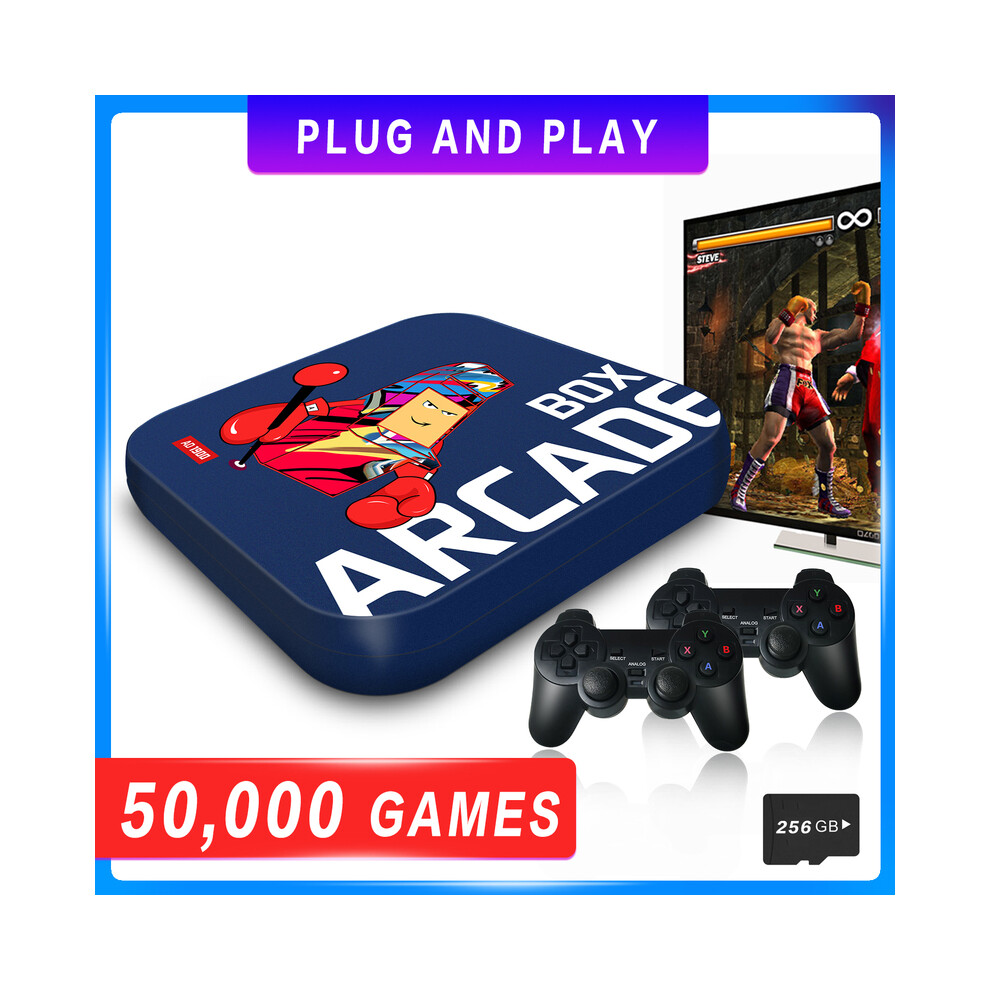
1.Plug
and
play.
Built-in
33,000
games
already,
you
can
also
add
more
games
by
yourself.
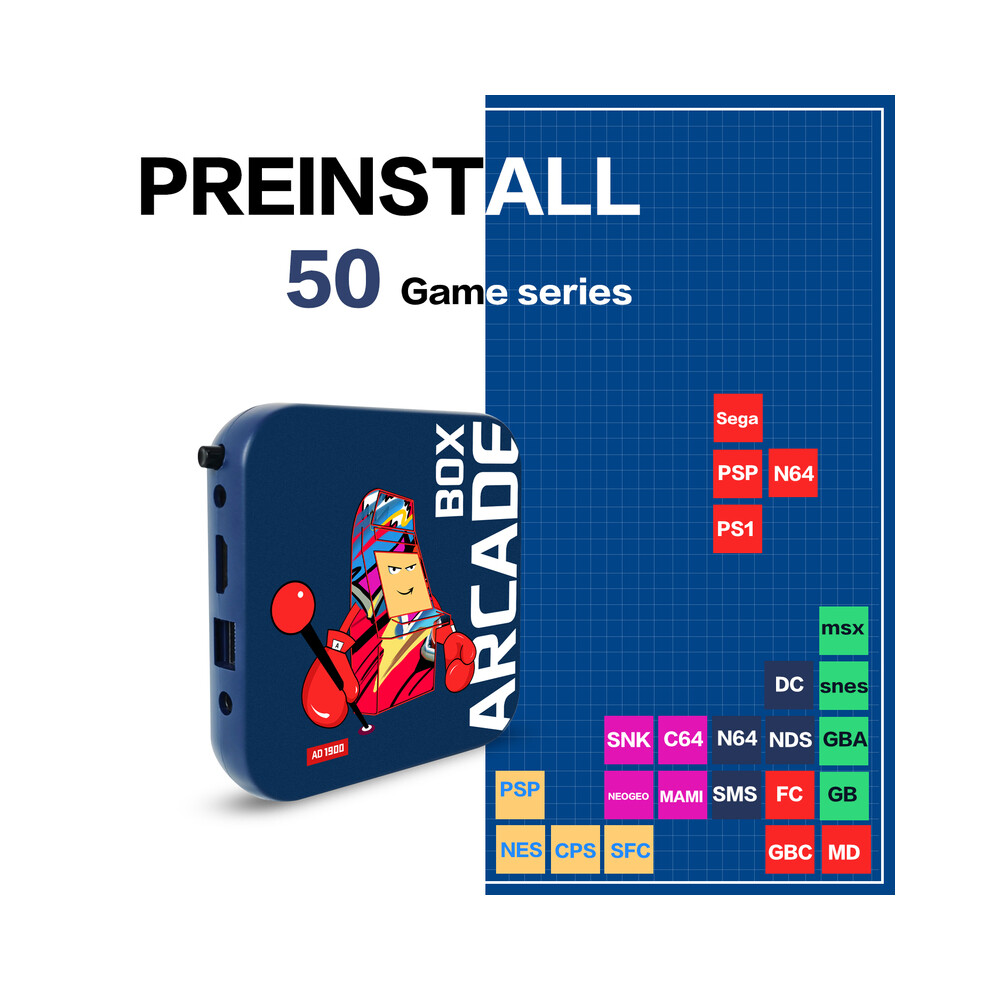
50
game
series
inside,
support
adding
more
simulators
too.
Tips:
Note
that
the
console
base
on
open
source
system,
games
pre-installed
only
for
testing,you
must
own
the
games
you
play
in
order
to
comply
with
the
law.
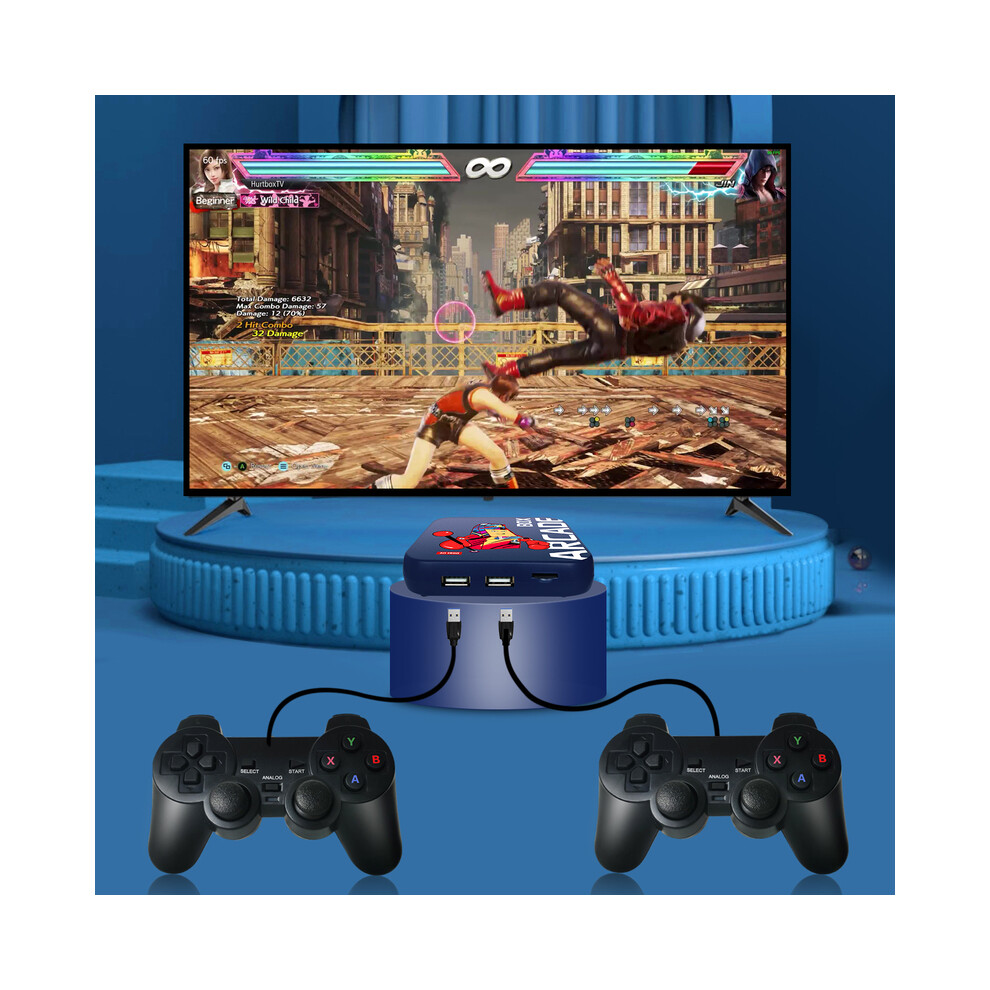
2.HD
Output.HDMI-compatible
output
to
TV,
monitor
and
projector.
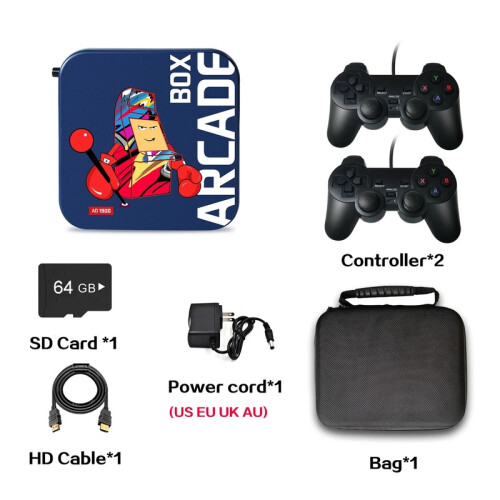
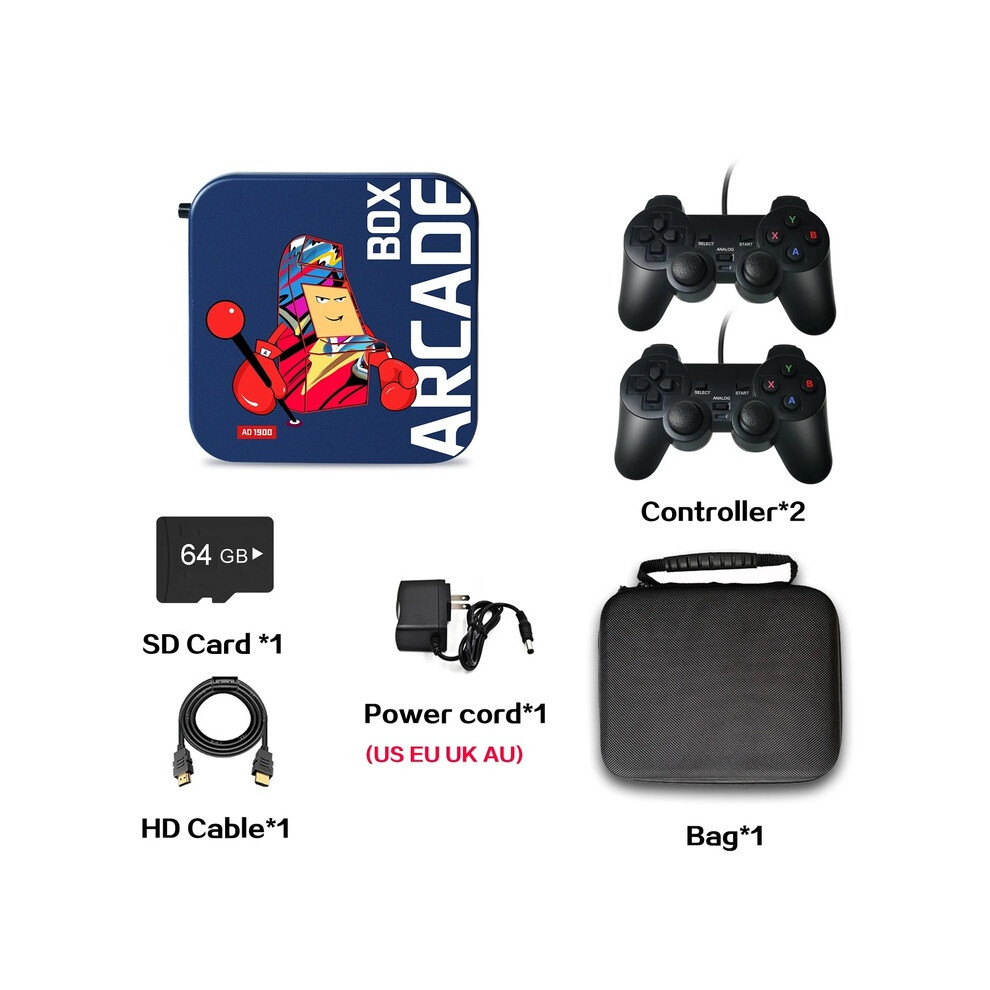
3.Come
with
2
wired/wireless
controllers,
Batteries
for
wireless
controllers
:
2*AAA
Batteries
Not
included.
4.26
different
system
languages
to
choose,
easy
to
set
up
and
save/read
game
progress/state.
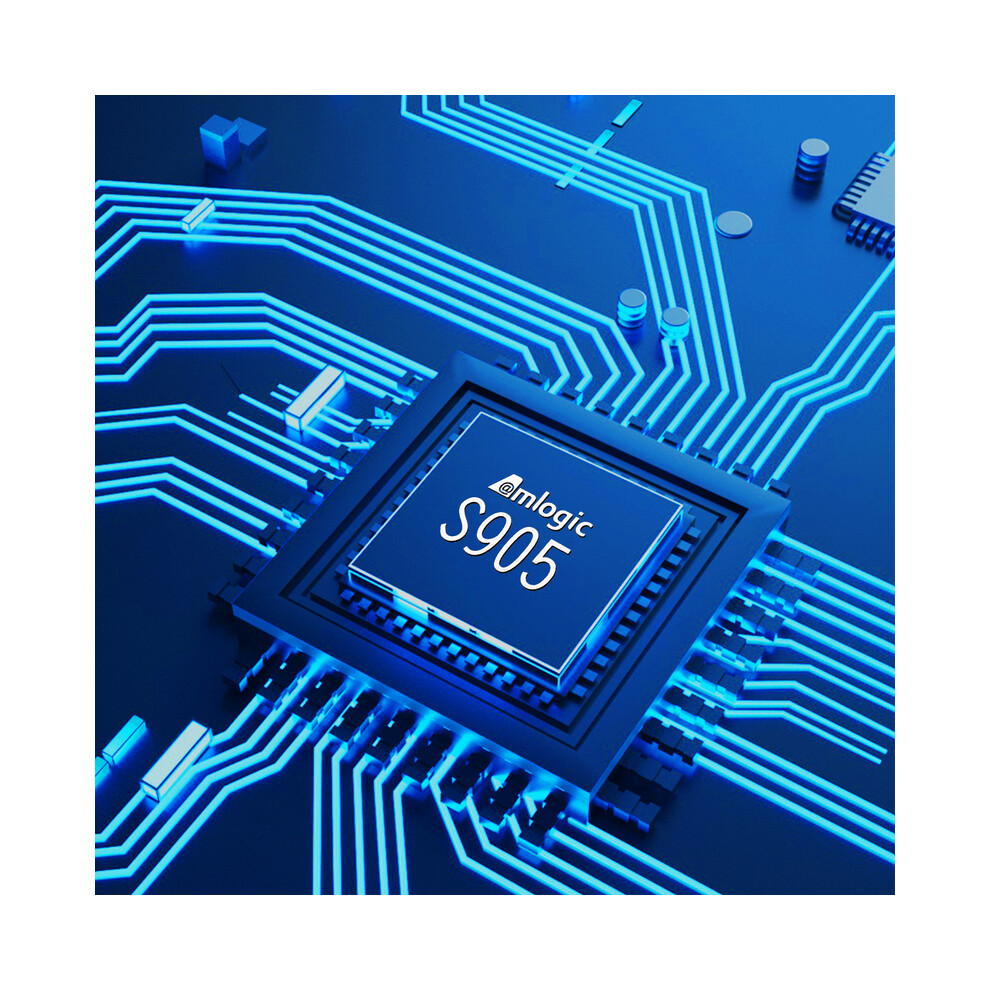
5.Excellent
software
and
hardware,EE
game
system,
S905
chip,
1+8G
RAM.
6.Power
PlugEU/US/AU/UK,
You
can
choose
the
right
type
of
plug
for
your
needs
and
we
will
also
send
you
the
right
plugs
for
you
depending
on
your
area.
7.[Dropshipping]
Dropshipping
is
welcome!
Feel
free
to
contact.
Plug
and
play
33,000-50,000
games
have
been
installed
already,
play
immediately
while
arrives.
And
it
can
save
game
progress/state
too.
Casual
games,
exciting
games,
single-player
games,
multi-player
games,
all
this
will
bring
you
back
to
the
happy
childhood
memories.
Preinstall
50
game
series
Including
all
the
retro
games
you
want!
Countless
classic
games
from
dozens
of
famous
game
manufacturers,
such
as
PS1/PSP/N64//Naomi/DC/NDS/CPS/NEOGEO/MD/Sega...
HD
Output
Comes
with
HDMI-compatible
cable
to
connect
the
TV
to
play
,
turn
your
home
into
a
gaming
paradise.
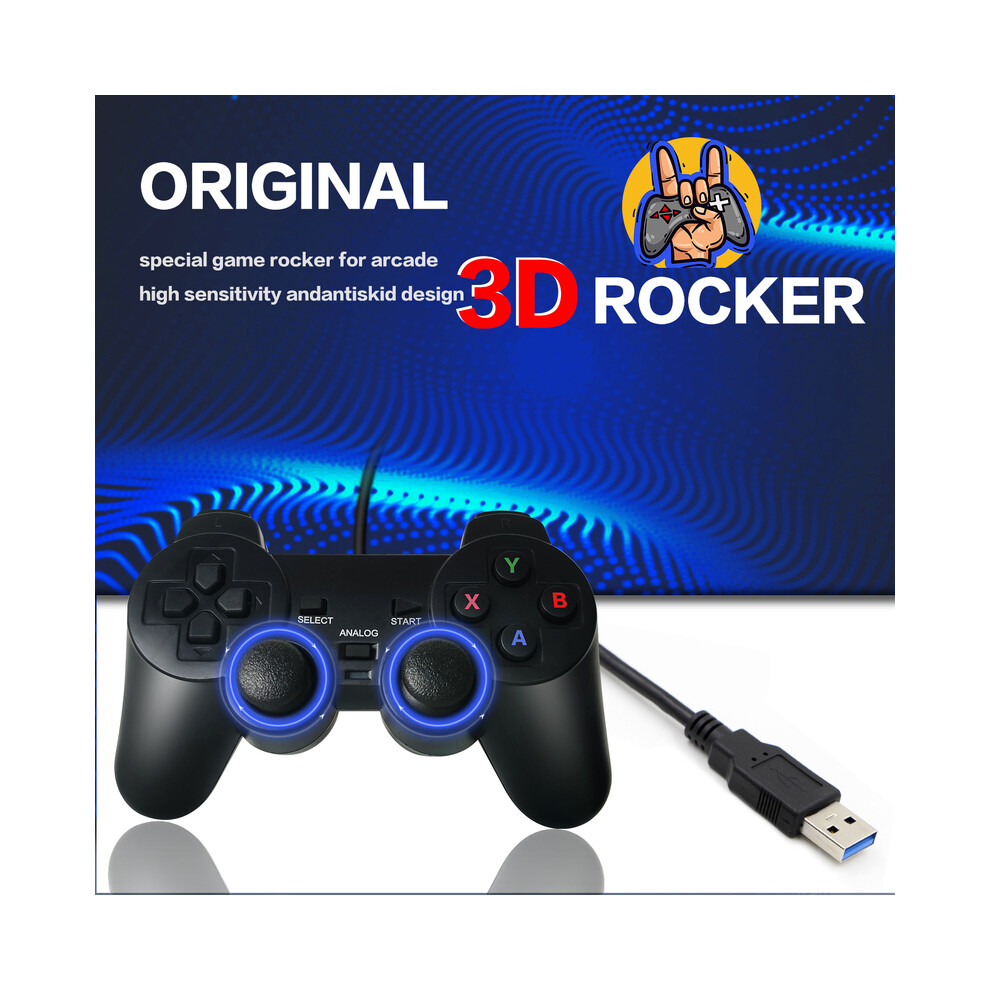
Comes
with
2
wired/wireless
controllers
Smooth
connection,
no
lag,
Play
against
your
family
or
friends
happily.
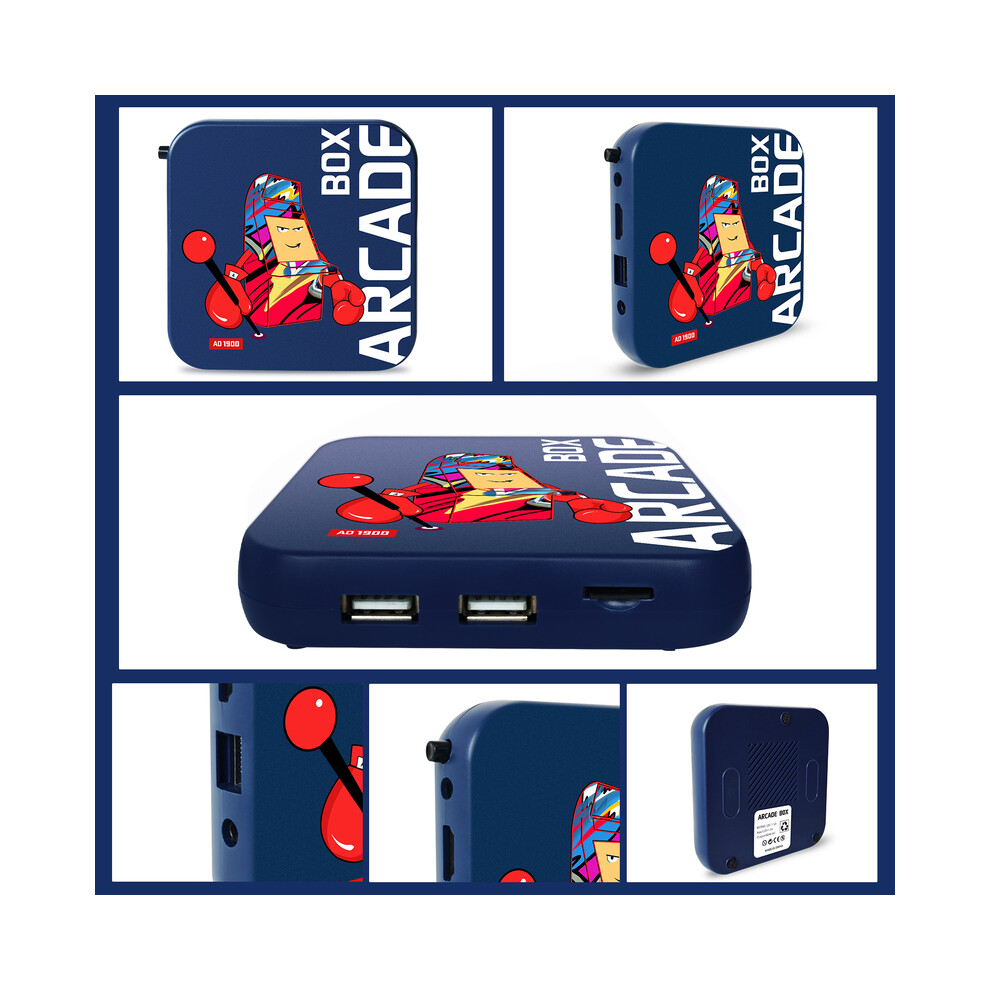
1
USB
Receiver
for
2
Wireless
Controllers,
our
console
has
2
USB
receiver
ports,
you
can
connect
up
to
4
controllers
at
the
same
time
without
using
the
USB
HUB!
If
you
choose
to
purchase
4
wired
controllers,
we
will
give
you
a
USB
HUB
for
free,
so
you
can
use
all
4
wired
controllers
at
the
same
time!
Multilingual
system
Switch
26
system
languages
at
will,
play
games
without
hindrance.
Upgrade
Amlogic
S905
Chip,
EE
game
system
1+8G
RAM,
64-bit
4-core
CPU,
5-core
Mali-450
graphics
processor.All
the
games
can
run
smoothly
under
the
powerful
hardware.
Power
PlugEU/US/AU/UK
You
can
choose
the
right
type
of
plug
for
your
needs
and
we
will
also
send
you
the
right
plugs
for
you
depending
on
your
area.
How
to
add
more
games:
1.Take
out
the
SD
card
from
the
console
and
put
it
into
a
PC.
2.Use
a
software
which
can
read
different
forms
of
disk
to
read
the
SD
card.
Click
the
Games
disk
and
get
into
the
"roms"
folder.
3.Put
the
games
into
the
corresponding
folders,jop
is
done.
Q&A
1.Q:
Does
it
have
android
system?
Can
I
watch
a
smart
TV?
A:
No,
it
doesn't
have
Android,
can't
watch
TV
as
a
set-top
box,
only
a
gaming
system.
2.Q:
Can
I
change
the
system
language?
A:
Yes,
it
includes
26
system
languages
such
as:
Russian,
Japanese,
English,
Spanish
and
many
more.
You
can
switch
languages
in
the
menu,
and
the
accompanying
manual
has
detailed
methods.
3.Q:
Can
I
connect
other
controllers?
A:
Yes,
arcade
box
is
suitable
for
2.4G
USB
wireless
controller
and
all
USB
wired
controllers.
4.Q:
What
kind
of
games
does
this
console
have?
Is
there
a
list
of
games?
A:
We
have
a
list
of
games.
Please
ask
customer
service,
customer
service
can
send
you
a
complete
list
of
games.
5.Q:
How
to
quit
the
game?
Can
I
download
more
games?
A:
Press
"start"+select"
twice
to
exit
the
game,
the
attached
manual
has
methods
to
exit
the
game
and
download
the
game.
6.Q:
How
can
I
fix
the
green
screen
problem?
Or
if
the
TV
picture
is
very
big
or
very
small,
how
do
I
change
the
resolution
to
get
back
to
a
normal
picture?
A:
Don'
t
worry,
it'
s
the
screen
resolution
problem
that
caused
the
green
screen,
please
check
the
solution.
a.Set
up
the
resolution
of
the
TV
to
1080P
before
connecting
the
console.
b.Take
out
the
SD
card
and
start
the
console
which
is
connecting
to
TV,
then
set
up
the
resolution
to
1080P
in
Android
TV
setting.
When
setting
the
resolution
of
the
Android
system,
you
need
to
use
a
mouse
to
complete
this
operation
c.Put
the
SD
card
back
to
the
console,restart
it.Then
find
the
emuelec
setting
and
change
the
resolution
to
1080P.
Job
is
done.
Please
watch
the
video:
Details
| OPC | PGXC2RM |
|---|---|
| Codes | 9064389660034 (EAN) |
| Product and Safety Information |
| Seller | Ratings | Warranty | Returns | Price | Delivery | Total | Quantity |
|---|---|---|---|---|---|---|---|
|
Dispatched from:

|
(100 reviews) | 1 month |
30 Days
Free Returns No
|
€68.96
|
+€6.90 Delivery
Est. Delivery:
5th-11th Dec
|
€75.86
|
Earn as you shop with instant Cashback on everything.
No catch, no cost
Become a Cashback VIP
Just 1 purchase unlocks bigger deals & rates
You'll only get instant Cashback at OnBuy! Enter your email below and we'll send you a copy of your basket to save you time later.
By entering your email address, you'll automatically be added to our database, where you can enjoy personalised Cashback offers and early access to our best deals. You can opt out of our emails at any time and we'll never share your details with anyone. Check our Privacy Policy and T&Cs to find out more.
Want access to personalised offers and the highest Cashback rates? Sign up to our emails below.
You can opt out of our emails at any time and we'll never share your details with anyone. Check our Privacy Policy and T&Cs to find out more.
This page has expired.
Refresh and continue