
























Product Images

In stock
Smart shoppers OnBuy it!
All prices include VAT.
Interest-free payment options available


See full product description & details
Delivery: Standard (€5.00) | Tue 13th - Mon 19th Oct
Sold by: Cintland Trade
Returns: 30 days
180-day payment protection
Description:
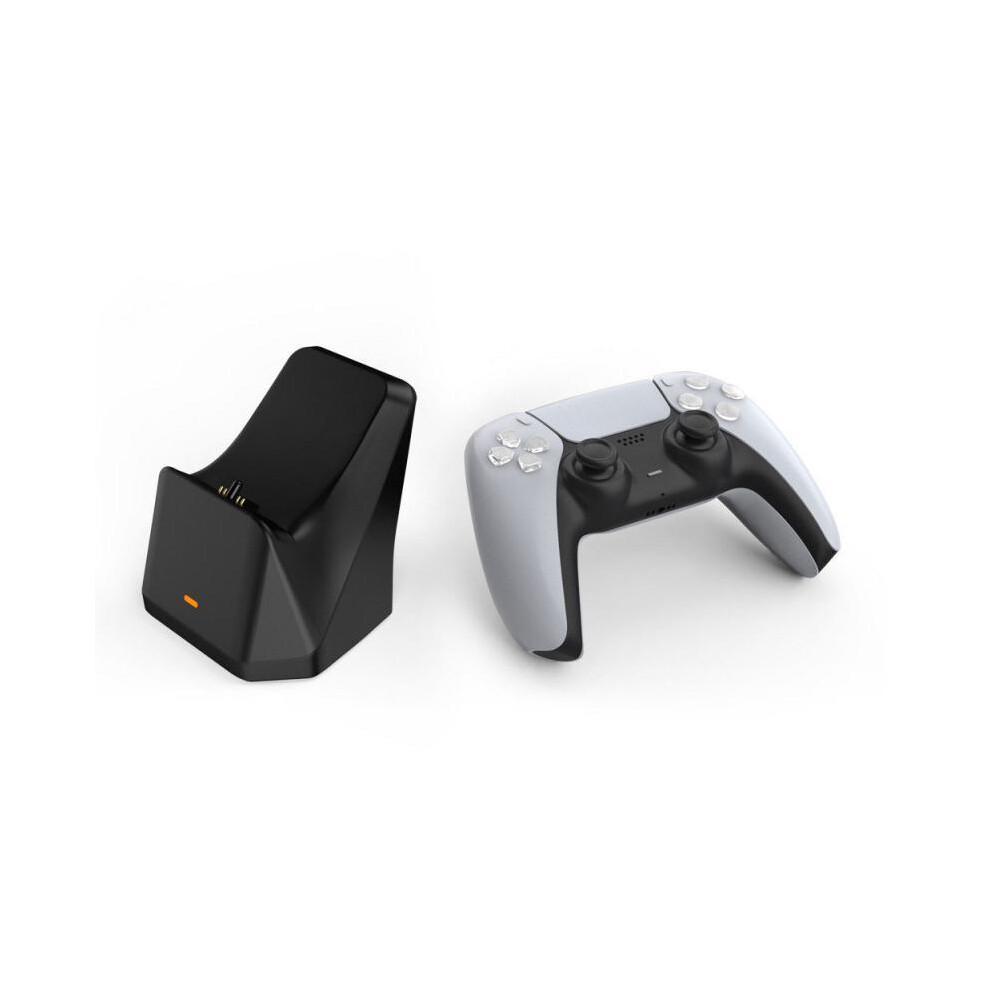
1. The product uses a DC voltage regulator circuit for charging, which makes charging more stable and faster;
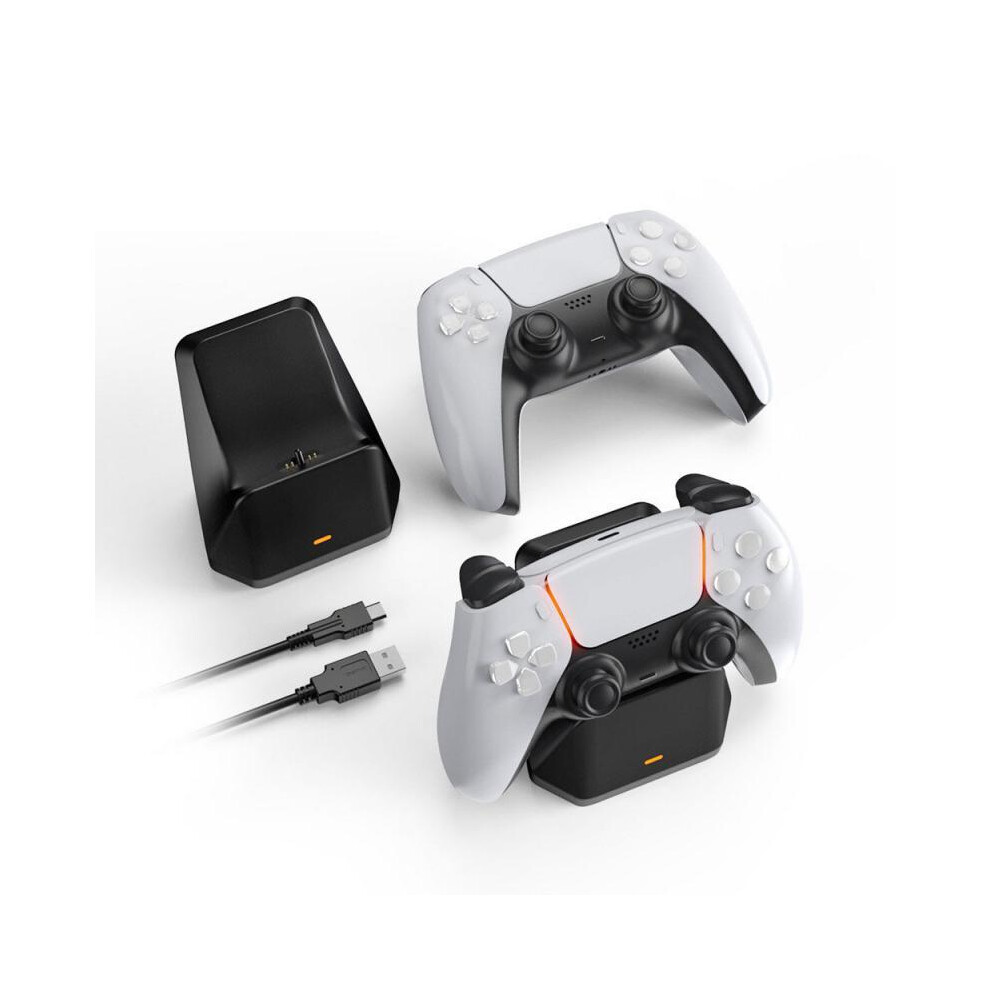
2. The bottom of the charger has a non-slip rubber pad that is very stable. The shape of the charger is very consistent with the PS5 handle, which is very convenient to place;
3. The front of the charger has a red light power indicator when the charger is on, which is very intuitive;
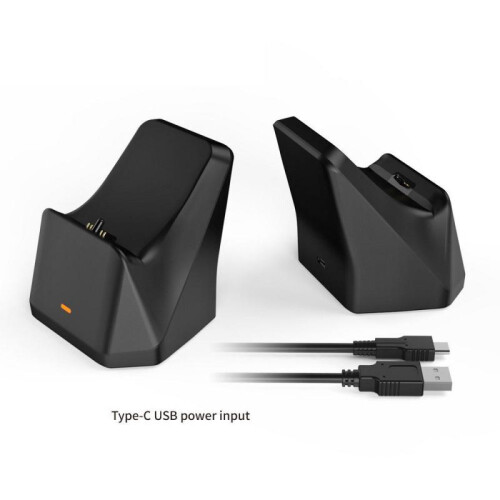
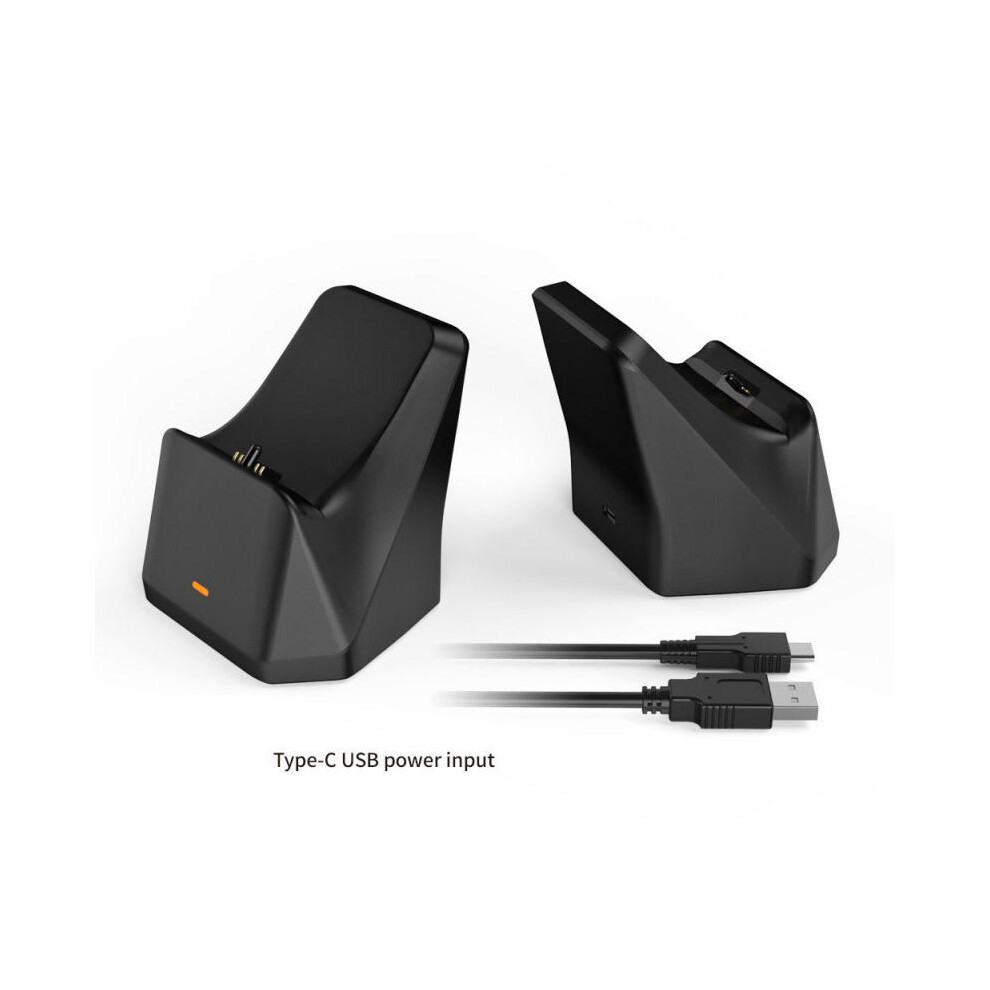
4. This product is equipped with a USB TYPE-C charging cable, which can be powered by any USB port on the PS5 host without a separate power supply.
Note:
When the charging current from the PS5 handle reaches about 80% or more, if you remove the handle and plug it in at this time, the handle may not be charged due to the handle's battery protection function; you have to wait until the handle's battery charge is below 80%. Loading continues. Specifications:
1. The power supply port is at the bottom of the back of the product. Connect to PS5 host with USB to TYPE-C charging cable, connect USB2.0 male connector to PS5 host and connect TYPE-C male. connect to the power supply port on the bottom of the back of the device.2. When the power is turned on, there is a red power indicator on the front, and the red light stays on when the power is turned on. 3. Place the PS5 handle horizontally and at a certain angle into the charging card slot of the charger for charging (Note: When inserting the handle, first align the round rubber post of the charger with the headphone hole of the handle and then gently push it in), when the handle is charging, the orange breathing light will appear on the handle, and the orange breathing light of the handle will turn off when it is fully charged (Note: the orange breathing light will only appear when the handle is fully charged). not connected to the host if the handle is connected Console during charging the handle only shows a white long light If the handle is charging in game, the handle is a long blue and white light)4 . The red indicator light on the front of the stand is the power indicator. When the stand is connected, it starts to light up and turns off when the power is turned off.
In the package:
1*docking charger1*charging cable1*Instructions
Details
| OPC | PH7W2F5 |
|---|---|
| Codes | 9319708985740 (EAN) |
| Product and Safety Information |
| Seller | Ratings | Warranty | Returns | Price | Delivery | Total | Quantity |
|---|---|---|---|---|---|---|---|
|
Dispatched from:

|
(93 reviews) | 1 month |
30 Days
Free Returns No
|
€33.72
|
+€5.00 Delivery
Est. Delivery:
13th-19th Oct
|
€38.72
|
Earn as you shop with instant Cashback on everything.
No catch, no cost
Become a Cashback VIP
Just 1 purchase unlocks bigger deals & rates
You'll only get instant Cashback at OnBuy! Enter your email below and we'll send you a copy of your basket to save you time later.
By entering your email address, you'll automatically be added to our database, where you can enjoy personalised Cashback offers and early access to our best deals. You can opt out of our emails at any time and we'll never share your details with anyone. Check our Privacy Policy and T&Cs to find out more.
Want access to personalised offers and the highest Cashback rates? Sign up to our emails below.
You can opt out of our emails at any time and we'll never share your details with anyone. Check our Privacy Policy and T&Cs to find out more.
This page has expired.
Refresh and continue