





















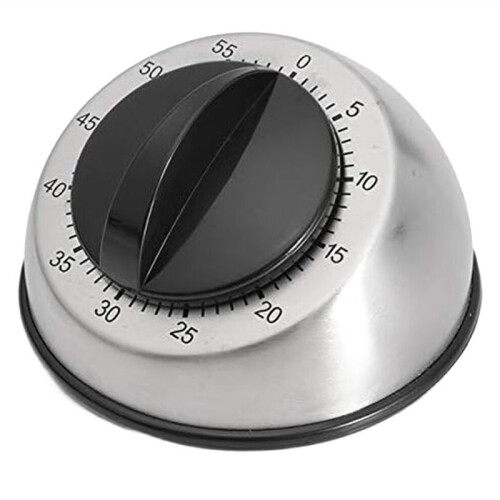
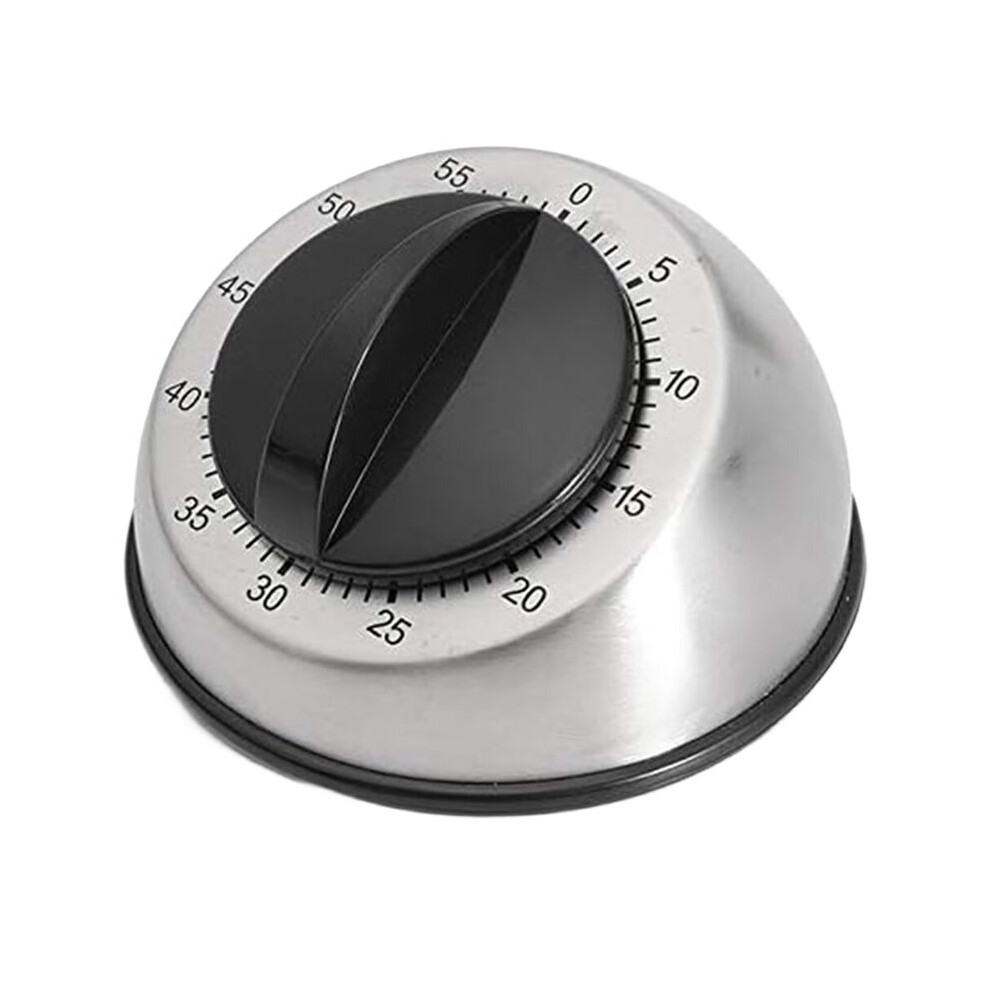
Mechanical Stainless Steel Counter 60 Mins Cooking Baking Kitchen Timer Countdown Wind Clock Home Tools
In stock
Smart shoppers OnBuy it!
- Earn Cashback on every purchase – spend it instantly on your next order
- Free delivery – on millions of items across the site
- Customers love us – 134,000 Trustpilot reviews and an 'Excellent' rating
All prices include VAT.
Interest-free payment options available


See full product description & details
Delivery: Standard (Free) | Thu 24th - Tue 29th Sep
Sold by: Kulemip
Returns: 30 days
180-day payment protection
Summary
- Instructions: Check the current time: Press and hold the clock button to adjust the hour, minute, and day of the week. Once adjusted, release the clock button.
- Set the power on and off times. Please read carefully: Press the Set button. 1 On appears, indicating the first power-on time. Press the hour and minute buttons to set the power-on time.
- After setting, press the Set button again. 1 Off appears, indicating the first power-off time. Press the hour and minute buttons to set the power-off time.
- This completes the first set of settings. If you are only setting one set, press the Clock button after completing the first set of on and off settings.
- To continue setting multiple sets, press the Set button again after completing the first set. 2 On appears, and follow the same instructions for the first set.You can set up to 20 sets in total. Just be sure not to repeat settings.
Mechanical Stainless Steel Counter 60 Mins Cooking Baking Kitchen Timer Countdown Wind Clock Home Tools Description
Instructions: Check the current : Press and hold the clock button to adjust the hour, minute, and day of the week. Once adjusted, release the clock button.
Set the power and off times. Please read carefully: Press the Set button. 1 appears, indicating the first power- . Press the hour and minute buttons to set the power- .
After setting, press the Set button again. 1 Off appears, indicating the first power-off . Press the hour and minute buttons to set the power-off .
This completes the first set of settings. If you are only setting one set, press the Clock button after completing the first set of and off settings.
To continue setting multiple sets, press the Set button again after completing the first set. 2 appears, and follow the same instructions for the first set.You can set to 20 sets in total. Just be sure not to repeat settings.
Mode Settings:
The timer has four modes: , Off, Auto-, and Auto-Off. means it's always powered, while Off means it's always off. Auto- connects the timer to an outlet and immediately powers it (that is, as soon as you plug it in, it's powered until the set power-off timer expires). Auto-Off is the opposite of Auto- and is the most commonly used mode. After setting the timer, plug it into an outlet and it powers and off until the set timer expires.
How to Use the Timer:
1: Turn the timer clockwise one full turn to zero (never counterclockwise!). The correct way to use the timer is to wind it fully clockwise (to wind it ), then turn it counterclockwise to the desired . The customer complained that the timer didn't ring when the timer was set. This is mainly because the spring wasn't fully wound. Simply winding it to the desired will naturally prevent it from ringing. Remember, never use brute force, as this may cause the timer's
Details
| OPC | PVHTNYH |
|---|---|
| Brand | Semoic |
| Codes | 6033970339836 (EAN) |
| Product and Safety Information |
Product Data
| Height | 6cm |
|---|---|
| Width | 9cm |
| Length | 9cm |
| Weight | 0.132kg |
| Colour | Silver & Black |
| Material | Stainless Steel |
Important information
Warnings
Compare Sellers for Mechanical Stainless Steel Counter 60 Mins Cooking Baking Kitchen Timer Countdown Wind Clock Home Tools
- New from €18.31
| Seller | Ratings | Warranty | Returns | Price | Delivery | Total | Quantity |
|---|---|---|---|---|---|---|---|
|
Dispatched from:

|
(141 reviews) | - |
30 Days
Free Returns No
|
€18.31
|
+Free Delivery
Est. Delivery:
24th-29th Sep
|
€18.31
|
Earn as you shop with instant Cashback on everything.
No catch, no cost
- Paid into your OnBuy account
- Spend it on your next purchase
- Save it or withdraw it
Become a Cashback VIP
Just 1 purchase unlocks bigger deals & rates