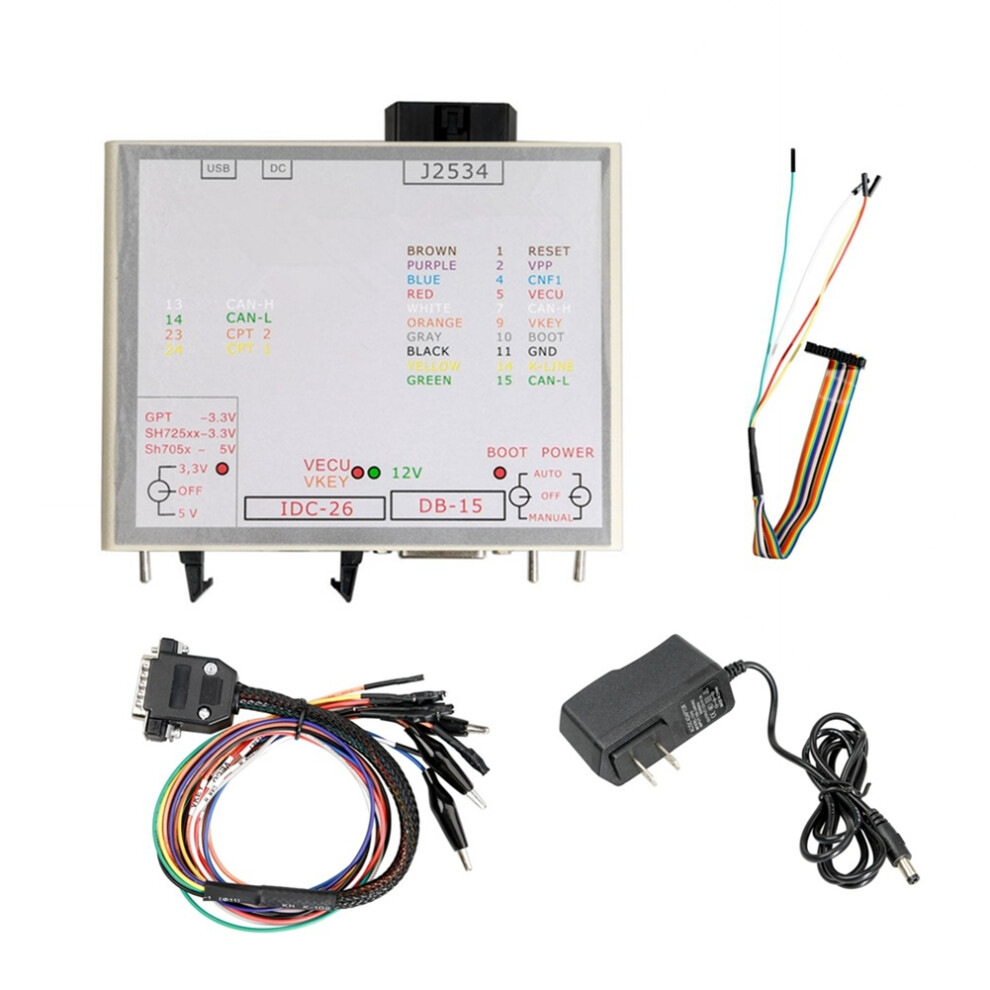
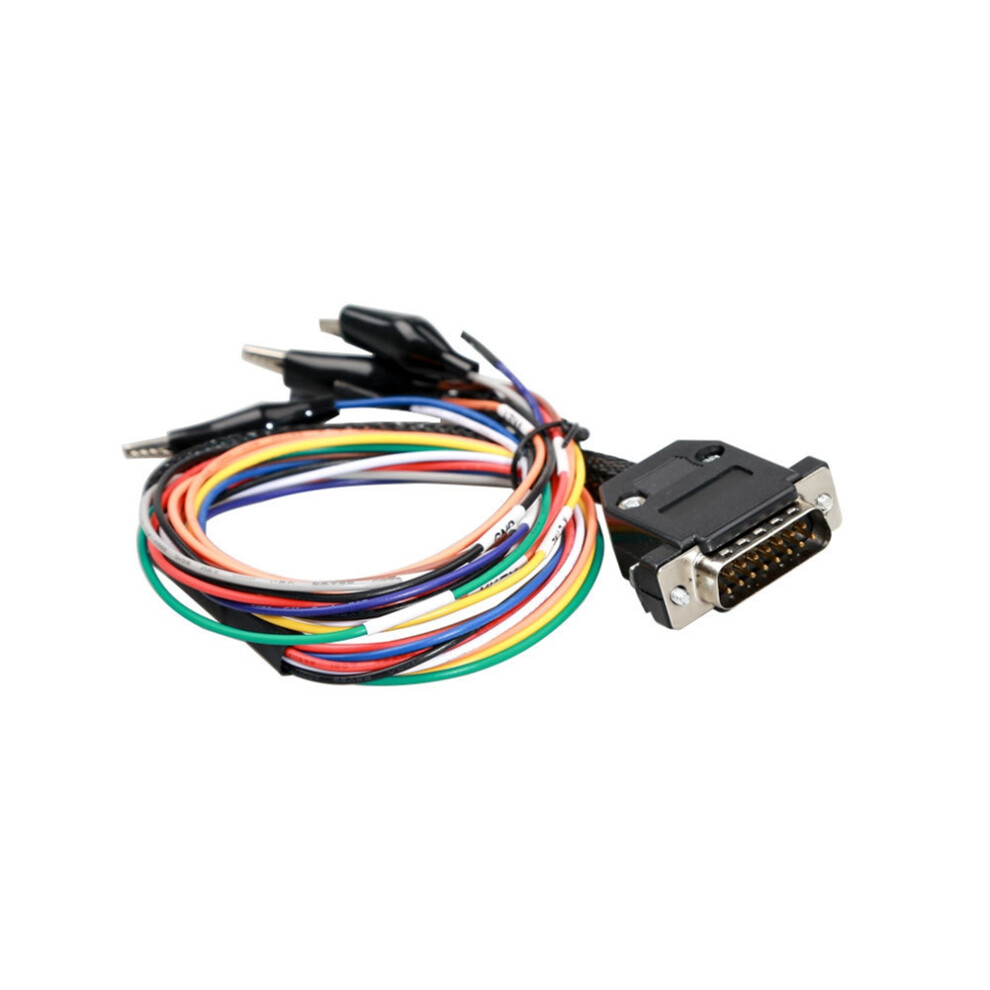
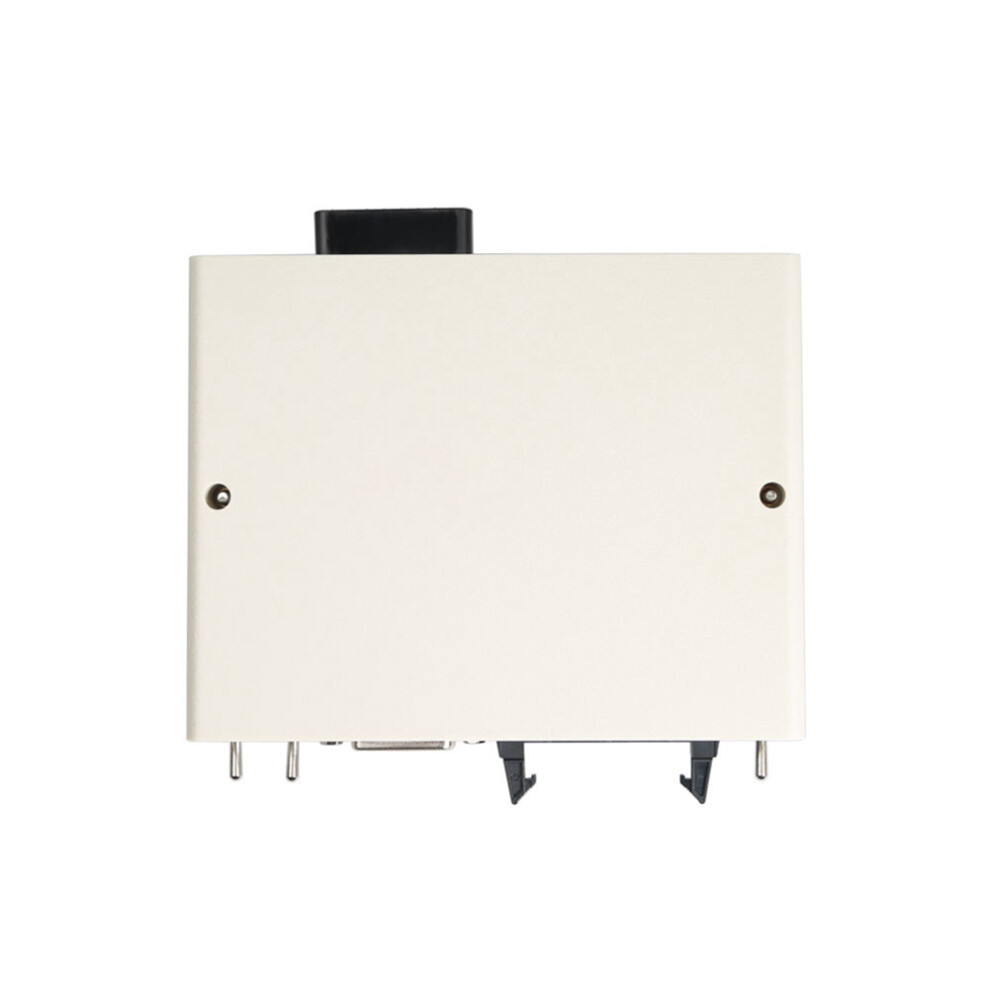
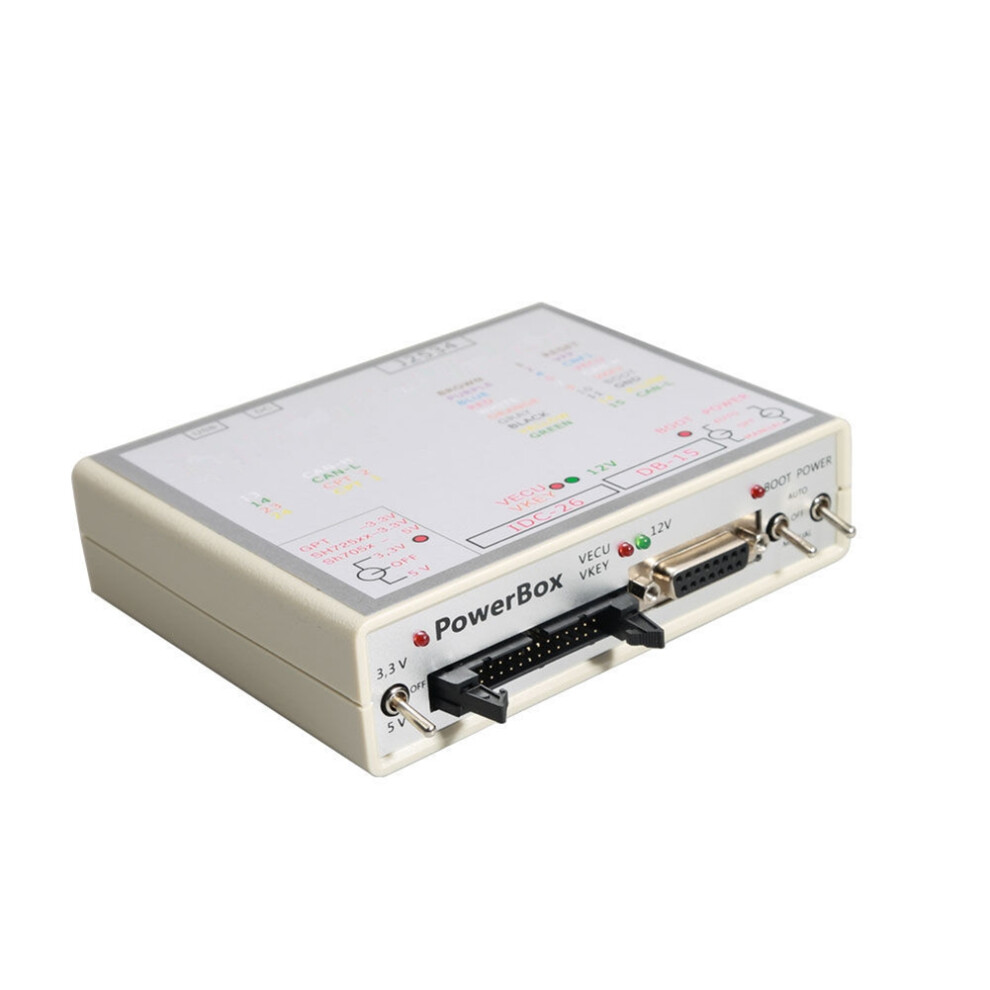
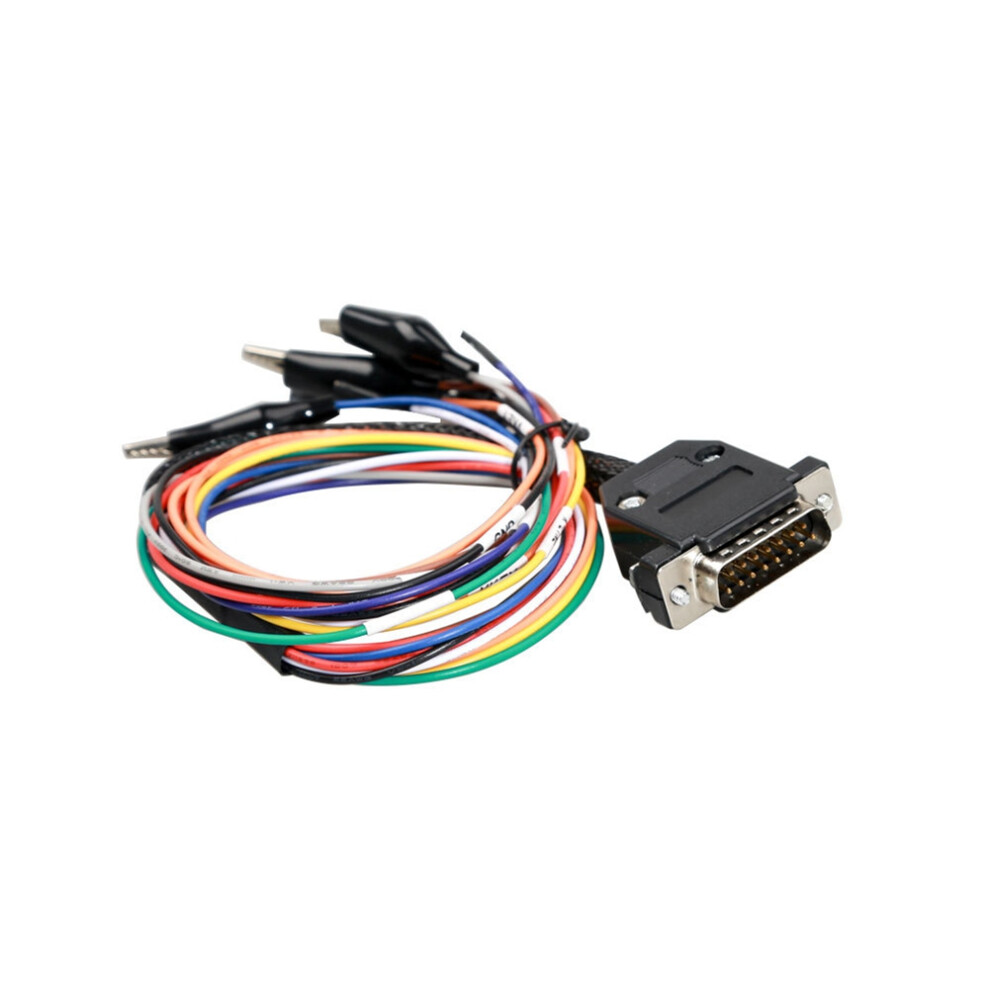
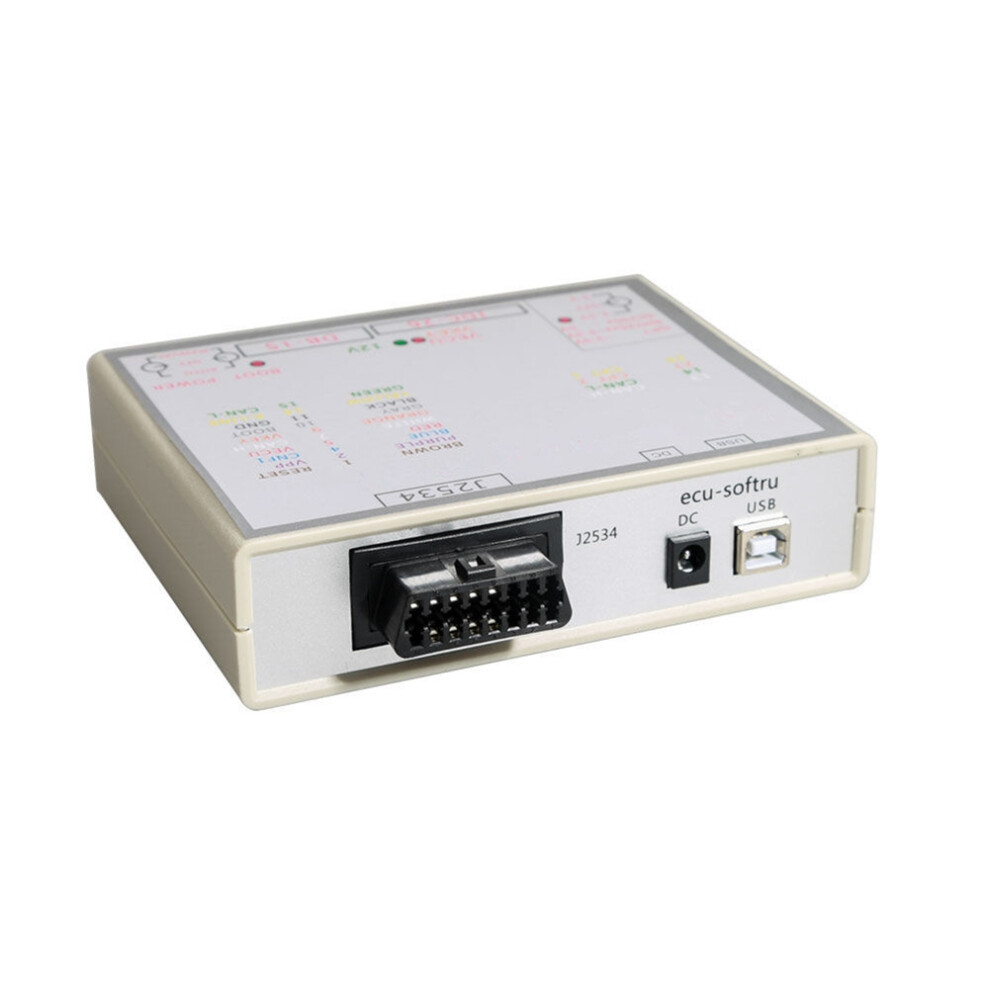
New Power Box J-TAG for FLASH Via J2534 Works for FLASH ECU-Soft OBD ECU Programmer Power BOX US Plug

New

In stock

Smart shoppers OnBuy it!

  • Earn Cashback on every purchase – spend it instantly on your next order
  • Free delivery – on millions of items across the site
  • Customers love us – 138,000 Trustpilot reviews and an 'Excellent' rating

See full product description & details

€38.74
€63.92 39% off!
+€9.24 Delivery
1% What is instant Cashback? Learn More
Add to Basket

All prices include VAT.

Interest-free payment options available

See full product description & details

Delivery: Standard (€9.24) | Fri 20th - Thu 26th Nov

Sold by: GSbuy

Returns: 30 days

180-day payment protection
Add to Basket
Description & Details

Summary

  • In conclusion: All programming tools above can be used for ECU read and write, but differs in ECU coverage and Read/Write method. There is NO LIMITS of the car model and year when using bench to read/write data. But if you have chips and gearboxes to read and write, you should have a flash. The bad is: disassembling is required. bench doesn't cover chips and gearboxes and OBD cannot not work good for gerabox Read/Write. So, you'd better check the ECU/gearbox/chip before your purchase.
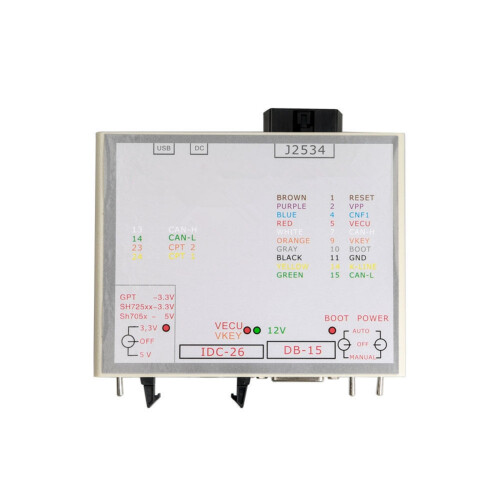
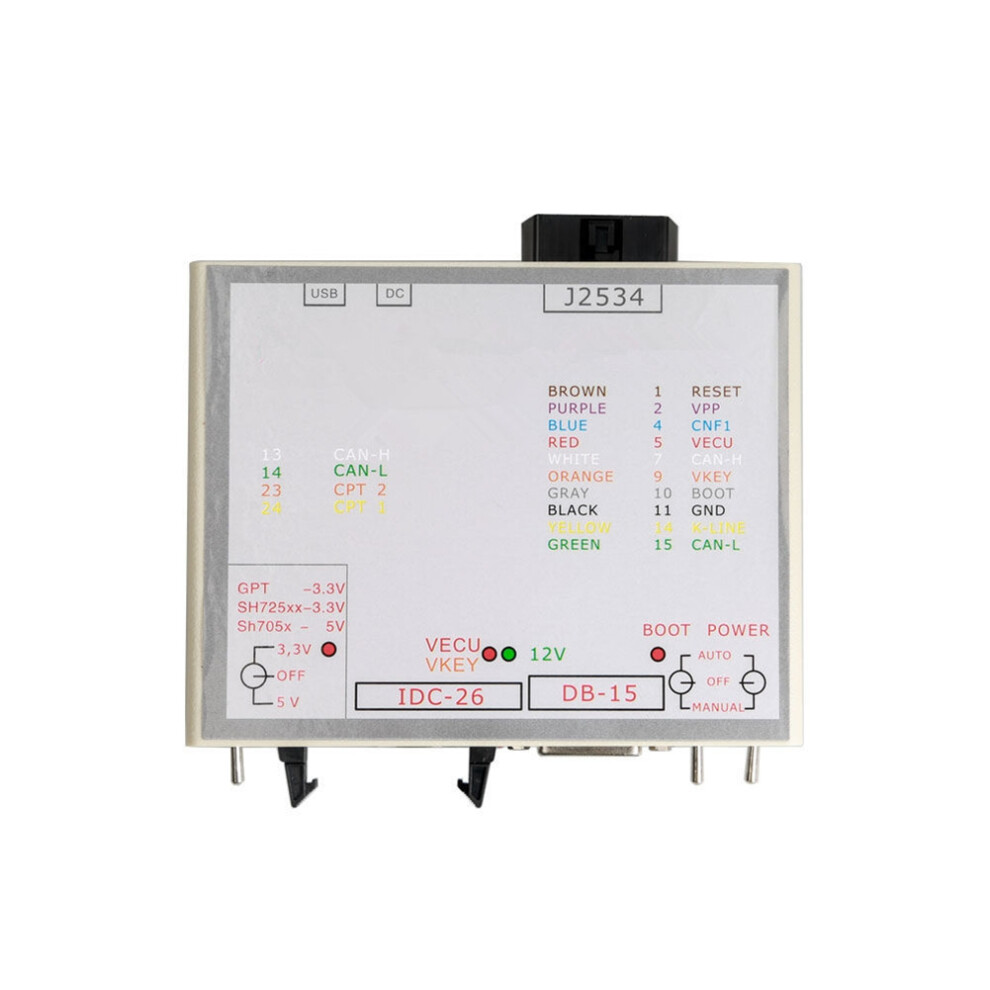
  • Check each car list on corresponding product page. The tool is fitted with multipurpose connectors which allow to establish the connections flexibly: USB: Designed for connecting to the computer. It is to be connected when the built-in USB - UART converter is enabled; for PowerBox software update; while reprogramming Renesas CPUs;
  • DC: Designed for powering the built-in circuit as well as the connected ECU. It is recommended to use only quality units with 12V output voltage. While reading the password, when it is impossible in the vehicle, one must note that high-voltage converters in ECUs consume rather high current at the start which can trigger protection mechanism or even result in the power unit damage;
  • J2534 (OBD-II-F): Designed for connecting the same name interface to OBD-II; DB-15: Designed for connecting to the main ECU connector. It is recommended to use 14P600KT02, 14P600KT03 cables or analogous ones; IDC-26: Designed for connecting directly to the ECU board or via the adapter to the special head. It is recommended to use 14P600KT06 cable or an analogous one for Tricore GPT. It is recommended to use Flash Development Toolkit software for flashing for Renesas CPUs.
  • Controls: The tool has 3 switches for operating in different modes. POWER: Power control. The tool has three modes of power supply to the ECU: OFF allows to remove all power and control signals from IDC-26 and DB-15 connectors; MANUAL supplies power to VECU and VKEY terminals and to the control outputs depending on the chosen tactics; AUTO, automatic control, in this mode power is controlled by the loading program with L-Line signal (15 pin OBD-II).

New Power Box J-TAG for FLASH Via J2534 Works for FLASH ECU-Soft OBD ECU Programmer Power BOX US Plug Description

In conclusion: All programming tools above can be used for ECU read and write, but differs in ECU coverage and Read/Write method. There is NO LIMITS of the car model and year when using bench to read/write data. But if you have chips and gearboxes to read and write, you should have a flash. The bad is: disassembling is required. bench doesn't cover chips and gearboxes and OBD cannot not work good for gerabox Read/Write. So, you'd better check the ECU/gearbox/chip before your purchase.
Check each car list corresponding product page. The tool is fitted with multipurpose connectors which allow to establish the connections flexibly: USB: Designed for connecting to the computer. It is to be connected when the built-in USB - UART converter is enabled; for PowerBox software update; while reprogramming Renesas CPUs;
: Designed for powering the built-in circuit as well as the connected ECU. It is recommended to use only quality units with 12V output voltage. While reading the password, when it is impossible in the vehicle, one must note that high-voltage converters in ECUs consume rather high current at the start which can trigger protection mechanism or even result in the power unit damage;
J2534 (OBD-II-F): Designed for connecting the same name interface to OBD-II; DB-15: Designed for connecting to the main ECU connector. It is recommended to use 14P600KT02, 14P600KT03 cables or analogous ones; IDC-26: Designed for connecting directly to the ECU board or via the adapter to the special . It is recommended to use 14P600KT06 cable or an analogous one for Tricore GPT. It is recommended to use Flash Development Toolkit software for flashing for Renesas CPUs.
Controls: The tool has 3 switches for operating in different modes. POWER: Power control. The tool has three modes of power supply to the ECU: OFF allows to remove all power and control signals from IDC-26 and DB-15 connectors; MANUAL supplies power to VECU and VKEY terminals and to the control

Details

OPC PYGD9MF
Codes 6031707422868 (EAN)
Product and Safety Information

Product Images

New Power Box J-TAG for FLASH Via J2534 Works for FLASH ECU-Soft OBD ECU Programmer Power BOX US Plug 1
New Power Box J-TAG for FLASH Via J2534 Works for FLASH ECU-Soft OBD ECU Programmer Power BOX US Plug 2
New Power Box J-TAG for FLASH Via J2534 Works for FLASH ECU-Soft OBD ECU Programmer Power BOX US Plug

Product Data

Height8cm
Width15cm
Length21cm
Weight0.4875kg
Colouras shown
Materialplastic

Compare Sellers for New Power Box J-TAG for FLASH Via J2534 Works for FLASH ECU-Soft OBD ECU Programmer Power BOX US Plug

  • New from €47.98
Seller Ratings Warranty Returns Price Delivery Total Quantity
Dispatched from: China
(320 reviews)
-
30 Days
Free Returns No
€38.74
+€9.24 Delivery
Est. Delivery: 20th-26th Nov
€47.98
Add To Basket

Earn as you shop with instant Cashback on everything.

No catch, no cost

  • Paid into your OnBuy account
  • Spend it on your next purchase
  • Save it or withdraw it

Become a Cashback VIP

Just 1 purchase unlocks bigger deals & rates

Safety and Product Resources

Safety images and documents

Sorry, this information isn't available at the moment. We're working with the seller to update this section as soon as possible, so please check back later.

Manufacturer information

Sorry, this information isn't available at the moment. We're working with the seller to update this section as soon as possible, so please check back later.

Responsible person in the EU

Sorry, this information isn't available at the moment. We're working with the seller to update this section as soon as possible, so please check back later.

Wait! You've left
something behind...

You'll only get instant Cashback at OnBuy! Enter your email below and we'll send you a copy of your basket to save you time later.

By entering your email address, you'll automatically be added to our database, where you can enjoy personalised Cashback offers and early access to our best deals. You can opt out of our emails at any time and we'll never share your details with anyone. Check our Privacy Policy and T&Cs to find out more.

Before you go...
Remember, you'll only get instant Cashback on everything at OnBuy!

Want access to personalised offers and the highest Cashback rates? Sign up to our emails below.

You can opt out of our emails at any time and we'll never share your details with anyone. Check our Privacy Policy and T&Cs to find out more.

This page has expired.

Please refresh the page to continue shopping.

Refresh and continue