





















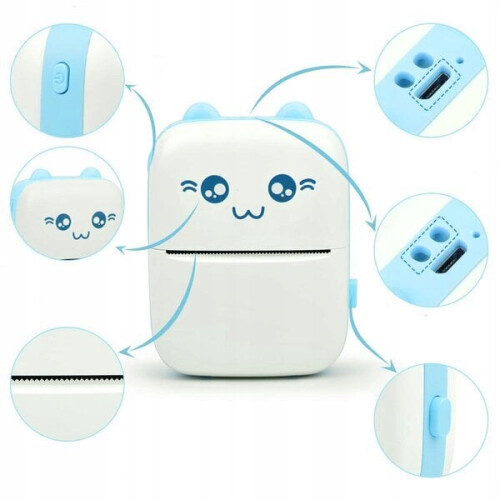
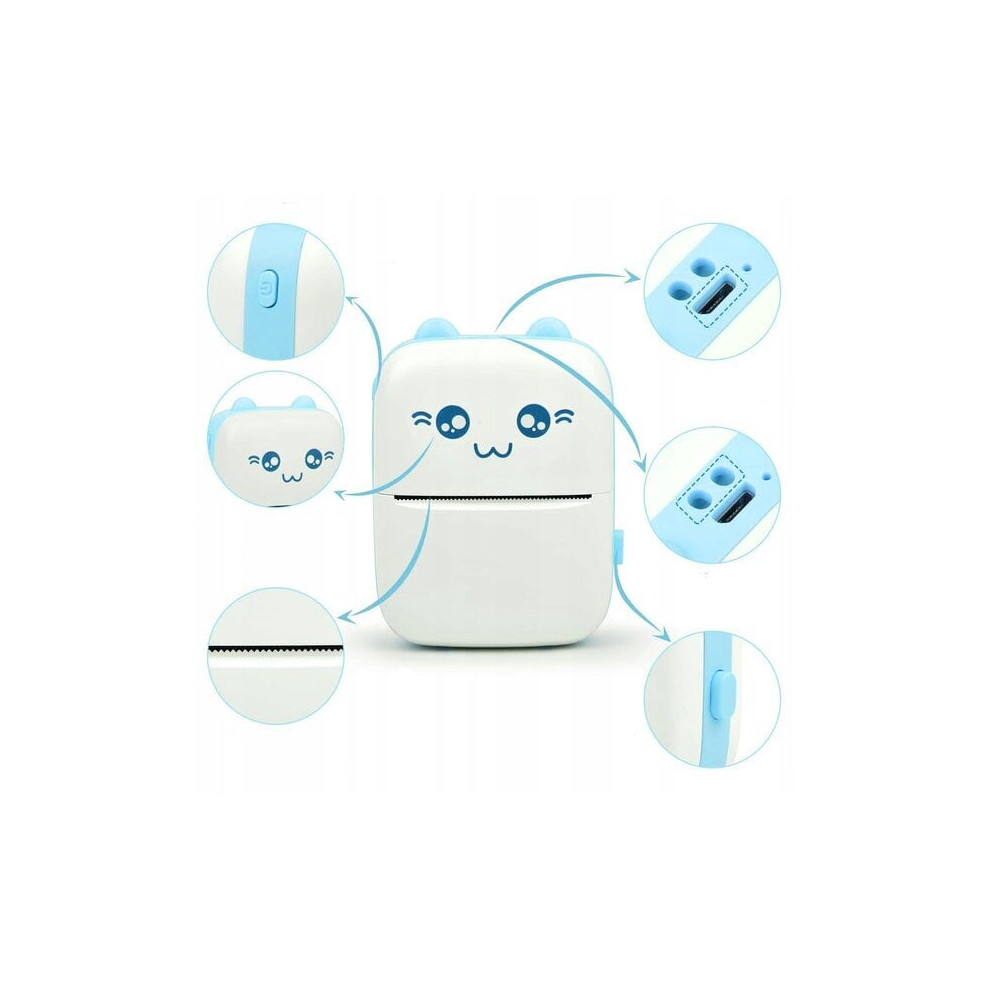
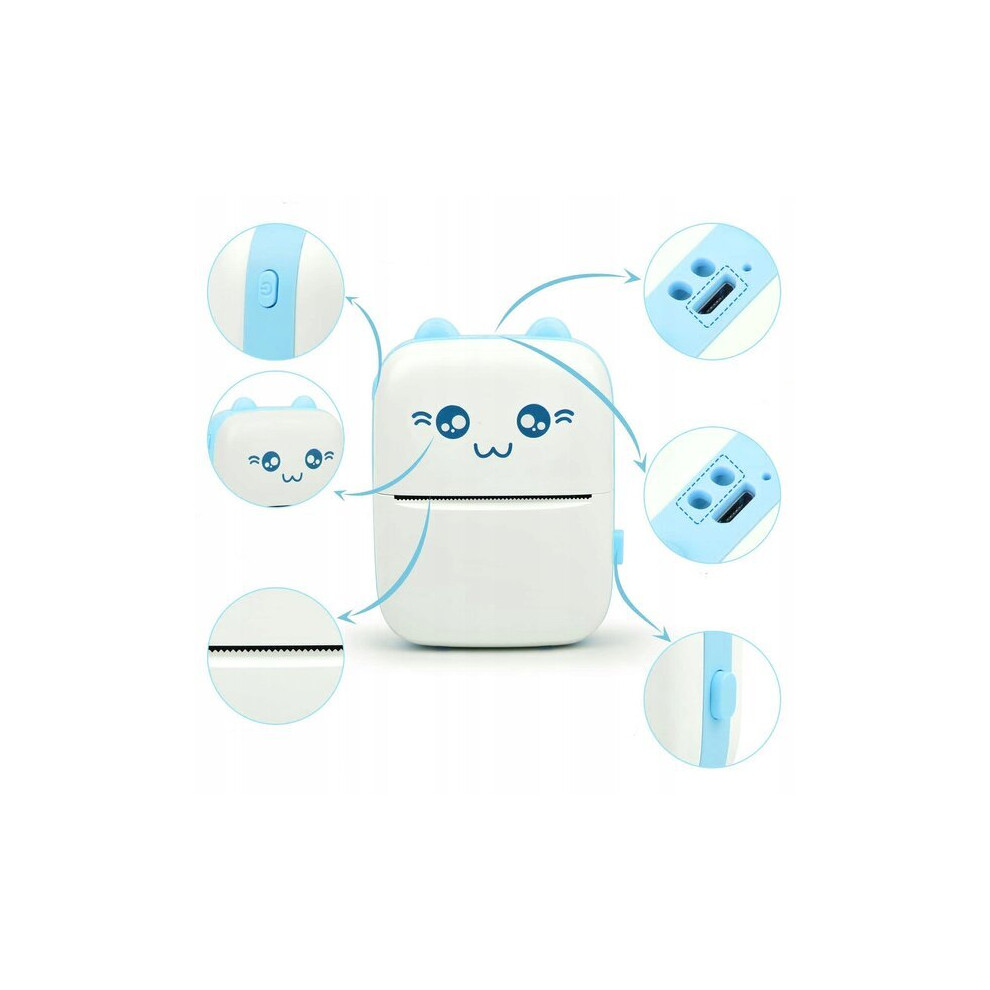
Wireless small thermal printer for phone D24, blue
In stock
Smart shoppers OnBuy it!
- Earn Cashback on every purchase – spend it instantly on your next order
- Free delivery – on millions of items across the site
- Customers love us – 130,000 Trustpilot reviews and an 'Excellent' rating
All prices include VAT.
Interest-free payment options available


See full product description & details
Delivery: Standard (€3.90) | Tue 18th - Mon 24th Aug
Sold by: Wende E-commerce
Returns: 30 days
180-day payment protection
You might also like
Wireless small thermal printer for phone D24, blue Description
The mini thermal printer is a great tool for children who want to develop their creativity and print photos on their phone or use ready-made templates from the application. This kid-friendly printer is simple and completely safe for even the smallest users.
The printer for kids offers a Bluetooth connectivity feature that allows you to wirelessly connect to mobile devices such as smartphones or tablets. With this feature, kids can easily transfer their drawings to the printer and print them without using cables. Below is a short and simple instruction on how to connect the program to the printer.
Make sure the Drukuś printer is turned on and ready to use. Check that there is enough thermal paper.
On the mobile device where the Fun Print app is installed, open the Bluetooth settings and make sure it is turned on.
Launch the Fun Print app on your mobile device.
In the Fun Print app, find the "Connect to printer" option.
Select "Connect to printer". The app will start searching for nearby Bluetooth devices.
When the program detects the Printer, it will be visible in the list of devices that can be connected. Select the printer name Print.
from the list
After successfully logging in, Fun Print should be ready to print. Now you can use the various features and tools of the program to create and send projects to the printer.
TECHNICAL SPECIFICATION
Color: Blue
Connection: Bluetooth
Material: ABS+PC
Paper type: thermal paper
Connection: Bluetooth/USB
Input: 5V, 2A
Batteries: 3.7 V, 1000 mAh
Paper width: 57 mm
Roll diameter: 30 mm
Resolution: 200 DPI
BT version: 4.0
Connections: Micro USB
Dimensions: 11 x 8 x 3.5 cm
Package weight: 250 grams
Includes:
Printer
11 rolls of thermal paper
Charging cable
Details
| OPC | PHFHMS5 |
|---|---|
| Codes | 9363454123604 (EAN) |
| Product and Safety Information |
Compare Sellers for Wireless small thermal printer for phone D24, blue
- New from €75.76
| Seller | Ratings | Warranty | Returns | Price | Delivery | Total | Quantity |
|---|---|---|---|---|---|---|---|
|
Dispatched from:

|
(71 reviews) | 1 month |
30 Days
Free Returns No
|
€71.86
|
+€3.90 Delivery
Est. Delivery:
18th-24th Aug
|
€75.76
|
Earn as you shop with instant Cashback on everything.
No catch, no cost
- Paid into your OnBuy account
- Spend it on your next purchase
- Save it or withdraw it
Become a Cashback VIP
Just 1 purchase unlocks bigger deals & rates