























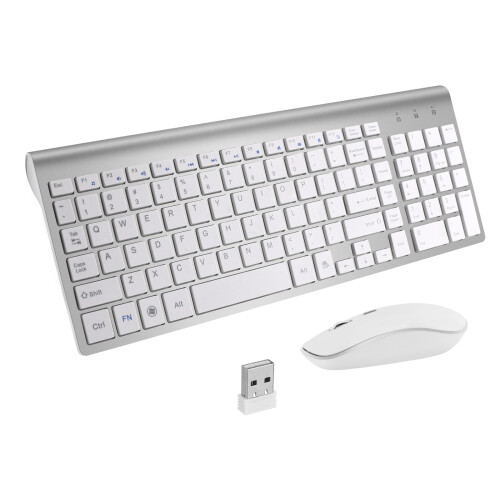
Wireless Keyboard with Presspad for Microsoft/Surface Pro 7, Ultra-Slim 7 Color Backlight Bluetooth Wireless Keyboard
Auf Lager
Darum werden Sie OnBuy lieben:
- Verdienen Sie Cashback bei jedem Einkauf – lösen Sie es direkt ein für Ihre nächste Bestellung
- Kostenloser Versand – auf Millionen von Artikeln auf unserer Website
- Kunden lieben uns – 137,000 Bewertungen mit der Note « Ausgezeichnet »
Preisangaben inkl. USt.
Zinsfreie Zahlungsmöglichkeiten verfügbar


Vollständige Produktbeschreibung und Details anzeigen
Voraussichtliche Zustellung: Standard (3,90 €) | Fr. 6. - Do. 12. Nov
Verkauft von: YOU NEED
Rücksendungen: 30 Tage
180 Tage Zahlungsschutz
Das könnte Ihnen auch gefallen






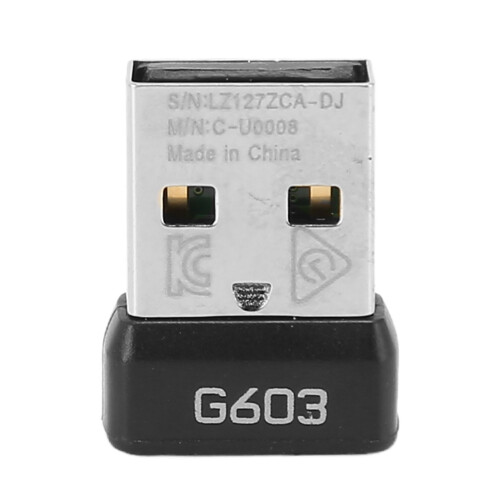


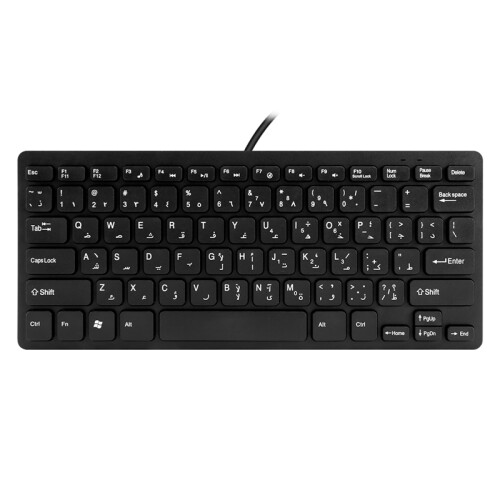
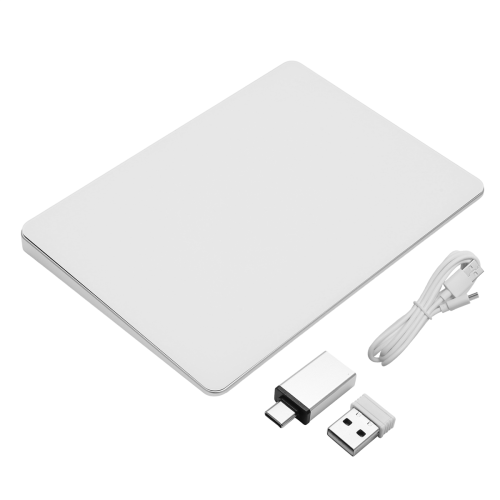

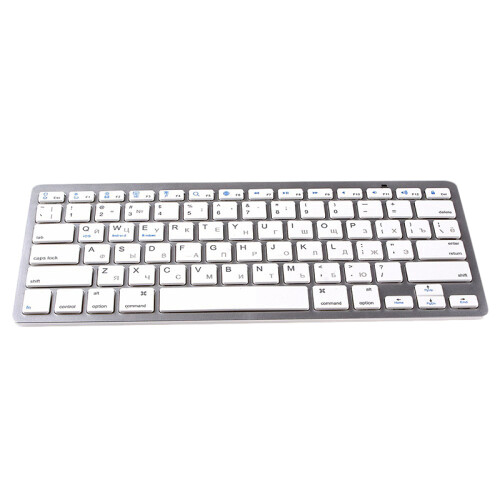

Wireless Keyboard with Presspad for Microsoft/Surface Pro 7, Ultra-Slim 7 Color Backlight Bluetooth Wireless Keyboard Beschreibung
Wireless Keyboard with Presspad for Microsoft/Surface Pro 7, Ultra-Slim 7 Color Backlight Bluetooth Wireless Keyboard
Applicable system: The keyboard size is specially designed for Microsoft Surfac pro. The keyboard supports all Windows systems. You can also use this keyboard to pair with other electronic devices with Bluetooth and Windows systems, but pay attention to if it is used on other devices. The magnetic buckle of this product cannot be matched, it can only be used for Microsoft Surfac pro;
Make Surface pro3/surface Pro4/surface Pro5/surface pro6/surface Pro7 Like a Laptop:The keyboard is physically attached to Surface pro via magnetic like a laptop and the connection is though Bluetooth.After the Bluetooth is connected, mechanical keys and Presspad simply make you like using a laptop.(This keyboard doesn't fit for Surface go)
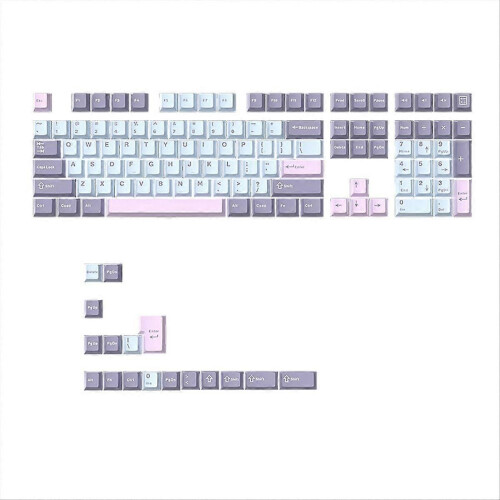
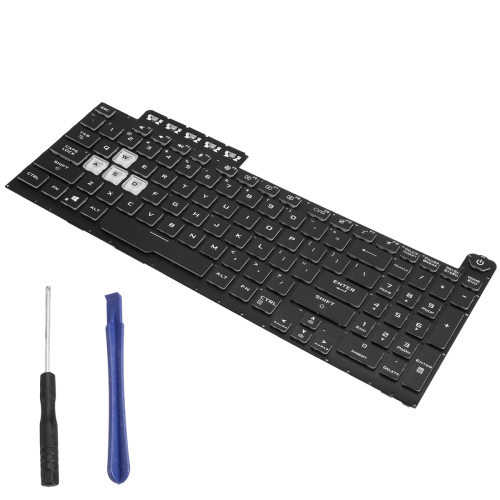
Slim and compact, yet performs like a traditional, full-size keyboard.Functional Media Keys and Presspad: Enjoy the easily control of your Surface pro,with the Presspad and the media hot keys,Keyboard with 7-color backlight night light effect.Charge up in 2 hour and enjoy 95 hours of uninterrupted use.Product Name: Wireless Keyboard / Bluetooth Keyboard.Applicable models: Microsoft surface pro3 / surface Pro4 / surface Pro5 / surface pro6 / surface Pro7
Use tutorial:1. Turn on the Bluetooth keyboard holster and push the switch in the lower right corner from [0FF to ON]. At this time, the holster keyboard starts, and the blue light shows off after 3 seconds.2. Then click the [Link key] / [connect key] next to it, and the blue light is on and the bluetooth light flashes.
3. Turn on the tablet and find-Settings-Turn on wireless and network-Turn on Bluetooth-Search for nearby devices-[Search the Bluetooth name of the protective case (Bluetooth keyboard)] and click Connect.4. The tablet screen prompts [Bluetooth pairing request (enter the Bluetooth password xxxx to pair ""Bluetooth keyboard"")], enter the number displayed on the screen o
Funktionen
- Keywords: Wireless, Bluetooth
Details
| OPC | PTHJ2FM |
|---|---|
| Marke | unbrand |
| Codes | 9409192005533 (EAN) |
| Produkt- und Sicherheitsinformationen |
Verfügbare Angebote anderer Verkäufer
- Neu ab 53,34 €
| Verkäufer | Bewertungen | Garantie | Rückgaben | Preis | Lieferung | Gesamt | Menge |
|---|---|---|---|---|---|---|---|
|
Versendet von:

|
(94 Bewertungen) | 1 Monat |
30 Tage
Kostenlose Rücksendungen Nein
|
49,44 €inkl. MwSt.
|
+3,90 € Delivery
Voraussichtliche Lieferung:
6-12 Nov
|
53,34 € inkl. MwSt.
|
Verdienen Sie bei jedem Einkauf sofort Cashback auf alles.
Kein Haken, keine Kosten
- Auf Ihr OnBuy-Konto gutgeschrieben
- Bei Ihrem nächsten Einkauf einlösen
- Sparen oder auszahlen lassen
Werden Sie Cashback VIP
Schon mit einem einzigen Einkauf sichern Sie sich höhere Rabatte und bessere Konditionen