





















Tuotekuvat

Varastossa
Miksi tulet rakastamaan ostoksia OnBuyssa:
OnBuyn myymien tuotteiden hinnat sisältävät ALV:n.
Korottomat maksuvaihtoehdot saatavilla


Katso koko tuotekuvaus ja tiedot
Toimitus: Prioriteetti (1,50 €) | ke 1. - ma 6. heinä
Myyjä: WuLinshop
Palautukset: 30 päivää
180 päivän maksuturva
Yhteenveto
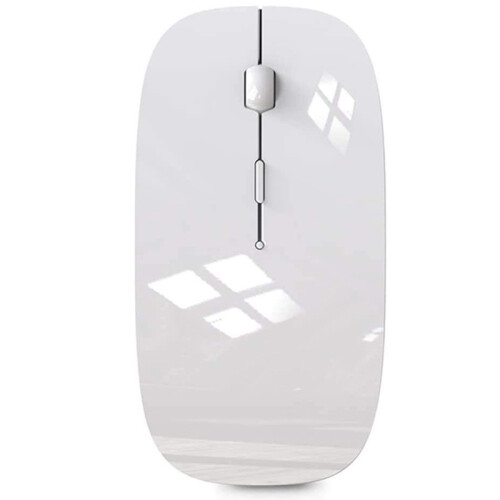
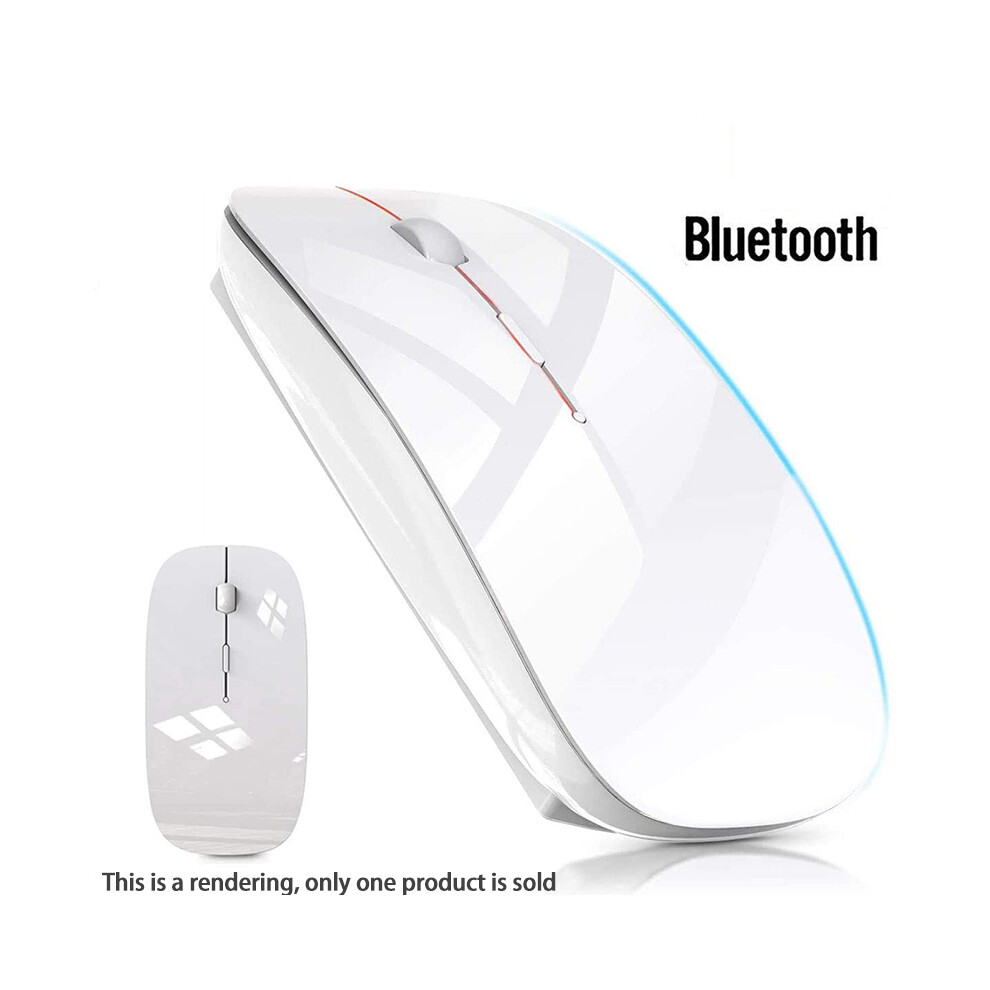
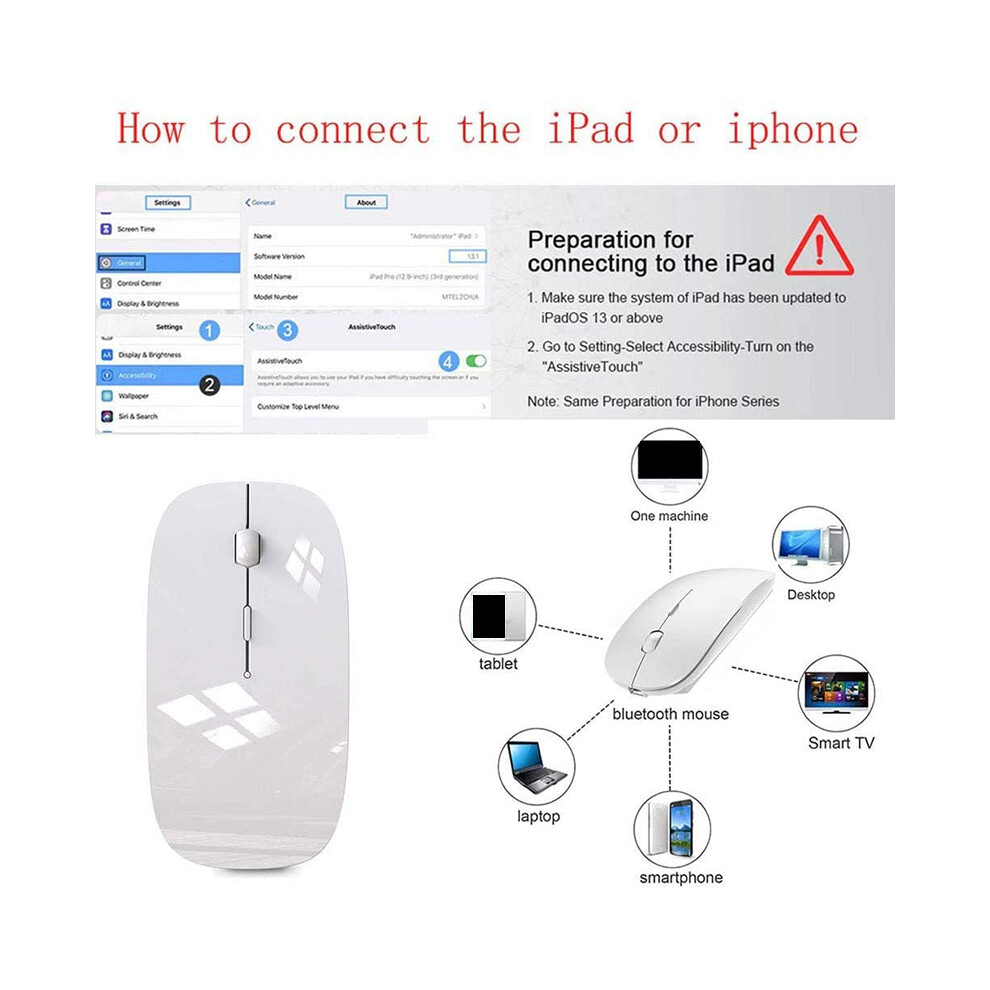
[Best compatible 4.0 chip]-Compatible with more than 99% devices. Connect for 10.2 2019, for 9.7 inches 2018, for 9.7 2017, for Pro 12.9 inches / 11.0 inches / 10.5 inches / 9.7 inches, for Air 10.5 / Air 2, for 5/ 4, for 11 Pro Max, for 11 Pro, for 11, for Xs Max, etc. PC, pro air 2012/2017/2018/2019 laptop, laptop, OS; support Win7 Win8 Win10 Linux OS X or Android tablet
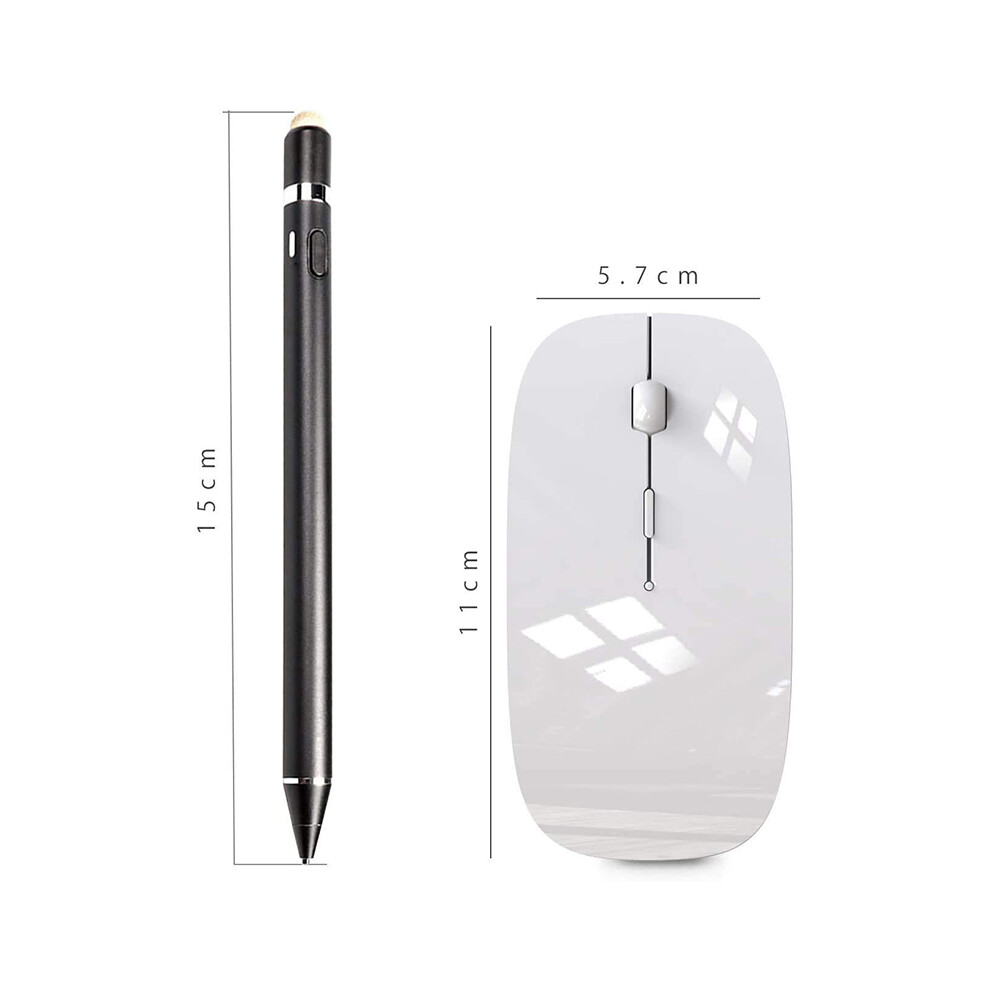
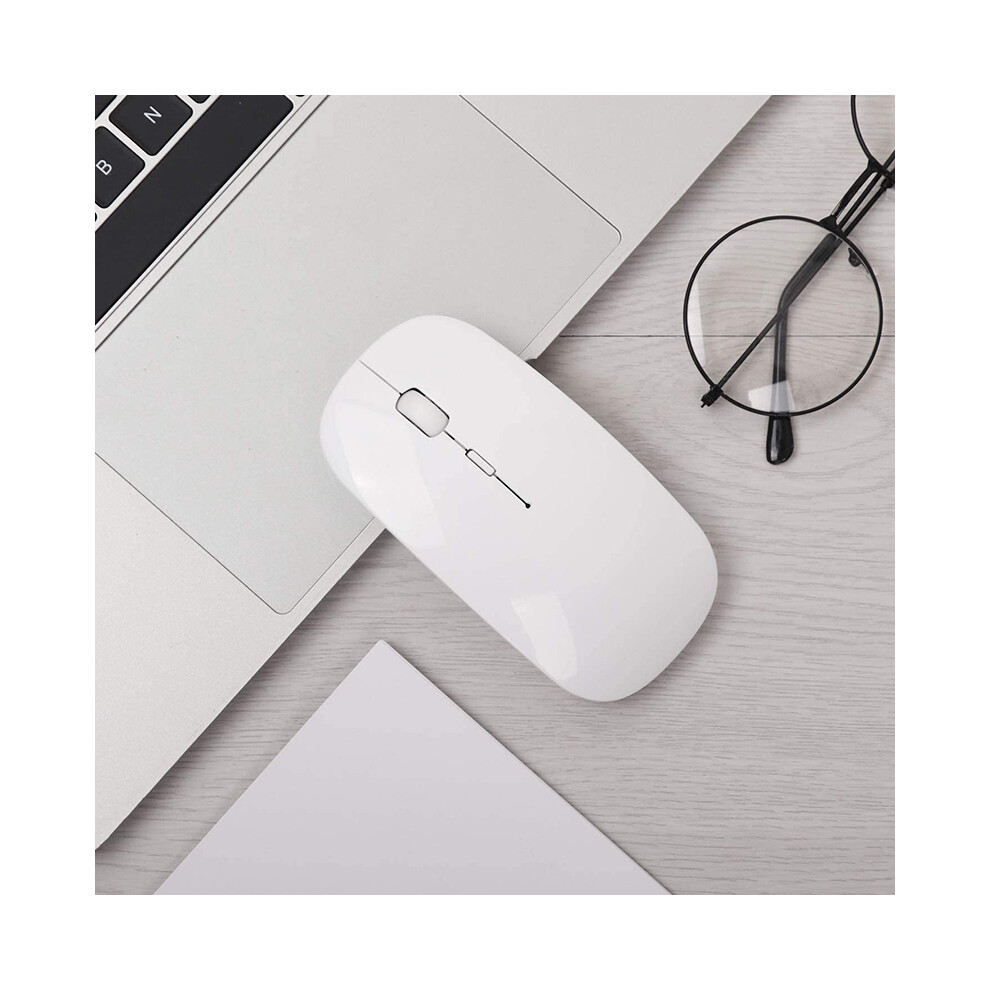
Comfortable Contact and ultra-thin design: symmetrical and ergonomic design makes this wireless mouse suitable for left and right hands. Excellent surface coating technology brings you a Contact like skin. Ultra-thin and portable, the mouse can be used anytime and anywhere during travel. Very suitable for use at work/study/.
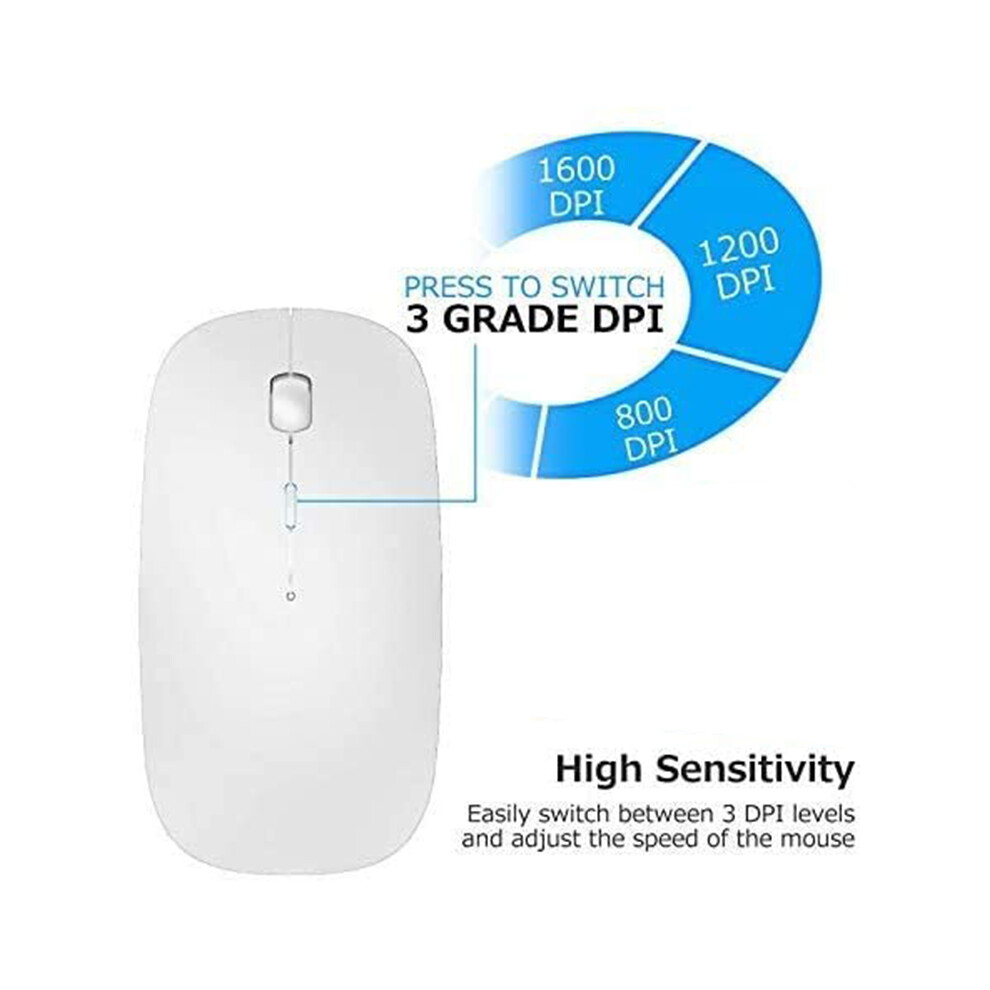
Mute click and adjustable DPI: The special silent design of the left and right buttons allows you to focus work or playing games without disturbing others. between DPI levels 800, 1200 and 1600 to meet your needs with high precision. Advanced optical tracking technology ensures greater sensitivity and can accurately track various surfaces.
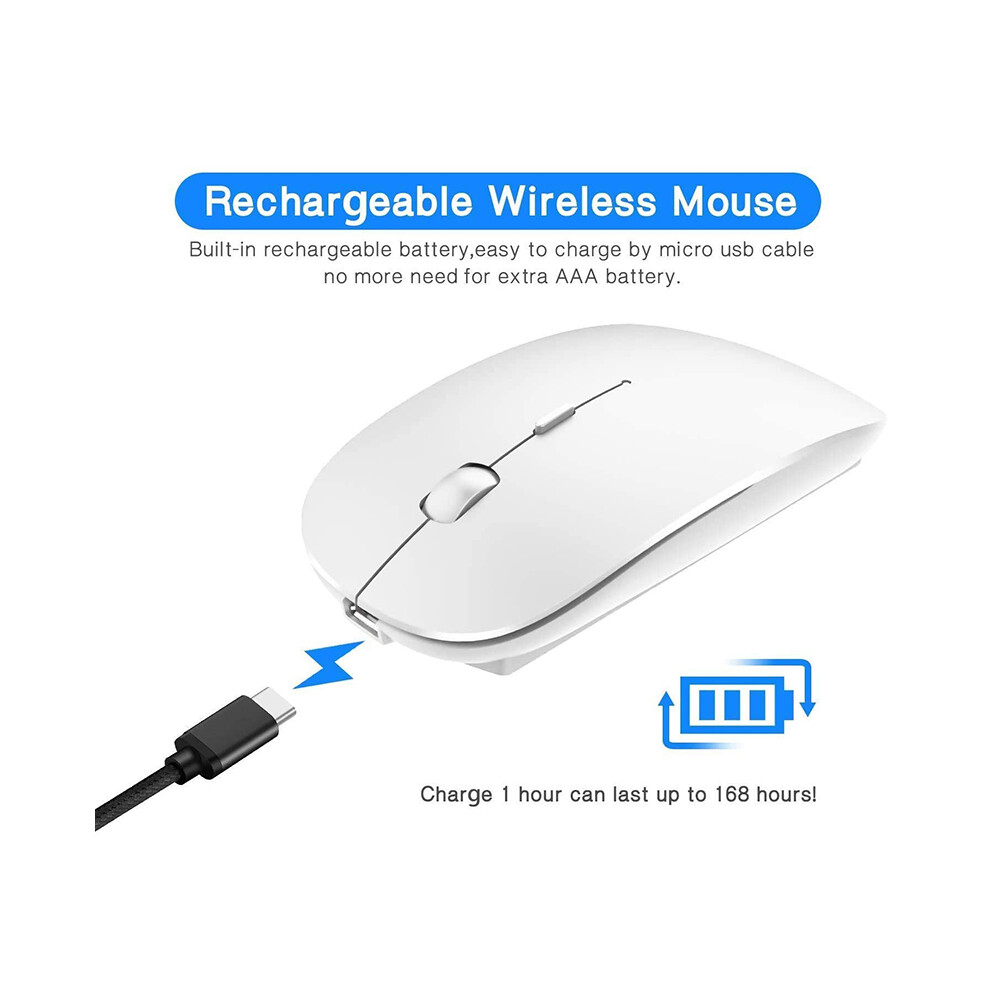
Rechargeable and saving Erengy: The mouse has a built-in rechargeable battery with a charging cable. No need to replace the battery. In order to save power and long-term use, the mouse will automatically enter sleep mode after 11 minutes of inactivity, just click any button to wake it .
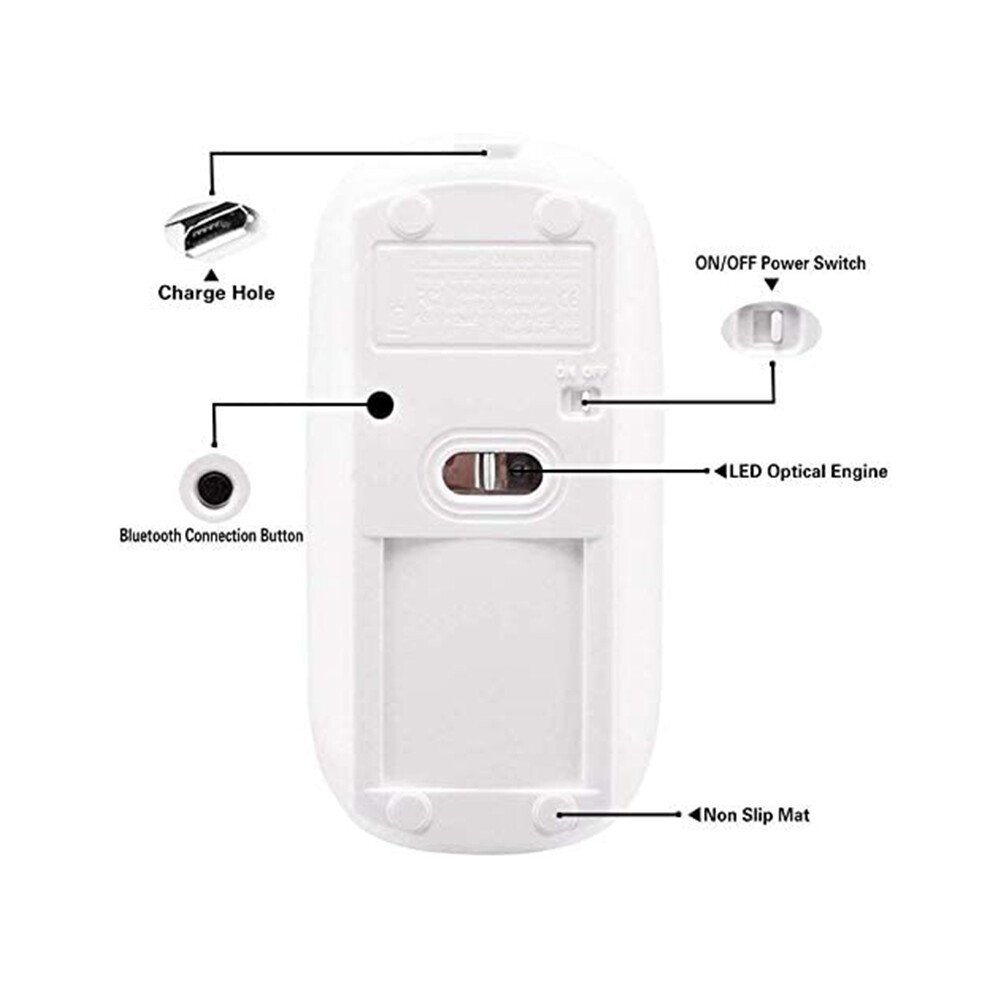
How to use a mouse: turn the mouse , open the computer system preferences, and turn the function. When the computer shows that it is searching for nearby devices, you need to hold down the "black button" at the bottom of the mouse and hold down 3-6 Seconds, then your computer will display the mouse when searching for the device, then click to connect it, and then successfully connect
How to update the software version? (Open for settings and click
Tiedot
| OPC | PPSJB2F |
|---|---|
| Brändi | Melitt |
| Koodit | 6033078048289 (EAN) |
Tuotetiedot
| Height | 4cm |
|---|---|
| Width | 7cm |
| Length | 12cm |
| Weight | 0.1065kg |
| Colour | white |
| Material | ABS |
| Myyjä | Arviot | Takuu | Palautukset | Hinta | Toimitus | Yhteensä | Määrä |
|---|---|---|---|---|---|---|---|
|
Lähetetty varastolta:

|
(154 arvostelua) | - |
30 päivää
Ilmaiset palautukset Ei
|
15,91 €
|
+1,50 € Delivery
Arvioitu toimitus:
1-6 heinä
|
17,41 €
|
Ansaitse ostamalla – saat välittömän Cashback-hyvityksen kaikesta.
Ei koukkuja, ei kuluja
Ryhdy Cashback VIP -jäseneksi
Vain yksi ostos avaa suuremmat tarjoukset ja paremmat alennukset
Odota! Jätit jotakin
taaksesi...
Saat välittömän Cashbackin vain OnBuyssa! Syötä sähköpostiosoitteesi alle, niin lähetämme sinulle kopion ostoskoristasi – näin säästät aikaa myöhemmin.
Ei kiitos, olen kunnossa nyt
Syöttämällä sähköpostiosoitteesi liityt automaattisesti tietokantaamme, jolloin saat käyttöösi personoidut Cashback-tarjoukset ja ennakkopääsyn parhaisiin tarjouksiimme. Voit peruuttaa sähköpostiviestimme milloin tahansa, emmekä koskaan jaa tietojasi kenellekään. Lue lisää tutustumalla tietosuojakäytäntöömme ja käyttöehtoihimme.
Ennen kuin lähdet...
Muista, että saat välittömän Cashback-hyödyn kaikesta OnBuyssa!
Haluatko saada henkilökohtaisia tarjouksia ja parhaat Cashback-edut? Tilaa uutiskirjeemme alla.
Ei kiitos, kaikki on kunnossa
Voit peruuttaa sähköpostiemme tilauksen milloin tahansa, emmekä koskaan jaa tietojasi kenellekään. Tutustu Tietosuojakäytäntöömme ja ehtoihimme saadaksesi lisätietoja.