


Images du produit

En stock
Pourquoi vous allez adorer OnBuy :
Les prix des articles vendus sur OnBuy incluent la TVA.
Options de paiement sans intérêts disponibles


Voir la description complète et les détails du produit
Livraison : Standard (Gratuite) | mer. 2 - lun. 7 déc.
Retours : 30 jours
Protection des paiements pendant 180 jours



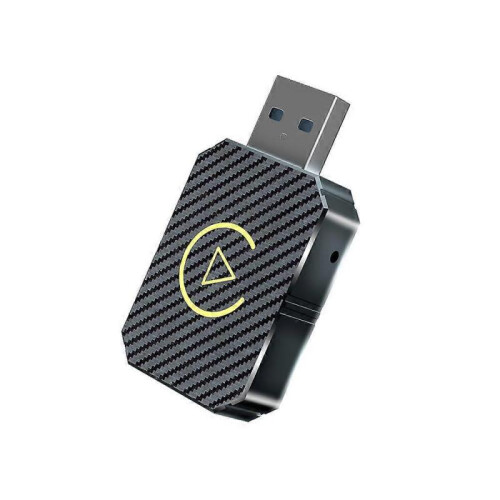
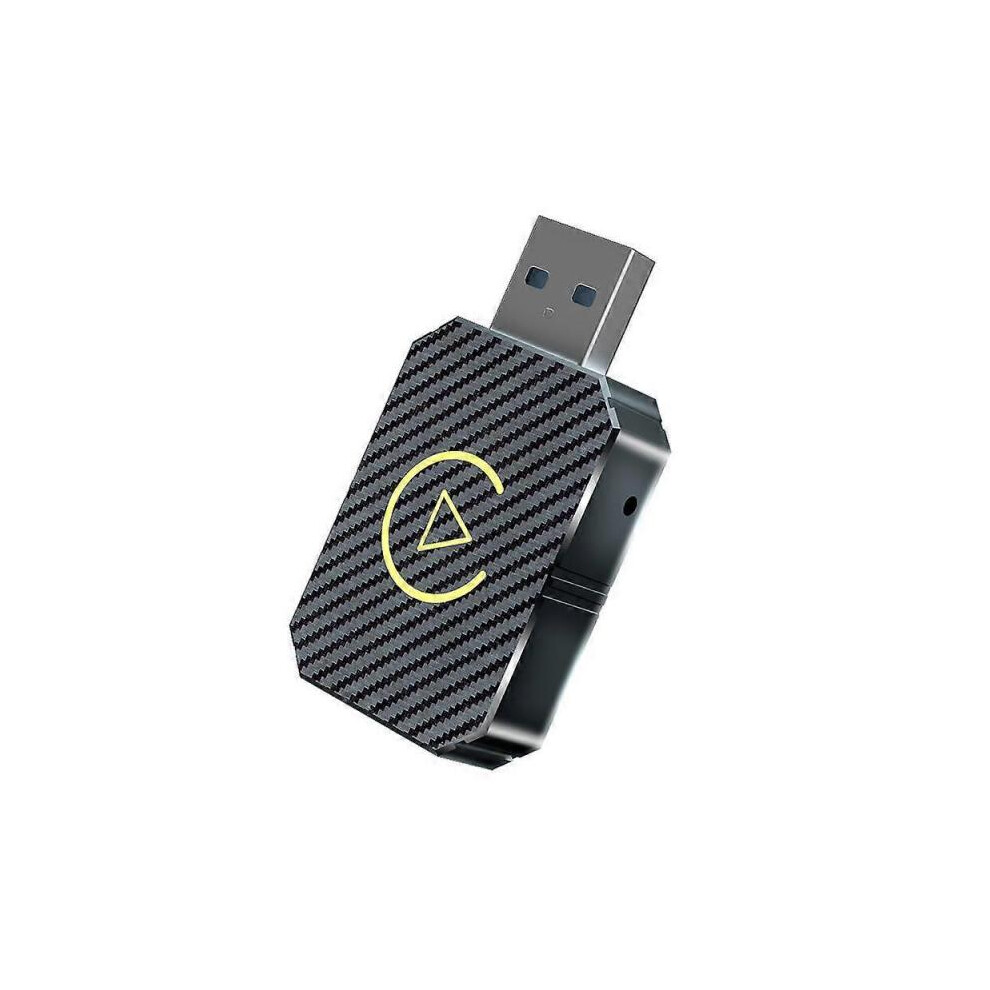
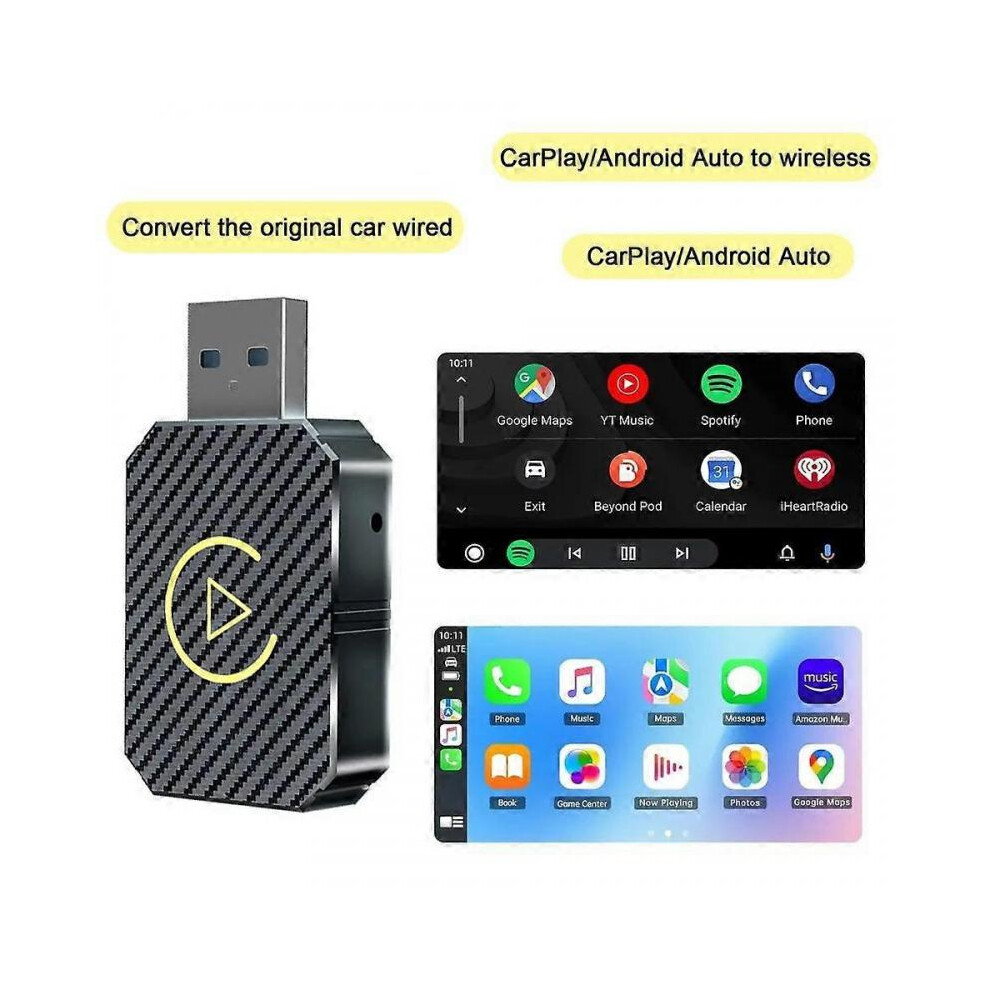
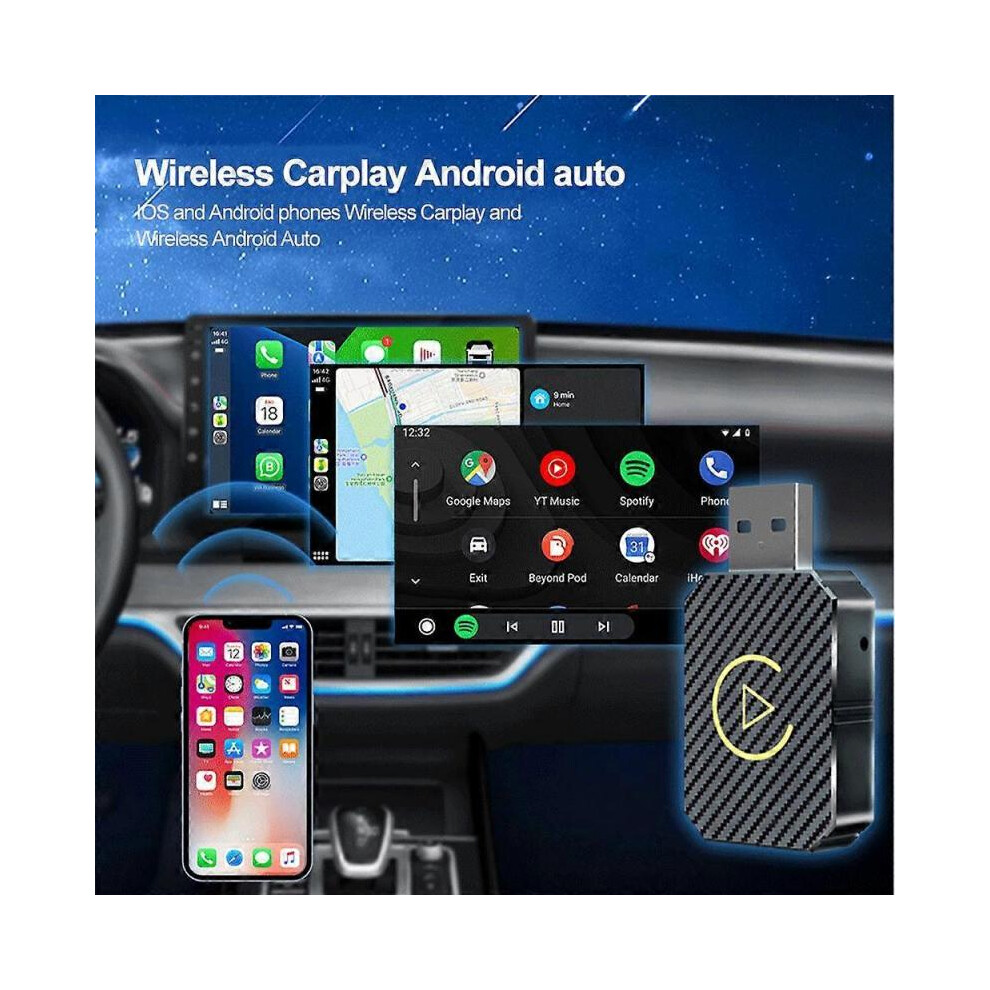
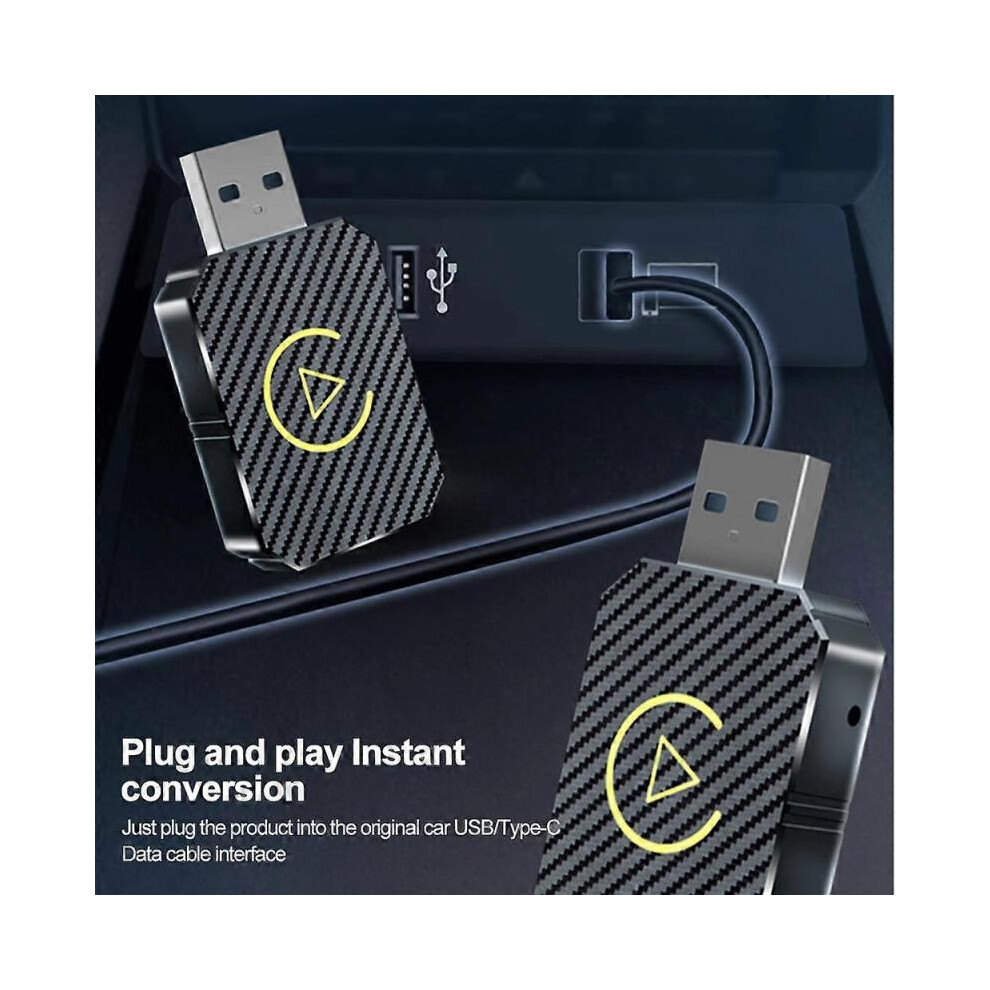
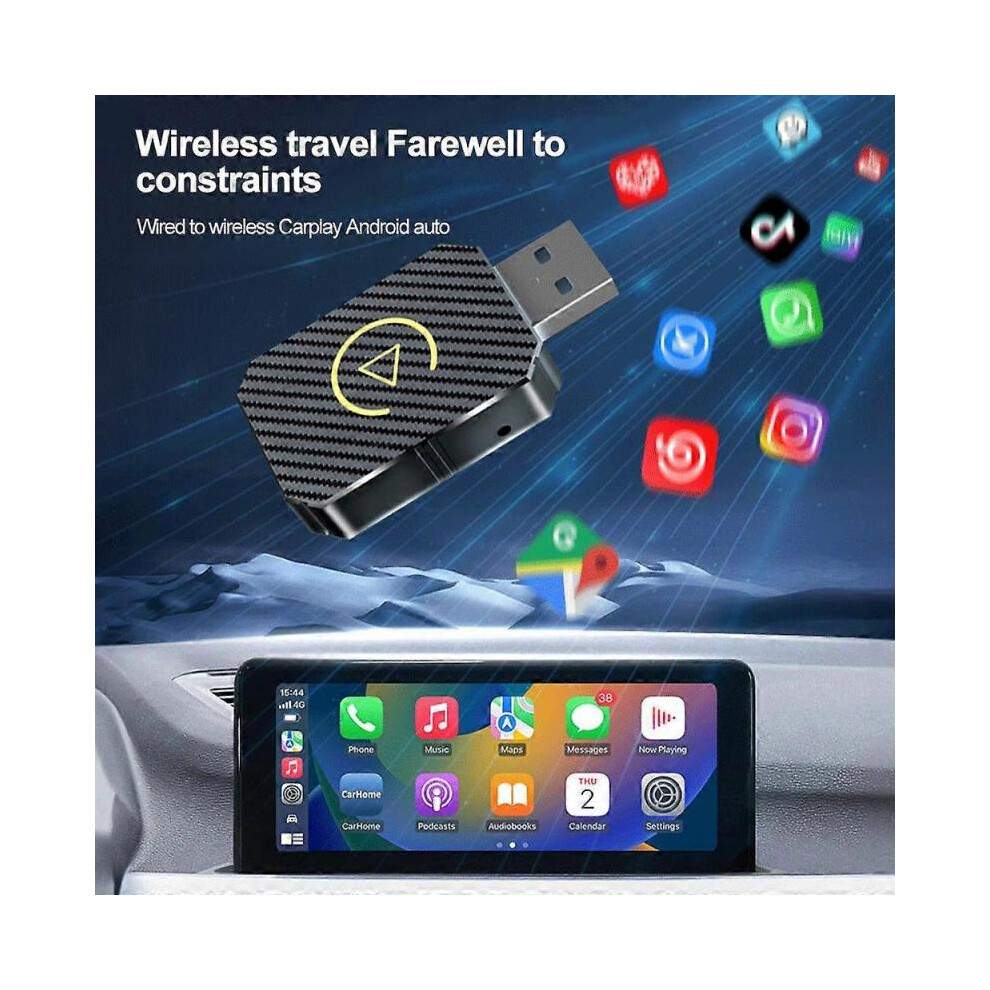
Before purchasing, please make sure you have read the following precautions: Notice 1: This product is suitable for models with the original car with wired CarPlay or with wired Android Auto. If you can not use the CarPlay function with an iPhone or the Android Auto function with an Android phone by data cable, pls do NOT buy, it does NOT fit. Notice 2: 1. Wireless Android Auto: Supports Android phones with Android 11 or higher. 2. Wireless CarPlay: Supports Apple phones with IOS 10 (iPhone 6) or above. 3. Huawei mobile phones are quite special. Huawei devices have their own mobile operating system - EMUI. Unfortunately, our products do not support EMUI. Function: Convert the original car's wired CarPlay/Android Auto to wireless CarPlay/Android Auto. Carplay system auto-connect Wireless CarPlay Original car display adaptive screen Android Auto Specifications: Name: Wireless CarPlay Android Auto box Voltage: 5V Resolution: adaptive screen Connection method: Bluetooth/WiFi Input port: Type-C Voice Control: Intelligent Voice Output port: Type-C/USB How to use: plug and play Compatible with original cars: supports original car MIC buttons, touch screens, etc. Applicable models: The original car supports wired CarPlay and matches the CarPlay protocol Connectivity function: Wireless CarPlay/Android Auto two-in-one Current: 210mA Working temperature: 28 Bracket temperature: -25-8 Packing list: Wireless CarPlay box*1 Instruction manual*1, Type-C data cable*1 Instructions for use: 1. Insert this product into the USB port of the original car, open the iPhone's BT, search for the device name, connect to the smart box xxxx, agree to pairing, and implement the CarPlay function of the product under the prompts and guidance of the phone. 2. Insert this product into the USB port of the original car, open the Bt of the smartphone, search for the device name, connect the smart box xxxx, agree to pairing, and realize the Android Auto function of the product under the prompts and guidance of the smartphone.
Informations
| OPC | PP7SWZT |
|---|---|
| Marque | None |
| Codes | 8404564795112 (EAN) |
| Informations sur le produit et la sécurité |
| Vendeur | Notes | Garantie | Retours | Prix | Livraison | Total | Quantité |
|---|---|---|---|---|---|---|---|
| (74 avis) | - |
30 jours
Retours gratuits Non
|
20,95 €
|
+Free Delivery
Date de livraison estimée :
2-7 déc.
|
20,95 €
|
Gagnez en faisant vos achats avec du Cashback instantané sur tout.
Sans frais, sans engagement
Rejoignez le programme cashback VIP
Un seul achat pour débloquer de meilleures offres et réductions
Vous bénéficiez d’un Cashback instantané sur tout ce que vous achetez chez OnBuy ! Saisissez votre adresse e-mail plus bas et nous vous enverrons une copie de votre panier afin de vous permettre de gagner du temps plus tard.
En saisissant votre adresse e-mail, vous serez automatiquement ajouté(e) à notre base de données, et vous pourrez bénéficier d’offres de Cashback personnalisées ainsi que d’un accès anticipé à nos meilleures offres. Vous pouvez vous désinscrire et ne plus recevoir nos e-mails à tout moment. Nous ne partagerons jamais vos informations avec qui que ce soit. Consultez notre Politique de confidentialité et nos Conditions générales pour en savoir plus.
Vous voulez accéder à des offres personnalisées et aux taux de cashback les plus élevés ? Inscrivez-vous plus bas afin de recevoir notre newsletter.
Vous pouvez vous désinscrire à tout moment. Vos données seront protégées et ne seront pas partagées. Consultez notre Politique de confidentialité et nos Conditions générales pour en savoir plus.
Cette page a expiré.
Actualiser et continuer