
















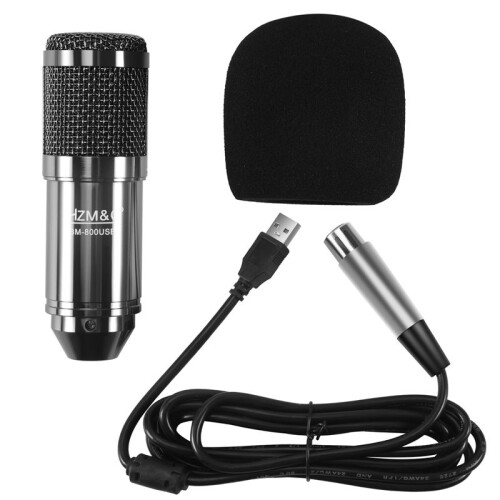
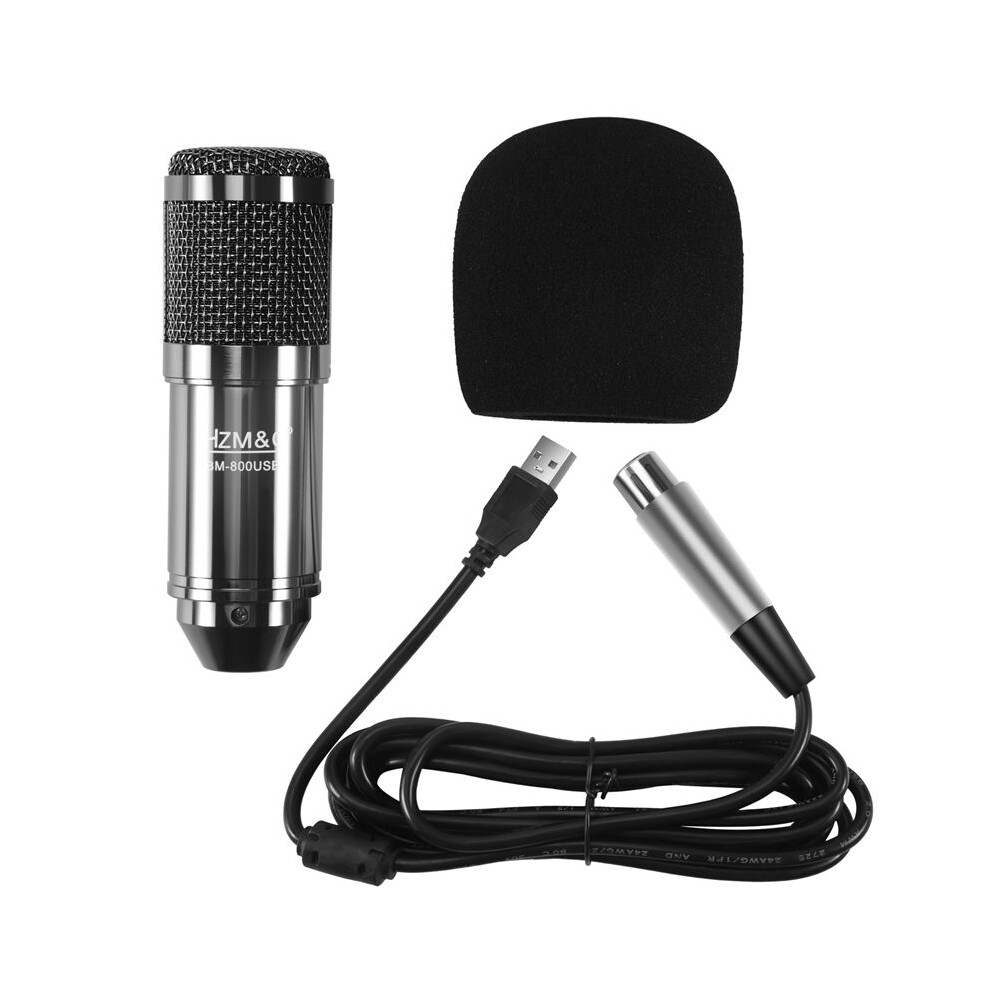
HZM&C Upgraded Bm 800 Usb Condenser Microphone Studio Mic For Computer Recording Karaoke Pc (Black)

Μάρκα Torribaly
Νέο

Σε απόθεμα

Γιατί θα λατρέψεις τις αγορές στην OnBuy :

  • Κέρδισε Επιστροφή Ποσού σε κάθε αγορά – ξόδεψε το άμεσα στην επόμενη παραγγελία σου
  • Δωρεάν παράδοση – σε εκατομμύρια προϊόντα σε όλο το site
  • Οι πελάτες μας λατρεύουν – 134,000 κριτικές με βαθμολογία « Άριστα »

Δες την πλήρη περιγραφή & λεπτομέρειες του προϊόντος

34,28 €
41,99 € Έκπτωση 18%!
ΔΩΡΕΑΝ Παράδοση
1% Τι είναι το άμεσο Cashback; Μάθετε περισσότερα
Προσθήκη στο καλάθι

Οι τιμές για τα είδη που πωλούνται από την OnBuy περιλαμβάνουν ΦΠΑ.

Διαθέσιμες άτοκες επιλογές πληρωμής

Δες την πλήρη περιγραφή & λεπτομέρειες του προϊόντος

Παράδοση: Προτεραιότητα (Δωρεάν) | Πεμ 24 - Σαβ 26 Σεπ

Πωλείται από: JJBRDZ

Επιστροφές: 30 ημέρες

Προστασία πληρωμής 180 ημερών

Προσθήκη στο καλάθι

Μπορεί επίσης να σου αρέσουν

Περιγραφή & Λεπτομέρειες

Περίληψη

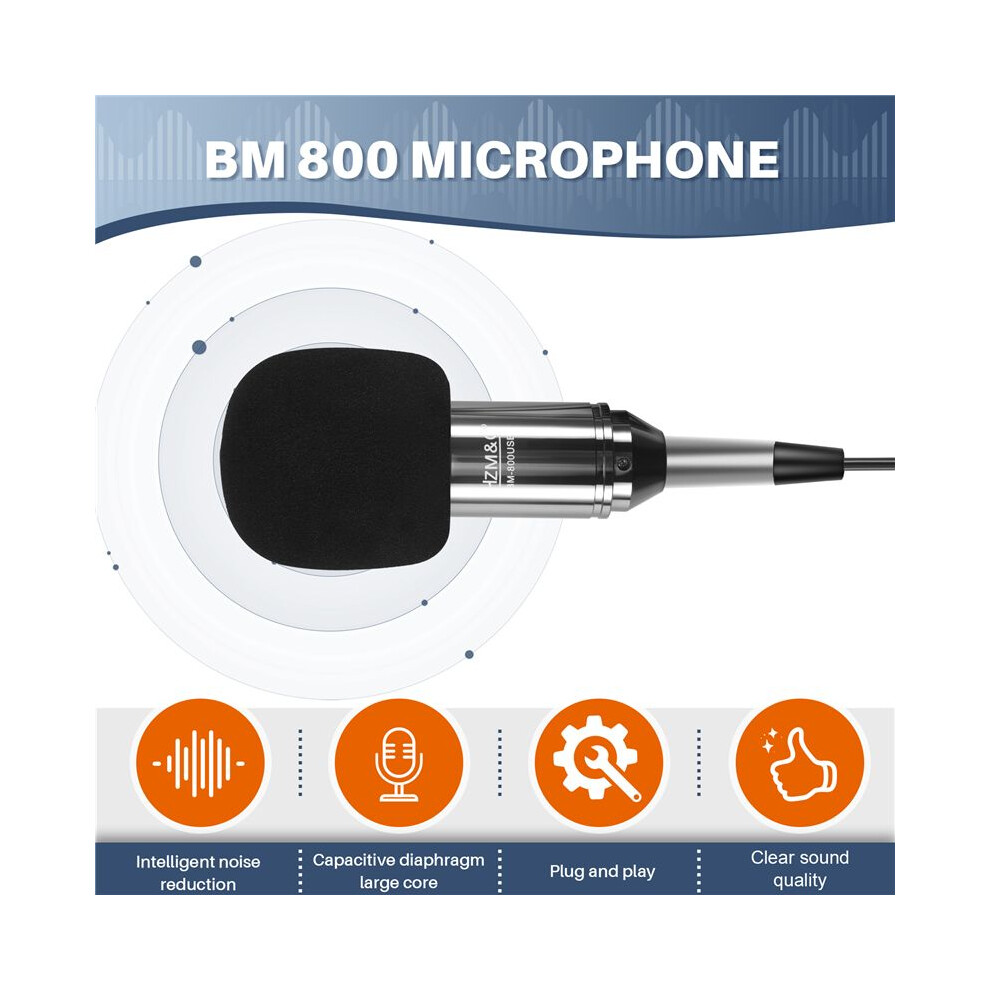
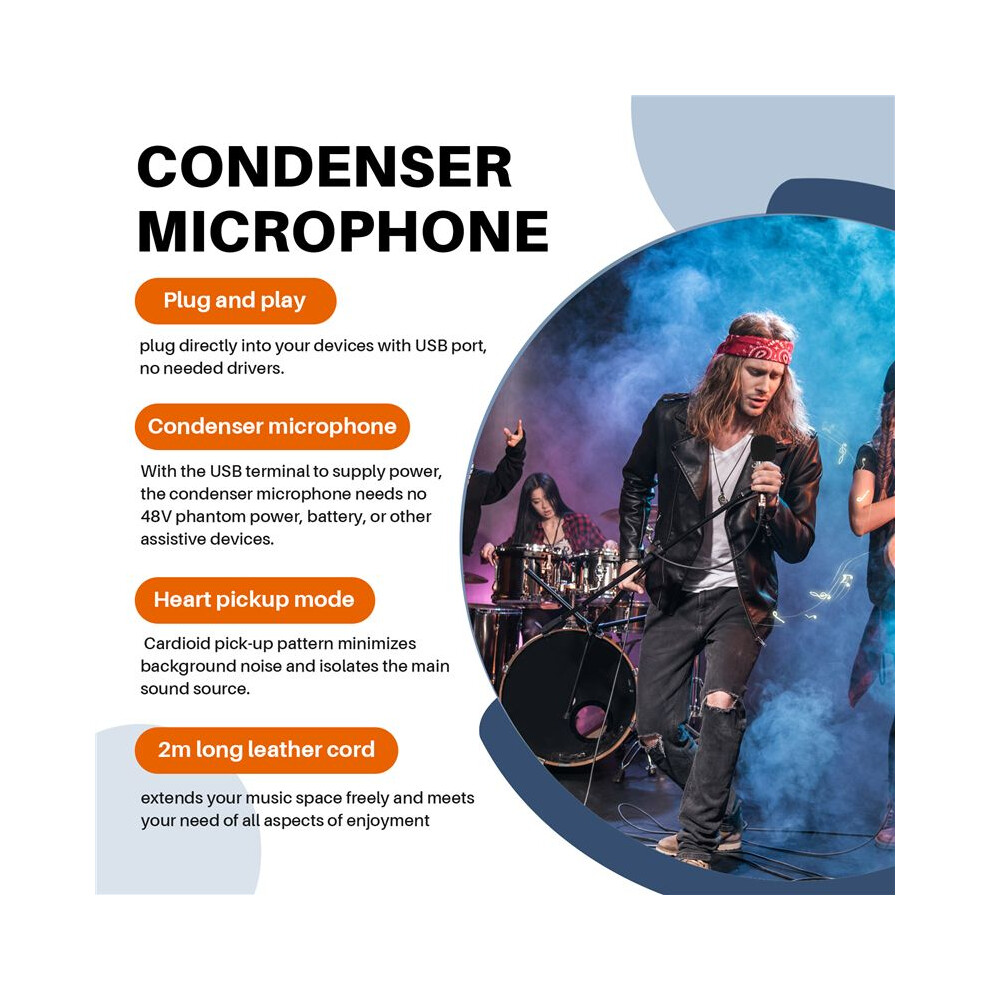
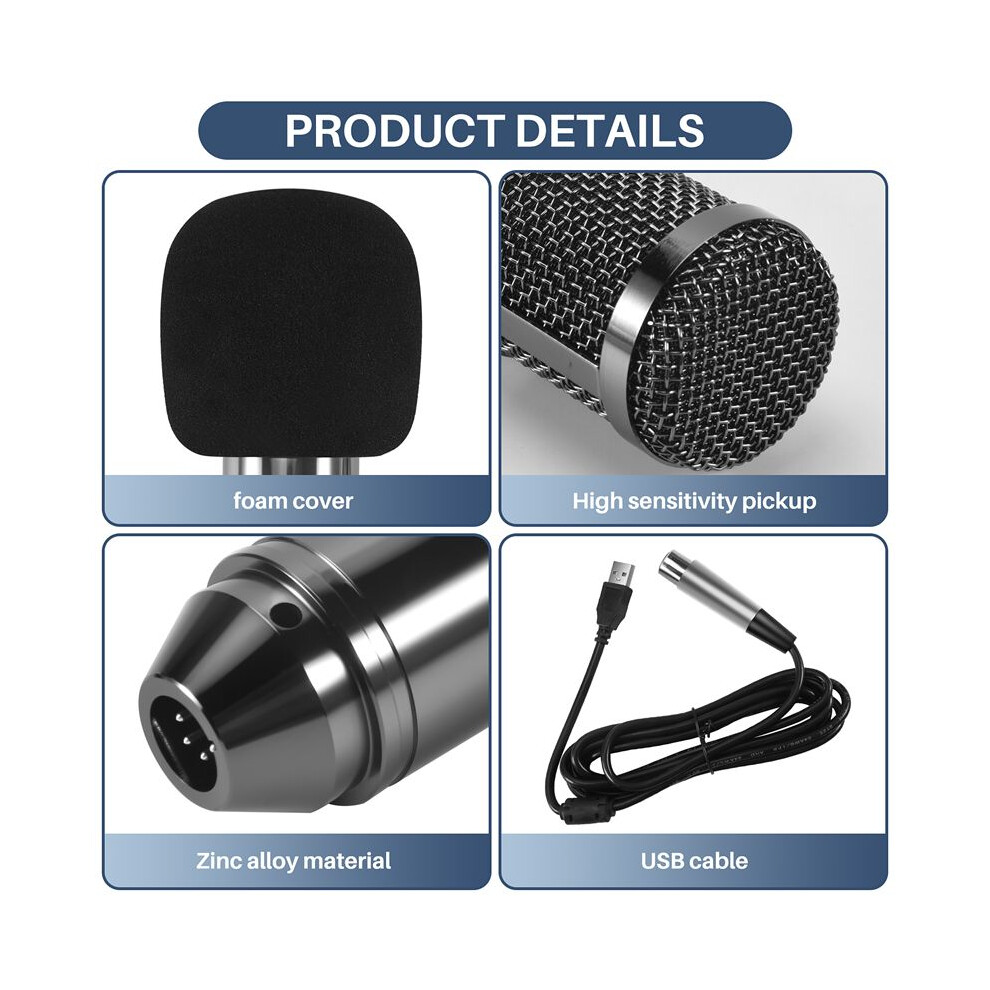
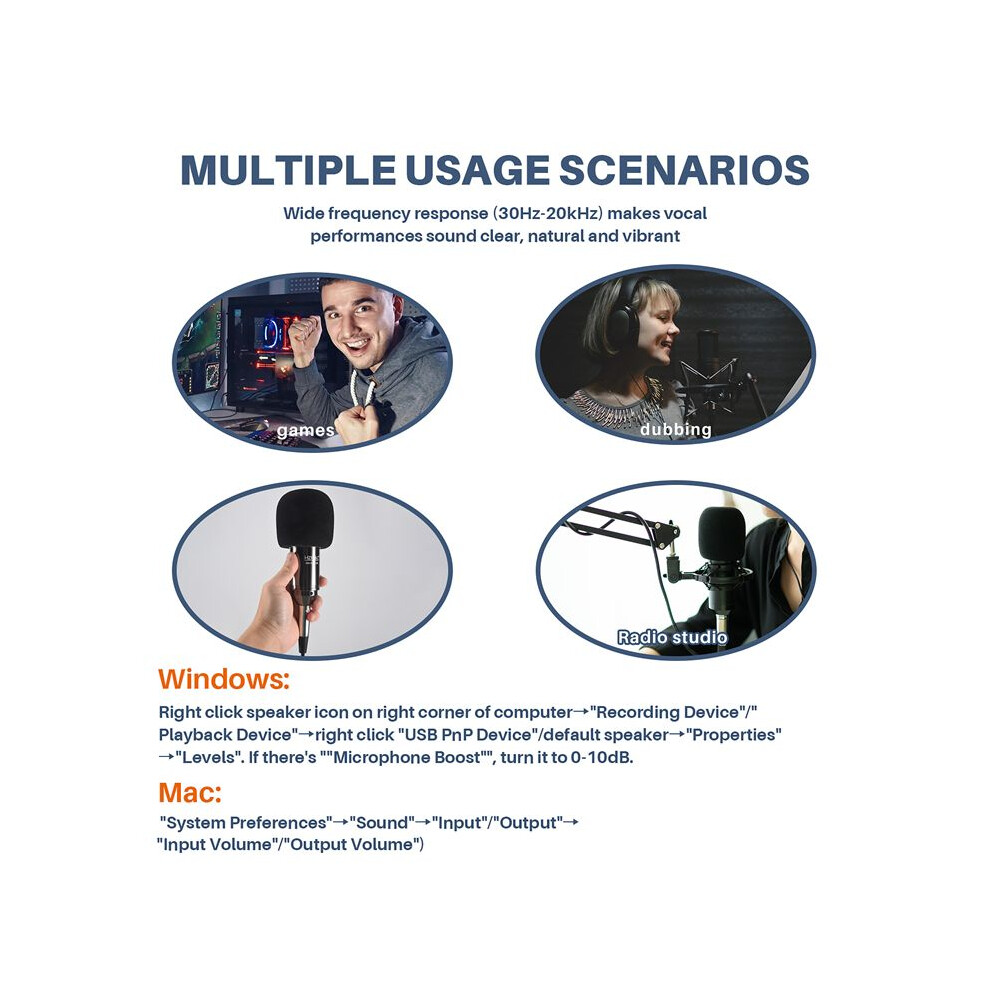
  • Plug and play, plug directly into your devices with USB port, no needed drivers.With the USB terminal to supply power, the condenser microphone needs no 48V phantom power, battery, or other assistive devices.Cardioid pick-up pattern minimizes background noise and isolates the main sound source.2m long leather cord extends your music space freely and meets your need of all aspects of enjoyment.Wide frequency response (30Hz-20kHz) makes vocal performances sound clear, natural and vibrant.
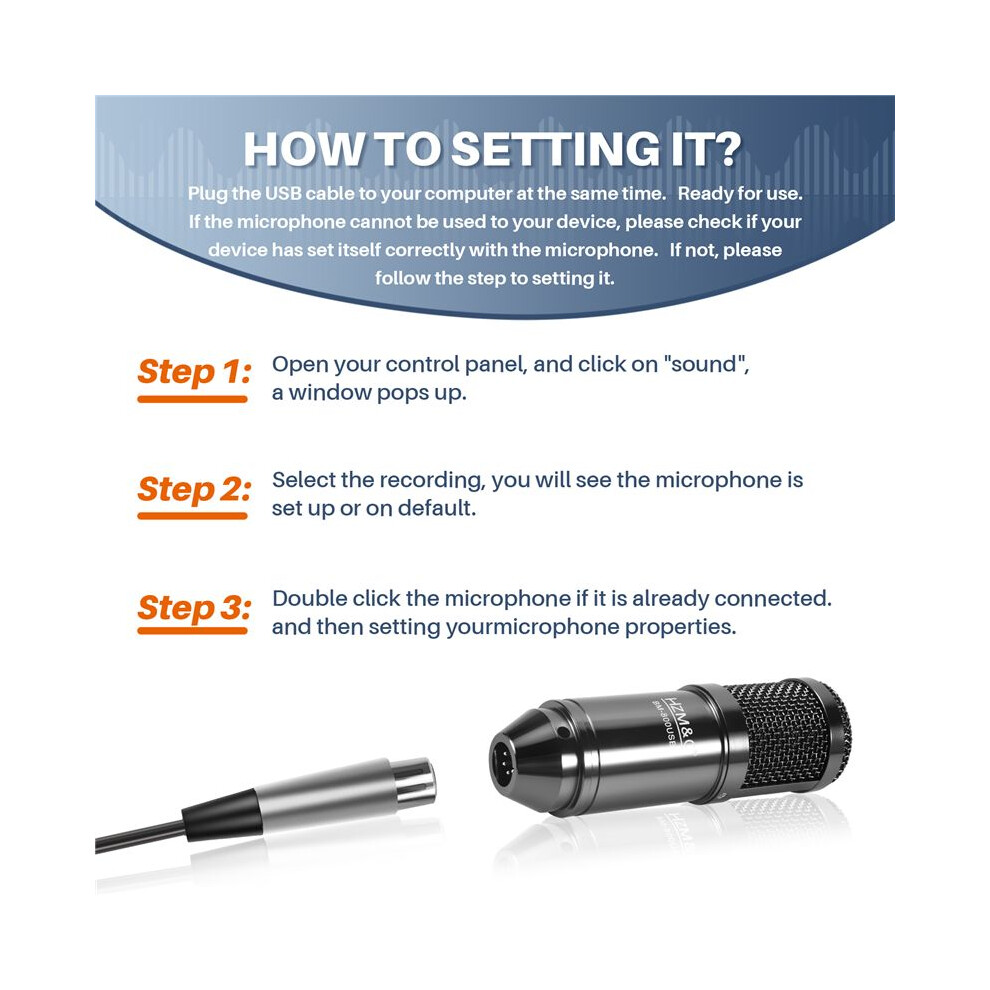
  • How to setting it?Plug the USB cable to your computer at the same time. Ready for use.If the microphone cannot be used to your device, please check if your device has set itself correctly with the microphone. If not, please follow the step to setting it.
  • Step 1: Open your control panel, and click on "sound", a window pops up.Step 2: Select the recording, you will see the microphone is set up or on default.Step 3: Double click the microphone if it is already connected., and then setting yourmicrophone properties.
  • 1.Unplug the USB cable to check whether the pins at the bottom of the mic are loosened.2.Restart computer and re-plug the mic to other USB port.3.If the "USB PnP Audio Device" appears in the sound settings of computer(below are the methods how to get to sound settings), the mic is able to work.(Windows: Right click speaker icon on right corner of computer→"Recording Device"Mac: Click "System Preferences"→"Sound"→"Input")
  • If the mic disconnects itself without warning, what can I do?Answer: There are two reasons for this situation. One is that the poor connection. The other is that the USB cable is broken. If you have tried to replug the USB cable into the mic, and plug the mic to other USB port, then it will be the problem of the cable.

HZM&C Upgraded Bm 800 Usb Condenser Microphone Studio Mic For Computer Recording Karaoke Pc (Black) Περιγραφή

Plug and , plug directly into your devices with USB port, no needed drivers.With the USB terminal to supply power, the condenser microphone needs no 48V phantom power, battery, or other assistive devices.Cardioid pick- pattern minimizes background noise and isolates the main sound source.2m long leather cord extends your music space freely and meets your need of all aspects of enjoyment.Wide frequency response (30Hz-20kHz) makes vocal performances sound clear, natural and vibrant.
How to setting it?Plug the USB cable to your computer at the same . Ready for use.If the microphone cannot be used to your device, please check if your device has set itself correctly with the microphone. If not, please follow the step to setting it.
Step 1: Open your control panel, and click "sound", a window pops .Step 2: Select the recording, you will see the microphone is set or default.Step 3: Double click the microphone if it is already connected., and then setting yourmicrophone properties.
1.Unplug the USB cable to check whether the pins at the bottom of the mic are loosened.2.Restart computer and re-plug the mic to other USB port.3.If the "USB PnP Audio Device" appears in the sound settings of computer(below are the methods how to get to sound settings), the mic is able to work.(Windows: Right click speaker icon right corner of computer"Recording Device": Click "System Preferences""Sound""Input")
If the mic disconnects itself without warning, what can I do?Answer: There are two reasons for this situation. One is that the poor connection. The other is that the USB cable is broken. If you have tried to replug the USB cable into the mic, and plug the mic to other USB port, then it will be the problem of the cable.
If the mic has hissing what can I do?
1.Re-plug the USB cable into the microphone. If the cable gets loose, noise

Λεπτομέρειες

OPC PWSSF59
Μάρκα
Torribaly
Κωδικοί 6031419652645 (EAN)
Πληροφορίες προϊόντος και ασφάλειας

Εικόνες προϊόντος

HZM&C Upgraded Bm 800 Usb Condenser Microphone Studio Mic For Computer Recording Karaoke Pc (Black) 1
HZM&C Upgraded Bm 800 Usb Condenser Microphone Studio Mic For Computer Recording Karaoke Pc (Black) 2
HZM&C Upgraded Bm 800 Usb Condenser Microphone Studio Mic For Computer Recording Karaoke Pc (Black)

Στοιχεία Προϊόντος

Height7cm
Width15cm
Length20cm
Weight0.4445kg
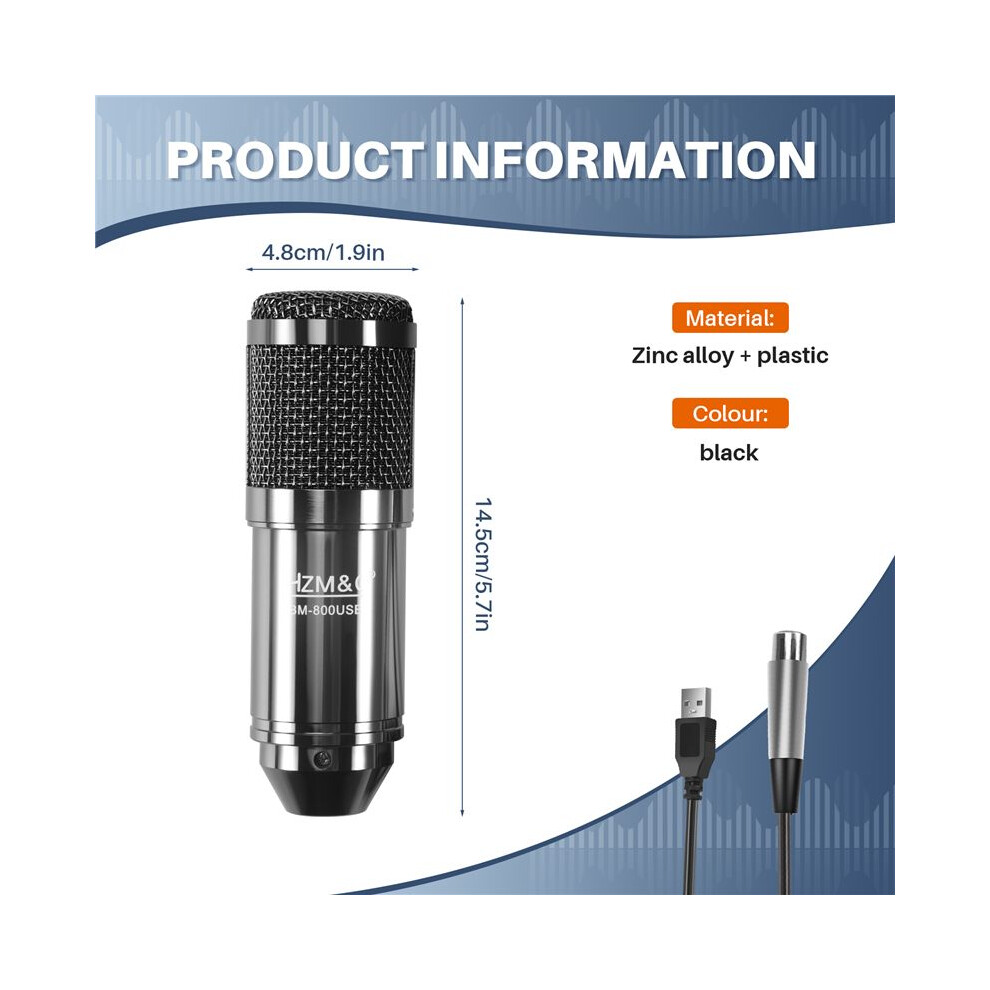
Colourblack
MaterialZinc alloy + plastic

Σύγκρινε Πωλητές για HZM&C Upgraded Bm 800 Usb Condenser Microphone Studio Mic For Computer Recording Karaoke Pc (Black)

  • Νέο από 34,28 €
Πωλητής Αξιολογήσεις Εγγύηση Επιστροφές Τιμή Παράδοση Σύνολο Ποσότητα
Αποστολή από: China
(447 αξιολογήσεις)
-
30 ημέρες
Δωρεάν επιστροφές Όχι
34,28 €
+Free Priority Delivery
Εκτ. Παράδοση: 24-26 Σεπ
34,28 €
Προσθήκη στο καλάθι

Κέρδισε καθώς ψωνίζεις με άμεσο Cashback σε όλα.

Χωρίς παγίδες, χωρίς κόστος

  • Καταβάλλεται στον λογαριασμό σας στο OnBuy
  • Ξόδεψέ το στην επόμενη αγορά σου
  • Αποθήκευσέ τα ή κάνε ανάληψη

Γίνετε Cashback VIP

Μόνο 1 αγορά ξεκλειδώνει μεγαλύτερες προσφορές και καλύτερα ποσοστά

Πόροι ασφάλειας και προϊόντος

Εικόνες και έγγραφα ασφάλειας

Λυπούμαστε, αυτή η πληροφορία δεν είναι διαθέσιμη αυτή τη στιγμή. Συνεργαζόμαστε με τον πωλητή για να ενημερώσουμε αυτήν την ενότητα το συντομότερο δυνατό, οπότε δοκιμάστε ξανά αργότερα.

Πληροφορίες κατασκευαστή

Πληροφορίες σχετικά με τον κατασκευαστή του προϊόντος.

Σημείωση: Αυτά δεν είναι τα στοιχεία επικοινωνίας του λιανοπωλητή, επομένως μην επιστρέψετε προϊόντα σε αυτήν τη διεύθυνση.

shen zhen shi jia er bei dian zi ke ji you xian gong si

shen zhen shi fu tian qu sha tou jie dao tian an she qu tai ran wu lu 10hao tian an shu ma cheng tian ji da sha si ceng 4C2-B7 fu tian qu tian an she qu
Κίνα

[email protected]

Υπεύθυνο πρόσωπο στην ΕΕ

Λυπούμαστε, αυτή η πληροφορία δεν είναι διαθέσιμη αυτή τη στιγμή. Συνεργαζόμαστε με τον πωλητή για να ενημερώσουμε αυτήν την ενότητα το συντομότερο δυνατό, οπότε δοκιμάστε ξανά αργότερα.

Περίμενε! Ξέχασες
κάτι πίσω...

Μόνο στην OnBuy θα λάβεις άμεσα Επιστροφή Ποσού! Εισήγαγε το email σου παρακάτω και θα σου στείλουμε ένα αντίγραφο του καλαθιού σου για να εξοικονομήσεις χρόνο αργότερα.

Με την εισαγωγή της διεύθυνσης email σας, θα προστεθείς αυτόματα στη βάση δεδομένων μας, όπου θα μπορείς να απολαμβάνεις εξατομικευμένες προσφορές Επιστροφής Ποσού και πρώιμη πρόσβαση στις καλύτερες προσφορές μας. Μπορείς να διαγραφείς από τα email μας οποιαδήποτε στιγμή και δεν θα μοιραστούμε ποτέ τα στοιχεία σου με κανέναν. Δες την Πολιτική Απορρήτου και τους Όρους & Προϋποθέσεις μας για να μάθεις περισσότερα.

Πριν φύγεις...
Θυμίσου, θα λάβεις άμεσα Επιστροφή Ποσού σε όλα στην OnBuy!

Θέλεις να έχεις πρόσβαση σε εξατομικευμένες προσφορές και τα υψηλότερα ποσοστά Επιστροφής Ποσού; Κάνε εγγραφή στα email μας παρακάτω.

Μπορείς να διαγραφείς από τα email μας οποιαδήποτε στιγμή και δεν θα μοιραστούμε ποτέ τα στοιχεία σου με κανέναν. Δες την Πολιτική Απορρήτου και τους Όρους & Προϋποθέσεις για να μάθεις περισσότερα.

Αυτή η σελίδα έχει λήξει.

Παρακαλούμε ανανέωσε τη σελίδα για να συνεχίσεις τις αγορές σου.

Ανανέωσε και συνέχισε