





















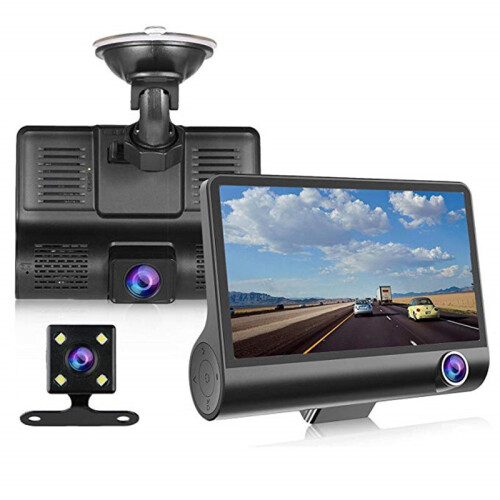
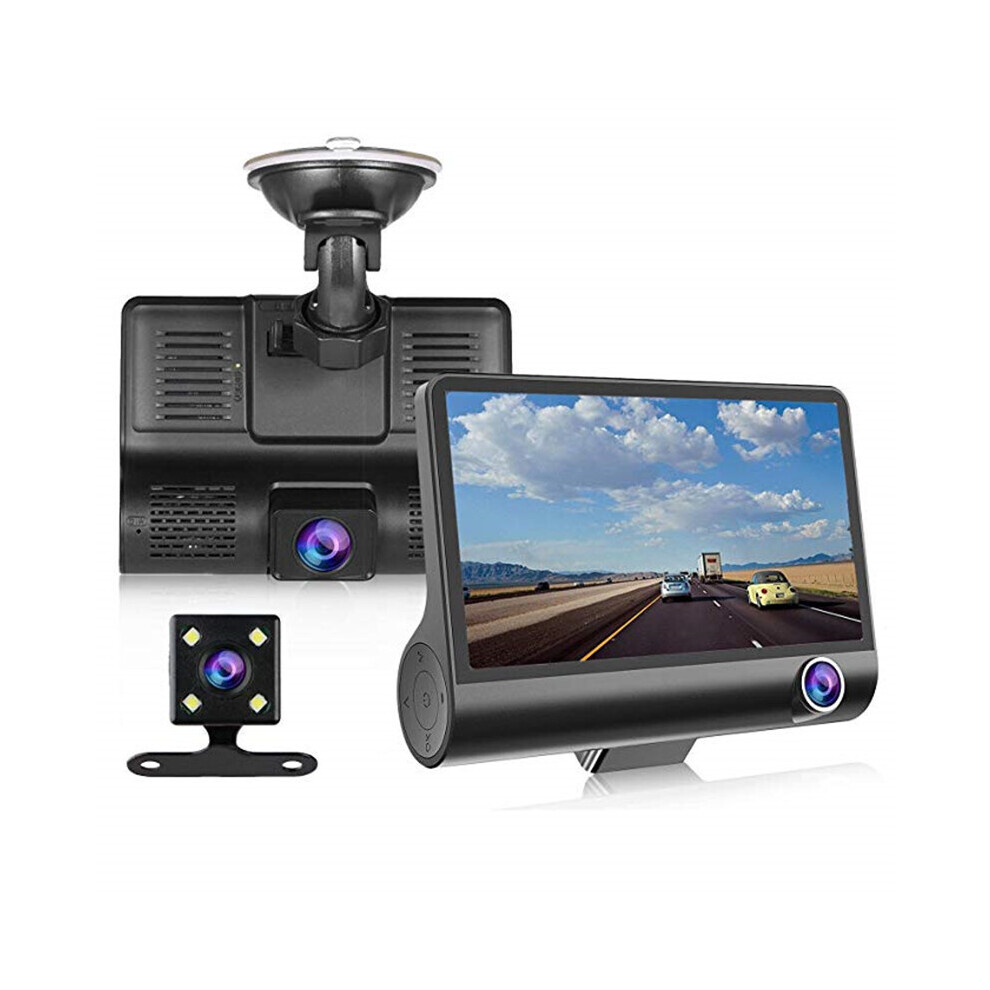
Driving Recorder Three-lens HD Reversing Video Gravity Sensor Car
In stock
Smart shoppers OnBuy it!
- Earn Cashback on every purchase – spend it instantly on your next order
- Free delivery – on millions of items across the site
- Customers love us – 136,000 Trustpilot reviews and an 'Excellent' rating
All prices include VAT.
Interest-free payment options available


See full product description & details
Delivery: Standard (€3.00) | Sat 31st Oct - Fri 6th Nov
Sold by: SUBUENAELECCION
Returns: 30 days
180-day payment protection
You might also like
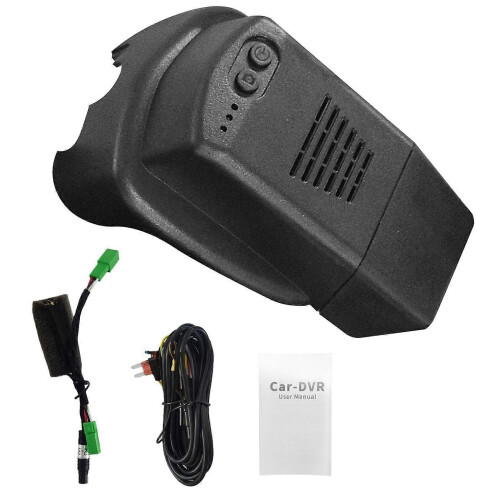

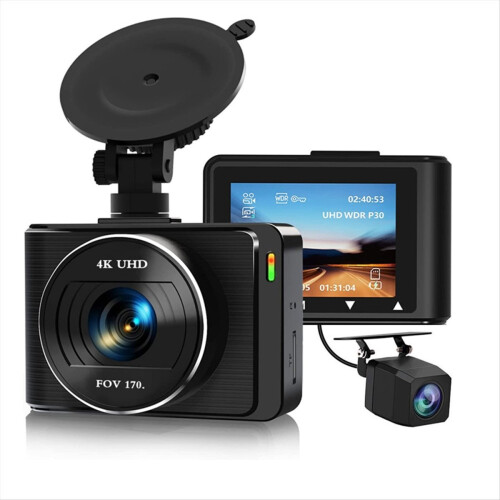


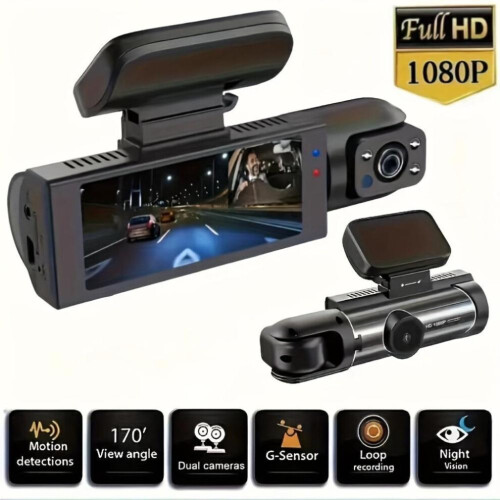
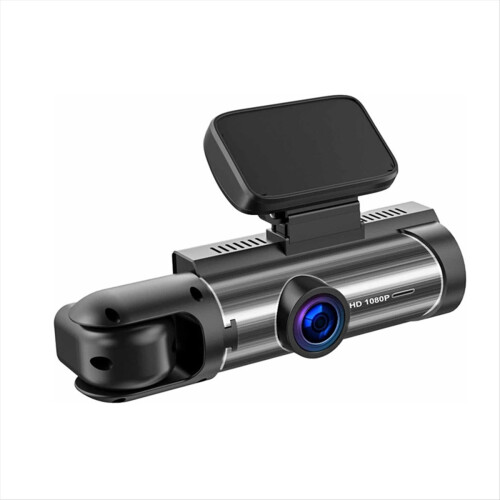

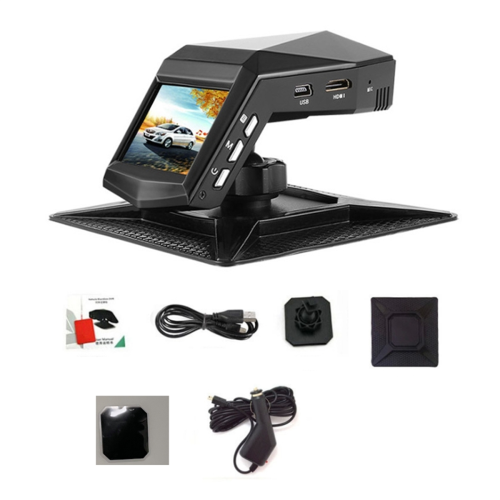
Driving Recorder Three-lens HD Reversing Video Gravity Sensor Car Description
Description: DDR: Built-in 64M FLASH: 8M SPI norflash Display: 4.0 inch IPS HD screen Resolution: 800X480 pixels External port: MINI USB 5V/2A power interface Maximum support 32G Class10 TF card 2.5mm three-section digital camera interface Speaker: 8 ohm 1 watt mono 15*10mm speaker MIC: 4015 standard omnidirectional microphone Features 1. Use the automatic recording function Start the car engine, the recorder will automatically start and turn on the recording function. Turn off the car engine, the recorder will automatically save the recorded content and shut down, and the recorded images will be saved on the TF card in sections. When the TF card is full, the recorder will give priority to overwriting the earliest recorded image. 【note】 a. The recording time period can be set in the menu by itself, and the range is 4 levels off and 1/2/3 minutes. b. Recorder videos are saved in the DCIMA and DCIMB folders in the TF card (if there is an in-car camera or a rear-view camera). 2. Use the camera function In the power-on state, short press the [OK] button to stop recording, short press [M] to enter the photo mode, and short press the OK button to take a photo. If you need to switch back to the video mode, short press the 【M】key several times. 3. Use motion detection function (motion detection) In the standby state, enter the menu interface to open the motion detection mode. When the lens senses that there are moving objects in the surrounding area, the machine enters the camera state, and the system stops recording after 30 seconds. To exit the motion detection mode, turn off the motion detection function in the menu interface. 4. Gravity sensing function This machine has a built-in gravity sensor (G-sensor). In the event of a serious vehicle collision, the recorder will lock the image data of the first 5 seconds and 10 seconds after the accident, and the lock icon will be displayed on the top of the screen; the locked image Will be saved as a special file, this file will not be overwritten by the loop. [Prompt] The gravity sensor (G-sensor) supports sensitivity adjustment. You can change the settings in the setting menu according to actual needs. 5. One key lock function This machine has a one-key lock function, which can lock the images that need to be retained without being overwritten by loops. In the video mode, short press【M】key, the recorder will lock the current video image. 6. Date and time setting When recording, long press [M] key to enter the menu setting, find the date/time menu, short press the OK key to enter, press the [OK] key to save after the setting is correct, and finally short press the [M] key to exit the menu setting. [Note] In order to effectively record and obtain evidence, please set the correct date and time immediately before using this machine. 7. File playback Press【OK】key to play back in playback mode. To exit the playback mode, short press the [M] key again. 8. Reversing visual function (rear view camera is an optional accessory) First, the car charger must be connected to the recorder, and the black and red wires on the pull-wire camera must be connected to the reversing lights. When the car charger is plugged in, the machine will automatically start the video recording state. In the video mode, the screen will automatically switch to the rear view lens by switching the R gear to display the reverse image. The machine will automatically return to the video mode after the reversing is visible. Reminder: Please test that the rear view camera is normal before installing it. 9. Parking monitoring mode (realize unattended surveillance video) To achieve this function, you must turn on the motion detection and parking monitoring functions in the main menu when the machine is connected to the normal power. When the vehicle is shaken or there is an object moving in front of the vehicle in the standby state, the recorder can be based on the gravity sensor module G-SENSOR To sense, automatically start the machine and automatically lock the recording for 30 seconds, and automatically save the recording file, and automatically shut down if there is no operation within 5 seconds after recording for 30 seconds. [Note] This function is only used when parking, please turn off the motion detection and parking monitoring functions during normal driving.
Details
| OPC | PG7QPQN |
|---|---|
| Codes | 4853222499550 (EAN) |
| Product and Safety Information |
Compare Sellers for Driving Recorder Three-lens HD Reversing Video Gravity Sensor Car
- New from €61.55
| Seller | Ratings | Warranty | Returns | Price | Delivery | Total | Quantity |
|---|---|---|---|---|---|---|---|
|
Dispatched from:

|
(6.1k reviews) | - |
30 Days
Free Returns No
|
€58.55
|
+€3.00 Delivery
Est. Delivery:
31st Oct - 6th Nov
|
€61.55
|
Earn as you shop with instant Cashback on everything.
No catch, no cost
- Paid into your OnBuy account
- Spend it on your next purchase
- Save it or withdraw it
Become a Cashback VIP
Just 1 purchase unlocks bigger deals & rates