





















Product Images

In stock
Smart shoppers OnBuy it!
All prices include VAT.
Interest-free payment options available


See full product description & details
Delivery: Standard (€3.90) | Mon 5th - Sat 10th Oct
Sold by: You YiBai
Returns: 30 days
180-day payment protection
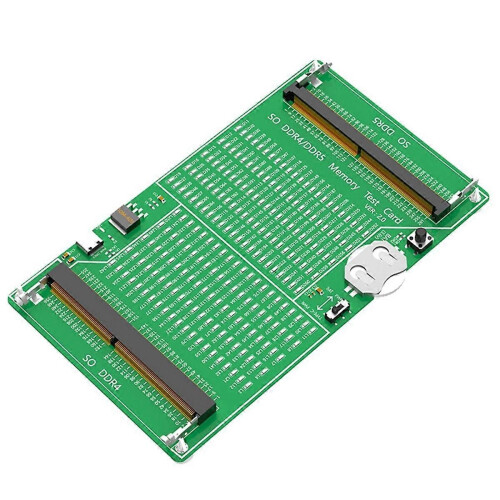
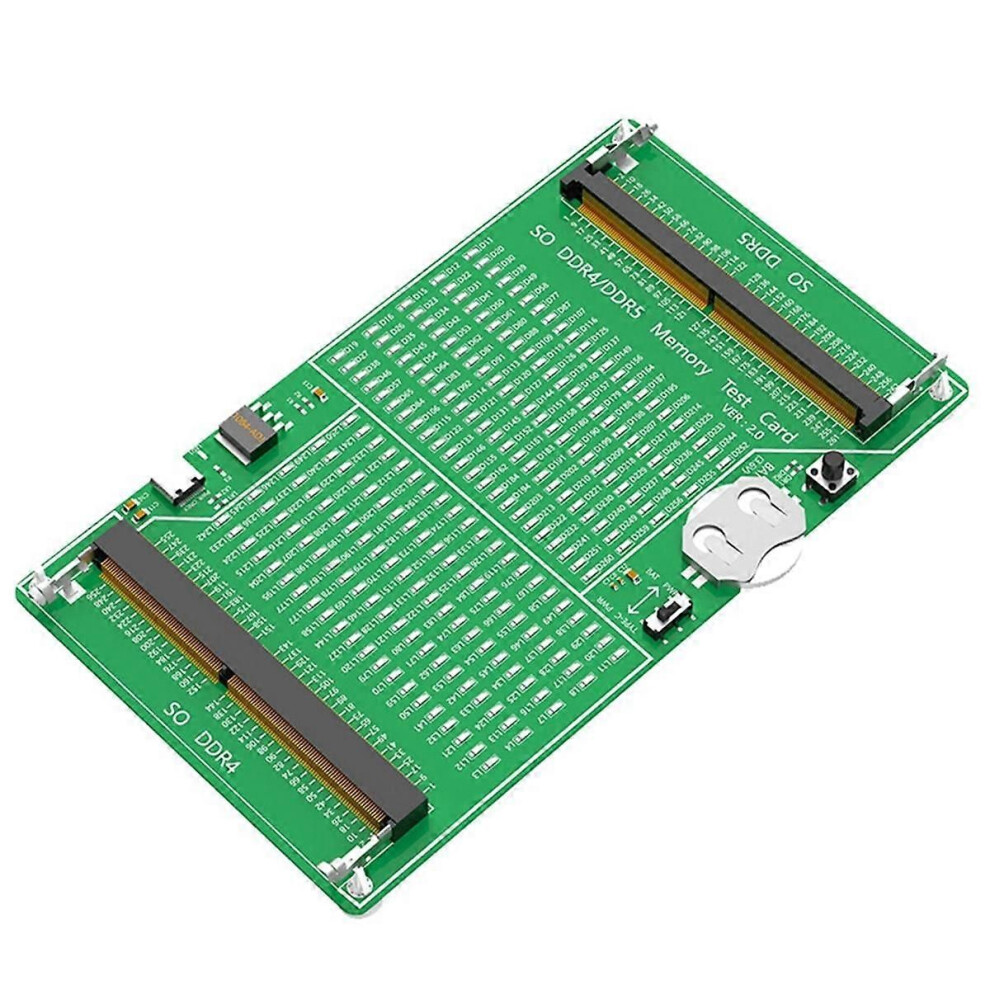
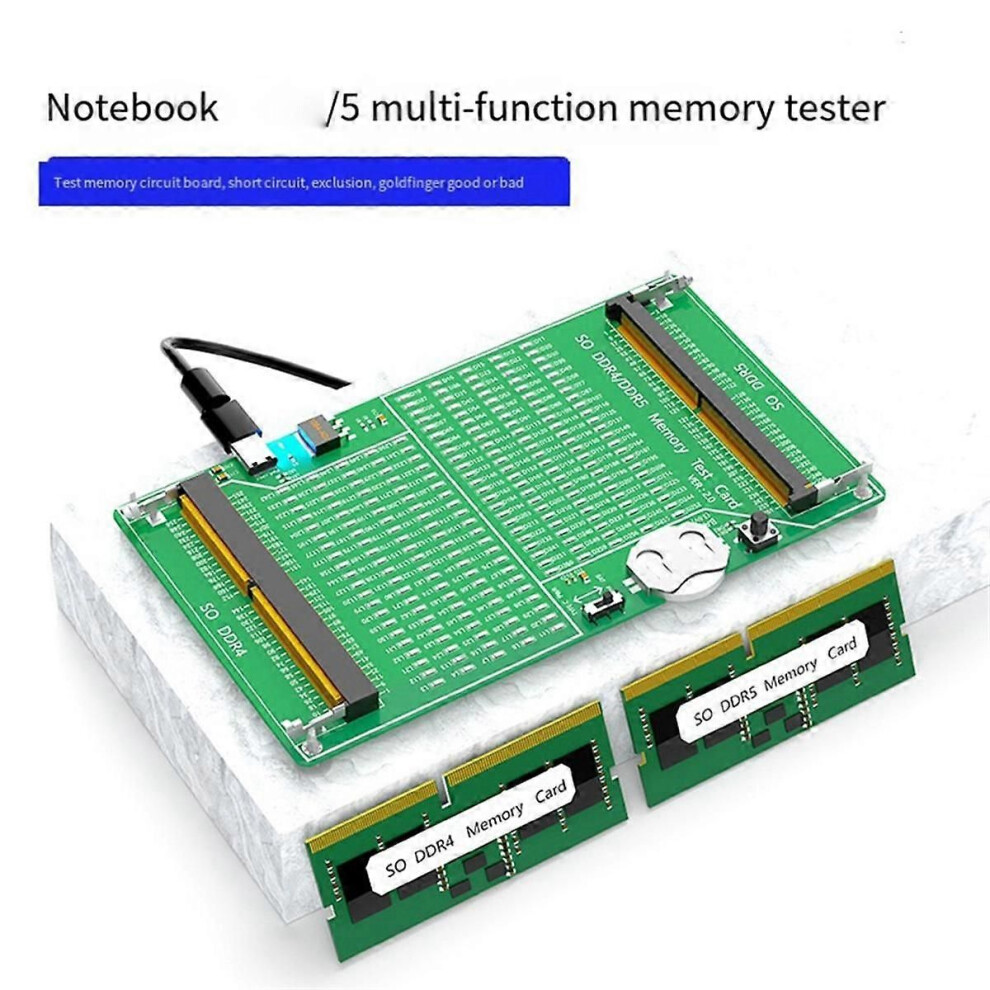
Laptop Memory Tester DDR4/DDR5 2-In-1 Memory Tester with Light Multifunctional Portable Memory Test
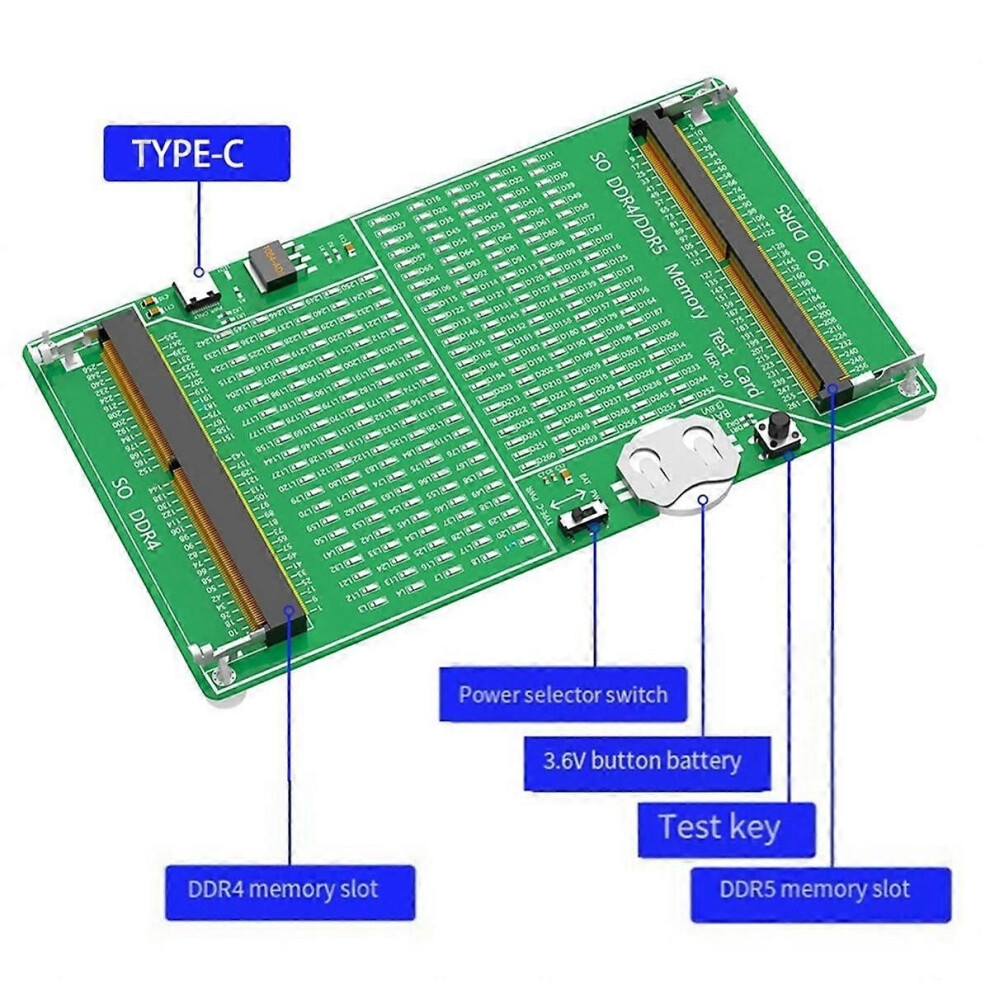
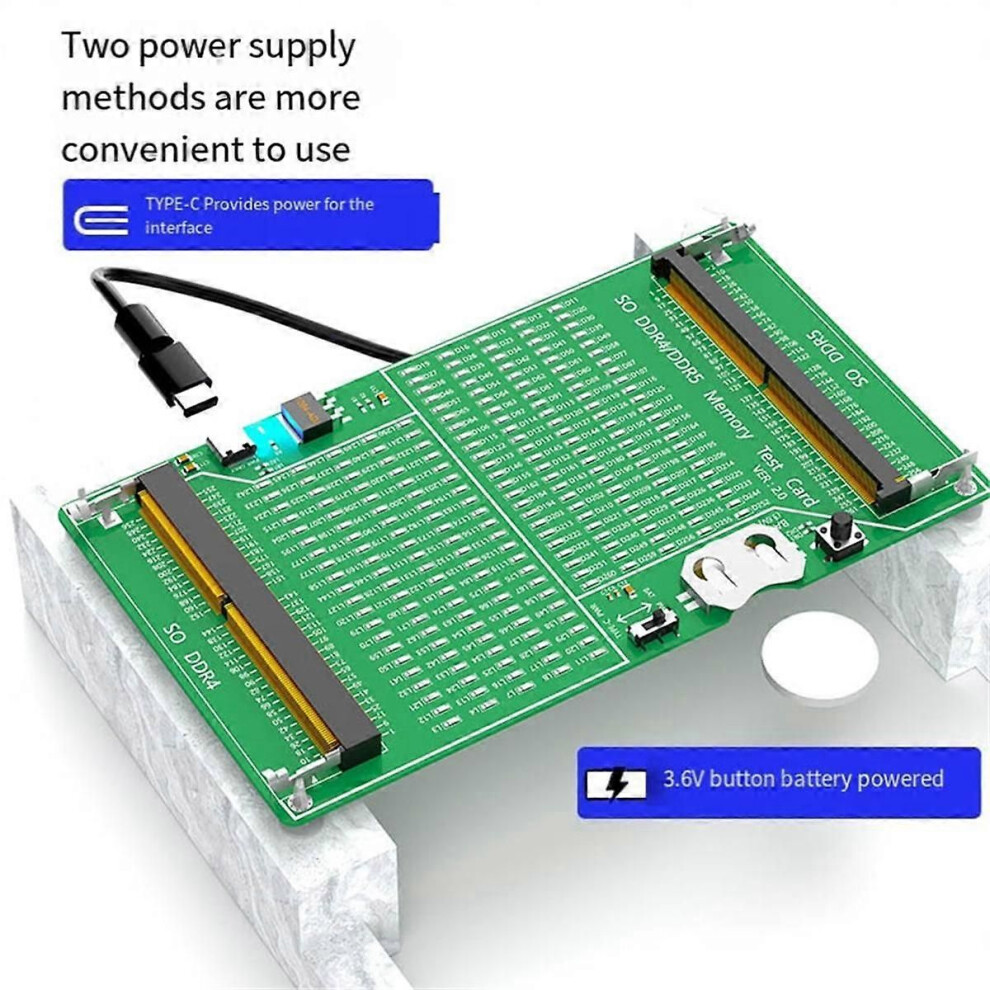
Laptop DDR4/5 Multi-Function Memory Tester, Test Memory Circuit Board, Short Circuit, Exclusion, Gold Finger QualityTwo Power Supply Methods, More Convenient To Use, Type-C Interface Power Supply, 3.6V Button Battery Power SupplyFor Troubleshooting, Press The Test Switch. If All The Indicators Are On And The Brightness Is Consistent, It Means There Is No Fault In The Hardware Of The Memory Module.If The Indicator Light Flashes, It Means The Gold Finger Has Poor Contact. If The Indicator Light Does Not , It Means There Is An Open Circuit Fault. Check Whether The Gold Finger Is Dirty, The Resistor Is Damaged Or The Circuit Is Open. According To The Pin Number Of The Indicator Light, Use A Multimeter To Find The Fault Point.If One Or More Indicator Lights Are Particularly Bright, It Indicates A Short Circuit Fault.Notebook Ddr4/Ddr5 Memory Test Steps:1. Take Out The Cr2032 Button Battery From The Accessory Bag And Install It Horizontally On The Button Battery Holder Of The Test Card. Pay Attention To The Silk Screen Side Of The Battery Facing Up (Must Not Install It Backwards)2. According To The Specifications And Models Of The Memory Module (The Position Of The U-Shaped In The Middle Of The Gold Finger Of Ddr4/Ddr5 Is Different), Insert The Memory Module At An Angle Of 45 Degrees Into The Black Slot, Insert It All The Way And Press Down So That The Silver Metal Ear Buckle Blocks The Memory. Strip3. Select The Voltage Switch Position, One Side Is Powered By Cr2032 Button Battery, And The Other Side Is Powered By Type-C External Power Supply (Need To Connect Type-C Data Cable)4. Then Press And Hold The Black Button (Test Sw) On The Test Card. If The Memory Module Is A Good Product, The Led Lights On The Test Card Will All . If The Memory Module Is A Defective Product, The Corresponding Led Will Not Light Up. Follow The Screen Printing Of The Led That Does Not . The Location Number Can Be Used To Find The Bad Location Of The Gold Finger Of The Memory Stick.5. When The Test Is Completed, Release The Black Button, Open The Silver Metal Buckle Of The Memory Slot With Both Hands Outward At The Same Time, And Pull Out The Memory Module At An Angle Of 45 Degrees.Note:Different Batches May Have Differences In Product Appearance, Color, And Printed Characters, Which Will Not Affect The UseColour:As ShownMaterial:PCB+MetalPackage Contents:1 x Laptop Memory TesterOnly the above package content, other products are not included.Note: Light reflection and different displays may cause the color of the item in the picture a little different from the real thing. The measurement allowed error is +/- 1-3cm.
Details
| OPC | PTHJ5HZ |
|---|---|
| Brand | unbrand |
| Codes | 9409192013583 (EAN) |
| Product and Safety Information |
| Seller | Ratings | Warranty | Returns | Price | Delivery | Total | Quantity |
|---|---|---|---|---|---|---|---|
|
Dispatched from:

|
(62 reviews) | 1 month |
30 Days
Free Returns No
|
€33.95
|
+€3.90 Delivery
Est. Delivery:
5th-10th Oct
|
€37.85
|
Earn as you shop with instant Cashback on everything.
No catch, no cost
Become a Cashback VIP
Just 1 purchase unlocks bigger deals & rates
You'll only get instant Cashback at OnBuy! Enter your email below and we'll send you a copy of your basket to save you time later.
By entering your email address, you'll automatically be added to our database, where you can enjoy personalised Cashback offers and early access to our best deals. You can opt out of our emails at any time and we'll never share your details with anyone. Check our Privacy Policy and T&Cs to find out more.
Want access to personalised offers and the highest Cashback rates? Sign up to our emails below.
You can opt out of our emails at any time and we'll never share your details with anyone. Check our Privacy Policy and T&Cs to find out more.
This page has expired.
Refresh and continue