





















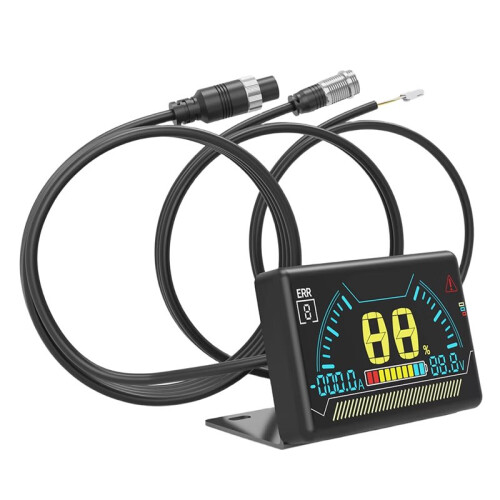
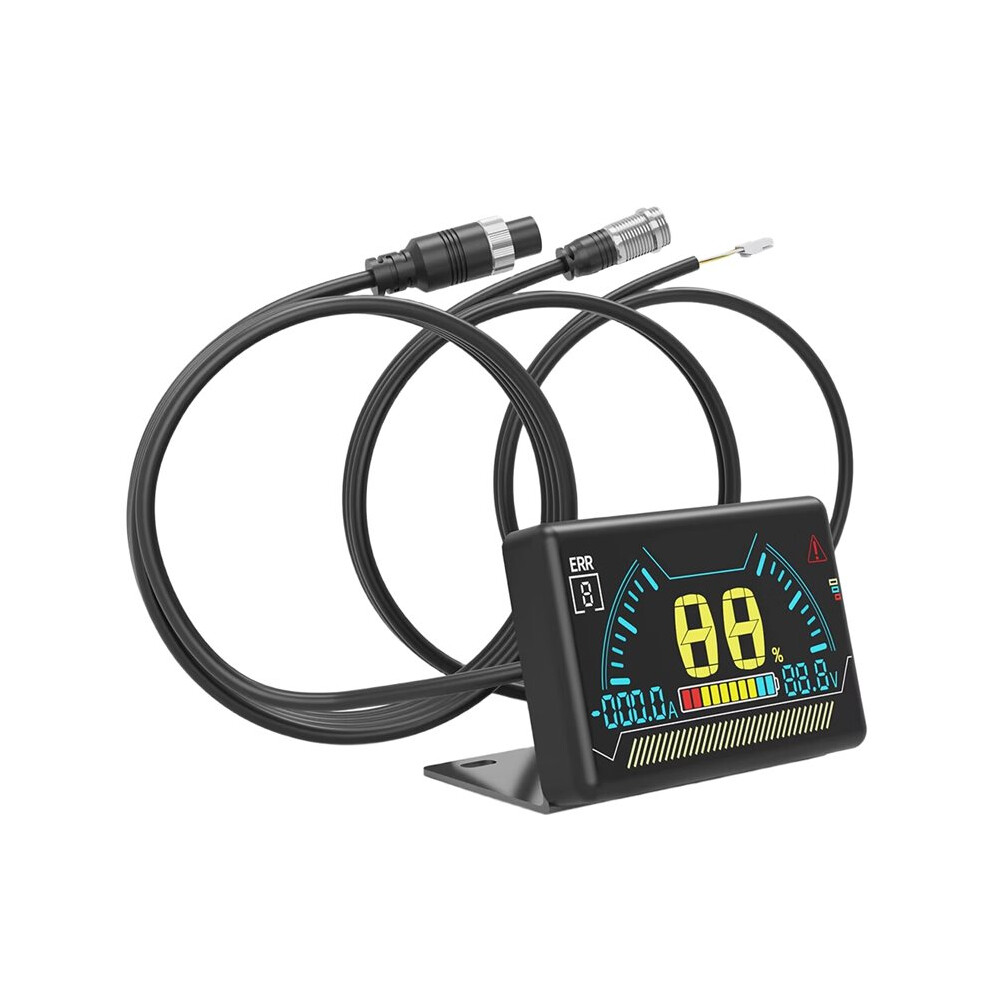
New LCD BMS LCD Display 2.3 Inch Battery Bms Accessories Intelligent Battery Level Indicator with Cable
In stock
Smart shoppers OnBuy it!
- Earn Cashback on every purchase – spend it instantly on your next order
- Free delivery – on millions of items across the site
- Customers love us – 135,000 Trustpilot reviews and an 'Excellent' rating
All prices include VAT.
Interest-free payment options available


See full product description & details
Delivery: Standard (€4.00) | Mon 19th - Sat 24th Oct
Sold by: is fearr
Returns: 30 days
180-day payment protection
You might also like
Summary
- LCD Operation Guide: 1. When the BMS is off, press the touch button on the left side of the LCD screen once to turn it on.
- 2. When the BMS is on, if no current output is detected from the BMS within 10 seconds, the display will turn off the LCD backlight to reduce power consumption.
- 3. When the BMS is on, if the display is not showing any content, press the left button on the LCD screen once to turn on the backlight.
- 4. When the BMS is on, if the display is showing content, press the left button on the LCD screen once to turn off the backlight.
- 5. When the BMS (Battery Management System) is on, press and hold the touch button on the left side of the LCD screen for 2 seconds to turn it off.
New LCD BMS LCD Display 2.3 Inch Battery Bms Accessories Intelligent Battery Level Indicator with Cable Description
LCD Operation Guide: 1. When the BMS is off, press the touch button the left side of the LCD screen once to turn it .
2. When the BMS is , if no current output is detected from the BMS within 10 seconds, the display will turn off the LCD backlight to reduce power consumption.
3. When the BMS is , if the display is not showing any content, press the left button the LCD screen once to turn the backlight.
4. When the BMS is , if the display is showing content, press the left button the LCD screen once to turn off the backlight.
5. When the BMS (Battery Management System) is , press and hold the touch button the left side of the LCD screen for 2 seconds to turn it off.
Activating BMS Functionality by Pressing the Button
Dimensions: 60.6 x 36 x 10.6 mm
Over-temperature Protection: Over-temperature, short circuit, over-voltage, over-current protection
Screen: LCD
Color: Black
Material: ABS
Package Contents:
1 * BMS LCD Display
Details
| OPC | PXXMYJZ |
|---|---|
| Codes | 6032910580536 (EAN) |
| Product and Safety Information |
Product Data
| Height | 4cm |
|---|---|
| Width | 9cm |
| Length | 15cm |
| Weight | 0.13kg |
| Colour | Black |
| Material | ABS |
Compare Sellers for New LCD BMS LCD Display 2.3 Inch Battery Bms Accessories Intelligent Battery Level Indicator with Cable
- New from €23.28
| Seller | Ratings | Warranty | Returns | Price | Delivery | Total | Quantity |
|---|---|---|---|---|---|---|---|
|
Dispatched from:

|
(282 reviews) | - |
30 Days
Free Returns No
|
€19.28
|
+€4.00 Delivery
Est. Delivery:
19th-24th Oct
|
€23.28
|
Earn as you shop with instant Cashback on everything.
No catch, no cost
- Paid into your OnBuy account
- Spend it on your next purchase
- Save it or withdraw it
Become a Cashback VIP
Just 1 purchase unlocks bigger deals & rates