





















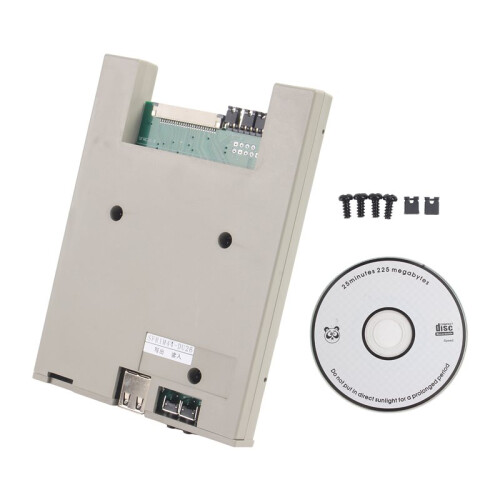
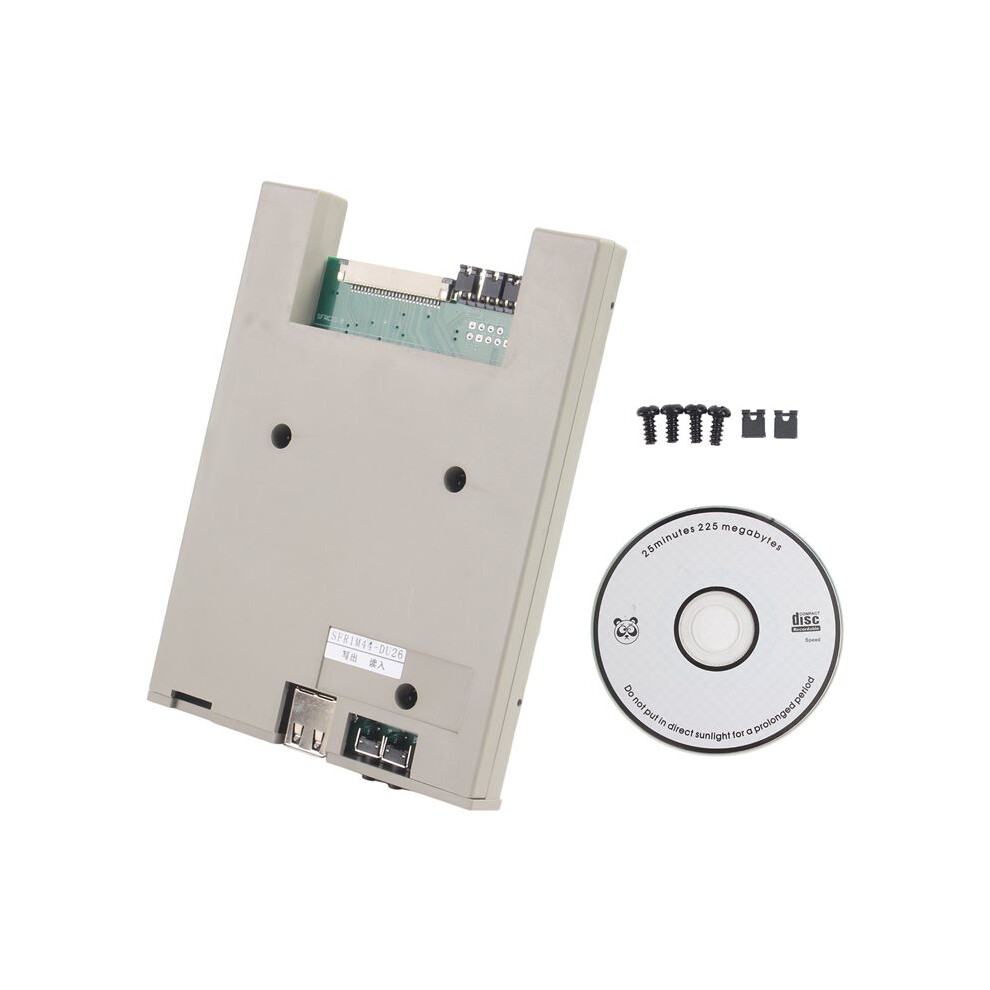
SFR1M44-DU26 1.44MB USB SSD Floppy Drive Emulator Slim USB Reader Floppy Emulator 26-Pin Format-Free USB Flash Drive
In stock
Smart shoppers OnBuy it!
- Earn Cashback on every purchase – spend it instantly on your next order
- Free delivery – on millions of items across the site
- Customers love us – 134,000 Trustpilot reviews and an 'Excellent' rating
All prices include VAT.
Interest-free payment options available


See full product description & details
Delivery: Standard (€4.20) | Fri 2nd - Thu 8th Oct
Returns: 30 days
180-day payment protection
Summary
- 1. Can copy files to a USB drive and read them directly.
- 2. The floppy drive has built-in memory; the software automatically converts the USB drive and disk formats.
- 3. If the total file size on the USB drive exceeds 1.44MB, you can press the "Read" button to convert the excess files.
- 4. Since this model only supports files in the root directory of the USB drive, it is recommended to place frequently used files in the USB drive directory and less frequently used or unrelated files in folders.
- 5. If the USB drive has data corruption due to prolonged use, please format the USB drive.
SFR1M44-DU26 1.44MB USB SSD Floppy Drive Emulator Slim USB Reader Floppy Emulator 26-Pin Format-Free USB Flash Drive Description
1. Can copy files to a USB drive and read them directly.
2. The floppy drive has built-in memory; the software automatically converts the USB drive and disk formats.
3. If the total file size the USB drive exceeds 1.44MB, you can press the "Read" button to convert the excess files.
4. Since this model only supports files in the root directory of the USB drive, it is recommended to place frequently used files in the USB drive directory and less frequently used or unrelated files in folders.
5. If the USB drive has data corruption due to prolonged use, please format the USB drive.
Reading files larger than 1.44MB, see the steps below.
Operating Steps: Reading Files from USB Flash Drive to Device:
1. Copy the file to the USB flash drive directory your computer, not in a folder.
2. Plug in the USB flash drive.
3. The red indicator light the floppy drive will illuminate.
4. Wait for the red light to turn off; 1.44MB of files have been read into the floppy drive's memory.
5. Operate the device to read the disc and retrieve the files. If the total file size is less than 1.44MB, all files can be read.
6. If the total file size the USB flash drive exceeds one or more 1.44MB portions, press the [Read] button the right.
7. The red indicator light the floppy drive will illuminate.
8. Wait for the red light to turn off; the next 1.44MB portion of data from the USB flash drive will be read into the floppy drive's memory.
9. Operate the device to read the disc and retrieve the files.
10. If the required file is not found, the total file size is too large; repeat steps 6-9.
Color: Random Color
Material: plastic
Package Contents:
1 * Floppy Drive Emulator
Details
| OPC | PVSPHWD |
|---|---|
| Codes | 6033256807318 (EAN) |
| Product and Safety Information |
Product Data
| Height | 2cm |
|---|---|
| Width | 10cm |
| Length | 12cm |
| Weight | 0.1035kg |
| Colour | Random Color |
| Material | Plastic |
Compare Sellers for SFR1M44-DU26 1.44MB USB SSD Floppy Drive Emulator Slim USB Reader Floppy Emulator 26-Pin Format-Free USB Flash Drive
- New from €63.89
| Seller | Ratings | Warranty | Returns | Price | Delivery | Total | Quantity |
|---|---|---|---|---|---|---|---|
|
Dispatched from:

|
(121 reviews) | - |
30 Days
Free Returns No
|
€59.69
|
+€4.20 Delivery
Est. Delivery:
2nd-8th Oct
|
€63.89
|
Earn as you shop with instant Cashback on everything.
No catch, no cost
- Paid into your OnBuy account
- Spend it on your next purchase
- Save it or withdraw it
Become a Cashback VIP
Just 1 purchase unlocks bigger deals & rates