
















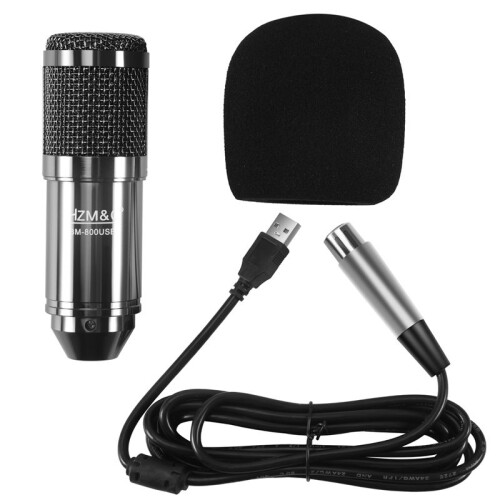
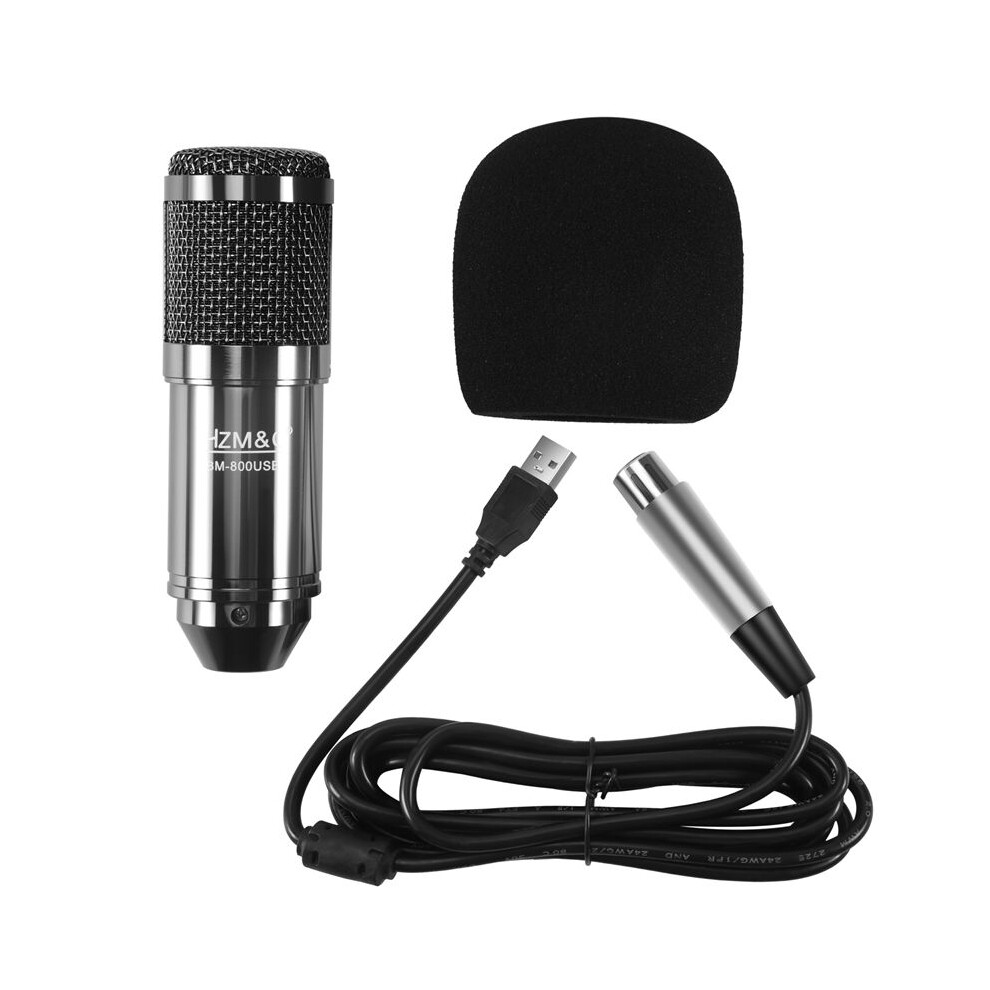
HZM&C Upgraded Bm 800 Usb Condenser Microphone Studio Mic For Computer Recording Karaoke Pc (Black)

Nowy

Dostępny

Dlaczego pokochasz zakupy na OnBuy:

  • Zyskaj cashback przy każdym zakupie – wykorzystaj go od razu przy następnym zamówieniu
  • Bezpłatna dostawa – przy milionach produktów w całym serwisie
  • Klienci nas uwielbiają – 137,000 opinii z oceną “Doskonała”

Zobacz pełny opis i szczegóły produktu

129,48 zł
222,24 zł Rabat 42%!
+12,00 zł dostawa
1% Zdobądź 1,29 zł natychmiast Dowiedz się więcej
Dodaj do koszyka

Podane ceny zawierają podatek VAT (tam, gdzie ma to zastosowanie)

Dostępne opcje płatności bez odsetek

Zobacz pełny opis i szczegóły produktu

Dostawa: Priorytet (12,00 zł) | pon 9. - sob 14. lis

Sprzedawca: WuLinshop

Zwroty: 30 dni

Ochrona płatności przez 180 dni

Dodaj do koszyka

To też może Ci się spodobać

Opis i specyfikacja

Podsumowanie

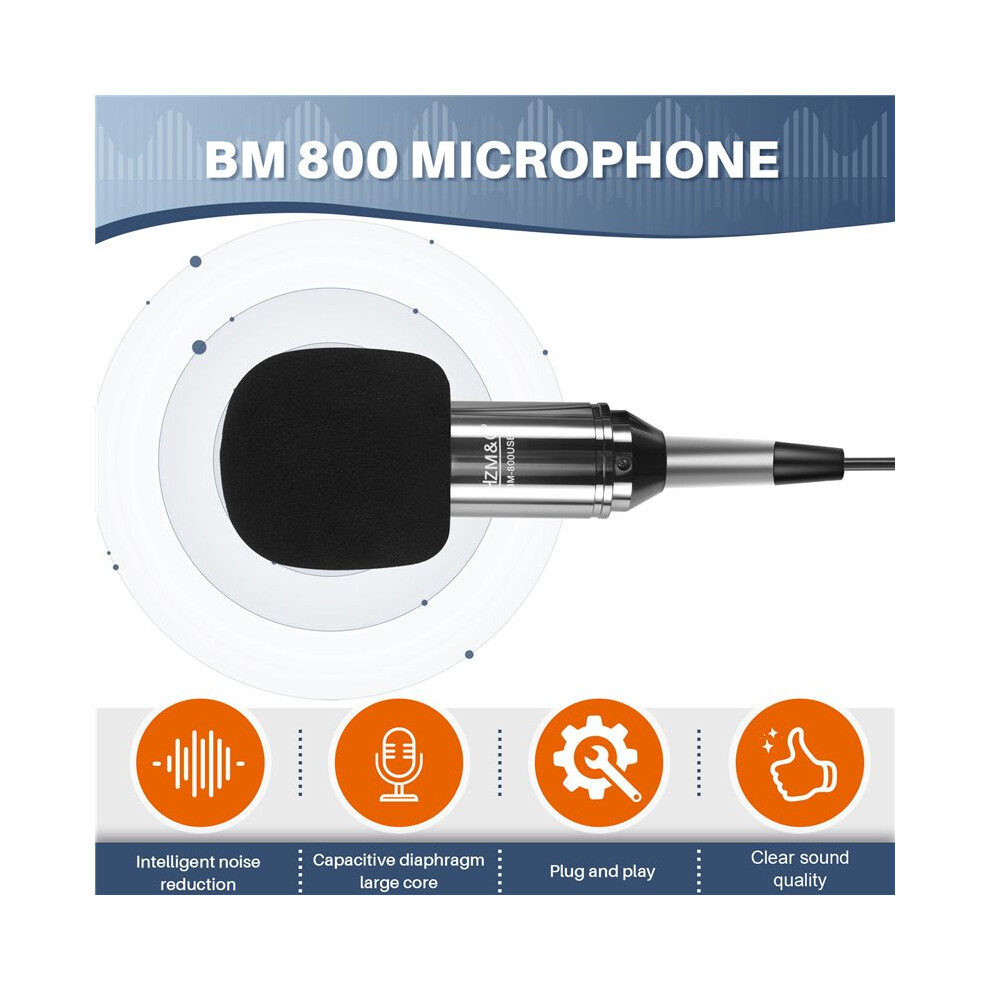
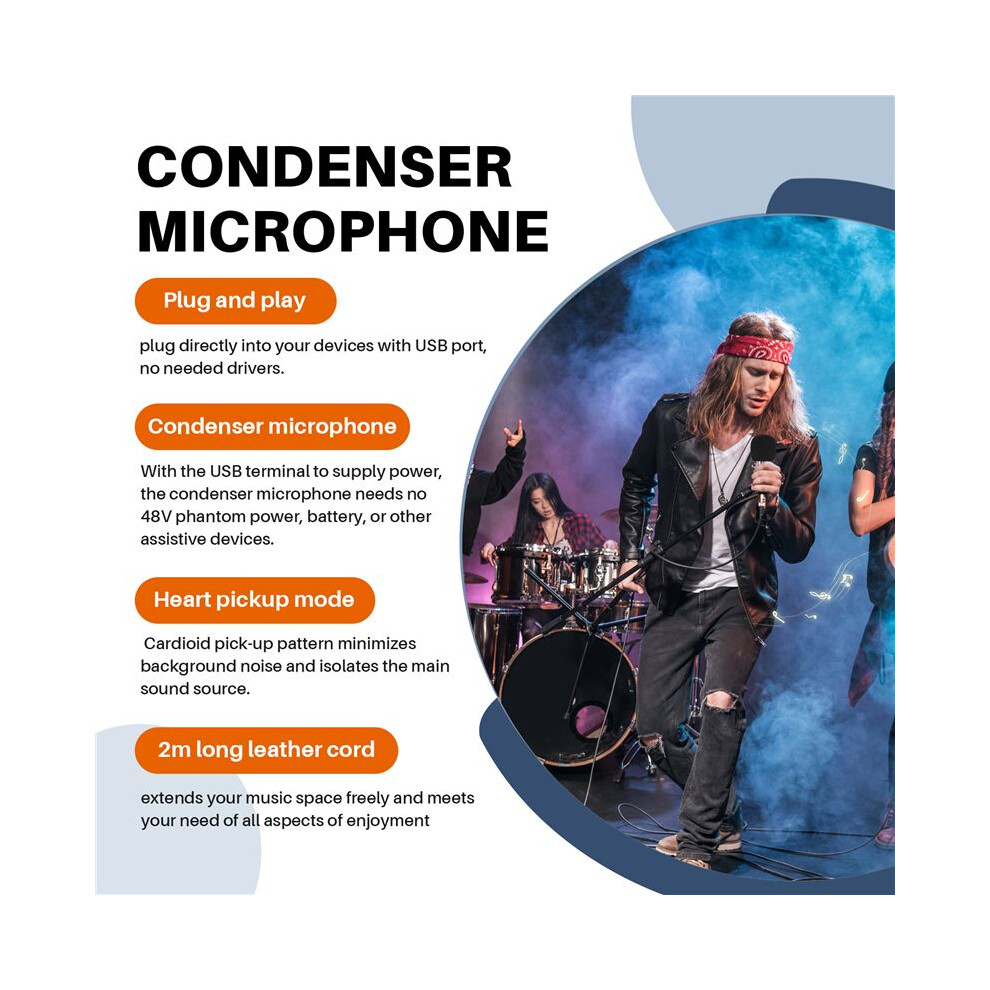
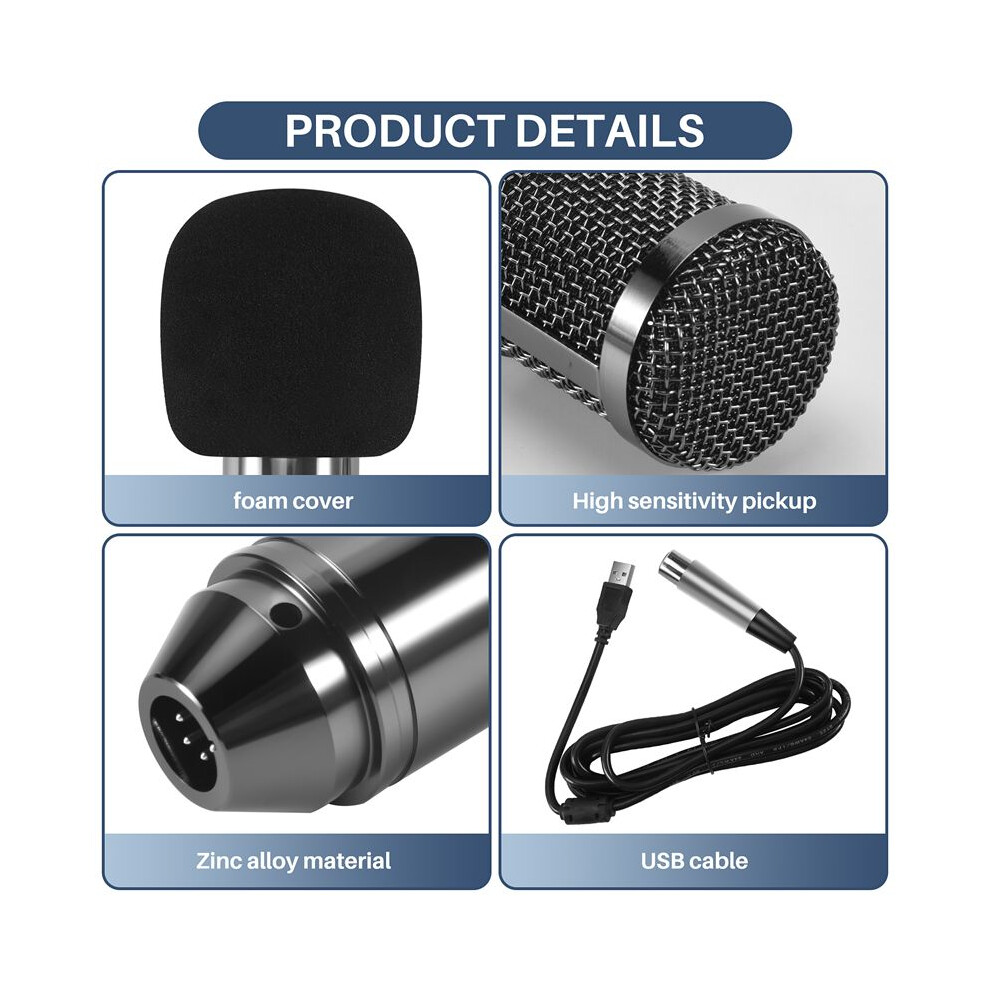
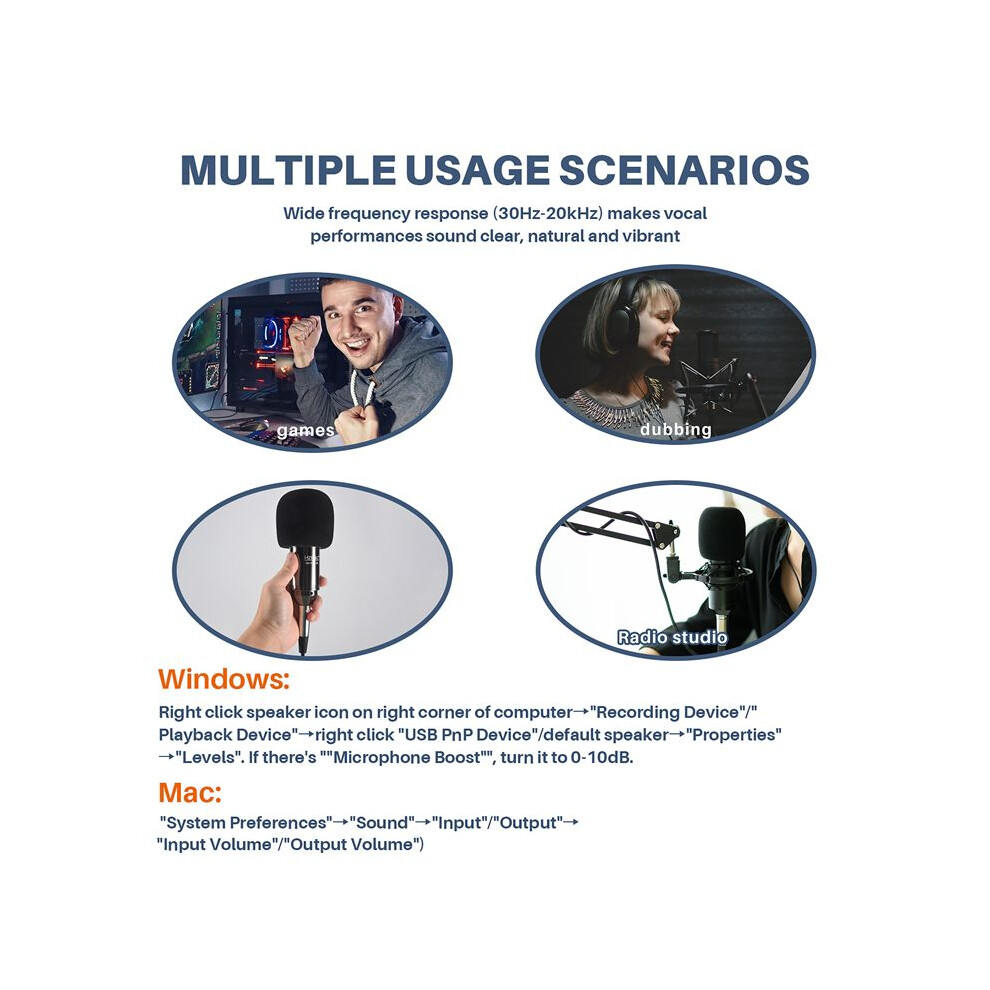
  • Plug and play, plug directly into your devices with USB port, no needed drivers.With the USB terminal to supply power, the condenser microphone needs no 48V phantom power, battery, or other assistive devices.Cardioid pick-up pattern minimizes background noise and isolates the main sound source.2m long leather cord extends your music space freely and meets your need of all aspects of enjoyment.Wide frequency response (30Hz-20kHz) makes vocal performances sound clear, natural and vibrant.
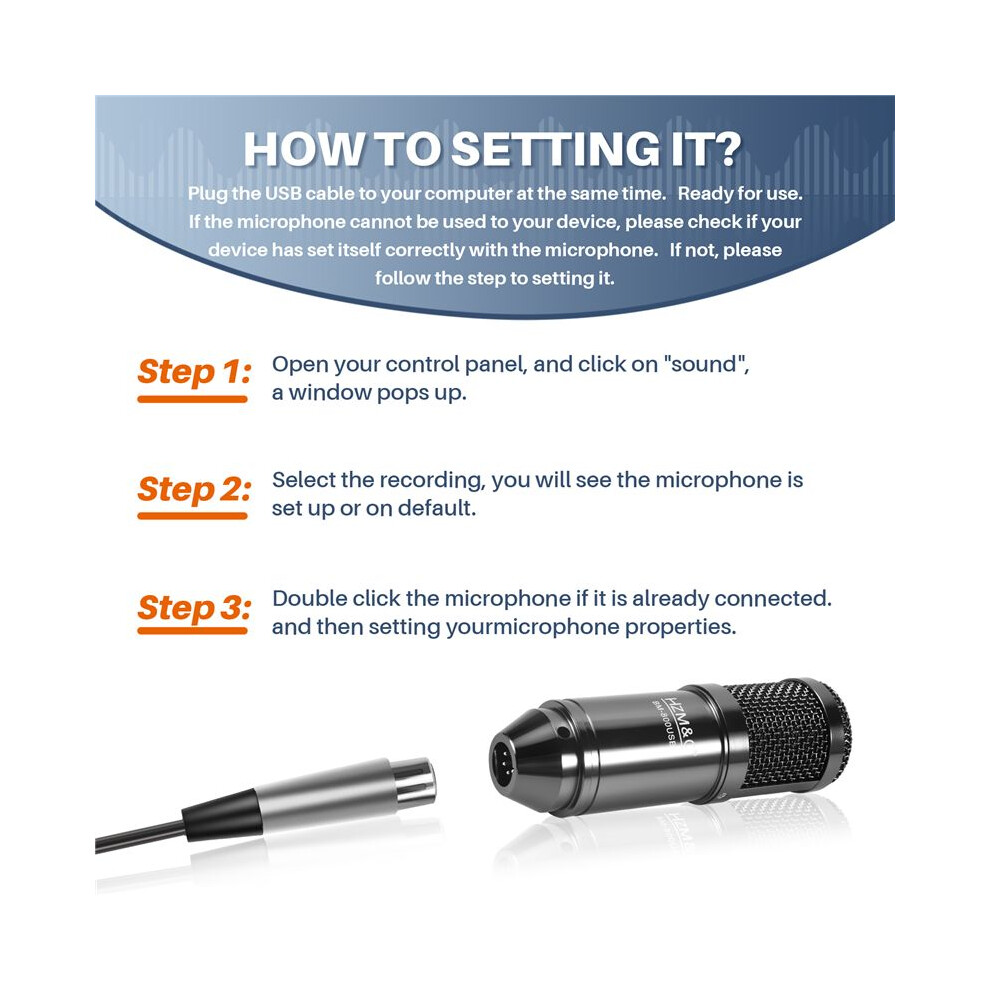
  • How to setting it?Plug the USB cable to your computer at the same time. Ready for use.If the microphone cannot be used to your device, please check if your device has set itself correctly with the microphone. If not, please follow the step to setting it.
  • Step 1: Open your control panel, and click on "sound", a window pops up.Step 2: Select the recording, you will see the microphone is set up or on default.Step 3: Double click the microphone if it is already connected., and then setting yourmicrophone properties.
  • 1.Unplug the USB cable to check whether the pins at the bottom of the mic are loosened.2.Restart computer and re-plug the mic to other USB port.3.If the "USB PnP Audio Device" appears in the sound settings of computer(below are the methods how to get to sound settings), the mic is able to work.(Windows: Right click speaker icon on right corner of computer→"Recording Device"Mac: Click "System Preferences"→"Sound"→"Input")
  • If the mic disconnects itself without warning, what can I do?Answer: There are two reasons for this situation. One is that the poor connection. The other is that the USB cable is broken. If you have tried to replug the USB cable into the mic, and plug the mic to other USB port, then it will be the problem of the cable.

Opis produktu: HZM&C Upgraded Bm 800 Usb Condenser Microphone Studio Mic For Computer Recording Karaoke Pc (Black)

Plug and , plug directly into your devices with USB port, no needed drivers.With the USB terminal to supply power, the condenser microphone needs no 48V phantom power, battery, or other assistive devices.Cardioid pick- pattern minimizes background noise and isolates the main sound source.2m long leather cord extends your music space freely and meets your need of all aspects of enjoyment.Wide frequency response (30Hz-20kHz) makes vocal performances sound clear, natural and vibrant.
How to setting it?Plug the USB cable to your computer at the same . Ready for use.If the microphone cannot be used to your device, please check if your device has set itself correctly with the microphone. If not, please follow the step to setting it.
Step 1: Open your control panel, and click "sound", a window pops .Step 2: Select the recording, you will see the microphone is set or default.Step 3: Double click the microphone if it is already connected., and then setting yourmicrophone properties.
1.Unplug the USB cable to check whether the pins at the bottom of the mic are loosened.2.Restart computer and re-plug the mic to other USB port.3.If the "USB PnP Audio Device" appears in the sound settings of computer(below are the methods how to get to sound settings), the mic is able to work.(Windows: Right click speaker icon right corner of computer"Recording Device": Click "System Preferences""Sound""Input")
If the mic disconnects itself without warning, what can I do?Answer: There are two reasons for this situation. One is that the poor connection. The other is that the USB cable is broken. If you have tried to replug the USB cable into the mic, and plug the mic to other USB port, then it will be the problem of the cable.
If the mic has hissing what can I do?
1.Re-plug the USB cable into the microphone. If the cable gets loose, noise

Specyfikacja

OPC PYJYP9G
Marka
Melitt
Kody 6032148462482 (EAN)
Informacje o produkcie i bezpieczeństwie

Zdjęcia produktu

HZM&C Upgraded Bm 800 Usb Condenser Microphone Studio Mic For Computer Recording Karaoke Pc (Black) 1
HZM&C Upgraded Bm 800 Usb Condenser Microphone Studio Mic For Computer Recording Karaoke Pc (Black) 2
HZM&C Upgraded Bm 800 Usb Condenser Microphone Studio Mic For Computer Recording Karaoke Pc (Black)

Dane produktu

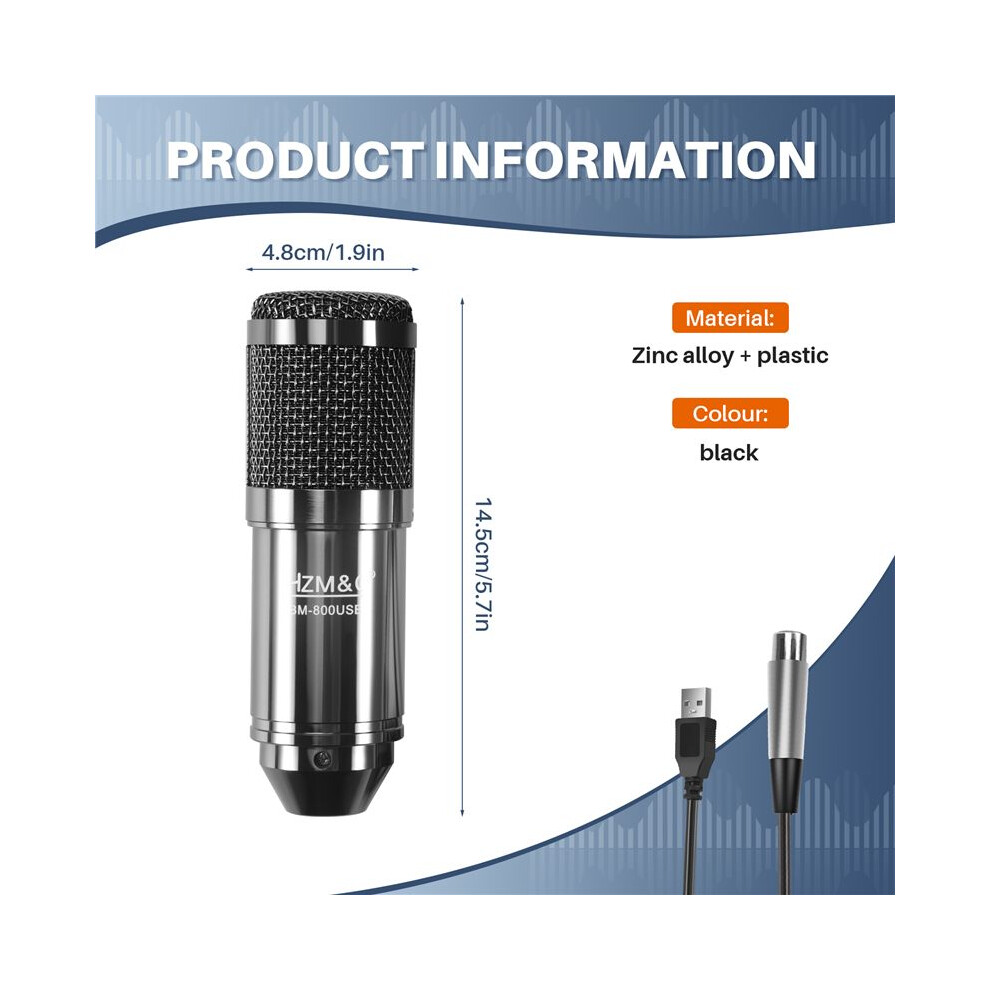
Height7cm
Width15cm
Length20cm
Weight0.4445kg
Colourblack
MaterialZinc alloy + plastic

Porównaj sprzedawców dla: HZM&C Upgraded Bm 800 Usb Condenser Microphone Studio Mic For Computer Recording Karaoke Pc (Black)

  • Nowy od 141,48 zł
Sprzedawca Oceny Gwarancja Zwroty Cena Dostawa Łącznie Sztuk
Wysyłka z: China
[5,*] (213 opinii)
-
30 dni
Darmowe zwroty Nie
129,48 zł
+12,00 zł Delivery
Przewidywana dostawa: 9-14 lis
141,48 zł
Dodaj do koszyka

Zyskuj na zakupach dzięki natychmiastowemu Cashbackowina wszystko.

Bez ukrytych kosztów

  • Środki przekazane na konto OnBuy
  • Wykorzystaj przy kolejnym zakupie
  • Oszczędzaj lub wypłacaj

Zostań Cashback VIP

Tylko 1 zakup odblokowuje lepsze oferty i wyższy zwrot

Zasoby dotyczące bezpieczeństwa i produktu

Zdjęcia i dokumenty dotyczące bezpieczeństwa

Przepraszamy, te informacje są chwilowo niedostępne. Współpracujemy ze sprzedawcą, aby jak najszybciej uzupełnić tę sekcję — prosimy zajrzeć tu ponownie później.

Informacje o producencie

Informacje o producencie produktu.

Uwaga: To nie są dane kontaktowe sprzedawcy — prosimy nie odsyłać towarów na ten adres.

Shenzhen Xiyunqi Trading Co., Ltd.

Room 205, Building 2, Sihai Garden, Bitou Community, Songgang Street, Bao'an District, Shenzhen, Guangdong 518100, China
Chiny

[email protected]

Osoba odpowiedzialna w UE

Przepraszamy, te informacje są chwilowo niedostępne. Współpracujemy ze sprzedawcą, aby jak najszybciej uzupełnić tę sekcję — prosimy zajrzeć tu ponownie później.

Chwileczkę! Czy o czymś nie zapominasz?

Tylko na OnBuy zyskasz natychmiastowy cashback! Podaj swój e-mail poniżej, a prześlemy kopię Twojego koszyka, aby oszczędzić Twój czas w przyszłości.

Zapisując swój adres e-mail, automatycznie dołączasz do naszej bazy, co pozwala na korzystanie ze spersonalizowanych ofert cashback i wcześniejszy dostęp do najlepszych okazji. Z subskrypcji można zrezygnować w dowolnym momencie, a dane nigdy nie zostaną udostępnione nikomu innemu. Sprawdź Politykę prywatności oraz Regulamin, aby dowiedzieć się więcej.

Zanim wyjdziesz...
Pamiętaj, tylko na OnBuy zyskasz natychmiastowy cashback na wszystko!

Chcesz otrzymywać spersonalizowane oferty i najwyższy cashback? Zapisz się na nasz newsletter poniżej.

Z subskrypcji można zrezygnować w dowolnym momencie, a dane nigdy nie zostaną udostępnione nikomu innemu. Sprawdź naszą Politykę prywatności oraz Regulamin, aby dowiedzieć się więcej.

Sesja wygasła.

Odśwież stronę, aby kontynuować zakupy.

Odśwież i kontynuuj