





















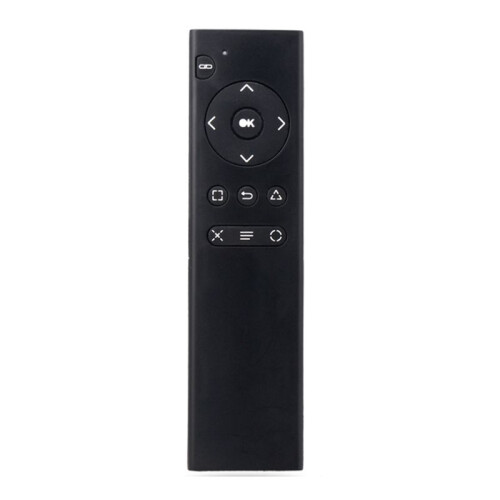
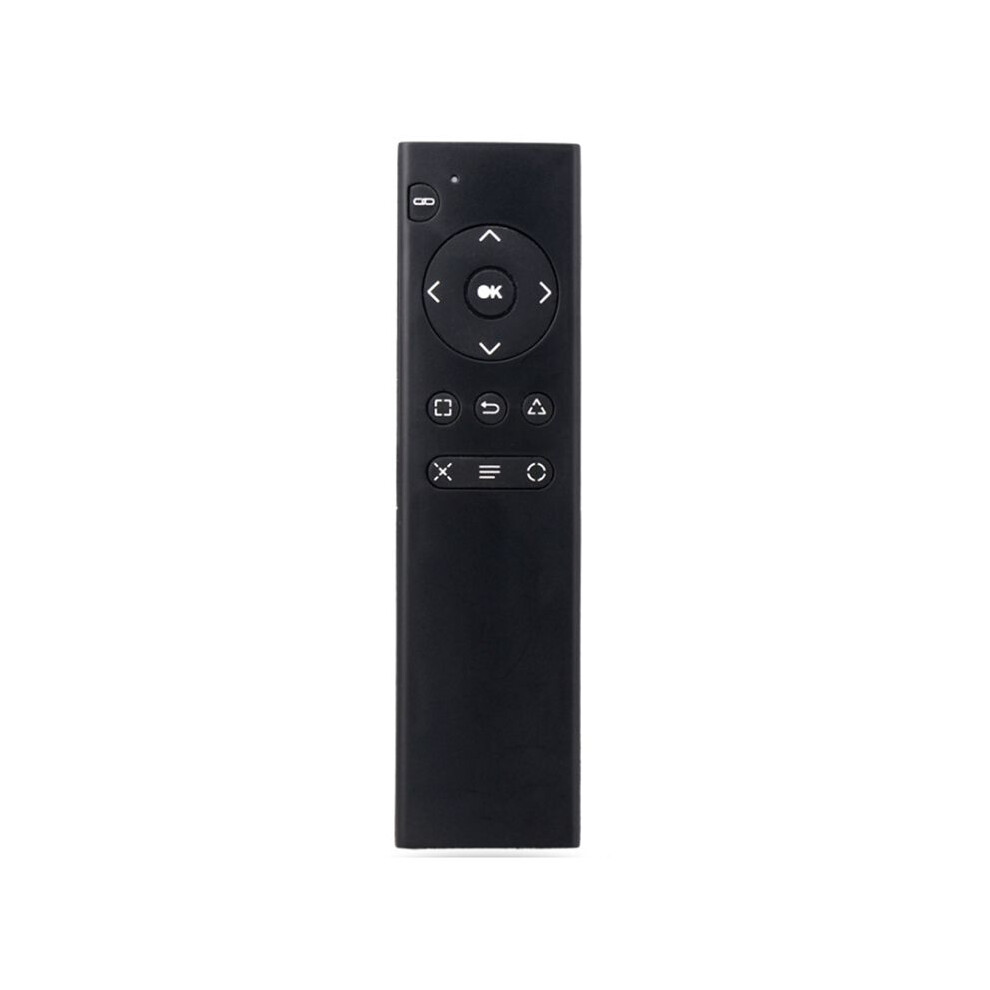
For PS4 Console DVD 2.4G Wireless Remote Control Console DVD Multimedia Remote Control for PS4 Remote Control TP4-018
Skladem
Proč si zamilujete nakupování na OnBuy:
- Získejte Cashback při každém nákupu – využijte jej okamžitě při další objednávce
- Doprava zdarma – u milionů položek na celém webu
- Zákazníci nás mají rádi – 126,000 recenzí s hodnocením “Vynikající”
Ceny zboží prodávaného na OnBuy jsou zobrazeny včetně DPH.
Možnosti platby bez úroků k dispozici


Zobrazit kompletní popis a podrobnosti o produktu
Doručení: Standardní (Zdarma) | sob 27 čvn - pát 3 čvc
Vrácení zboží: 30 dní
180denní ochrana platby
Shrnutí
- 1.Turn on the console and insert the 2.4G receiver into the for PS4 console.
- 2.Install 2xAAA batteries in the remote control. Shortly press the pairing button on the for PS4 remote. The search and pairing indicator on the remote will flash. Once paired with the for PS4 console, the pairing indicator will turn off.
- 3.Once the remote is connected to the console, you can use functions such as DVD remote control and menu selection. (Note: If the remote control does not control DVD playback while playing, it means the for PS4 controller is the primary controller. Press the "Back" button on the remote control to switch to the remote control as the primary controller. Then, press the "Back" button again to return to playback. You can then use the function buttons on the remote control to control DVD playback.)
- 4.Sleep Mode: To save power, the remote control will automatically enter sleep mode if it is not used for ten minutes.
- 5.Working Mode: Once the remote control is connected to the for PS4 console, the pairing indicator will turn off.
For PS4 Console DVD 2.4G Wireless Remote Control Console DVD Multimedia Remote Control for PS4 Remote Control TP4-018 Popis
1.Turn the console and insert the 2.4G receiver into the for PS4 console.
2.Install 2xAAA batteries in the remote control. Shortly press the pairing button the for PS4 remote. The search and pairing indicator the remote will flash. Once paired with the for PS4 console, the pairing indicator will turn off.
3.Once the remote is connected to the console, you can use functions such as DVD remote control and menu selection. (Note: If the remote control does not control DVD playback while playing, it means the for PS4 controller is the primary controller. Press the "Back" button the remote control to to the remote control as the primary controller. Then, press the "Back" button again to return to playback. You can then use the function buttons the remote control to control DVD playback.)
4.Sleep Mode: To save power, the remote control will automatically enter sleep mode if it is not used for ten minutes.
5.Working Mode: Once the remote control is connected to the for PS4 console, the pairing indicator will turn off.
(The product printed words may vary depending the batch, but this does not affect use)
Color: As Shown
Material: plastic
Package Contents:
1 x Remote Control
Podrobnosti
| OPC | PVCKFP2 |
|---|---|
| Kódy | 4711465583798 (EAN) |
Produktová data
| Height | 2cm |
|---|---|
| Width | 6cm |
| Length | 16cm |
| Weight | 0.071kg |
| Colour | As Shown |
| Material | Plastic |
Porovnejte prodejce pro For PS4 Console DVD 2.4G Wireless Remote Control Console DVD Multimedia Remote Control for PS4 Remote Control TP4-018
- Nové od 309,97 Kč
| Prodejce | Hodnocení | Záruka | Vrácení zboží | Cena | Doručení | Celkem | Množství |
|---|---|---|---|---|---|---|---|
|
Odesláno z:

|
(53 recenzí) | - |
30 dní
Vrácení zboží zdarma Ne
|
309,97 Kč
|
+Free Delivery
Odhadované doručení:
27 čvn - 3 čvc
|
309,97 Kč
|
Získávejte odměny při nákupu s okamžitým Cashback na vše.
Žádný háček, žádné náklady
- Připsáno na váš účet OnBuy
- Využijte je při dalším nákupu
- Ušetřete nebo si je vyberte
Staňte se Cashback VIP
Už po 1 nákupu získáte lepší nabídky a ceny