





















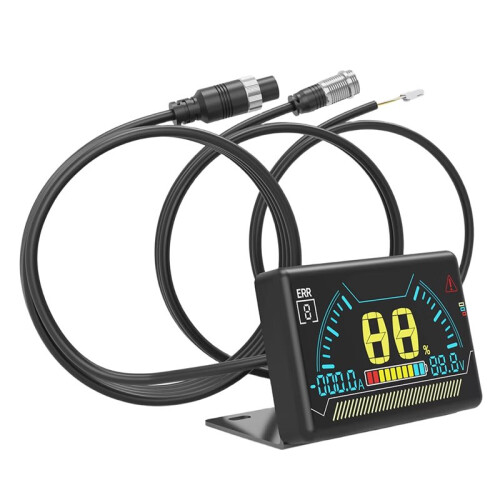
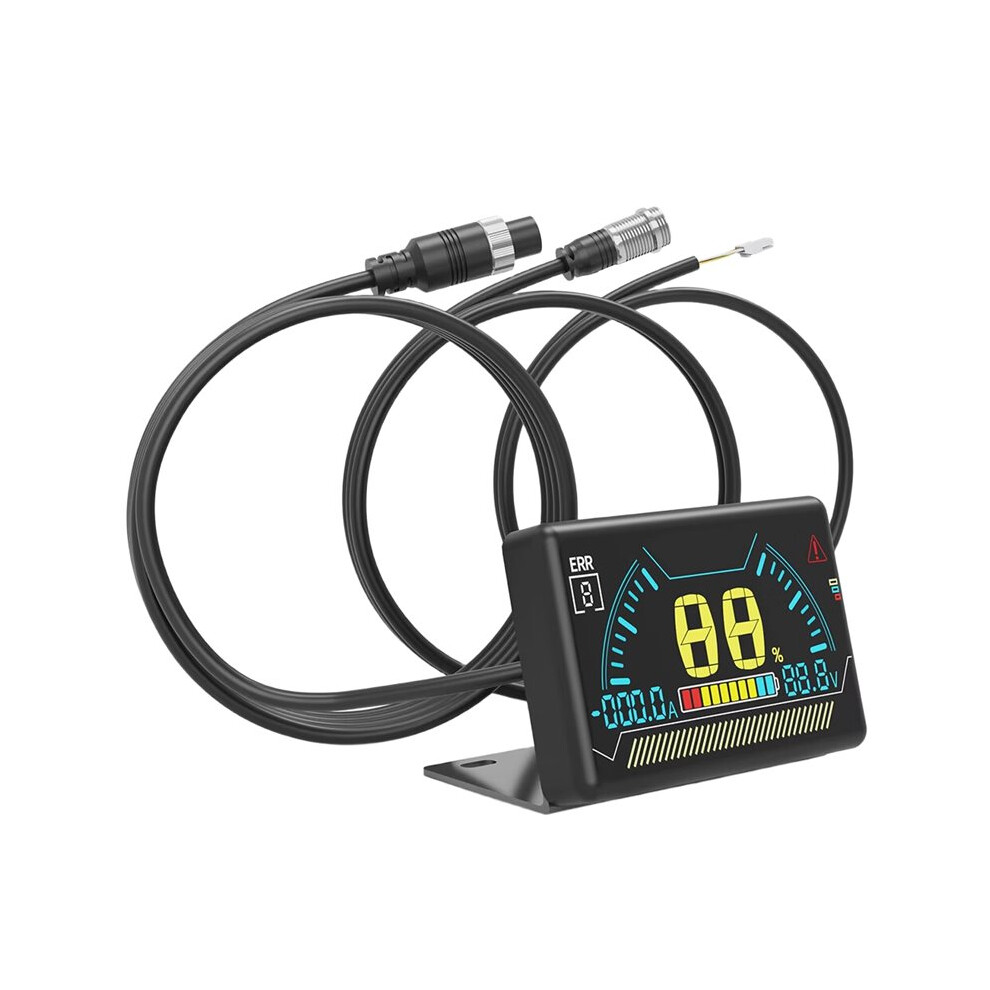
New LCD BMS LCD Display 2.3 Inch Battery Bms Accessories Intelligent Battery Level Indicator with Cable
Auf Lager
Darum werden Sie OnBuy lieben:
- Verdienen Sie Cashback bei jedem Einkauf – lösen Sie es direkt ein für Ihre nächste Bestellung
- Kostenloser Versand – auf Millionen von Artikeln auf unserer Website
- Kunden lieben uns – 135,000 Bewertungen mit der Note « Ausgezeichnet »
Preisangaben inkl. USt.
Zinsfreie Zahlungsmöglichkeiten verfügbar


Vollständige Produktbeschreibung und Details anzeigen
Voraussichtliche Zustellung: Standard (Kostenlos) | Di. 13. - Sa. 17. Okt
Verkauft von: Papishop
Rücksendungen: 30 Tage
180 Tage Zahlungsschutz
Das könnte Ihnen auch gefallen








Zusammenfassung
- LCD Operation Guide: 1. When the BMS is off, press the touch button on the left side of the LCD screen once to turn it on.
- 2. When the BMS is on, if no current output is detected from the BMS within 10 seconds, the display will turn off the LCD backlight to reduce power consumption.
- 3. When the BMS is on, if the display is not showing any content, press the left button on the LCD screen once to turn on the backlight.
- 4. When the BMS is on, if the display is showing content, press the left button on the LCD screen once to turn off the backlight.
- 5. When the BMS (Battery Management System) is on, press and hold the touch button on the left side of the LCD screen for 2 seconds to turn it off.
New LCD BMS LCD Display 2.3 Inch Battery Bms Accessories Intelligent Battery Level Indicator with Cable Beschreibung
LCD Operation Guide: 1. When the BMS is off, press the touch button the left side of the LCD screen once to turn it .
2. When the BMS is , if no current output is detected from the BMS within 10 seconds, the display will turn off the LCD backlight to reduce power consumption.
3. When the BMS is , if the display is not showing any content, press the left button the LCD screen once to turn the backlight.
4. When the BMS is , if the display is showing content, press the left button the LCD screen once to turn off the backlight.
5. When the BMS (Battery Management System) is , press and hold the touch button the left side of the LCD screen for 2 seconds to turn it off.
Activating BMS Functionality by Pressing the Button
Dimensions: 60.6 x 36 x 10.6 mm
Over-temperature Protection: Over-temperature, short circuit, over-voltage, over-current protection
Screen: LCD
Color: Black
Material: ABS
Package Contents:
1 * BMS LCD Display
Details
| OPC | PYHVG2H |
|---|---|
| Marke | Typecat |
| Codes | 4711917685582 (EAN) |
| Produkt- und Sicherheitsinformationen |
Produktdaten
| Height | 4cm |
|---|---|
| Width | 9cm |
| Length | 15cm |
| Weight | 0.13kg |
| Colour | Black |
| Material | ABS |
Verfügbare Angebote anderer Verkäufer
- Neu ab 21,85 €
| Verkäufer | Bewertungen | Garantie | Rückgaben | Preis | Lieferung | Gesamt | Menge |
|---|---|---|---|---|---|---|---|
|
Versendet von:

|
(436 Bewertungen) | - |
30 Tage
Kostenlose Rücksendungen Nein
|
21,85 €inkl. MwSt.
|
+Free Delivery
Voraussichtliche Lieferung:
13-17 Okt
|
21,85 € inkl. MwSt.
|
Verdienen Sie bei jedem Einkauf sofort Cashback auf alles.
Kein Haken, keine Kosten
- Auf Ihr OnBuy-Konto gutgeschrieben
- Bei Ihrem nächsten Einkauf einlösen
- Sparen oder auszahlen lassen
Werden Sie Cashback VIP
Schon mit einem einzigen Einkauf sichern Sie sich höhere Rabatte und bessere Konditionen