





















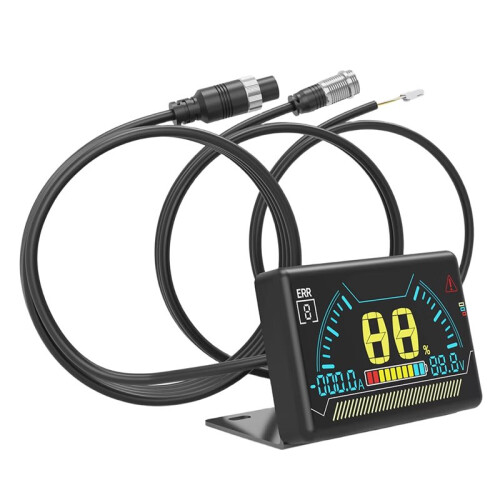
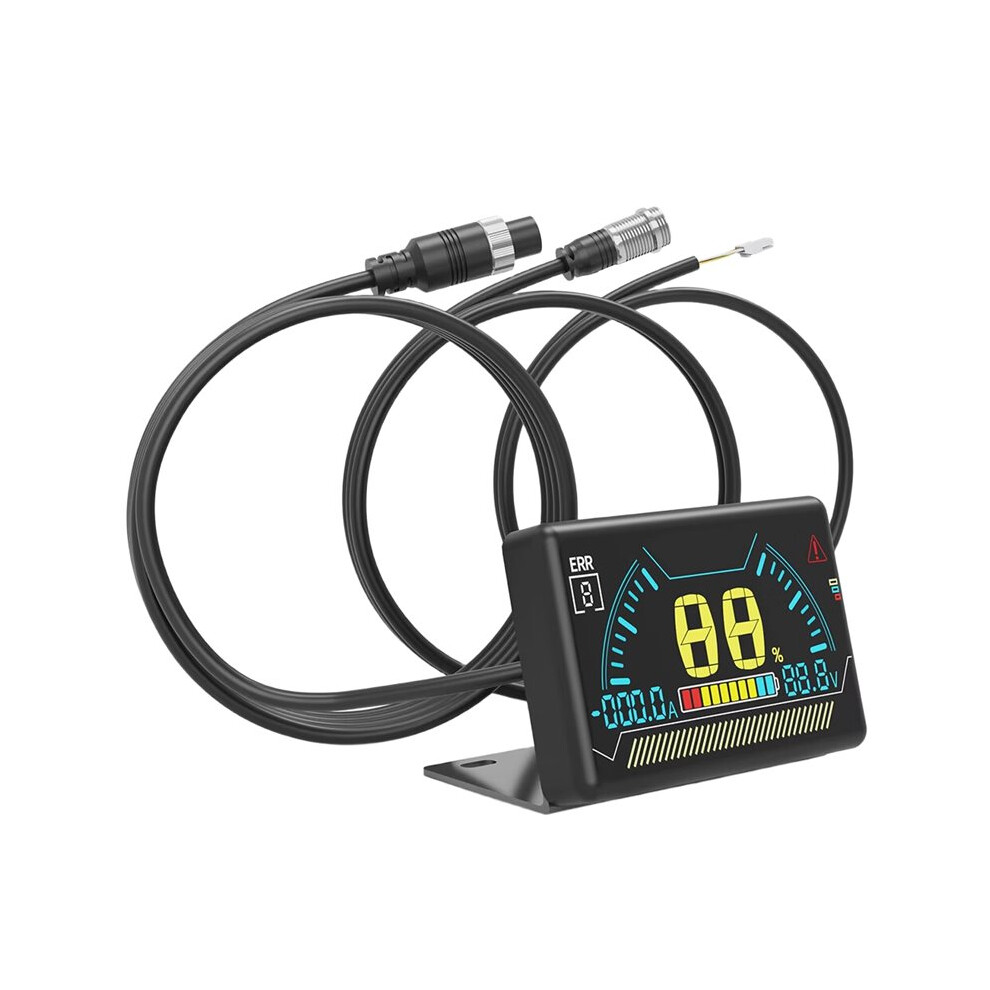
New LCD BMS LCD Display 2.3 Inch Battery Bms Accessories Intelligent Battery Level Indicator with Cable
En stock
Pourquoi vous allez adorer OnBuy :
- Gagnez du Cashback sur chaque achat – dépensez-le immédiatement sur votre prochaine commande
- Livraison gratuite – sur des millions d'articles sur le site
- Les clients nous adorent – 135,000 avis avec une note « Excellente »
Les prix des articles vendus sur OnBuy incluent la TVA.
Options de paiement sans intérêts disponibles


Voir la description complète et les détails du produit
Livraison : Standard (Gratuite) | mar. 13 - sam. 17 oct.
Vendu par : Papishop
Retours : 30 jours
Protection des paiements pendant 180 jours
Résumé
- LCD Operation Guide: 1. When the BMS is off, press the touch button on the left side of the LCD screen once to turn it on.
- 2. When the BMS is on, if no current output is detected from the BMS within 10 seconds, the display will turn off the LCD backlight to reduce power consumption.
- 3. When the BMS is on, if the display is not showing any content, press the left button on the LCD screen once to turn on the backlight.
- 4. When the BMS is on, if the display is showing content, press the left button on the LCD screen once to turn off the backlight.
- 5. When the BMS (Battery Management System) is on, press and hold the touch button on the left side of the LCD screen for 2 seconds to turn it off.
Description de New LCD BMS LCD Display 2.3 Inch Battery Bms Accessories Intelligent Battery Level Indicator with Cable
LCD Operation Guide: 1. When the BMS is off, press the touch button the left side of the LCD screen once to turn it .
2. When the BMS is , if no current output is detected from the BMS within 10 seconds, the display will turn off the LCD backlight to reduce power consumption.
3. When the BMS is , if the display is not showing any content, press the left button the LCD screen once to turn the backlight.
4. When the BMS is , if the display is showing content, press the left button the LCD screen once to turn off the backlight.
5. When the BMS (Battery Management System) is , press and hold the touch button the left side of the LCD screen for 2 seconds to turn it off.
Activating BMS Functionality by Pressing the Button
Dimensions: 60.6 x 36 x 10.6 mm
Over-temperature Protection: Over-temperature, short circuit, over-voltage, over-current protection
Screen: LCD
Color: Black
Material: ABS
Package Contents:
1 * BMS LCD Display
Informations
| OPC | PYHVG2H |
|---|---|
| Marque | Typecat |
| Codes | 4711917685582 (EAN) |
| Informations sur le produit et la sécurité |
Données sur le produit
| Height | 4cm |
|---|---|
| Width | 9cm |
| Length | 15cm |
| Weight | 0.13kg |
| Colour | Black |
| Material | ABS |
Comparez les vendeurs de New LCD BMS LCD Display 2.3 Inch Battery Bms Accessories Intelligent Battery Level Indicator with Cable
- Neuf à partir de 23,07 €
| Vendeur | Notes | Garantie | Retours | Prix | Livraison | Total | Quantité |
|---|---|---|---|---|---|---|---|
|
Envoyé depuis :

|
(436 avis) | - |
30 jours
Retours gratuits Non
|
23,07 €
|
+Free Delivery
Date de livraison estimée :
13-17 oct.
|
23,07 €
|
Gagnez en faisant vos achats avec du Cashback instantané sur tout.
Sans frais, sans engagement
- Versé sur votre compte OnBuy
- Utilisez-le pour votre prochain achat
- Économisez-le ou retirez-le
Rejoignez le programme cashback VIP
Un seul achat pour débloquer de meilleures offres et réductions