





















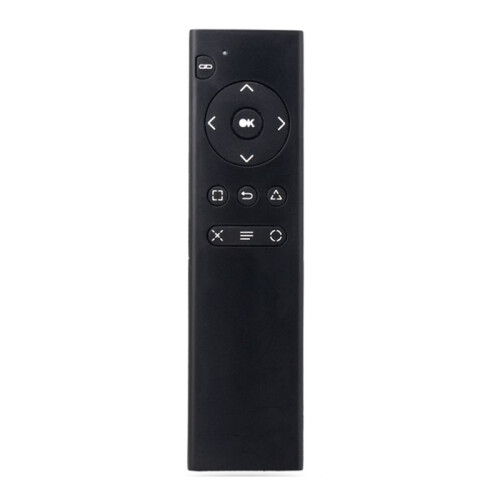
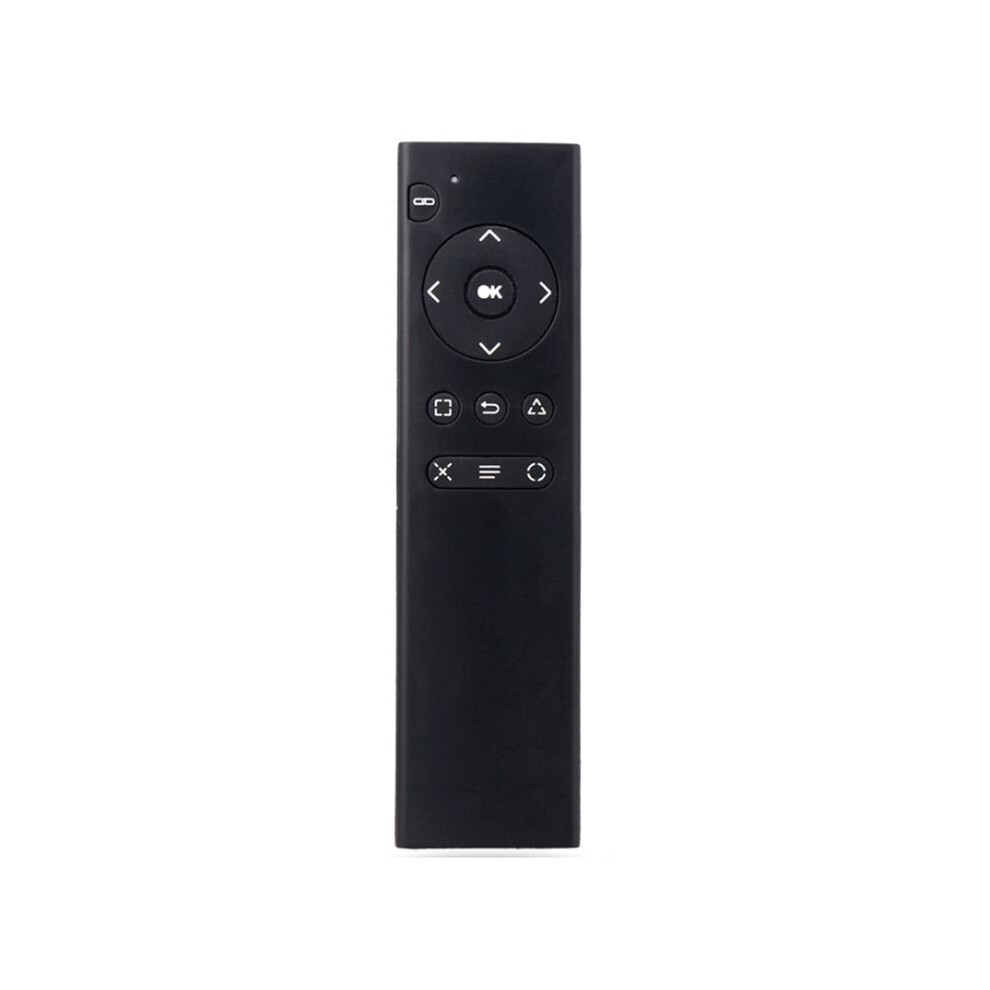
For PS4 Console DVD 2.4G Wireless Remote Control Console DVD Multimedia Remote Control for PS4 Remote Control TP4-018
Raktáron
Ezért fogod szeretni az OnBuy-on való vásárlást:
- Szerezz Cashback pénzvisszatérítést minden vásárlás után, és költsd el azonnal a következő rendelésnél.
- Ingyenes kiszállítás – több millió termékre az oldalon
- Vásárlóink elégedettek velünk, már 126,000 Kiváló értékelést kaptunk!
Az OnBuy-on értékesített termékek ára tartalmazza az áfát.
Kamatmentes fizetési lehetőségek elérhetők

Teljes termékleírás és részletek megtekintése
Kézbesítés: Normál (Ingyenes) | hét 29. jún. - szo 4. júl.
Visszaküldés: 30 nap
180 napos fizetési védelem
Összefoglaló
- 1.Turn on the console and insert the 2.4G receiver into the for PS4 console.
- 2.Install 2xAAA batteries in the remote control. Shortly press the pairing button on the for PS4 remote. The search and pairing indicator on the remote will flash. Once paired with the for PS4 console, the pairing indicator will turn off.
- 3.Once the remote is connected to the console, you can use functions such as DVD remote control and menu selection. (Note: If the remote control does not control DVD playback while playing, it means the for PS4 controller is the primary controller. Press the "Back" button on the remote control to switch to the remote control as the primary controller. Then, press the "Back" button again to return to playback. You can then use the function buttons on the remote control to control DVD playback.)
- 4.Sleep Mode: To save power, the remote control will automatically enter sleep mode if it is not used for ten minutes.
- 5.Working Mode: Once the remote control is connected to the for PS4 console, the pairing indicator will turn off.
For PS4 Console DVD 2.4G Wireless Remote Control Console DVD Multimedia Remote Control for PS4 Remote Control TP4-018 leírása
1.Turn the console and insert the 2.4G receiver into the for PS4 console.
2.Install 2xAAA batteries in the remote control. Shortly press the pairing button the for PS4 remote. The search and pairing indicator the remote will flash. Once paired with the for PS4 console, the pairing indicator will turn off.
3.Once the remote is connected to the console, you can use functions such as DVD remote control and menu selection. (Note: If the remote control does not control DVD playback while playing, it means the for PS4 controller is the primary controller. Press the "Back" button the remote control to to the remote control as the primary controller. Then, press the "Back" button again to return to playback. You can then use the function buttons the remote control to control DVD playback.)
4.Sleep Mode: To save power, the remote control will automatically enter sleep mode if it is not used for ten minutes.
5.Working Mode: Once the remote control is connected to the for PS4 console, the pairing indicator will turn off.
(The product printed words may vary depending the batch, but this does not affect use)
Color: As Shown
Material: plastic
Package Contents:
1 x Remote Control
Részletek
| OPC | PVK8672 |
|---|---|
| Kódok | 4711448382875 (EAN) |
Termékadatok
| Height | 2cm |
|---|---|
| Width | 6cm |
| Length | 16cm |
| Weight | 0.071kg |
| Colour | As Shown |
| Material | Plastic |
Eladók összehasonlítása: For PS4 Console DVD 2.4G Wireless Remote Control Console DVD Multimedia Remote Control for PS4 Remote Control TP4-018
- Új innen 4 903,83 Ft
| Eladó | Értékelések | Garancia | Visszaküldések | Ár | Kiszállítás | Összesen | Mennyiség |
|---|---|---|---|---|---|---|---|
|
Feladás helye:

|
(91 értékelés) | - |
30 nap
Ingyenes visszaküldés Nem
|
4 903,83 Ft
|
+Free Delivery
Várható szállítás:
29 jún. - 4 júl.
|
4 903,83 Ft
|
Vásárlás közben is keressen pénzt azonnali Cashback-kel minden termékre.
Nincs apróbetűs rész, nincs költség
- Jóváírva az OnBuy-fiókján
- Költse el a következő vásárlásán
- Gyűjtse vagy vegye fel
Legyen Cashback VIP-tag
Már egyetlen vásárlással is nagyobb kedvezményeket és jobb árakat érhet el