


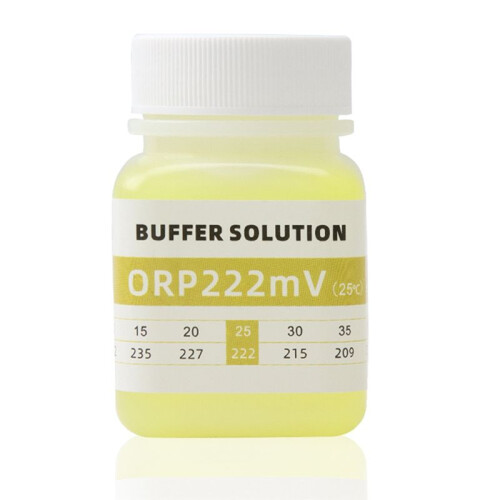
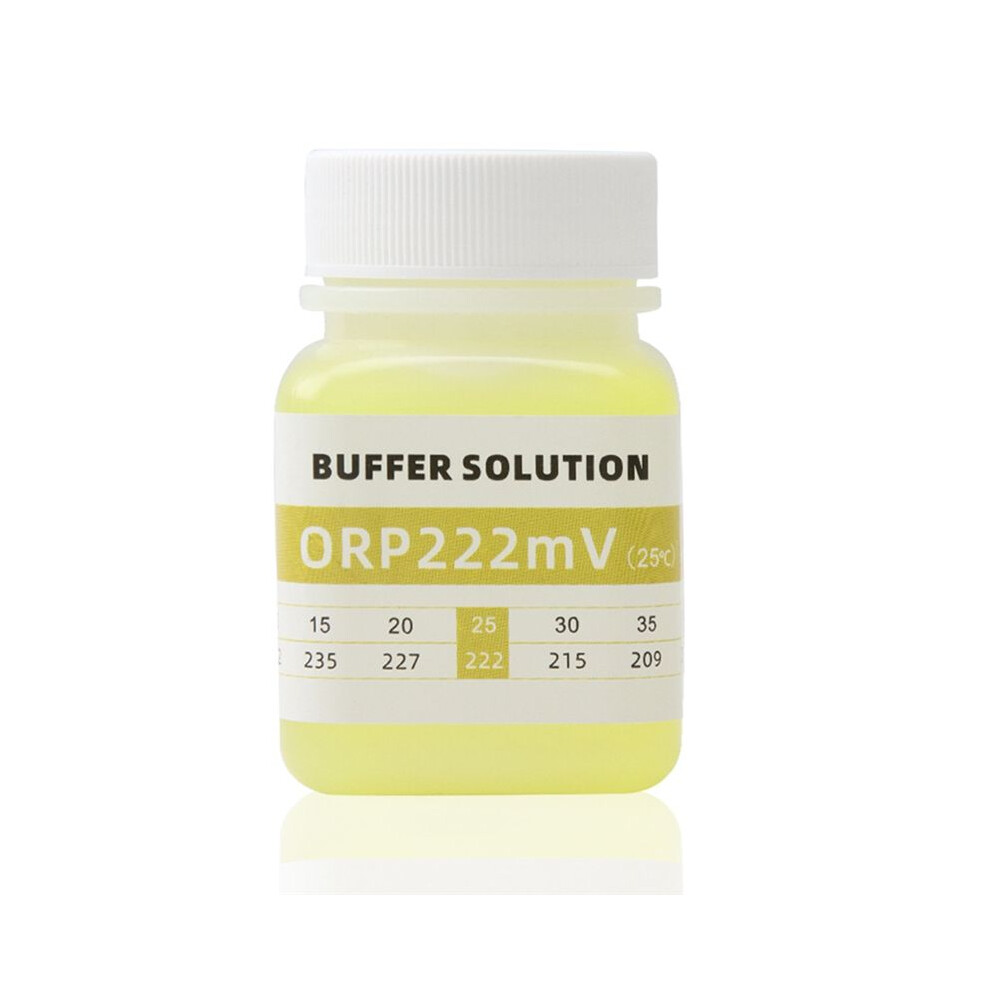
PH Meter Calibration Solution ORP Tester Calibration Solution Buffer Solutions,ORP 222mV
In stock
Smart shoppers OnBuy it!
- Earn Cashback on every purchase – spend it instantly on your next order
- Free delivery – on millions of items across the site
- Customers love us – 138,000 Trustpilot reviews and an 'Excellent' rating
All prices include VAT.
Interest-free payment options available


See full product description & details
Delivery: Standard (Free) | Mon 23rd - Fri 27th Nov
Sold by: JJBRDZ
Returns: 30 days
180-day payment protection
You might also like


Summary
- How to Calibrate the ORP Meter:1.Press ON/OFF button to turn on the meter, take off the protective cap and rinse off the probe with pure water and dry it.
- 2. Press the "MODE/CAL" button to set the ORP mode; the word "mV" will be displayed at the top right of the screen. Put the probe into 222mV calibration solution and shake it gently.
- 3. Wait until the reading is stable, then long press"MODE/CAL" for 5 seconds and release; CAL is displayed on the screen, then a value will flash 3 times on the screen, when the value starts to fiash, press "MODE/CAL" button ( lf the flashing value is higher than 222mV ) or "HOLD/TEMP" button ( lf the flashing value is lower than 222mV ).
- 4. After adjusting the displaying value to 222mV then release the button, waiting the reading stop flashing,the calibration is finished, rinse off the probe with water.
- Calibration Solution
PH Meter Calibration Solution ORP Tester Calibration Solution Buffer Solutions,ORP 222mV Description
How to Calibrate the ORP Meter:1.Press /OFF button to turn the meter, take off the protective cap and rinse off the probe with pure water and dry it.
2. Press the "MODE/CAL" button to set the ORP mode; the word "mV" will be displayed at the top right of the screen. Put the probe into 222mV calibration solution and shake it gently.
3. Wait until the reading is stable, then long press"MODE/CAL" Compatible?with 5 seconds and release; CAL is displayed the screen, then a value will flash 3 times the screen, when the value starts to fiash, press "MODE/CAL" button ( lf the flashing value is higher than 222mV ) or "HOLD/TEMP" button ( lf the flashing value is lower than 222mV ).
4. After adjusting the displaying value to 222mV then release the button, waiting the reading stop flashing,the calibration is finished, rinse off the probe with water.
Storage:
Buffer solutions should be stored in a dark, cool place (not in the refrigerator and at temperatures no higher than 25C) away from direct sunlight to prevent photochemical degradation. In addition, buffer calibration solutions should be protected from carbon dioxide from the air and stored in tightly closed containers.
Colour:As Shown
Material:plastic
type:ORP 222mV
Package Contents:
1 set x pH Meter
Details
| OPC | PYTT7H8 |
|---|---|
| Brand | Torribaly |
| Codes | 4711602661211 (EAN) |
| Product and Safety Information |
Product Data
| Height | 5cm |
|---|---|
| Width | 5cm |
| Length | 7cm |
| Weight | 0.07kg |
| Colour | As Shown |
| Size | ORP 222mV |
| Material | plastic |
Customers also buy
Compare Sellers for PH Meter Calibration Solution ORP Tester Calibration Solution Buffer Solutions,ORP 222mV
- New from €24.06
| Seller | Ratings | Warranty | Returns | Price | Delivery | Total | Quantity |
|---|---|---|---|---|---|---|---|
|
Dispatched from:

|
(525 reviews) | - |
30 Days
Free Returns No
|
€24.06
|
+Free Delivery
Est. Delivery:
23rd-27th Nov
|
€24.06
|
Earn as you shop with instant Cashback on everything.
No catch, no cost
- Paid into your OnBuy account
- Spend it on your next purchase
- Save it or withdraw it
Become a Cashback VIP
Just 1 purchase unlocks bigger deals & rates