


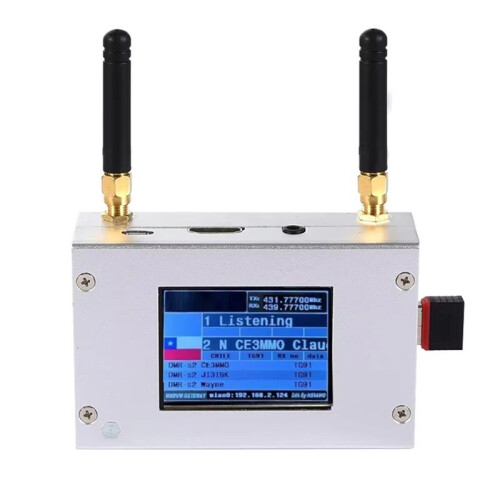
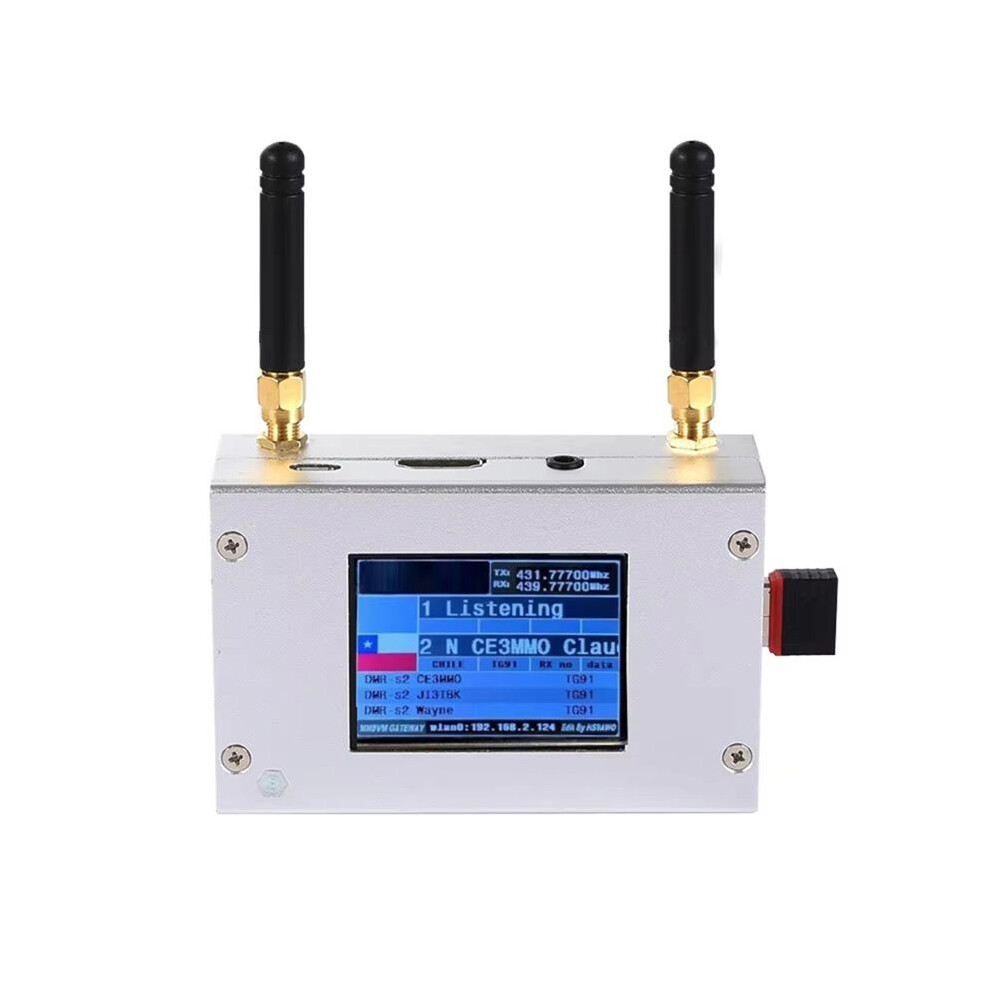
Duplex MMDVM Hotspot W/ Aluminum Alloy Shell Color Display Screen Supporting for C4FM/DMR/DSTAR P25 with Raspberry Pi1B+
Raktáron
Ezért fogod szeretni az OnBuy-on való vásárlást:
- Szerezz Cashback pénzvisszatérítést minden vásárlás után, és költsd el azonnal a következő rendelésnél.
- Ingyenes kiszállítás – több millió termékre az oldalon
- Vásárlóink elégedettek velünk, már 138,000 Kiváló értékelést kaptunk!
Az OnBuy-on értékesített termékek ára tartalmazza az áfát.
Teljes termékleírás és részletek megtekintése
Kézbesítés: Normál (1 590,00 Ft) | sze 25. nov. - kedd 1. dec.
Visszaküldés: 30 nap
180 napos fizetési védelem
Összefoglaló
- Type:Duplex MMDVM Hotspot With Aluminum Alloy Shell Color Display Screen
- Material:aluminium alloy+Plastic
- MMDVM Hotspot Digital Networking Box
- MMDVM Hotspot
- duplex large board MMDVM Hotspot
Duplex MMDVM Hotspot W/ Aluminum Alloy Shell Color Display Screen Supporting for C4FM/DMR/DSTAR P25 with Raspberry Pi1B+ leírása
Type:Duplex MMDVM Hotspot With Aluminum Alloy Shell Color Display Screen
Material:aluminium alloy+Plastic
How to Use:
Settings when MMDVM first starts :
I. Connect to an automatic AP hotspot:
1. The hotspot is powered .
2. Wait for for Pi‑Star to start.It usually takes about a minute(longer if using for Pi0W).If your hotspot has an ‑screen display,you can watch for Pi‑Star start until you are prompted to log in.
3. Wait 2 minutes for the Auto AP feature to activate.
4. View the hotspot named Pi‑Star‑Setup your computer or cell phone and connect.Hotspot:Pi‑Star‑Setup;Password:12345678
II. Login for Pi‑Star page.
1. Connect successfully.
2. When you start for Pi‑Star for the first ,you will see a page showing No Mode Defined...Click Configure.Click Configure or wait 10seconds to be redirected to the configuration page.
3. Enter the configuration page,and enter your account password to log in to the for Pi‑Star page.Default user name:pi‑star;Password:12345678
III. Add individual connection:
1. After entering the configuration page,scroll to Configuration, click Configure.
2. Select your country or area code,click Scan for Networks (10seconds) to start searching for, and wait 10 seconds
3. If the you want to add is not in the search results,you can add it manually.After the hotspot reboots,it will connect to the set individual.Visit for Pi‑Star in your browser for additional configuration
Colour:Silver
Package Contents:
1 x Hotspot Board
2 x Antenna
Részletek
| OPC | PVCCSNB |
|---|---|
| Kódok | 6034215287592 (EAN) |
| Termék- és biztonsági információk |
Termékadatok
| Height | 6cm |
|---|---|
| Width | 11cm |
| Length | 15cm |
| Weight | 0.218kg |
| Colour | Silver |
| Material | aluminium alloy+Plastic |
Eladók összehasonlítása: Duplex MMDVM Hotspot W/ Aluminum Alloy Shell Color Display Screen Supporting for C4FM/DMR/DSTAR P25 with Raspberry Pi1B+
- Új innen 83 284,50 Ft
| Eladó | Értékelések | Garancia | Visszaküldések | Ár | Kiszállítás | Összesen | Mennyiség |
|---|---|---|---|---|---|---|---|
|
Feladás helye:

|
(82 értékelés) | - |
30 nap
Ingyenes visszaküldés Nem
|
81 694,50 Ft
|
+1 590,00 Ft Delivery
Várható szállítás:
25 nov. - 1 dec.
|
83 284,50 Ft
|
Vásárlás közben is keressen pénzt azonnali Cashback-kel minden termékre.
Nincs apróbetűs rész, nincs költség
- Jóváírva az OnBuy-fiókján
- Költse el a következő vásárlásán
- Gyűjtse vagy vegye fel
Legyen Cashback VIP-tag
Már egyetlen vásárlással is nagyobb kedvezményeket és jobb árakat érhet el