





















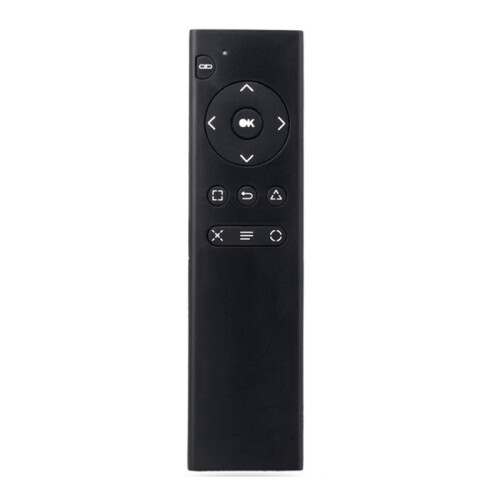
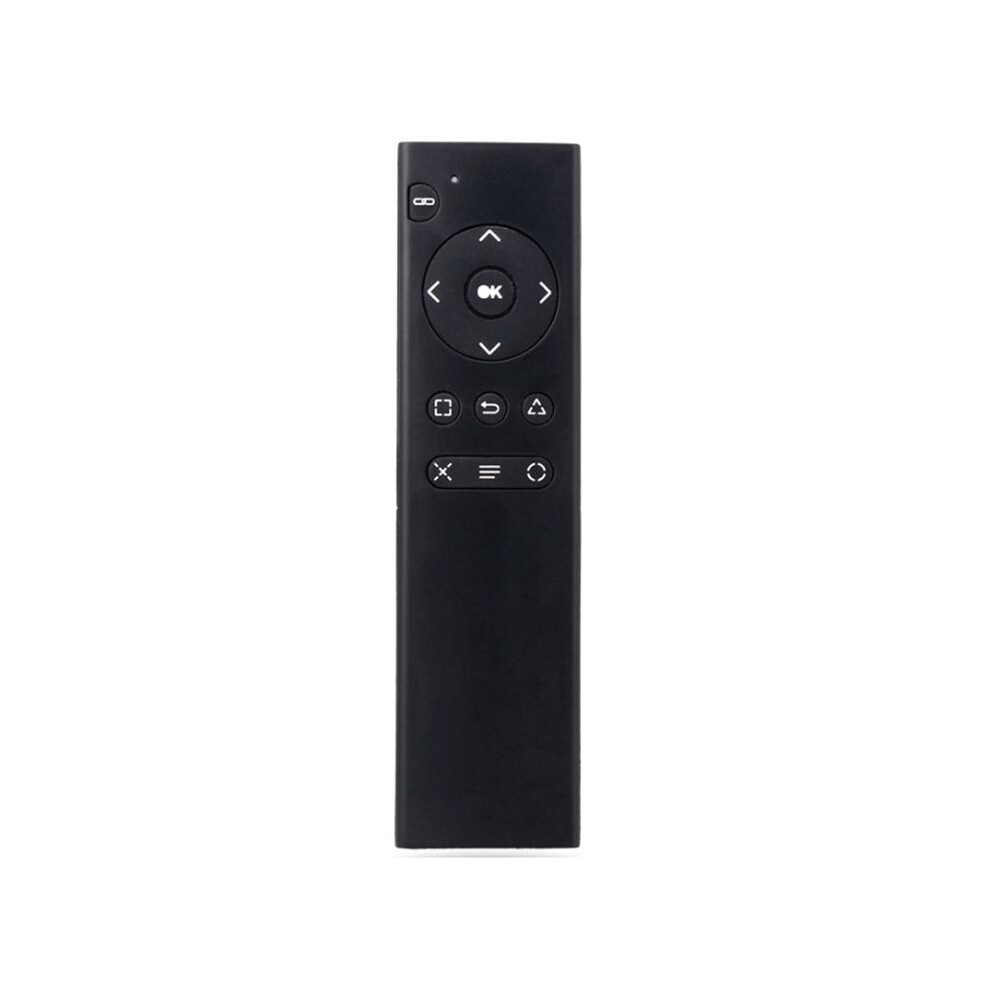
For PS4 Console DVD 2.4G Wireless Remote Control Console DVD Multimedia Remote Control for PS4 Remote Control TP4-018
På lager
Derfor vil du elske at handle hos OnBuy:
- Tjen Cashback på hvert køb – brug det med det samme på din næste ordre
- Gratis levering – på millioner af varer på siden
- Kunder elsker os – 126,000 anmeldelser med vurderingen “Fremragende”
Priserne for varer, der sælges af OnBuy, inkluderer moms.
Rentefrie betalingsmuligheder


Se fuld produktbeskrivelse og detaljer
Levering: Standard (Gratis) | tor. 18. - tir. 23. jun.
Solgt af: LLhappy
Returnering: 30 dage
180 dages betalingsbeskyttelse
Mest populære i Dele og tilbehør til videospilkonsoller
Oversigt
- 1.Turn on the console and insert the 2.4G receiver into the for PS4 console.
- 2.Install 2xAAA batteries in the remote control. Shortly press the pairing button on the for PS4 remote. The search and pairing indicator on the remote will flash. Once paired with the for PS4 console, the pairing indicator will turn off.
- 3.Once the remote is connected to the console, you can use functions such as DVD remote control and menu selection. (Note: If the remote control does not control DVD playback while playing, it means the for PS4 controller is the primary controller. Press the "Back" button on the remote control to switch to the remote control as the primary controller. Then, press the "Back" button again to return to playback. You can then use the function buttons on the remote control to control DVD playback.)
- 4.Sleep Mode: To save power, the remote control will automatically enter sleep mode if it is not used for ten minutes.
- 5.Working Mode: Once the remote control is connected to the for PS4 console, the pairing indicator will turn off.
For PS4 Console DVD 2.4G Wireless Remote Control Console DVD Multimedia Remote Control for PS4 Remote Control TP4-018 Beskrivelse
1.Turn the console and insert the 2.4G receiver into the for PS4 console.
2.Install 2xAAA batteries in the remote control. Shortly press the pairing button the for PS4 remote. The search and pairing indicator the remote will flash. Once paired with the for PS4 console, the pairing indicator will turn off.
3.Once the remote is connected to the console, you can use functions such as DVD remote control and menu selection. (Note: If the remote control does not control DVD playback while playing, it means the for PS4 controller is the primary controller. Press the "Back" button the remote control to to the remote control as the primary controller. Then, press the "Back" button again to return to playback. You can then use the function buttons the remote control to control DVD playback.)
4.Sleep Mode: To save power, the remote control will automatically enter sleep mode if it is not used for ten minutes.
5.Working Mode: Once the remote control is connected to the for PS4 console, the pairing indicator will turn off.
(The product printed words may vary depending the batch, but this does not affect use)
Color: As Shown
Material: plastic
Package Contents:
1 x Remote Control
Detaljer
| OPC | PV8CR9D |
|---|---|
| Mærke | Zandonà |
| Koder | 4711324416397 (EAN) |
Produktdata
| Height | 2cm |
|---|---|
| Width | 6cm |
| Length | 16cm |
| Weight | 0.071kg |
| Colour | As Shown |
| Material | Plastic |
Sammenlign sælgere for For PS4 Console DVD 2.4G Wireless Remote Control Console DVD Multimedia Remote Control for PS4 Remote Control TP4-018
- Ny fra 120,43 kr.
| Sælger | Bedømmelser | Garanti | Returneringer | Pris | Levering | I alt | Antal |
|---|---|---|---|---|---|---|---|
|
Afsendt fra:

|
(151 anmeldelser) | - |
30 dage
Gratis retur Nej
|
120,43 kr.
|
+Free Delivery
Forventet levering:
18-23 jun.
|
120,43 kr.
|
Tjen penge, mens du handler med øjeblikkelig Cashback på alt.
Ingen hage, ingen omkostninger
- Indbetalt til din OnBuy-konto
- Brug dem på dit næste køb
- Gem det eller hæv det
Bliv Cashback VIP
Bare 1 køb giver adgang til bedre tilbud og priser