





















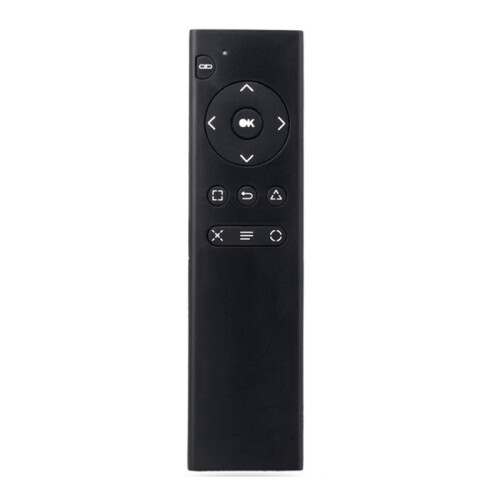
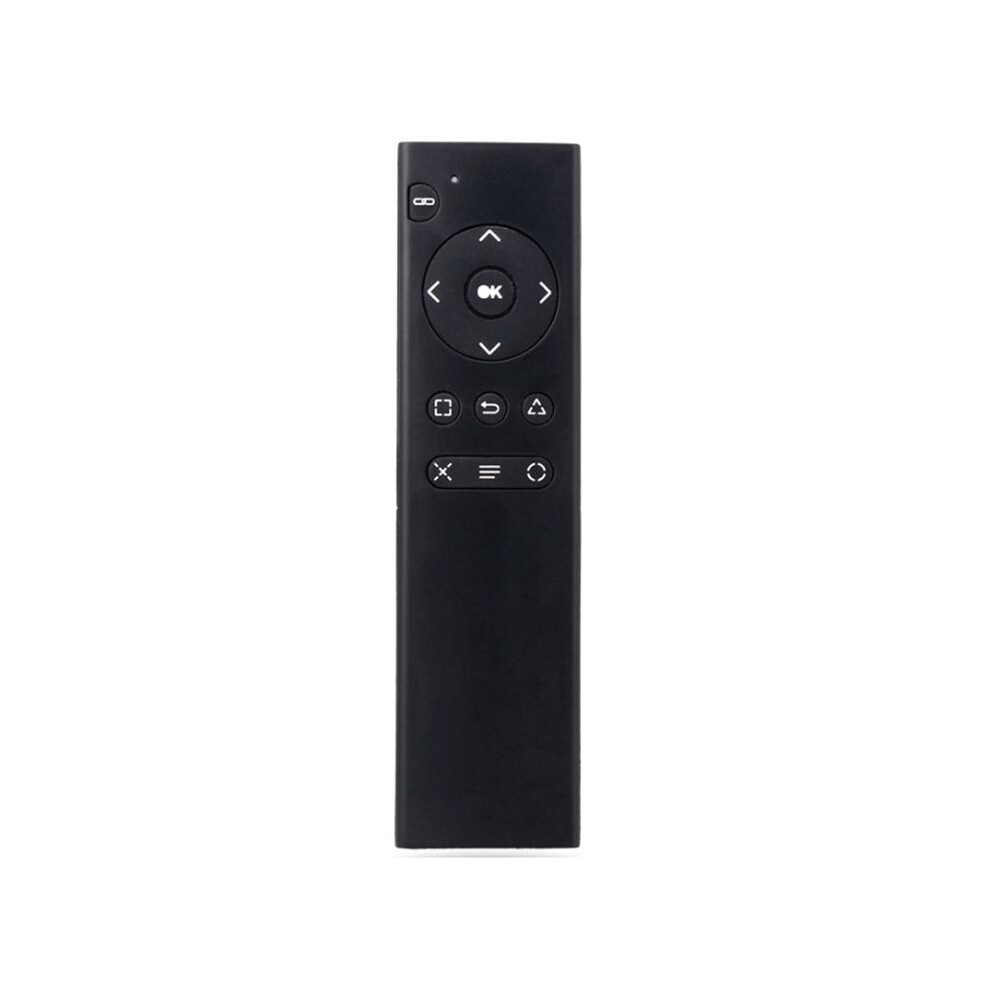
For PS4 Console DVD 2.4G Wireless Remote Control Console DVD Multimedia Remote Control for PS4 Remote Control TP4-018
Na sklade
Prečo si zamilujete nakupovanie na OnBuy:
- Získajte cashback pri každom nákupe – použite ho okamžite na ďalšiu objednávku
- Doprava zadarmo – na milióny produktov na celej stránke
- Zákazníci nás milujú – 126,000 hodnotení s “Vynikajúcim” hodnotením
Ceny produktov predávaných spoločnosťou OnBuy sú uvedené s DPH.
K dispozícii sú aj bezúročné možnosti platby


Zobraziť celý popis a podrobnosti o produkte
Doručenie: Priorita (Zadarmo) | str 24 - pon 29 jún
Predáva: LLhappy
Vrátenie tovaru: 30 dní
180-dňová ochrana platieb
Najobľúbenejšie v Časti a príslušenstvo pre herné konzoly


Zhrnutie
- 1.Turn on the console and insert the 2.4G receiver into the for PS4 console.
- 2.Install 2xAAA batteries in the remote control. Shortly press the pairing button on the for PS4 remote. The search and pairing indicator on the remote will flash. Once paired with the for PS4 console, the pairing indicator will turn off.
- 3.Once the remote is connected to the console, you can use functions such as DVD remote control and menu selection. (Note: If the remote control does not control DVD playback while playing, it means the for PS4 controller is the primary controller. Press the "Back" button on the remote control to switch to the remote control as the primary controller. Then, press the "Back" button again to return to playback. You can then use the function buttons on the remote control to control DVD playback.)
- 4.Sleep Mode: To save power, the remote control will automatically enter sleep mode if it is not used for ten minutes.
- 5.Working Mode: Once the remote control is connected to the for PS4 console, the pairing indicator will turn off.
For PS4 Console DVD 2.4G Wireless Remote Control Console DVD Multimedia Remote Control for PS4 Remote Control TP4-018 Popis
1.Turn the console and insert the 2.4G receiver into the for PS4 console.
2.Install 2xAAA batteries in the remote control. Shortly press the pairing button the for PS4 remote. The search and pairing indicator the remote will flash. Once paired with the for PS4 console, the pairing indicator will turn off.
3.Once the remote is connected to the console, you can use functions such as DVD remote control and menu selection. (Note: If the remote control does not control DVD playback while playing, it means the for PS4 controller is the primary controller. Press the "Back" button the remote control to to the remote control as the primary controller. Then, press the "Back" button again to return to playback. You can then use the function buttons the remote control to control DVD playback.)
4.Sleep Mode: To save power, the remote control will automatically enter sleep mode if it is not used for ten minutes.
5.Working Mode: Once the remote control is connected to the for PS4 console, the pairing indicator will turn off.
(The product printed words may vary depending the batch, but this does not affect use)
Color: As Shown
Material: plastic
Package Contents:
1 x Remote Control
Podrobnosti
| OPC | PV8CR9D |
|---|---|
| Značka | Zandonà |
| Kódy | 4711324416397 (EAN) |
Údaje o produkte
| Height | 2cm |
|---|---|
| Width | 6cm |
| Length | 16cm |
| Weight | 0.071kg |
| Colour | As Shown |
| Material | Plastic |
Porovnajte predajcov pre For PS4 Console DVD 2.4G Wireless Remote Control Console DVD Multimedia Remote Control for PS4 Remote Control TP4-018
- Nové od 13,86 €
| Predajca | Recenzie | Záruka | Vrátenie tovaru | Cena | Doručenie | Celkom | Množstvo |
|---|---|---|---|---|---|---|---|
|
Odoslané z:

|
(153 recenzií) | - |
30 dní
Bezplatné vrátenie tovaru Nie
|
13,86 €
|
+Free Priority Delivery
Odhadované doručenie:
24-29 jún
|
13,86 €
|
Zarábajte pri nakupovaní s okamžitým Cashback na všetko.
Žiadny háčik, žiadne náklady
- Pripísané na váš OnBuy účet
- Použite ho na váš ďalší nákup
- Ušetrite alebo si vyberajte
Staňte sa Cashback VIP
Už 1 nákup odomkne lepšie ponuky a zľavy