





















Obrázky produktu

Skladem
Proč si zamilujete nakupování na OnBuy:
Ceny zboží prodávaného na OnBuy jsou zobrazeny včetně DPH.
Možnosti platby bez úroků k dispozici


Zobrazit kompletní popis a podrobnosti o produktu
Doručení: Standardní (Zdarma) | pon 12 - pát 16 říj
Prodává: JJBRDZ
Vrácení zboží: 30 dní
180denní ochrana platby
Shrnutí
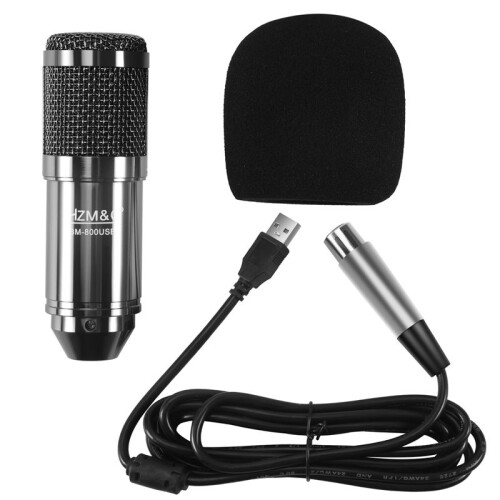
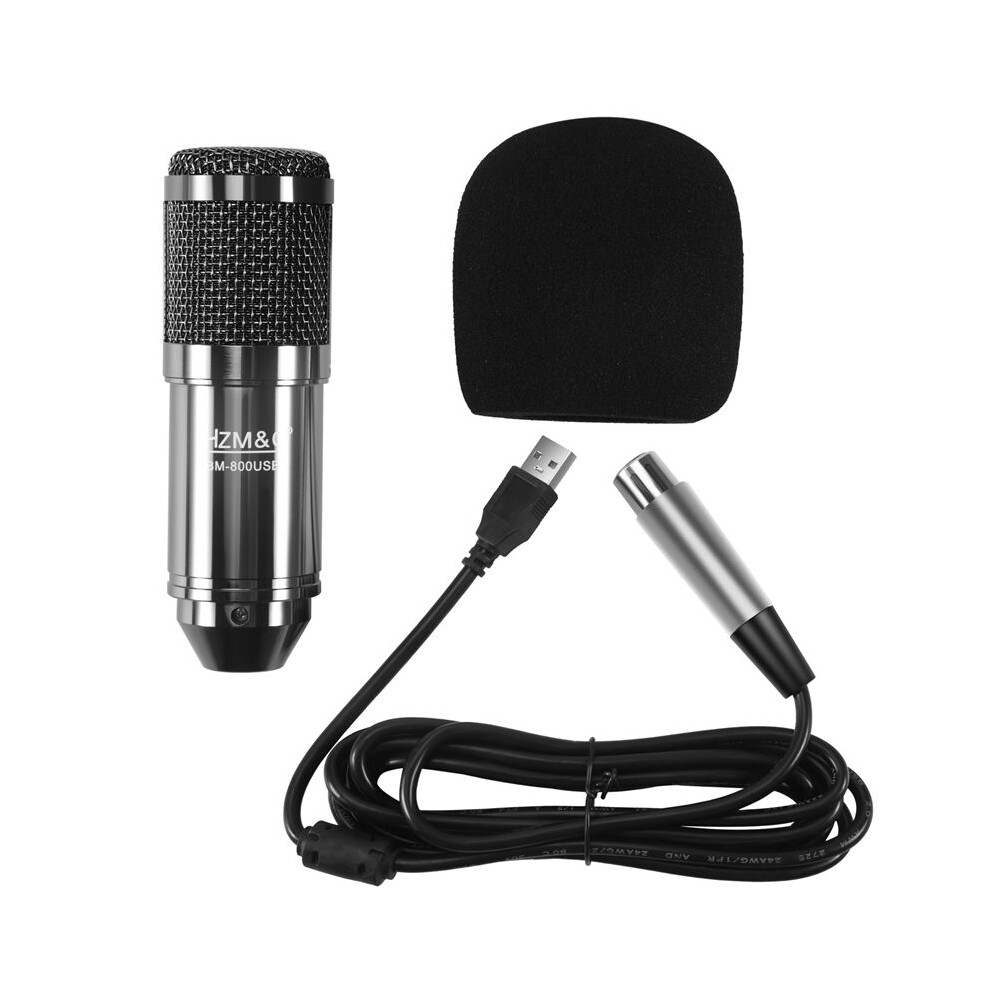
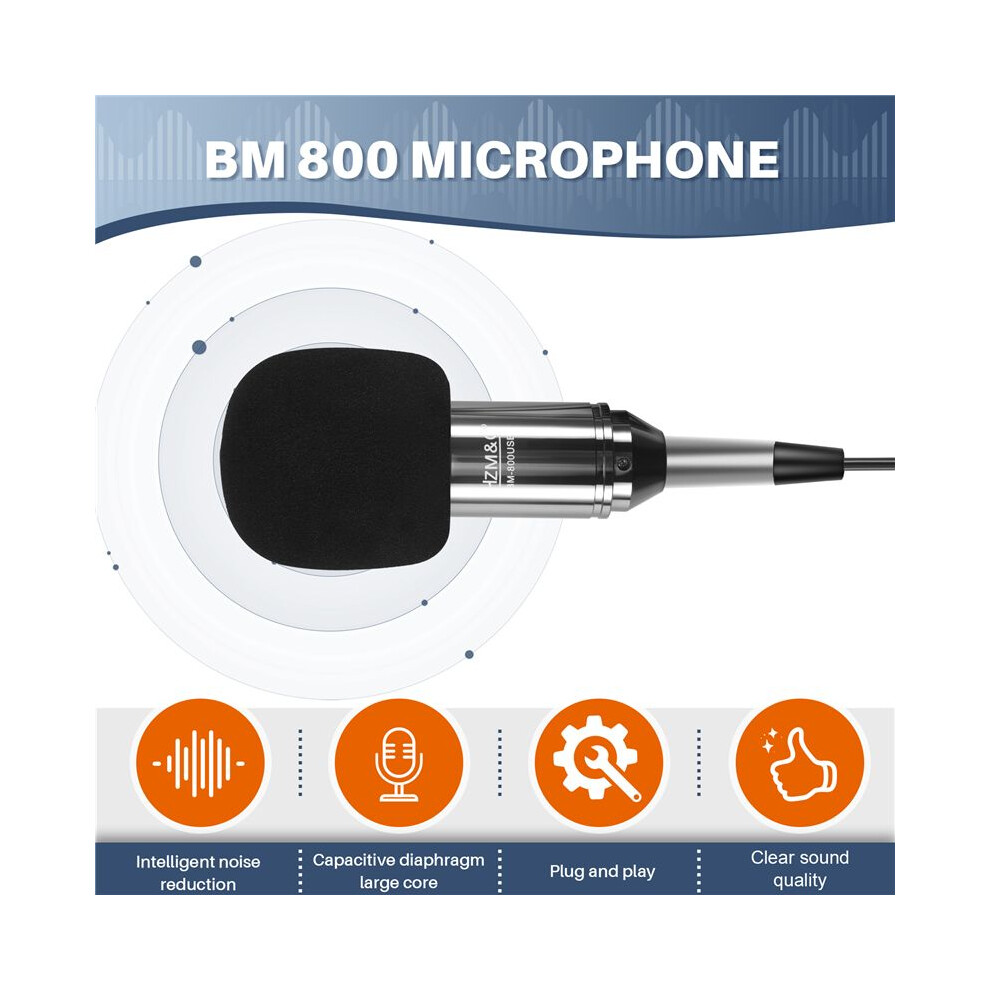
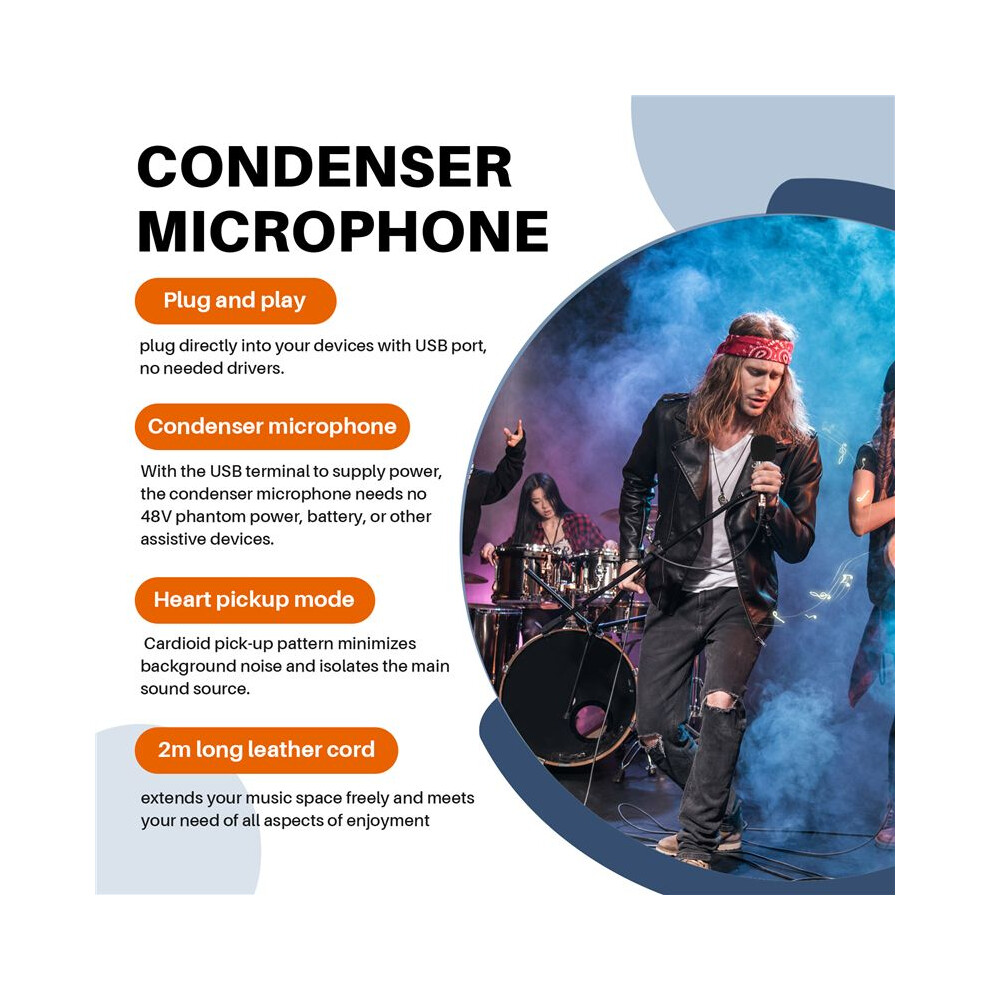
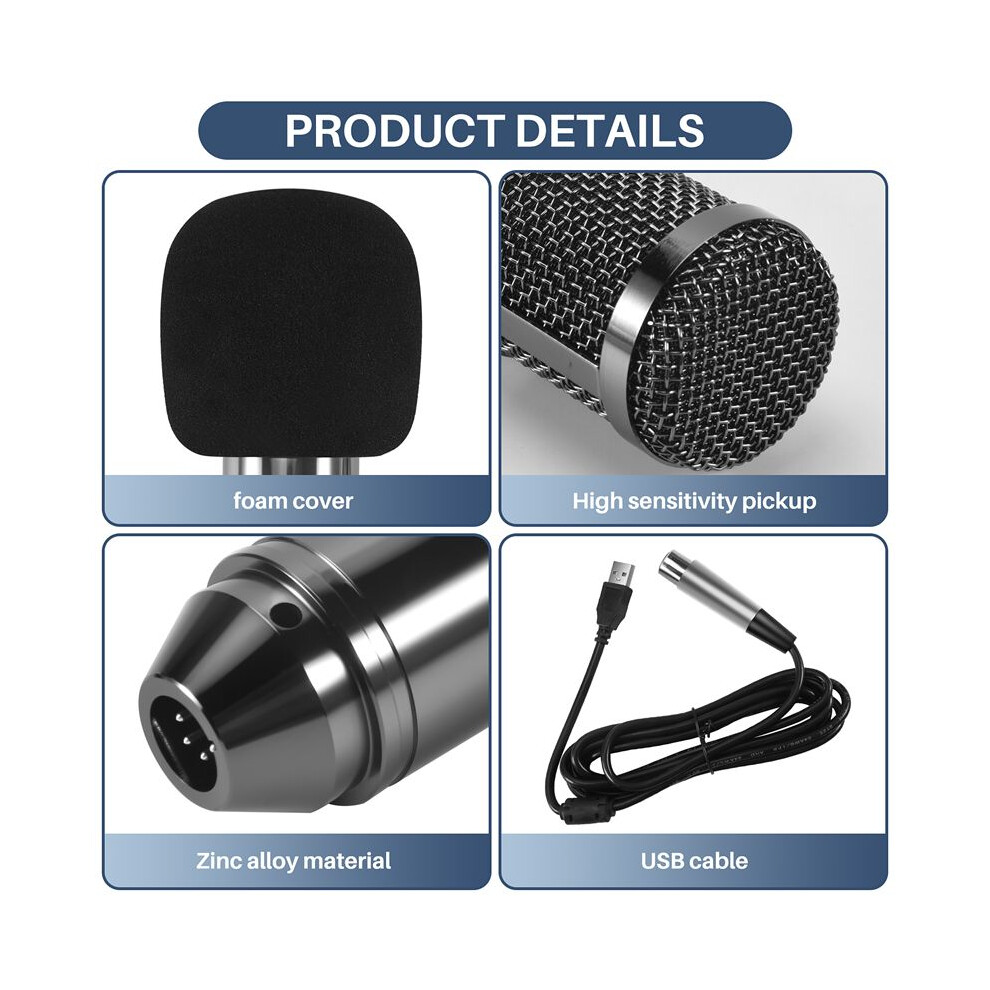
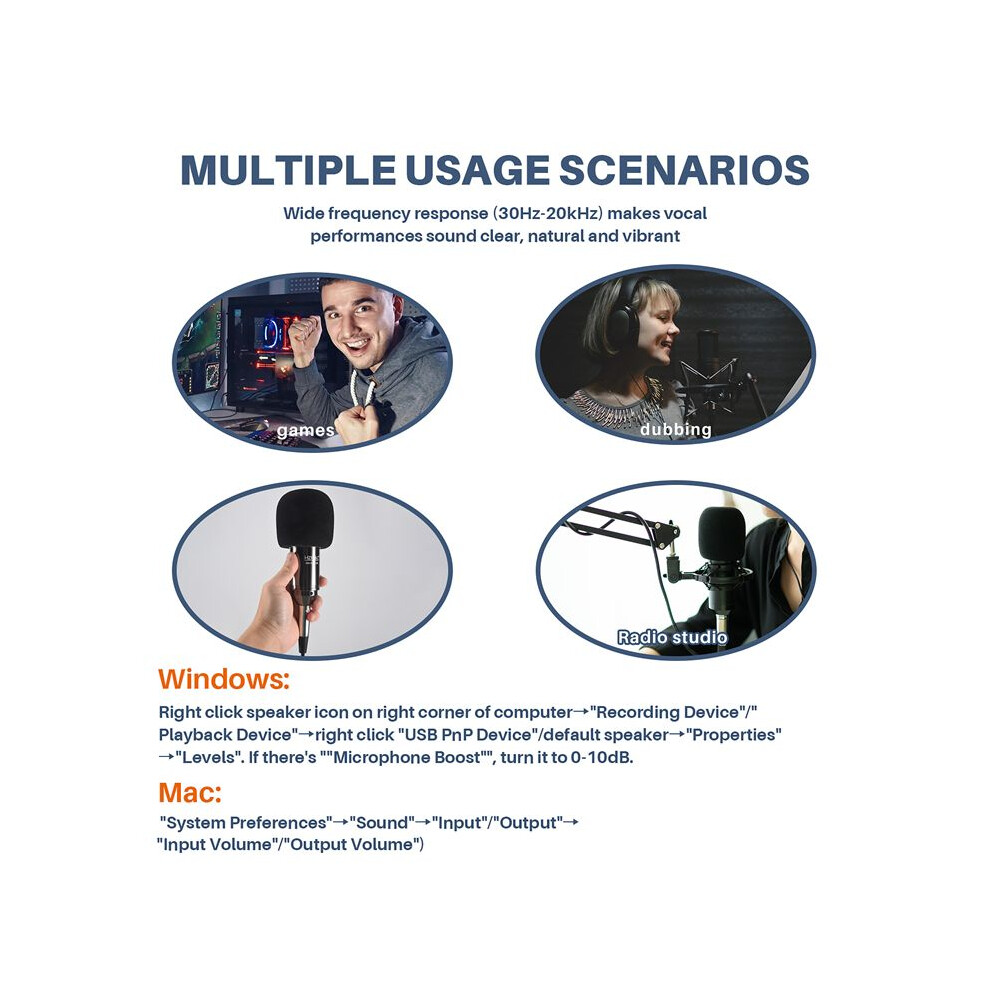
Plug and , plug directly into your devices with USB port, no needed drivers.With the USB terminal to supply power, the condenser microphone needs no 48V phantom power, battery, or other assistive devices.Cardioid pick- pattern minimizes background noise and isolates the main sound source.2m long leather cord extends your music space freely and meets your need of all aspects of enjoyment.Wide frequency response (30Hz-20kHz) makes vocal performances sound clear, natural and vibrant.
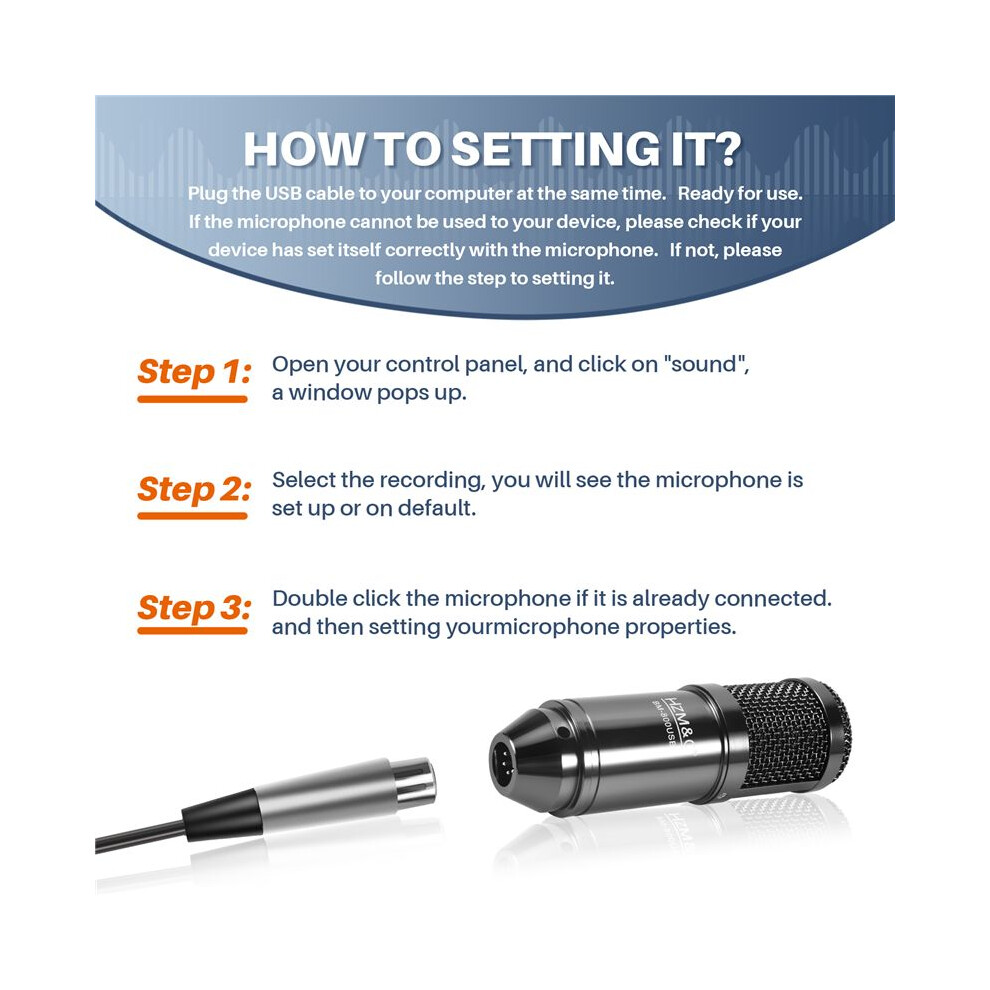
How to setting it?Plug the USB cable to your computer at the same . Ready for use.If the microphone cannot be used to your device, please check if your device has set itself correctly with the microphone. If not, please follow the step to setting it.
Step 1: Open your control panel, and click "sound", a window pops .Step 2: Select the recording, you will see the microphone is set or default.Step 3: Double click the microphone if it is already connected., and then setting yourmicrophone properties.
1.Unplug the USB cable to check whether the pins at the bottom of the mic are loosened.2.Restart computer and re-plug the mic to other USB port.3.If the "USB PnP Audio Device" appears in the sound settings of computer(below are the methods how to get to sound settings), the mic is able to work.(Windows: Right click speaker icon right corner of computer"Recording Device": Click "System Preferences""Sound""Input")
If the mic disconnects itself without warning, what can I do?Answer: There are two reasons for this situation. One is that the poor connection. The other is that the USB cable is broken. If you have tried to replug the USB cable into the mic, and plug the mic to other USB port, then it will be the problem of the cable.
If the mic has hissing what can I do?
1.Re-plug the USB cable into the microphone. If the cable gets loose, noise
Podrobnosti
| OPC | PWSSF59 |
|---|---|
| Značka | Torribaly |
| Kódy | 6031419652645 (EAN) |
| Informace o produktu a bezpečnosti |
Produktová data
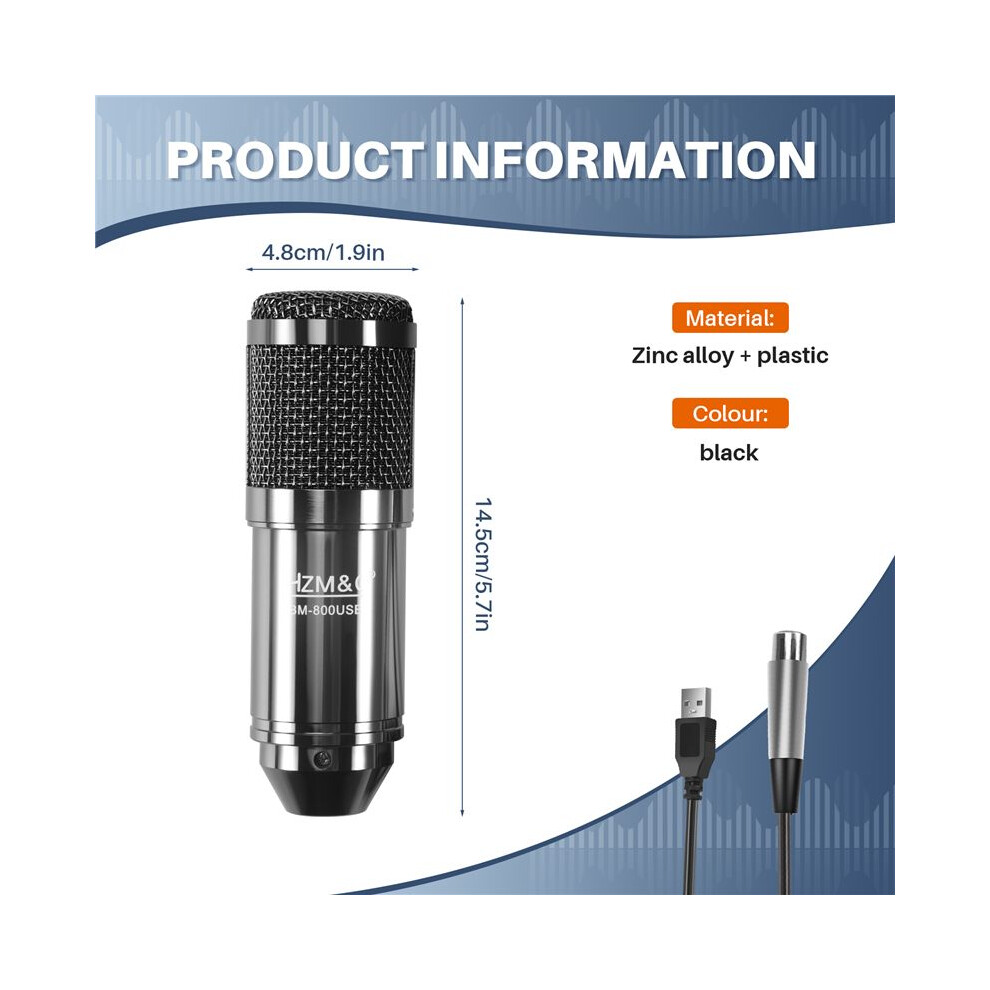
| Height | 7cm |
|---|---|
| Width | 15cm |
| Length | 20cm |
| Weight | 0.4445kg |
| Colour | black |
| Material | Zinc alloy + plastic |
| Prodejce | Hodnocení | Záruka | Vrácení zboží | Cena | Doručení | Celkem | Množství |
|---|---|---|---|---|---|---|---|
|
Odesláno z:

|
(447 recenzí) | - |
30 dní
Vrácení zboží zdarma Ne
|
745,13 Kč
|
+Free Delivery
Odhadované doručení:
12-16 říj
|
745,13 Kč
|
Získávejte odměny při nákupu s okamžitým Cashback na vše.
Žádný háček, žádné náklady
Staňte se Cashback VIP
Už po 1 nákupu získáte lepší nabídky a ceny
Okamžitý Cashback získáte pouze na OnBuy! Zadejte svůj e-mail níže a my vám pošleme kopii vašeho košíku, abyste ušetřili čas při dalším nákupu.
Zadáním své e-mailové adresy budete automaticky zařazeni do naší databáze, kde můžete využívat personalizované nabídky Cashback a získat přednostní přístup k nejlepším akcím. Z odběru e-mailů se můžete kdykoli odhlásit a vaše údaje nikdy nebudeme sdílet s nikým dalším. Více informací najdete v našich Zásadách ochrany osobních údajů a Obchodních podmínkách.
Chcete získat přístup k personalizovaným nabídkám a nejvyšším sazbám Cashback? Přihlaste se k odběru našich e-mailů níže.
Z odběru našich e-mailů se můžete kdykoli odhlásit a vaše údaje nikdy nebudeme sdílet s nikým dalším. Podrobnosti najdete v našich Zásadách ochrany osobních údajů a Obchodních podmínkách.
Tato stránka vypršela.
Obnovte stránku a pokračujte