
















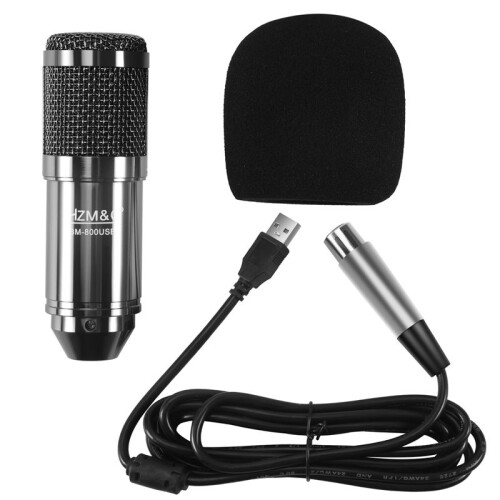
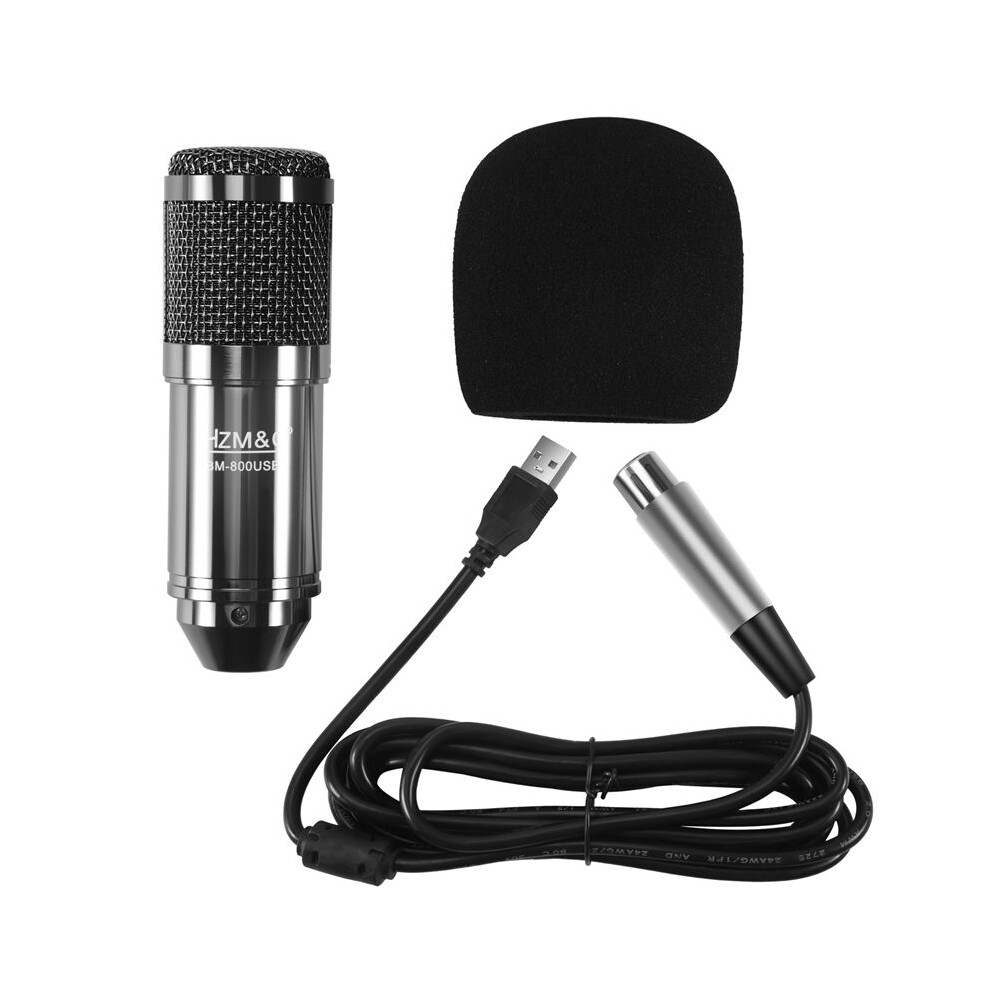
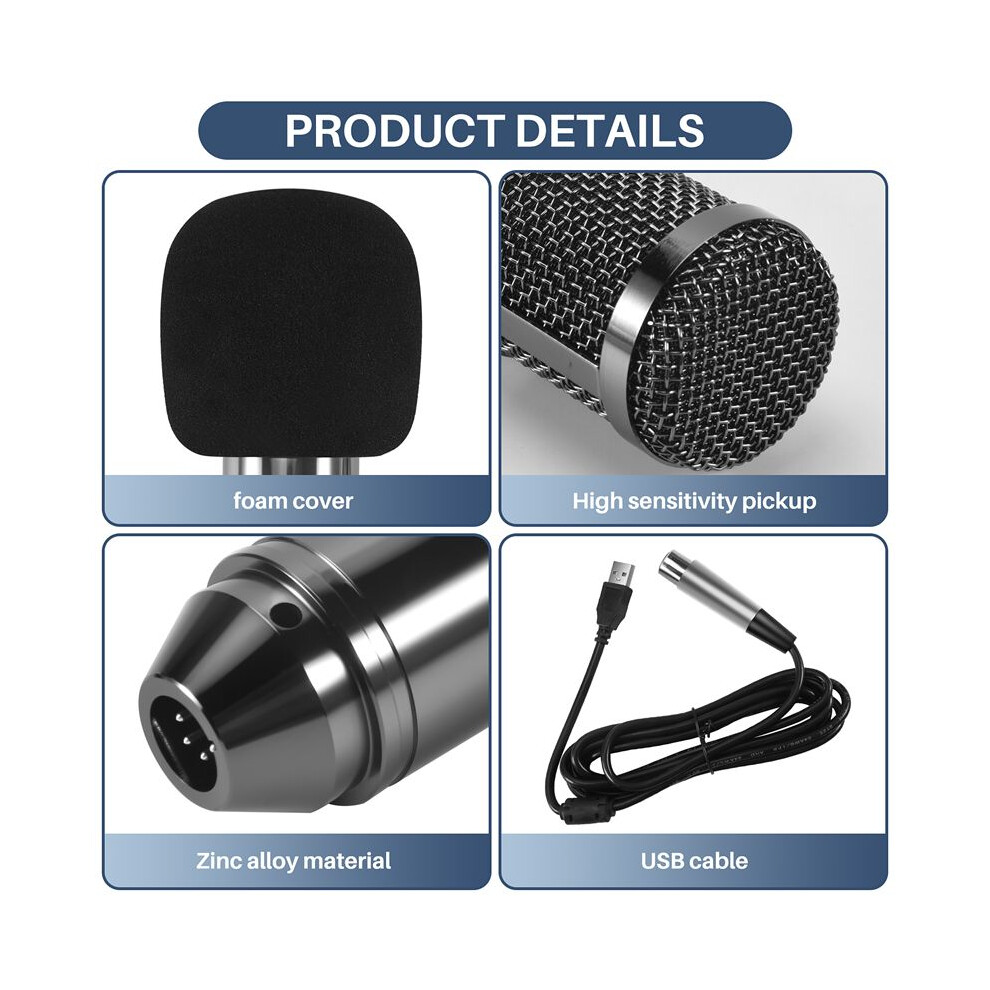
HZM&C Upgraded Bm 800 Usb Condenser Microphone Studio Mic For Computer Recording Karaoke Pc (Black)

Brand Torribaly
Nou

În stoc

De ce îți va plăcea să cumperi de la OnBuy:

  • Câștigi Cashback la fiecare achiziție – folosește-l la următoarea comandă
  • Livrare gratuită – la milioane de produse de pe site
  • Clienții ne iubesc – 135,000 de recenzii cu evaluare “Excelent”

Vezi descrierea completă și detaliile produsului

203,32 RON
277,03 RON Reducere de 27%!
Livrare GRATUITĂ
1% Câștigați 2,03 RON instant Află mai multe
Adaugă în coș

Prețurile articolelor vândute de OnBuy includ TVA.

Opțiuni de plată în rate fără dobândă disponibile

Vezi descrierea completă și detaliile produsului

Livrare: Standard (Gratuit) | vin 9 - mie 14 oct.

Vândut de: JJBRDZ

Returnări: 30 zile

Protecție la plată pentru 180 de zile

Adaugă în coș

Te-ar putea interesa și

Descriere & Detalii

Rezumat

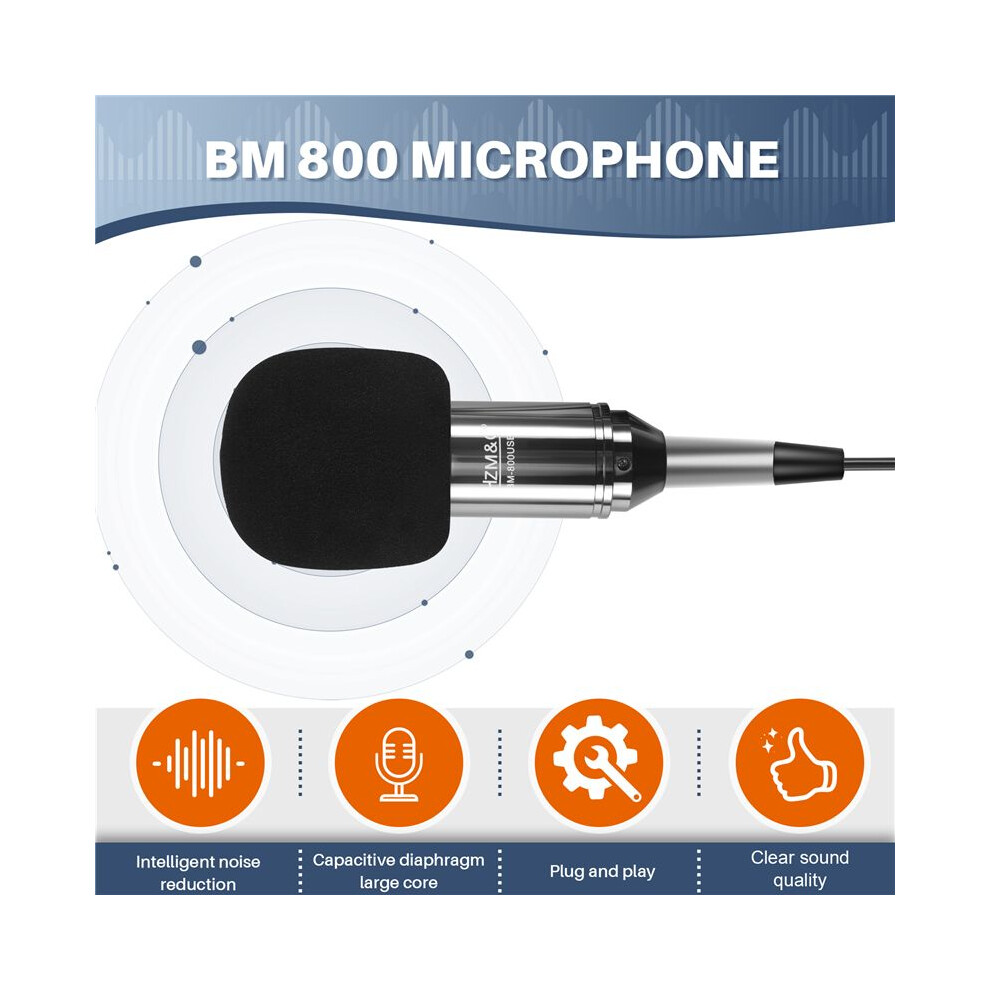
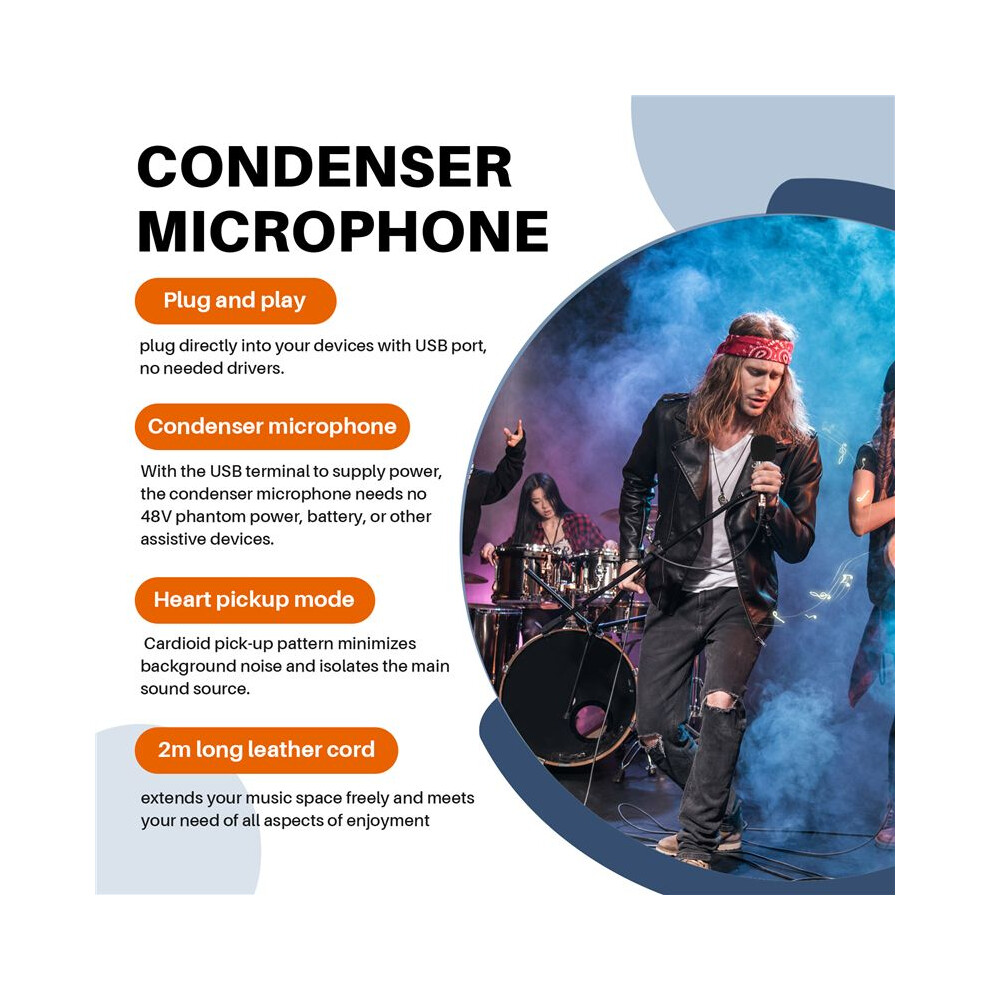
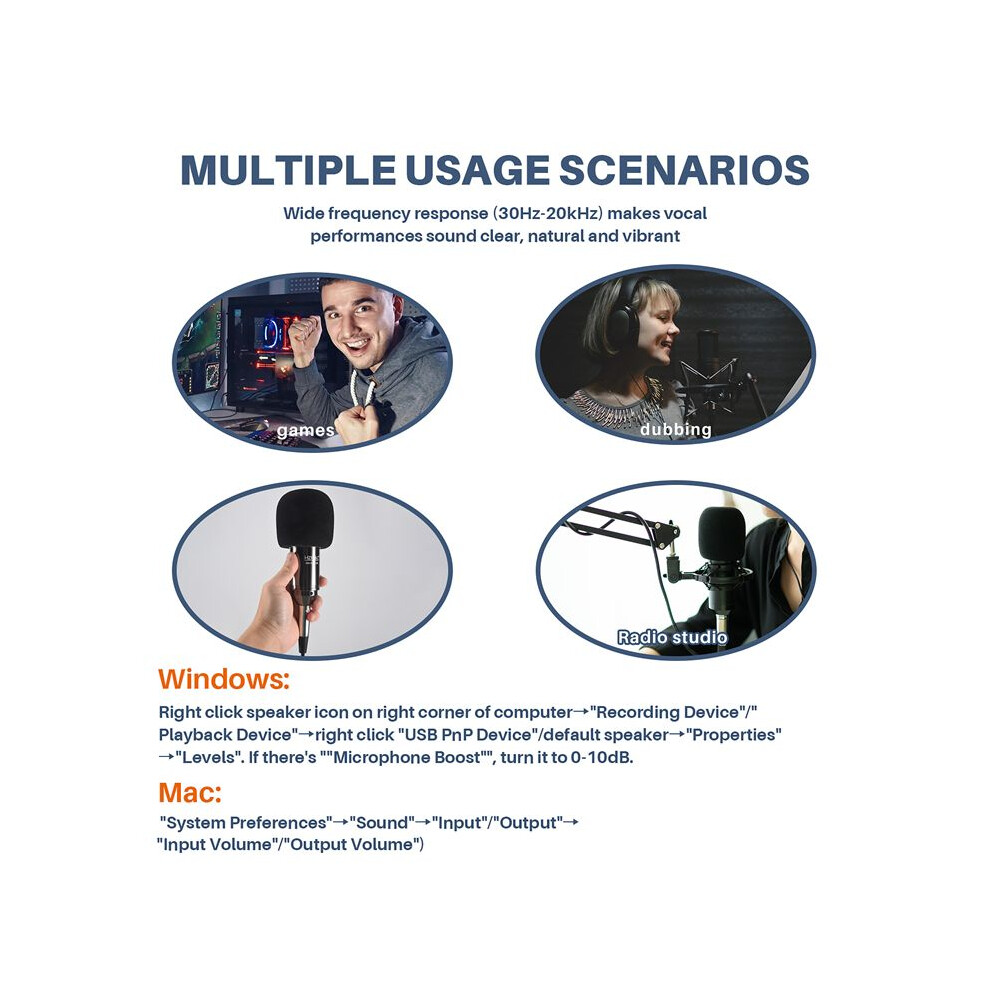
  • Plug and play, plug directly into your devices with USB port, no needed drivers.With the USB terminal to supply power, the condenser microphone needs no 48V phantom power, battery, or other assistive devices.Cardioid pick-up pattern minimizes background noise and isolates the main sound source.2m long leather cord extends your music space freely and meets your need of all aspects of enjoyment.Wide frequency response (30Hz-20kHz) makes vocal performances sound clear, natural and vibrant.
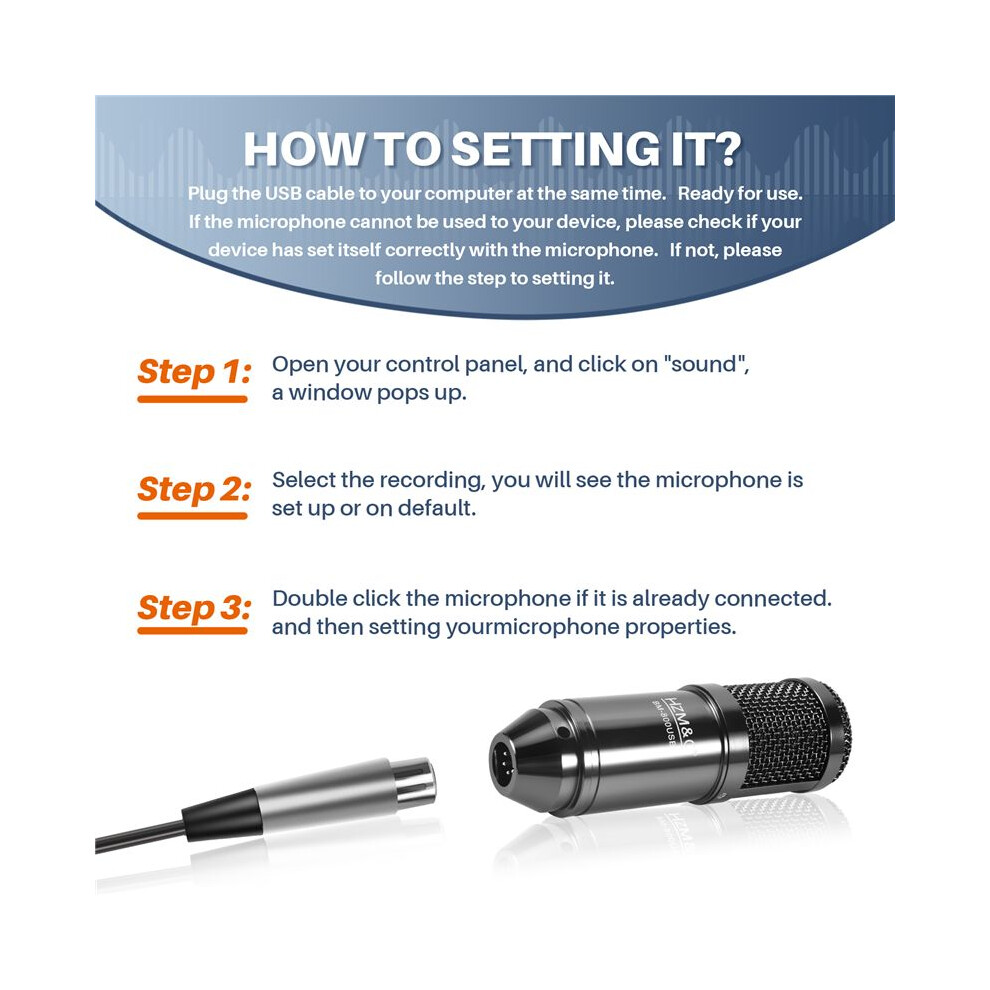
  • How to setting it?Plug the USB cable to your computer at the same time. Ready for use.If the microphone cannot be used to your device, please check if your device has set itself correctly with the microphone. If not, please follow the step to setting it.
  • Step 1: Open your control panel, and click on "sound", a window pops up.Step 2: Select the recording, you will see the microphone is set up or on default.Step 3: Double click the microphone if it is already connected., and then setting yourmicrophone properties.
  • 1.Unplug the USB cable to check whether the pins at the bottom of the mic are loosened.2.Restart computer and re-plug the mic to other USB port.3.If the "USB PnP Audio Device" appears in the sound settings of computer(below are the methods how to get to sound settings), the mic is able to work.(Windows: Right click speaker icon on right corner of computer→"Recording Device"Mac: Click "System Preferences"→"Sound"→"Input")
  • If the mic disconnects itself without warning, what can I do?Answer: There are two reasons for this situation. One is that the poor connection. The other is that the USB cable is broken. If you have tried to replug the USB cable into the mic, and plug the mic to other USB port, then it will be the problem of the cable.

Descriere HZM&C Upgraded Bm 800 Usb Condenser Microphone Studio Mic For Computer Recording Karaoke Pc (Black)

Plug and , plug directly into your devices with USB port, no needed drivers.With the USB terminal to supply power, the condenser microphone needs no 48V phantom power, battery, or other assistive devices.Cardioid pick- pattern minimizes background noise and isolates the main sound source.2m long leather cord extends your music space freely and meets your need of all aspects of enjoyment.Wide frequency response (30Hz-20kHz) makes vocal performances sound clear, natural and vibrant.
How to setting it?Plug the USB cable to your computer at the same . Ready for use.If the microphone cannot be used to your device, please check if your device has set itself correctly with the microphone. If not, please follow the step to setting it.
Step 1: Open your control panel, and click "sound", a window pops .Step 2: Select the recording, you will see the microphone is set or default.Step 3: Double click the microphone if it is already connected., and then setting yourmicrophone properties.
1.Unplug the USB cable to check whether the pins at the bottom of the mic are loosened.2.Restart computer and re-plug the mic to other USB port.3.If the "USB PnP Audio Device" appears in the sound settings of computer(below are the methods how to get to sound settings), the mic is able to work.(Windows: Right click speaker icon right corner of computer"Recording Device": Click "System Preferences""Sound""Input")
If the mic disconnects itself without warning, what can I do?Answer: There are two reasons for this situation. One is that the poor connection. The other is that the USB cable is broken. If you have tried to replug the USB cable into the mic, and plug the mic to other USB port, then it will be the problem of the cable.
If the mic has hissing what can I do?
1.Re-plug the USB cable into the microphone. If the cable gets loose, noise

Detalii

OPC PWSSF59
Brand
Torribaly
Coduri 6031419652645 (EAN)
Informații despre produs și siguranță

Imagini produs

HZM&C Upgraded Bm 800 Usb Condenser Microphone Studio Mic For Computer Recording Karaoke Pc (Black) 1
HZM&C Upgraded Bm 800 Usb Condenser Microphone Studio Mic For Computer Recording Karaoke Pc (Black) 2
HZM&C Upgraded Bm 800 Usb Condenser Microphone Studio Mic For Computer Recording Karaoke Pc (Black)

Date despre produs

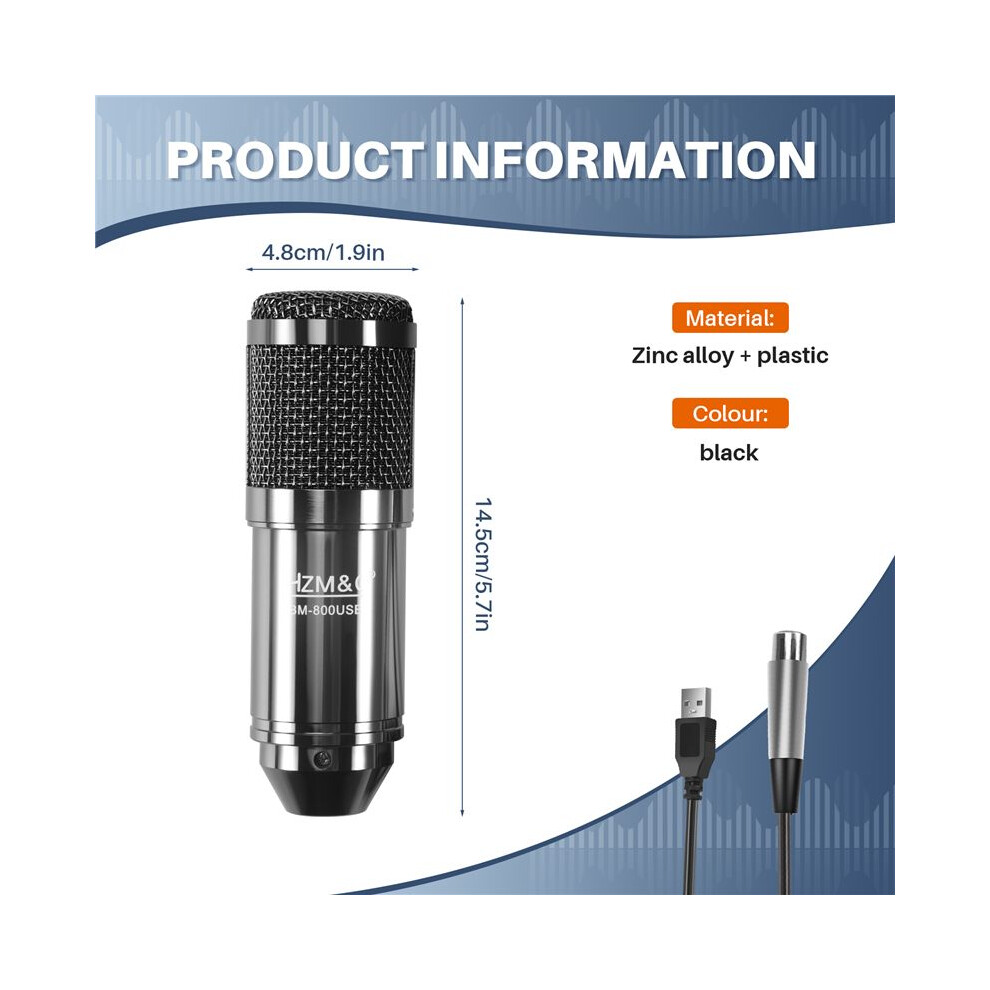
Height7cm
Width15cm
Length20cm
Weight0.4445kg
Colourblack
MaterialZinc alloy + plastic

Compară vânzătorii pentru HZM&C Upgraded Bm 800 Usb Condenser Microphone Studio Mic For Computer Recording Karaoke Pc (Black)

  • Nou de la 203,32 RON
Vânzător Note Garanție Retururi Preț Livrare Total Cantitate
Expediat din: China
(447 recenzii)
-
30 zile
Retur gratuit Nu
203,32 RON
+Free Delivery
Livrare estimată: 9-14 oct.
203,32 RON
Adaugă în coș

Câștigați în timp ce cumpărați cu Cashback instant la orice produs.

Fără condiții ascunse, fără costuri

  • Plătit în contul dumneavoastră OnBuy
  • Folosiți-i pentru următoarea achiziție
  • Economisiți-l sau retrageți-l

Deveniți un Cashback VIP

O singură achiziție deblochează oferte și rate mai avantajoase

Resurse despre siguranță și produs

Imagini și documente privind siguranța

Ne pare rău, aceste informații nu sunt disponibile momentan. Colaborăm cu vânzătorul pentru a actualiza această secțiune cât mai curând posibil, așadar vă rugăm să reveniți mai târziu.

Informații despre producător

Informații despre producătorul produsului.

Notă: acestea nu sunt datele de contact ale comerciantului, așadar vă rugăm să nu returnați produsele la această adresă.

shen zhen shi jia er bei dian zi ke ji you xian gong si

shen zhen shi fu tian qu sha tou jie dao tian an she qu tai ran wu lu 10hao tian an shu ma cheng tian ji da sha si ceng 4C2-B7 fu tian qu tian an she qu
China

[email protected]

Persoană responsabilă în UE

Ne pare rău, aceste informații nu sunt disponibile momentan. Colaborăm cu vânzătorul pentru a actualiza această secțiune cât mai curând posibil, așadar vă rugăm să reveniți mai târziu.

Așteaptă! Ai uitat
ceva...

Doar pe OnBuy primești Cashback instant! Introdu adresa ta de e-mail mai jos și îți vom trimite o copie a coșului pentru a economisi timp mai târziu.

Prin introducerea adresei tale de e-mail, vei fi adăugat automat în baza noastră de date, unde poți beneficia de oferte personalizate de Cashback și acces anticipat la cele mai bune promoții. Te poți dezabona oricând de la e-mailurile noastre, iar datele tale nu vor fi niciodată partajate cu terți. Consultă Politica de Confidențialitate și Termenii și Condițiile pentru mai multe informații.

Înainte să pleci...
Nu uita, pe OnBuy primești Cashback instant la toate produsele!

Vrei să beneficiezi de oferte personalizate și cele mai mari rate de Cashback? Înscrie-te la newsletter-ul nostru mai jos.

Poți renunța la e-mailurile noastre în orice moment și nu vom împărtăși niciodată datele tale cu nimeni. Consultă Politica de Confidențialitate și Termenii și Condițiile pentru a afla mai multe.

Această pagină a expirat.

Te rugăm să reîmprospătezi pagina pentru a continua cumpărăturile.

Reîncarcă și continuă