





















Produktbilder


På lager
Derfor vil du elske å handle hos OnBuy:
Prisene for varer solgt av OnBuy inkluderer mva.
Rente- og gebyrfri delbetaling tilgjengelig


Se full produktbeskrivelse og detaljer
Levering: Standard (Gratis) | fre 9. - ons 14. okt
Solgt av: JJBRDZ
Returer: 30 dager
180 dagers betalingsbeskyttelse
Sammendrag
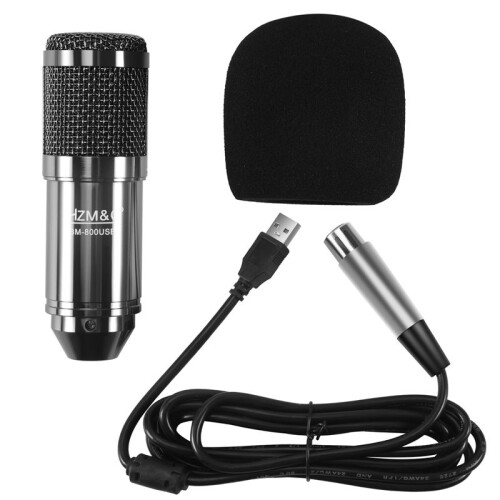
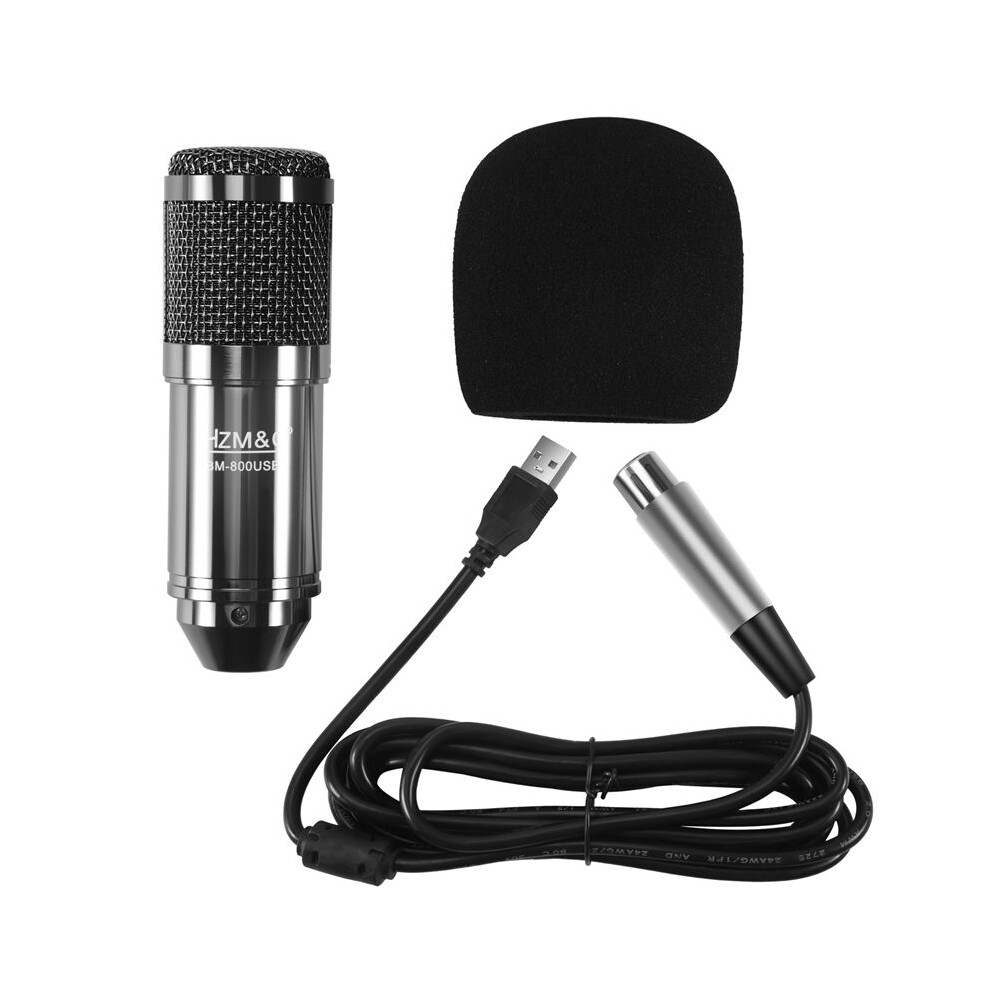
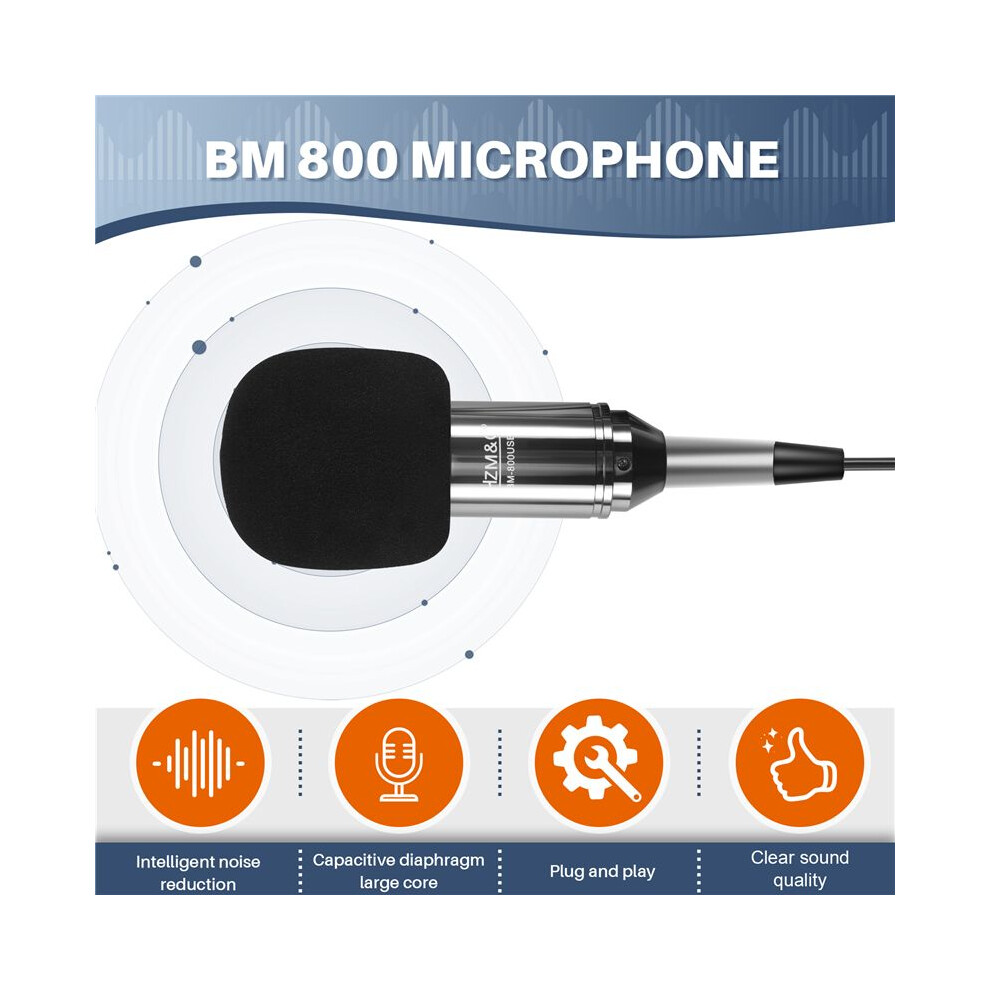
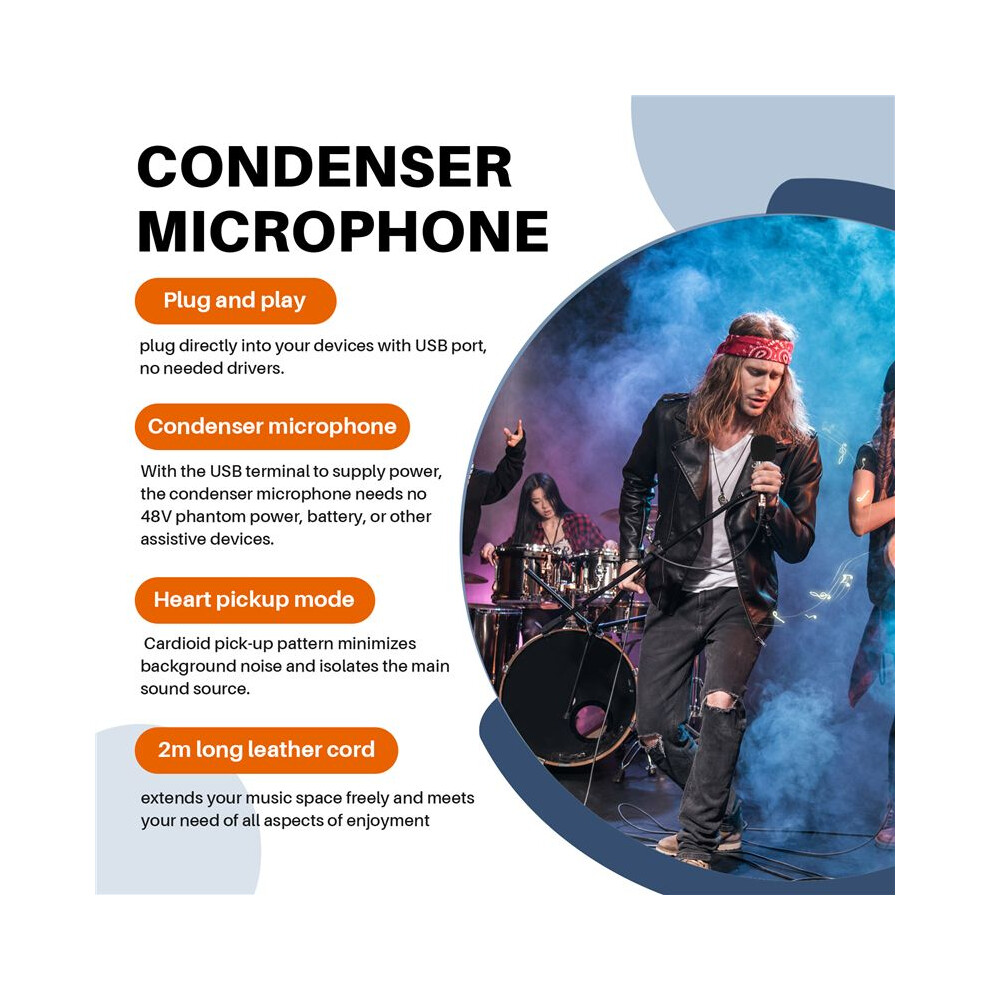
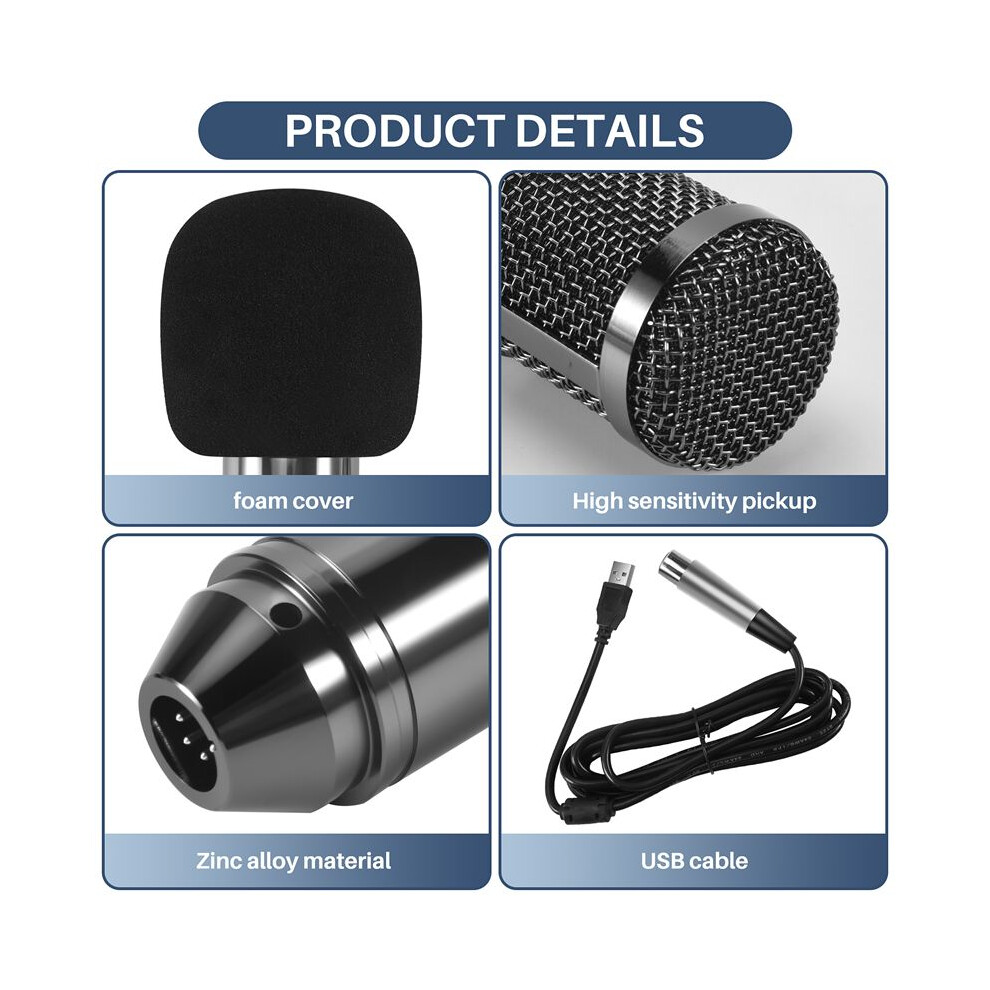
Plug and , plug directly into your devices with USB port, no needed drivers.With the USB terminal to supply power, the condenser microphone needs no 48V phantom power, battery, or other assistive devices.Cardioid pick- pattern minimizes background noise and isolates the main sound source.2m long leather cord extends your music space freely and meets your need of all aspects of enjoyment.Wide frequency response (30Hz-20kHz) makes vocal performances sound clear, natural and vibrant.
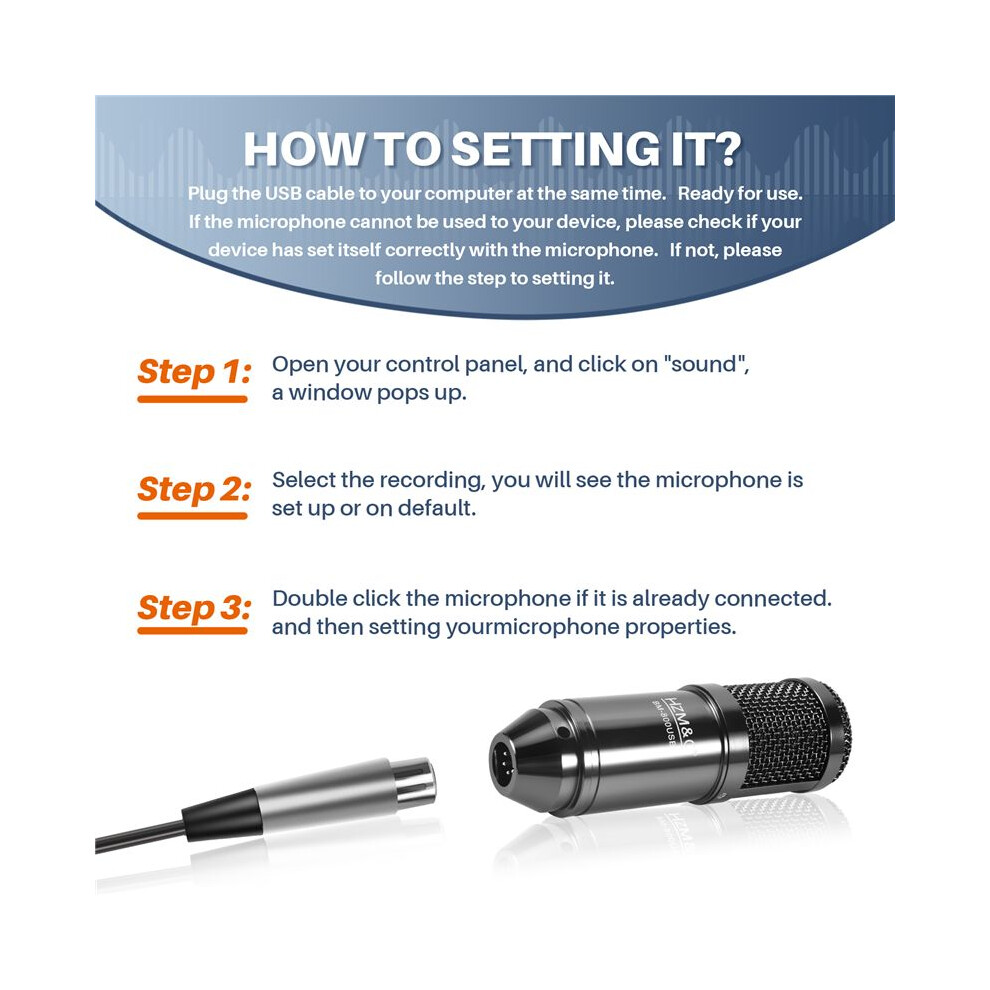
How to setting it?Plug the USB cable to your computer at the same . Ready for use.If the microphone cannot be used to your device, please check if your device has set itself correctly with the microphone. If not, please follow the step to setting it.
Step 1: Open your control panel, and click "sound", a window pops .Step 2: Select the recording, you will see the microphone is set or default.Step 3: Double click the microphone if it is already connected., and then setting yourmicrophone properties.
1.Unplug the USB cable to check whether the pins at the bottom of the mic are loosened.2.Restart computer and re-plug the mic to other USB port.3.If the "USB PnP Audio Device" appears in the sound settings of computer(below are the methods how to get to sound settings), the mic is able to work.(Windows: Right click speaker icon right corner of computer"Recording Device": Click "System Preferences""Sound""Input")
If the mic disconnects itself without warning, what can I do?Answer: There are two reasons for this situation. One is that the poor connection. The other is that the USB cable is broken. If you have tried to replug the USB cable into the mic, and plug the mic to other USB port, then it will be the problem of the cable.
If the mic has hissing what can I do?
1.Re-plug the USB cable into the microphone. If the cable gets loose, noise
Detaljer
| OPC | PWSSF59 |
|---|---|
| Merke | Torribaly |
| Koder | 6031419652645 (EAN) |
| Produkt- og sikkerhetsinformasjon |
Produktdata
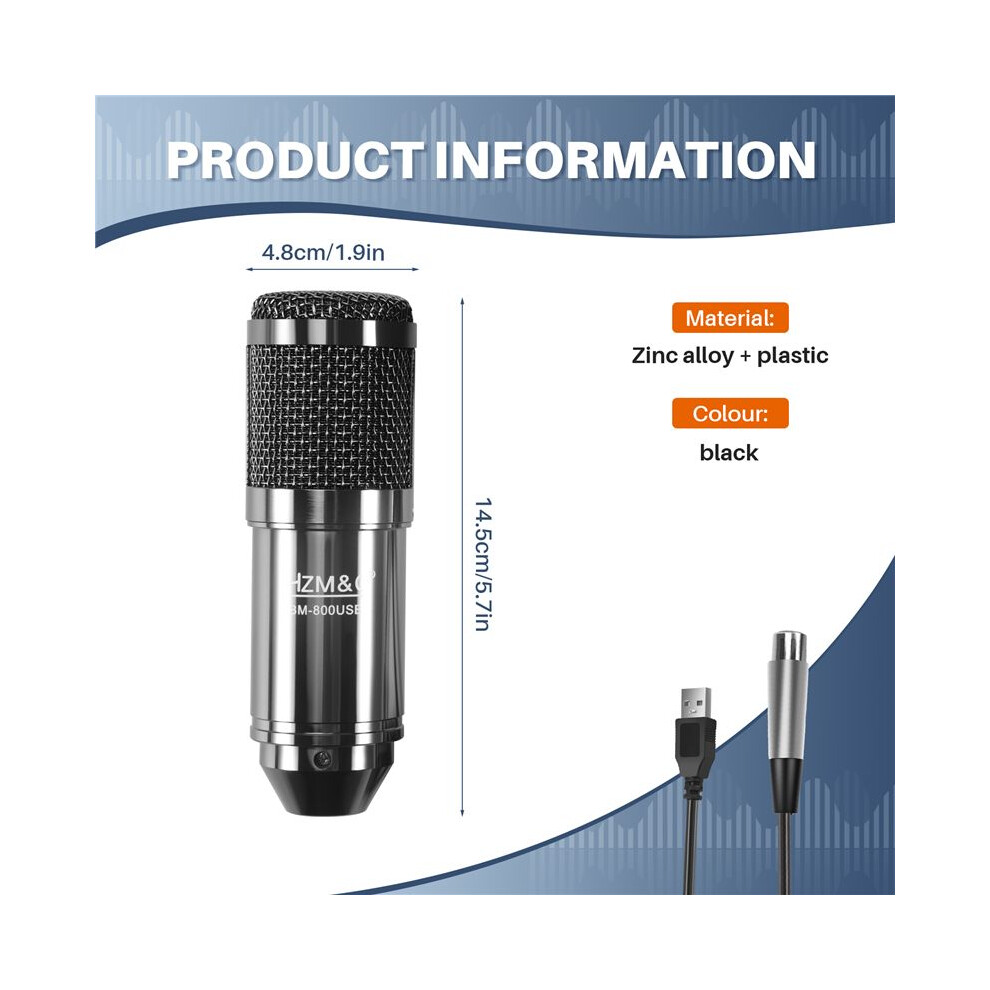
| Height | 7cm |
|---|---|
| Width | 15cm |
| Length | 20cm |
| Weight | 0.4445kg |
| Colour | black |
| Material | Zinc alloy + plastic |
| Selger | Vurderinger | Garanti | Returer | Pris | Levering | Totalt | Antall |
|---|---|---|---|---|---|---|---|
|
Sendt fra:

|
(447 anmeldelser) | - |
30 dager
Gratis retur Nei
|
291,28 kr
|
+Free Delivery
Estimert levering:
9-14 okt
|
291,28 kr
|
Tjen mens du handler med umiddelbar Cashback på alt.
Ingen binding, ingen kostnad
Bli en Cashback VIP
Bare 1 kjøp gir deg større rabatter og bedre priser
Du får umiddelbar Cashback kun hos OnBuy! Skriv inn e-posten din nedenfor, så sender vi deg en kopi av handlekurven din slik at du sparer tid senere.
Ved å oppgi e-postadressen din blir du automatisk lagt til i databasen vår, hvor du kan få personlige Cashback-tilbud og tidlig tilgang til våre beste tilbud. Du kan når som helst melde deg av e-postene våre, og vi deler aldri opplysningene dine med andre. Les vår personvernerklæring og vilkår og betingelser for å finne ut mer.
Vil du ha tilgang til personlige tilbud og de beste Cashback-ratene? Meld deg på nyhetsbrevet vårt nedenfor.
Du kan når som helst velge å ikke motta e-post fra oss, og vi deler aldri opplysningene dine med andre. Les vår personvernerklæring og våre vilkår og betingelser for å finne ut mer.
Denne siden har utløpt.
Oppdater og fortsett