
















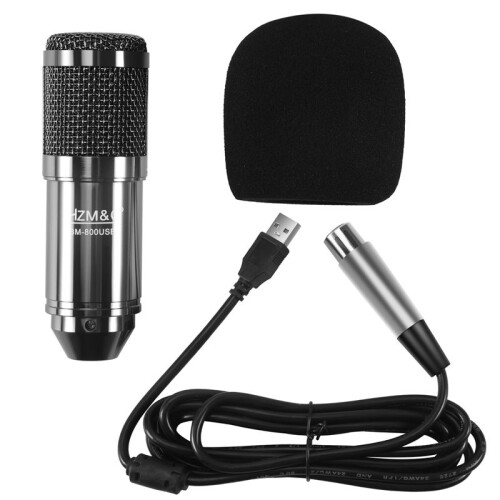
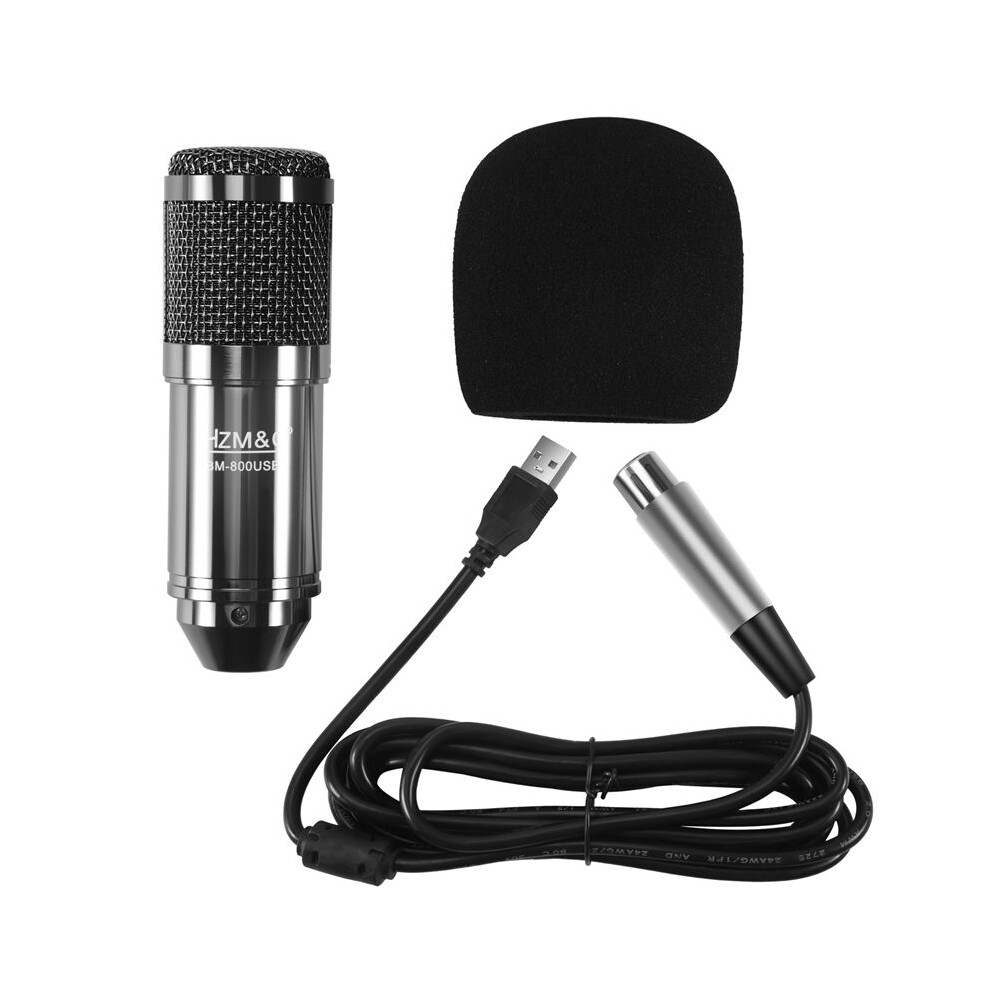
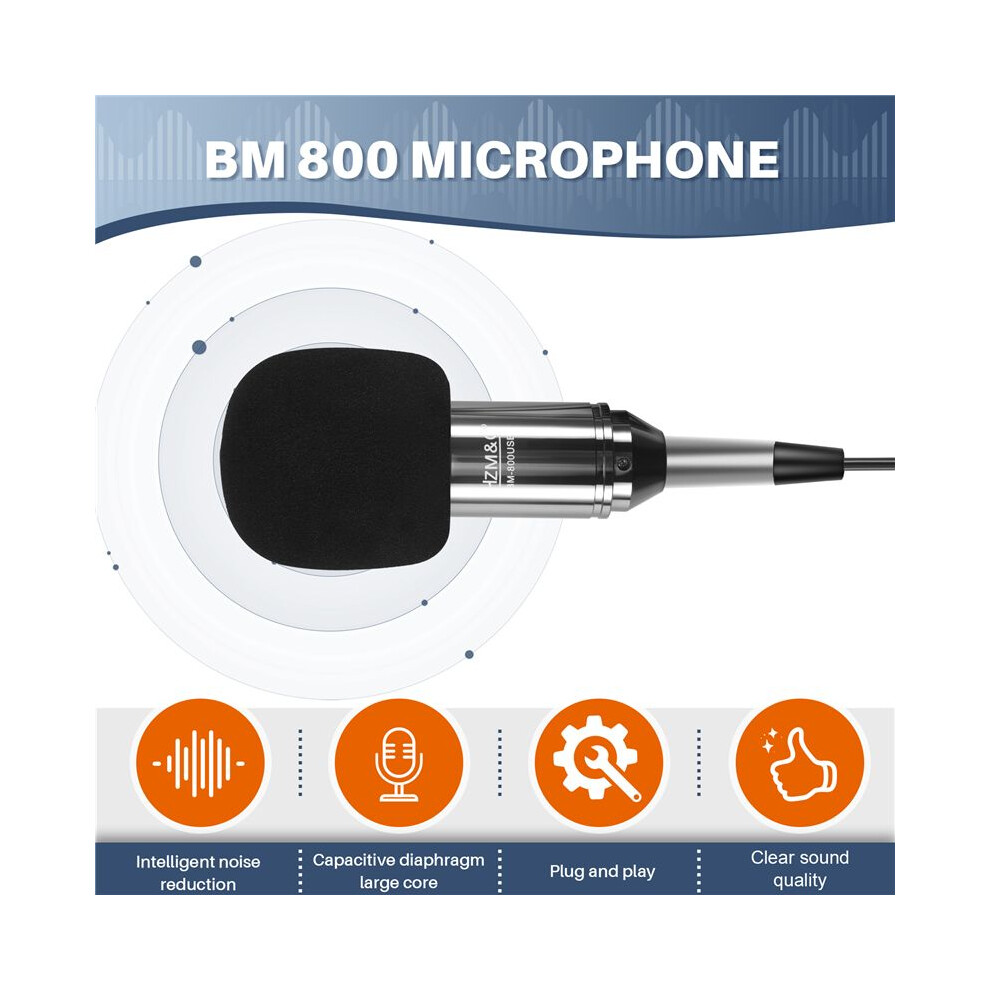
HZM&C Upgraded Bm 800 Usb Condenser Microphone Studio Mic For Computer Recording Karaoke Pc (Black)

Brändi Torribaly
Uusi

Varastossa

Miksi tulet rakastamaan ostoksia OnBuyssa:

  • Ansaitse Cashback jokaisesta ostoksesta – käytä se heti seuraavaan tilaukseesi
  • Ilmainen toimitus – miljooniin tuotteisiin sivustolla
  • Asiakkaat rakastavat meitä – 135,000 arvostelua arvosanalla “Erinomainen”

Katso koko tuotekuvaus ja tiedot

31,35 €
42,25 € Alennus 26%!
ILMAINEN toimitus
1% Mitä on välitön Cashback? Lue lisää
Lisää koriin

OnBuyn myymien tuotteiden hinnat sisältävät ALV:n.

Korottomat maksuvaihtoehdot saatavilla

Katso koko tuotekuvaus ja tiedot

Toimitus: Vakio (Ilmainen) | pe 9. - ke 14. loka

Myyjä: JJBRDZ

Palautukset: 30 päivää

180 päivän maksuturva

Lisää koriin

Saattaisit pitää myös näistä

Kuvaus ja tiedot

Yhteenveto

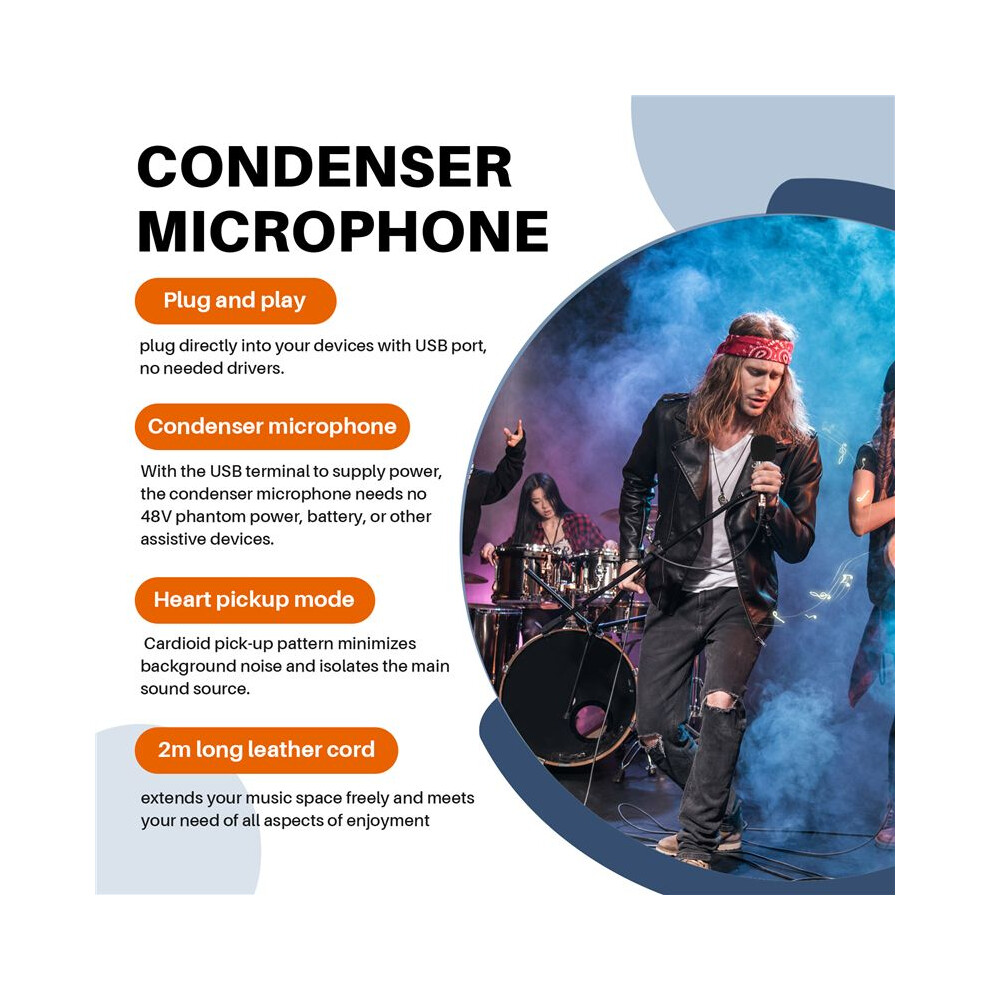
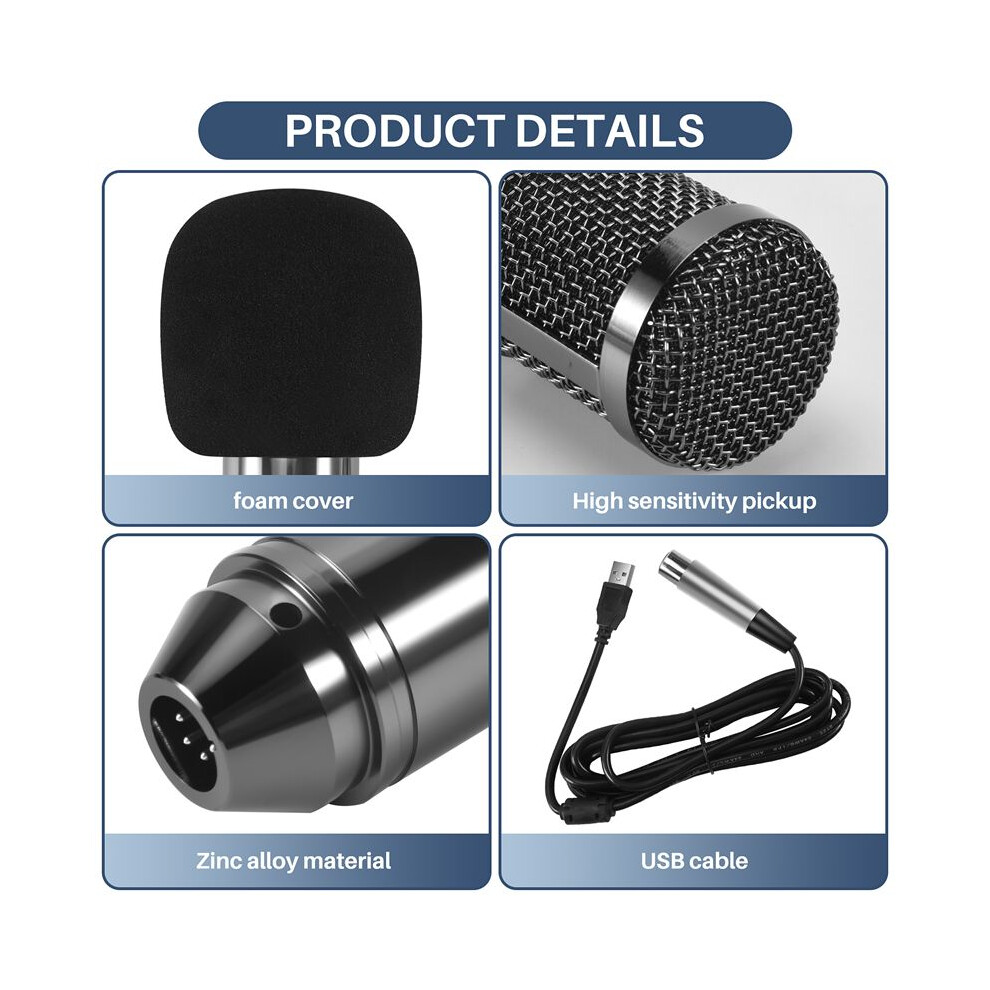
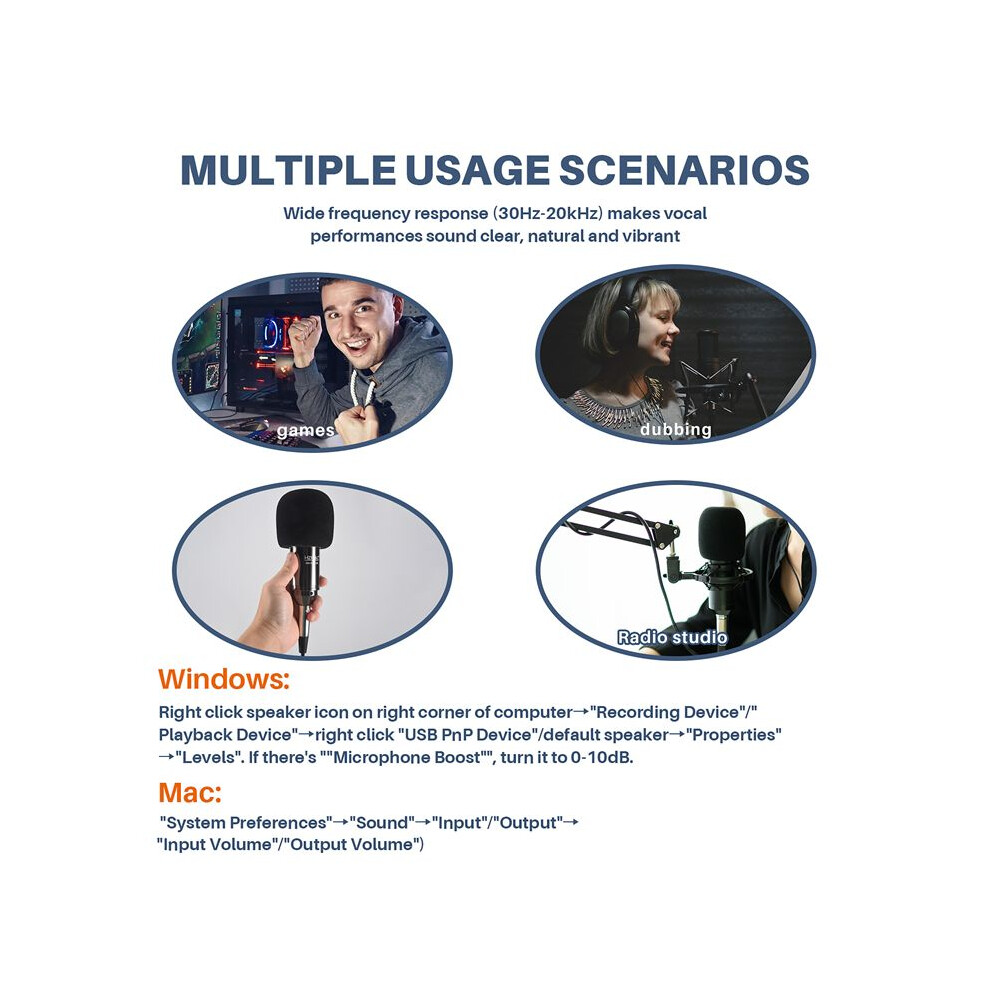
  • Plug and play, plug directly into your devices with USB port, no needed drivers.With the USB terminal to supply power, the condenser microphone needs no 48V phantom power, battery, or other assistive devices.Cardioid pick-up pattern minimizes background noise and isolates the main sound source.2m long leather cord extends your music space freely and meets your need of all aspects of enjoyment.Wide frequency response (30Hz-20kHz) makes vocal performances sound clear, natural and vibrant.
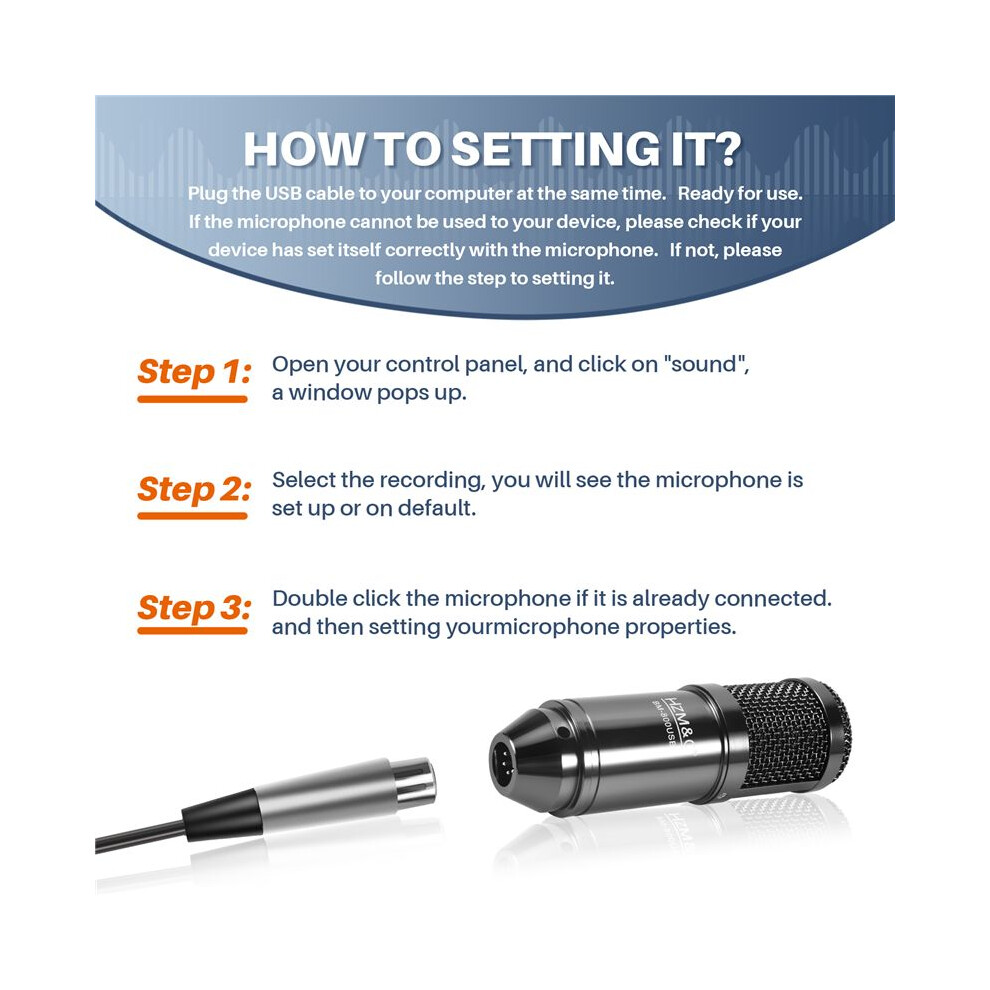
  • How to setting it?Plug the USB cable to your computer at the same time. Ready for use.If the microphone cannot be used to your device, please check if your device has set itself correctly with the microphone. If not, please follow the step to setting it.
  • Step 1: Open your control panel, and click on "sound", a window pops up.Step 2: Select the recording, you will see the microphone is set up or on default.Step 3: Double click the microphone if it is already connected., and then setting yourmicrophone properties.
  • 1.Unplug the USB cable to check whether the pins at the bottom of the mic are loosened.2.Restart computer and re-plug the mic to other USB port.3.If the "USB PnP Audio Device" appears in the sound settings of computer(below are the methods how to get to sound settings), the mic is able to work.(Windows: Right click speaker icon on right corner of computer→"Recording Device"Mac: Click "System Preferences"→"Sound"→"Input")
  • If the mic disconnects itself without warning, what can I do?Answer: There are two reasons for this situation. One is that the poor connection. The other is that the USB cable is broken. If you have tried to replug the USB cable into the mic, and plug the mic to other USB port, then it will be the problem of the cable.

HZM&C Upgraded Bm 800 Usb Condenser Microphone Studio Mic For Computer Recording Karaoke Pc (Black) Kuvaus

Plug and , plug directly into your devices with USB port, no needed drivers.With the USB terminal to supply power, the condenser microphone needs no 48V phantom power, battery, or other assistive devices.Cardioid pick- pattern minimizes background noise and isolates the main sound source.2m long leather cord extends your music space freely and meets your need of all aspects of enjoyment.Wide frequency response (30Hz-20kHz) makes vocal performances sound clear, natural and vibrant.
How to setting it?Plug the USB cable to your computer at the same . Ready for use.If the microphone cannot be used to your device, please check if your device has set itself correctly with the microphone. If not, please follow the step to setting it.
Step 1: Open your control panel, and click "sound", a window pops .Step 2: Select the recording, you will see the microphone is set or default.Step 3: Double click the microphone if it is already connected., and then setting yourmicrophone properties.
1.Unplug the USB cable to check whether the pins at the bottom of the mic are loosened.2.Restart computer and re-plug the mic to other USB port.3.If the "USB PnP Audio Device" appears in the sound settings of computer(below are the methods how to get to sound settings), the mic is able to work.(Windows: Right click speaker icon right corner of computer"Recording Device": Click "System Preferences""Sound""Input")
If the mic disconnects itself without warning, what can I do?Answer: There are two reasons for this situation. One is that the poor connection. The other is that the USB cable is broken. If you have tried to replug the USB cable into the mic, and plug the mic to other USB port, then it will be the problem of the cable.
If the mic has hissing what can I do?
1.Re-plug the USB cable into the microphone. If the cable gets loose, noise

Tiedot

OPC PWSSF59
Brändi
Torribaly
Koodit 6031419652645 (EAN)
Tuote- ja turvallisuustiedot

Tuotekuvat

HZM&C Upgraded Bm 800 Usb Condenser Microphone Studio Mic For Computer Recording Karaoke Pc (Black) 1
HZM&C Upgraded Bm 800 Usb Condenser Microphone Studio Mic For Computer Recording Karaoke Pc (Black) 2
HZM&C Upgraded Bm 800 Usb Condenser Microphone Studio Mic For Computer Recording Karaoke Pc (Black)

Tuotetiedot

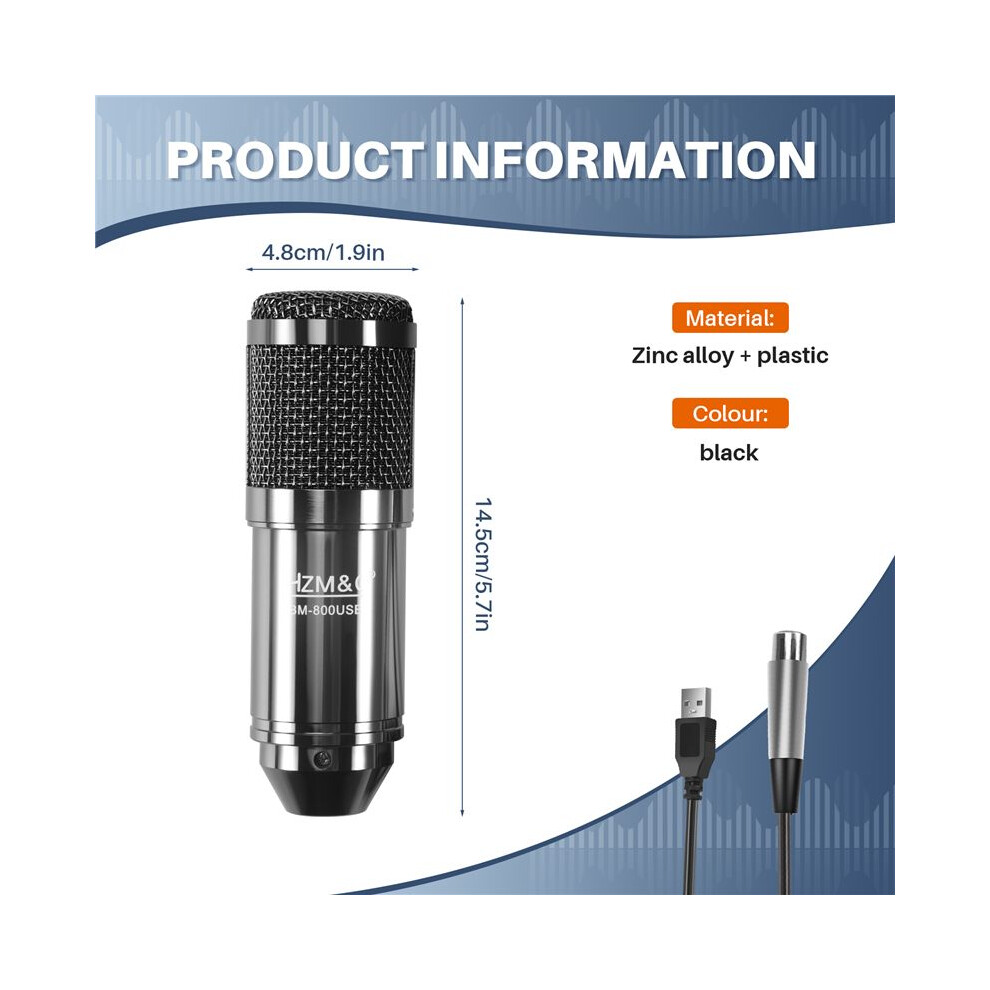
Height7cm
Width15cm
Length20cm
Weight0.4445kg
Colourblack
MaterialZinc alloy + plastic

Vertaile myyjiä tuotteelle HZM&C Upgraded Bm 800 Usb Condenser Microphone Studio Mic For Computer Recording Karaoke Pc (Black)

  • Uusi alkaen 31,35 €
Myyjä Arviot Takuu Palautukset Hinta Toimitus Yhteensä Määrä
Lähetetty varastolta: China
(447 arvostelua)
-
30 päivää
Ilmaiset palautukset Ei
31,35 €
+Free Delivery
Arvioitu toimitus: 9-14 loka
31,35 €
Lisää koriin

Ansaitse ostamalla – saat välittömän Cashback-hyvityksen kaikesta.

Ei koukkuja, ei kuluja

  • Maksetaan OnBuy-tilillesi
  • Käytä se seuraavaan ostokseesi
  • Säästä se tai nosta se

Ryhdy Cashback VIP -jäseneksi

Vain yksi ostos avaa suuremmat tarjoukset ja paremmat alennukset

Turvallisuus- ja tuoteresurssit

Turvallisuuskuvat ja -asiakirjat

Tämä tieto ei valitettavasti ole tällä hetkellä saatavilla. Teemme yhteistyötä myyjän kanssa päivittääksemme tämän osion mahdollisimman pian – tarkista tilanne myöhemmin uudelleen.

Valmistajan tiedot

Tietoja tuotteen valmistajasta.

Huom.: Nämä eivät ole jälleenmyyjän yhteystiedot, joten älä palauta tuotteita tähän osoitteeseen.

shen zhen shi jia er bei dian zi ke ji you xian gong si

shen zhen shi fu tian qu sha tou jie dao tian an she qu tai ran wu lu 10hao tian an shu ma cheng tian ji da sha si ceng 4C2-B7 fu tian qu tian an she qu
Kiina

[email protected]

Vastuuhenkilö EU:ssa

Tämä tieto ei valitettavasti ole tällä hetkellä saatavilla. Teemme yhteistyötä myyjän kanssa päivittääksemme tämän osion mahdollisimman pian – tarkista tilanne myöhemmin uudelleen.

Odota! Jätit jotakin
taaksesi...

Saat välittömän Cashbackin vain OnBuyssa! Syötä sähköpostiosoitteesi alle, niin lähetämme sinulle kopion ostoskoristasi – näin säästät aikaa myöhemmin.

Syöttämällä sähköpostiosoitteesi liityt automaattisesti tietokantaamme, jolloin saat käyttöösi personoidut Cashback-tarjoukset ja ennakkopääsyn parhaisiin tarjouksiimme. Voit peruuttaa sähköpostiviestimme milloin tahansa, emmekä koskaan jaa tietojasi kenellekään. Lue lisää tutustumalla tietosuojakäytäntöömme ja käyttöehtoihimme.

Ennen kuin lähdet...
Muista, että saat välittömän Cashback-hyödyn kaikesta OnBuyssa!

Haluatko saada henkilökohtaisia tarjouksia ja parhaat Cashback-edut? Tilaa uutiskirjeemme alla.

Voit peruuttaa sähköpostiemme tilauksen milloin tahansa, emmekä koskaan jaa tietojasi kenellekään. Tutustu Tietosuojakäytäntöömme ja ehtoihimme saadaksesi lisätietoja.

Tämä sivu on vanhentunut.

Päivitä sivu jatkaaksesi ostoksia.

Päivitä ja jatka