
















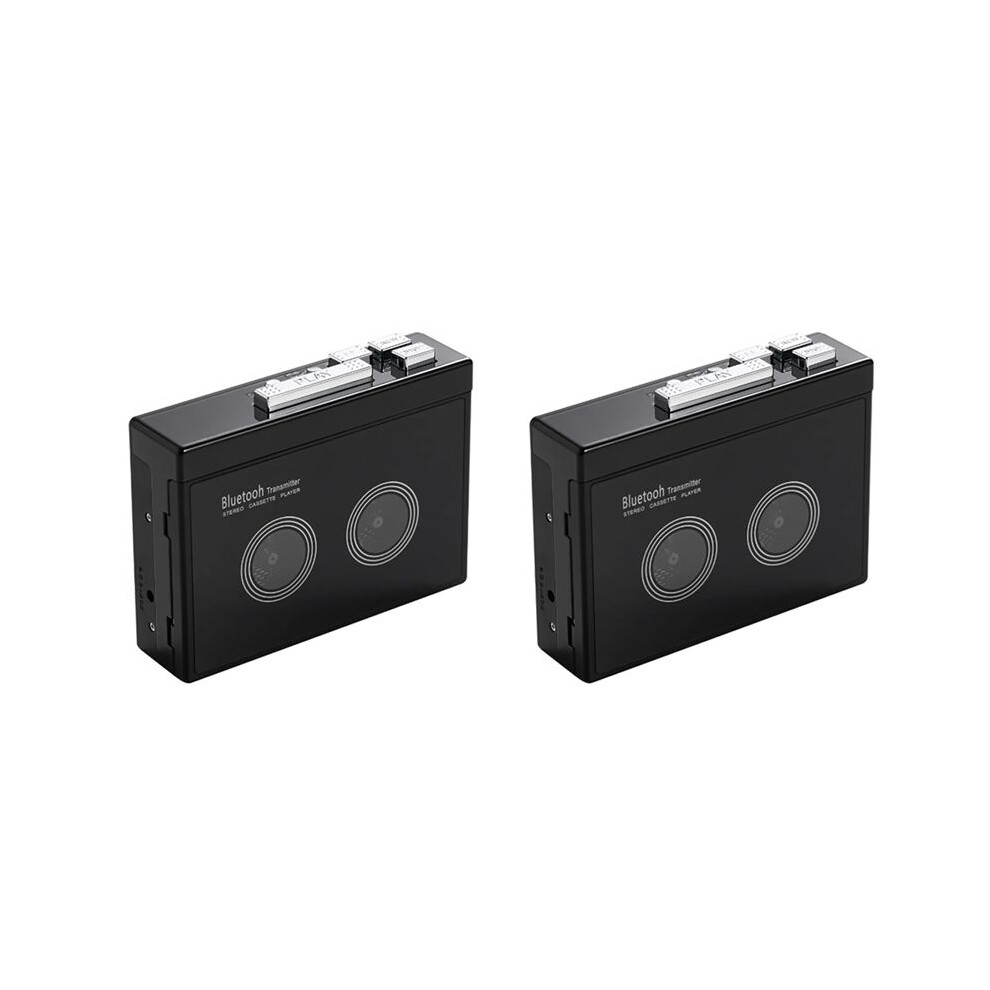
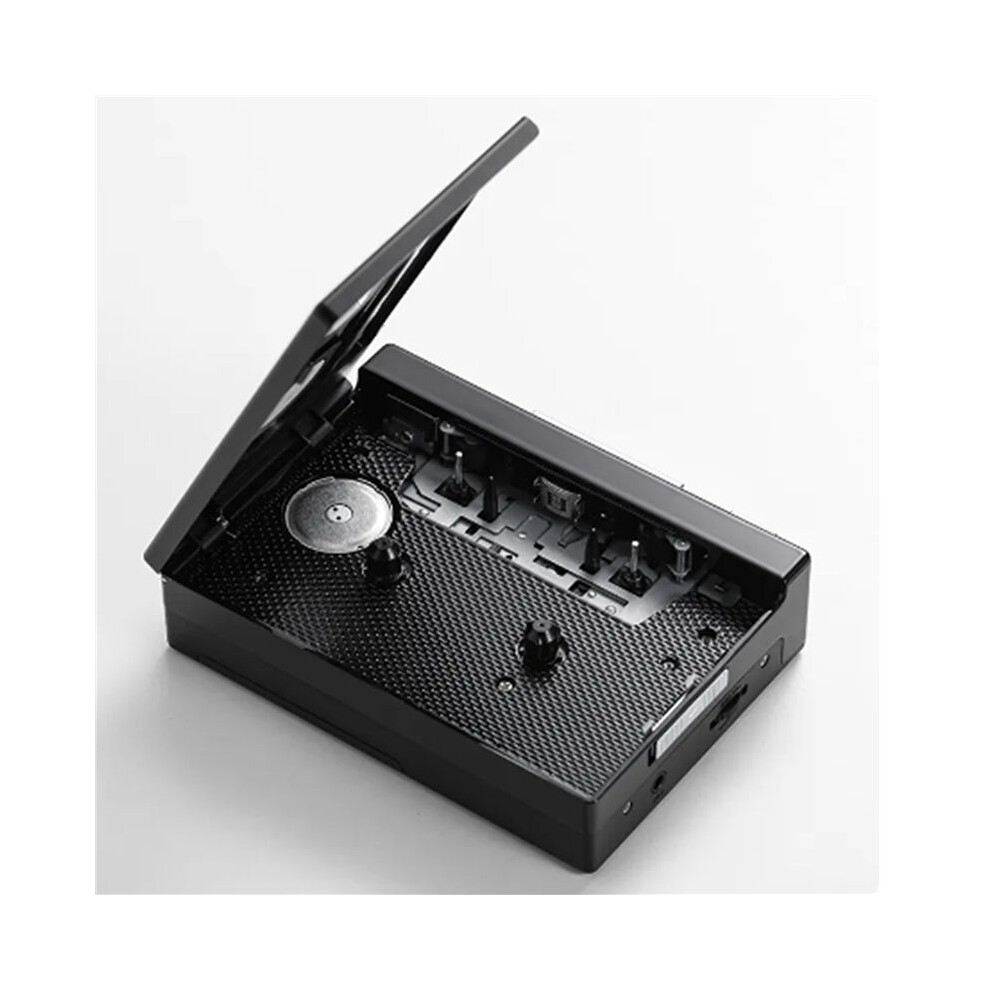
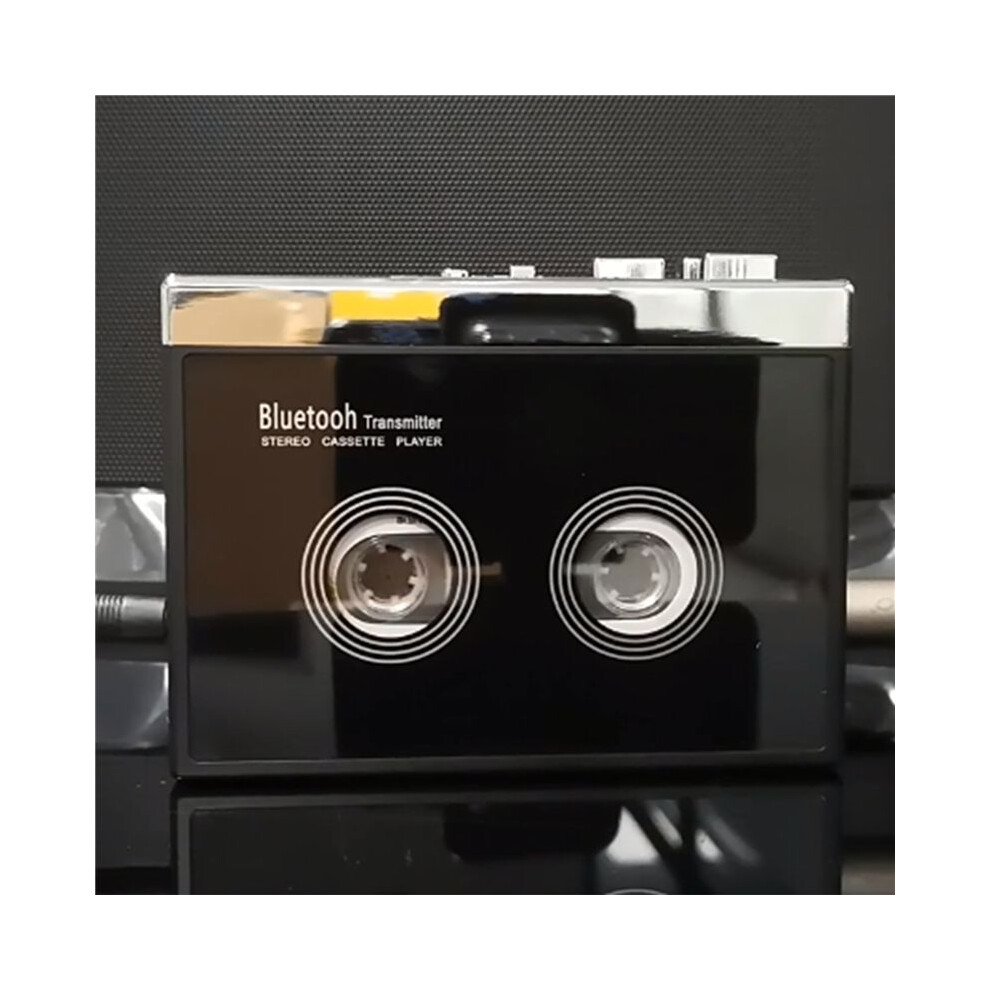
2X Black Retro Stereo Cassette Player Walkman Cassette Tape Music Audio Auto Reverse with

Ny

På lager

Derfor vil du elske at handle hos OnBuy:

  • Tjen Cashback på hvert køb – brug det med det samme på din næste ordre
  • Gratis levering – på millioner af varer på siden
  • Kunder elsker os – 134,000 anmeldelser med vurderingen “Fremragende”

Se fuld produktbeskrivelse og detaljer

782,17 kr.
1.290,97 kr. Spar 39%!
+42,83 kr. levering
1% Tjen 7,82 kr. med det samme Læs mere
Læg i kurv

Priserne for varer, der sælges af OnBuy, inkluderer moms.

Rentefrie betalingsmuligheder

Se fuld produktbeskrivelse og detaljer

Levering: Standard (42,83 kr.) | man. 5. - lør. 10. okt.

Solgt af: Hoeappt

Returnering: 30 dage

180 dages betalingsbeskyttelse

Læg i kurv

Du kan også lide

Beskrivelse og detaljer

Oversigt

  • How do I connect my phone Bluetooth and switch FM radio? (Note: K66-1 version only has mobile phone connection function). Earphone (or speaker equipped with 35mmAx plug) into the headphone jack, long press the Bluetooth boot button for 3 seconds to turn on press the FM button to switch the mobile phone Bluetooth or FM radio, the LED blue light is long when the mobile phone Bluetooth is connected, and the LED blue light flashes when FM radio.
  • When the voice prompts the Bluetooth connection, turn on the Bluetooth of the mobile phone, search and pair the device name "HC01", the LED blue light is always on after the Bluetooth connection is successful, play the music in the mobile phone through the headphones or speakers with 3.5mm connector, short press the "+" or "-" button to switch songs, long press "+" or "-" to adjust the volume, or directly use the mobile phone to adjust the volume.
  • When using FM radio mode, press the symbol ▶ button to start automatic search and record broadcast channels, short press "+" or "-" to switch broadcast channels after channel recording, and long press "+" or "-" to adjust the volume. When connecting to mobile phone Bluetooth or switching to FM radio, the tape cannot be played.
  • How do I connect a Bluetooth receiving device? Please make sure that the Bluetooth receiving device is turned on. Long press the Bluetooth boot button for 3 seconds to turn on the Bluetooth function, the white LED light lights up and flashes quickly, automatically search and pair Bluetooth receiver, when the device is successfully paired, the white LED light is always on, after loading the tape, press the "PLAY" button to play the tape.
  • When Bluetooth search pairing, the headphone slot cannot be plugged into the headphones, otherwise the automatic search cannot be made. Long press the Bluetooth power on button for 3 seconds to turn off Bluetooth, Bluetooth boot state, if there is no Bluetooth receiver connected for a long time, LED white light flash Bluetooth automatic shutdown.

2X Black Retro Stereo Cassette Player Walkman Cassette Tape Music Audio Auto Reverse with Beskrivelse

How do I connect my phone and FM radio? (Note: K66-1 version only has mobile phone connection function). Earphone (or speaker equipped with 35mmAx plug) into the headphone jack, long press the boot button for 3 seconds to turn press the FM button to the mobile phone or FM radio, the LED light is long when the mobile phone is connected, and the LED light flashes when FM radio.
When the voice prompts the connection, turn the of the mobile phone, search and pair the device name "HC01", the LED light is always after the connection is successful, the music in the mobile phone through the headphones or speakers with 3.5mm connector, short press the "+" or "-" button to songs, long press "+" or "-" to adjust the volume, or directly use the mobile phone to adjust the volume.
When using FM radio mode, press the symbol button to start automatic search and record broadcast channels, short press "+" or "-" to broadcast channels after channel recording, and long press "+" or "-" to adjust the volume. When connecting to mobile phone or switching to FM radio, the tape cannot be played.
How do I connect a receiving device? Please make sure that the receiving device is turned . Long press the boot button for 3 seconds to turn the function, the white LED light lights and flashes quickly, automatically search and pair receiver, when the device is successfully paired, the white LED light is always , after loading the tape, press the "" button to the tape.
When search pairing, the headphone slot cannot be plugged into the headphones, otherwise the automatic search cannot be made. Long press the power button for 3 seconds to turn off

Detaljer

OPC PXZHGVR
Koder 6032955954194 (EAN)
Produkt- og sikkerhedsoplysninger

Produktbilleder

2X Black Retro Stereo Cassette Player Walkman Cassette Tape Music Audio Auto Reverse with 1
2X Black Retro Stereo Cassette Player Walkman Cassette Tape Music Audio Auto Reverse with 2
2X Black Retro Stereo Cassette Player Walkman Cassette Tape Music Audio Auto Reverse with

Produktdata

Height8cm
Width13cm
Length14cm
Weight0.566kg
ColourBlack
MaterialPlastic

Sammenlign sælgere for 2X Black Retro Stereo Cassette Player Walkman Cassette Tape Music Audio Auto Reverse with

  • Ny fra 825,00 kr.
Sælger Bedømmelser Garanti Returneringer Pris Levering I alt Antal
Afsendt fra: China
(139 anmeldelser)
-
30 dage
Gratis retur Nej
782,17 kr.
+42,83 kr. Delivery
Forventet levering: 5-10 okt.
825,00 kr.
Læg i kurv

Tjen penge, mens du handler med øjeblikkelig Cashback på alt.

Ingen hage, ingen omkostninger

  • Indbetalt til din OnBuy-konto
  • Brug dem på dit næste køb
  • Gem det eller hæv det

Bliv Cashback VIP

Bare 1 køb giver adgang til bedre tilbud og priser

Ressourcer om sikkerhed og produkt

Sikkerhedsbilleder og -dokumenter

Denne information er desværre ikke tilgængelig i øjeblikket. Vi arbejder sammen med sælgeren på at opdatere denne sektion hurtigst muligt, så kom gerne tilbage senere.

Oplysninger om producenten

Denne information er desværre ikke tilgængelig i øjeblikket. Vi arbejder sammen med sælgeren på at opdatere denne sektion hurtigst muligt, så kom gerne tilbage senere.

Ansvarlig person i EU

Denne information er desværre ikke tilgængelig i øjeblikket. Vi arbejder sammen med sælgeren på at opdatere denne sektion hurtigst muligt, så kom gerne tilbage senere.

Vent! Du har glemt
noget...

Du får kun øjeblikkelig Cashback hos OnBuy! Indtast din e-mail nedenfor, så sender vi dig en kopi af din kurv, så du sparer tid senere.

Når du indtaster din e-mailadresse, bliver du automatisk tilføjet til vores database, hvor du kan få personlige Cashback-tilbud og tidlig adgang til vores bedste tilbud. Du kan til enhver tid afmelde vores e-mails, og vi deler aldrig dine oplysninger med andre. Læs mere i vores privatlivspolitik og vilkår og betingelser.

Inden du går videre...
Husk, du får kun øjeblikkelig Cashback på alt hos OnBuy!

Vil du have adgang til personlige tilbud og de højeste Cashback satser? Tilmeld dig vores nyhedsbrev nedenfor.

Du kan til enhver tid afmelde vores e-mails, og vi deler aldrig dine oplysninger med andre. Læs vores privatlivspolitik og vilkår og betingelser for at få mere at vide.

Denne side er udløbet.

Opdater venligst siden for at fortsætte med at handle.

Opdater og fortsæt