
















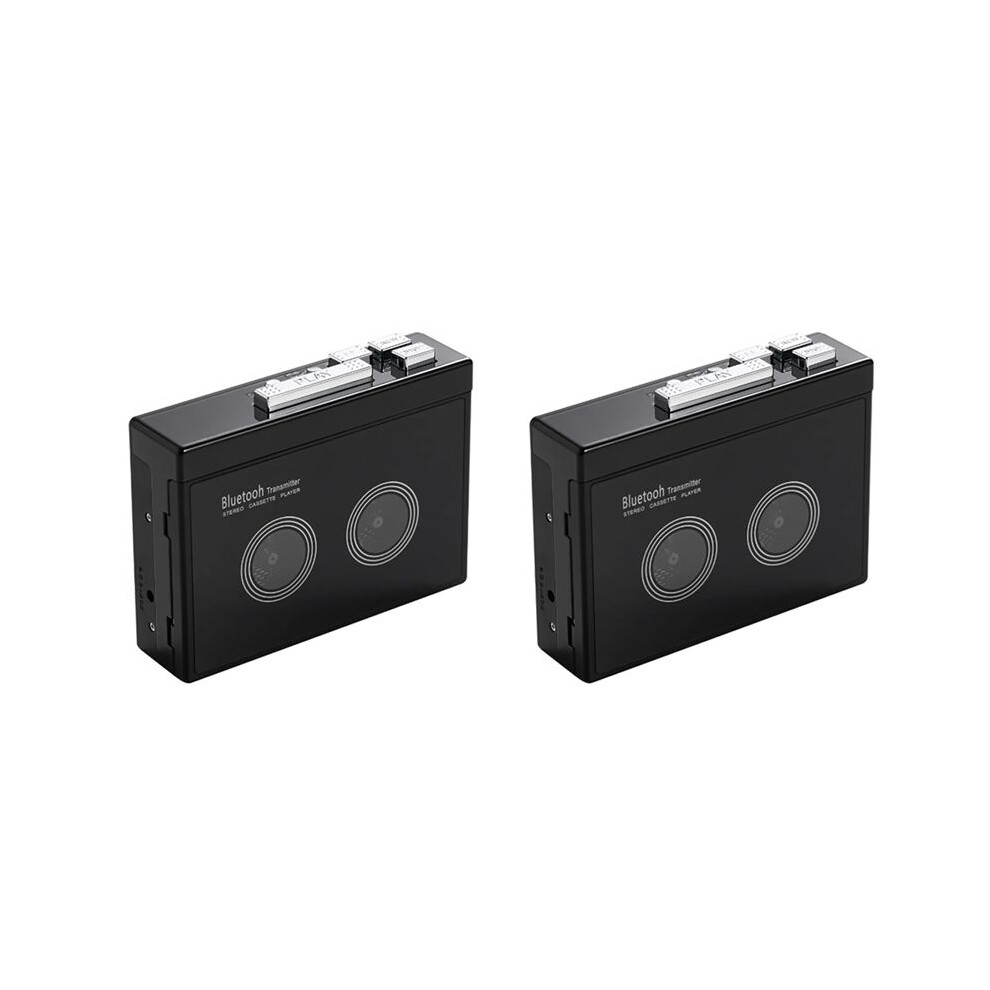
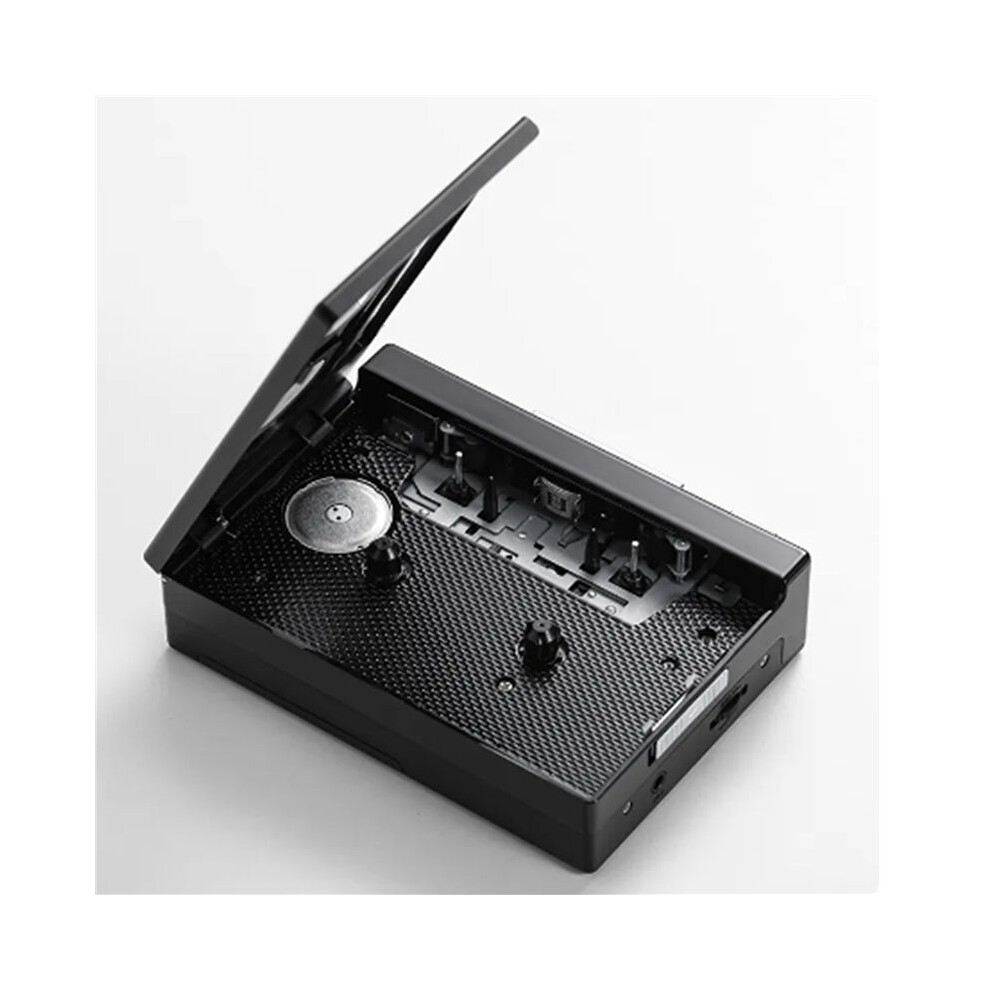
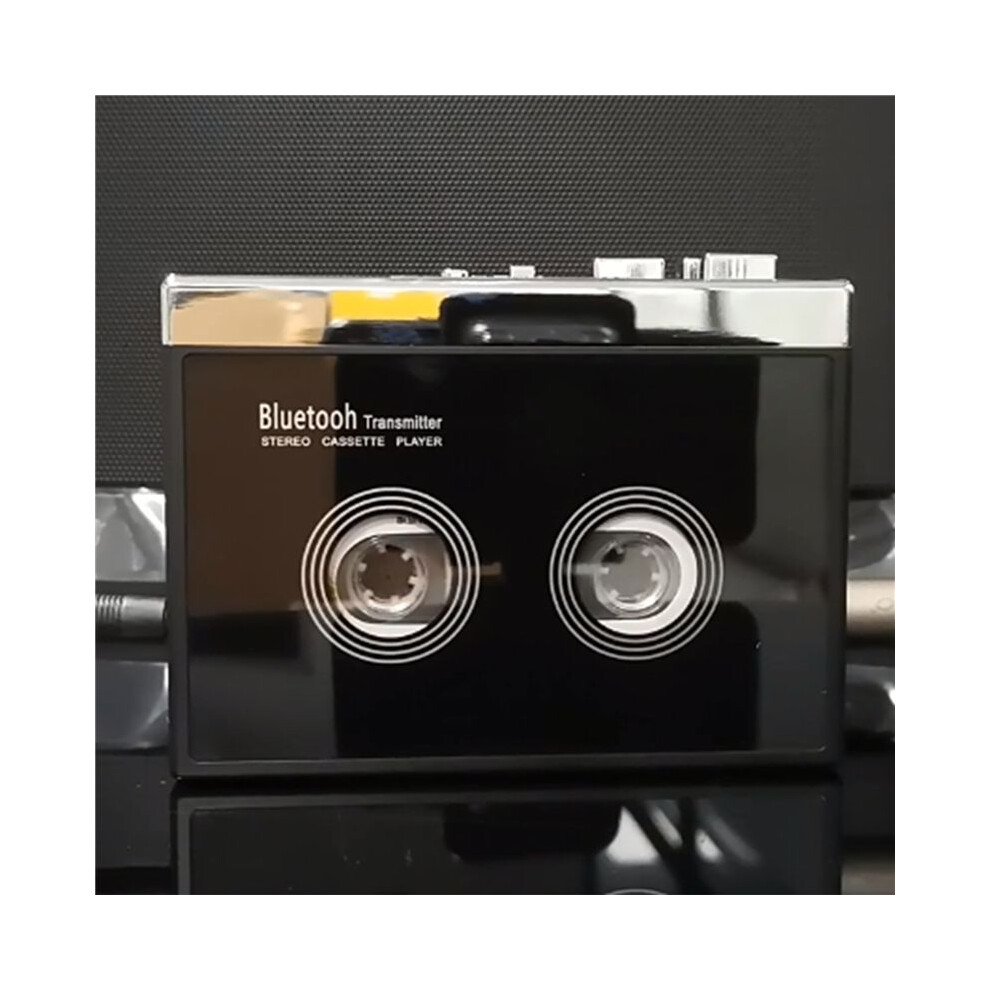
2X Black Retro Stereo Cassette Player Walkman Cassette Tape Music Audio Auto Reverse with

Új

Raktáron

Ezért fogod szeretni az OnBuy-on való vásárlást:

  • Szerezz Cashback pénzvisszatérítést minden vásárlás után, és költsd el azonnal a következő rendelésnél.
  • Ingyenes kiszállítás – több millió termékre az oldalon
  • Vásárlóink elégedettek velünk, már 134,000 Kiváló értékelést kaptunk!

Teljes termékleírás és részletek megtekintése

38 371,28 Ft
64 752,80 Ft 41% kedvezmény!
+3 508,49 Ft szállítás
1% Szerezzen azonnal 383,71 Ft összeget Tudj meg többet
Kosárba

Az OnBuy-on értékesített termékek ára tartalmazza az áfát.

Teljes termékleírás és részletek megtekintése

Kézbesítés: Normál (3 508,49 Ft) | hét 5. - szo 10. okt.

Eladó: Hoeappt

Visszaküldés: 30 nap

180 napos fizetési védelem

Kosárba

Ez is érdekelhet

Leírás és részletek

Összefoglaló

  • How do I connect my phone Bluetooth and switch FM radio? (Note: K66-1 version only has mobile phone connection function). Earphone (or speaker equipped with 35mmAx plug) into the headphone jack, long press the Bluetooth boot button for 3 seconds to turn on press the FM button to switch the mobile phone Bluetooth or FM radio, the LED blue light is long when the mobile phone Bluetooth is connected, and the LED blue light flashes when FM radio.
  • When the voice prompts the Bluetooth connection, turn on the Bluetooth of the mobile phone, search and pair the device name "HC01", the LED blue light is always on after the Bluetooth connection is successful, play the music in the mobile phone through the headphones or speakers with 3.5mm connector, short press the "+" or "-" button to switch songs, long press "+" or "-" to adjust the volume, or directly use the mobile phone to adjust the volume.
  • When using FM radio mode, press the symbol ▶ button to start automatic search and record broadcast channels, short press "+" or "-" to switch broadcast channels after channel recording, and long press "+" or "-" to adjust the volume. When connecting to mobile phone Bluetooth or switching to FM radio, the tape cannot be played.
  • How do I connect a Bluetooth receiving device? Please make sure that the Bluetooth receiving device is turned on. Long press the Bluetooth boot button for 3 seconds to turn on the Bluetooth function, the white LED light lights up and flashes quickly, automatically search and pair Bluetooth receiver, when the device is successfully paired, the white LED light is always on, after loading the tape, press the "PLAY" button to play the tape.
  • When Bluetooth search pairing, the headphone slot cannot be plugged into the headphones, otherwise the automatic search cannot be made. Long press the Bluetooth power on button for 3 seconds to turn off Bluetooth, Bluetooth boot state, if there is no Bluetooth receiver connected for a long time, LED white light flash Bluetooth automatic shutdown.

2X Black Retro Stereo Cassette Player Walkman Cassette Tape Music Audio Auto Reverse with leírása

How do I connect my phone and FM radio? (Note: K66-1 version only has mobile phone connection function). Earphone (or speaker equipped with 35mmAx plug) into the headphone jack, long press the boot button for 3 seconds to turn press the FM button to the mobile phone or FM radio, the LED light is long when the mobile phone is connected, and the LED light flashes when FM radio.
When the voice prompts the connection, turn the of the mobile phone, search and pair the device name "HC01", the LED light is always after the connection is successful, the music in the mobile phone through the headphones or speakers with 3.5mm connector, short press the "+" or "-" button to songs, long press "+" or "-" to adjust the volume, or directly use the mobile phone to adjust the volume.
When using FM radio mode, press the symbol button to start automatic search and record broadcast channels, short press "+" or "-" to broadcast channels after channel recording, and long press "+" or "-" to adjust the volume. When connecting to mobile phone or switching to FM radio, the tape cannot be played.
How do I connect a receiving device? Please make sure that the receiving device is turned . Long press the boot button for 3 seconds to turn the function, the white LED light lights and flashes quickly, automatically search and pair receiver, when the device is successfully paired, the white LED light is always , after loading the tape, press the "" button to the tape.
When search pairing, the headphone slot cannot be plugged into the headphones, otherwise the automatic search cannot be made. Long press the power button for 3 seconds to turn off

Részletek

OPC PXZHGVR
Kódok 6032955954194 (EAN)
Termék- és biztonsági információk

Termékképek

2X Black Retro Stereo Cassette Player Walkman Cassette Tape Music Audio Auto Reverse with 1
2X Black Retro Stereo Cassette Player Walkman Cassette Tape Music Audio Auto Reverse with 2
2X Black Retro Stereo Cassette Player Walkman Cassette Tape Music Audio Auto Reverse with

Termékadatok

Height8cm
Width13cm
Length14cm
Weight0.566kg
ColourBlack
MaterialPlastic

Eladók összehasonlítása: 2X Black Retro Stereo Cassette Player Walkman Cassette Tape Music Audio Auto Reverse with

  • Új innen 41 879,77 Ft
Eladó Értékelések Garancia Visszaküldések Ár Kiszállítás Összesen Mennyiség
Feladás helye: China
(139 értékelés)
-
30 nap
Ingyenes visszaküldés Nem
38 371,28 Ft
+3 508,49 Ft Delivery
Várható szállítás: 5-10 okt.
41 879,77 Ft
Kosárba

Vásárlás közben is keressen pénzt azonnali Cashback-kel minden termékre.

Nincs apróbetűs rész, nincs költség

  • Jóváírva az OnBuy-fiókján
  • Költse el a következő vásárlásán
  • Gyűjtse vagy vegye fel

Legyen Cashback VIP-tag

Már egyetlen vásárlással is nagyobb kedvezményeket és jobb árakat érhet el

Biztonsági és termékinformációs források

Biztonsági képek és dokumentumok

Sajnáljuk, ez az információ jelenleg nem érhető el. Dolgozunk az eladóval azon, hogy ezt a részt mielőbb frissítsük, kérjük, nézzen vissza később.

Gyártói információk

Sajnáljuk, ez az információ jelenleg nem érhető el. Dolgozunk az eladóval azon, hogy ezt a részt mielőbb frissítsük, kérjük, nézzen vissza később.

Felelős személy az EU-ban

Sajnáljuk, ez az információ jelenleg nem érhető el. Dolgozunk az eladóval azon, hogy ezt a részt mielőbb frissítsük, kérjük, nézzen vissza később.

Várj! Valamit itt hagytál...

Azonnali Cashback pénzvisszatérítés kizárólag az OnBuy-on! Ha megadod az e-mail címed, elküldjük a kosarad tartalmát, hogy ott folytathasd, ahol abbahagytad.

Ha megadod e-mail címed, bekerülsz adatbázisunkba, ahol élvezheted személyre szabott Cashback ajánlatainkat és korai hozzáférést biztosítunk legjobb akcióinkhoz. Bármikor leiratkozhatsz hírleveleinkről, és adataid soha nem adjuk át harmadik félnek. További információért tekintsd meg Adatvédelmi szabályzatunkat és Általános szerződési feltételeinket.

Mielőtt távoznál...
Ne feledd, az OnBuy-on minden vásárlás után azonnali Cashback jár neked!

Szeretnél személyre szabott ajánlatokat és a lehető legmagasabb Cashback pénzvissszatérítést elérni? Iratkozz fel hírlevelünkre!

Bármikor leiratkozhatsz e-mailjeinkről, és adataidat soha nem adjuk át harmadik félnek. További információért tekintsd meg Adatvédelmi szabályzatunkat és Általános szerződési feltételeinket.

Ez az oldal lejárt.

Kérjük, frissítsd az oldalt a vásárlás folytatásához.

Frissíts és folytasd