























Product Images



In stock
Smart shoppers OnBuy it!
Interest-free payment options available


See full product description & details
Delivery: Standard (Free) | Tue 4th - Sat 8th Aug
Sold by: raum-blick
Returns: 30 days
180-day payment protection


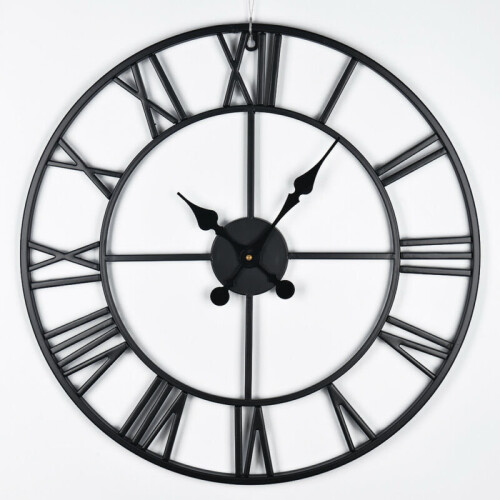

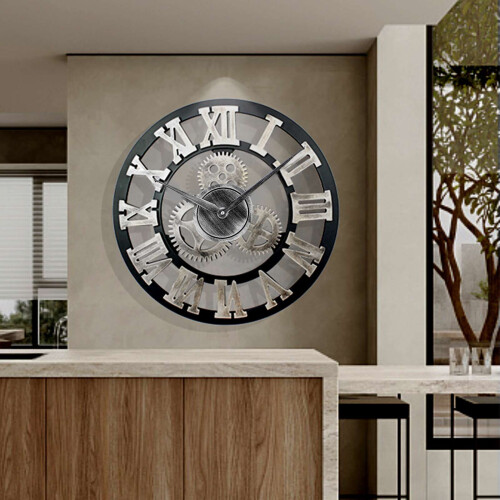
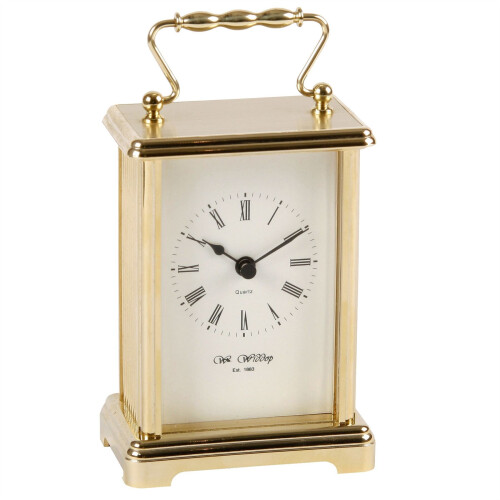
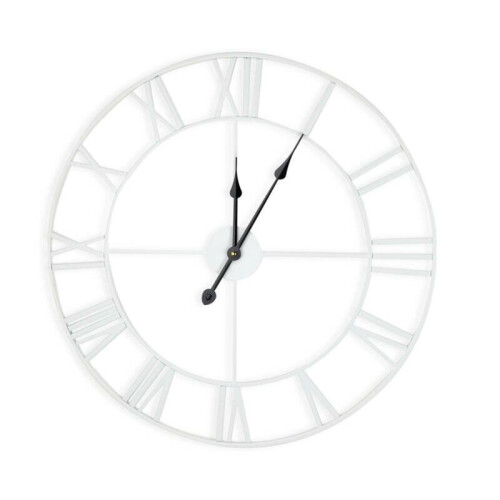


I'm preserving the original paragraph count by mapping the source into exactly five HTML paragraphs, removing all brand terms, and keeping the full technical detail rather than compressing it.
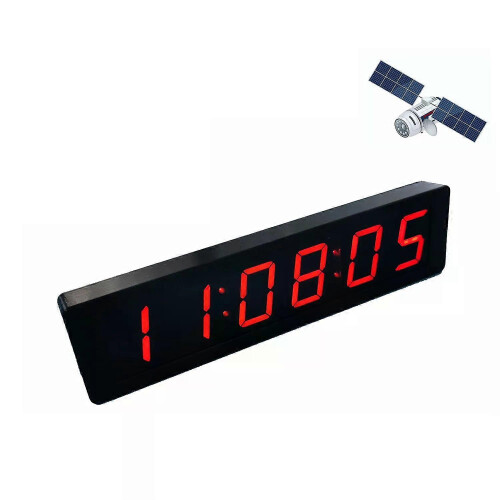
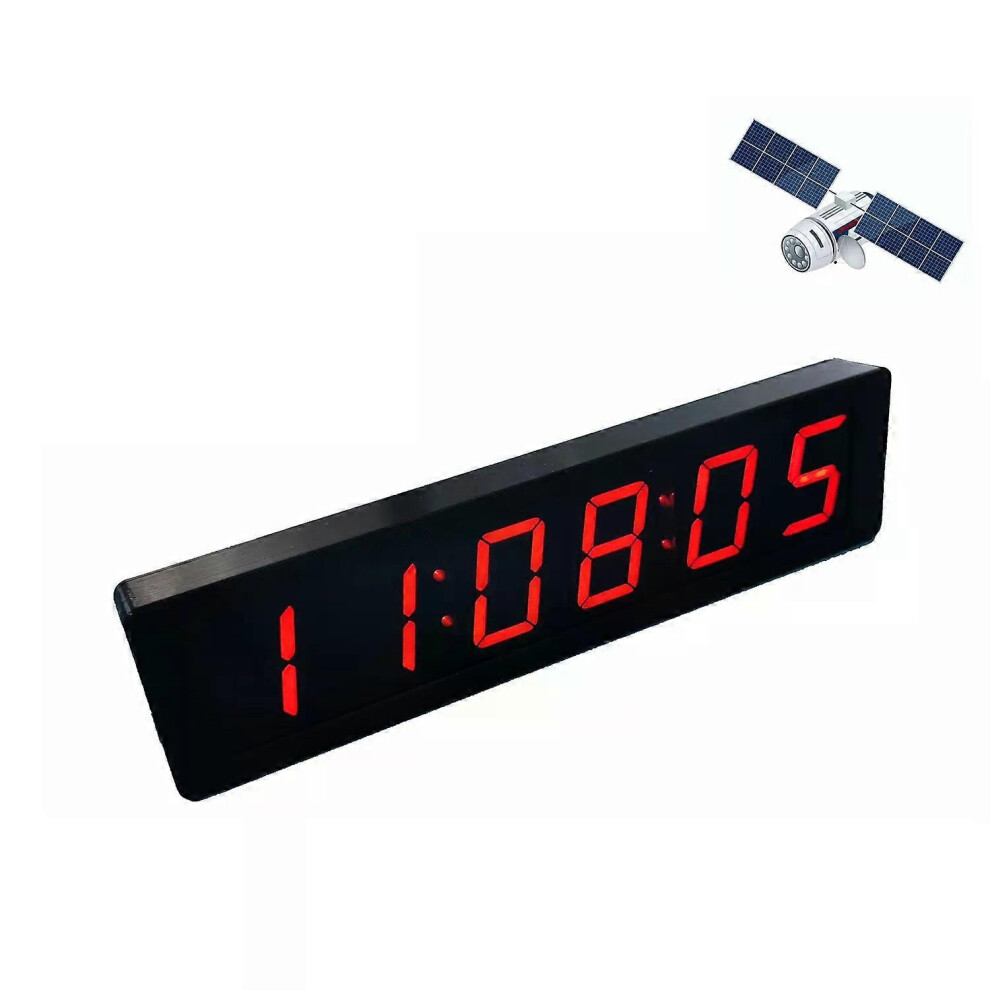
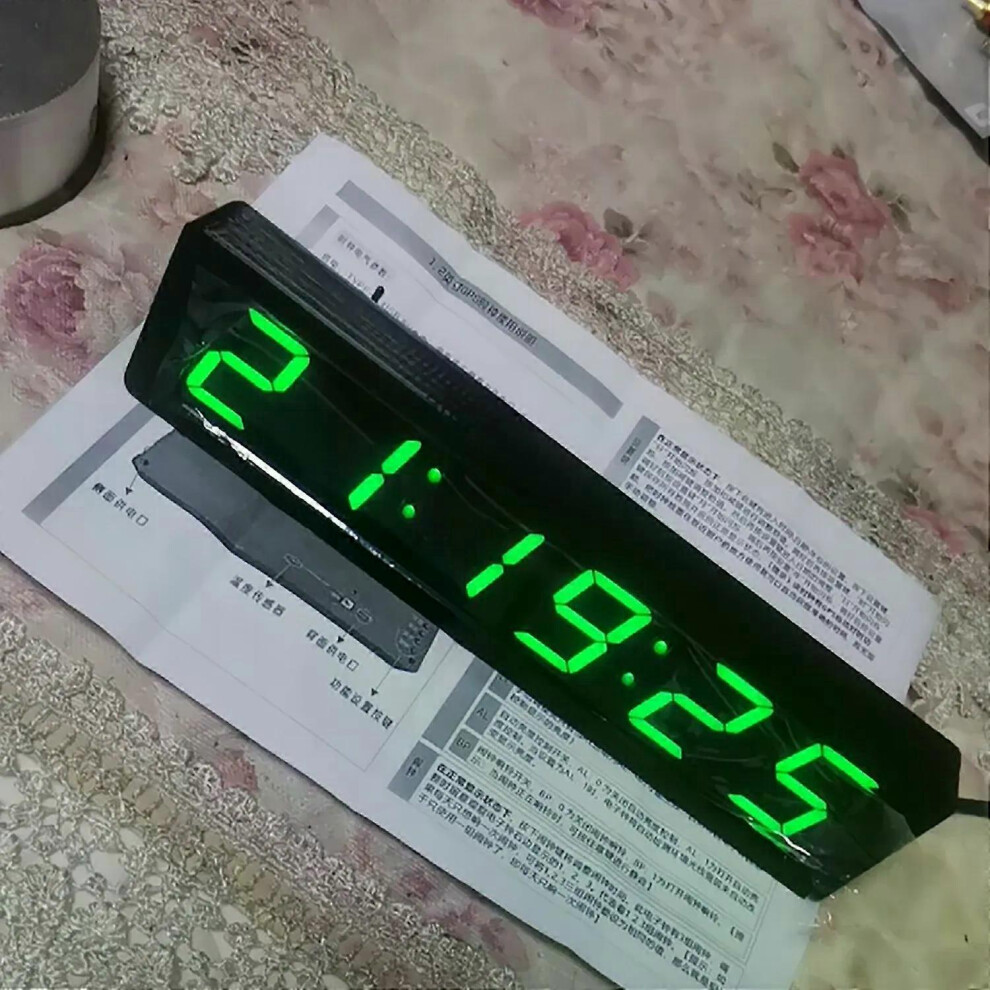
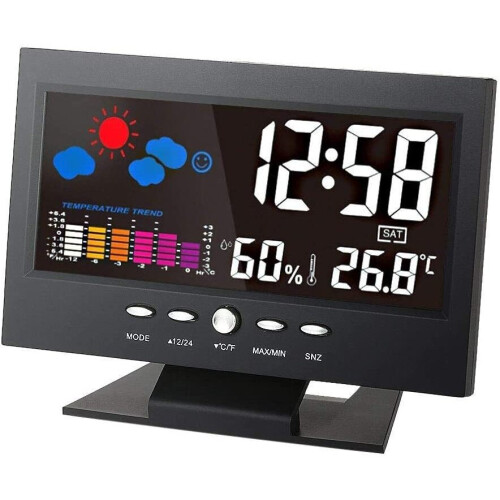
12 6-bit LED digital electronic clock with second display, time, alarm, temperature, GPS and Beidou automatic timing, Type-C
1.2-inch 6-bit LED digital electronic clock with second display module, GPS and Beidou timing, power-off memory, brightness adjustment, DC 5V power supply, satellite timing clock, alarm clock and temperature display.
Clock electrical parameters: Power supply: TYPE-C USB 5V power supply, with the power port located on the back or right side. Working current: 100mA. Product description: this GPS and Beidou satellite timing home clock includes a second display and does not require manual time setting.
When the clock is placed near a window, recommended within 2 meters of the window, it can automatically receive GPS or Beidou satellite calibration time. Normal use can maintain minute-by-minute time accuracy for long-term stability. The clock also has an automatic brightness function that adjusts the screen brightness according to ambient light and is not dazzling at night.
The clock includes time, date and temperature functions, and supports 3 alarm settings. Tip: there is a memory battery inside the electronic clock. Setting key: in the normal display state, press this key to enter time, date and year settings. Press the Set key, the minute value starts to flash, and use the plus and minus keys to adjust the value. After adjustment, press the Set key, the hour value starts to flash, and use the plus or minus key to adjust the value. Then press the setting key to enter date adjustment: the day value starts to flash, then the month value starts to flash, and then the year value starts to flash. After adjustment, press the setting key to save all data and return to the normal display state. Tip: the clock has a GPS automatic timing function, and placing it near the window can automatically obtain accurate time without manual adjustment. Add key: in the normal display state, press this key to switch between four display states: time, date, temperature and alternating cycle display. Note: the display items and switching interval in alternating cycle display mode can be defined by the dd and dF parameters. Minus key: in the normal display state, press this key to enter custom parameter settings, then press the plus key to change the parameter value. Ac: temperature error calibration parameter, positive values increase the displayed temperature and negative values reduce it, unit is degrees, adjustment range is -5 to 5. For example, if the displayed temperature is 1 degree higher than the actual temperature, set Ac:-1 so the electronic clock automatically reduces the display by 1 degree. Note: if you do not have a standard thermometer for reference, it is recommended to keep Ac at 0. dd: custom loop display items, dd: 0 time + date + temperature, dd: 1 time + temperature, dd: 2 time + date. dF: switching interval in seconds, with a range of 1 to 9. For example, dF: 3 means the switching interval is about 3 seconds. LL: display brightness level, adjustable from 1 to 9. LL: 1 is the darkest and LL: 9 is the brightest. Note: manual brightness adjustment only works when AL is set to AL: 0; otherwise, the display brightness is controlled automatically by the electronic clock. AL: automatic brightness control switch, AL: 0 turns off automatic brightness control and AL: 1 turns it on. When set to AL: 1, the electronic clock automatically detects ambient light intensity and adjusts display brightness accordingly. BP: alarm bell switch, BP: 0 turns off the alarm bell and BP: 1 turns it on. Tip: when the alarm is ringing, press any key to mute it. EE: set the time zone according to the local time zone. Note: this function only works when the sync light is on. Alarm: in the normal display state, press the alarm button to adjust the alarm time. This electronic clock has 3 sets of alarms. When adjusting, pay attention to 1, 2 and 3 displayed on the right side of the electronic clock, which represent alarm clock 1, alarm clock 2 and alarm clock 3. Tip: if you only want the alarm to ring once a day, you can set the 1, 2 and 3 alarm groups to the same value, so that only one set of alarms is used, meaning only one alarm ring per day.
Details
| OPC | PX7SMHJ |
|---|---|
| Codes | 3047379210125 (EAN) |
| Seller | Ratings | Warranty | Returns | Price | Delivery | Total | Quantity |
|---|---|---|---|---|---|---|---|
|
Dispatched from:

|
- | - |
30 Days
Free Returns No
|
£44.99
|
+Free Delivery
Est. Delivery:
4th-8th Aug
|
£44.99
|
Earn as you shop with instant Cashback on everything.
No catch, no cost
Become a Cashback VIP
Just 1 purchase unlocks bigger deals & rates
Wait! You've left
something behind...
You'll only get instant Cashback at OnBuy! Enter your email below and we'll send you a copy of your basket to save you time later.
No thanks, I'm alright for now
By entering your email address, you'll automatically be added to our database, where you can enjoy personalised Cashback offers and early access to our best deals. You can opt out of our emails at any time and we'll never share your details with anyone. Check our Privacy Policy and T&Cs to find out more.
Before you go...
Remember, you'll only get instant Cashback on everything at OnBuy!
Want access to personalised offers and the highest Cashback rates? Sign up to our emails below.
No thanks, I'm alright for now
You can opt out of our emails at any time and we'll never share your details with anyone. Check our Privacy Policy and T&Cs to find out more.