
































Product Images

In stock
Smart shoppers OnBuy it!
Interest-free payment options available


See full product description & details
Delivery: Priority (Free) | Wed 21st - Fri 23rd Oct
Sold by: moresk
Returns: 30 days
180-day payment protection
Summary
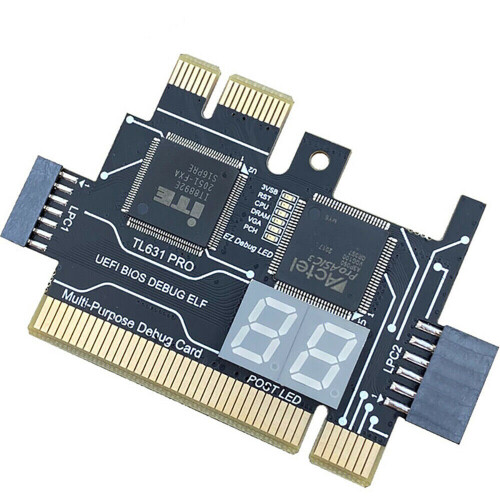
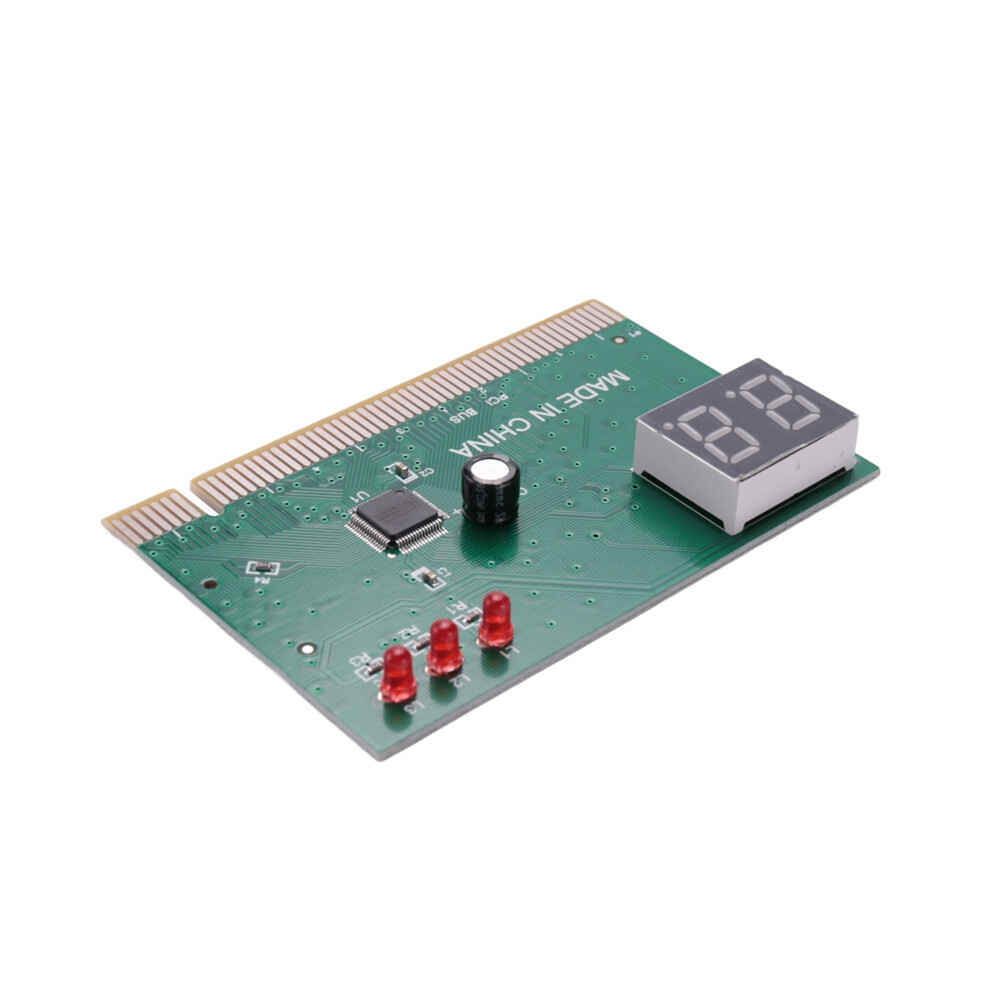
Simply
plug
into
the
PCI
or
ISA
slot
and
the
computer
hardware
be
immediately
tested
for
a
full
diagnostic
test.
Let
faulty
parts
show
you
are
in
control.
The
purpose
of
a
diagnostic
card
is
to
find
computer
hardware
problems
easily
and
quickly.
It
can
help
us
in
the
computer
failure
more
quickly
and
accurately
find
the
problem
of
hardware,
no
matter
you
are
development
engineers,
maintenance
engineers
or
a
beginner
or
a
-
user,
as
long
as
you
have
it,
it
can
display
computer
hardware
failure
parts
accurately,
let
you
fast
and
correctly,
the
problem
with
computer
problems.
Installation
guide:Insert
the
diagnostic
card
into
the
PCI
or
ISA
slot
on
the
computer
motherboard.
Turn
on
the
power
according
to
the
digital
code
displayed
on
the
diagnostic
card,
against
the
distribution
of
the
"operation
manual"
inside
the
code
meaning
table,
that
is,
ah
know
what
part
of
the
hardware
is
wrong,
from
now
on
no
longer
need
to
use
substitution
method
on
the
display,
graphics
card,
memory,
CPU
continuing-substitution
can
determine
the
faulty
parts.
Technical
parameters:
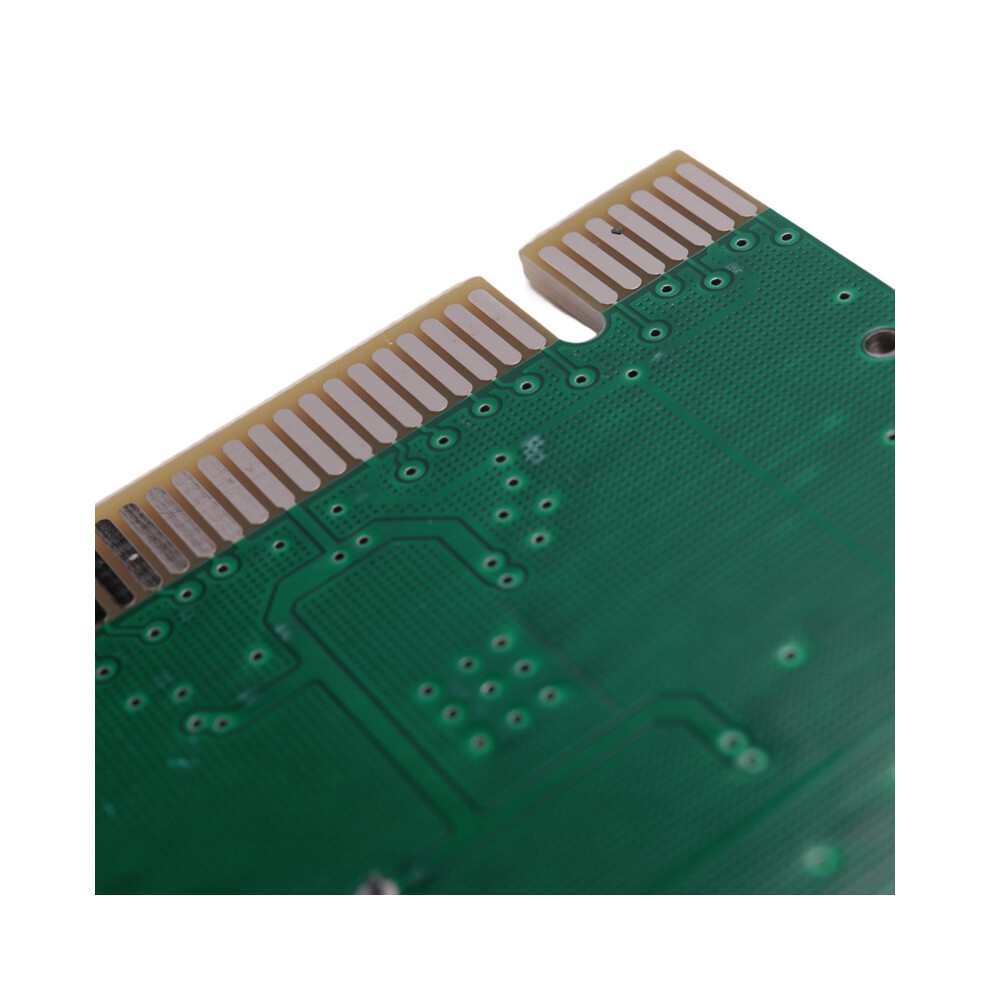
Bus
interface:
32-bit
standard
PCI
domain
8-bit
ISA
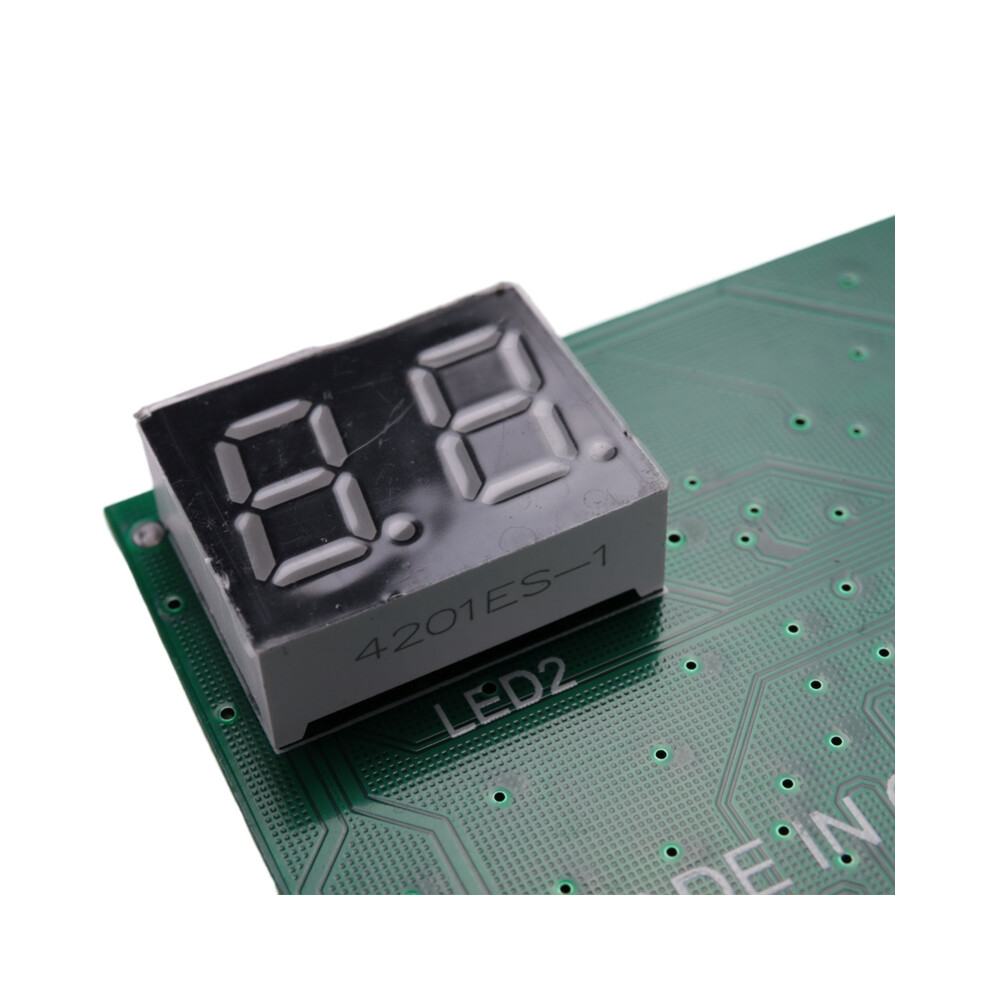
interface;Digital
display:
7bit
digital
display,
fault
code
display,
two
points
display
5V
and
reset
signal;
Product
description:
1.Motherboard
diagnosis
she
is
called
POST
card
(Power
On
Self
Test)
or
PC
analyzer,
is
to
show
the
motherboard
BIOS
self-check
program
code,
with
the
specification
of
the
POST
code
meaning
can
quickly
know
where
the
computer
failure.
In
particular,
the
PC
can
not
boot
the
,
black
screen,
the
use
of
the
buzzer
is
more
convenient,
so
that
you
get
twice
the
result
with
half
the
effort!
So
people
who
often
install
and
repair
computers
are
almost
everyone
must
have
this
card.
For
desktop
computers:
(1)
operating
indicator
light
with
main
board;
(2)
the
use
of
patch
elements
not
hurt
the
hand;
(3)
this
card
can
be
inserted
into
ISA
or
PCI;
(4)
no
part
be
burned
after
the
power
is
switched
on
after
the
wrong
slot
is
inserted
or
reversed;
(5)
the
machine
can
display
repeated
automatic
reset
under
the
black
screen;
(6)
without
CPU
and
other
empty
board
and
power
can
be
diagnosed
in
the
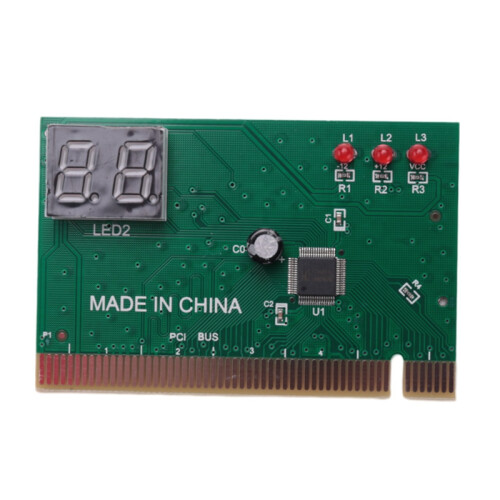
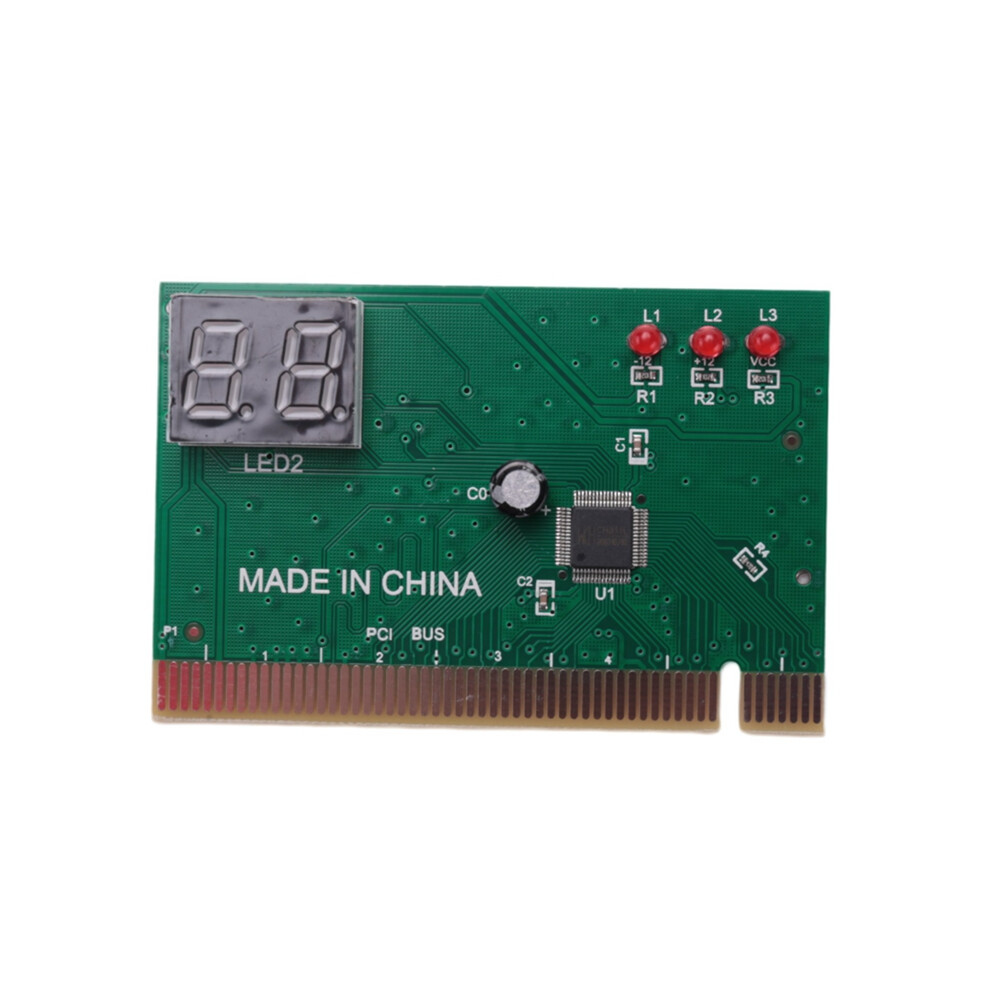
board
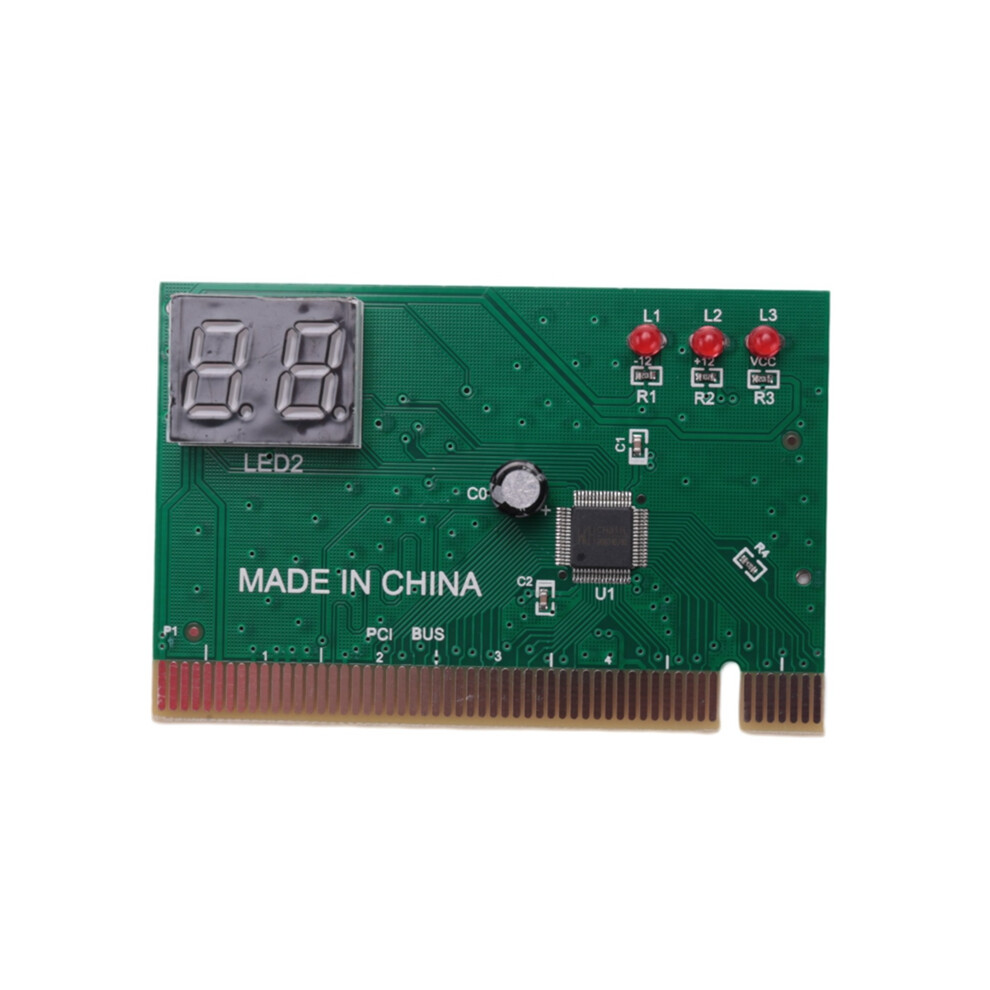
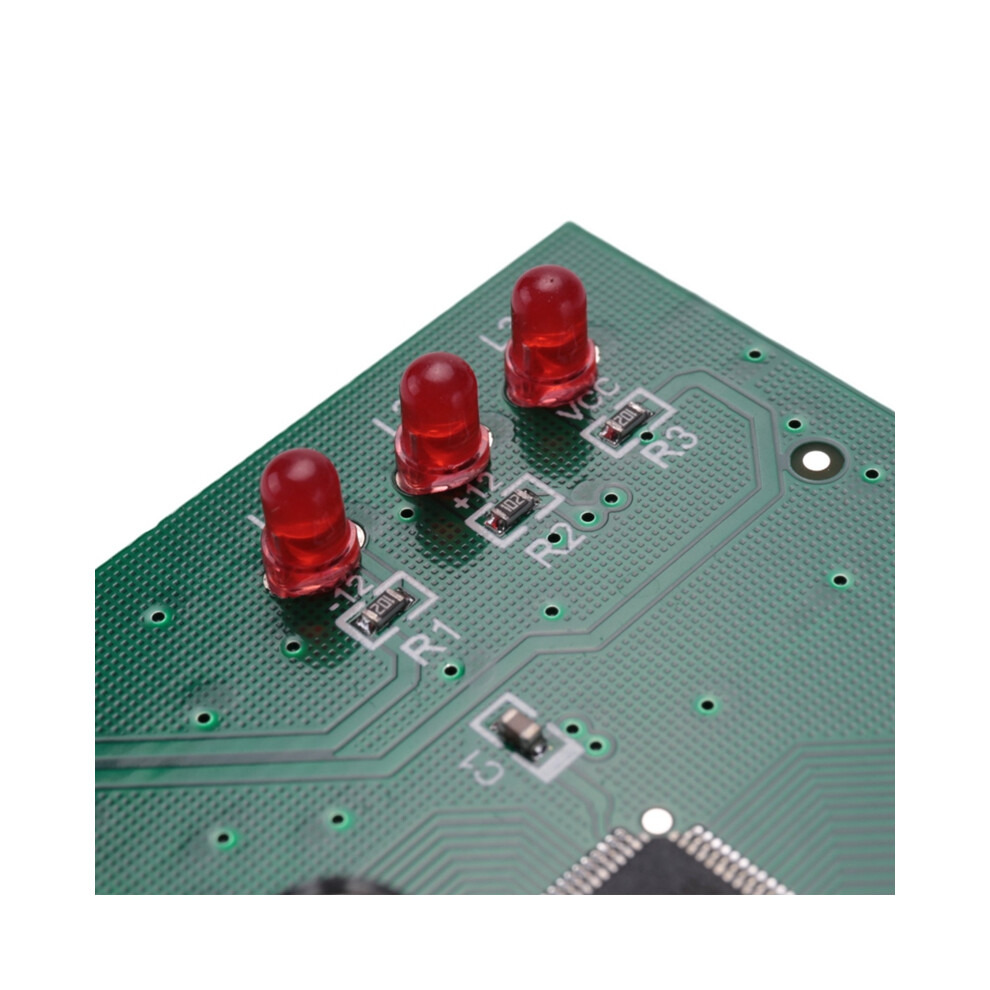
Lamp:
1.
-12
LED:
-12v
power
supply
indication
2.
+12
LED:
+12V
power
supply
indication
3.
CLK
LED:
CLK
signal
indication
4.
OSC
LED:
OSC
no.
Indication
5.
IRDY
BIOS
LED:
read
BIOS
instructions
6.
3.3v
/
-5v
LED:
3.3v
/
-5v
standby
power
supply
indication
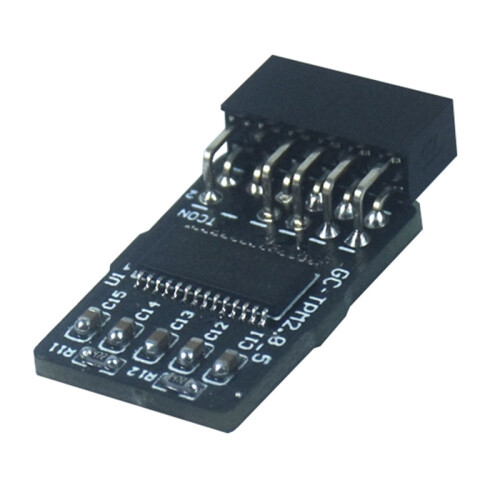
size:
6.3x4.7x0.7cm
Material:PCB
colour:Green
Package
Contents:
1
x
motherboard
diagnostic
card
Only
the
above
package
content,
other
products
are
not
included.
Note:
Light
and
different
displays
may
cause
the
color
of
the
item
in
the
picture
a
little
different
from
the
real
thing.
The
measurement
allowed
error
is
+/-
1-3cm.
Details
| OPC | PGB8YY2 |
|---|---|
| Brand | TAUOH |
| Codes | 4851369269340 (EAN) |
Product Data
| Length | 6.5 |
|---|---|
| Width | 5 |
| Depth | 1 |
| Material | PCB |
| Seller | Ratings | Warranty | Returns | Price | Delivery | Total | Quantity |
|---|---|---|---|---|---|---|---|
|
Dispatched from:

|
(199 reviews) | - |
30 Days
Free Returns No
|
£8.36
|
+Free Priority Delivery
Est. Delivery:
21st-23rd Oct
|
£8.36
|
Earn as you shop with instant Cashback on everything.
No catch, no cost
Become a Cashback VIP
Just 1 purchase unlocks bigger deals & rates
You'll only get instant Cashback at OnBuy! Enter your email below and we'll send you a copy of your basket to save you time later.
By entering your email address, you'll automatically be added to our database, where you can enjoy personalised Cashback offers and early access to our best deals. You can opt out of our emails at any time and we'll never share your details with anyone. Check our Privacy Policy and T&Cs to find out more.
Want access to personalised offers and the highest Cashback rates? Sign up to our emails below.
You can opt out of our emails at any time and we'll never share your details with anyone. Check our Privacy Policy and T&Cs to find out more.
This page has expired.
Refresh and continue