






























Product Images


In stock
Smart shoppers OnBuy it!
Interest-free payment options available


See full product description & details
Delivery: Standard (Free) | Fri 2nd - Wed 7th Oct
Sold by: Kulemip
Returns: 30 days
180-day payment protection
Summary
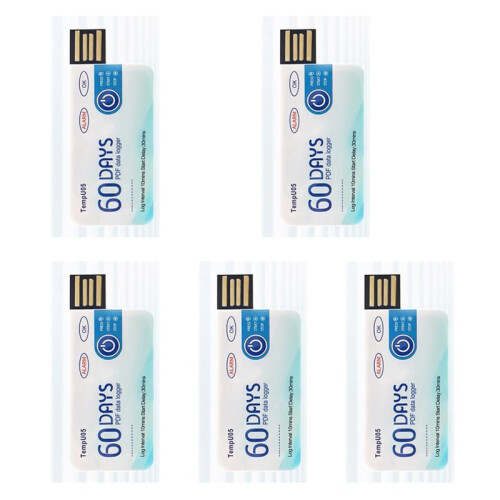
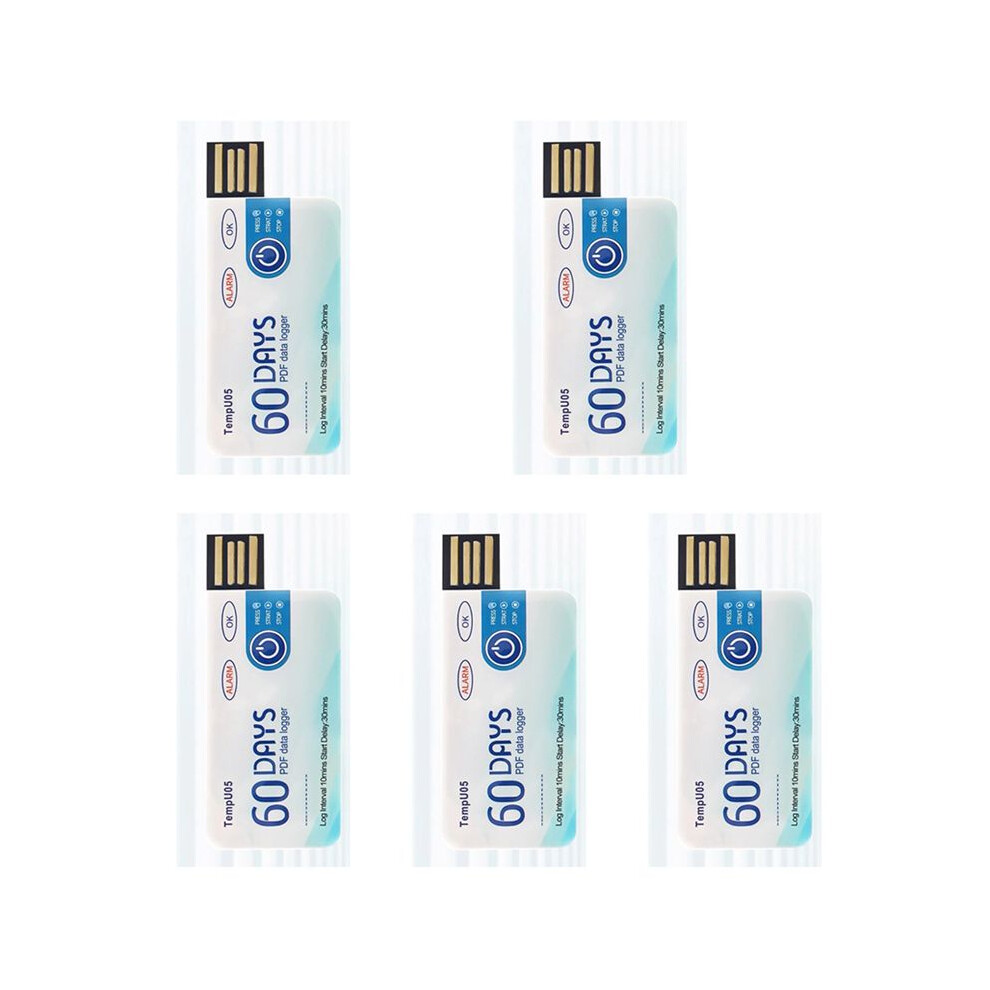
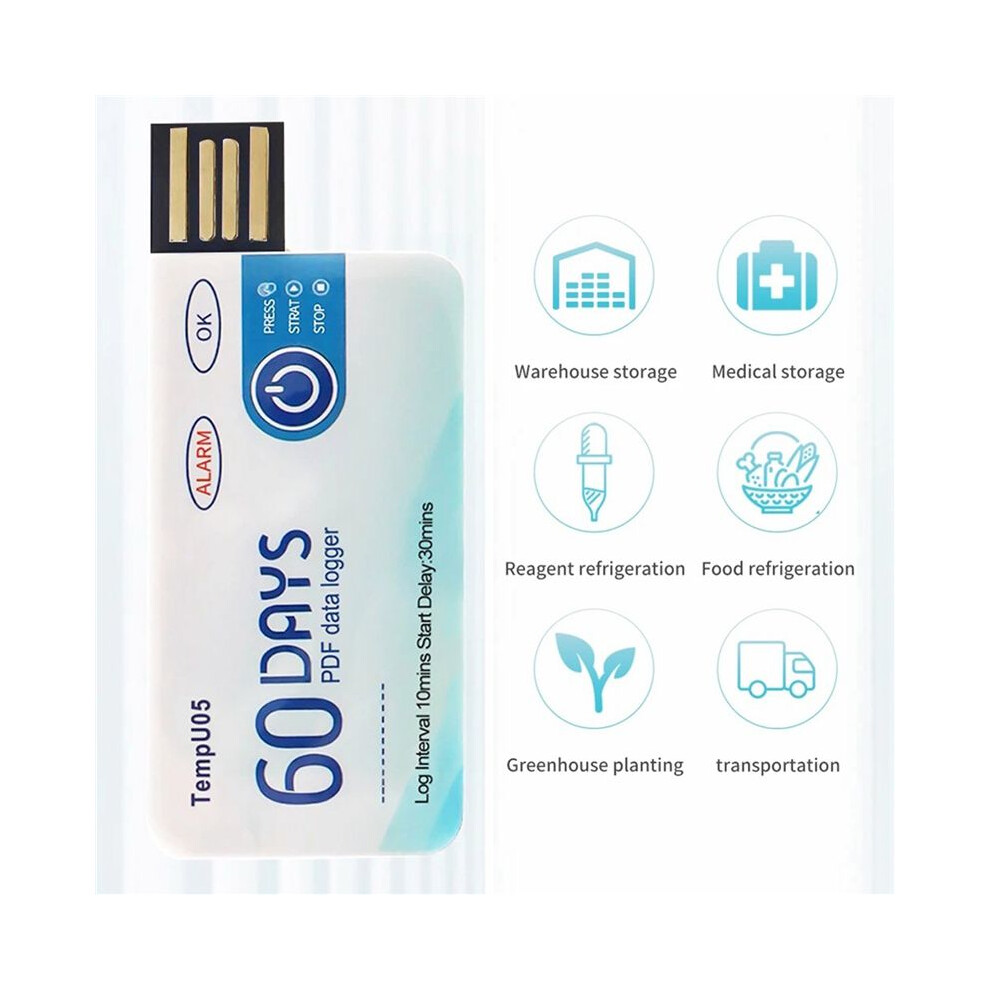
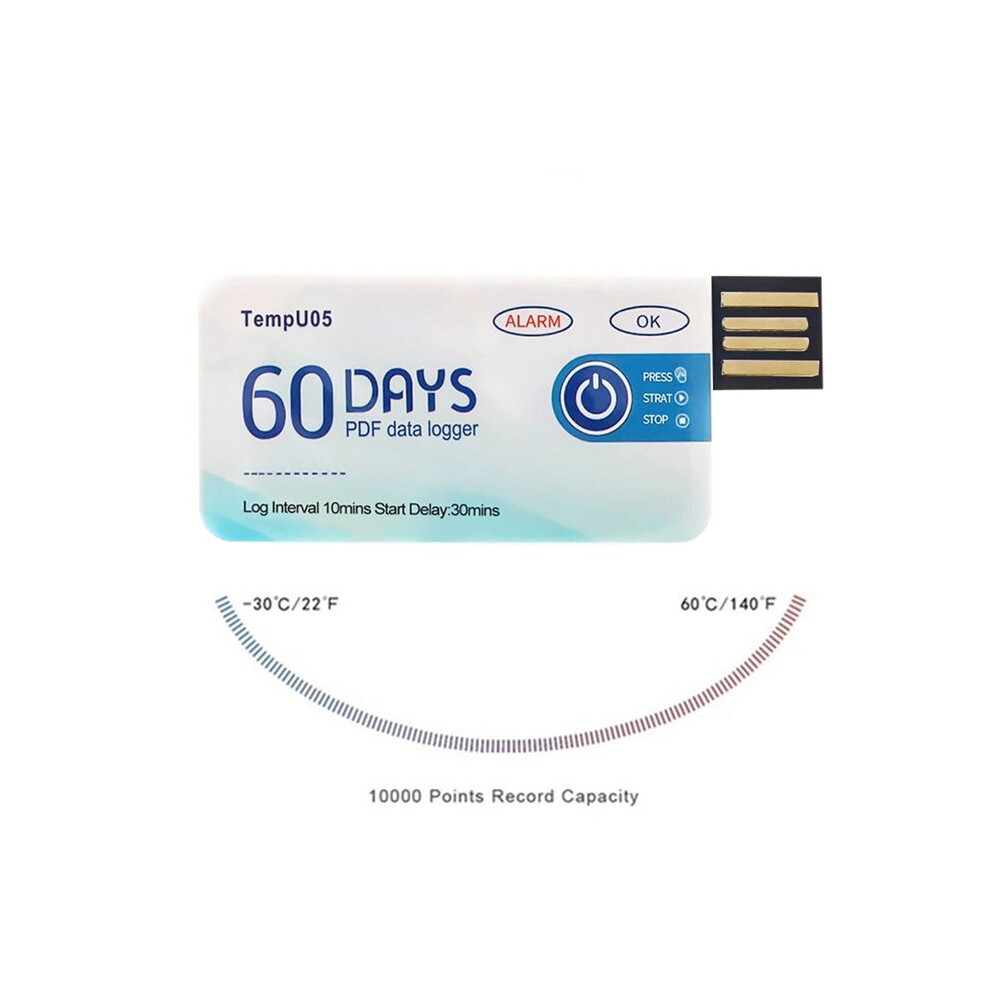
How to use: 1. Press and hold the "start/stop" button for more than 3s, the "OK" indicator will be for 3s, indicating the device starts recording, and then you can place the device in the environment you need to control.
2. During the recording process, the device will automatically turn the light every 10s. If the normal light (green light) is every 10s, it means that the device does not overheat during the recording process. If the alarm indicator light (i.e. red light) illuminates every 10 seconds, explain that excessive temperature occurred during the recording process. Note: If overheating is detected during the recording process, the green light will no longer be illuminated.
3. Press and hold the start/stop button for more than 3s, the alarm indicator (i.e. red light) will be for 3s, indicating that the device will stop recording. Recording will also stop automatically when the device is full. After the device stops recording, it will not flash automatically. If the device overheats during recording, press the start/stop button.
If the normal indicator (green light) is , it means that the temperature is not overwritten during recording; If there is an alarm when the indicator light (i.e. red light) is , it means that the temperature is overheating while recording.
Remove the waterproof packaging bag and insert the device into the computer's USB interface. During the process of creating PDF files, the normal indicator light (i.e. green light) and the alarm indicator light (i.e. red light) will turn . When the file is generated, the normal light (i.e. green light) will be until the logger is removed from the computer.
After finishing the recording, you can directly insert the computer to get the PDF report.
Built-in USB connector, directly connect to PC or mobile phone, no cable or reader needed.
With
Details
| OPC | PTGRWQT |
|---|---|
| Brand | Wella Elements |
| Codes | 6031151125612 (EAN) |
Product Data
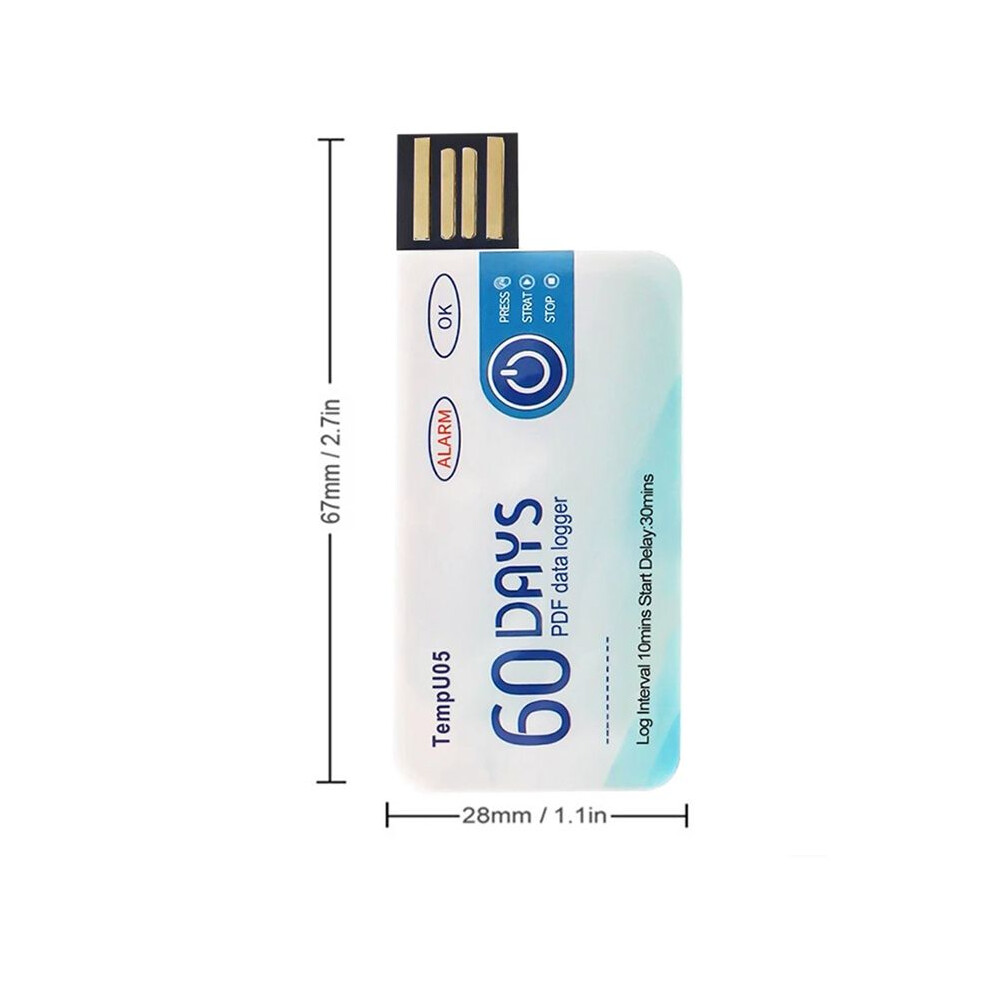
| Height | 5cm |
|---|---|
| Width | 5cm |
| Length | 9cm |
| Weight | 0.065kg |
| Colour | As shown |
| Material | plastic |
| Seller | Ratings | Warranty | Returns | Price | Delivery | Total | Quantity |
|---|---|---|---|---|---|---|---|
|
Dispatched from:

|
(141 reviews) | - |
30 Days
Free Returns No
|
£28.66
|
+Free Delivery
Est. Delivery:
2nd-7th Oct
|
£28.66
|
Earn as you shop with instant Cashback on everything.
No catch, no cost
Become a Cashback VIP
Just 1 purchase unlocks bigger deals & rates
You'll only get instant Cashback at OnBuy! Enter your email below and we'll send you a copy of your basket to save you time later.
By entering your email address, you'll automatically be added to our database, where you can enjoy personalised Cashback offers and early access to our best deals. You can opt out of our emails at any time and we'll never share your details with anyone. Check our Privacy Policy and T&Cs to find out more.
Want access to personalised offers and the highest Cashback rates? Sign up to our emails below.
You can opt out of our emails at any time and we'll never share your details with anyone. Check our Privacy Policy and T&Cs to find out more.
This page has expired.
Refresh and continue