






















Product Images

In stock
Smart shoppers OnBuy it!
Flexible payment options available


See full product description & details
Delivery: Standard (Free) | Sat 12th Dec - Mon 4th Jan
Sold by: Etruston
Returns: 30 days
180-day payment protection





Summary
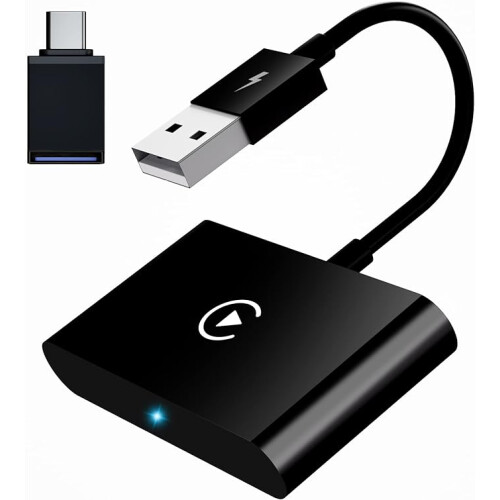
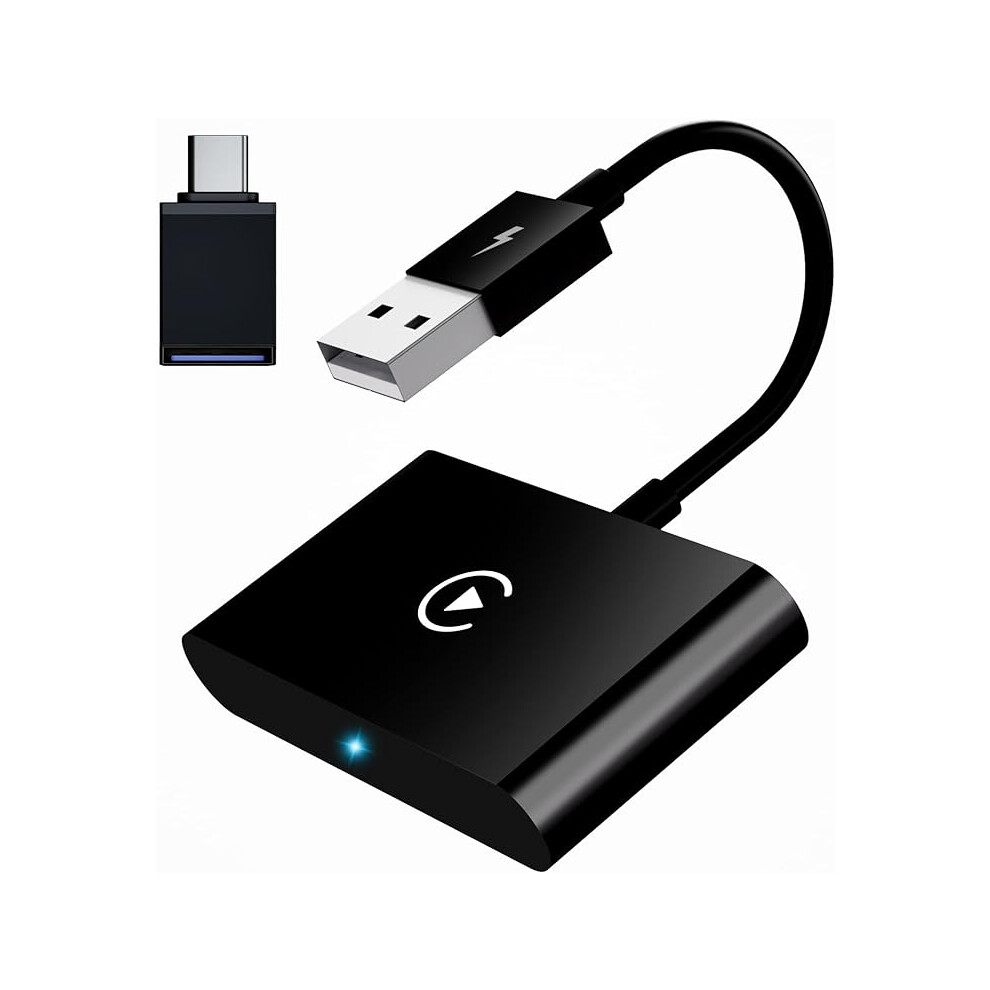
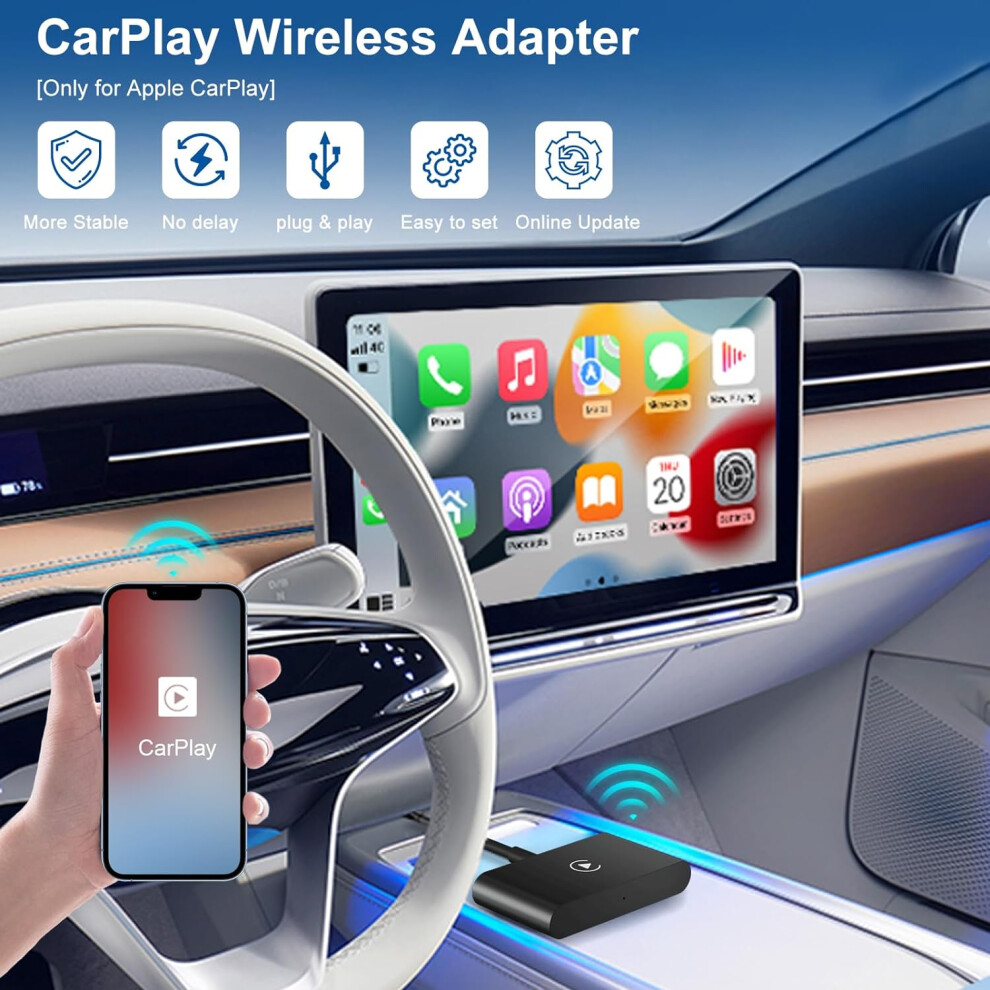
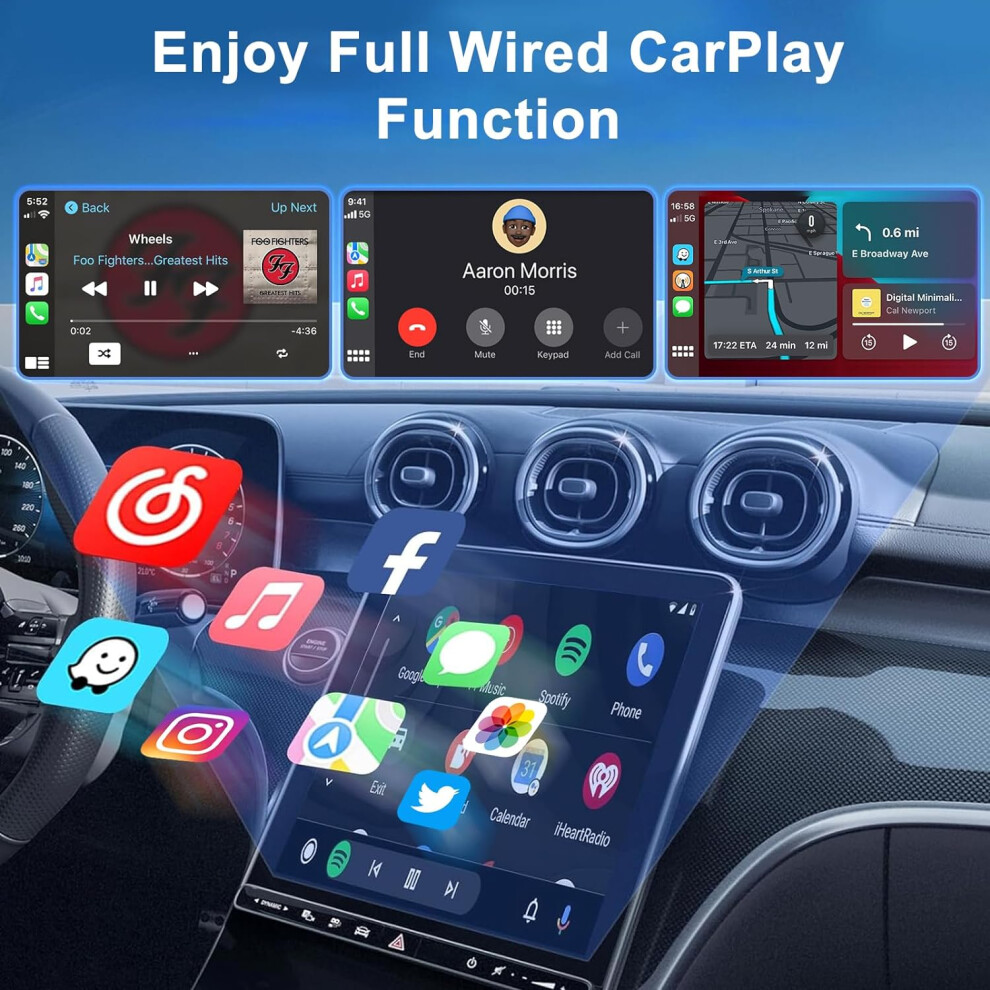
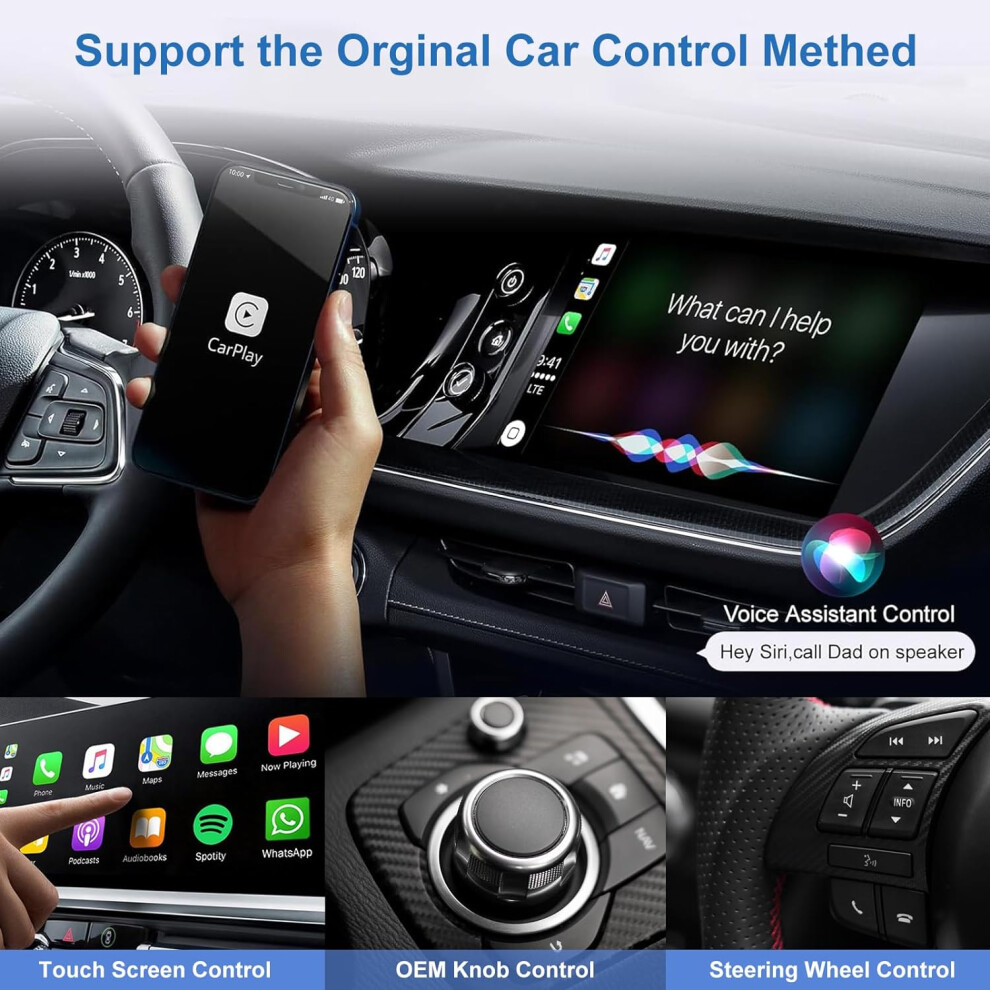
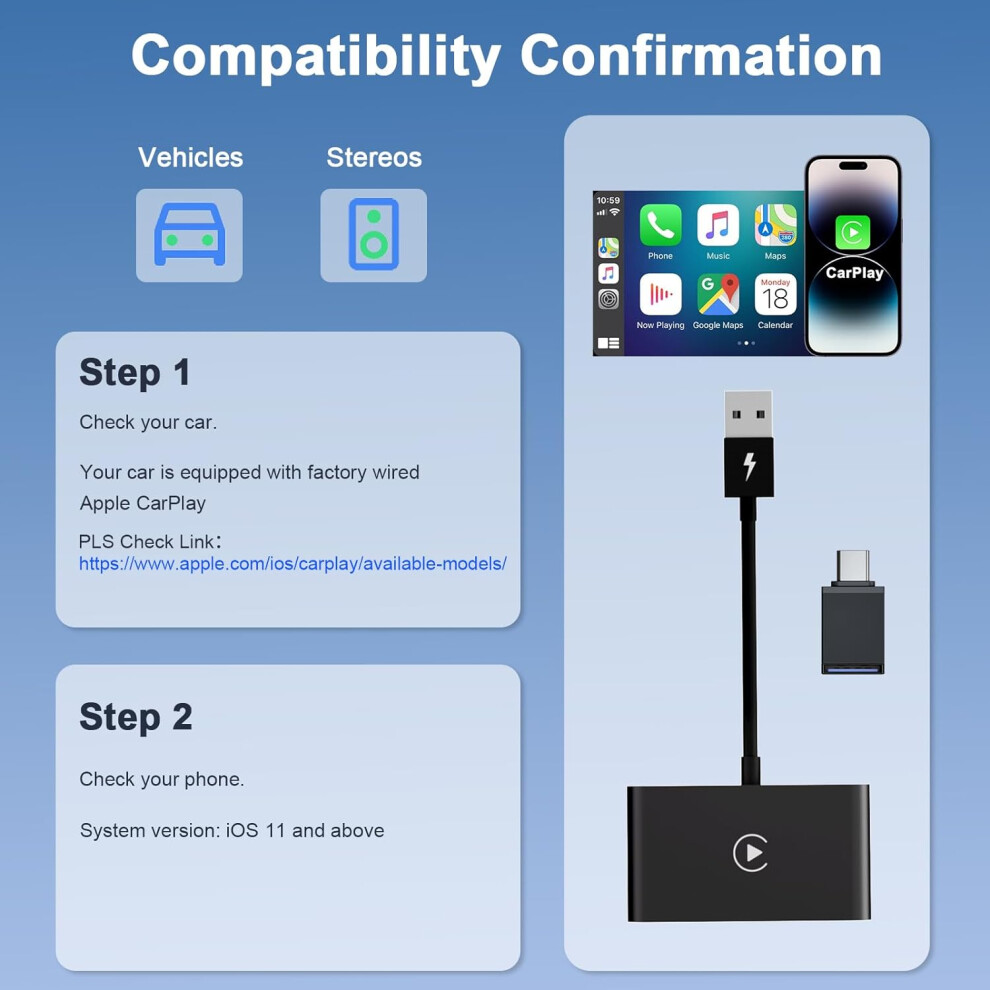
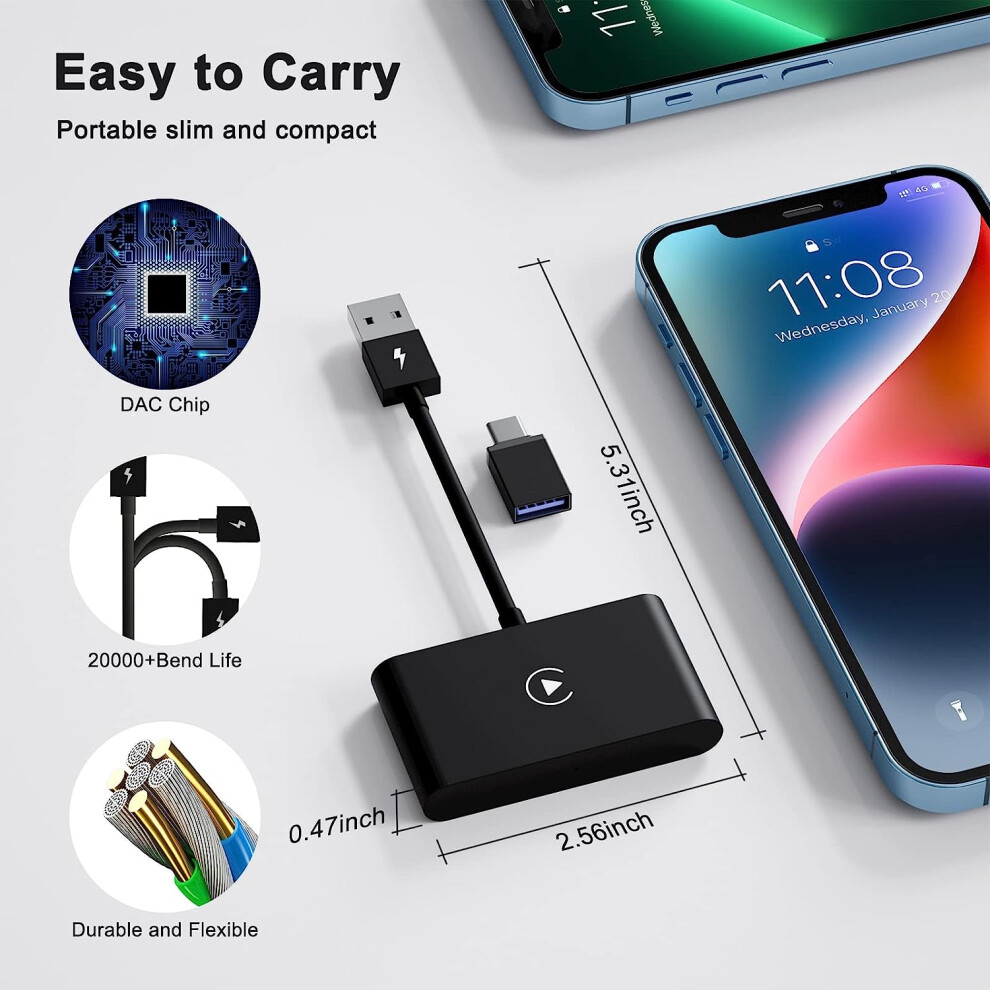
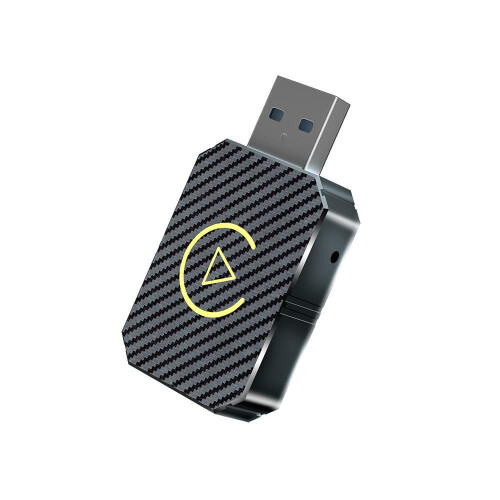
2023 Upgrade Wireless CarPlay AdapterFree and Smart Driving Experience for All Drivers
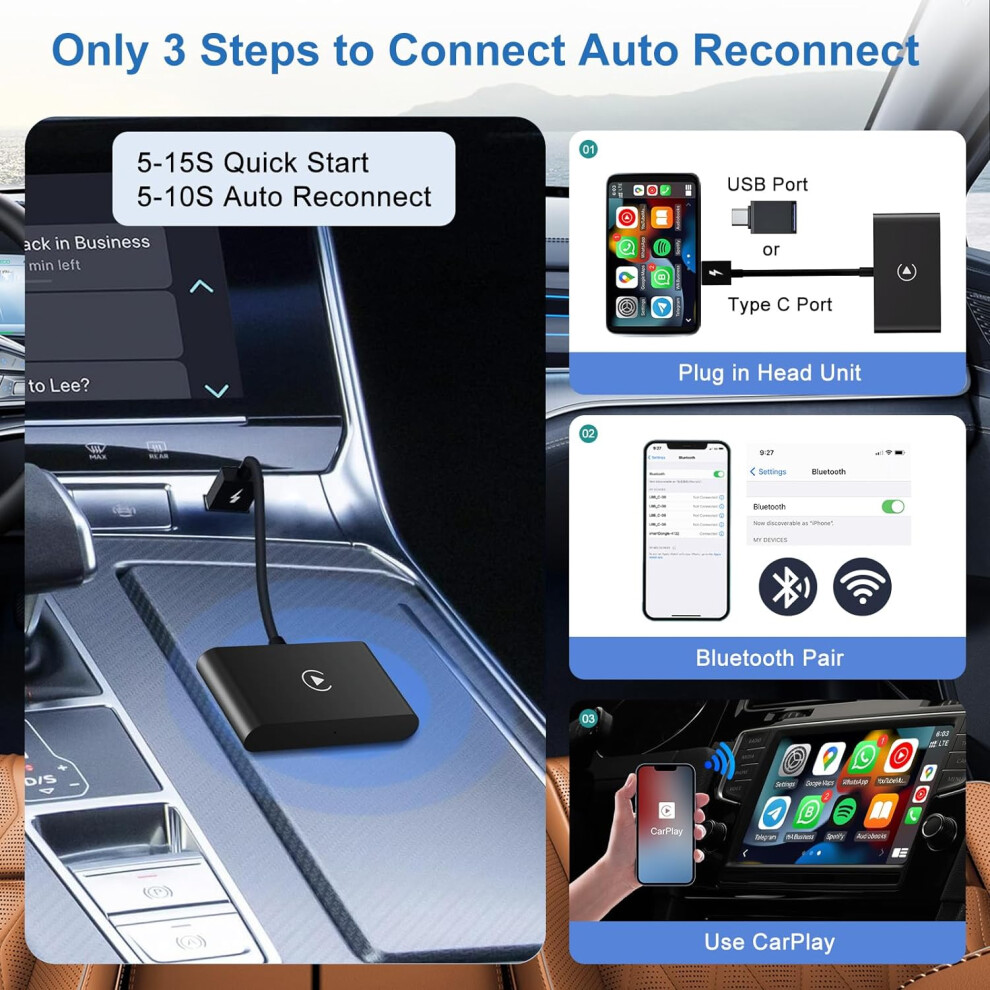
After the first pairing, this CarPlay wireless adapter can automatically connect to CarPlay when your car is started.
FAQ About Auto Connect:
Q: If I have two iPhone, which one will it be automatically connected to?
A: The dongle can be paired with multiple iPhones, but only one device can be connected at a time. Please note, by Bluetooth function default, the dongle's system will only auto-connect back to the last used iPhone. For the connection of the first iPhone, you need to disconnect the iPhone that the adapter was last connected to. Re-establishing the connection of the first iPhone.
Q: Why does the adapter Unable to automatically reconnect after the first pairing?
Plan A: In some cars, we need to select "Auto Connect" in the CarPlay settings in order to use the dongle's auto-connect feature.
Plan B:
First, check both the iPhone's Bluetooth and WIFI are turned on.
Next, check if the Bluetooth on the iPhone and car is occupied by other devices.
Then, if the iPhone and car's Bluetooth is connected to another Bluetooth device, you need to remove the occupied device from iPhone and car.
Finally, restart the iPhone, and re-establish the Bluetooth connection with the adapter.
Online Firmware Update
FAQ About Wireless CarPlay Adapter:
Q: My iPhone asks for a WiFi password when I try to connect to the dongle. What is the password?
A: The wireless CarPlay adapter is paired by Bluetooth, not WiFi. No password is required to connect to Bluetooth. Make sure your iPhone's WiFi is turned on and unoccupied when pairing. The WiFi password is only required for the firmware upgrade.
Q: There is a delay when changing songs with the wheel buttons.
A: Even with the Original Wireless CarPlay in the car, audio delays can still be present when watching videos. This is because video transcoding is more complex and takes longer to process than normal audio file transcoding. This is a normal issue with wireless CarPlay, not an adapter issue.
Q: Why does the adapter have audio delays or sound quality problems when playing music and calling (not including audio delays during video playback) ?
A: 1. Please check if your phone's Bluetooth is connected to another device. If so, please ignore other Bluetooth devices that are automatically connected.
2. When using the dongle, please clear any programs running in the background of your phone.
Q: CarPlay does not start when paired or the car indicates that the device is not compatible/USB is not recognised...
A: Please tell us the model and year of your car. We will help you to access the adapter settings page to resolve the problem.
Details
| OPC | PDR9KKV |
|---|---|
| Brand | Etruston |
| Codes | 0799487931708 (EAN) |
| 799487931708 (UPC) |
Detailed Product Information
| Colour | black |
|---|---|
| Material | ABS |
| Weight | 0.1kg |
| Height | 2cm |
| Length | 17cm |
| Width | 7cm |
| Colour | black |
| Material | ABS |
| Weight | 0.1kg |
| Height | 2cm |
| Length | 17cm |
| Width | 7cm |
| Seller | Ratings | Warranty | Returns | Price | Delivery | Total | Quantity |
|---|---|---|---|---|---|---|---|
|
Dispatched from:

|
(22 reviews) | - |
30 Days
Free Returns No
|
£62.99
|
+Free Delivery
Est. Delivery:
12th Dec - 4th Jan
|
£62.99
|
Earn as you shop with instant Cashback on everything.
No catch, no cost
Become a Cashback VIP
Just 1 purchase unlocks bigger deals & rates
You'll only get instant Cashback at OnBuy! Enter your email below and we'll send you a copy of your basket to save you time later.
By entering your email address, you'll automatically be added to our database, where you can enjoy personalised Cashback offers and early access to our best deals. You can opt out of our emails at any time and we'll never share your details with anyone. Check our Privacy Policy and T&Cs to find out more.
Want access to personalised offers and the highest Cashback rates? Sign up to our emails below.
You can opt out of our emails at any time and we'll never share your details with anyone. Check our Privacy Policy and T&Cs to find out more.
This page has expired.
Refresh and continue