





















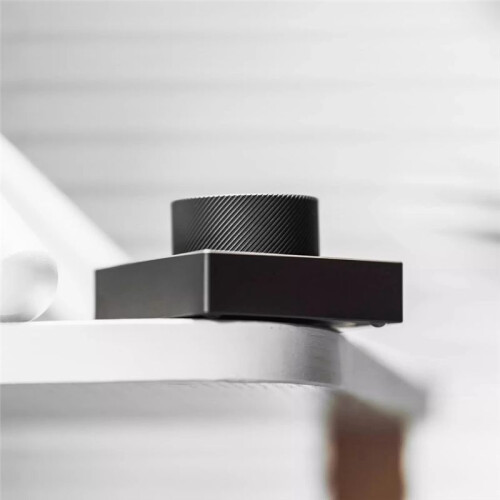
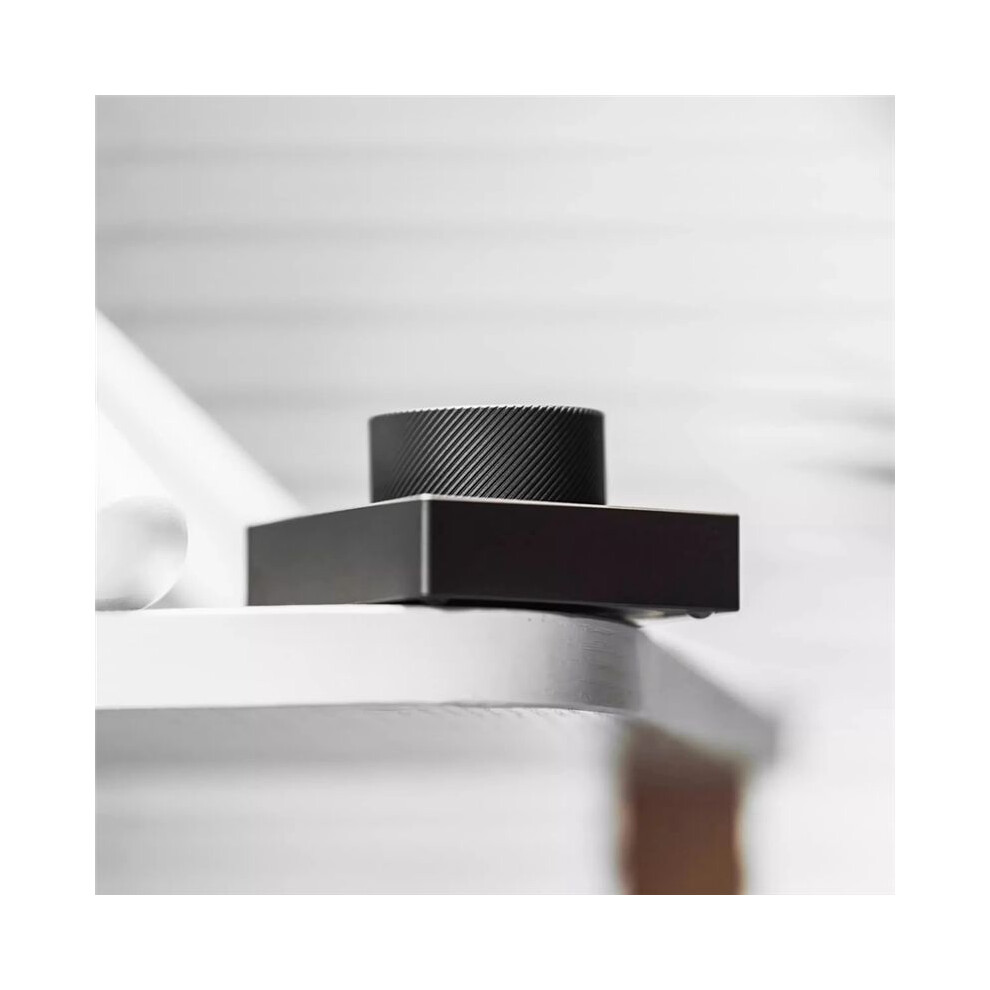
Desktop Knob Volume Tri-Mode 2.4G Wireless Wired Knob Customized Aluminium Alloy Control Knob C
In stock
Smart shoppers OnBuy it!
- Earn Cashback on every purchase – spend it instantly on your next order
- Free delivery – on millions of items across the site
- Customers love us – 135,000 Trustpilot reviews and an 'Excellent' rating
Interest-free payment options available


See full product description & details
Delivery: Standard (£3.53) | Fri 9th - Thu 15th Oct
Sold by: GSbuy
Returns: 30 days
180-day payment protection
You might also like









Summary
- Customizable desktop volume knob: Supports wired, Bluetooth, and 2.4G wireless connection modes. Default volume adjustment, mute, and screen brightness adjustment.
- Customize the button settings (basic buttons, combination keys, multimedia, RGB lighting settings, mouse) according to your usage habits through the software.
- Bluetooth connection method: Press any button to wake up. Search for the keyboard name "ANTICATER_MIN" on your computer and connect to it. If the keyboard name is not found, try pressing any button to wake up.
- Knob operation: Rotate left, rotate right, press the knob, press and hold to rotate left, press and hold to rotate right. Five different functions can be set.
- Knob function Default setting: Rotate left for "Volume -", rotate right for "Volume +", press for "Mute", press and hold to rotate left for "Screen Brightness -", press and hold to rotate right for "Screen Brightness +".
Desktop Knob Volume Tri-Mode 2.4G Wireless Wired Knob Customized Aluminium Alloy Control Knob C Description
Customizable desktop volume knob: Supports wired, , and 2.4G wireless connection modes. Default volume adjustment, mute, and screen brightness adjustment.
Customize the button settings (basic buttons, combination keys, multimedia, RGB lighting settings, mouse) according to your usage habits through the software.
connection method: Press any button to wake . Search for the keyboard name "ANTICATER_MIN" your computer and connect to it. If the keyboard name is not found, try pressing any button to wake .
Knob operation: Rotate left, rotate right, press the knob, press and hold to rotate left, press and hold to rotate right. Five different functions can be set.
Knob function Default setting: Rotate left for "Volume -", rotate right for "Volume +", press for "Mute", press and hold to rotate left for "Screen Brightness -", press and hold to rotate right for "Screen Brightness +".
Connection method: USB wired + + 2.4G wireless
Input voltage: 5V
Operating current: Approximately 4-6mA
Sleep current: Approximately 2uA
Wake- : Within 1 second
Battery capacity: 180-350mA
Ambient lighting: RGB (colorful)
Supported systems: Windows, Android, for macOS, for iOS.
Note:
1. When defining button functions, the keyboard and computer must be connected using a data cable.
2. For the first connection, the green light will display for 5 seconds after the connection is reset.
3. When the keyboard is set to continuous string output, the maximum setting is 18 characters.
4. When the keyboard is set to delayed output, the maximum delay is 1 minute.
5. Do not connect to a power supply exceeding 5V.
Color: C: Gunmetal Grey
Material: Aluminum Alloy
Package Contents:
1 * Desktop Knob
1 * Charging cable
1 * 2.4G receiver
Only the above package content, other products are not included.
Note: Light reflection andd
Details
| OPC | PXVN6B7 |
|---|---|
| Codes | 6031033219125 (EAN) |
| Links | Wireless Headsets |
Product Data
| Height | 7cm |
|---|---|
| Width | 11cm |
| Length | 14cm |
| Weight | 0.2465kg |
| Colour | Gunmetal Grey |
| Material | Aluminum Alloy |
Compare Sellers for Desktop Knob Volume Tri-Mode 2.4G Wireless Wired Knob Customized Aluminium Alloy Control Knob C
- New from £35.83
| Seller | Ratings | Warranty | Returns | Price | Delivery | Total | Quantity |
|---|---|---|---|---|---|---|---|
|
Dispatched from:

|
(192 reviews) | - |
30 Days
Free Returns No
|
£32.30
|
+£3.53 Delivery
Est. Delivery:
9th-15th Oct
|
£35.83
|
Earn as you shop with instant Cashback on everything.
No catch, no cost
- Paid into your OnBuy account
- Spend it on your next purchase
- Save it or withdraw it
Become a Cashback VIP
Just 1 purchase unlocks bigger deals & rates