
























Product Images




In stock
Smart shoppers OnBuy it!
Interest-free payment options available


See full product description & details
Delivery: Standard (£1.50) | Wed 14th - Tue 20th Oct
Sold by: YPDblue
Returns: 30 days
180-day payment protection
Summary
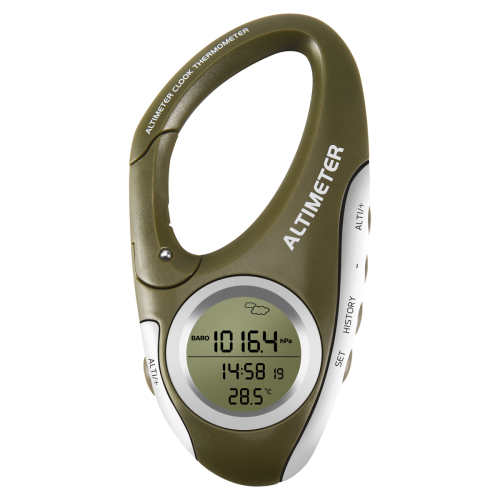
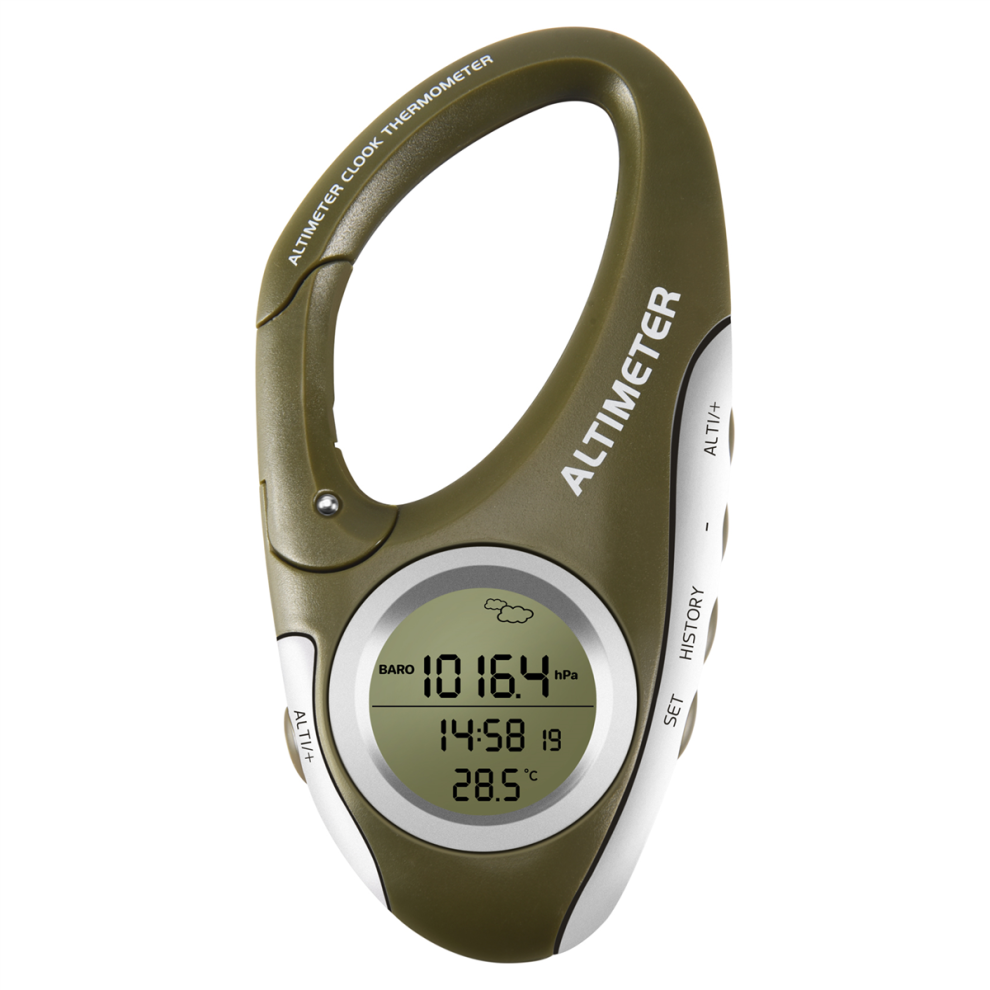
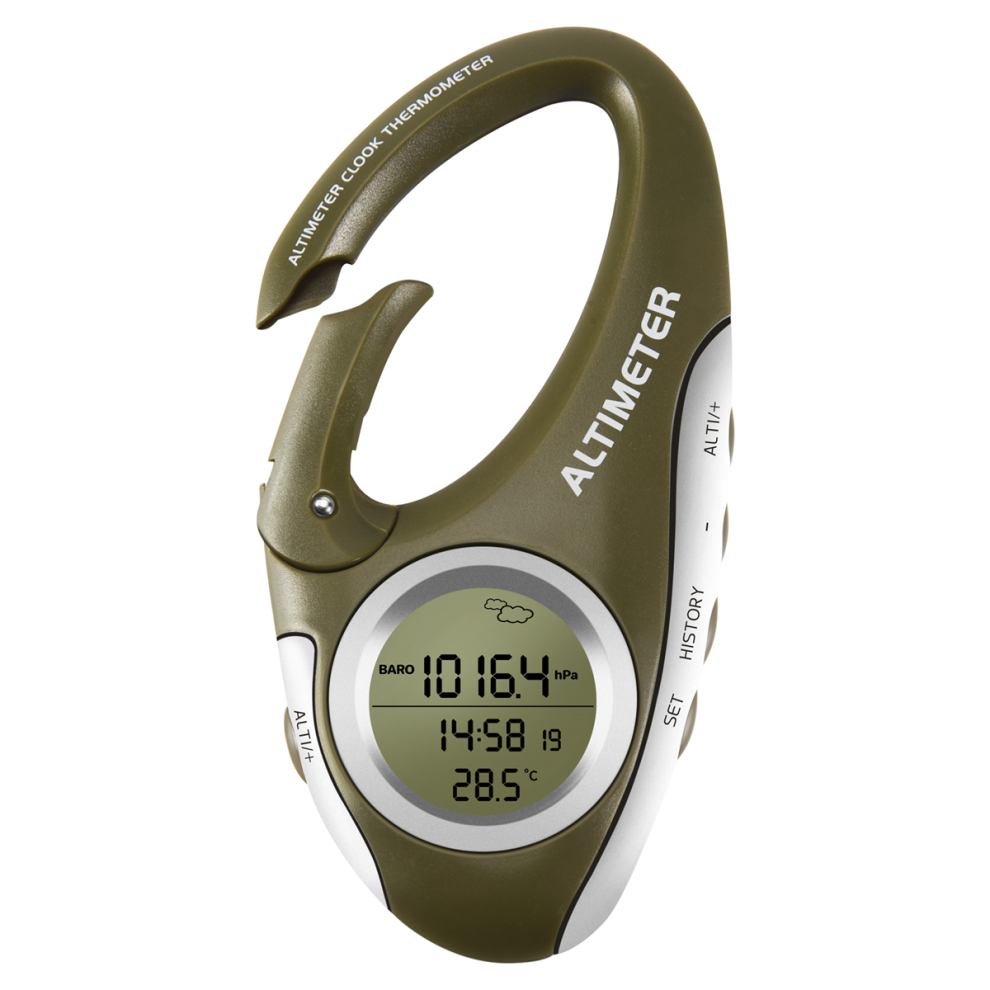
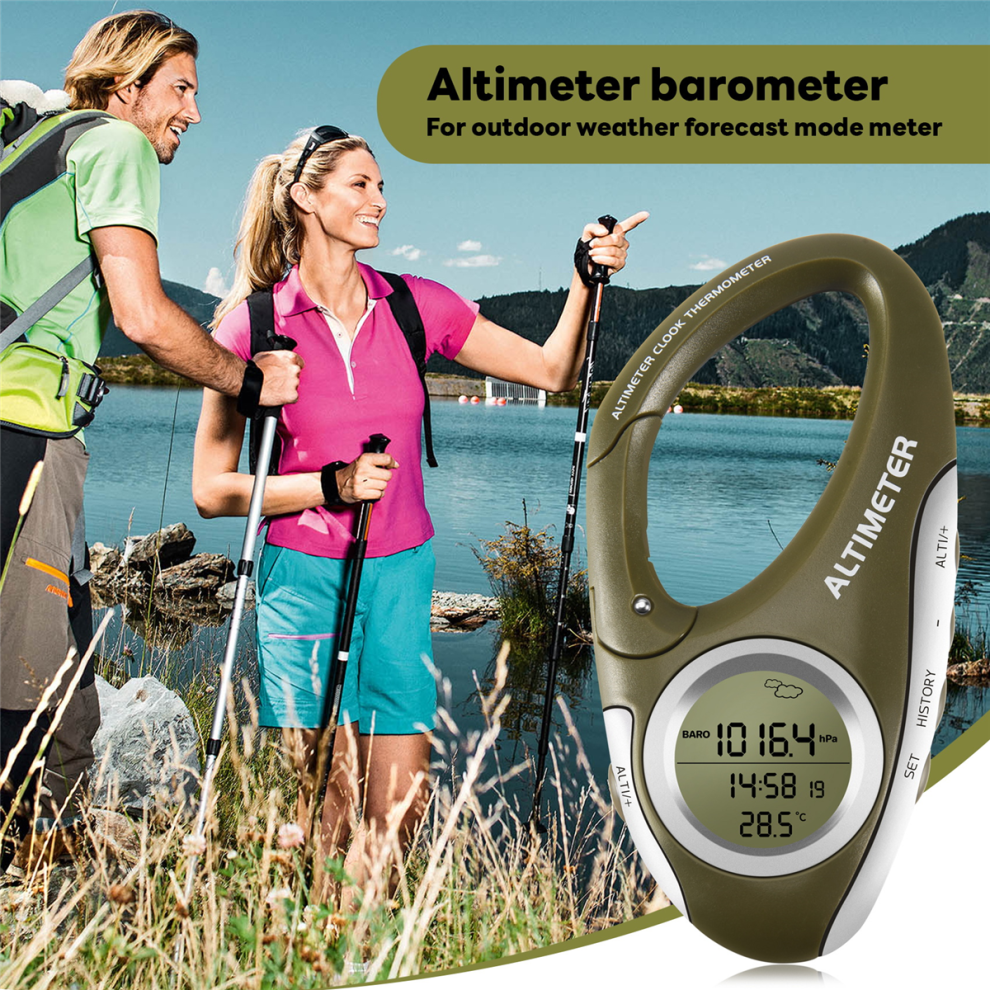
Barometer: The current barometric pressure be displayed on the screen immediately after power on. the [ALTI/+] button to switch between barometer and altimeter.
Altimeter: The altitude value displayed on the screen after power on is the sea level altitude of the current location. In the altitude display state, the [SET] and [ALTITUDE/+] keys simultaneously, you can [+] or [-] to change the current altitude value.
Relative altimeter: The use of the relative altimeter is to clear the height value measured at this time, and use the position at this time as the 0M height point, and the height value rising or falling from the 0 height point is the relative height value.
The method for resetting the altitude value is to and hold the [ALTI/+] button until 0M is displayed at the bottom of the screen, and then start to move, and the relative altitude value of the move be displayed on the screen. and hold the [ALTI/+] button again to switch back To the actual height value.
Weather forecast: It can predict the weather conditions in 12 to 24 hours when it is turned on, and the effective range is 30-50KM.
1. Long the [SET] button for 2 seconds, 24Hr flashes, the [ALTI/+] button to switch between 24Hr or 12Hr
2. the [SET] button to enter the time setting, at this time the hour digits flash, [ALTI/+] or [-] to set the hour value
3. the [SET] button to flash the minutes, [ALTI/+] or [-] to set the minutes
4. the [SET] button to flash the calendar year number, the [ALTI/+] or [-] button to set the year value
5. [SET] button to flash the calendar month number, [ALTI/+] or [-] button to set the month value
6. the [SET] button to flash the calendar date number, the [ALTI/+] or [-] button to set the date value
7. the [SET] button to flash the temperature unit Celsius, the [ALTI/+] button to switch between Celsius or Fahrenheit
8. the [SET] button and the air pressure unit flashes, the [ALTI/+] button to switch to the air pressure unit /inHg/mmHg
9. the [SET] button to flash the height unit M, the [ALTI/+] button to switch between the height unit M or FEET
10. After the setting is completed, [HISTORY] to exit the setting state, or automatically exit the setting without doing any operation within 10 seconds
colour:Black grey
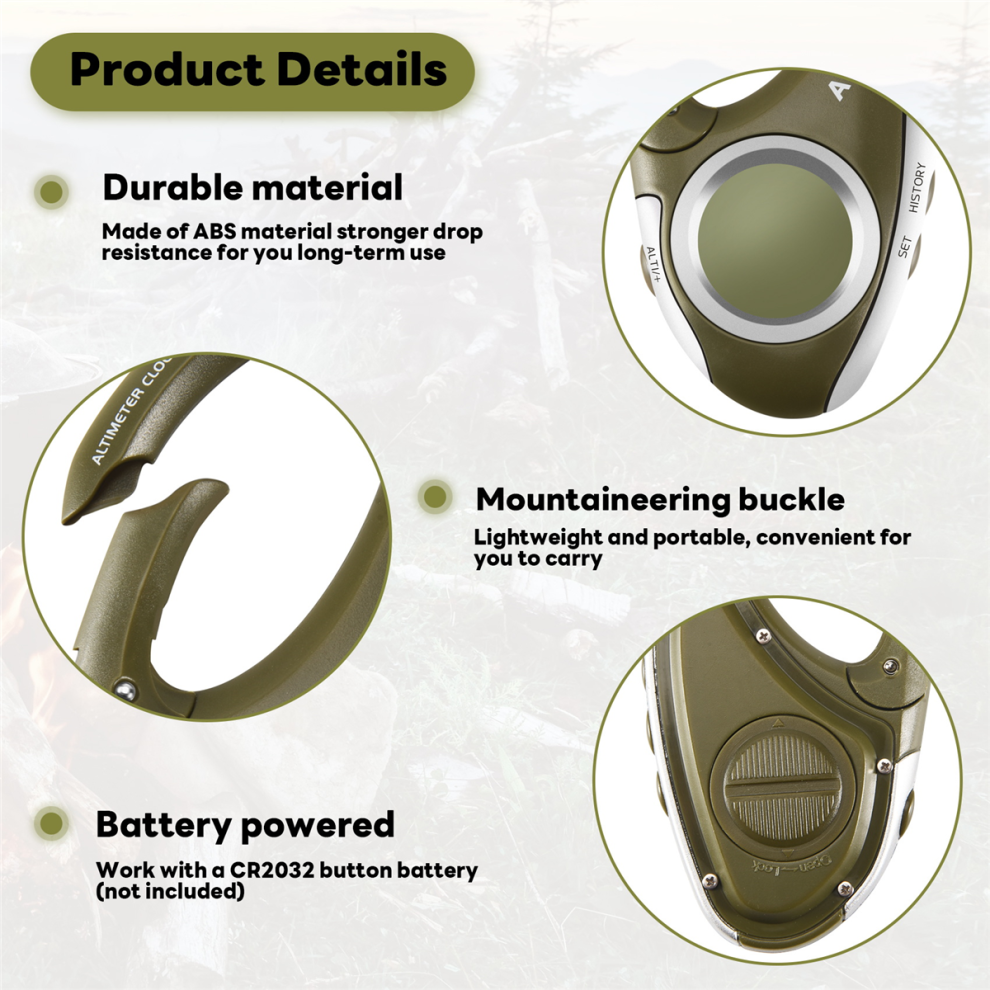
Material:ABS
size:9 x 5 x 2cm
Package Contents:
1 x altimeter barometer
1 x English manual
1 x CR2032 button battery (not included)
Only the above package content, other products are not included.
Note: Light and different displays may cause the color of the item in the picture a little different from the real thing. The measurement allowed error is +/- 1-3cm.
Details
| OPC | PHGBZZJ |
|---|---|
| Brand | neznačkové |
| Codes | 4854041998316 (EAN) |
| Seller | Ratings | Warranty | Returns | Price | Delivery | Total | Quantity |
|---|---|---|---|---|---|---|---|
|
Dispatched from:

|
(282 reviews) | - |
30 Days
Free Returns No
|
£13.97
|
+£1.50 Delivery
Est. Delivery:
14th-20th Oct
|
£15.47
|
Earn as you shop with instant Cashback on everything.
No catch, no cost
Become a Cashback VIP
Just 1 purchase unlocks bigger deals & rates
You'll only get instant Cashback at OnBuy! Enter your email below and we'll send you a copy of your basket to save you time later.
By entering your email address, you'll automatically be added to our database, where you can enjoy personalised Cashback offers and early access to our best deals. You can opt out of our emails at any time and we'll never share your details with anyone. Check our Privacy Policy and T&Cs to find out more.
Want access to personalised offers and the highest Cashback rates? Sign up to our emails below.
You can opt out of our emails at any time and we'll never share your details with anyone. Check our Privacy Policy and T&Cs to find out more.
This page has expired.
Refresh and continue