






















Product Images



In stock
Smart shoppers OnBuy it!
Interest-free payment options available


See full product description & details
Delivery: Standard (£1.50) | Tue 4th - Mon 10th Aug
Sold by: YPDblue
Returns: 30 days
180-day payment protection








Summary
1. Firmware Burning:Unzip And Run Flash_download_tool_3.9.4.Exe. Select Esp32 And Click Ok;Open The Firmware Path And Check It, And Fill In 0 For The Burning Address. Short The Boot Jumper Of The Game Console, Insert The Type-C Cable, And Flip The Power . Select The Correct Com Port And Click Start To Start Burning Firmware.
2.Tf Card Burning:Prepare A Tf Card And Format It In Fat32 Format. As Shown In The Picture: Copy All Contents Under The (Copy To Tf Card) Folder To The Tf Card Audio: Used To Store Mp3 Files Esplay: Used To Store Game Data, Archive Records, Etc. Roms: Used To Store Game Files, You Can Do It Yourself Increase.
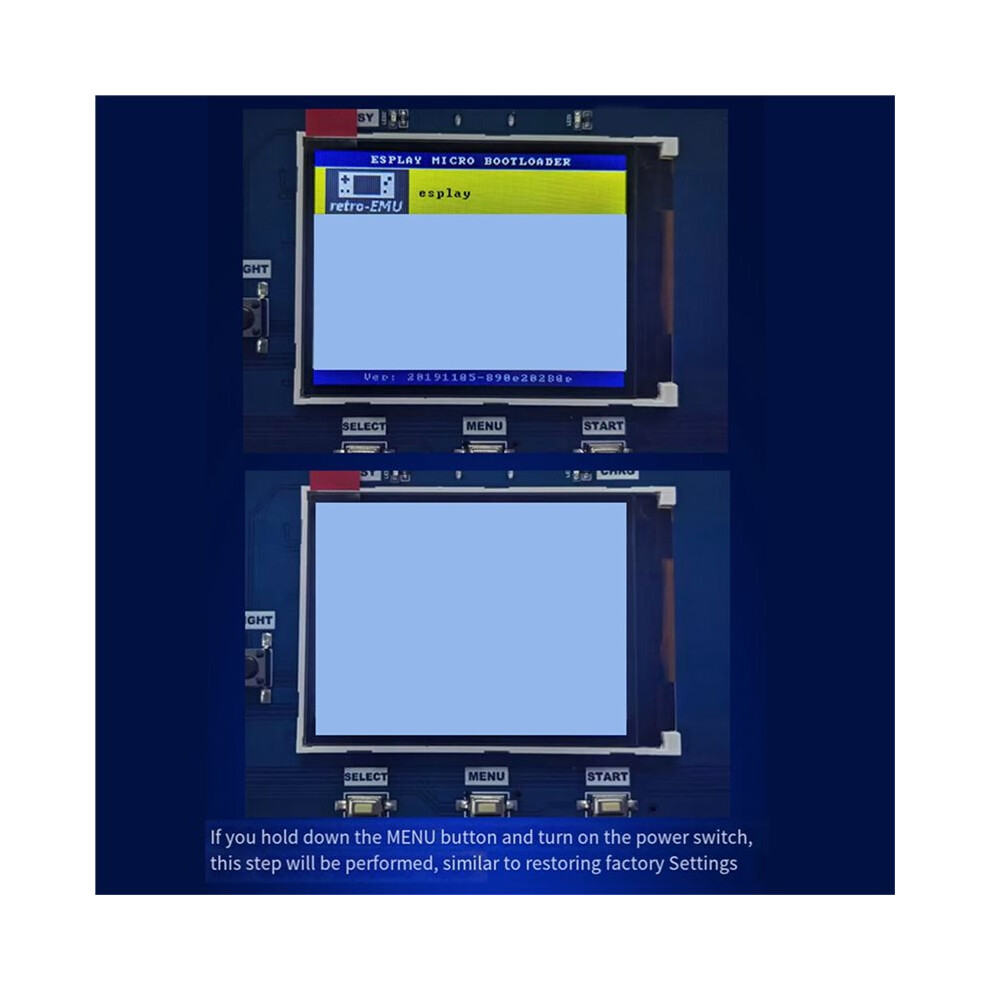
3. Flash The Firmware:Insert The Tf Card With Copied Files, Insert The Lithium Battery, And Plug In The Type-C Power Cord. Turn The Power . The Screen Will Appear As Shown In The Figure, Press The A Key, And Then Press The Start Key. The Contents Of The Tf Card Will Be Written To The Esp32
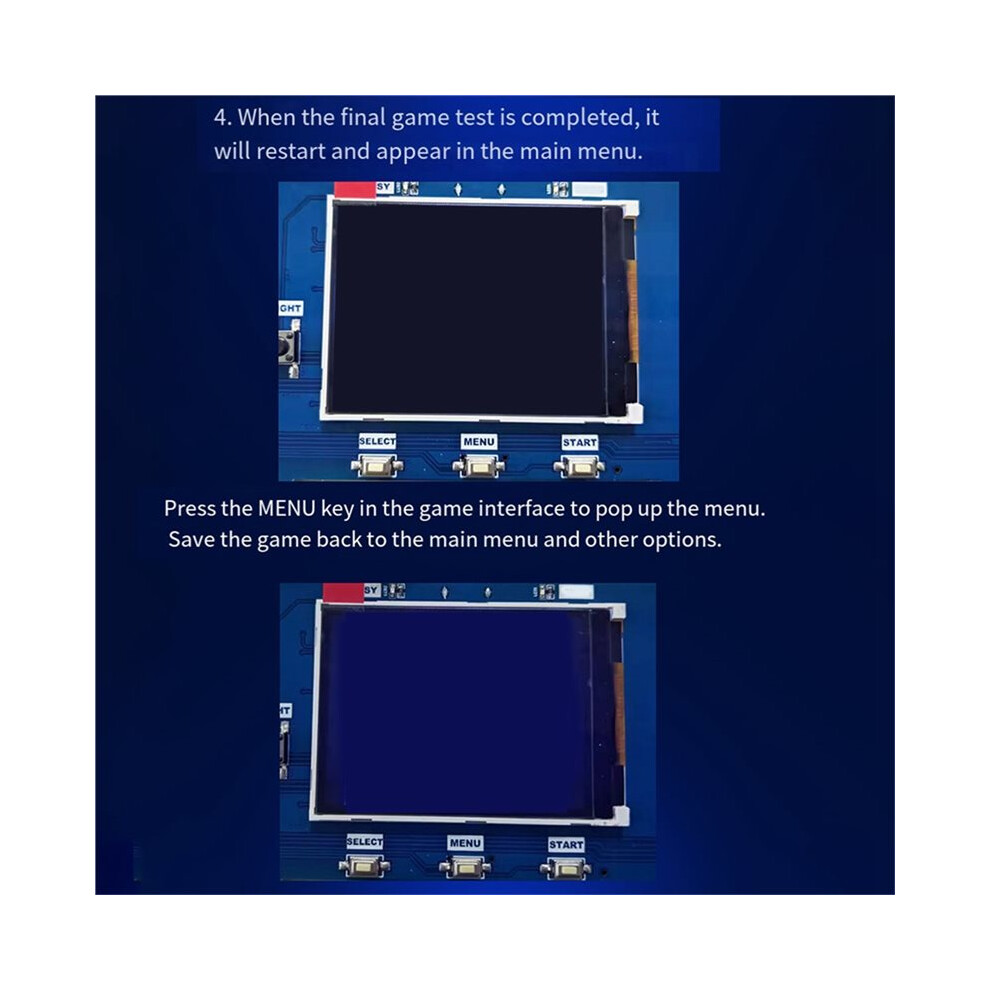
4. Game Testing:When The Programming Is Completed, It Will Restart And Appear In The Main Menu. Press The Menu Key In The Game Interface To - The Menu. Save Game And Return To The Main Menu And Other Options.
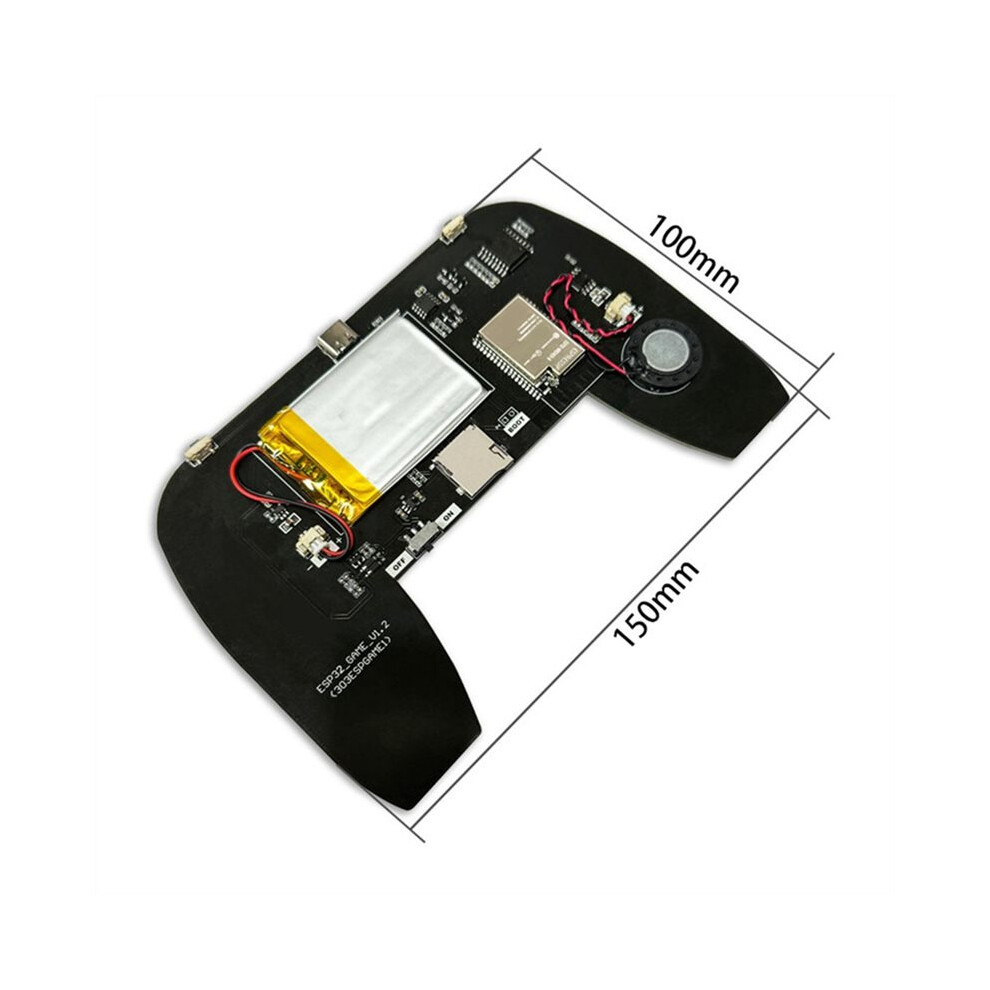
The Esp32 Game Console Is Designed Based Open Source Projects, Uses Tf Cards To Store Games, Can Mp3 Audio Through Speakers, And Is Equipped With A 2.4-Inch Tft Display. Enjoy Childhood Games And Get Back The Fun Of Childhood.
600mah Large Battery, 3 To 4 Hours Of Battery Life
Support Tf Card To Store More Games
Support Mp3 Audio Playback
Type-C Interface Supports Charging And Firmware Programming
Color: Black
Material: plastic
Package Contents:
1*game console
Details
| OPC | PWQS22S |
|---|---|
| Codes | 6033529302632 (EAN) |
Product Data
| Height | 4cm |
|---|---|
| Width | 12cm |
| Length | 18cm |
| Weight | 0.1kg |
| Colour | Black |
| Material | Plastic |
| Seller | Ratings | Warranty | Returns | Price | Delivery | Total | Quantity |
|---|---|---|---|---|---|---|---|
|
Dispatched from:

|
(282 reviews) | - |
30 Days
Free Returns No
|
£32.37
|
+£1.50 Delivery
Est. Delivery:
4th-10th Aug
|
£33.87
|
Earn as you shop with instant Cashback on everything.
No catch, no cost
Become a Cashback VIP
Just 1 purchase unlocks bigger deals & rates
Wait! You've left
something behind...
You'll only get instant Cashback at OnBuy! Enter your email below and we'll send you a copy of your basket to save you time later.
No thanks, I'm alright for now
By entering your email address, you'll automatically be added to our database, where you can enjoy personalised Cashback offers and early access to our best deals. You can opt out of our emails at any time and we'll never share your details with anyone. Check our Privacy Policy and T&Cs to find out more.
Before you go...
Remember, you'll only get instant Cashback on everything at OnBuy!
Want access to personalised offers and the highest Cashback rates? Sign up to our emails below.
No thanks, I'm alright for now
You can opt out of our emails at any time and we'll never share your details with anyone. Check our Privacy Policy and T&Cs to find out more.