





















Product Images


In stock
Smart shoppers OnBuy it!
Interest-free payment options available


See full product description & details
Delivery: Standard (Free) | Fri 30th - Sat 31st Oct
Sold by: FoneFunShop
Returns: 30 days
180-day payment protection







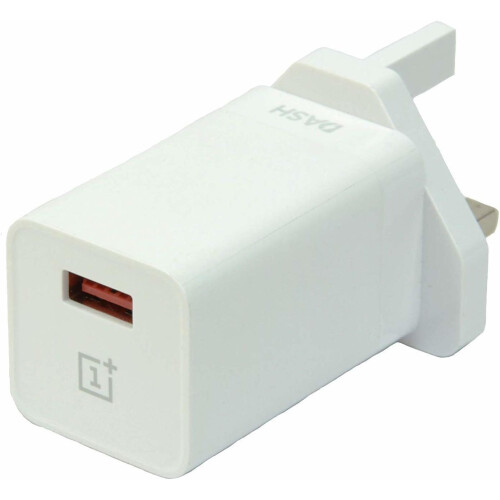
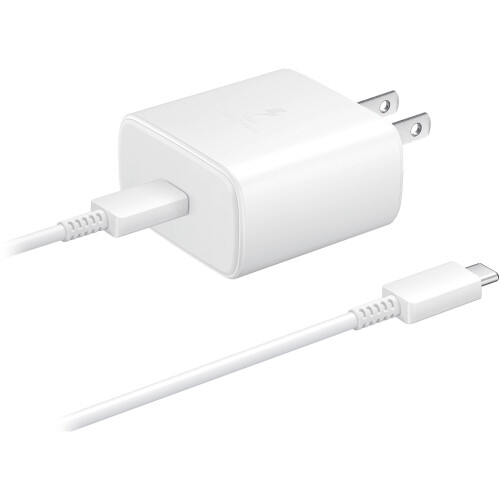

Summary
Instructions
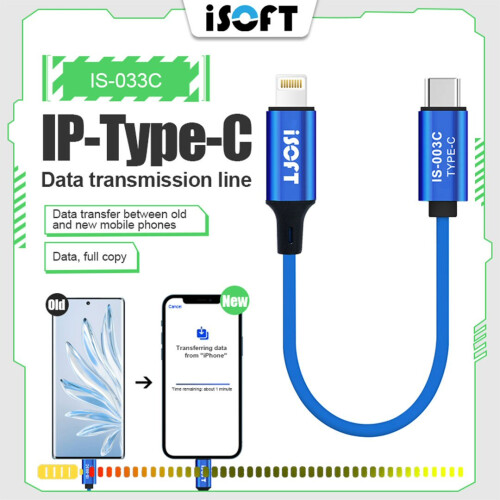
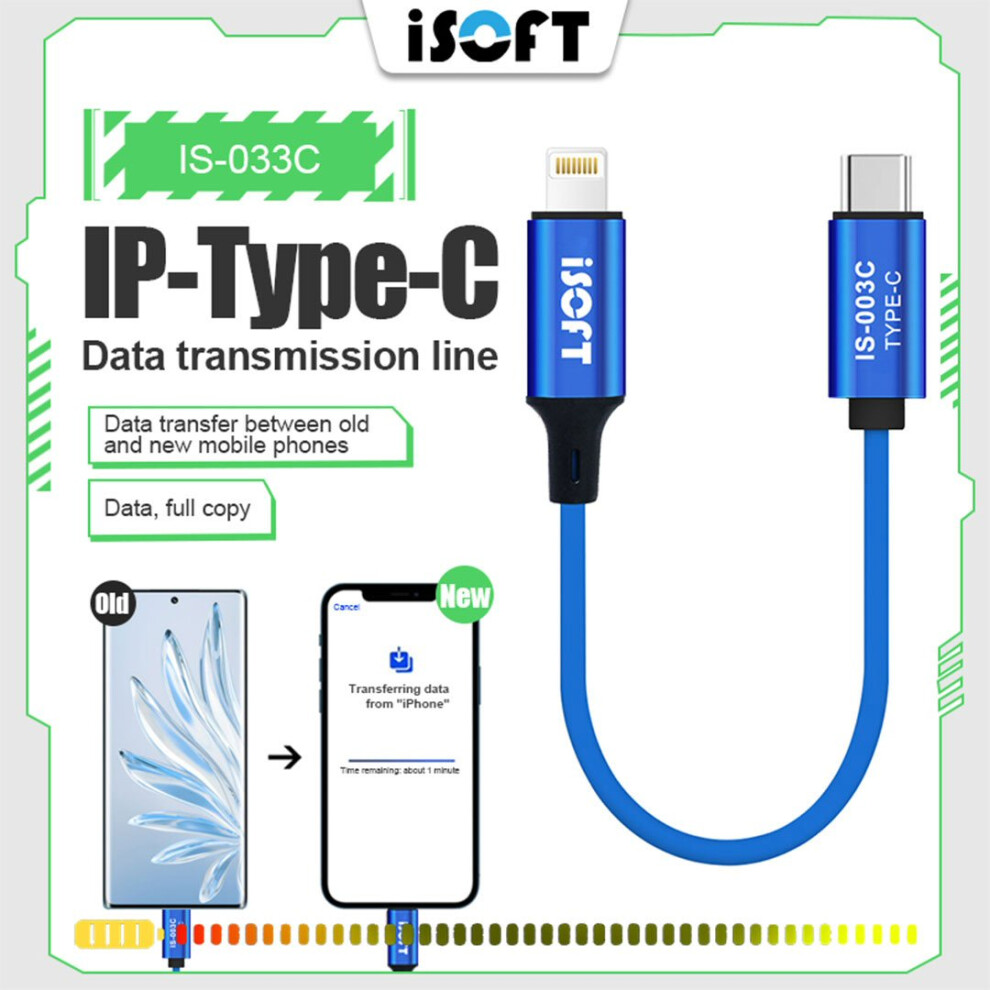
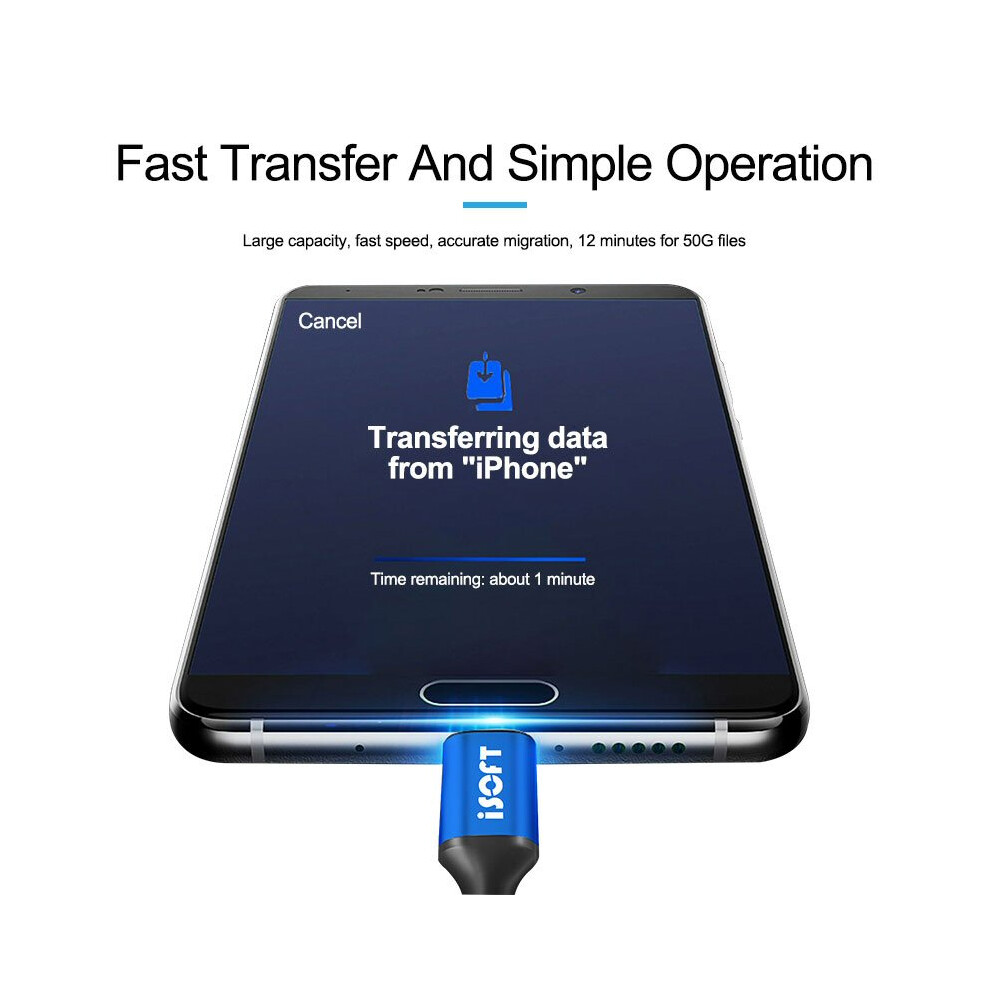
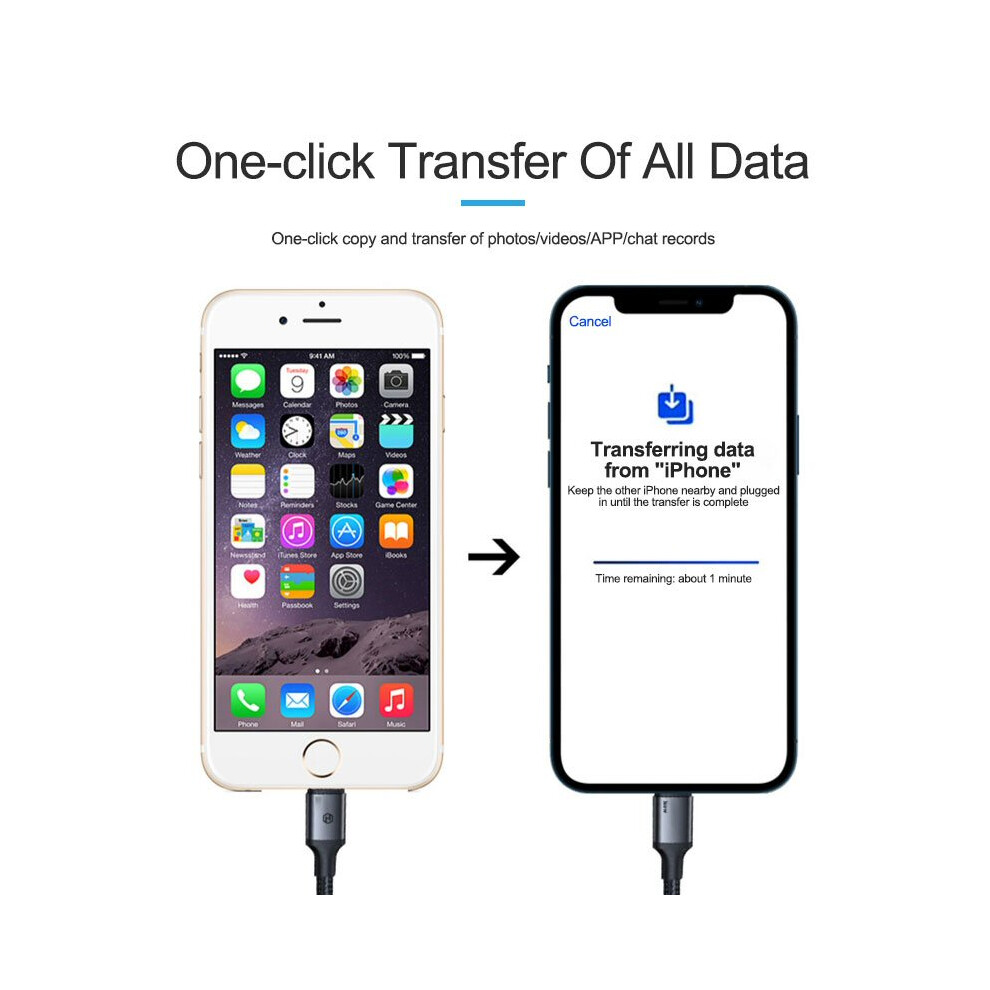
Whole Phone Data Migration
(Transfer all data from old phone to New phone)
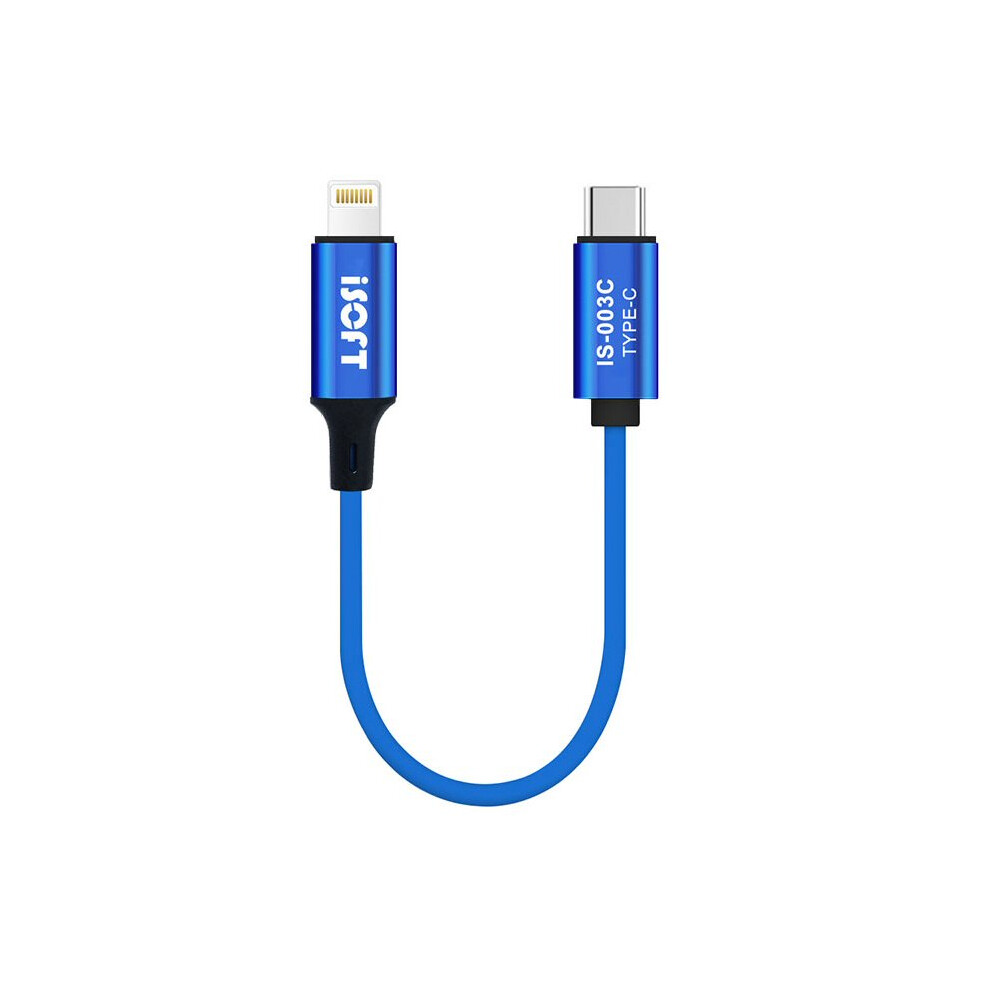
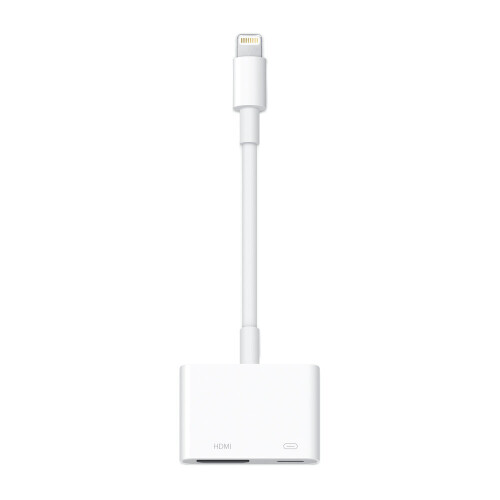
1. Connect the end with the "ISOFT" icon to the new phone (hereinafter referred toas the new phone), and the end with the words "IS-003A/B/C" to the old phone(hereinafter referred to as the original phone)
2. The new phone is turned on, the screen prompts "Quick Startš, enter the AppleID you want to use, and click "Continue"
3. After the animation appears on the new device, scan the screen of the newdevice with the original device (if the camera of the mobile phone fails, pleaseclick "Manual Verification")
4. Enter the original screen password on the new machine, and enter the Compatible with Apple ID as prompted
5. Click "Transfer from Device", the data from the original device will be migrated tothe new device
6. If an Apple Watch is bound to the original machine, the system will automaticallyask you if you want to transfer Apple Watch data and device parameters to thenew machine; you can choose according to your needs
7. If the transfer fails, you can do it again
8. After the new machine is activated, please check whether all data is copied; aftercompletion, the original phone can be restored to factory settings to clear all data
Photo Album & Video Migration
(Transfer photos and videos from old phone to New phone)
1. Connect the end with the "ISOFT" icon to the new phone (hereinafter referred toas the new phone), and the end with the words "IS-003A/B/C" to the old phone(hereinafter referred to as the original phone)
2. Open the new camera album and click "Import" in the lower right comer
3. Open the original camera album and select the corresponding picture or video tosync to the new camera
Note: If the new phone has been activated, you need to restore the content of the new phone before operating the data migration.
The operation of mobile phone restoration is to clear the data mobile phone, so there is data to be retained before the operation to restore, please back up in advance!
Operation steps to restore: "Settings" - "General" - "Restore" - "Erase - š"All Content and Settings"(All data in the phone will be erased!)
Details
| OPC | PSZ2DGB |
|---|---|
| Brand | fonefunshop |
| Codes | 9145584614661 (EAN) |
| MPN | N/A |
Product Data
| Length | 16.00CM |
|---|---|
| Width | 9.00CM |
| Height | 1.00CM |
| Seller | Ratings | Warranty | Returns | Price | Delivery | Total | Quantity |
|---|---|---|---|---|---|---|---|
| (223 reviews) | 3 months |
30 Days
Free Returns No
|
£14.99
|
+Fast & Free Delivery
Est. Delivery:
30th-31st Oct
|
£14.99
|
Earn as you shop with instant Cashback on everything.
No catch, no cost
Become a Cashback VIP
Just 1 purchase unlocks bigger deals & rates
You'll only get instant Cashback at OnBuy! Enter your email below and we'll send you a copy of your basket to save you time later.
By entering your email address, you'll automatically be added to our database, where you can enjoy personalised Cashback offers and early access to our best deals. You can opt out of our emails at any time and we'll never share your details with anyone. Check our Privacy Policy and T&Cs to find out more.
Want access to personalised offers and the highest Cashback rates? Sign up to our emails below.
You can opt out of our emails at any time and we'll never share your details with anyone. Check our Privacy Policy and T&Cs to find out more.
This page has expired.
Refresh and continue