






















Product Images



In stock
Smart shoppers OnBuy it!
Interest-free payment options available


See full product description & details
Delivery: Standard (Free) | Thu 29th Oct - Tue 3rd Nov
Sold by: Vanilia Shop
Returns: 30 days
180-day payment protection





Product Description
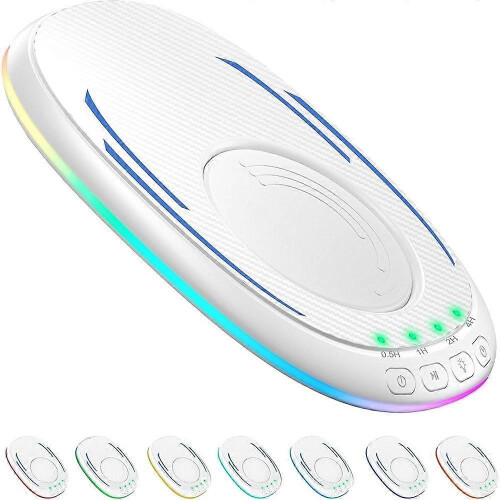
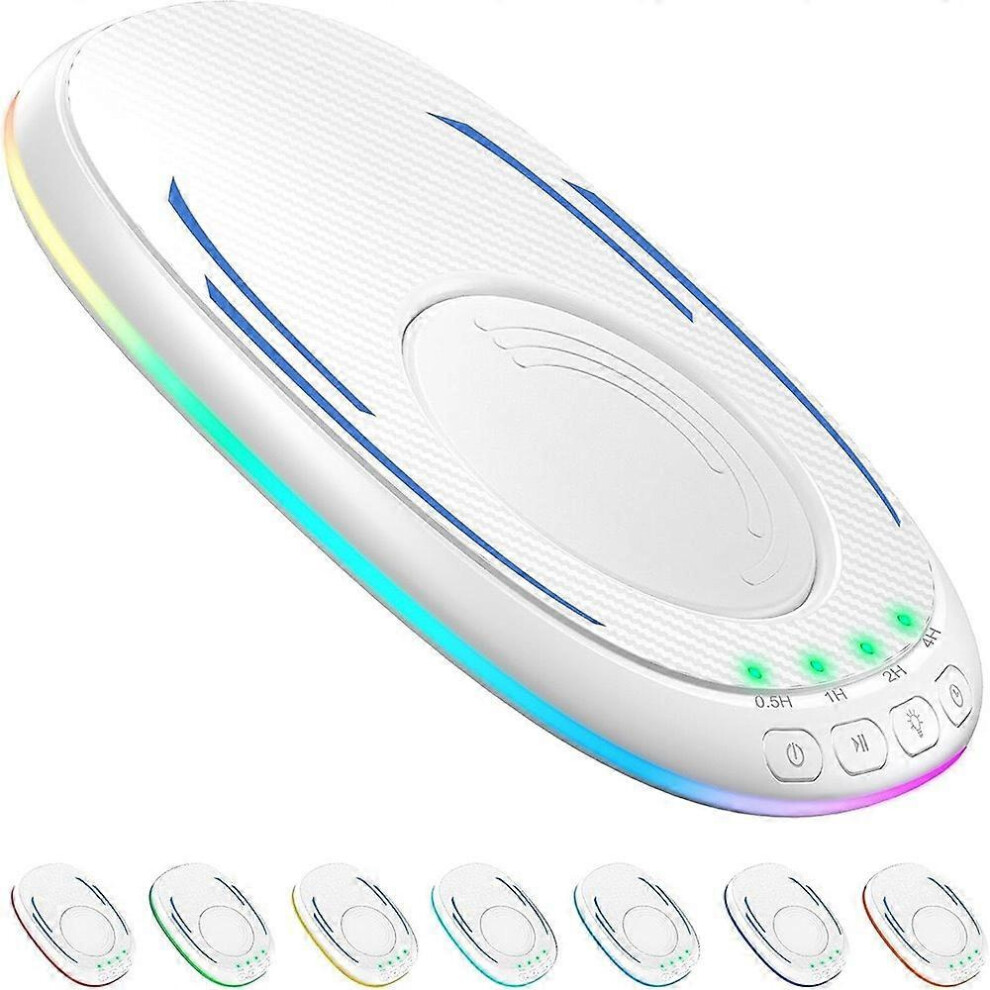
Product name: Carbon fiber pattern mouse mover
Product material: ABS.PC
Net product quantity: 93g
Product gross amount; 112g
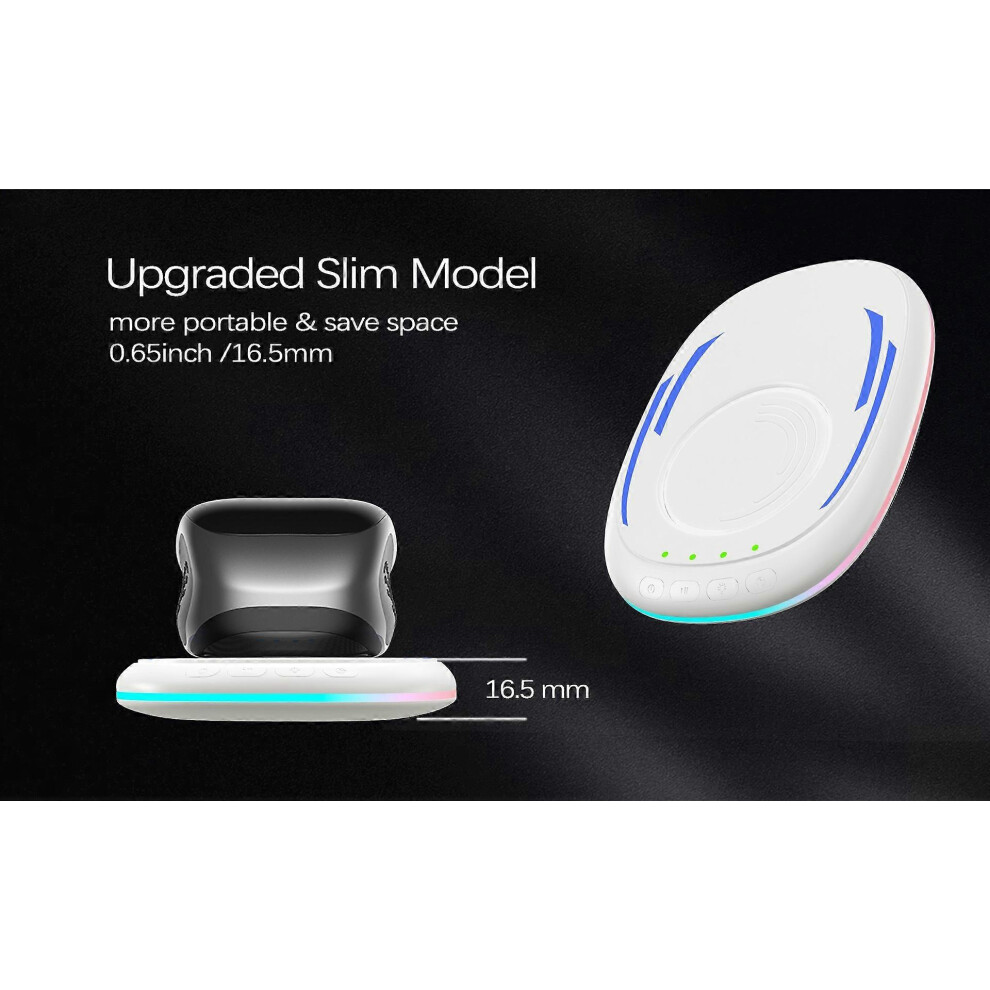
Product size: length 92.8mm*123.6mm*16.5mm
Packaging size; length 94mm*125mm*17.5mm
Power supply interface: USB-Type-C
Working voltage: 5V
Working current: less than 500mA
Working temperature: 5-40
Regular working hours: 0.5 hours/1 hour/2 hours/4 hours
2. Functions:
1. Use the Type-C power cord to connect this product to the computer or adapter (adapter power: 5V/1A).
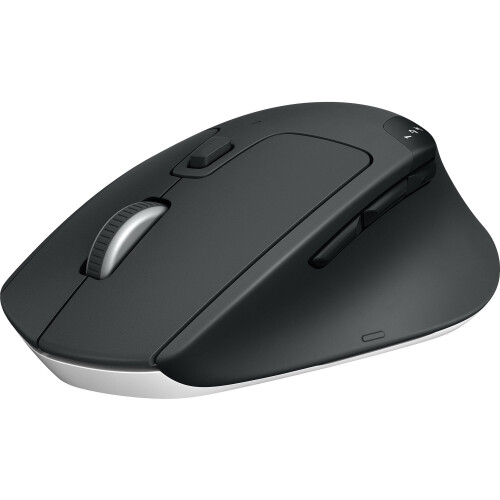
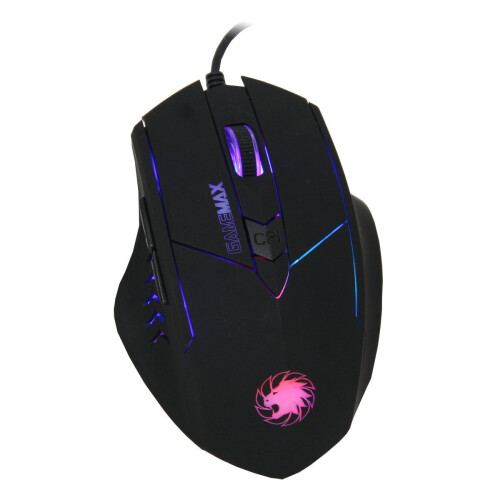
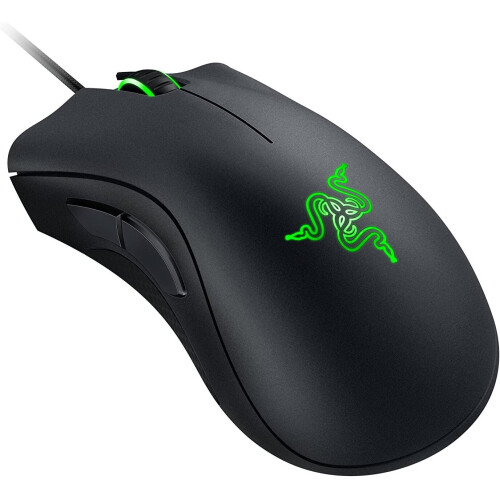
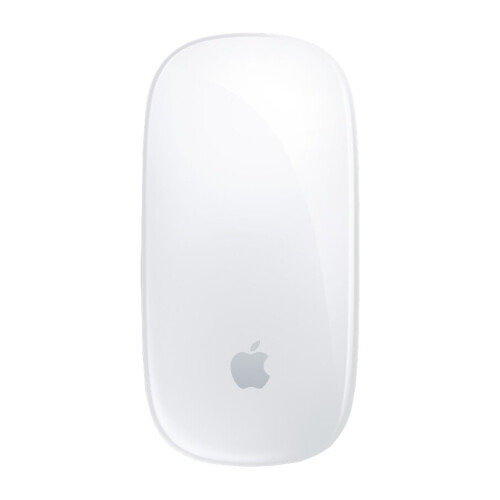
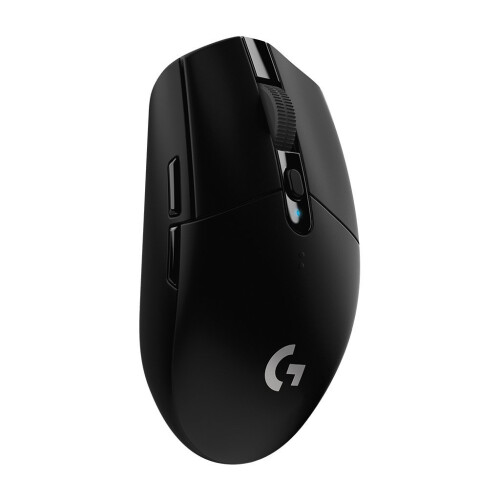
2. Place the mouse on the product and aim the sensor light at the bottom of the mouse at the moving turntable of the product.
3. It is powered off by default, the turntable does not rotate, and all lights are turned off.
4. Master switch: Press once to turn on the machine, the turntable will rotate, and the blue light will turn on. Press again to turn off the machine, the turntable will stop rotating, and the light will turn off.
5. Pause: When the main switch is on, press the turntable briefly to stop rotating, and press the turntable again to restart.
6. Lighting: Short press to switch the light mode. There are many modes to choose from, such as blue, green, red, breathing light, etc. Long press to turn off the light. If there is a timer, the green timing indicator light will not be turned off.
7. Timing: Timing is turned off by default after power-on, and the green indicator light does not light up. Short press to select the timing time. If 1 indicator light is on, it means the timer is 0.5 hours, if 2 indicator lights are on, it means the timer is 1 hour, if 3 indicator lights are on, it means the timer is 2 hours, if 4 indicators are on, it means the timer is 4 hours, if all green indicators are off, it means the timer function is off.
Precautions:
1. When using this product, it should be placed flat on the computer table, paying attention to the placement direction.
2. Please note that this product should be placed in a position where it is not easy to slip to avoid damage caused by accidentally falling off the computer table.
3. When using the product, place the mouse on the product, and the sensor light at the bottom of the mouse must be aligned with the operating turntable of the product.
4. This product is only compatible with optical mice.
Details
| OPC | PXJJBDJ |
|---|---|
| Codes | 6485316156438 (EAN) |
| Seller | Ratings | Warranty | Returns | Price | Delivery | Total | Quantity |
|---|---|---|---|---|---|---|---|
|
Dispatched from:

|
(129 reviews) | - |
30 Days
Free Returns No
|
£32.99
|
+Free Delivery
Est. Delivery:
29th Oct - 3rd Nov
|
£32.99
|
Earn as you shop with instant Cashback on everything.
No catch, no cost
Become a Cashback VIP
Just 1 purchase unlocks bigger deals & rates
You'll only get instant Cashback at OnBuy! Enter your email below and we'll send you a copy of your basket to save you time later.
By entering your email address, you'll automatically be added to our database, where you can enjoy personalised Cashback offers and early access to our best deals. You can opt out of our emails at any time and we'll never share your details with anyone. Check our Privacy Policy and T&Cs to find out more.
Want access to personalised offers and the highest Cashback rates? Sign up to our emails below.
You can opt out of our emails at any time and we'll never share your details with anyone. Check our Privacy Policy and T&Cs to find out more.
This page has expired.
Refresh and continue