





















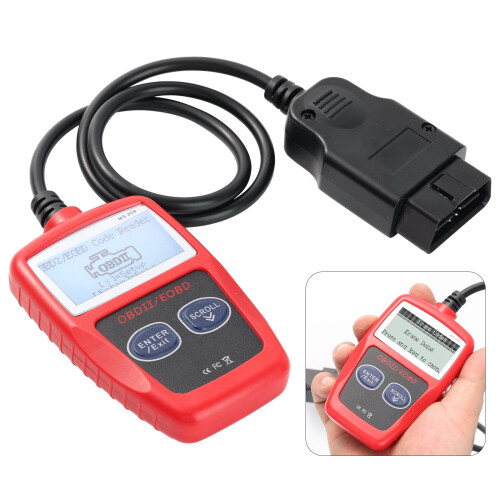
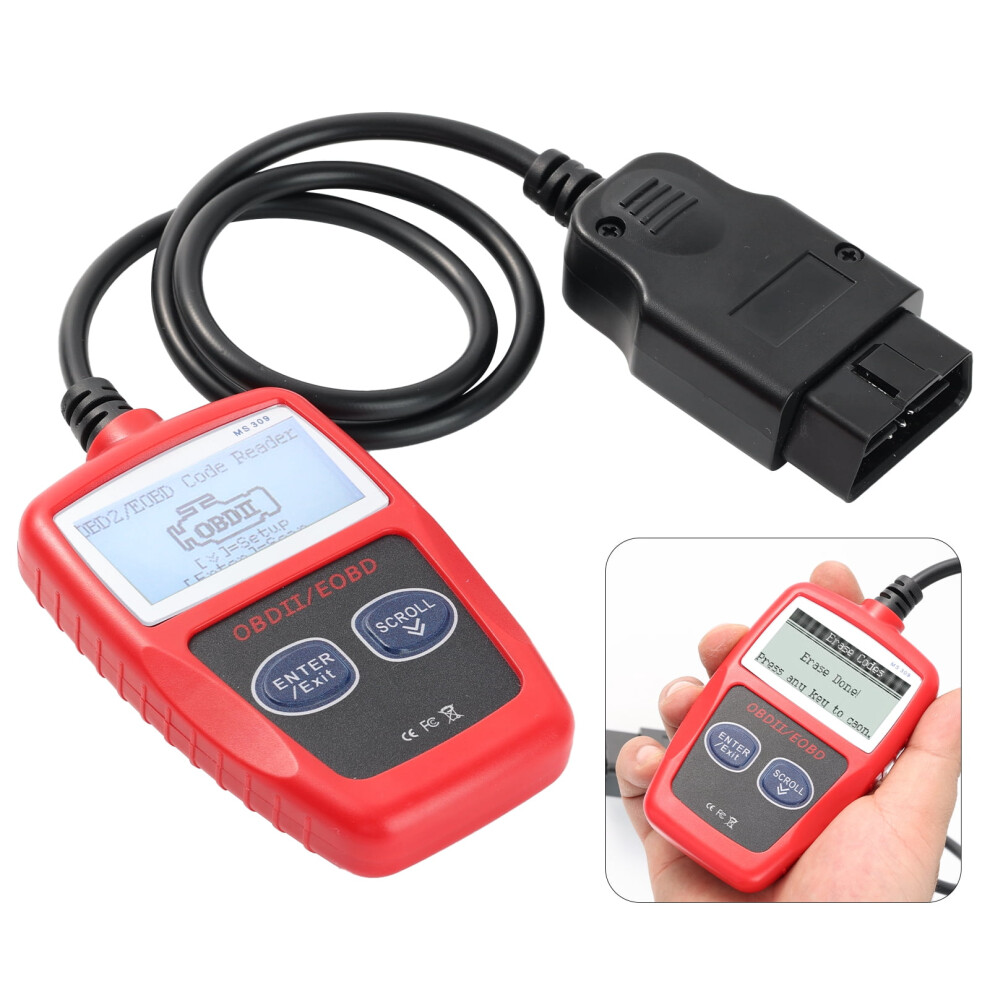
OBD2 Scanner for POLARIS ATV Diagnostic Tool
In stock
Smart shoppers OnBuy it!
- Earn Cashback on every purchase – spend it instantly on your next order
- Free delivery – on millions of items across the site
- Customers love us – 135,000 Trustpilot reviews and an 'Excellent' rating
Interest-free payment options available


See full product description & details
Delivery: Standard (Free) | Fri 9th - Mon 12th Oct
Returns: 30 days
180-day payment protection
You might also like

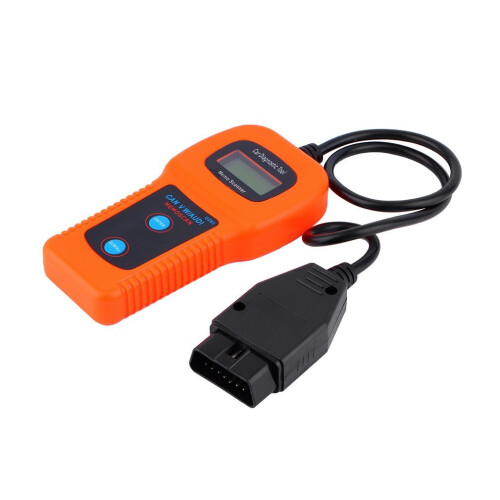

Summary
- 1. Retrieves generic and manufacturer specific Diagnostic Trouble Codes (DTC), includes definitions lookup software on CD and displays DTC definitions on screen.
- 2. Features a large easy-to-read backlit LCD screen, multilingual menu and DTC definitions and standard 16-pin OBD-II connector; no additional cables are needed.
- 3. Views freeze frame data, displays monitor and I/M readiness status, turns off Check Engine Light (MIL), clears codes and resets monitors.
- 4. Supports the CAN (Controller Area Network) protols and;other current OBD-II protocols. 5. Works with OBD-II compliant U.S., European and Asian vehicles (OBD-II is standard on all cars sold in U.S. post-1996).
OBD2 Scanner for POLARIS ATV Diagnostic Tool Description
Specifications Product Name: Automotive Fault Detection Instrument Product size: 68*103*16mm Weight: 165g Main control chip: single chip Display screen: 2.4 inches Voltage: 12V Working temperature: -40~65 ( C) Supported languages: English, German, Dutch, Spanish, French Packing: PP bag Package included: 1 x car diagnostic tool, 1 x manual Using the Scan Tool Procedures: 1) Turn the ignition off. 2) Locate the vehicle's 16-pin Data Link Connector(DLC). 3) Connect the Scan Tool cable connector to the vehidle 's DLC. The cable connector is keyedand will only fit one way. (If you have problems connecting the cable connector to the DLC, rotatethe connector 180 and try again. 4) Turn the ignition on. But do not start the engine. 5) When the Scan Tool cable connector is properly connect to the vehicle's DLC, the LCD displayshows instructions for select New Scan. 6) Press the New Scan button, A sequence of message showing the OBD2 protocols will be observedon the display until the vehicle Protocols. Note: If the Scan Tool fails to communicate with the vehicle's computer, an Unable to establish a link with the vehicle message shows up. -Verify that the ignition is ON. -Check if the Scan Tool's OBD2 connector is securely connected to the vehicle's DLC. -Verify that the vehicle is OBD2 compliant. -Turn the ignition off and wait for about 10 seconds. Turn the ignition back to on and repeat the procedure from the step 6.
Details
| OPC | PWB56C9 |
|---|---|
| Codes | 9165521173938 (EAN) |
Customers also buy
Compare Sellers for OBD2 Scanner for POLARIS ATV Diagnostic Tool
- New from £22.38
| Seller | Ratings | Warranty | Returns | Price | Delivery | Total | Quantity |
|---|---|---|---|---|---|---|---|
|
Dispatched from:

|
(5 reviews) | - |
30 Days
Free Returns No
|
£22.38
|
+Free Delivery
Est. Delivery:
9th-12th Oct
|
£22.38
|
Earn as you shop with instant Cashback on everything.
No catch, no cost
- Paid into your OnBuy account
- Spend it on your next purchase
- Save it or withdraw it
Become a Cashback VIP
Just 1 purchase unlocks bigger deals & rates