


























Product Images


In stock
Smart shoppers OnBuy it!
Interest-free payment options available


See full product description & details
Delivery: Standard (Free) | Wed 30th Sep - Fri 2nd Oct
Returns: 30 days
180-day payment protection
Summary
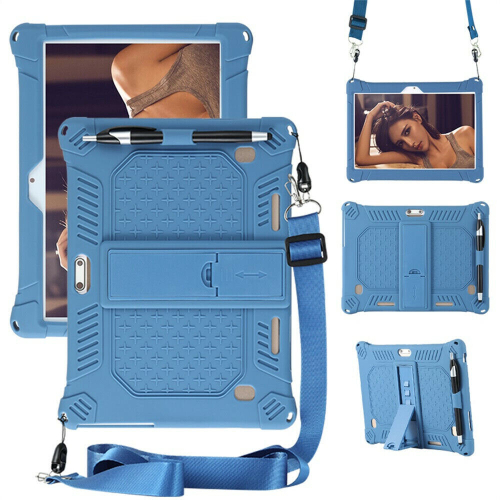
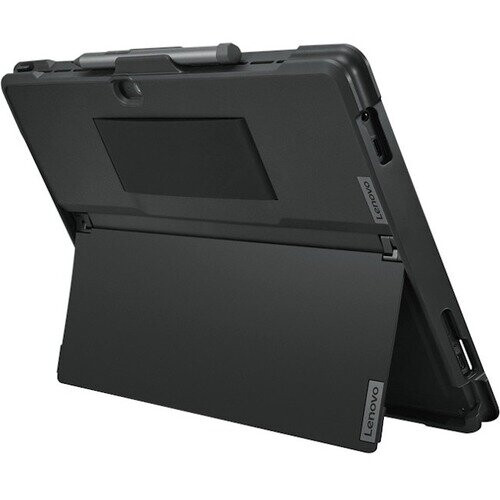
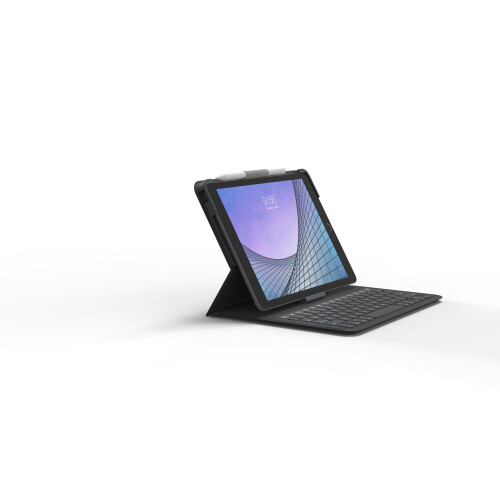
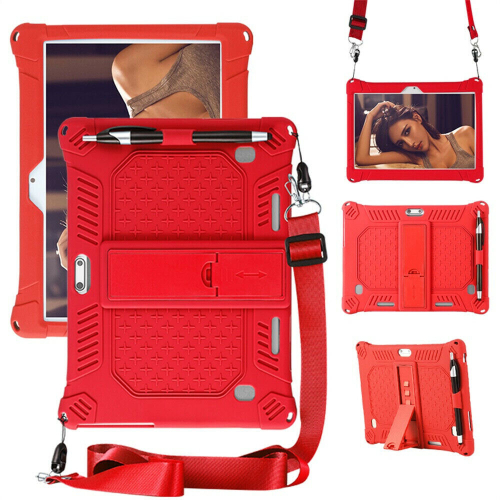
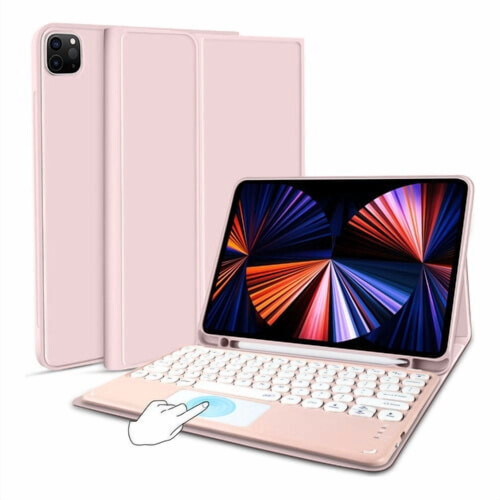
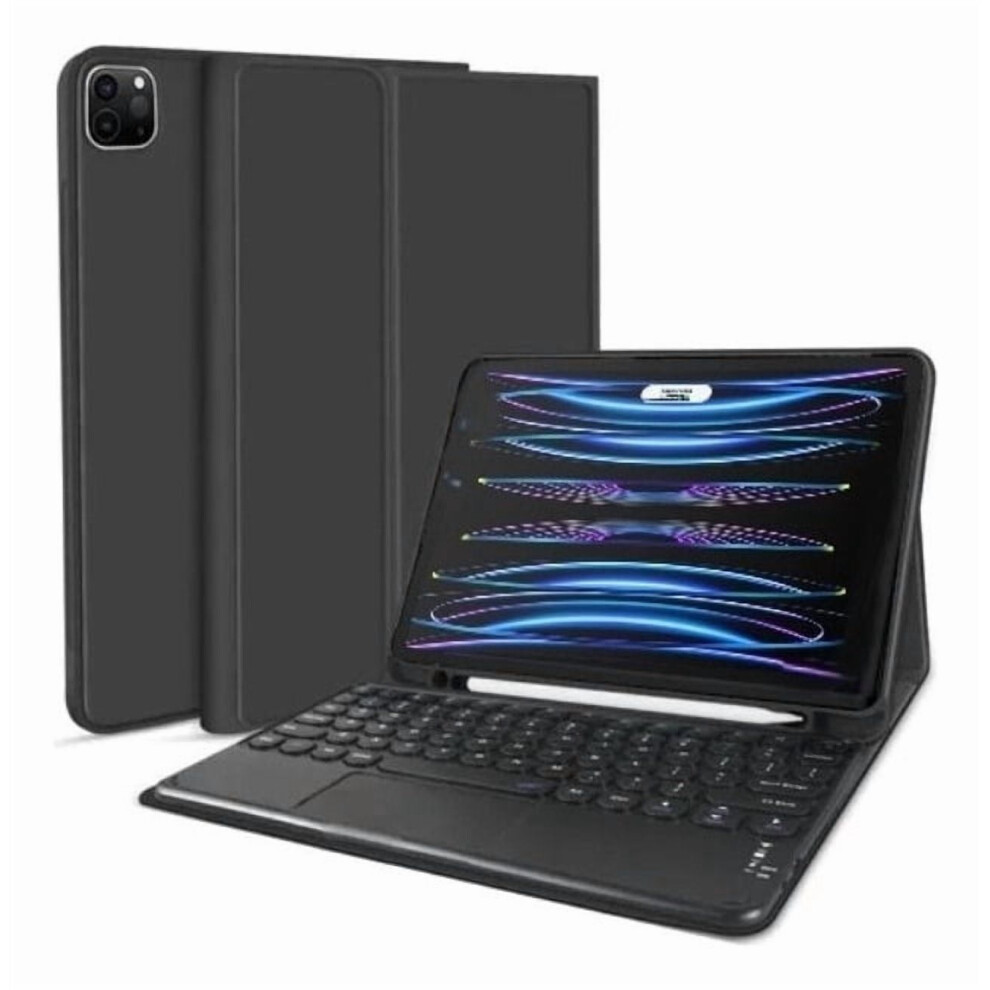
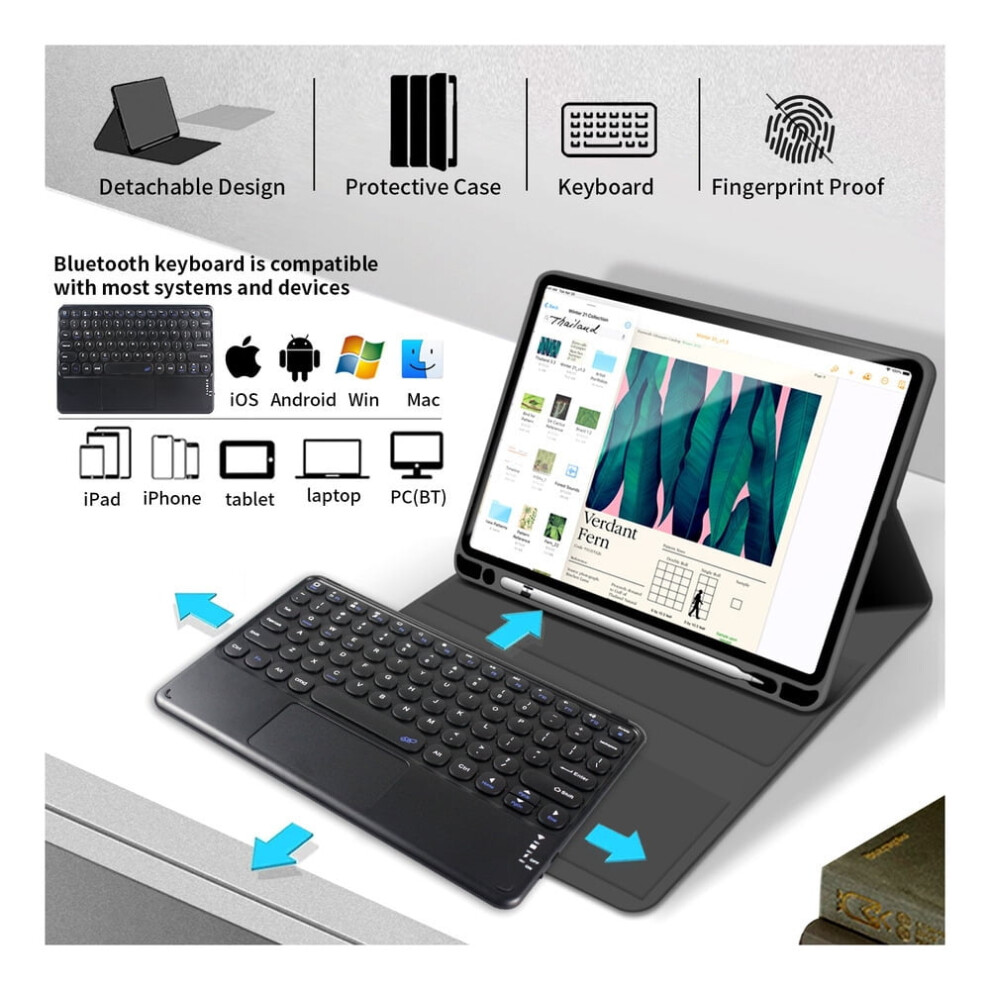
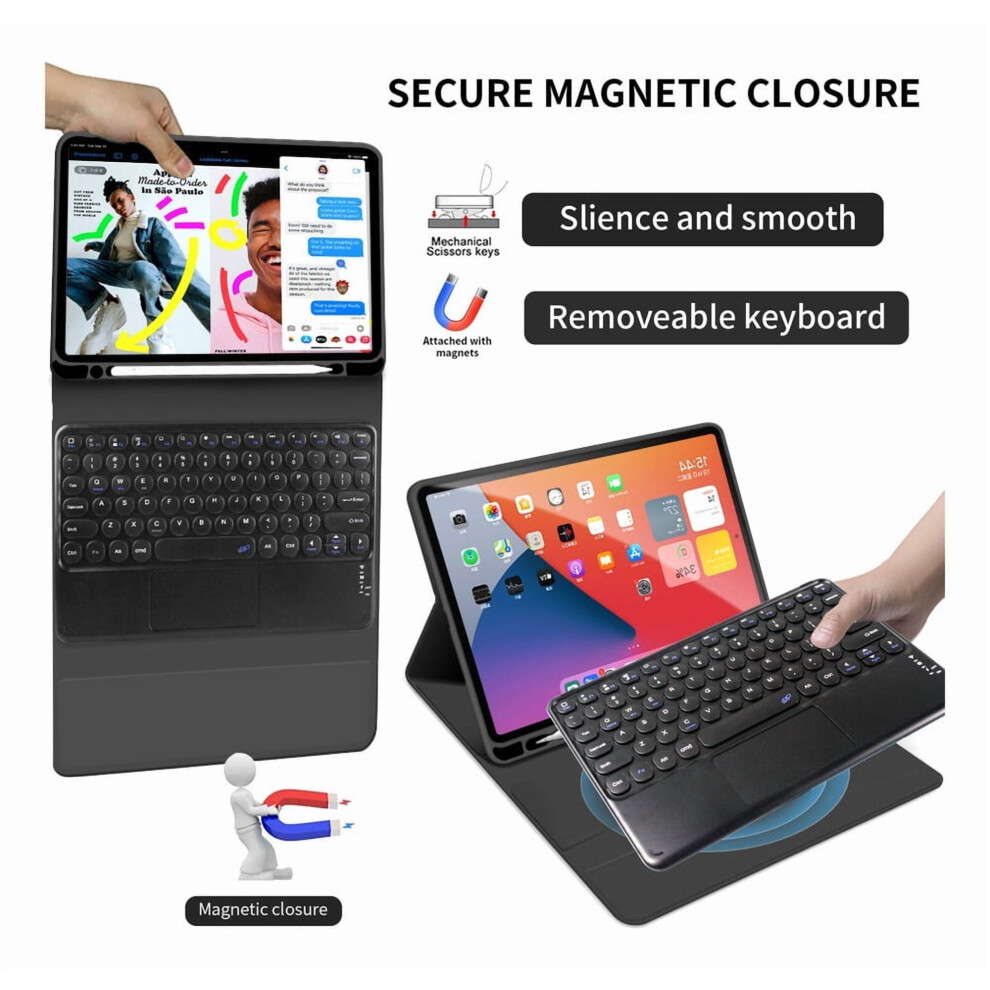
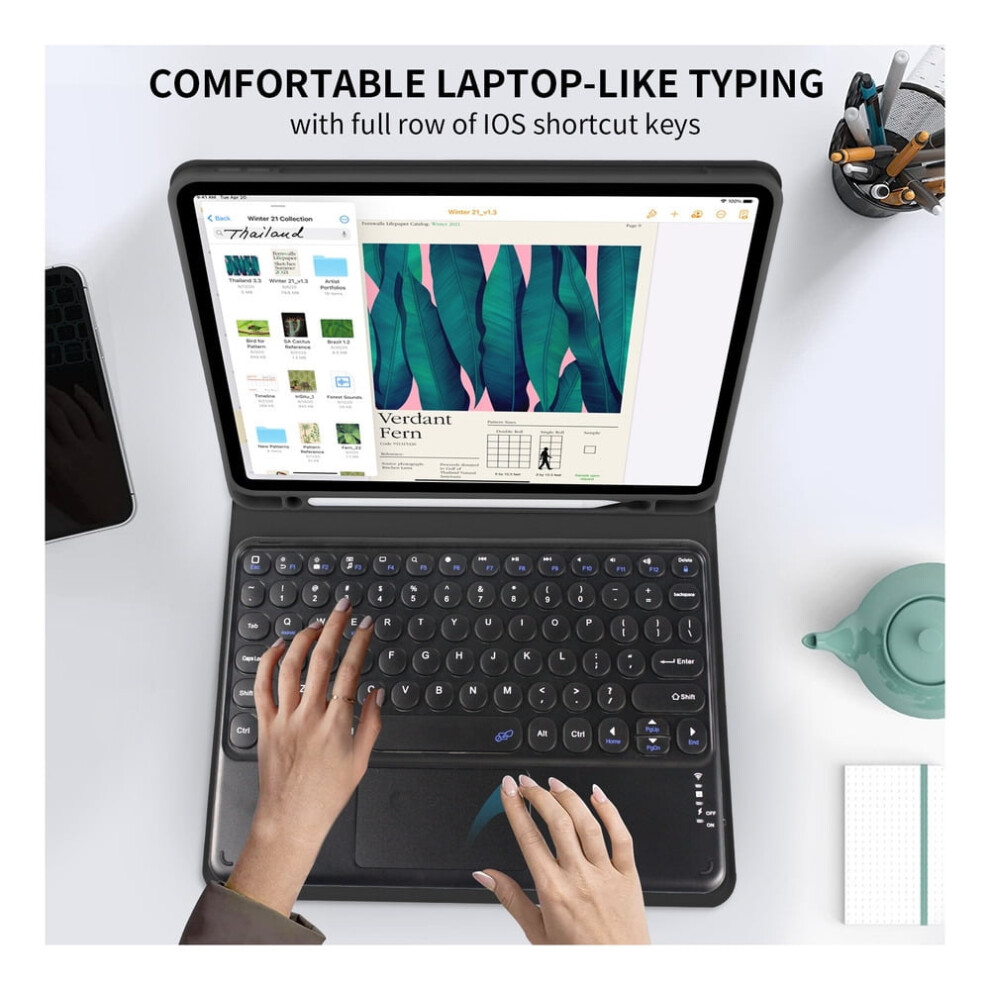
Description Compatible with iPad Pro 11 M2 2022 4th generation (model: A2759/A2435/A2761/A2762) The case is made of premium TPU material to protect your tablet well from all angles, offers body protection against scratches, bumps, drops and impacts. It has a pen slot (compartment) Note: (Pen is not included) Equipped with a detachable wireless Bluetooth keyboard, with a magnetic design that turns your compatible with iPad into a laptop in less than a second. Bluetooth provides a connection without cables or clutter. Operating distance: 10 m. The keyboard has a built-in touchpad that allows you to use multiple fingers, which is very helpful when you don't have the mouse in your hand. There are silicone pads on the 4 corners to prevent scratches on the screen. The automatic keyboard protects and preserves the battery life of the keyboard and the case is also smart, the tablet screen goes to automatic sleep mode when the case is closed. To achieve a perfect resting effect, please remove the keyboard, because the iron keyboard will prevent mutual attraction between the magnets. Precise cutout allows full access to cameras, speakers, ports and buttons. The lining is velvety and protects the tablet from scratches. Precise cutouts allow easy access to all ports, camera, speakers, headphones and volume controls. It also makes it easier to place the compatible with iPad and keyboard in a comfortable position. Perfect for working, writing, taking notes, writing and editing or watching videos. The keyboard supports 3 systems and most Bluetooth devices, you can change the system by following combinations: Fn+E = IOS system, Fn+Q = Android system, Fn+W = Windows system ________. ______ ___________________________________ About connection: How to pair? the keyboard with the device? Start by charging the keyboard, then turn it on. Press *FN + C keys to enter Bluetooth connection mode. Open Settings > Bluetooth Activates the available Bluetooth. Find a new device . Choose the Bluetooth keyboard you want to pair. For compatible with iPad OS system, you need one more step. Connect the keyboard Open settings > Bluetooth Look for a new device. Choose the Bluetooth keyboard you want to pair. Connect the touch panel. Open settings > Accessibility > Touch Activate the attendance bell. Select devices > Bluetooth Choose the Bluetooth keyboard Adjusts the speed of the pointer. _________________________________________ About the touch panel: 1. Adjust touchpad sensitivity: To adjust the touchpad, go to Settings > Language and input > Mouse/touchpad. 2. The way to disable the touchpad and use only the keyboard: Press the Fn key and press disable touch keyboard _________________________________________________ About gestures: Common: To move: Place two fingers on the touchpad and slide them horizontally or vertically. To zoom in/out: Place two fingers on the touchpad and pinch or stretch. One finger click mode 1. Action: Click once on the main interface. Function: mouse cursor operation. 2. Action: Double tap and swipe. Function: select or move icons. Two-finger touch mode 3. Action: Lightly touch the mat. Function: Cancel selection. 4. Scroll with two fingers : Action: Swipe up or down Function: Scroll up/down in a web page or file or scroll through split screen. 5. Zoom with two fingers Action: Slide two fingers in the direction shown to zoom in. Swipe in the opposite direction to zoom out. Works with PDF pages, images or scalable web pages. 6. Swipe down with three fingers Action: Swipe down with three fingers Function: Switch between the main interface and the previous program or page. 7. Swipe up with three fingers Action: Swipe up Function: main interface and split screen switching. _________________________________________ About accents: The keyboard is laid out in American QWERTY. USA (American English). You can set Ç and accents. If you need it, please contact us after purchase and we will send you a tutorial, since there is a link, it cannot be placed here.
Details
| OPC | PTY8ZHV |
|---|---|
| Codes | 9450273214306 (EAN) |
| Seller | Ratings | Warranty | Returns | Price | Delivery | Total | Quantity |
|---|---|---|---|---|---|---|---|
|
Dispatched from:

|
(37 reviews) | - |
30 Days
Free Returns No
|
£60.99
|
+Free Delivery
Est. Delivery:
30th Sep - 2nd Oct
|
£60.99
|
Earn as you shop with instant Cashback on everything.
No catch, no cost
Become a Cashback VIP
Just 1 purchase unlocks bigger deals & rates
You'll only get instant Cashback at OnBuy! Enter your email below and we'll send you a copy of your basket to save you time later.
By entering your email address, you'll automatically be added to our database, where you can enjoy personalised Cashback offers and early access to our best deals. You can opt out of our emails at any time and we'll never share your details with anyone. Check our Privacy Policy and T&Cs to find out more.
Want access to personalised offers and the highest Cashback rates? Sign up to our emails below.
You can opt out of our emails at any time and we'll never share your details with anyone. Check our Privacy Policy and T&Cs to find out more.
This page has expired.
Refresh and continue