
































Product Images


In stock
Smart shoppers OnBuy it!
Interest-free payment options available


See full product description & details
Delivery: Standard (Free) | Sat 26th - Tue 29th Sep
Returns: 30 days
180-day payment protection
Summary
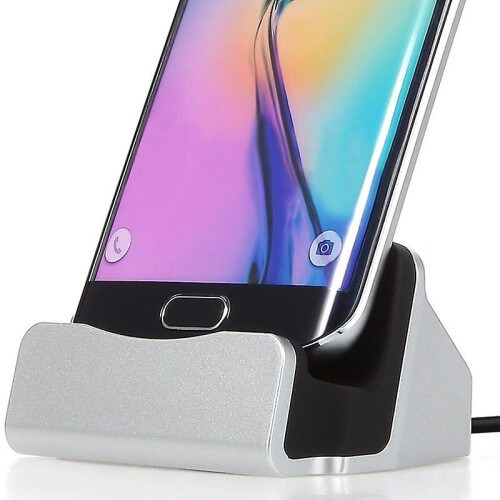
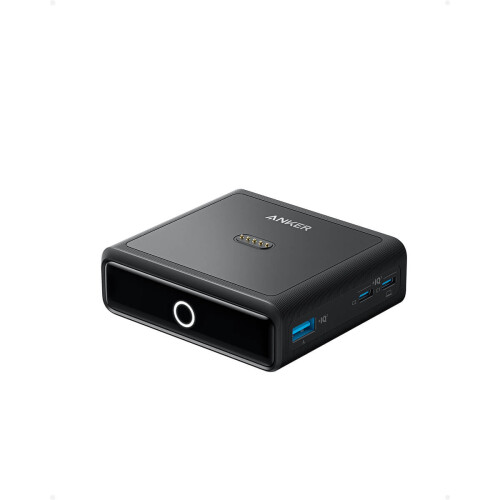
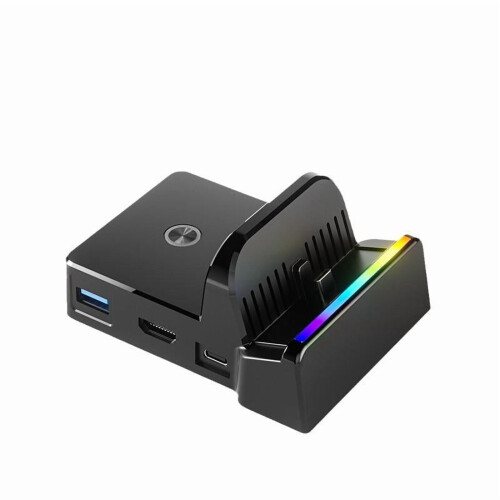
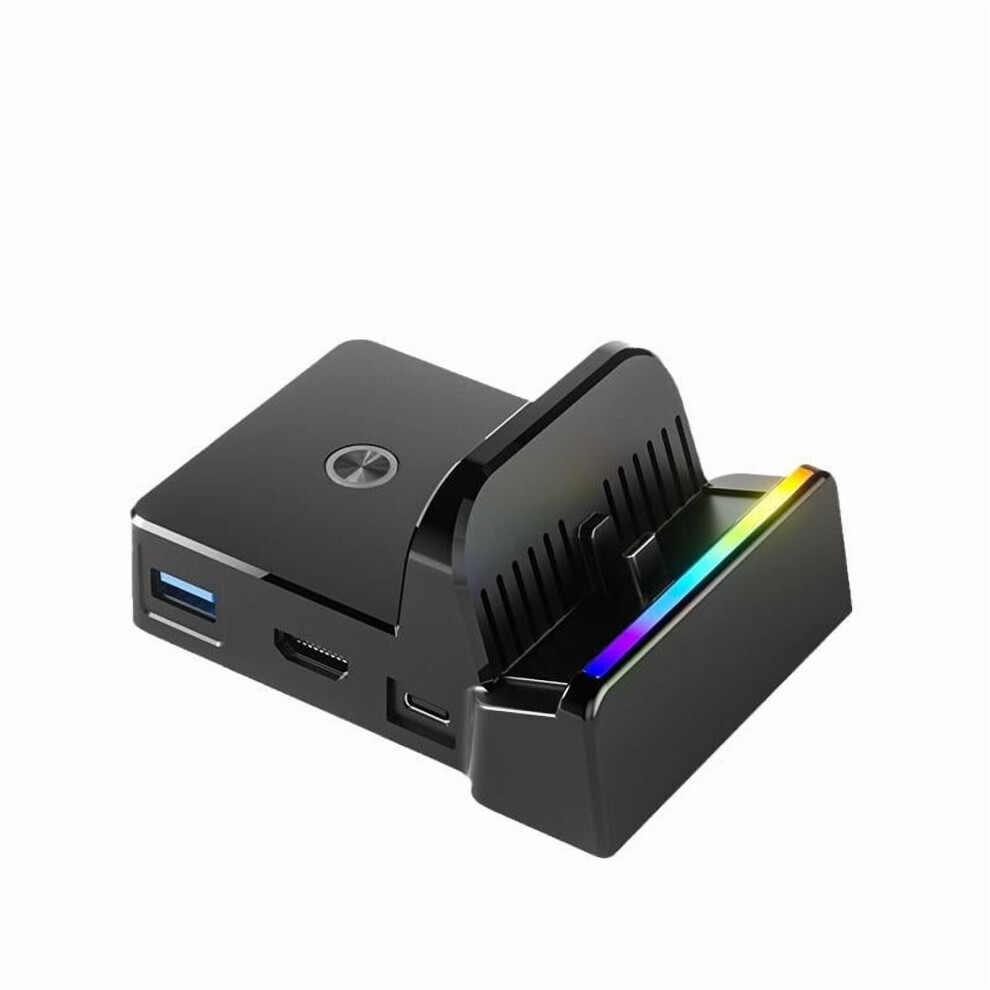
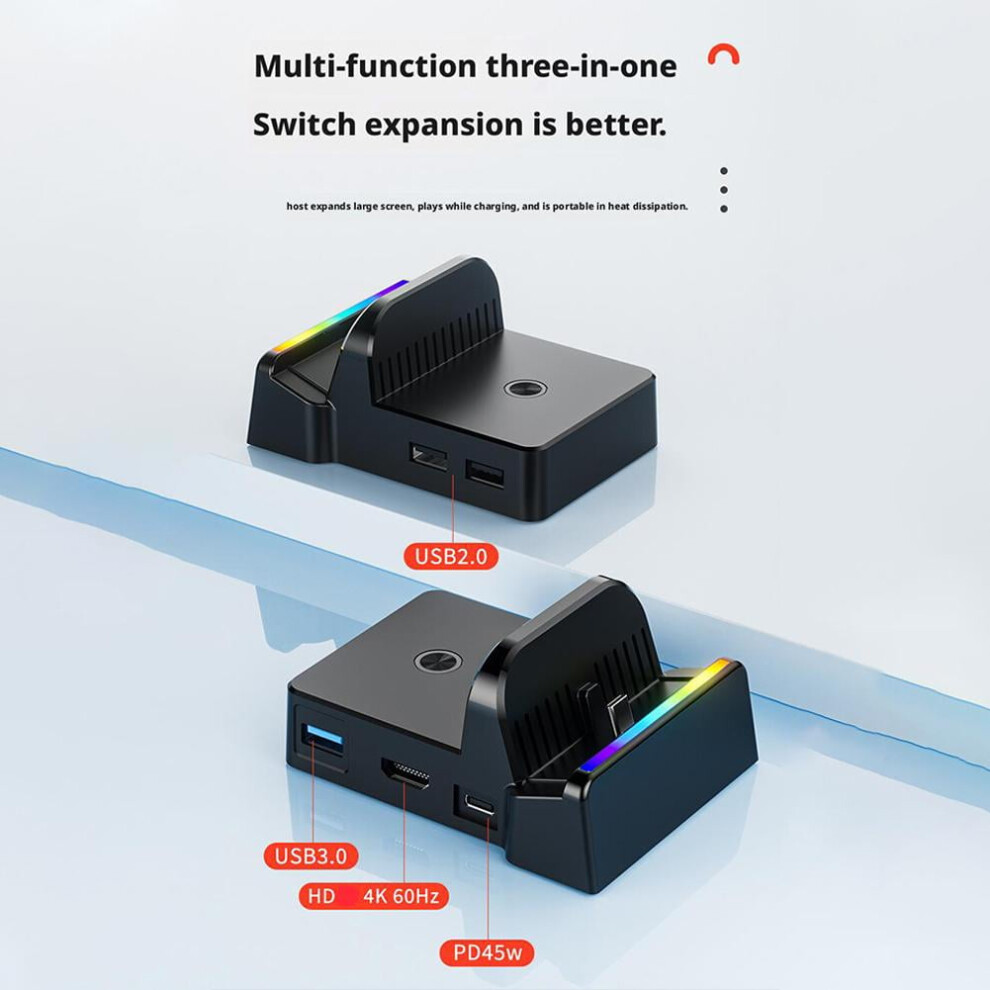
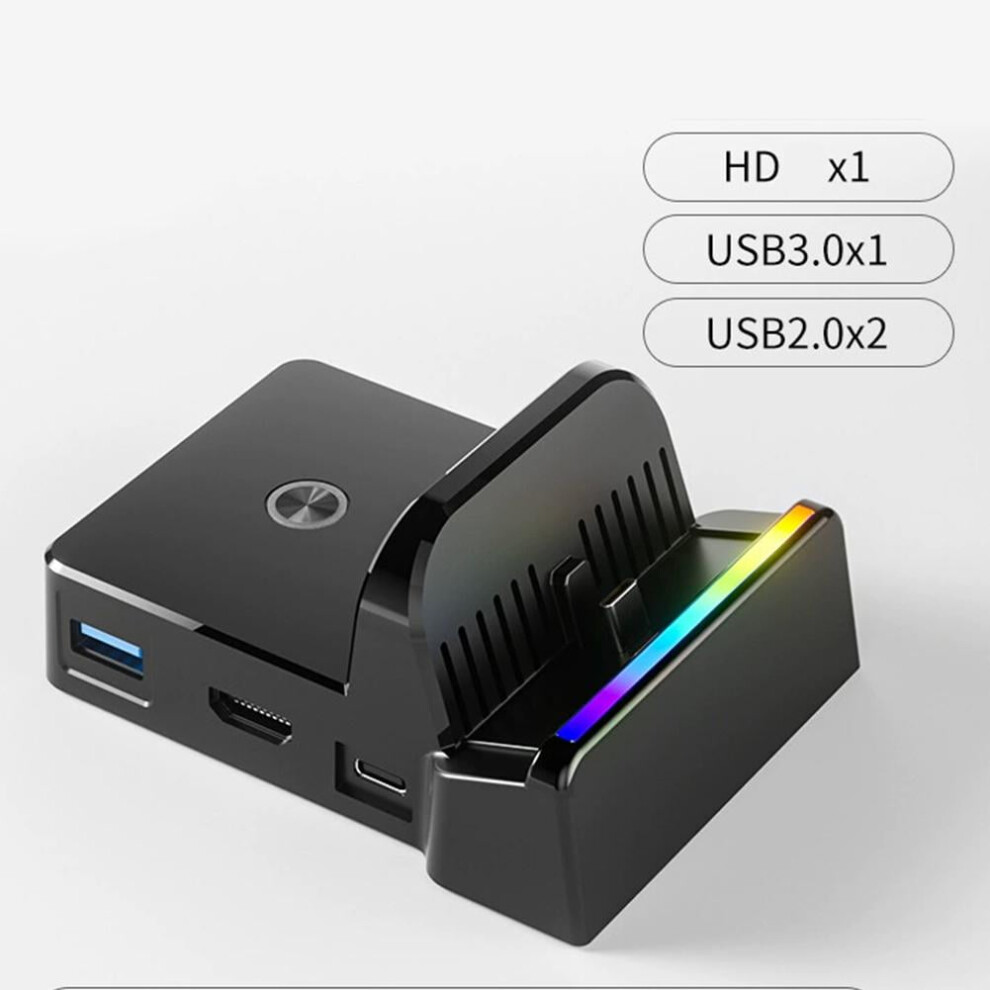
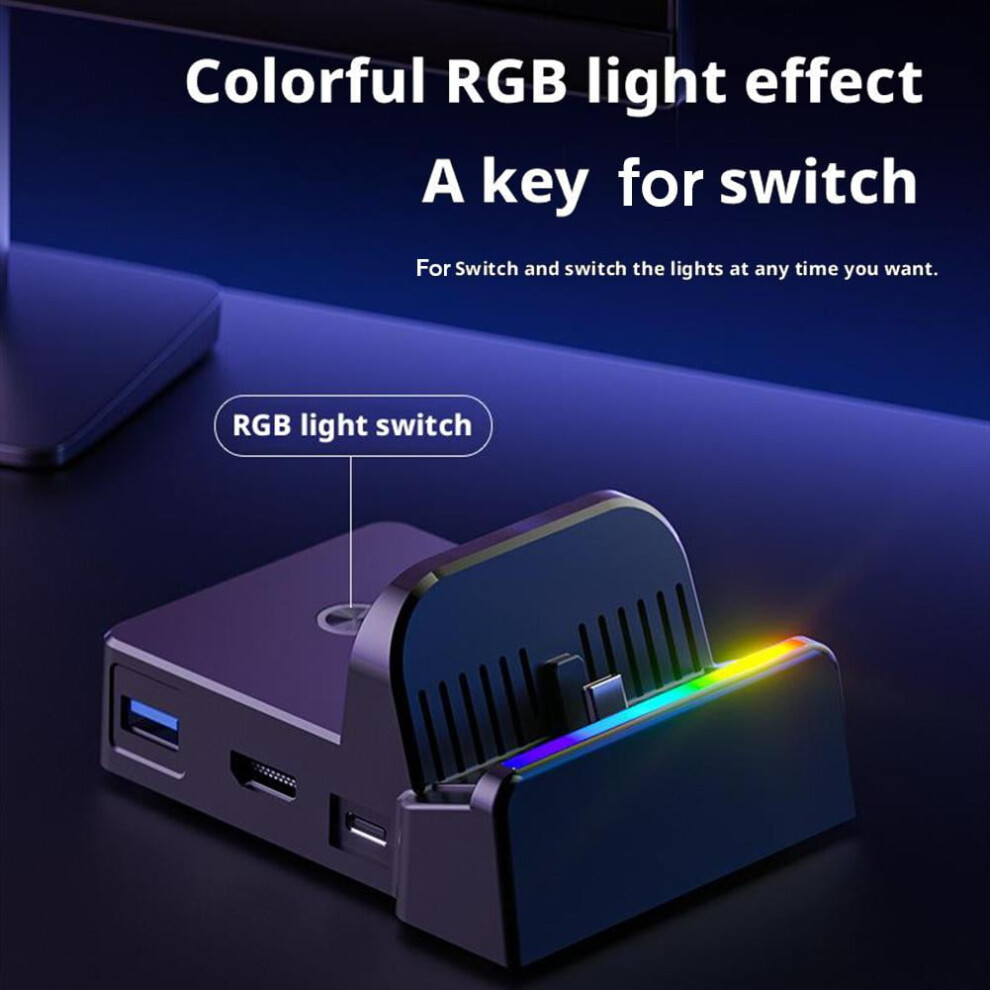
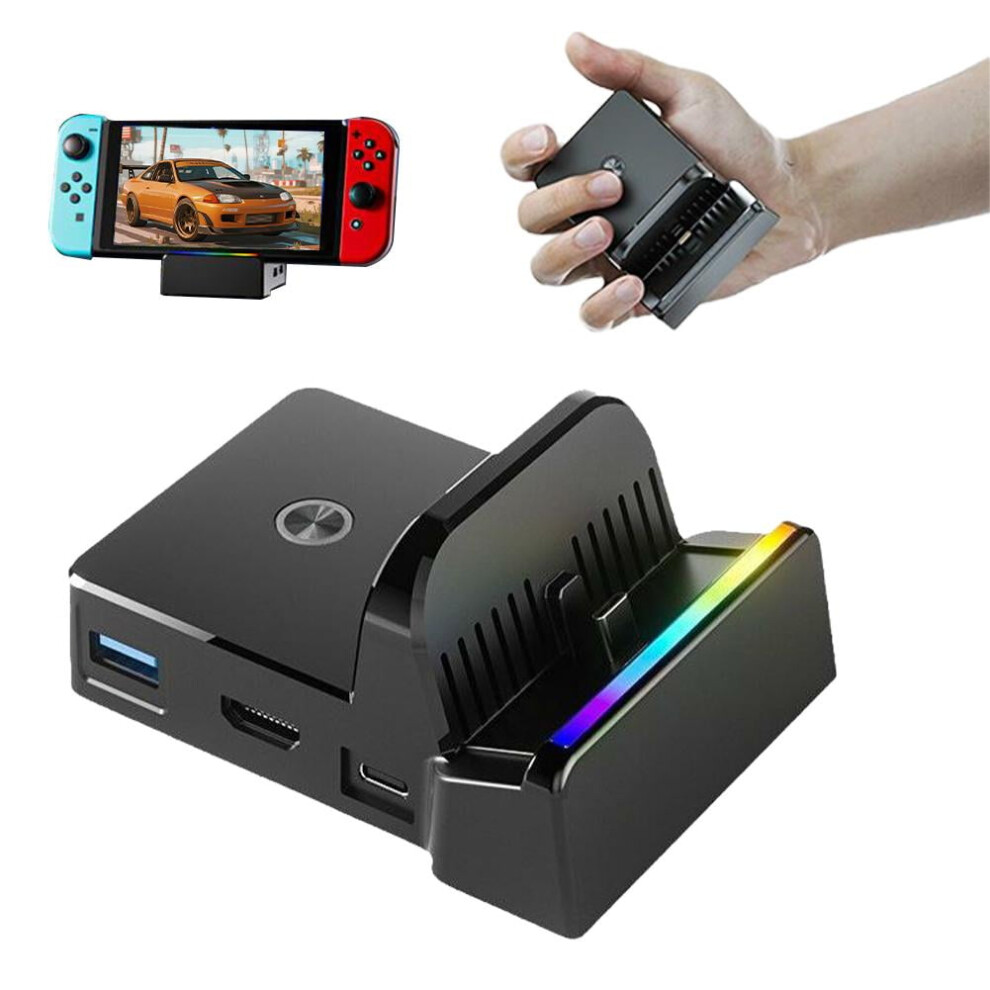
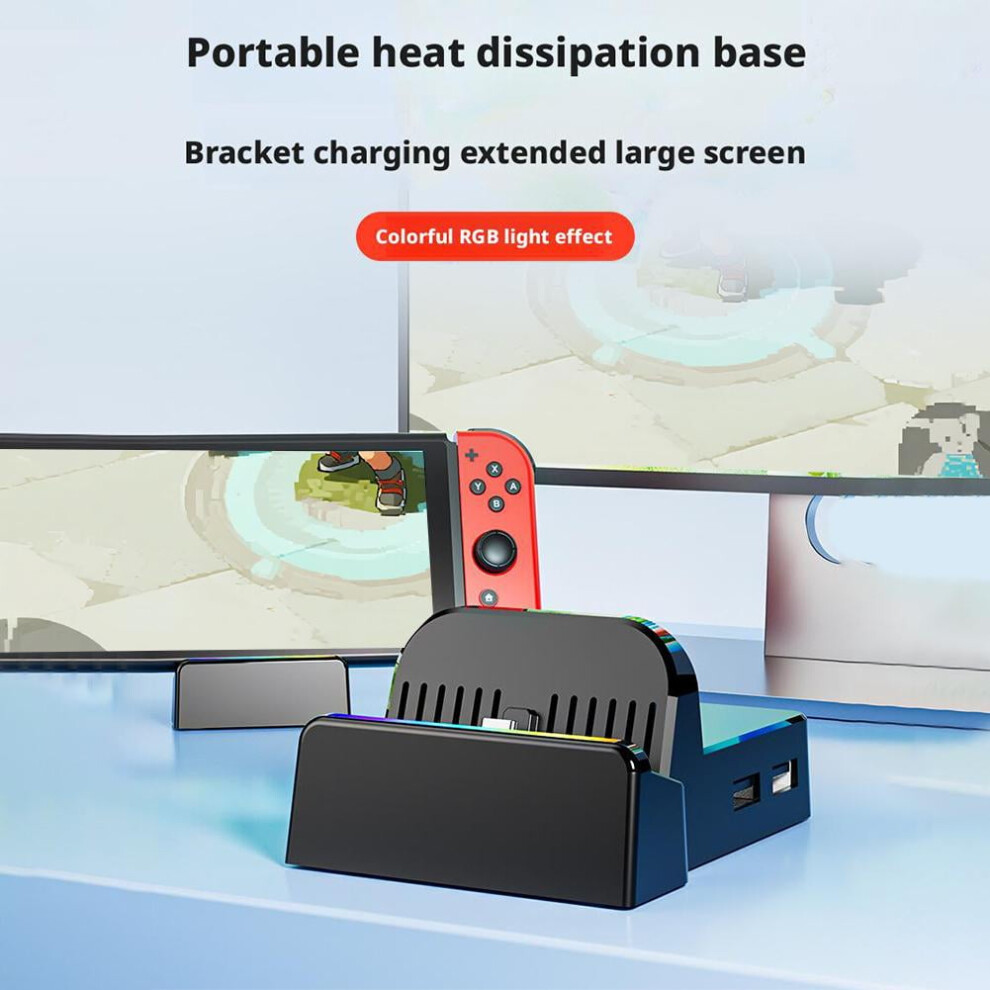
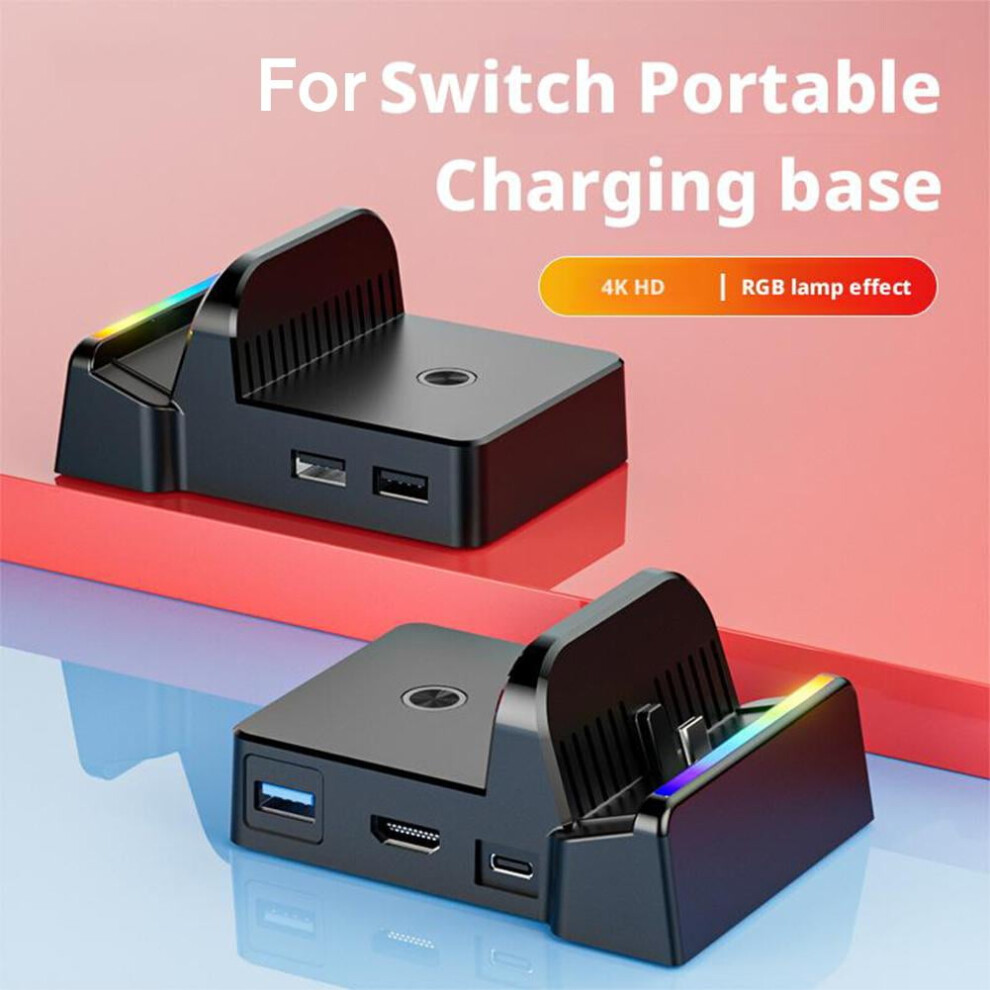
Support for SWITCH2 and for switch screen projection charging (original power supply required) Product selling points: The heat dissipation base has five interfaces (HDMI, Type-c, USB3.0X1/ USB2.0X2) Support for Switch/switch2 game console "video output expansion", HDMI projection, Support perfect high-definition 4K/30fps video display! Support wireless connection to Bluetooth speakers and Bluetooth headphones (new function) The official base cannot support Bluetooth. For product stability, currently only switch is supported, and other devices are not supported. Support for SWITCH USB wired network card! Support ordinary handle adapters on the market! The function is consistent with the original base! Like the official one, it has a buffer spring function to prevent damage to the for NS handheld interface. Product weight: 98g Packaging volume: 10*8*5.5CM How to use the product: 1. Use the original adapter power supply to connect to the Type-c power input interface of the base, connect the HDMI end to the TV end and connect the HDMI end to the base video output interface, and put the host on the TYPE-C male plug-in conversion device of the base to convert the video to the TV end (LED light flashes slowly) Bluetooth is in search state 2. Bluetooth connection, the Bluetooth audio device needs to be paired when used for the first time: press the black pairing button on the back of the base for about 3 seconds, and the blue light flashes quickly to indicate that it has entered the pairing mode; then turn on the Bluetooth audio device search mode, and the blue LED will be on after the first Bluetooth audio pairing is successful, 3. If you need to connect another Bluetooth audio device, press the pairing button for about 3 seconds and the red and blue lights will flash quickly. (The blue light flashes when the previously connected Bluetooth audio device is disconnected and then reconnected immediately). Turn on the Bluetooth audio device search mode. After the Bluetooth audio device is successfully connected, the red light will be on (the red and blue lights will be on when two Bluetooth audio devices are connected) 4. Reconnect, the device that has been connected will automatically reconnect after the device is turned on. After the reconnection is successful, the blue LED of the first connection will be on, and the red LED of the second connection will be on 5. To disconnect the Bluetooth device, you can short press the black button on the back of the base to turn it off, or turn off the Bluetooth audio device directly. After the Bluetooth is disconnected, the LED on the base will flash slowly Transmission distance: 10 meters (the data is measured in an open and unobstructed area. Walls and buildings may affect signal transmission.)
Details
| OPC | PW6RT9F |
|---|---|
| Codes | 9370362209306 (EAN) |
| Seller | Ratings | Warranty | Returns | Price | Delivery | Total | Quantity |
|---|---|---|---|---|---|---|---|
|
Dispatched from:

|
(14 reviews) | - |
30 Days
Free Returns No
|
£31.22
|
+Free Delivery
Est. Delivery:
26th-29th Sep
|
£31.22
|
Earn as you shop with instant Cashback on everything.
No catch, no cost
Become a Cashback VIP
Just 1 purchase unlocks bigger deals & rates
You'll only get instant Cashback at OnBuy! Enter your email below and we'll send you a copy of your basket to save you time later.
By entering your email address, you'll automatically be added to our database, where you can enjoy personalised Cashback offers and early access to our best deals. You can opt out of our emails at any time and we'll never share your details with anyone. Check our Privacy Policy and T&Cs to find out more.
Want access to personalised offers and the highest Cashback rates? Sign up to our emails below.
You can opt out of our emails at any time and we'll never share your details with anyone. Check our Privacy Policy and T&Cs to find out more.
This page has expired.
Refresh and continue