






















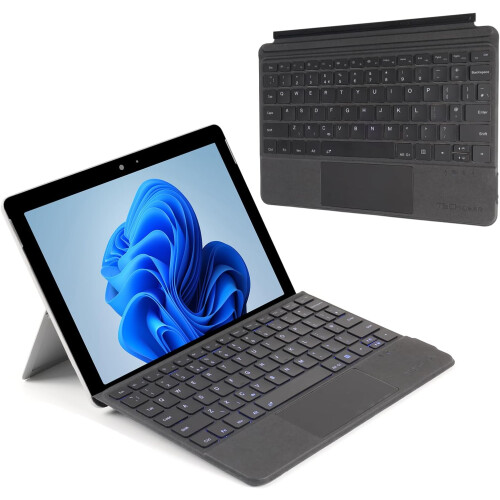
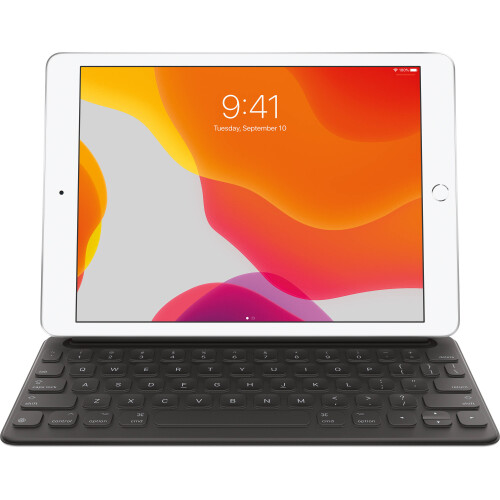


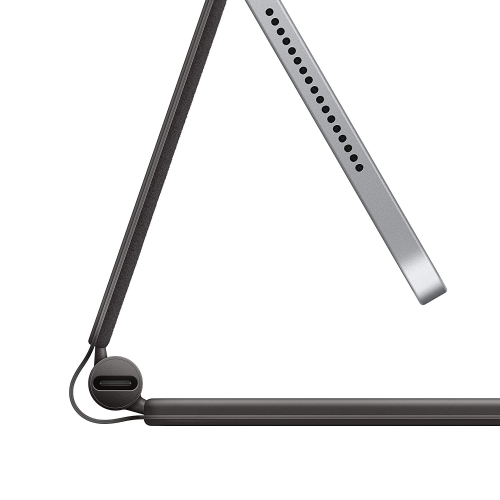

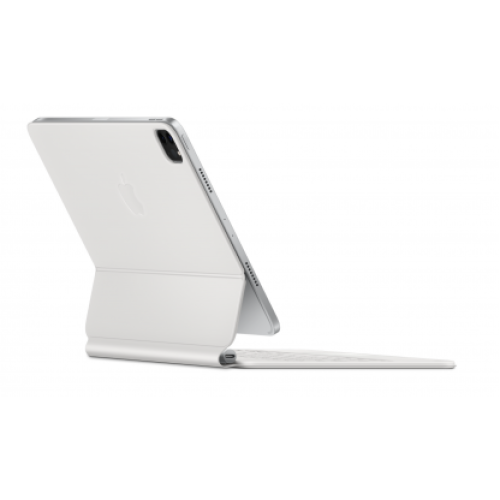

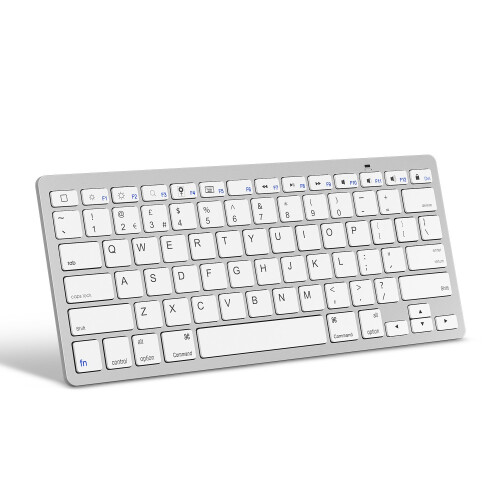
Product Images

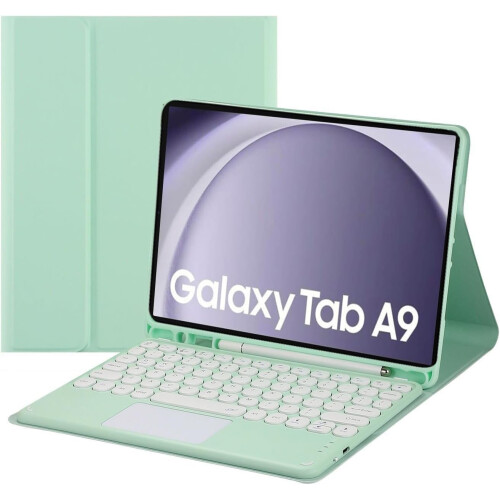
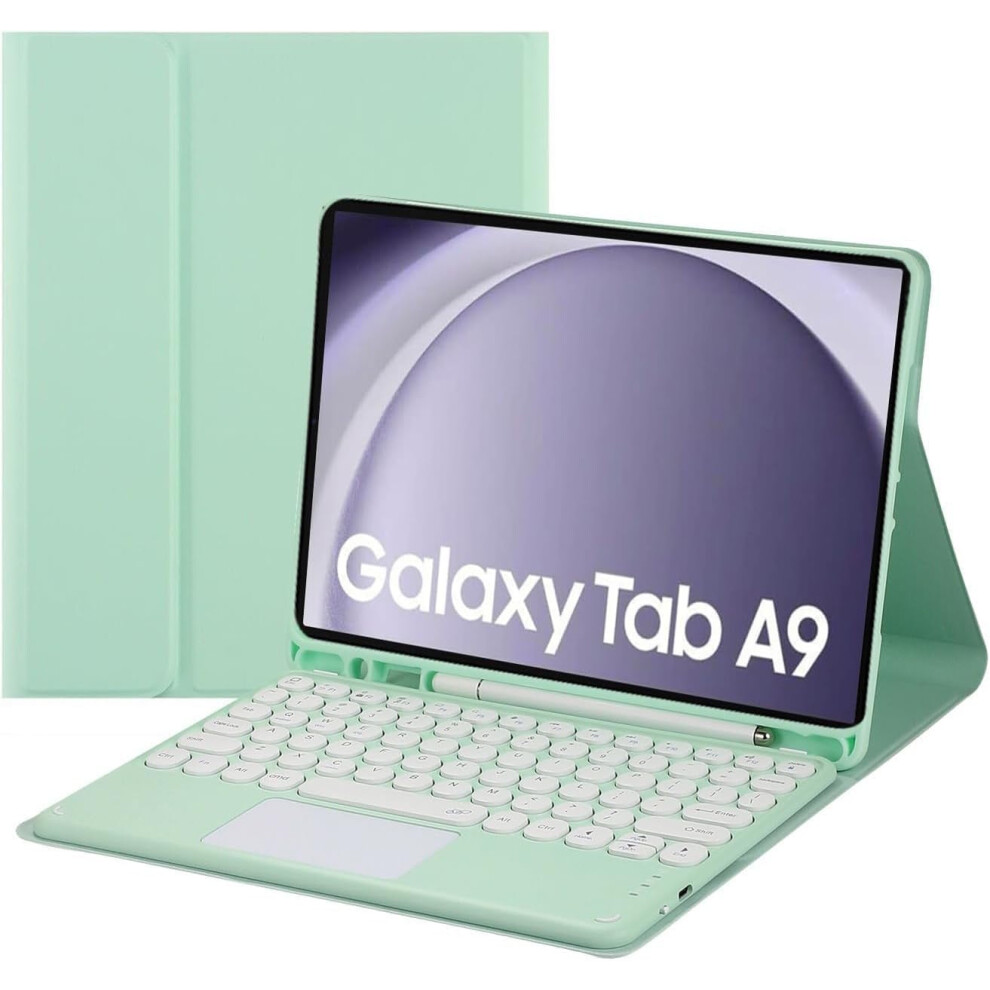
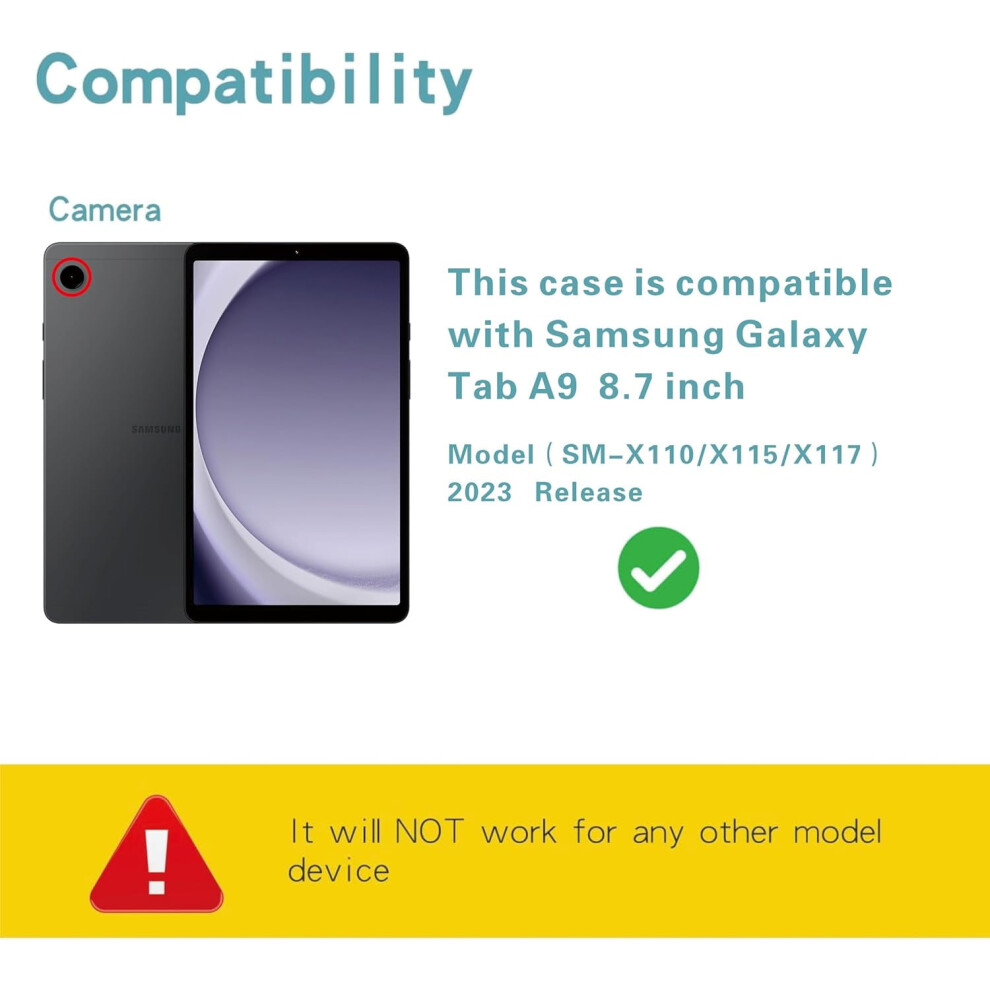
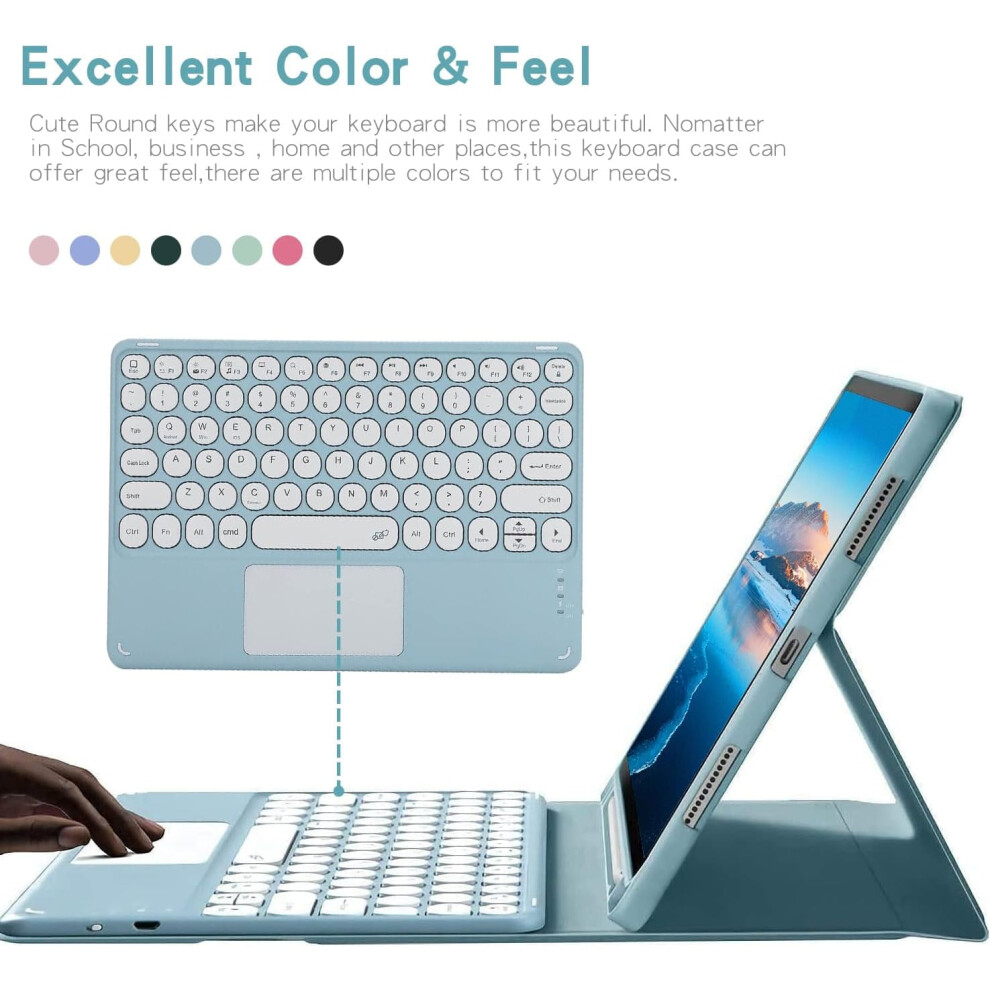


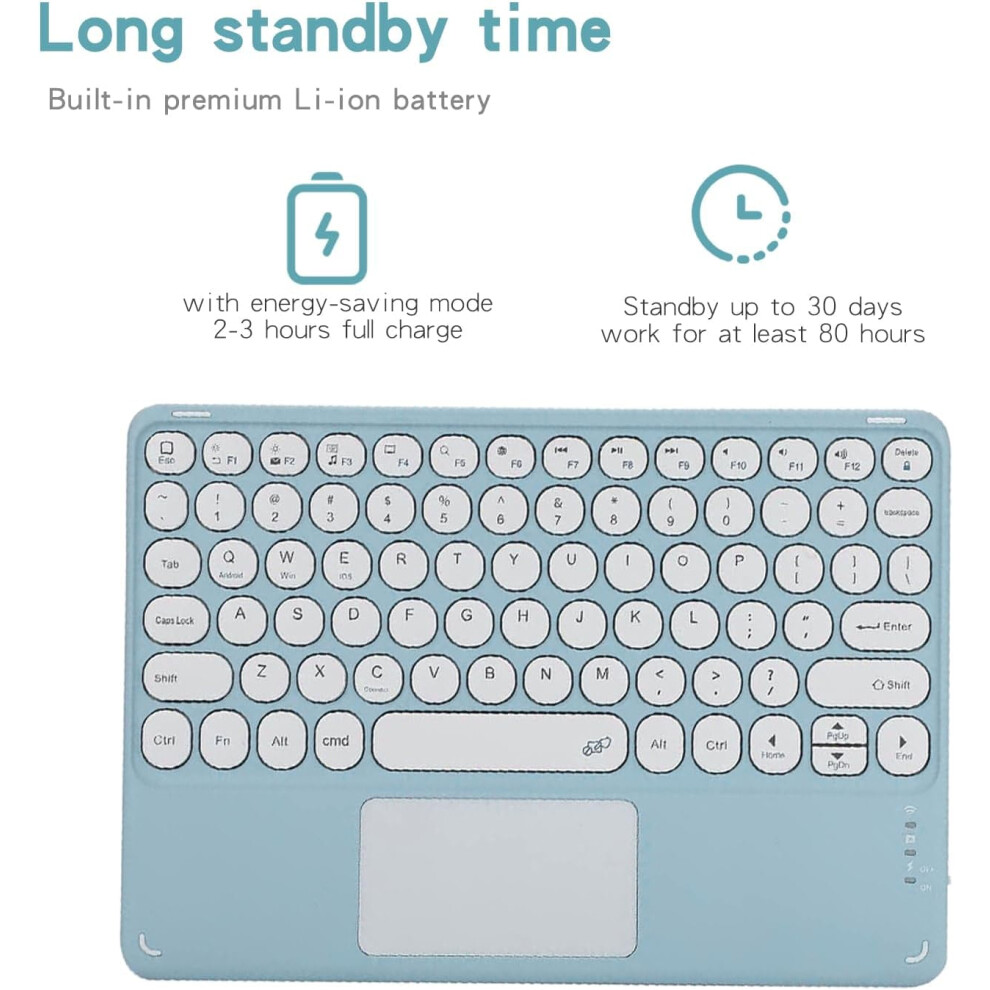
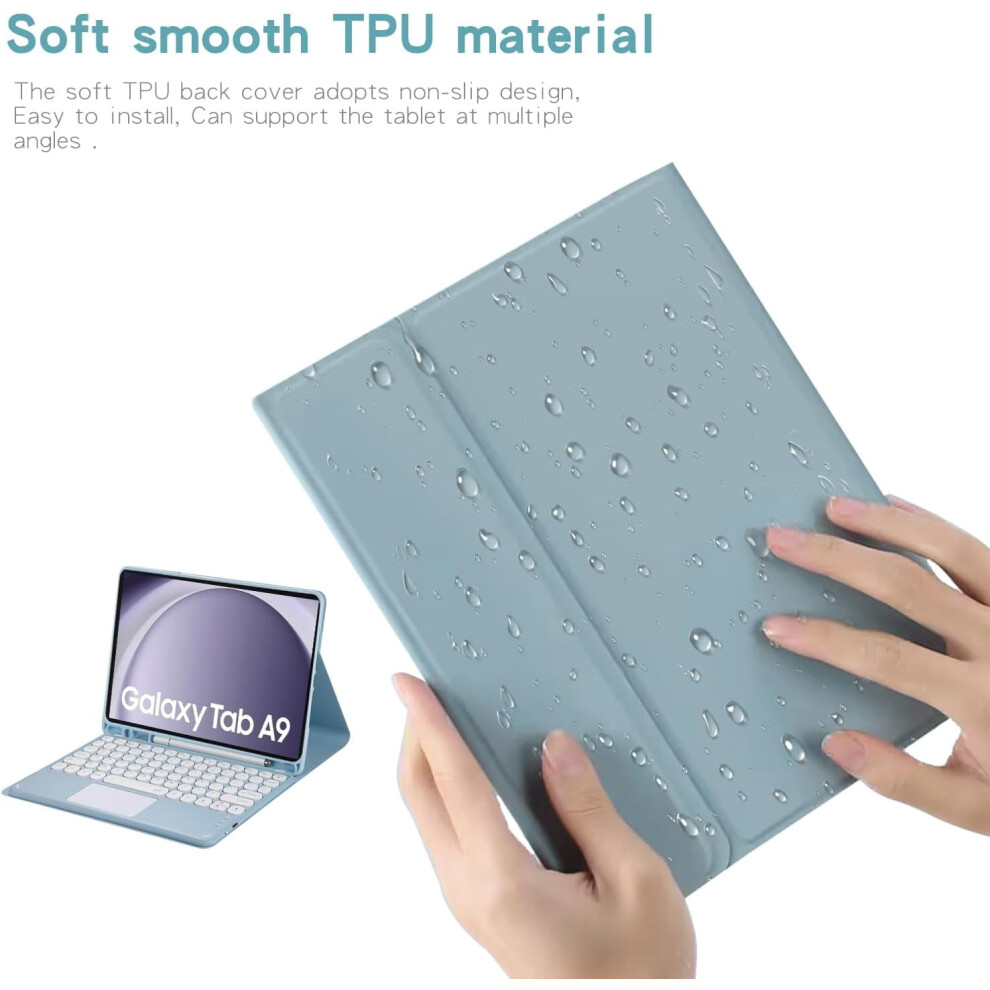
In stock
Smart shoppers OnBuy it!
Interest-free payment options available


See full product description & details
Delivery: Standard (Free) | Mon 28th - Wed 30th Sep
Returns: 30 days
180-day payment protection
Summary
How to get the keyboard sync with Tab: 1.Please fully charge the keyboard and turn it on, the light comes on and then goes off. 2.Press the "FN+C" to open keyboard's bluetooth. note:please press"Fn""C" together. 3.Go to your tablet settings, click on bluetooth and look for the keyboard. 4.Click on the keyboard and it will connect. 5. please press"Fn""Q" together, it will open Android system. then the keyboard case can work well. IMPORTANT: No.1:Please press "Fn" and "C" together to open the bluetooth. No.2:Please press "Fn" and "Q" together to open compatible with Samsung system. No.3:The keyboard automatically enters Sleep mode when it doesn't work for over 15 minutes. Click any key to activate the keyboard. No.4:The Bluetooth pairing is automatically interrupted when the tablet is in sleep mode.
Details
| OPC | PW6PZTS |
|---|---|
| Codes | 9329345427084 (EAN) |
| Seller | Ratings | Warranty | Returns | Price | Delivery | Total | Quantity |
|---|---|---|---|---|---|---|---|
|
Dispatched from:

|
(24 reviews) | - |
30 Days
Free Returns No
|
£54.70
|
+Free Delivery
Est. Delivery:
28th-30th Sep
|
£54.70
|
Earn as you shop with instant Cashback on everything.
No catch, no cost
Become a Cashback VIP
Just 1 purchase unlocks bigger deals & rates
You'll only get instant Cashback at OnBuy! Enter your email below and we'll send you a copy of your basket to save you time later.
By entering your email address, you'll automatically be added to our database, where you can enjoy personalised Cashback offers and early access to our best deals. You can opt out of our emails at any time and we'll never share your details with anyone. Check our Privacy Policy and T&Cs to find out more.
Want access to personalised offers and the highest Cashback rates? Sign up to our emails below.
You can opt out of our emails at any time and we'll never share your details with anyone. Check our Privacy Policy and T&Cs to find out more.
This page has expired.
Refresh and continue