






















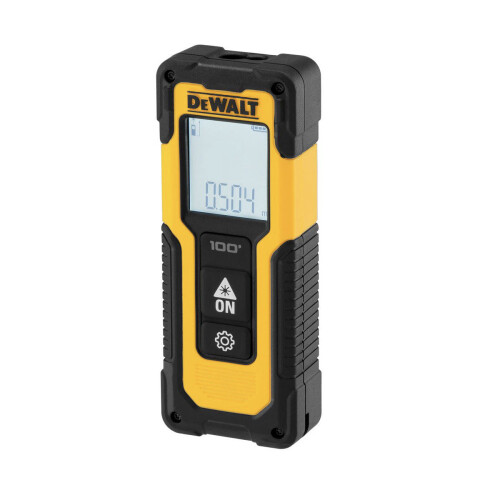


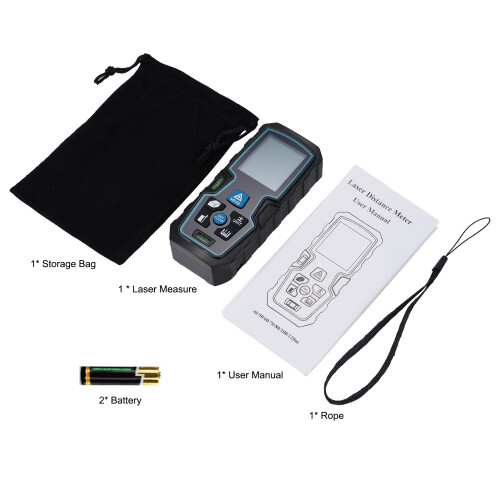

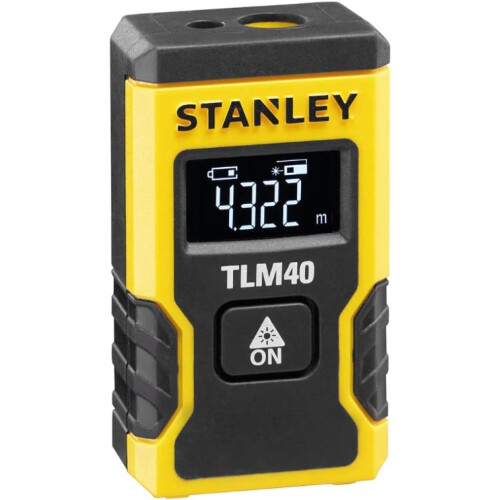
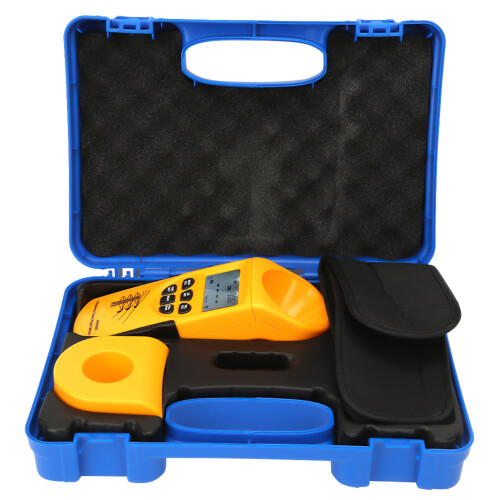

Product Images


In stock
Smart shoppers OnBuy it!
Interest-free payment options available


See full product description & details
Delivery: Standard (Free) | Mon 26th - Fri 30th Oct
Sold by: egrtnsb
Returns: 30 days
180-day payment protection
1. Taking a measurement
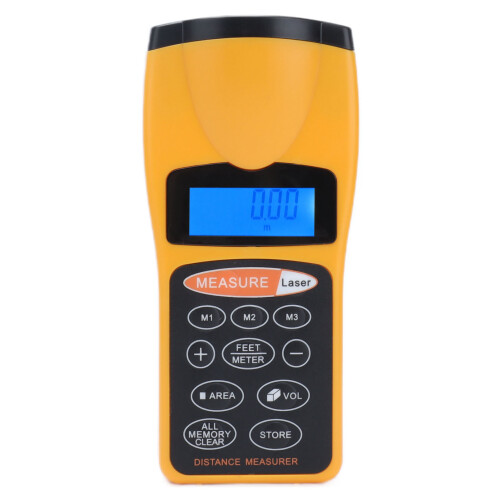
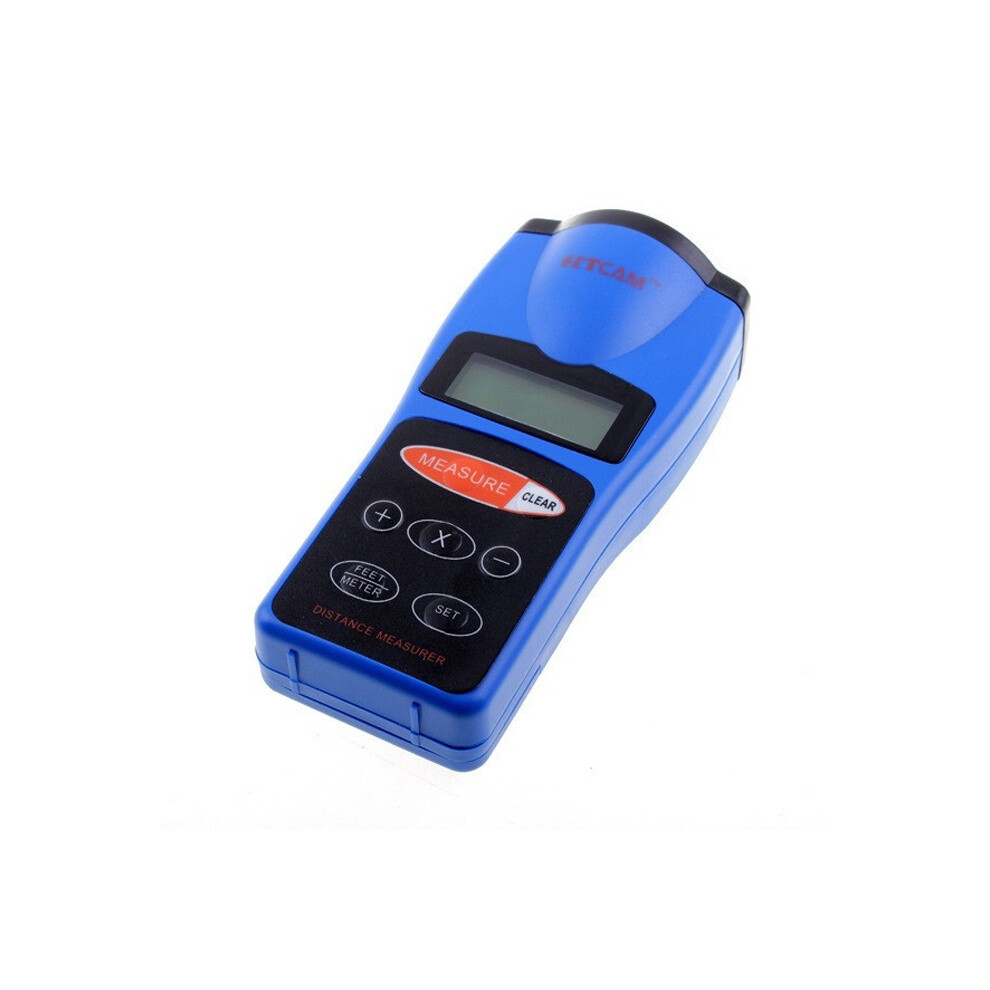
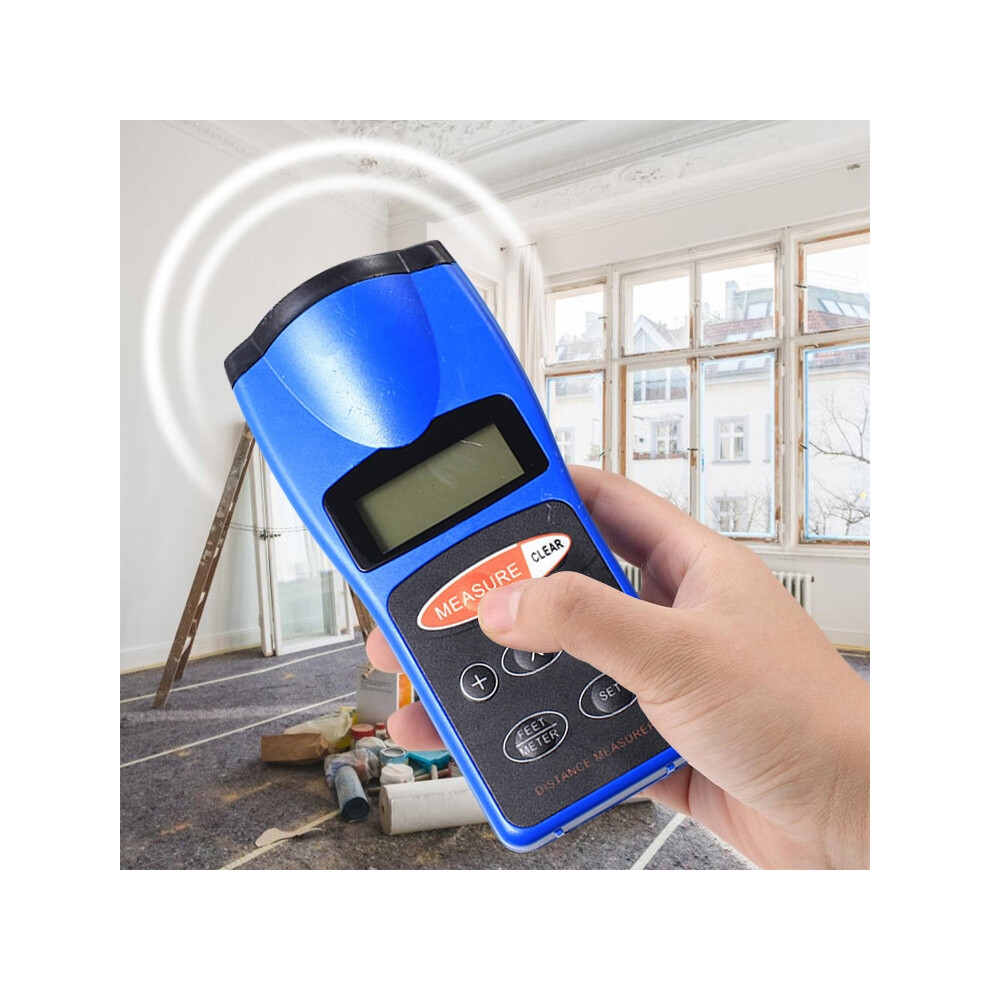
- Press MEASURE to turn on the unit. The measurer beeps then the distance between the measurer and the point you measured appears.
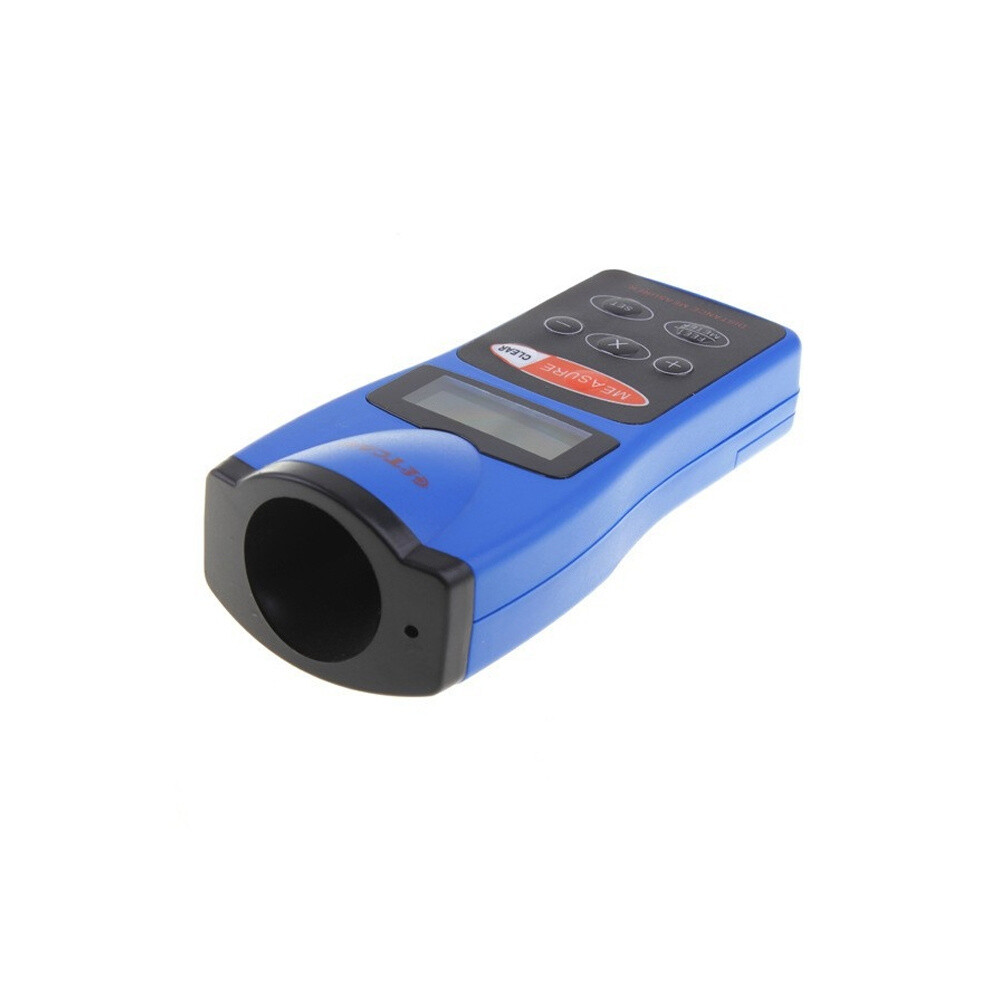
- Hold the bottom of the measurer flat against a wall, about halfway between the floor and ceiling. Be sure there is a clear path to the point you want to measure and that your head or hands do not block the front of the measurer.
- Repeatedly press FEET/METER until FEET appears (to measure in feet ) or until METER appears (to measure in meter).
- Press and hold down MEASURE to take a continuous measurement
2. Stabilizing the measure
- Your measurer is sensitive to changes in temperature and humidity. Before you use the measurer, wait about 15~30 minutes for it to stabilize to the current rooma is temperature.
3. Measuring Tips
- Some types of curtains and blinds can absorb sound waves, causing measurements to be inaccurate. If you are measuring distances in a room with curtains, open the curtains before measuring the distance to a window behind them. Also, be sure that the window is closed.
- If there is not a clear path between the points where you are measuring, you might receive a false reading from sound waves bouncing off objects such as chairs, tables and objects with uneven surfaces. If you are not sure if a measurement is correct, move slightly to one side then measure the distance again.
- If the surface of a wall you are measuring is not solid and flat, of if you are measuring in a narrow corridor, you might receive a false reading. If this happens, use a solid surface to measure or move to the center of the corridor.
- To measure a distance longer than 60 feet (18.288meters), select a point in the middle of the room (for example), measure from the center of the room toward each side, then add the two measurements.
4. Calculating volume
- To find the volume of a room, measure the height, width and the length of the room and store each measurement in a different memory location (see "Saving a Measurement"). Then press VOLUME, the volume calculation result appear.
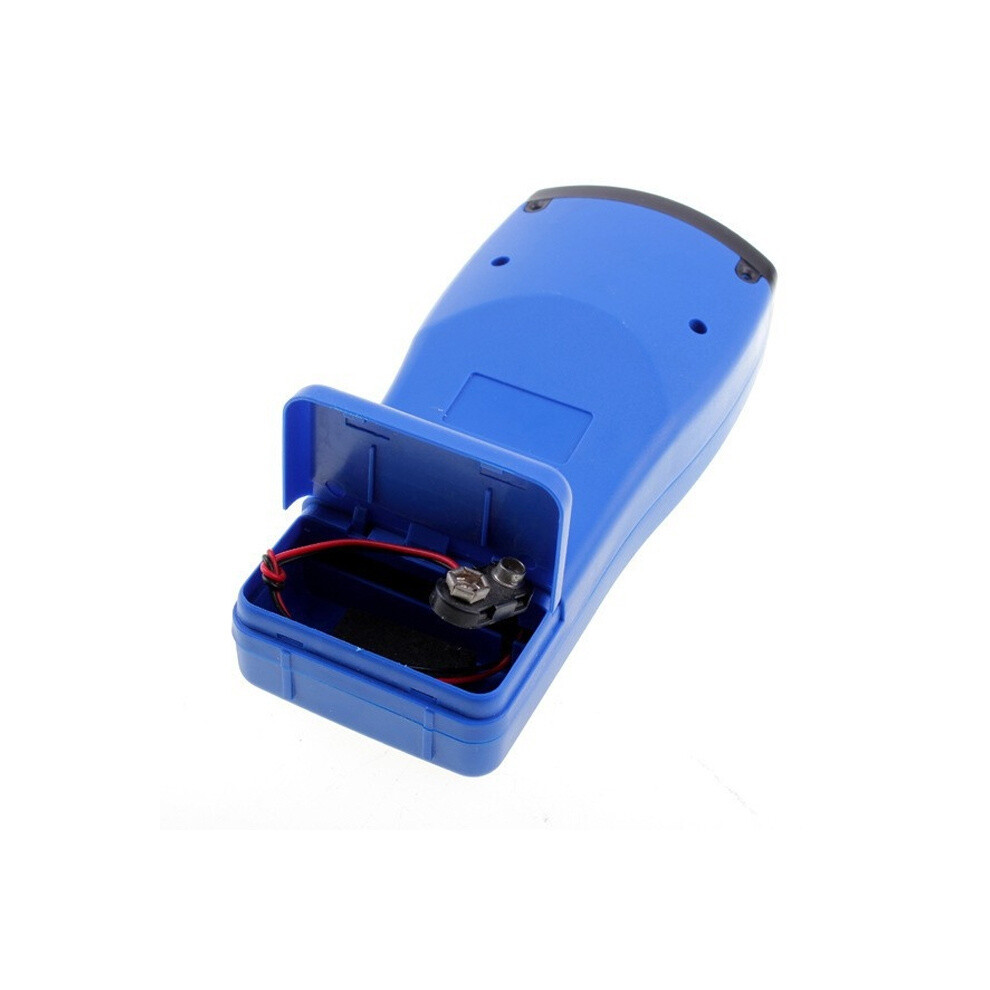
5. Power Source: 1 x 9V battery(not included)
Details
| OPC | PT6QK6X |
|---|---|
| Codes | 6083684910869 (EAN) |
| Seller | Ratings | Warranty | Returns | Price | Delivery | Total | Quantity |
|---|---|---|---|---|---|---|---|
|
Dispatched from:

|
(24 reviews) | - |
30 Days
Free Returns No
|
£32.72
|
+Free Delivery
Est. Delivery:
26th-30th Oct
|
£32.72
|
Earn as you shop with instant Cashback on everything.
No catch, no cost
Become a Cashback VIP
Just 1 purchase unlocks bigger deals & rates
You'll only get instant Cashback at OnBuy! Enter your email below and we'll send you a copy of your basket to save you time later.
By entering your email address, you'll automatically be added to our database, where you can enjoy personalised Cashback offers and early access to our best deals. You can opt out of our emails at any time and we'll never share your details with anyone. Check our Privacy Policy and T&Cs to find out more.
Want access to personalised offers and the highest Cashback rates? Sign up to our emails below.
You can opt out of our emails at any time and we'll never share your details with anyone. Check our Privacy Policy and T&Cs to find out more.
This page has expired.
Refresh and continue