






























Product Images

In stock
Smart shoppers OnBuy it!
Interest-free payment options available


See full product description & details
Delivery: Standard (£4.91) | Mon 12th - Sat 17th Oct
Sold by: CollBea
Returns: 30 days
180-day payment protection
Summary
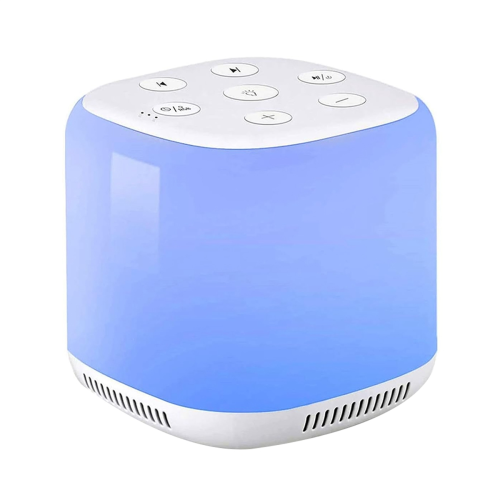
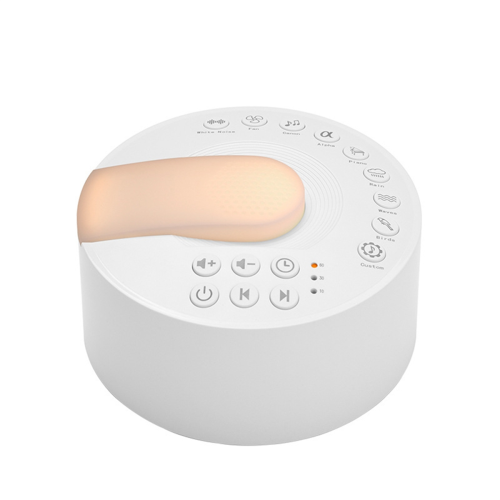
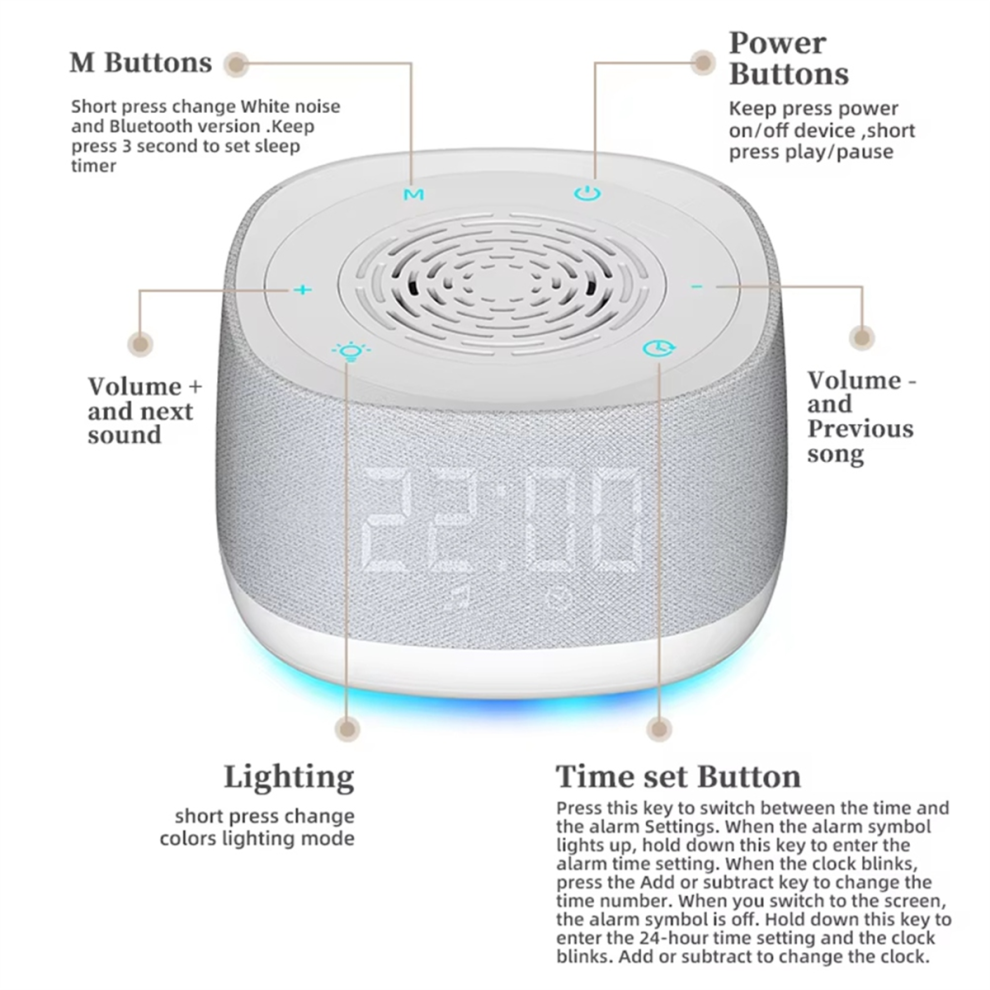
Instructions:Power on/offPress and hold the power button for about 3 seconds to turn the deviceon or off. Bluetooth connect. When using the device for the first time, after turning it on normally, the M button to switch to Bluetooth mode. A voice prompt willindicate "Bluetooth connecting." Once connected, a voice prompt wilsay"connection successful." M Button
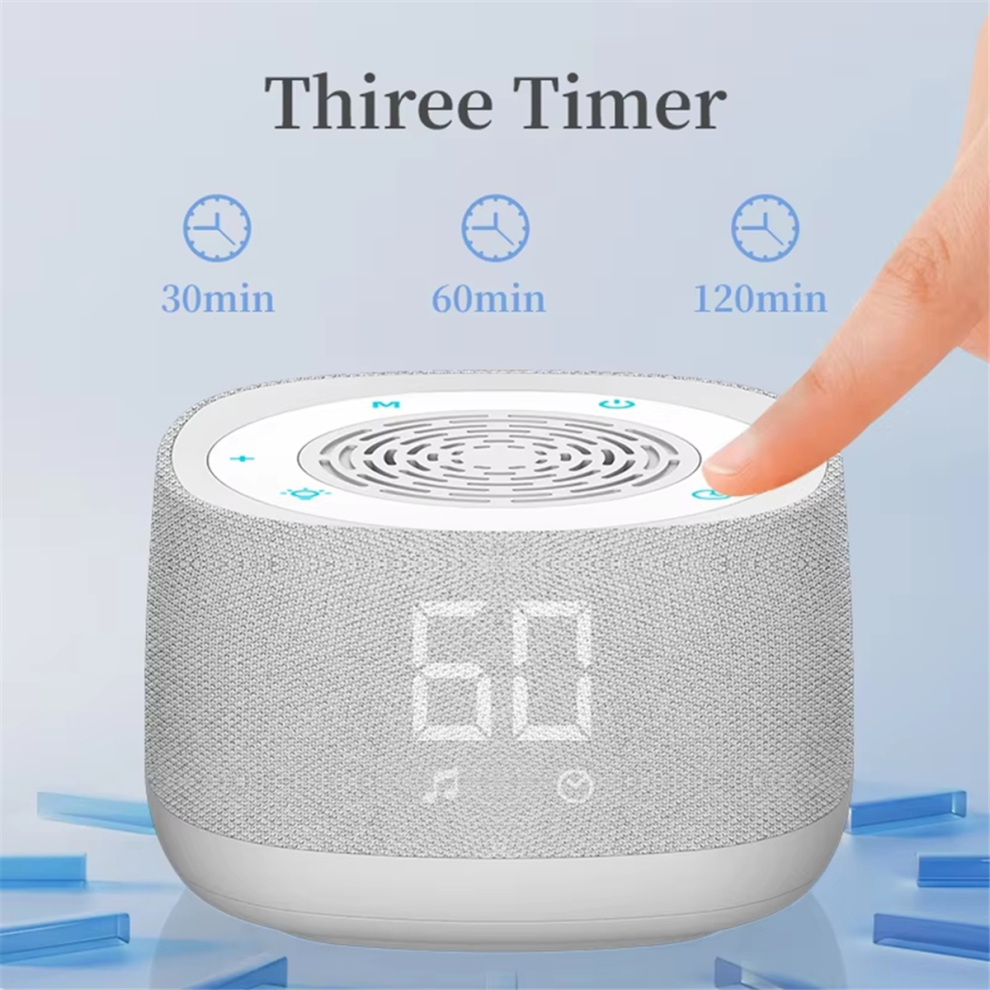
Short to switch between white noise and Bluetooth playbackmodes.In White Noise Mode:Long "+" button for 2 seconds: Switch to white noisesong.Long "." button for 2 seconds: Switch to the previous whitenoise song.Short the "+" or "." button toAdjust the volume.Long to enter the auto-shutdown timer setting. The screen wildisplay the shutdown timer options: 30 minutes, 60 minutes, or 120minutes.
Use the "+" or "."buttons to select the desired time. Afterselecting,the screen return to the time display in 2-3 seconds,indicating the timer is set, Long the M button again to display"OFF," which disables the timer function. "+"Button /"_" Button. Short the "+" button to increase the volume,Long for 2 seconds to skip to songShort the "." button to decrease the volume;long for 2 seconds to go back to the previous song.
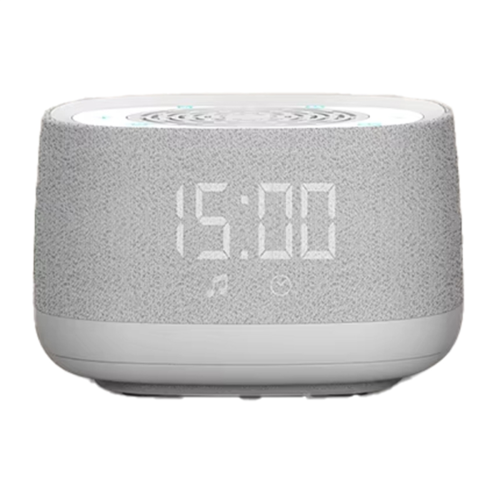
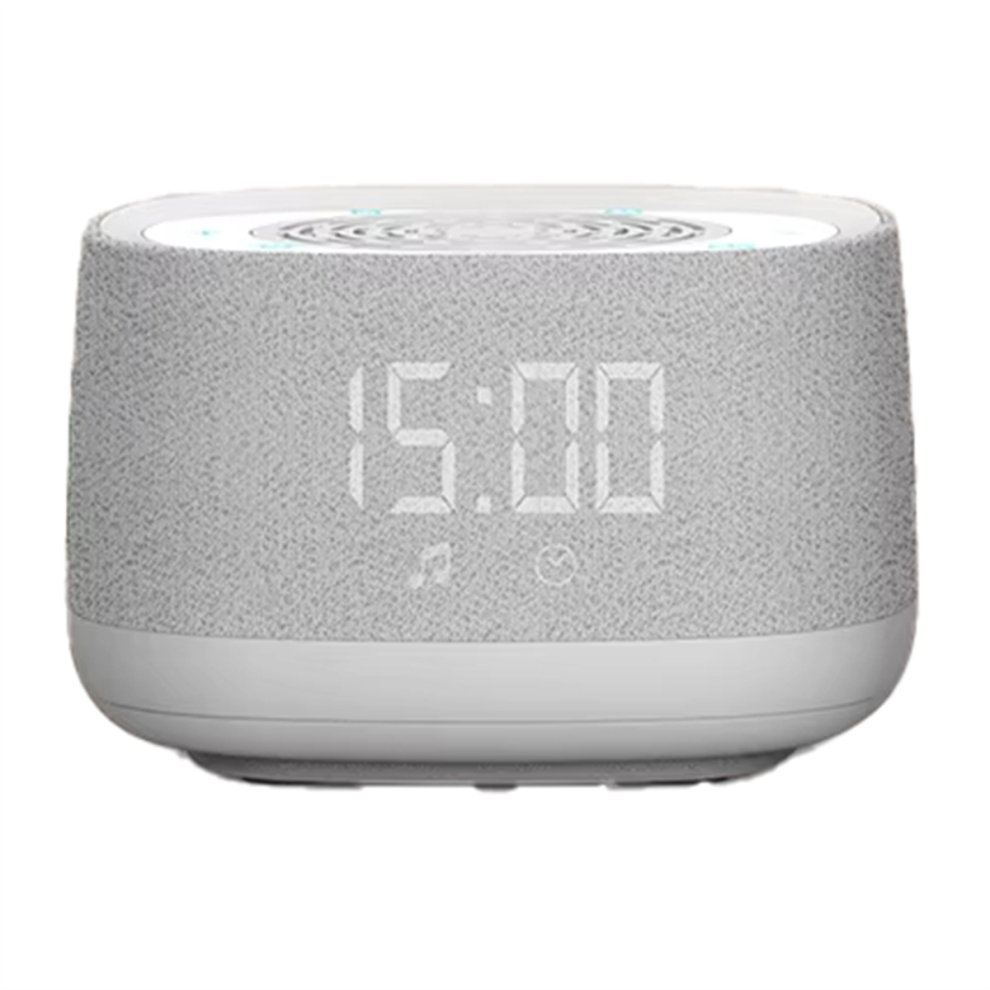
When setting the timer, the "+" and "."buttons can be used to adjustthe timer duraton. and Alarm setting Button. Time Setting:After turning on the device,the screen displays the time in 24-hourformat. and hold this button for 2-3 seconds, and the hour digitswill start flashing. Use the "+" or "." buttons to adjust the hour. Afterselecting the hour, the button again, and the minute digits start flashing. Use the "+" or "." buttons to adjust the minutes.
Pressthe button again to complete the time setting.Alarm setting:After turning on the device, the screen displays the time in 24-hourformat. Short this button to enter the alarm setting mode, andthe screen display"12:00." Short the button again, and thehour digits ofthe alarm start flashing. Use the "+" or"." buttonsto adjust the hour. After selecting the hour, the button again,and the minute digits start flashing. Use the "+" or "." buttons toadjust the minutes
the button again, and the alarm symbol up,indicating the alarm is set.3.Turn OfAlarm:Short this button twice until the alarm symbol turns off, and thealarm is disabled.
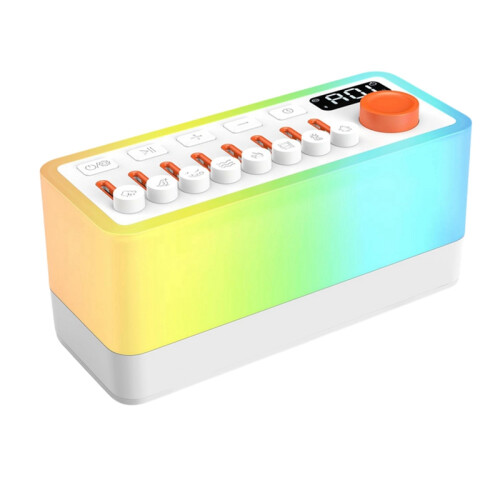
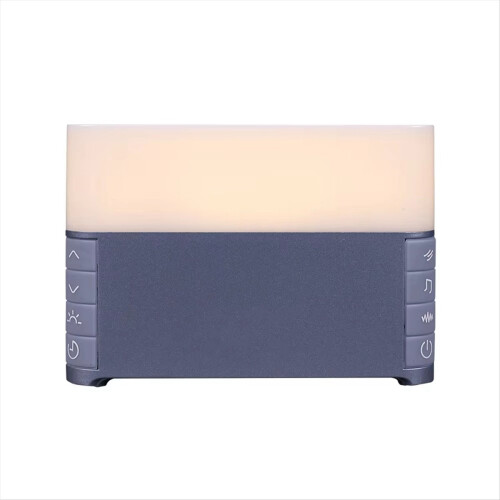
Ambient Light Button
1. Short once: Activates RGB lighting effect.
2. Short twice: Activates 6-color breathing light mode.
3. Short three times: Activates night light mode.
Charging
Insert the included Type-Ccharging cable and any 5V phone charger tocharge the device. The indicator light stay on during charging andturn off when the device is fully .
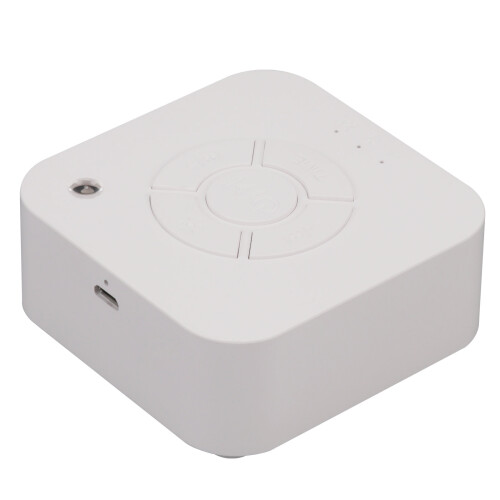
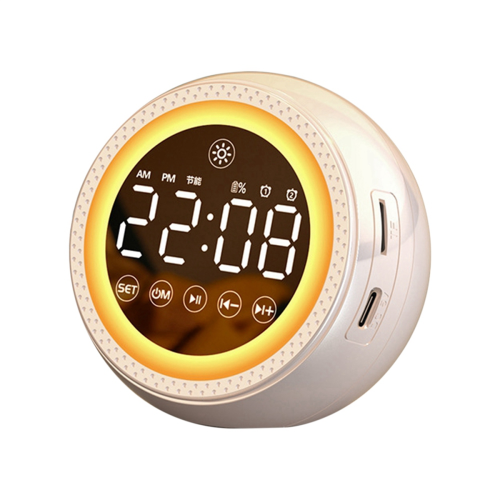
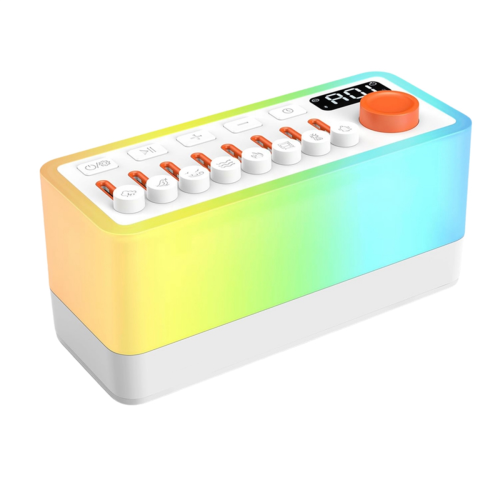
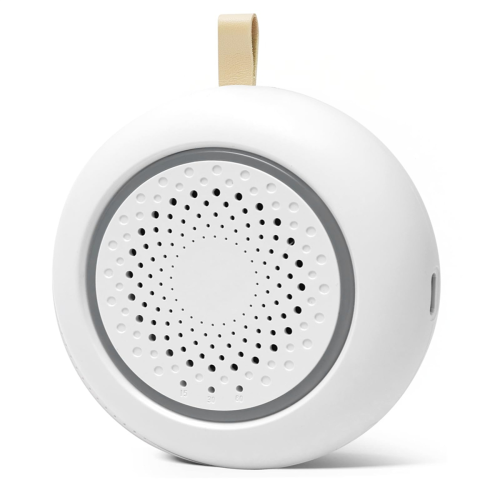
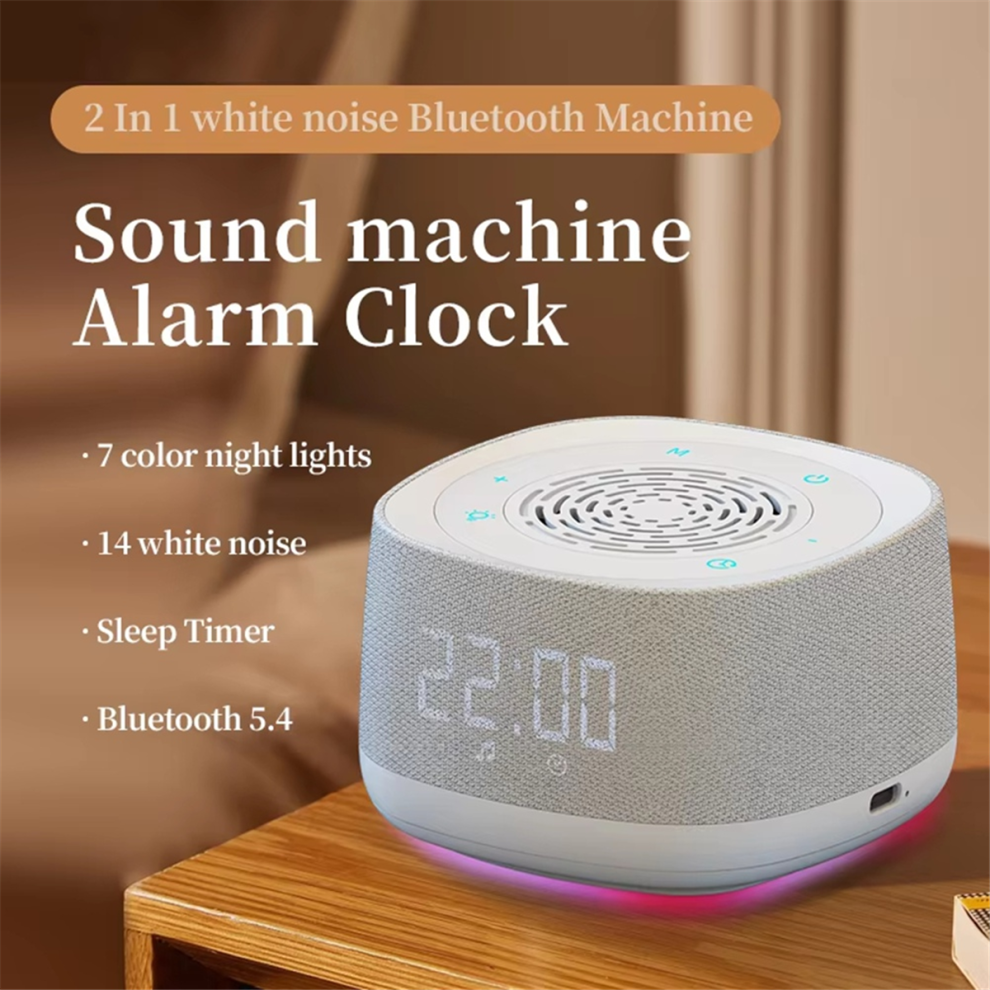
Product Name:White noise Bluetooth Machine
Model: BLD06
Input :5V/1A
Signal-to-noise ratio 82db
Battery Capacity:1000mAh
Bluetooth 5.4
Product power:5W
Work Voltage 3.7V
Frequencyresponse range:80hz-16khz.Charging port :Type-C
Weight:264gkgSpeaker:405W
Product Size :9.5 x 9.5 x 6.1cm
Color: White
Material: ABS
Package Contents:
1 * white noise machine
1 * Data Cable
Only the above package content, other products are not included.
Note: Light reflection and different displays may cause the color of the item in the picture a little different from the real thing. The measurement allowed error is +/- 1-3cm.
Details
| OPC | PHYWGHY |
|---|---|
| Brand | Markenlos |
| Codes | 4853102511969 (EAN) |
| Seller | Ratings | Warranty | Returns | Price | Delivery | Total | Quantity |
|---|---|---|---|---|---|---|---|
|
Dispatched from:

|
(206 reviews) | - |
30 Days
Free Returns No
|
£14.55
|
+£4.91 Delivery
Est. Delivery:
12th-17th Oct
|
£19.46
|
Earn as you shop with instant Cashback on everything.
No catch, no cost
Become a Cashback VIP
Just 1 purchase unlocks bigger deals & rates
You'll only get instant Cashback at OnBuy! Enter your email below and we'll send you a copy of your basket to save you time later.
By entering your email address, you'll automatically be added to our database, where you can enjoy personalised Cashback offers and early access to our best deals. You can opt out of our emails at any time and we'll never share your details with anyone. Check our Privacy Policy and T&Cs to find out more.
Want access to personalised offers and the highest Cashback rates? Sign up to our emails below.
You can opt out of our emails at any time and we'll never share your details with anyone. Check our Privacy Policy and T&Cs to find out more.
This page has expired.
Refresh and continue