






















Product Images






In stock
Smart shoppers OnBuy it!
Interest-free payment options available


See full product description & details
Delivery: Priority (Free) | Thu 20th - Tue 25th Aug
Sold by: JJBRDZ
Returns: 30 days
180-day payment protection







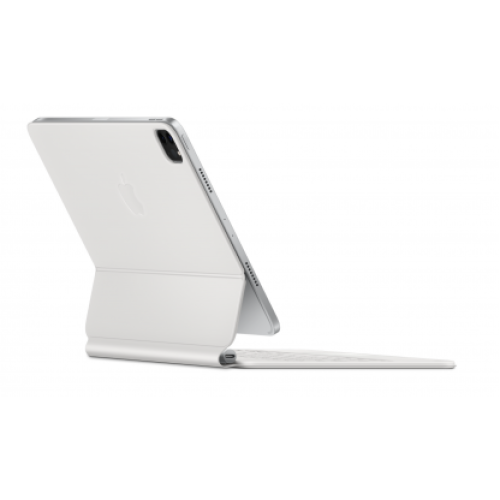
Summary
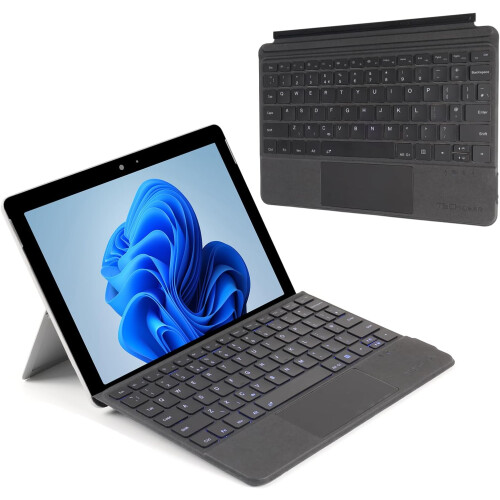
Applicable system: The keyboard size is specially designed for Surfac pro. The keyboard supports all Windows systems. You can also use this keyboard to pair with other electronic devices with and Windows systems, but pay attention to if it is used other devices. The magnetic buckle of this product cannot be matched, it can only be used for Surfac pro;
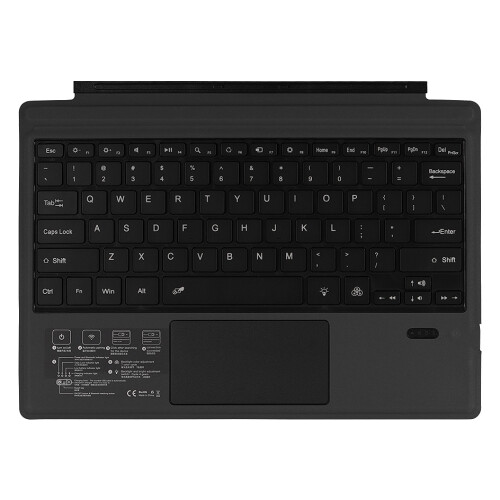
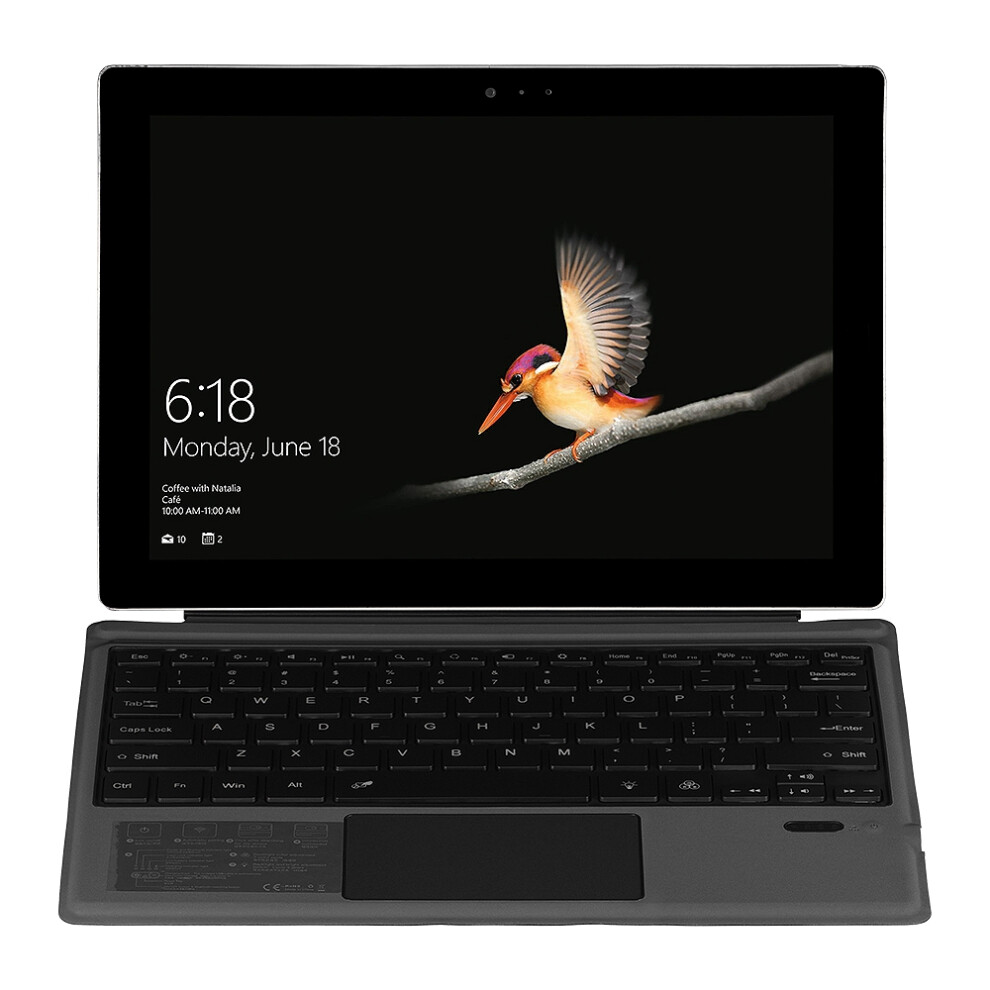
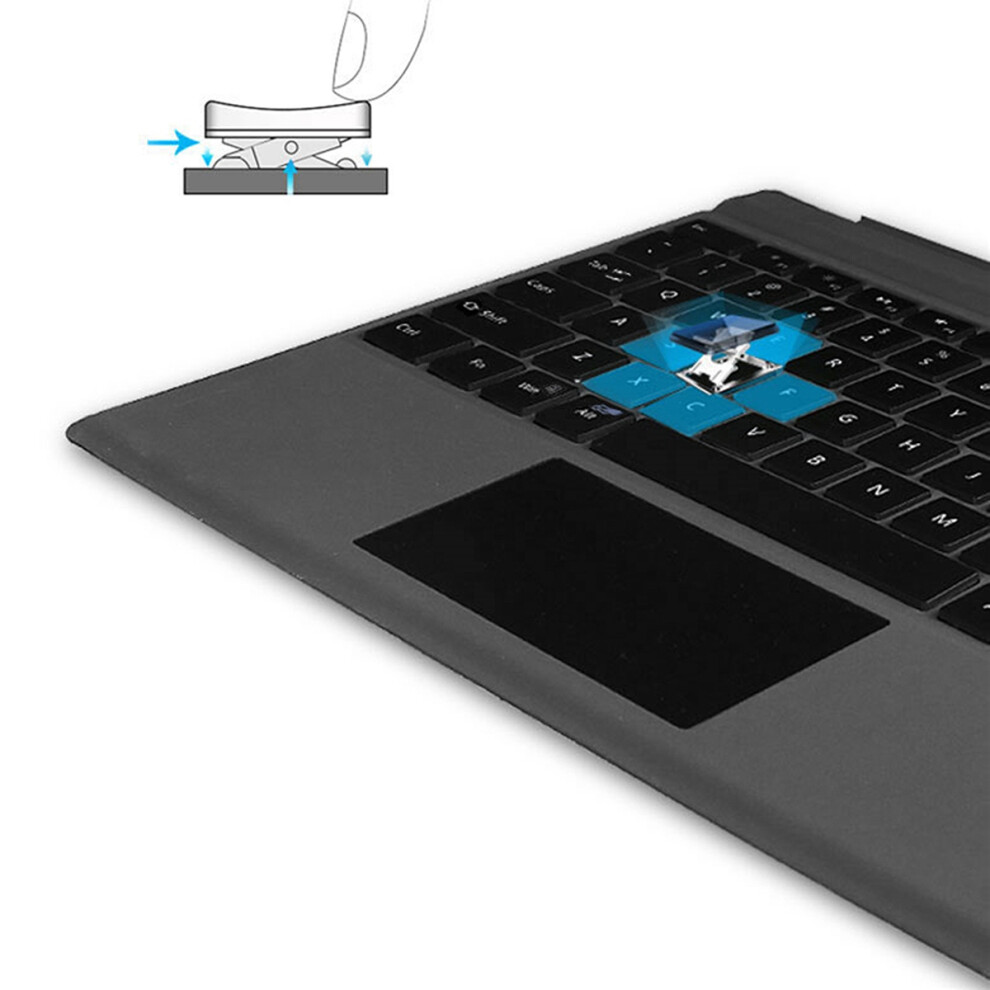
Make Surface pro3/surface Pro4/surface Pro5/surface pro6/surface Pro7 Like a Laptop:The keyboard is physically attached to Surface pro via magnetic like a laptop and the connection is though .After the is connected, mechanical keys and Presspad simply make you like using a laptop.(This keyboard doesn't fit for Surface go)
Slim and compact, yet performs like a traditional, full-size keyboard.Functional Media Keys and Presspad: Enjoy the easily control of your Surface pro,with the Presspad and the media hot keys,Keyboard with 7-color backlight night light effect.Charge in 2 hour and enjoy 95 hours of uninterrupted use.Product Name: Wireless Keyboard / Keyboard.Applicable models: surface pro3 / surface Pro4 / surface Pro5 / surface pro6 / surface Pro7
Use tutorial:1. Turn the keyboard holster and push the in the lower right corner from [0FF to ]. At this , the holster keyboard starts, and the light shows off after 3 seconds.2. Then click the [Link key] / [connect key] next to it, and the light is and the light flashes.
3. Turn the tablet and find-Settings-Turn wireless and network-Turn -Search for nearby devices-[Search the name of the protective case ( keyboard)] and click Connect.4. The tablet screen prompts [ pairing request (enter the password xxxx to pair "" keyboard"")], enter the number displayed the screen o
Details
| OPC | PVP6YHZ |
|---|---|
| Brand | Torribaly |
| Codes | 4711898478357 (EAN) |
Product Data
| Height | 2cm |
|---|---|
| Width | 24cm |
| Length | 34cm |
| Weight | 0.5075kg |
| Colour | black |
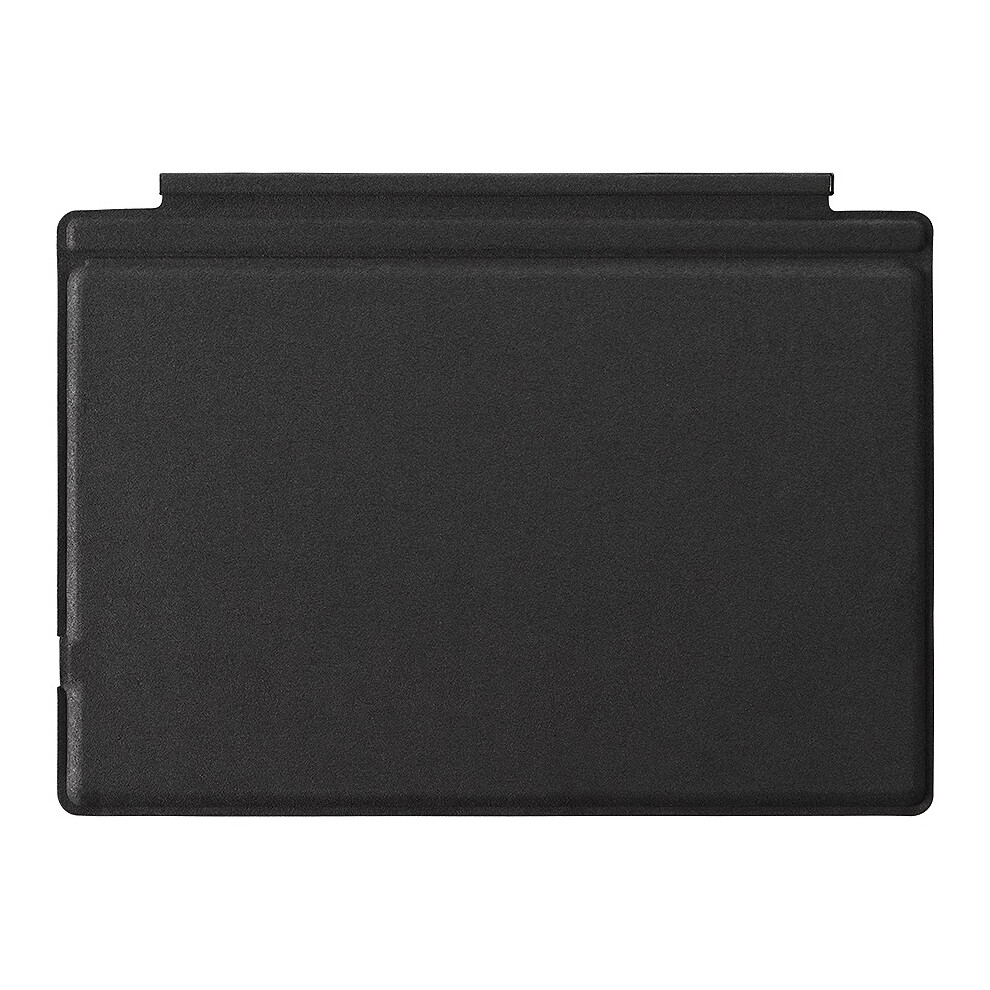
| Material | PU+ABS |
| Seller | Ratings | Warranty | Returns | Price | Delivery | Total | Quantity |
|---|---|---|---|---|---|---|---|
|
Dispatched from:

|
(447 reviews) | - |
30 Days
Free Returns No
|
£33.97
|
+Free Priority Delivery
Est. Delivery:
20th-25th Aug
|
£33.97
|
Earn as you shop with instant Cashback on everything.
No catch, no cost
Become a Cashback VIP
Just 1 purchase unlocks bigger deals & rates
You'll only get instant Cashback at OnBuy! Enter your email below and we'll send you a copy of your basket to save you time later.
By entering your email address, you'll automatically be added to our database, where you can enjoy personalised Cashback offers and early access to our best deals. You can opt out of our emails at any time and we'll never share your details with anyone. Check our Privacy Policy and T&Cs to find out more.
Want access to personalised offers and the highest Cashback rates? Sign up to our emails below.
You can opt out of our emails at any time and we'll never share your details with anyone. Check our Privacy Policy and T&Cs to find out more.
This page has expired.
Refresh and continue