
























Product Images

In stock
Smart shoppers OnBuy it!
Interest-free payment options available


See full product description & details
Delivery: Standard (£3.90) | Tue 13th - Mon 19th Oct
Sold by: You YiBai
Returns: 30 days
180-day payment protection
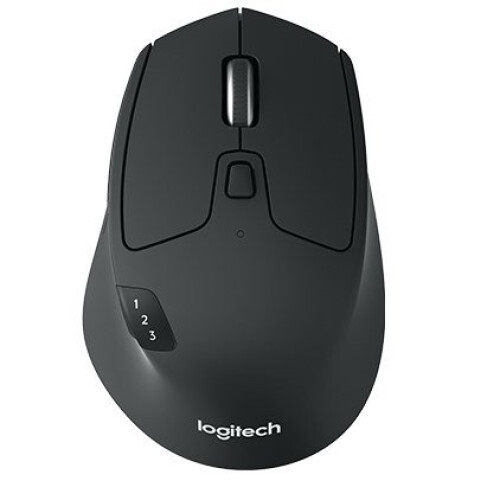
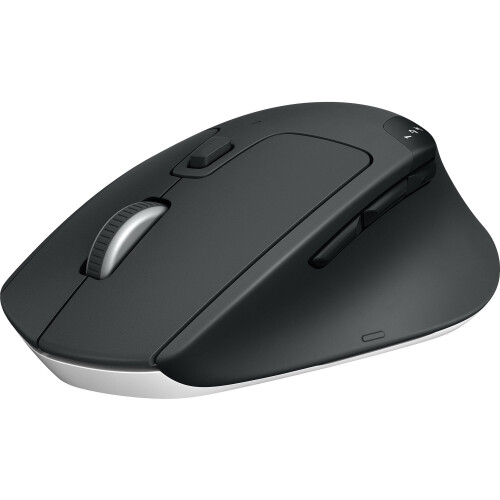
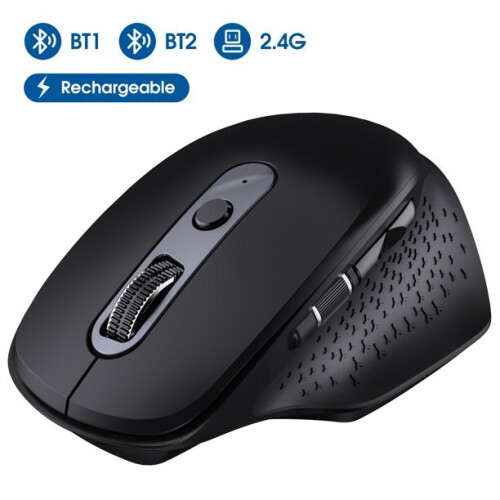
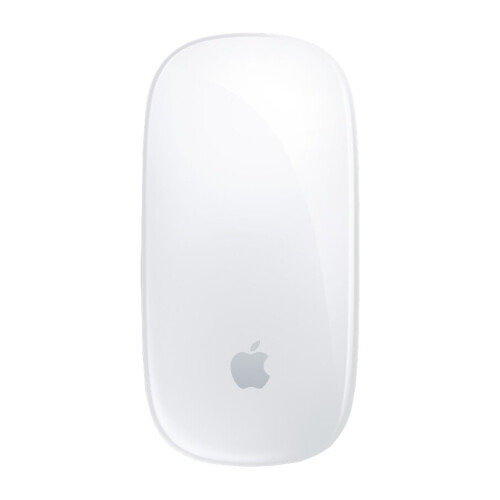
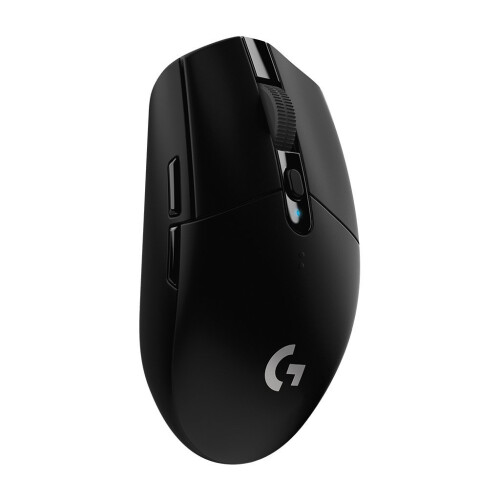
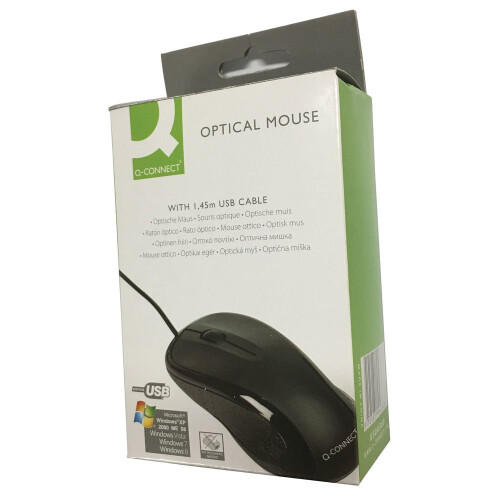
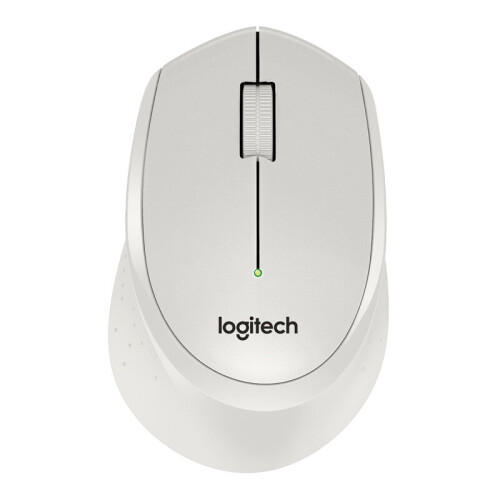
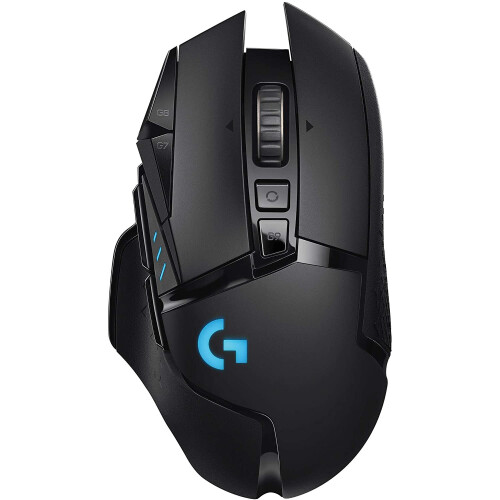
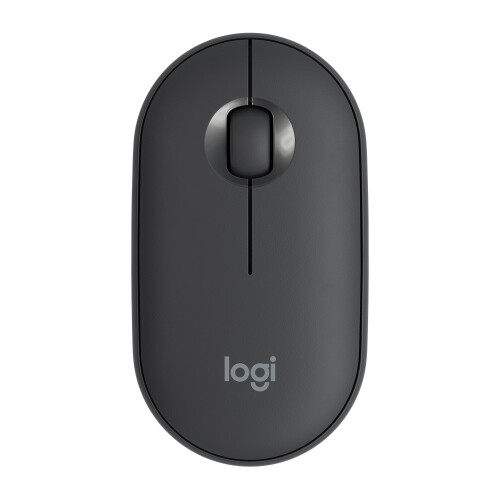
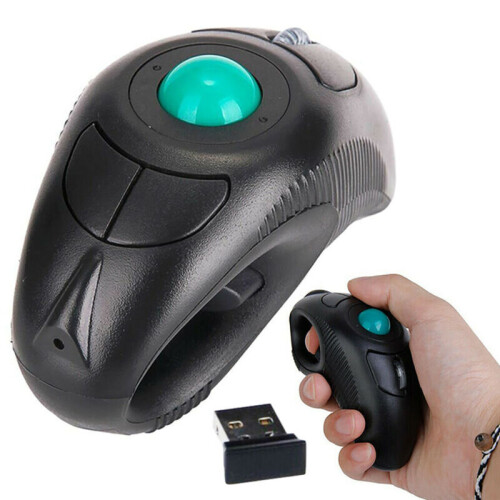
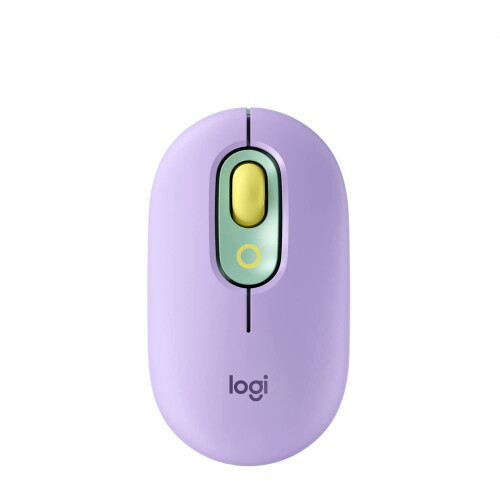
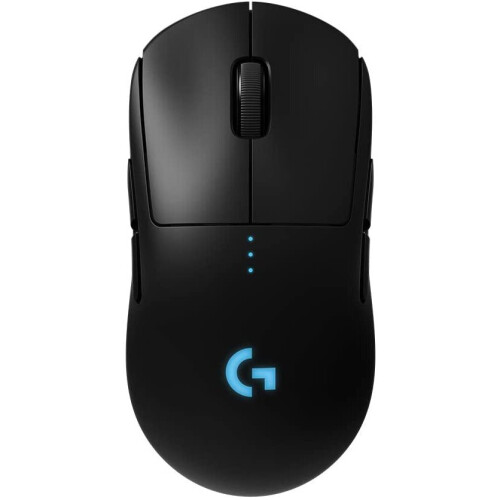
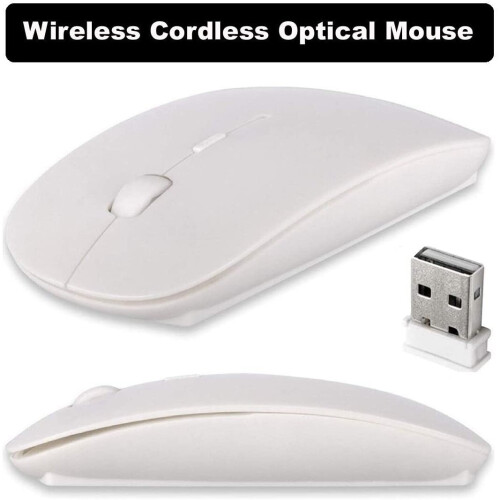
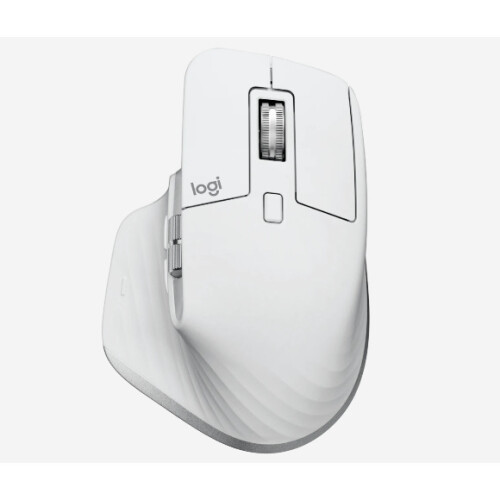
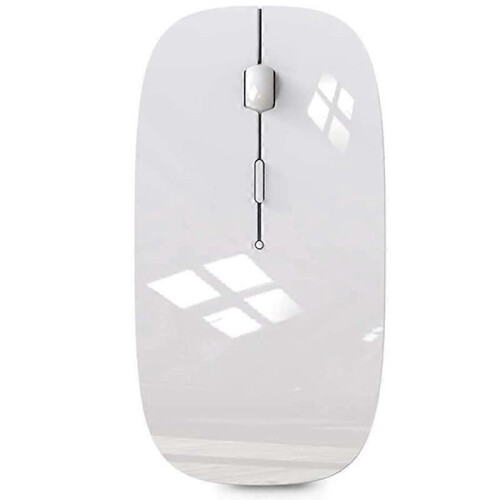
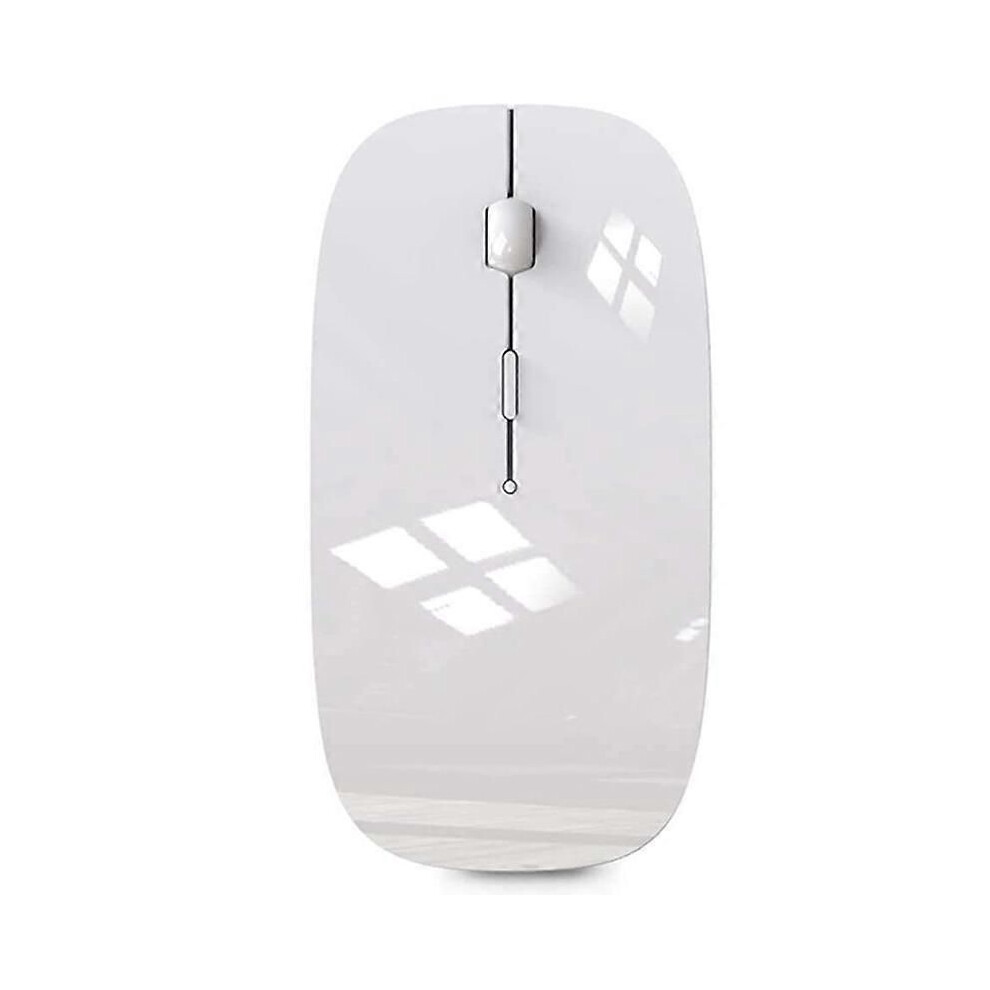
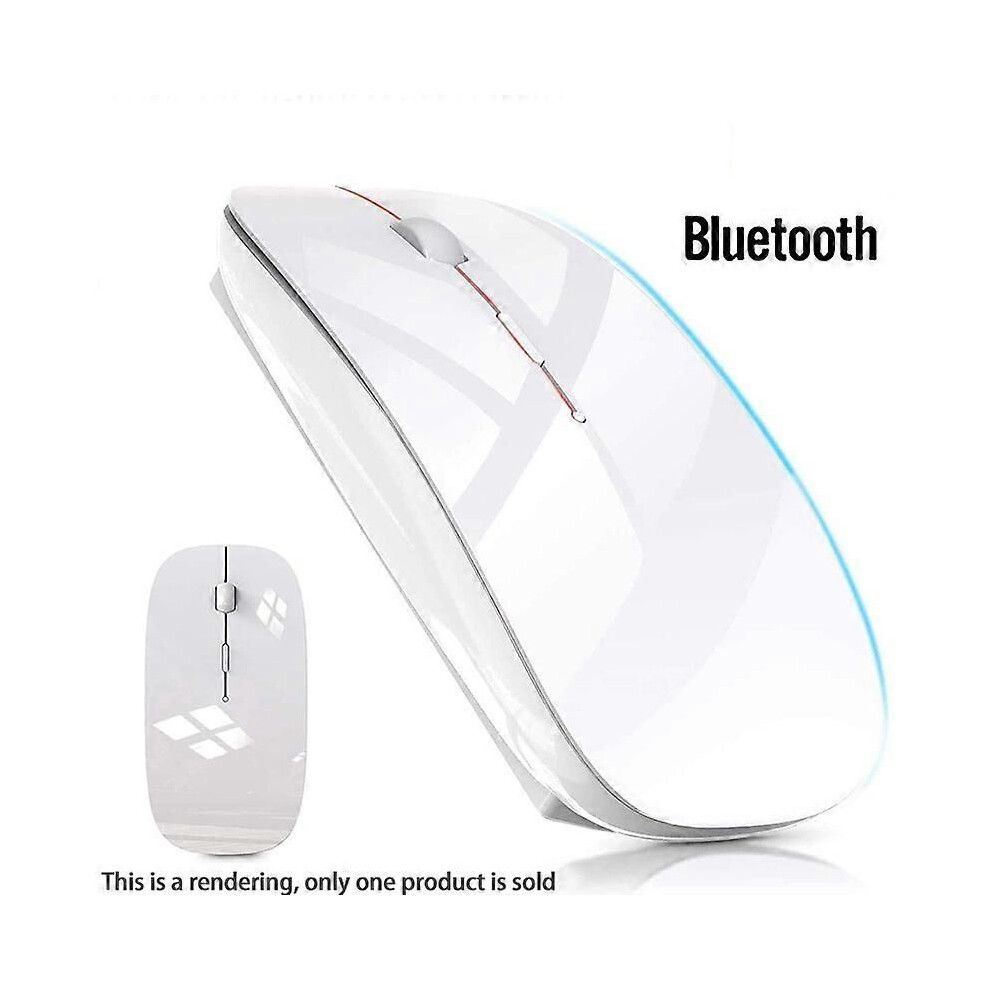
Wireless Mouse for MacBook Air Bluetooth Mouse for MacBook Pro Air Laptop MacBook Mac Windows Blueto
[Best compatible Bluetooth 4.0 chip]-Compatible with more than 99% Bluetooth devices. Connect for iPad 10.2 2019, for iPad 9.7 inches 2018, for iPad 9.7 2017, for iPad Pro 12.9 inches / 11.0 inches / 10.5 inches / 9.7 inches, for iPad Air 10.5 / Air 2, for iPad mini 5/ 4, for iPhone 11 Pro Max, for iPhone 11 Pro, for iPhone 11, for iPhone Xs Max, etc. PC, Macbook pro air 2012/2017/2018/2019 laptop, laptop, Mac OS; support Win7 Win8 Win10 Linux OS X or Android tablet
Comfortable Contact and ultra-thin design: symmetrical and ergonomic design makes this wireless Bluetooth mouse suitable for left and right hands. Excellent surface coating technology brings you a Contact like skin. Ultra-thin and portable, the mouse can be used anytime and anywhere during travel. Very suitable for use at work/study/play.
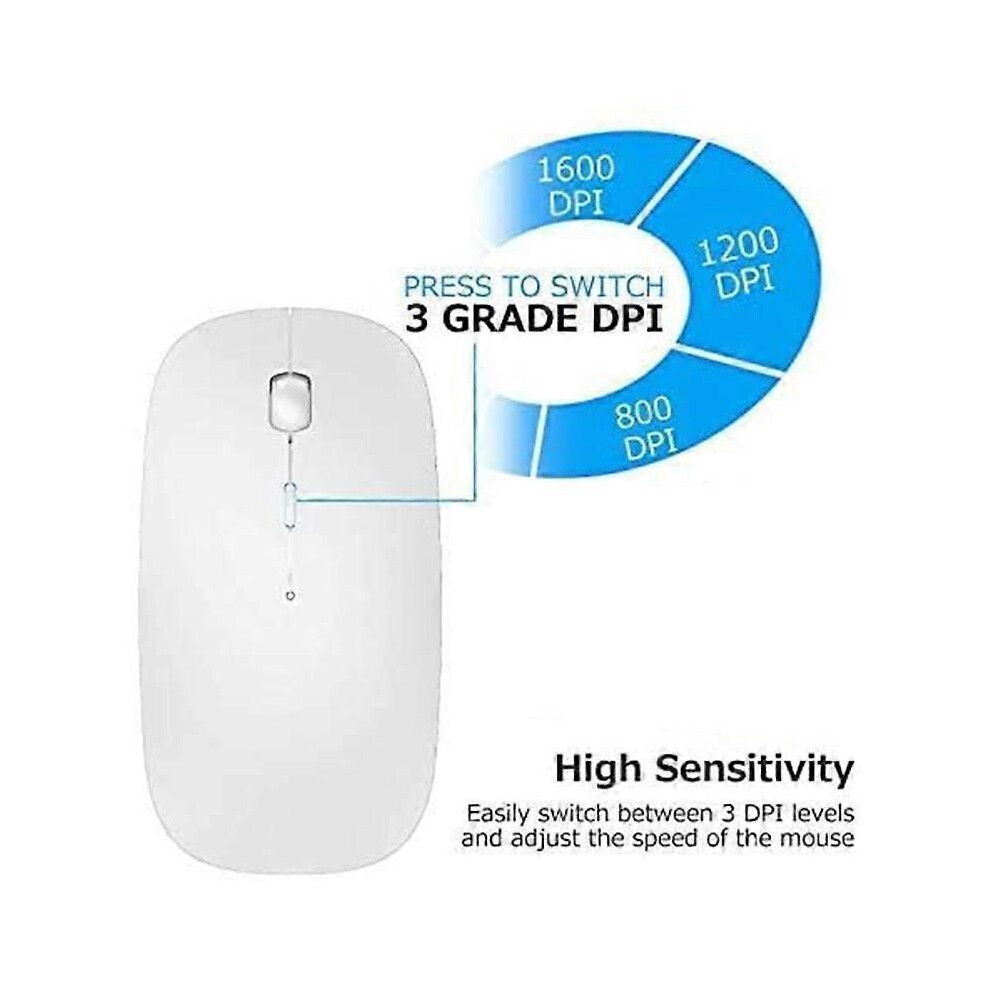
Mute click and adjustable DPI: The special silent design of the left and right buttons allows you to focus on work or playing games without disturbing others. Switch between DPI levels 800, 1200 and 1600 to meet your needs with high precision. Advanced optical technology ensures greater sensitivity and can accurately track on various surfaces.
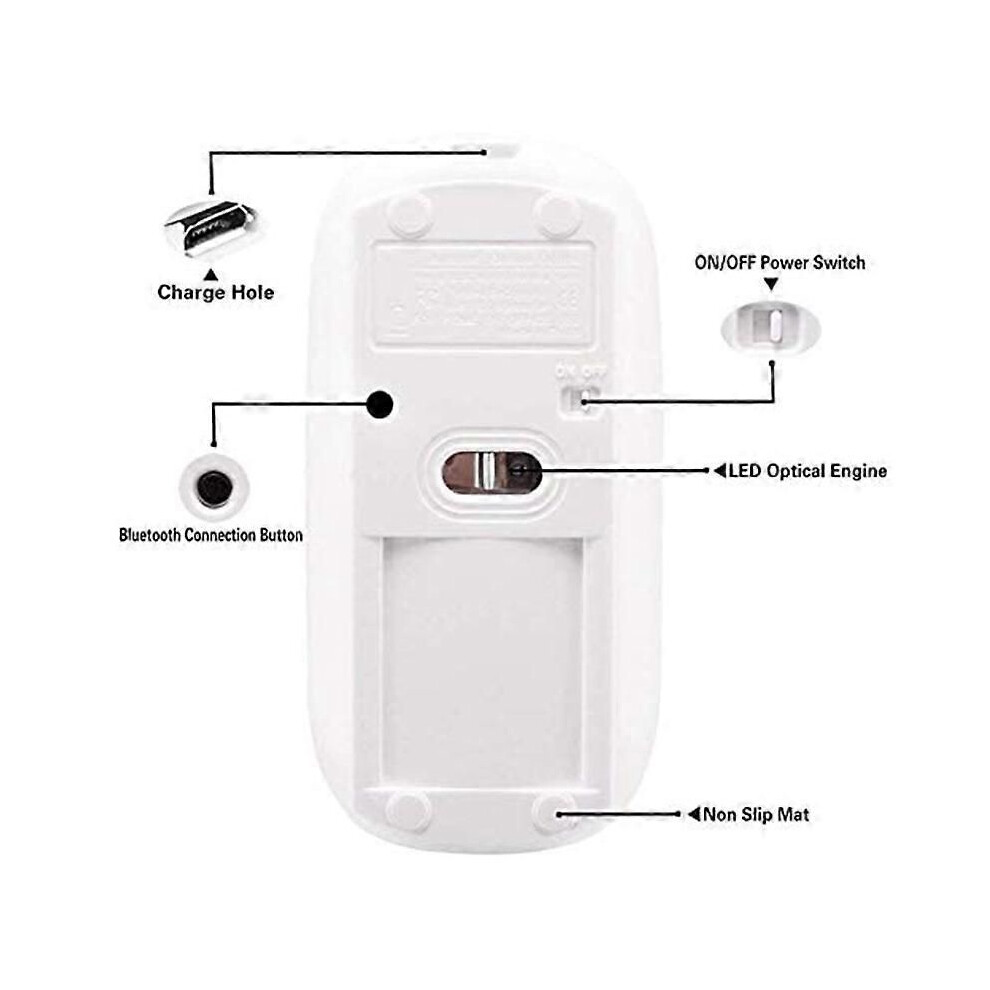
Rechargeable and saving Erengy: The mouse has a built-in rechargeable battery with a charging cable. No need to replace the battery. In order to save power and long-term use, the mouse will automatically enter sleep mode after 11 minutes of inactivity, just click any button to wake it up.
How to use a Bluetooth mouse: turn on the mouse switch, open the computer system preferences, and turn on the Bluetooth function. When the computer Bluetooth shows that it is searching for nearby Bluetooth devices, you need to hold down the "black button" at the bottom of the mouse and hold down 3-6 Seconds, then your computer will display the Bluetooth mouse when searching for the device, then click to connect it, and then successfully connect
How to update the software version? (Open for iPad settings and click Gener
Details
| OPC | PTHBC8G |
|---|---|
| Brand | unbrand |
| Codes | 9319739797251 (EAN) |
| Seller | Ratings | Warranty | Returns | Price | Delivery | Total | Quantity |
|---|---|---|---|---|---|---|---|
|
Dispatched from:

|
(62 reviews) | 1 month |
30 Days
Free Returns No
|
£31.44
|
+£3.90 Delivery
Est. Delivery:
13th-19th Oct
|
£35.34
|
Earn as you shop with instant Cashback on everything.
No catch, no cost
Become a Cashback VIP
Just 1 purchase unlocks bigger deals & rates
You'll only get instant Cashback at OnBuy! Enter your email below and we'll send you a copy of your basket to save you time later.
By entering your email address, you'll automatically be added to our database, where you can enjoy personalised Cashback offers and early access to our best deals. You can opt out of our emails at any time and we'll never share your details with anyone. Check our Privacy Policy and T&Cs to find out more.
Want access to personalised offers and the highest Cashback rates? Sign up to our emails below.
You can opt out of our emails at any time and we'll never share your details with anyone. Check our Privacy Policy and T&Cs to find out more.
This page has expired.
Refresh and continue