























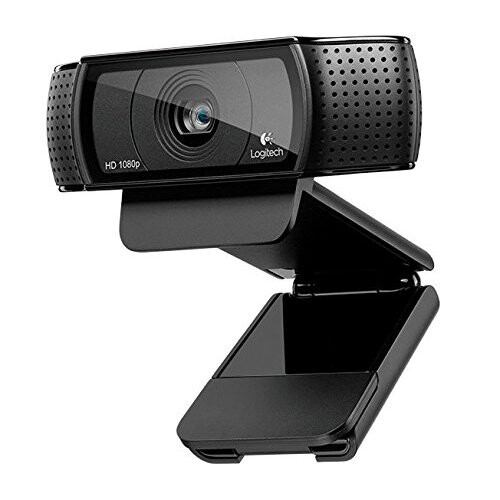


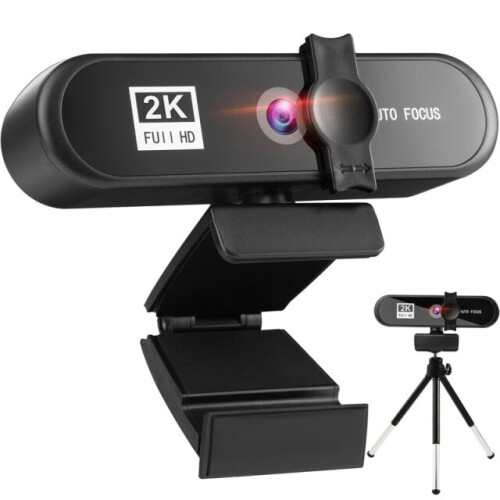

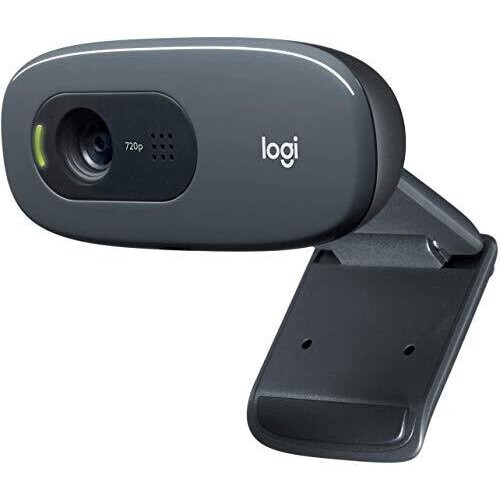

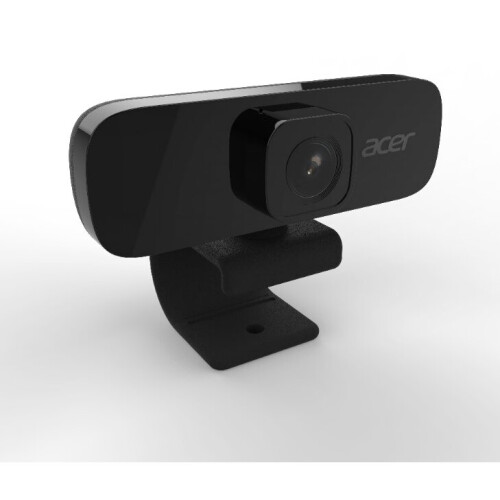

Product Images

In stock
Smart shoppers OnBuy it!
Interest-free payment options available


See full product description & details
Delivery: Standard (Free) | Fri 9th - Mon 12th Oct
Returns: 30 days
180-day payment protection
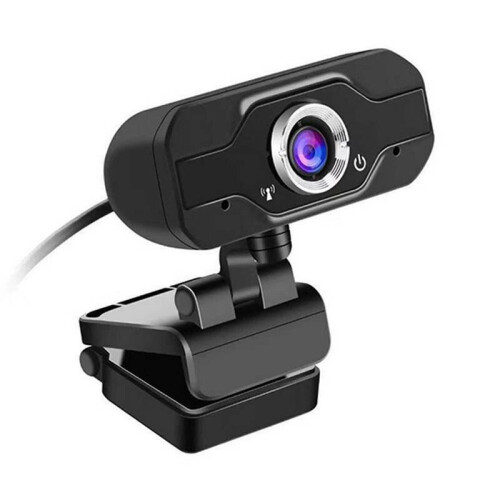
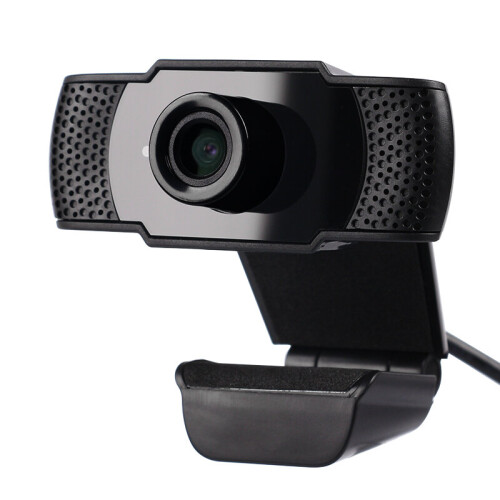
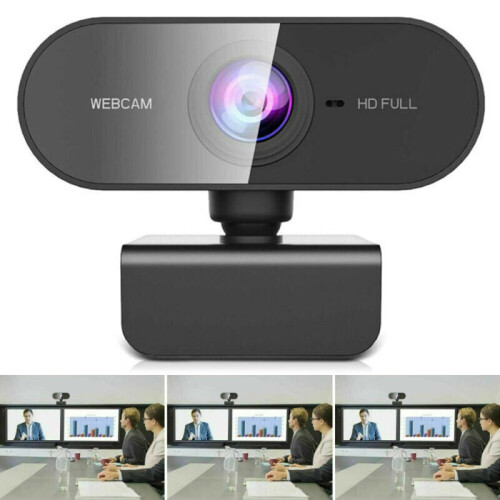
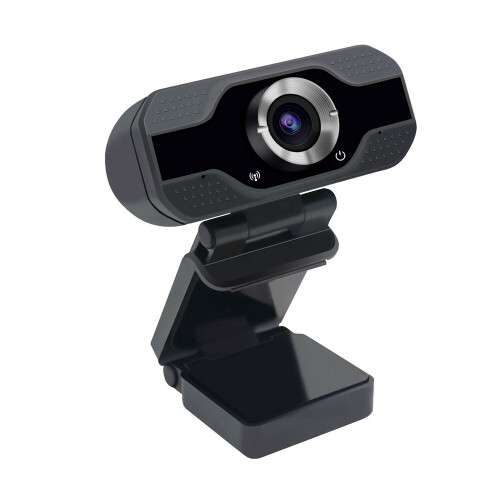
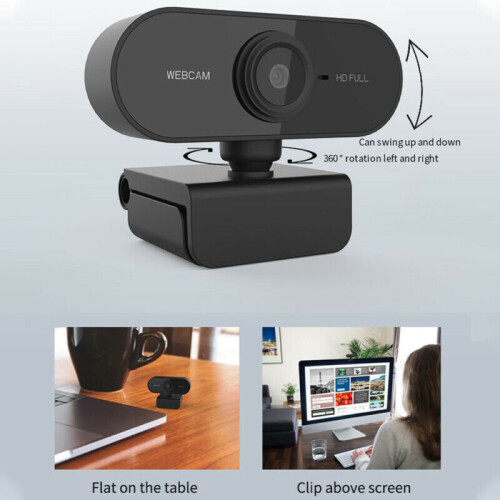
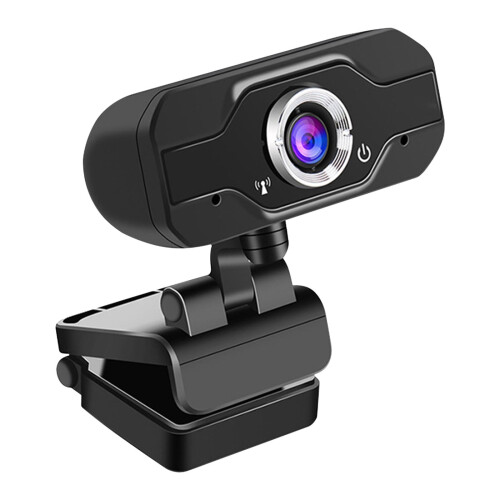
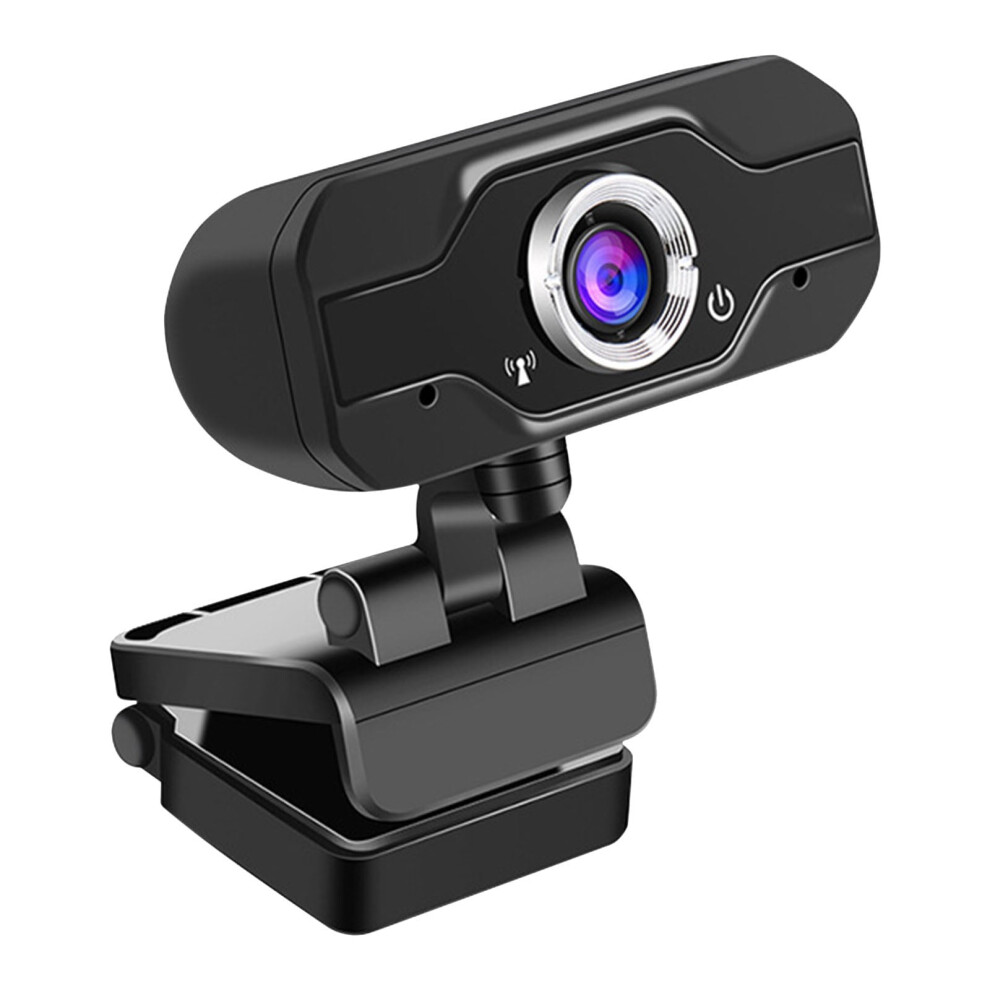
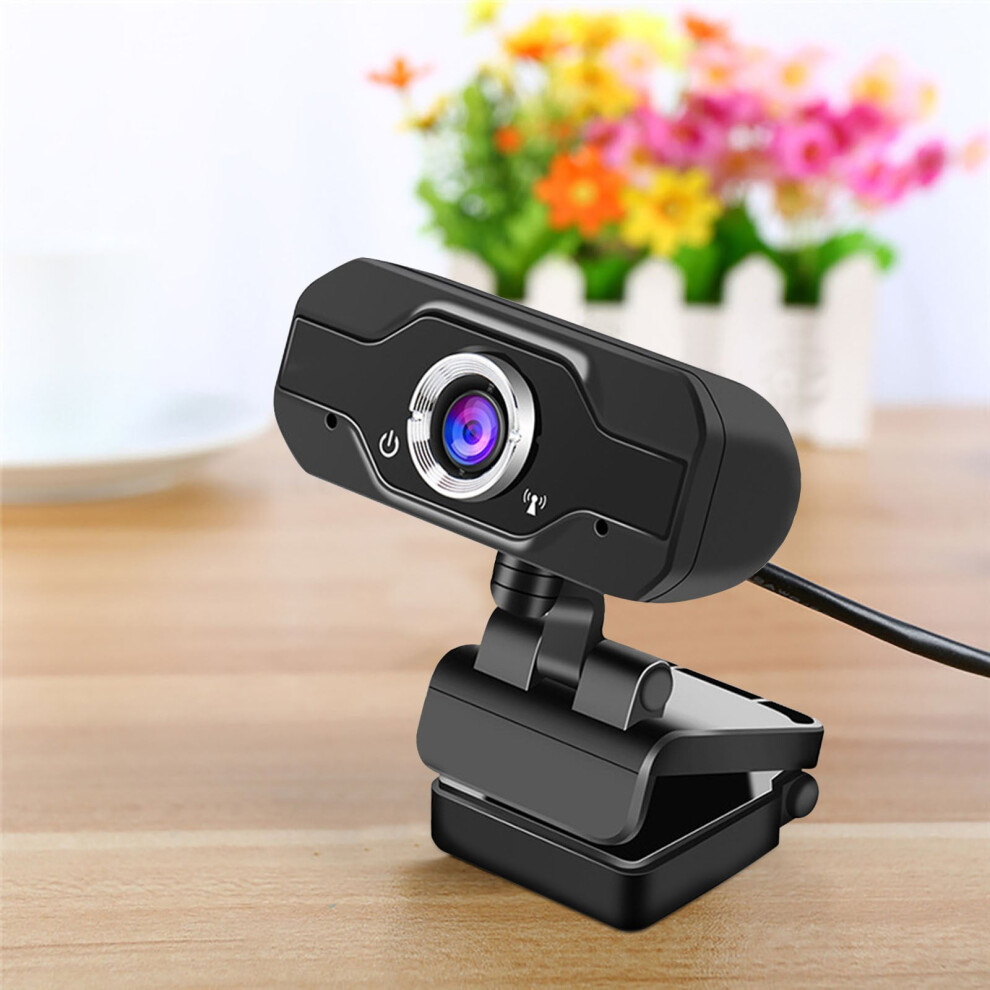
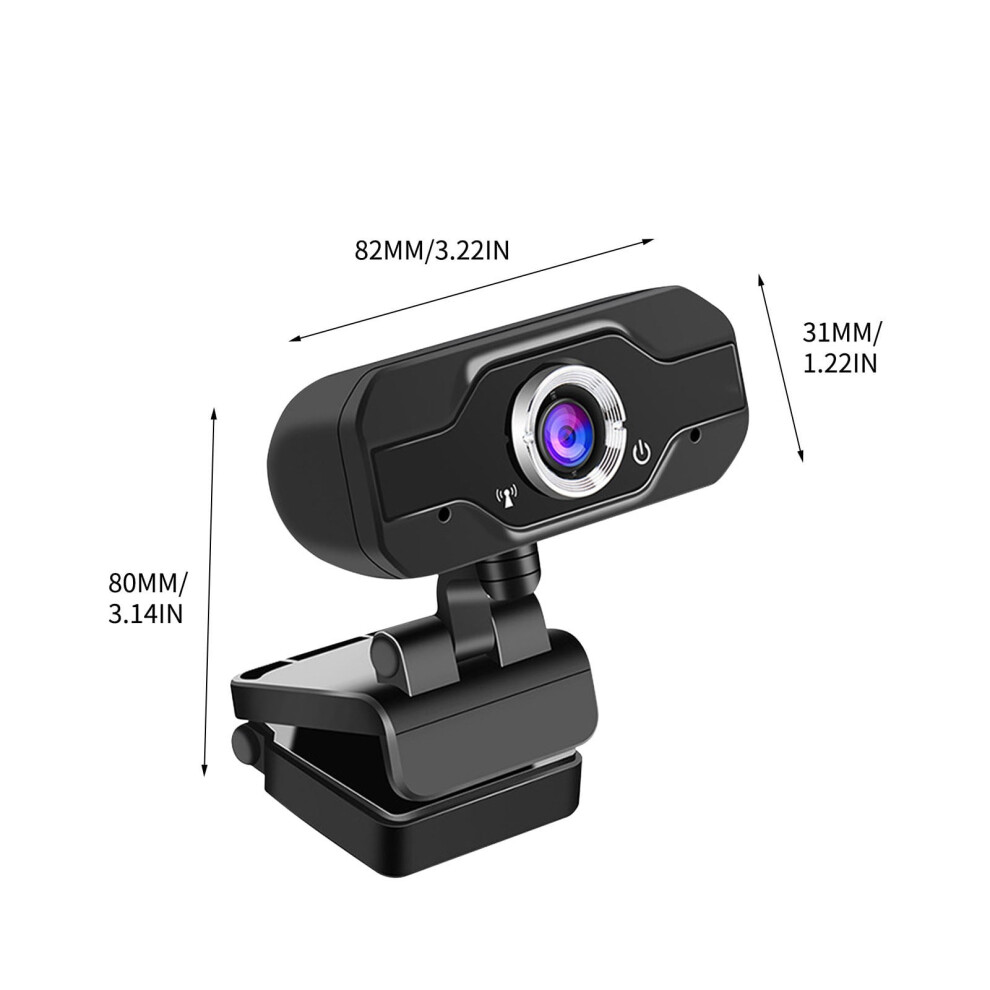
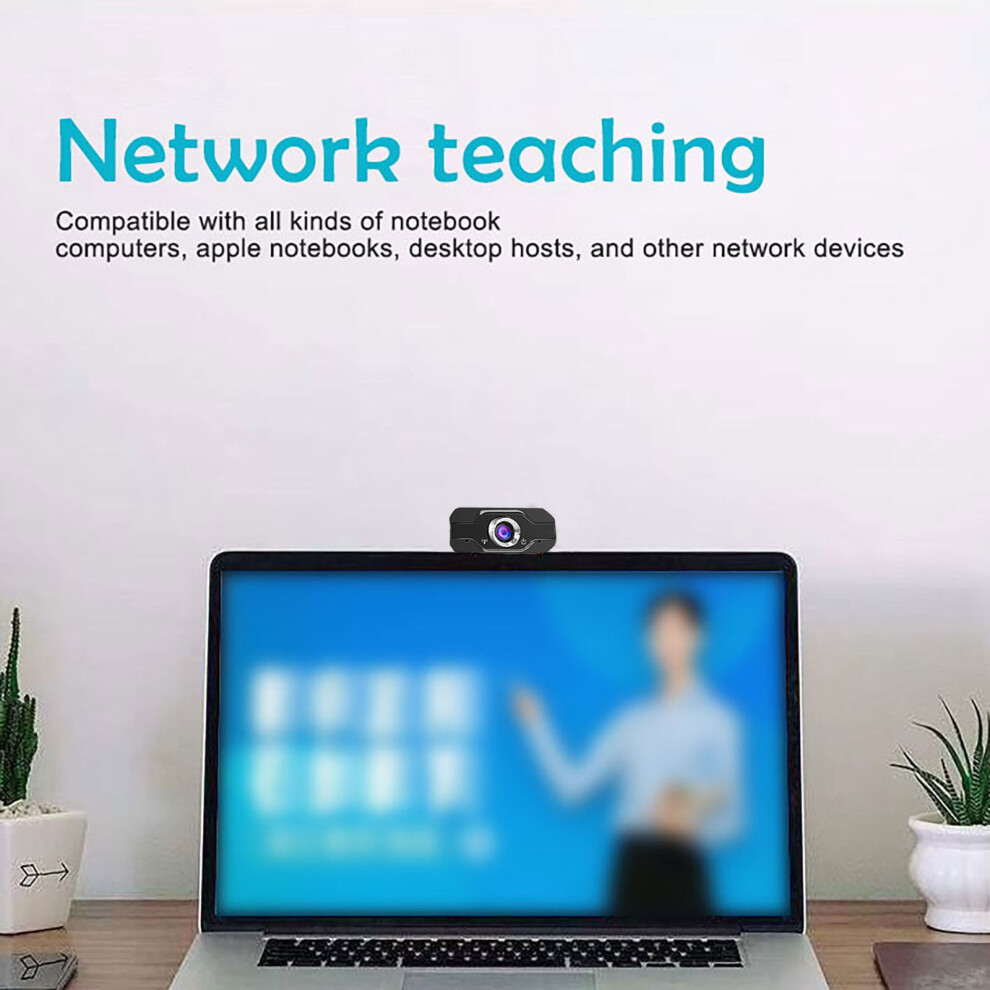
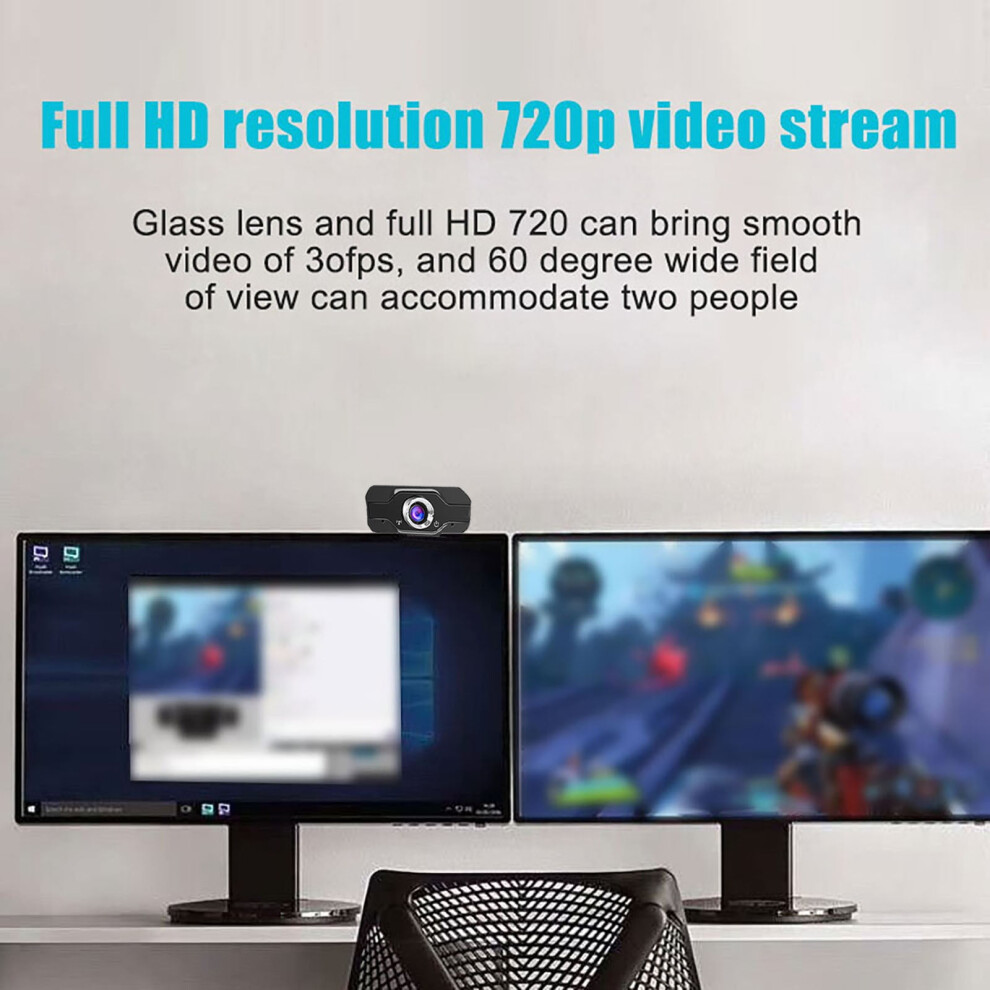
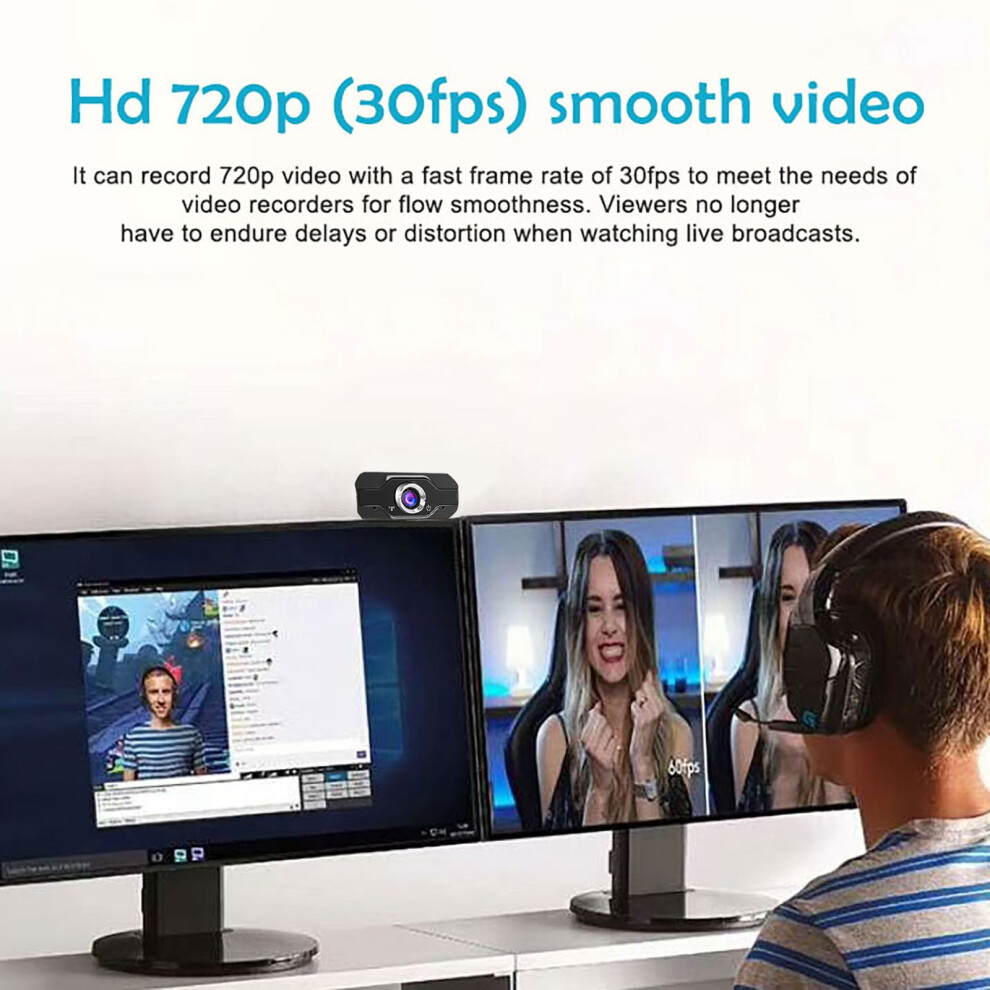
1080P 60fps Webcam With Microphone For Desktop Laptop Computer Meeting Streaming Camera Usb Made of high-quality materials, this 1080P HD 60fps webcam with microphone offers clear communication with its built-in omnidirectional sound absorption and noise reduction microphone. The camera can rotate 360 degrees and adjust the head up and down, while the base provides versatility for different scenarios. With manual focusing and superior quality glass lens, it delivers high-definition images. The auto white balance and color correction, along with compatibility with various video meeting software, make it a practical and stylish addition to your desktop or laptop. No irritating odors, just practical features for decorating your home or giving as a gift to friends or family. Product Feature 【High-Quality Materials】 Made of high-quality materials, webcam is low-carbon and free of any irritating odor, ensuring a safe and pleasant user experience. 【Practical Decoration】 webcam can decorate your home with its practical features, adding both functionality and style to your space. 【Great Gift Idea】 This webcam can be given as a thoughtful gift to your friends or family, perfect for anyone in need of a quality camera for meetings or streaming. 【Clear Communication】 Equipped with a built-in omnidirectional sound absorption and noise reduction microphone, webcam ensures clear communication during video calls and meetings. 【Versatile Adjustability】 With 360-degree rotation capabilities and adjustable head positioning, webcam can be fine-tuned to suit different lighting conditions and scenarios. Package Include - 1 x 1080P HD Webcam with Microphone - 1 x User Manual Specifications - Item color: Black - DSP chip: Driverless - Image sensor - Lens: Superior quality glass lens - High definition: 1080P - Dynamic resolution: 640 * 480 - Frame rate: 30fps - Line length: 150cm How To Use 1. Connect the webcam to your computer via the USB cable provided. 2. Install any necessary drivers or software for optimal performance. 3. Adjust the webcam angle and position according to your preferences. 4. Enjoy high-quality video calls, meetings, and streaming with the webcam. Why Choose - Exquisite appearance with high-quality materials - 1080P resolution for true color and clear images - Rotatable design for versatile angle adjustments - Auto focus and compatibility with USB2.0 for easy use - Support for various video meeting software and operating systems Note - For best results, ensure proper lighting conditions when using the webcam. - Keep the lens clean and free of dust for optimal performance. - Store the webcam in a safe and dry place when not in use to prolong its lifespan.
Details
| OPC | PRY5W9C |
|---|---|
| Codes | 9496895132529 (EAN) |
| Rank | In demand |
| Seller | Ratings | Warranty | Returns | Price | Delivery | Total | Quantity |
|---|---|---|---|---|---|---|---|
|
Dispatched from:

|
(3 reviews) | - |
30 Days
Free Returns No
|
£14.38
|
+Free Delivery
Est. Delivery:
9th-12th Oct
|
£14.38
|
Earn as you shop with instant Cashback on everything.
No catch, no cost
Become a Cashback VIP
Just 1 purchase unlocks bigger deals & rates
You'll only get instant Cashback at OnBuy! Enter your email below and we'll send you a copy of your basket to save you time later.
By entering your email address, you'll automatically be added to our database, where you can enjoy personalised Cashback offers and early access to our best deals. You can opt out of our emails at any time and we'll never share your details with anyone. Check our Privacy Policy and T&Cs to find out more.
Want access to personalised offers and the highest Cashback rates? Sign up to our emails below.
You can opt out of our emails at any time and we'll never share your details with anyone. Check our Privacy Policy and T&Cs to find out more.
This page has expired.
Refresh and continue