





















Product Images



In stock
Smart shoppers OnBuy it!
Interest-free payment options available


See full product description & details
Delivery: Standard (Free) | Fri 4th - Wed 9th Sep
Returns: 30 days
180-day payment protection






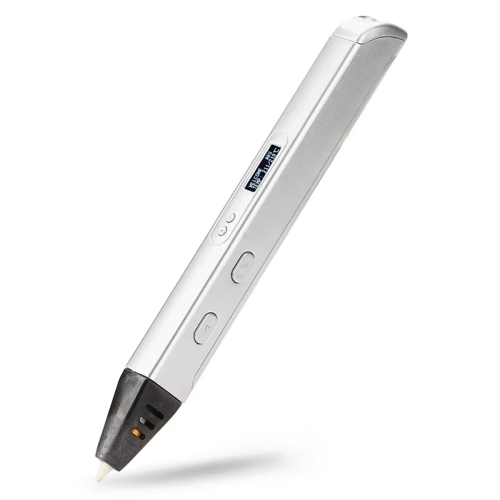

Summary
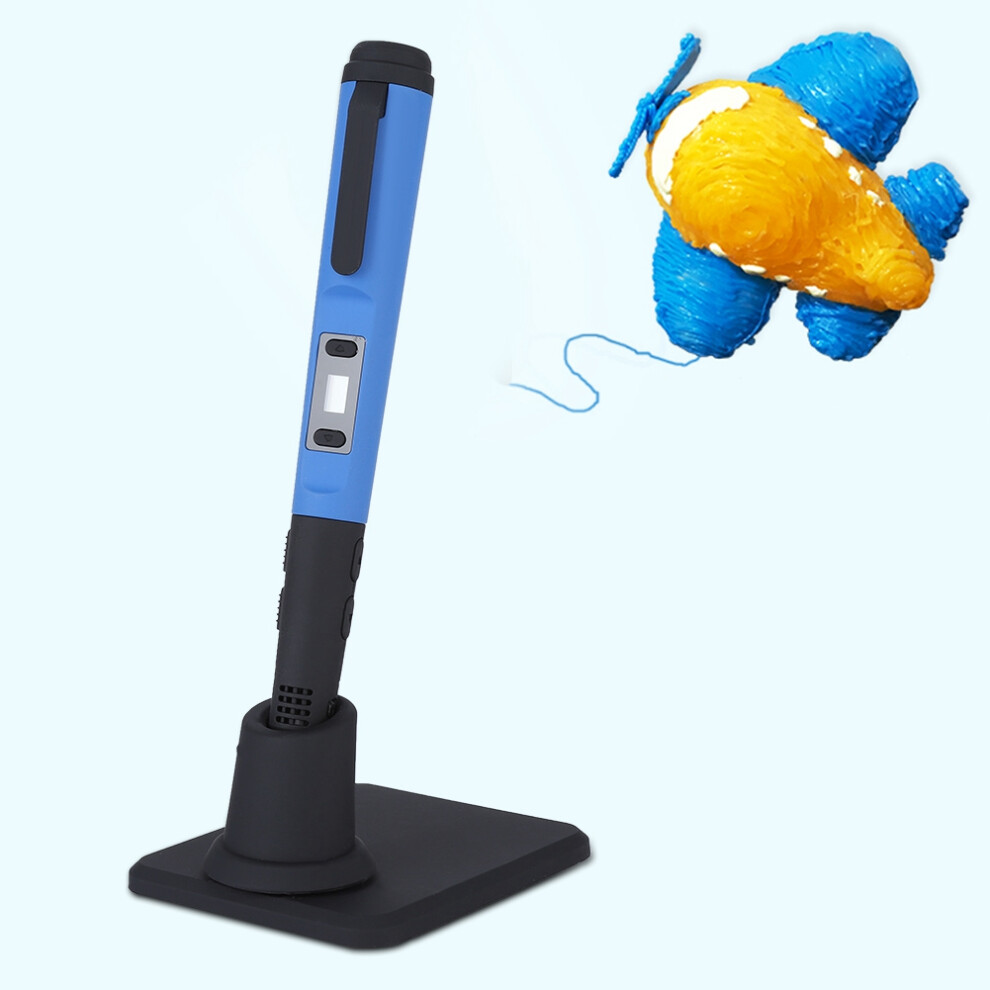
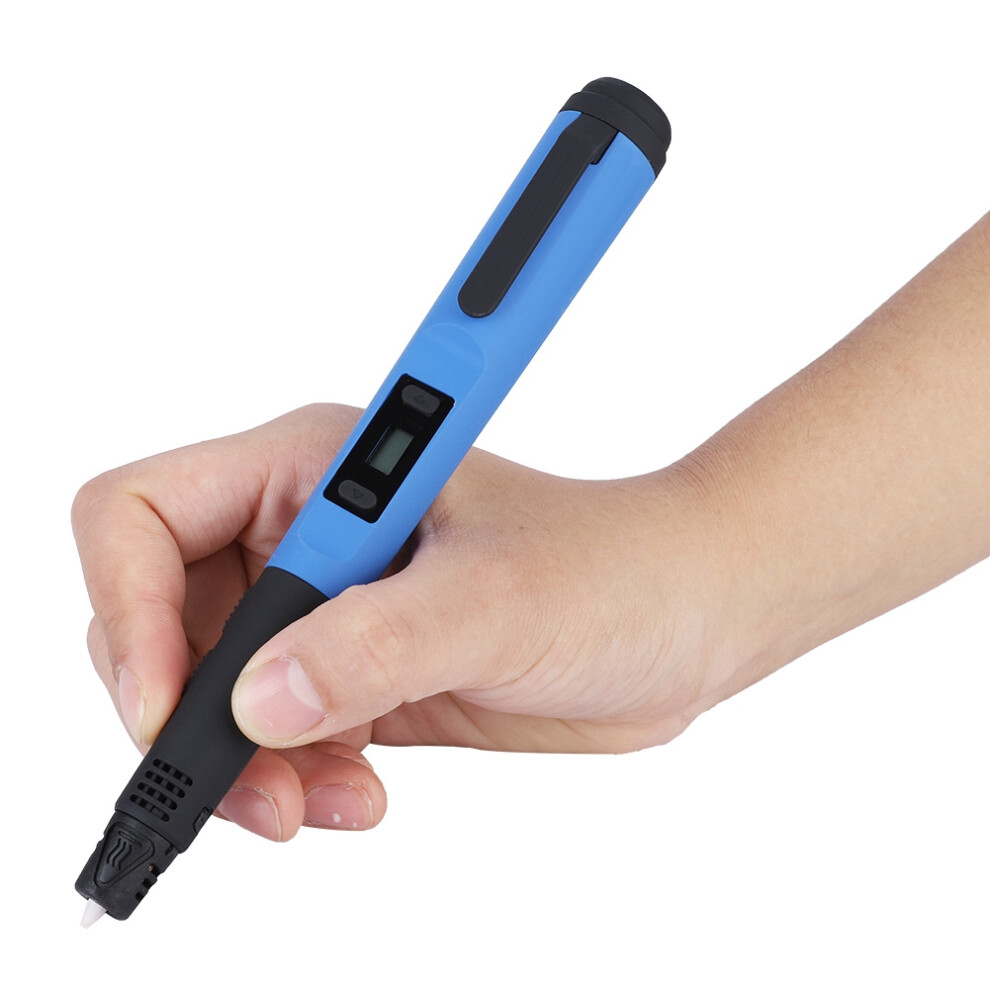
1、Lightweight 3D pen, no burden using and carrying. 2、Intelligent control, even amateurs can freely paint. 3、The advanced nozzle with intelligent temperature sensing and heating function, and with low tip temperature. 4、8 digital speed controllers for more precise and stable extrusion. 5、A single press can continuously squeeze the flow, making it easier to graffiti.
Features:
Lightweight 3D pen, no burden using and carrying.
Intelligent control, even amateurs can freely paint.
The advanced nozzle with intelligent temperature sensing and heating function, and with low tip temperature.
8 digital speed controllers for more precise and stable extrusion.
A single press can continuously squeeze the flow, making it easier to graffiti.
Built-in nozzle for easier maintenance.
Specification:
Type: 3D Printing Pen Kit
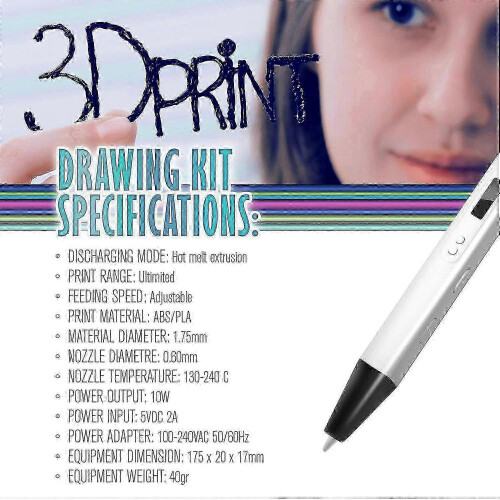
Recommended temperature: for ABS filament: 180-210, for PLA filament: 160-180
Support material: 1.75mm PLA / ABS
Equipment output rated power: DC12V 3A 36W
Weight: Approx.
Size: Approx. 17.5 * 3 * 2cm
Package list:
1 * 3D Printing Pen
1 * Power Adapter
1 * Pen Holder
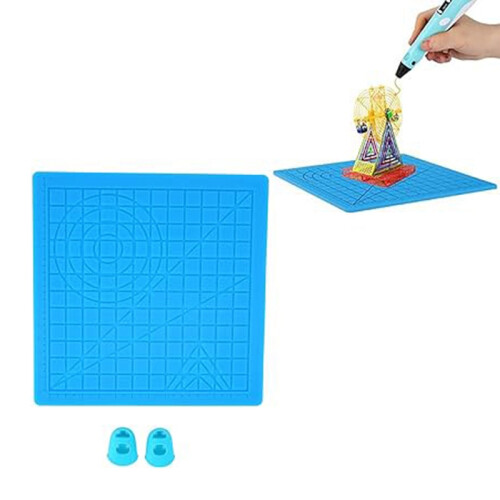
1 * Drawing Template Paper
1 * User Manual
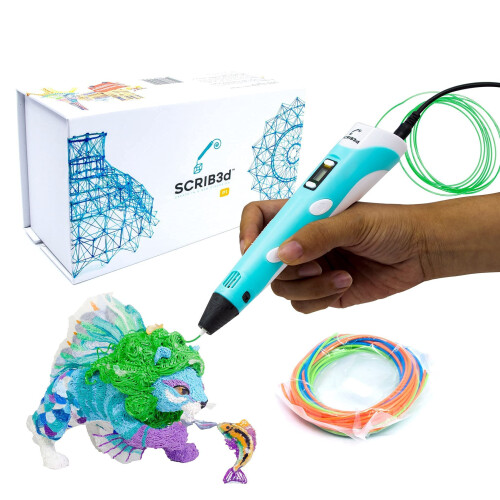
3 * PLA Filaments(Random Color)
Note:
1. Please note that the PLA filaments are shipped in random colors.
2. Please allow slight error due to manual measurement. Thanks for your kind understanding.
How to Use the Pen:
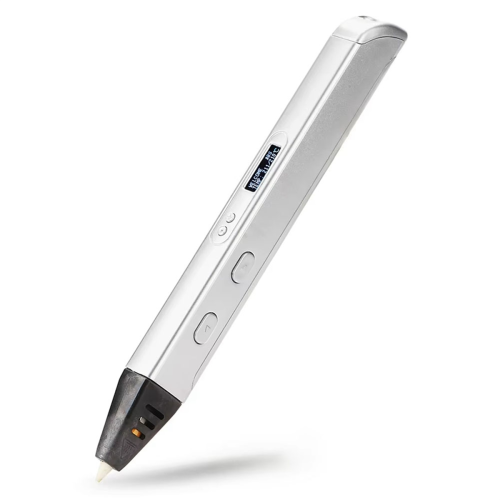
Connect the adapter to the power source, then insert the end of the adapter's wire into the power hole of the 3D pen. The LED light is yellow to indicate that the device is turned on and enters standby mode.
2. Material / Filament Selection
After step 1, the LED screen displays ''PLA'' or ''ABS''. Press ''Material/Temperature Button'' to select the type of material you are using. It must be the material used. The wrong choice may cause potential malfunction. (Note: This device can extrude wood and work in ''PLA'' mode)
3. Warm up
After selecting the material, press the ''Feed button'', the LED light is red, indicating that it enters the warm-up mode, and the LED screen displays the real-time heating temperature. When the LED changes from red to green, you can start graffiti with the pen when the warm-up process is over. (It takes about 30 seconds to warm up.)
4. Select the drawing speed
Press the Speed ??Control button to select the most appropriate drawing speed. (Note: 8 digital speed controls are from 1 to 8, 8 is the fastest.) The processing speed button ONLY works when the drawing is stopped and the LED light is green, and in other cases the processing will be futile.
5. Loading
Insert the selected material into the feed hole at the end of the pen and press the ''Feed Button'' and the filament will be moved by the built-in motor. When the molten material comes out of the nozzle, it means the setting is successful, you can start graffiti now.
6. Create your work
The device is designed with 8 speed controls. Please select the appropriate drawing speed before graffiti. Different types of filaments have different melting points. Please adjust the temperature in time according to the extrusion status.
7. Extrusion flow function
Press the ''Feed button'', the pen continues to squeeze out and flow, press the ''Feed button'' again, the pen stops feeding. When the pen is used continuously for 8 minutes, the pen will automatically stop feeding and extruding.
8. Replace/unload materials
When the LED is green, press and hold the ''Unload button'' for 3 seconds, then release and the built-in motor will begin to remove material. When the material stops moving backwards, gently remove the material from the end of the pen and press the ''Unload button'' and the motor stops reverse. (Intermittent fun moves will stop automatically after 1 minute of work)
9. Finish the work
After completing a drawing, remove all filaments to avoid adversely affecting the normal use of the device in the future. (Note: The device is sturdy and the equipment is great, but like all machine tools, rest after an hour of continuous use to extend its life.)
Details
| OPC | PKVCC7M |
|---|---|
| Codes | 609610649557 (UPC) |
| Seller | Ratings | Warranty | Returns | Price | Delivery | Total | Quantity |
|---|---|---|---|---|---|---|---|
|
Dispatched from:

|
(5 reviews) | - |
30 Days
Free Returns No
|
£46.68
|
+Free Delivery
Est. Delivery:
4th-9th Sep
|
£46.68
|
Earn as you shop with instant Cashback on everything.
No catch, no cost
Become a Cashback VIP
Just 1 purchase unlocks bigger deals & rates
You'll only get instant Cashback at OnBuy! Enter your email below and we'll send you a copy of your basket to save you time later.
By entering your email address, you'll automatically be added to our database, where you can enjoy personalised Cashback offers and early access to our best deals. You can opt out of our emails at any time and we'll never share your details with anyone. Check our Privacy Policy and T&Cs to find out more.
Want access to personalised offers and the highest Cashback rates? Sign up to our emails below.
You can opt out of our emails at any time and we'll never share your details with anyone. Check our Privacy Policy and T&Cs to find out more.
This page has expired.
Refresh and continue